
- Category Photo & video
- Developer File Format Apps
- Available on PC, Mobile, Surface Hub, HoloLens
- OS Windows 10 version 17763.0 or higher
- languages English (United States)
Introduction to Ithmb Viewer for Windows
Think of Ithmb Viewer as a skilled librarian for your Windows photo collection—organized, efficient, and ready to unlock the hidden treasures within your image cache. Developed by File Format Apps, this application specializes in browsing and managing THMB image files, which are often hidden in various photo storage folders. Whether you're a professional photographer, a digital archivist, or simply an enthusiast wanting to access preserved thumbnail images, Ithmb Viewer offers a straightforward yet powerful solution to navigate these files with ease.
Key Features That Make Ithmb Viewer Stand Out
First, its core strength lies in supporting a wide array of THMB formats, ensuring compatibility across many photo storage scenarios. Second, the app excels at quick thumbnail previewing, allowing you to browse hundreds of images without going through cumbersome conversions or recovering lost image files. Third, its simple interface minimizes clutter, making it accessible even for users with limited technical background. Lastly, some unique options for batch exporting or converting thumbnails to standard image formats give users added flexibility.
Ease of Use and User Interface
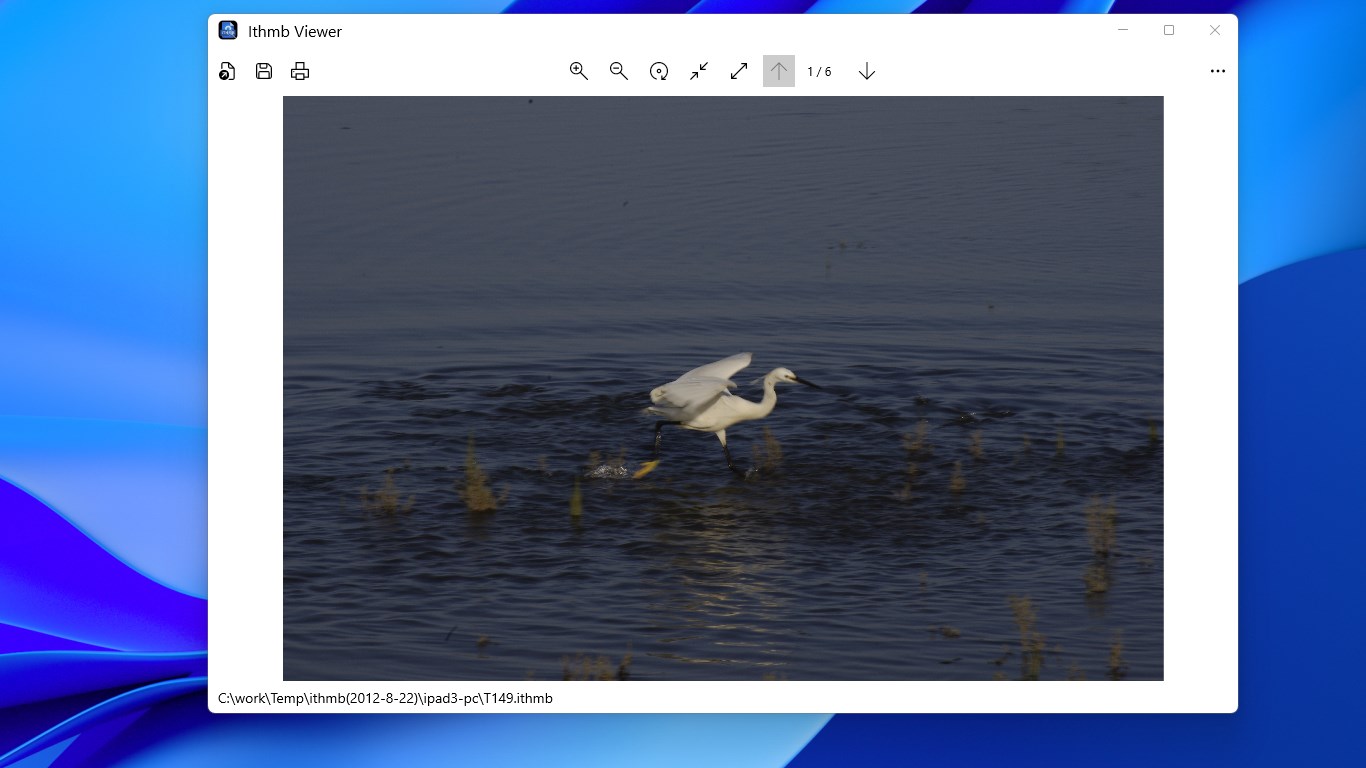
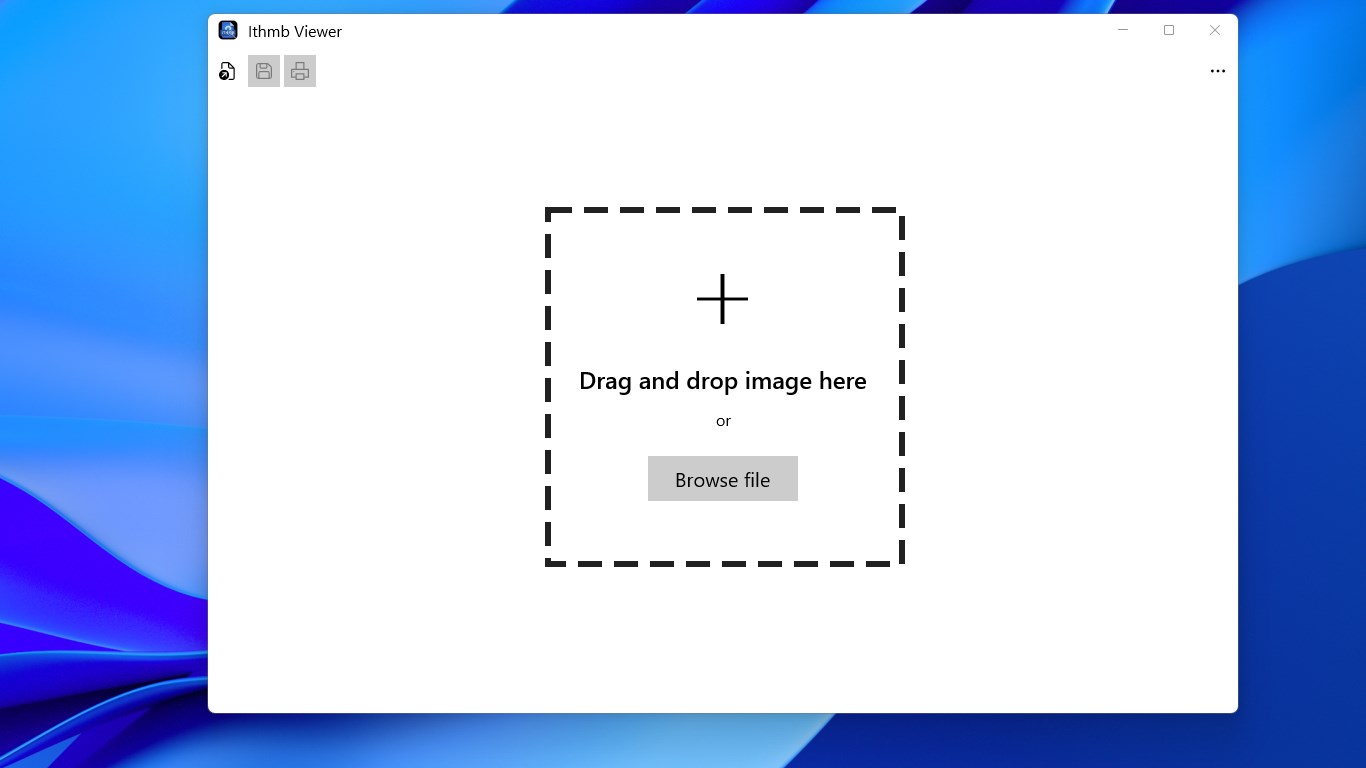
Opening Ithmb Viewer feels like stepping into a neatly organized digital workspace—clean, uncluttered, and intuitively laid out. The interface adopts a minimalistic design, primarily focusing on thumbnail displays, which makes locating specific images a breeze. Navigating through folders and thumbnails is fluid, with smooth scrolling and minimal lag, thanks to optimized rendering. The learning curve is gentle; even first-time users can quickly grasp how to navigate directories, preview images, and perform basic operations without a steep learning curve. This user-centric design ensures that technical complexity does not hinder productivity.
Performance and Compatibility
Powered by efficient algorithms, Ithmb Viewer demonstrates remarkable responsiveness, even when handling large batches of images. Its support for multiple THMB formats and seamless integration with Windows file explorer enhances its utility. The app handles thumbnail caching effectively, reducing load times during repeated browsing sessions. Its lightweight architecture means it runs smoothly without bogging down system resources, an advantage over bulkier image viewers. This performance reliability makes it suitable for both casual users and professionals needing quick access to stored images.
Unique Advantages Over Competitors
Unlike many photo viewers that focus solely on standard image formats like JPEG or PNG, Ithmb Viewer zeroes in on the often-overlooked THMB files—these tiny thumbnails are like the footprints of your photos, revealing their locations and previews even when the original images are missing or misplaced. Its capacity to extract and convert these small images into viewable formats sets it apart, serving as a digital detective for your image archives. Additionally, the batch export feature simplifies retrieving multiple thumbnails in a format ready to be edited or shared, saving users hours of manual work. These core competencies make Ithmb Viewer a niche yet indispensable tool for specialized photo management tasks.
Final Thoughts and Recommendations
If you're someone who regularly encounters hidden or inaccessible thumbnail files—perhaps digging through deep folders or recovering lost images—Ithmb Viewer proves to be a valuable companion. Its straightforward interface, quick browsing capabilities, and unique focus on THMB files are its biggest strengths. While it may lack extensive editing tools or multimedia features found in broader photo applications, its purpose-built design makes it highly effective for photo organization and retrieval.
Overall, I would recommend Ithmb Viewer for users seeking a focused, reliable, and easy-to-use tool to access their hidden thumbnail images. It's particularly suitable for digital archivists, system administrators, or tech-savvy users who want to unlock every bit of their image repository without fussing over complex software. For everyday casual photo viewing, it complements other media applications nicely without overwhelming the user with unnecessary functions.
Pros
- Intuitive User Interface
- Fast Image Loading
- Supports Multiple Image Formats
- Cloud Synchronization Features
- Customizable Viewing Options
Cons
- Limited Editing Capabilities
- Occasional Slow Load Times with Large Files
- Basic Annotation Tools
- No Batch Processing Features
- Limited Offline Functionality











