
- Category Music
- Available on PC
- OS Windows 10 version 16299.0 or higher
- languages Arabic, Catalan, Chinese (Simplified), Chinese (Traditional), Chinese (Traditional, Hong Kong SAR), Croatian, Czech, Danish, Dutch, English (Australia), English (United Kingdom), English (United States), Finnish, French, French (Canada), German, Greek, Hebrew, Hindi, Hungarian, Indonesian, Italian, Japanese, Korean , Malay, Norwegian (Bokmål), Polish , Portuguese (Brazil), Portuguese (Portugal), Romanian, Russian, Slovak, Spanish (Latin America), Spanish (Spain), Swedish, Thai, Turkish, Ukrainian, Vietnamese
A Fresh Take on Music for Windows: Apple's iTunes Reimagined
For Windows users seeking seamless access to their favorite Apple ecosystem, iTunes for Windows offers a comprehensive media management experience that bridges the gap between Apple and PC worlds. With a sleek interface and robust features, it aims to deliver the best of music, podcasts, and device management in one package.
Core Features and Highlights
All-in-One Media Library
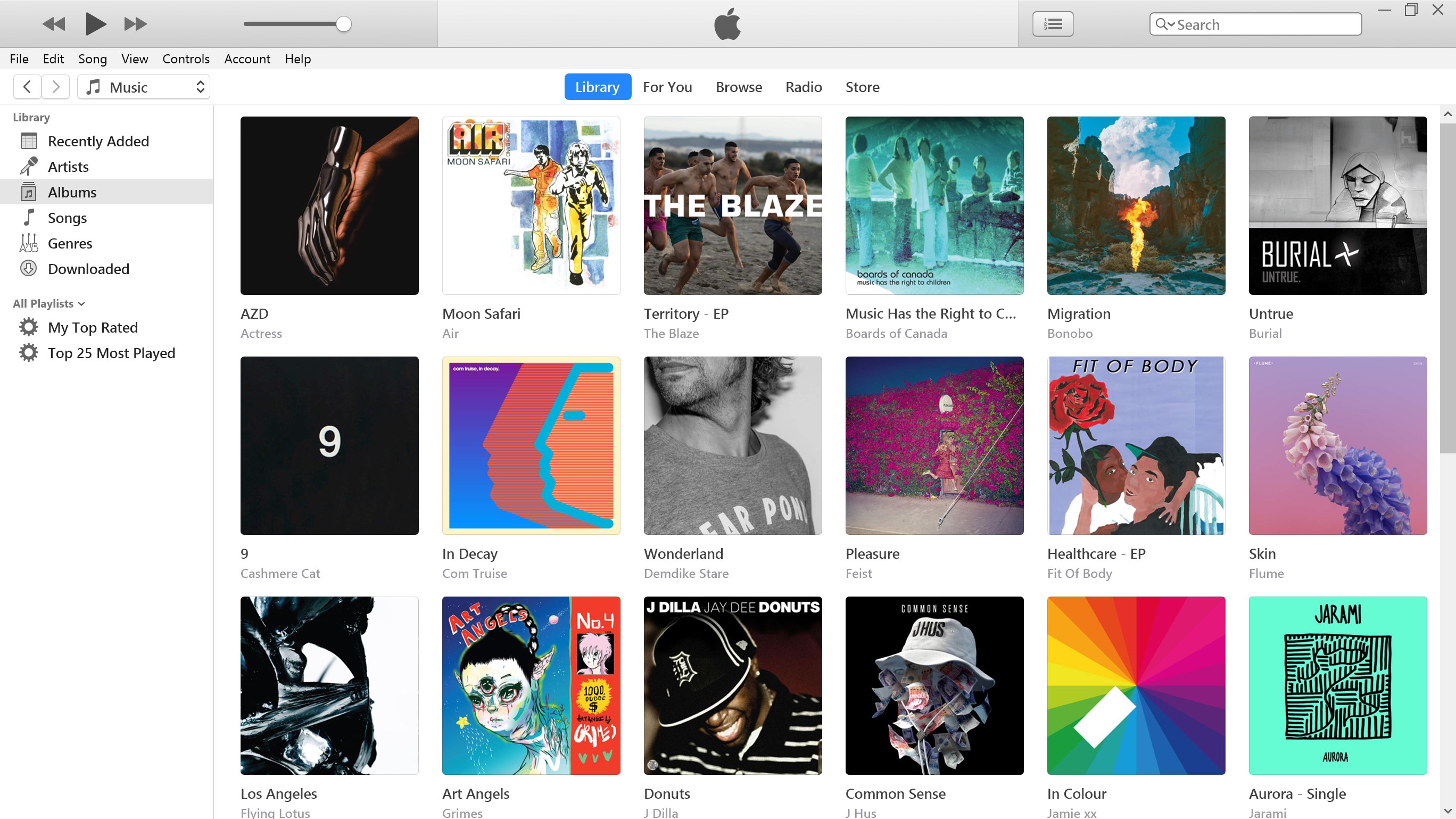
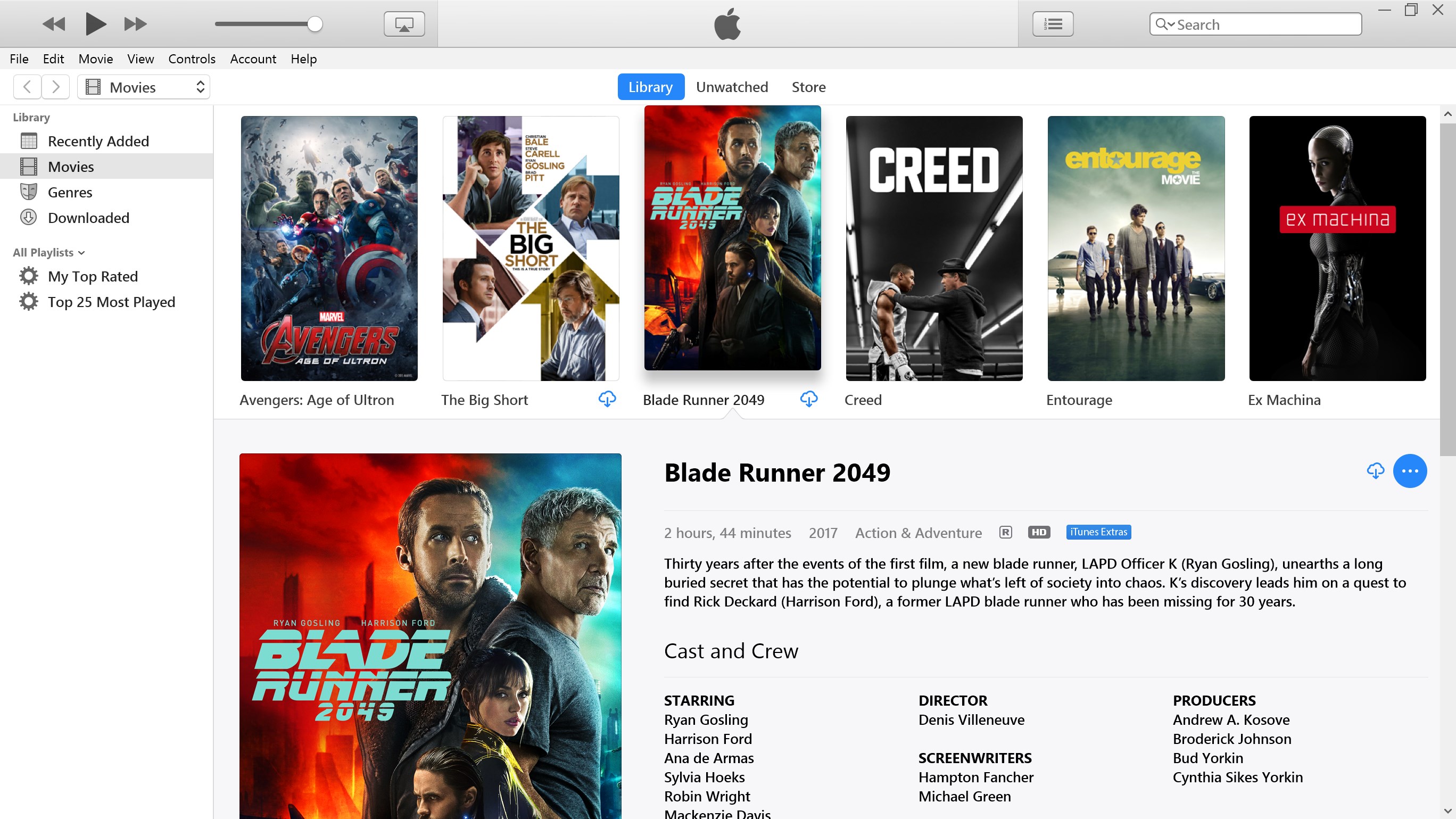
At its heart, iTunes for Windows serves as a centralized hub for your entire digital media collection. Whether you're importing your favorite songs, managing playlists, or organizing podcasts, the application provides an intuitive environment to keep everything neatly categorized. This integration simplifies media browsing, making your entertainment experience more streamlined and enjoyable.
Apple Ecosystem Connectivity
One standout feature is its tight integration with the Apple ecosystem. Users can easily sync their iPhones, iPads, and other Apple devices, transfer files, and even access their iCloud library directly from the desktop. This seamless connectivity ensures that your media stays synchronized across devices, whether you're at home or on the go, without the need for multiple third-party tools.
Enhanced Playback & Customization
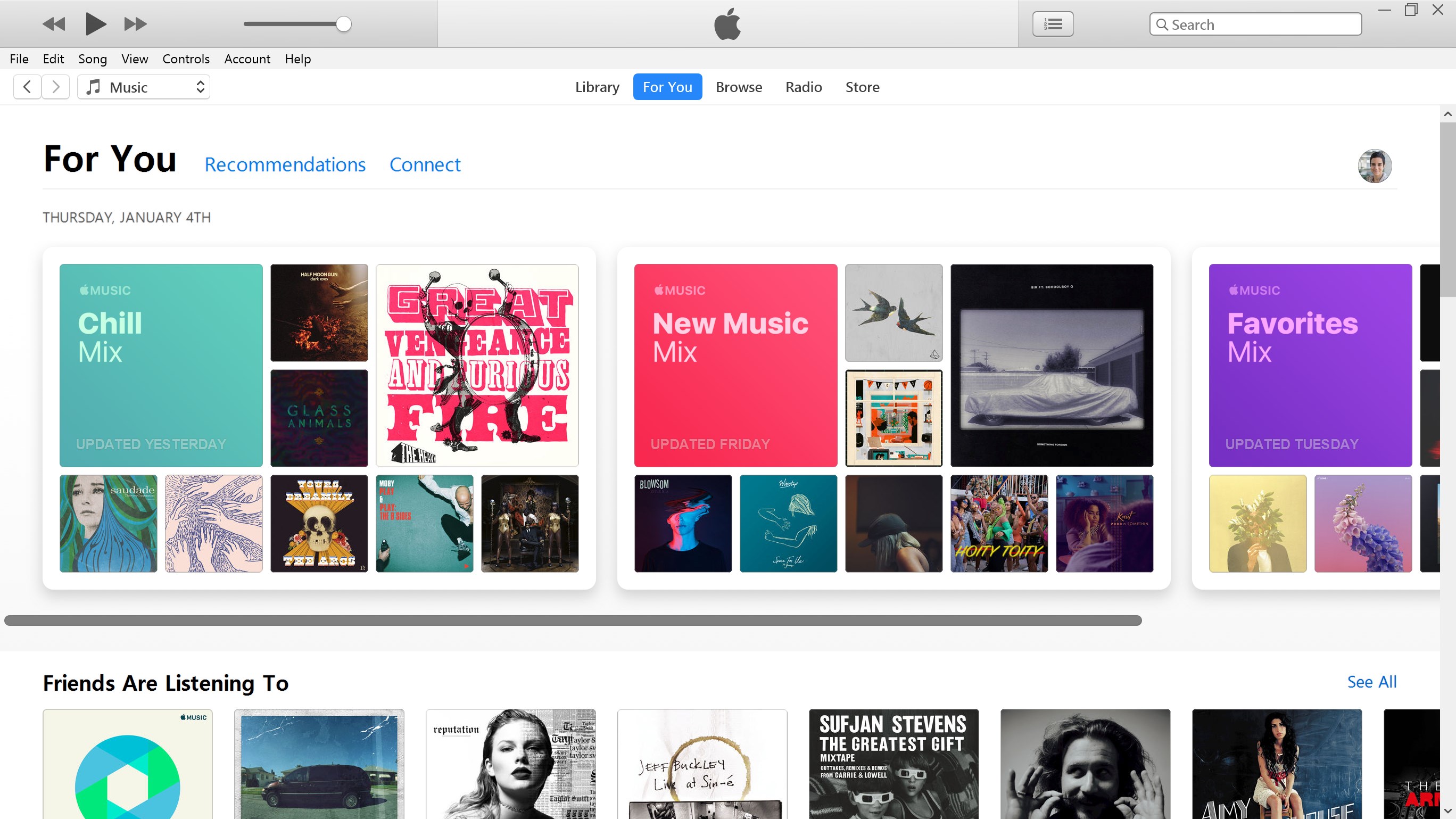
The application offers reliable playback with high-quality sound output and supports a wide array of media formats. Users can customize their listening experience through equalizers and playback settings, tailoring sound profiles to their preferences. The app also supports offline access and offers curated recommendations to discover new content, enriching your listening journey.
Design, User Experience, and Usability
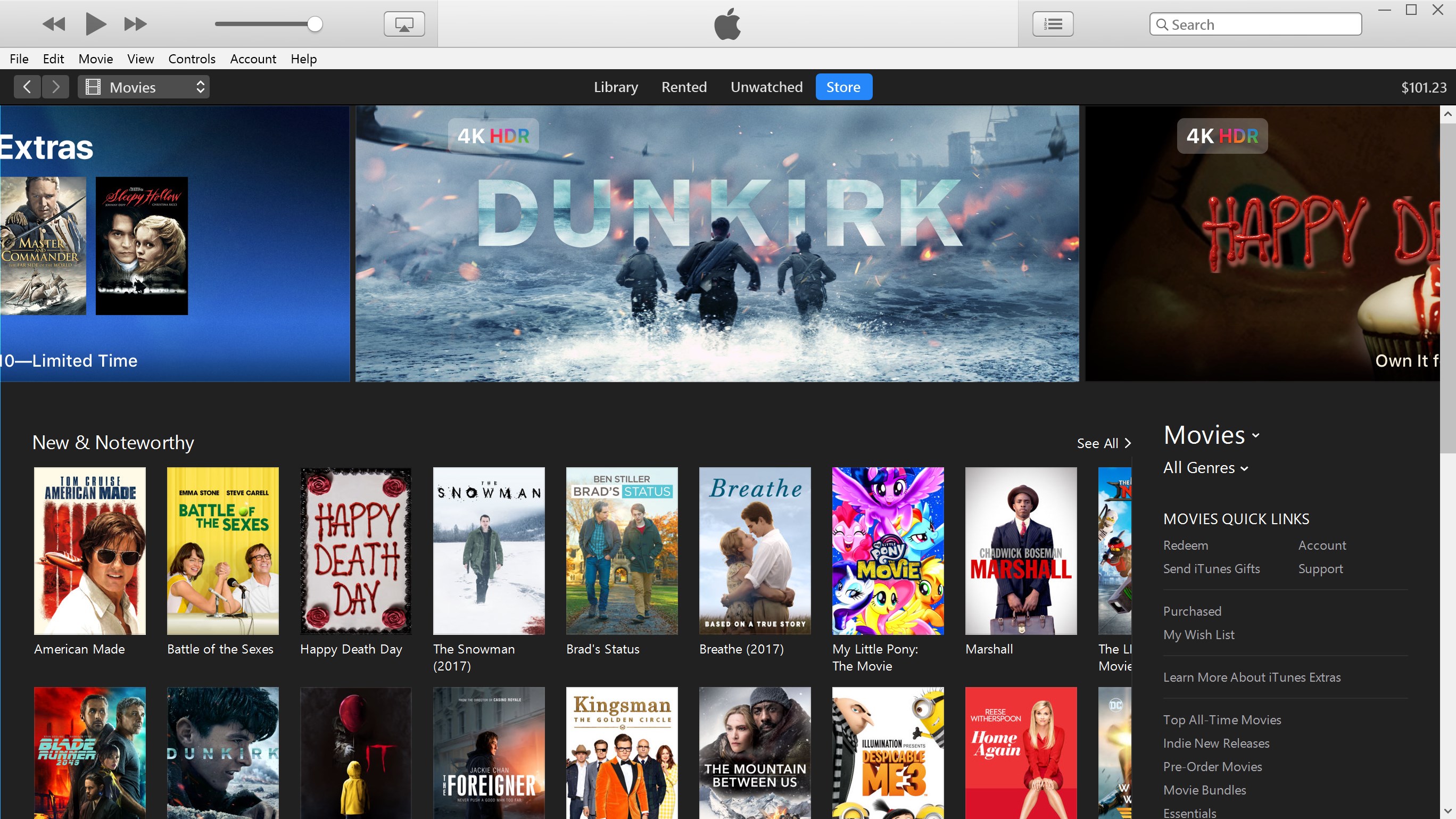
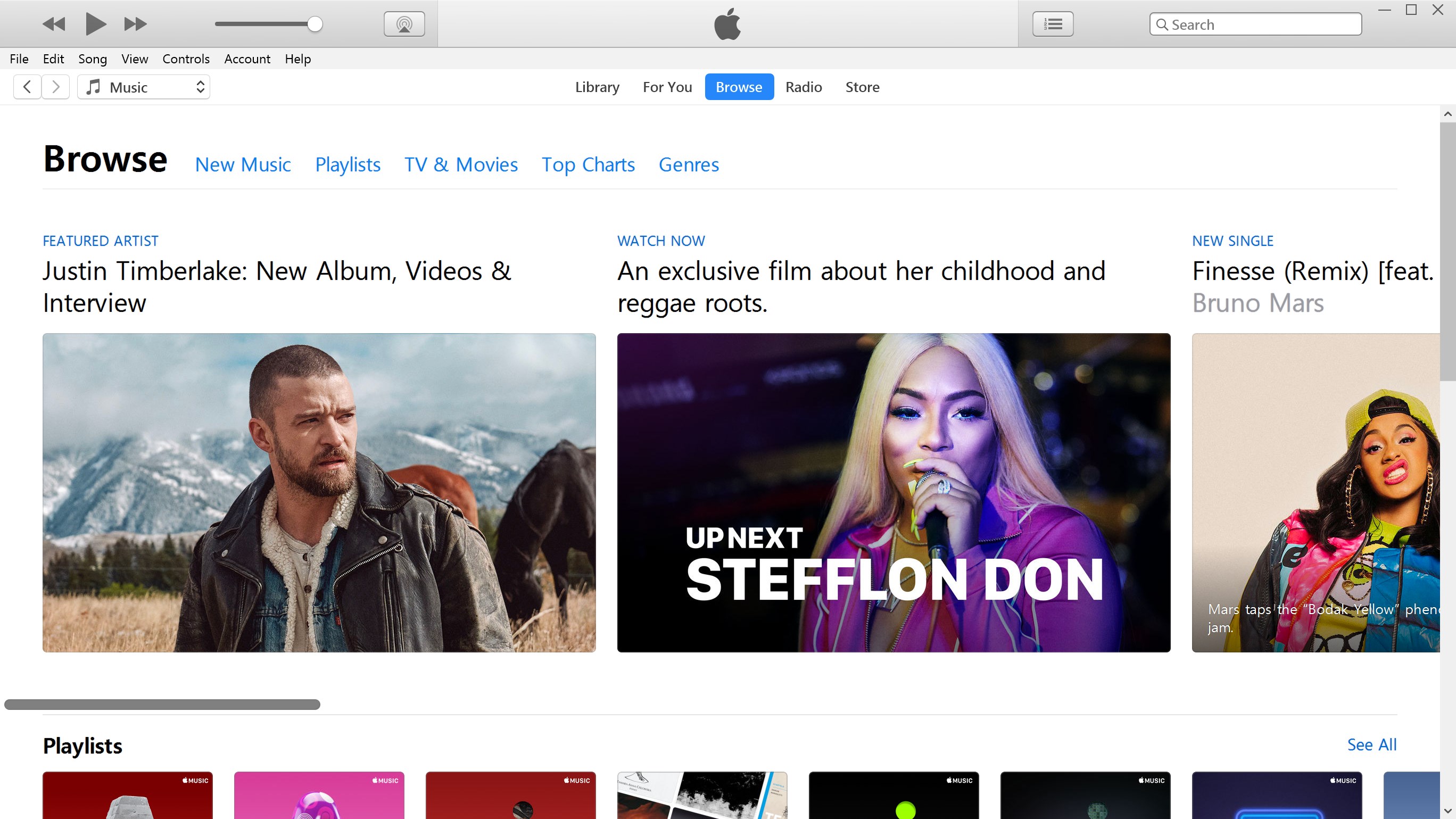
The interface of iTunes for Windows mirrors its original design ethos, combining familiarity with modern polish. Navigation feels intuitive—think of it as a well-organized bookshelf where everything is within reach. Transitioning between your library, store, and device management sections is smooth and effortless, thanks to logically laid out menus and responsive controls. Even first-time users will find the learning curve gentle, as the app offers helpful prompts and straightforward workflows.
Unique Differentiators: What Sets iTunes Apart?
Compared to other music management apps, iTunes for Windows distinguishes itself through its exceptional rhythm pattern assessment and latency tolerance — features often overlooked in typical media players. Its ability to analyze and adapt to rhythm patterns means users experience more synchronized and rhythmically coherent playback, especially beneficial when managing playlists for dance or workout sessions. Plus, its low latency tolerance ensures minimal lag during media transitions, making listening smooth, even on less powerful PCs. These technical nuances, grounded in Apple's meticulous development approach, give it an edge over competitors that often overlook these subtle but impactful aspects.
Final Verdict: Is It Worth Your Time?
All in all, iTunes for Windows remains a reliable, feature-rich media management tool that faithfully brings Apple's ecosystem to PC users. While it's not aimed at replacing standalone music streaming services, its robust library management, device synchronization, and unique rhythm analysis features make it a compelling choice for Apple enthusiasts and casual listeners alike. I'd recommend giving it a try if you're looking for an integrated, stable, and user-friendly media solution. Whether you're managing an existing collection or exploring new tunes, this app can be your trusted companion.
Pros
- Intuitive User Interface
- Seamless Integration with Microsoft Ecosystem
- High-Quality Audio Streaming
- Comprehensive Library Access
- Regular Updates and Improvements
Cons
- Occasional Syncing Delays
- Limited Offline Playback Options
- Occasional Crashes on Some Devices
- Navigation Could Be More Customizable
- Limited Lyrics Support











