


- Category Puzzle & trivia
- Developer Fons Sonnemans
- Available on PC, Surface Hub, HoloLens
- OS Windows 10 version 17763.0 or higher
- languages English (United States)
Introducing Jigsaw Pro for Windows — The Puzzle Enthusiast's Toolbox
If you've ever felt the thrill of piecing together a challenging jigsaw puzzle or craving a sharp mental workout, Jigsaw Pro for Windows is designed to be your versatile companion. Combining simplicity with advanced features, it aims to elevate your puzzle experience beyond basic gameplay, offering a platform for both relaxation and brain-training.
About the Developer and Main Features
Developed by Fons Sonnemans and published under Reflection IT, Jigsaw Pro is a thoughtfully crafted application targeting puzzle lovers on Windows. Its core strengths include customizable puzzle collections, high-definition images, and flexible puzzle piece configurations, all wrapped in an intuitive interface. Designed for casual users seeking entertainment and puzzle aficionados craving complexity, the app caters to a broad spectrum of users who appreciate visual challenges and creative control.
A Fun and Engaging Puzzle Experience Begins
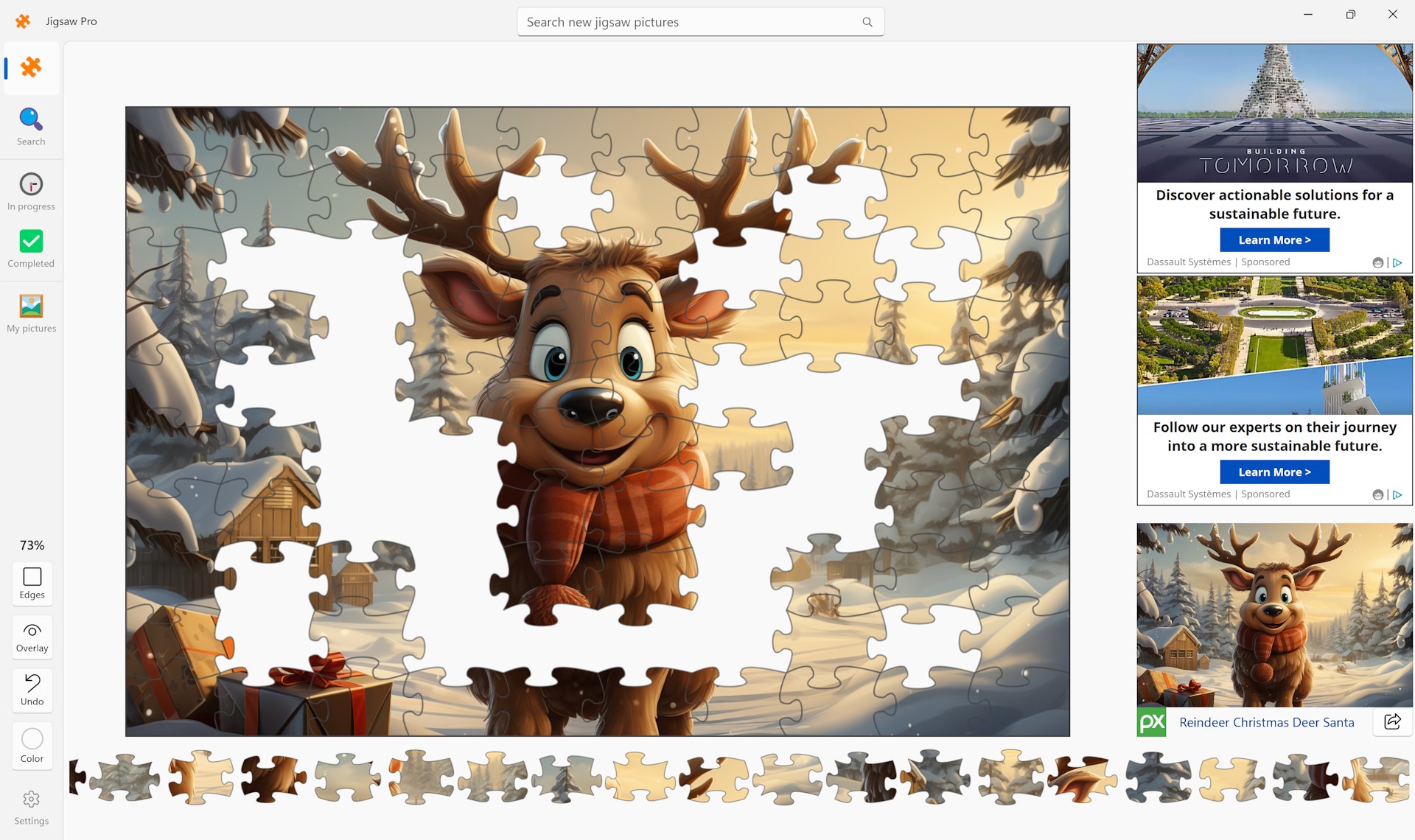
Imagine sitting at your desk, tea in hand, with a captivating high-resolution image gradually transforming into a masterpiece of your own making. Jigsaw Pro welcomes you into this world with a friendly interface and a straightforward setup. It's like opening a box of diverse puzzles, each one beckoning you to become the artist of your own mental mosaic. Whether you're awaiting a short break or dedicating hours to a zesty challenge, this app adapts seamlessly to your pace and appetite for problem-solving.
Customizable Puzzle Collections and Image Support
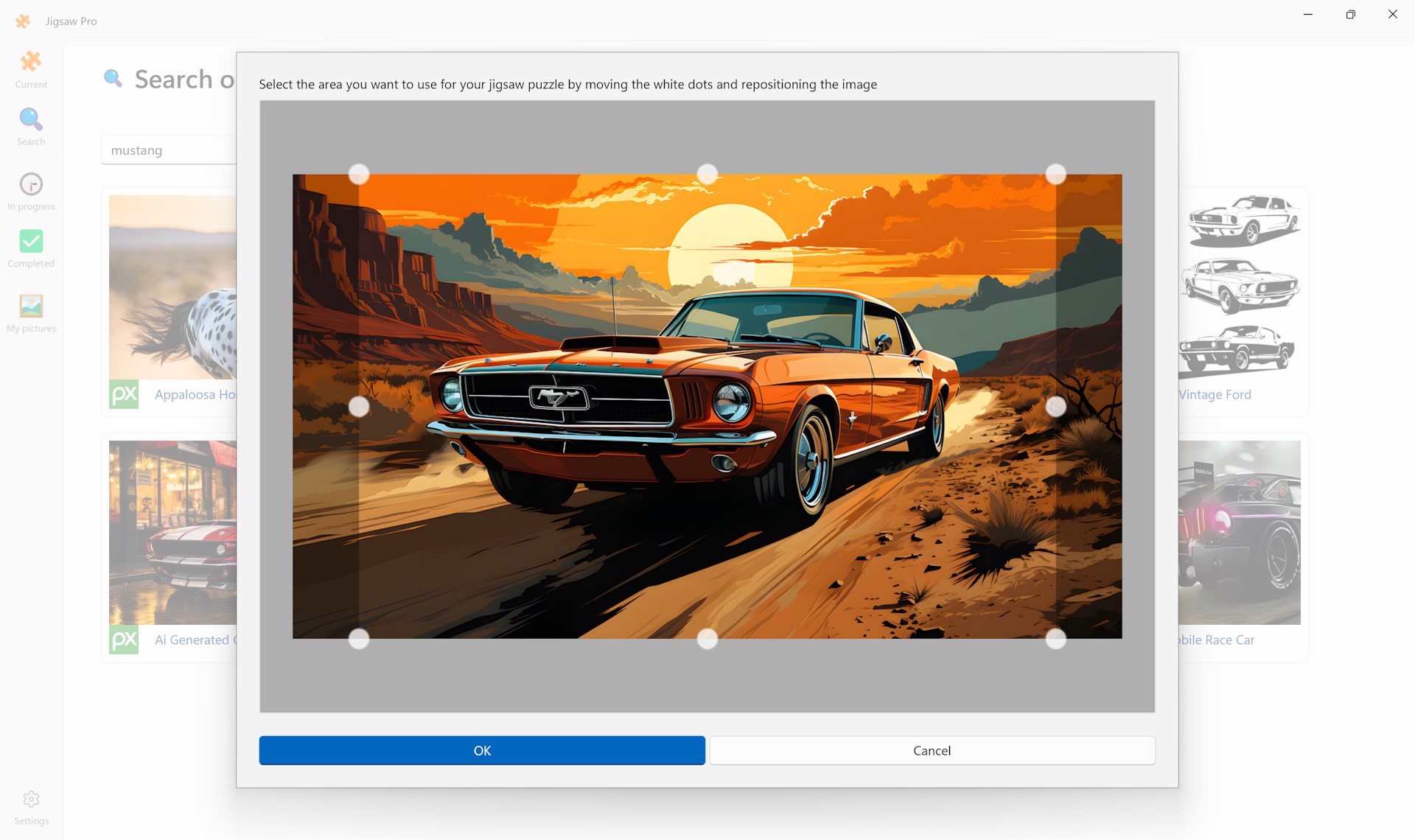
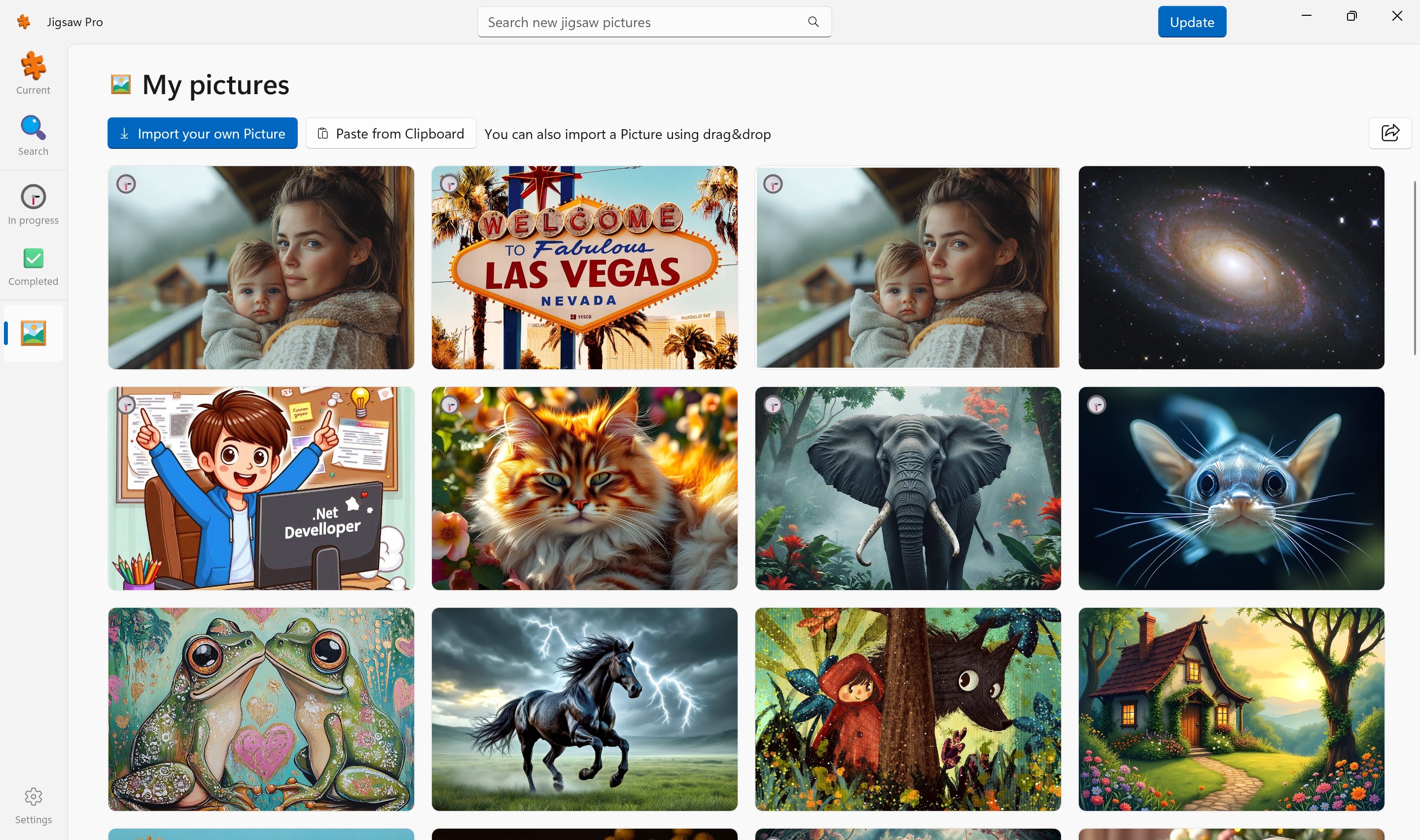
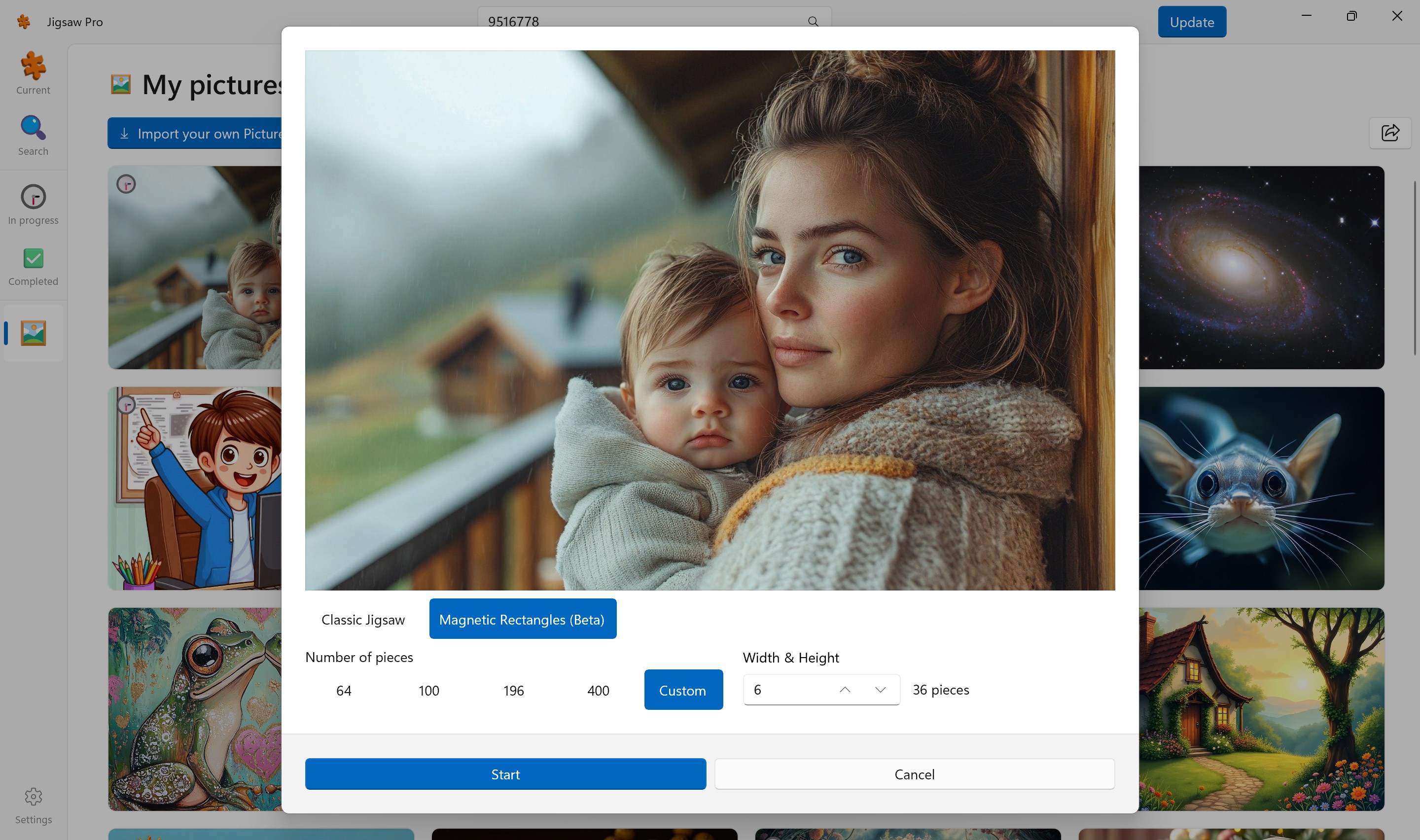
One of Jigsaw Pro's standout features is its support for a wide array of images, allowing users to craft puzzles from personal photo albums, stock images, or built-in options. You have control over the sizes, piece counts, and shapes, enabling both quick solvable puzzles and intricate designs for seasoned puzzlers. This flexibility sets it apart from many other puzzle apps, which often limit users to pre-made layouts. It's akin to having a vast, customizable puzzle store at your fingertips, where each puzzle is uniquely tailored to your preference.
Smooth and Intuitive Gameplay with Visual Appeal
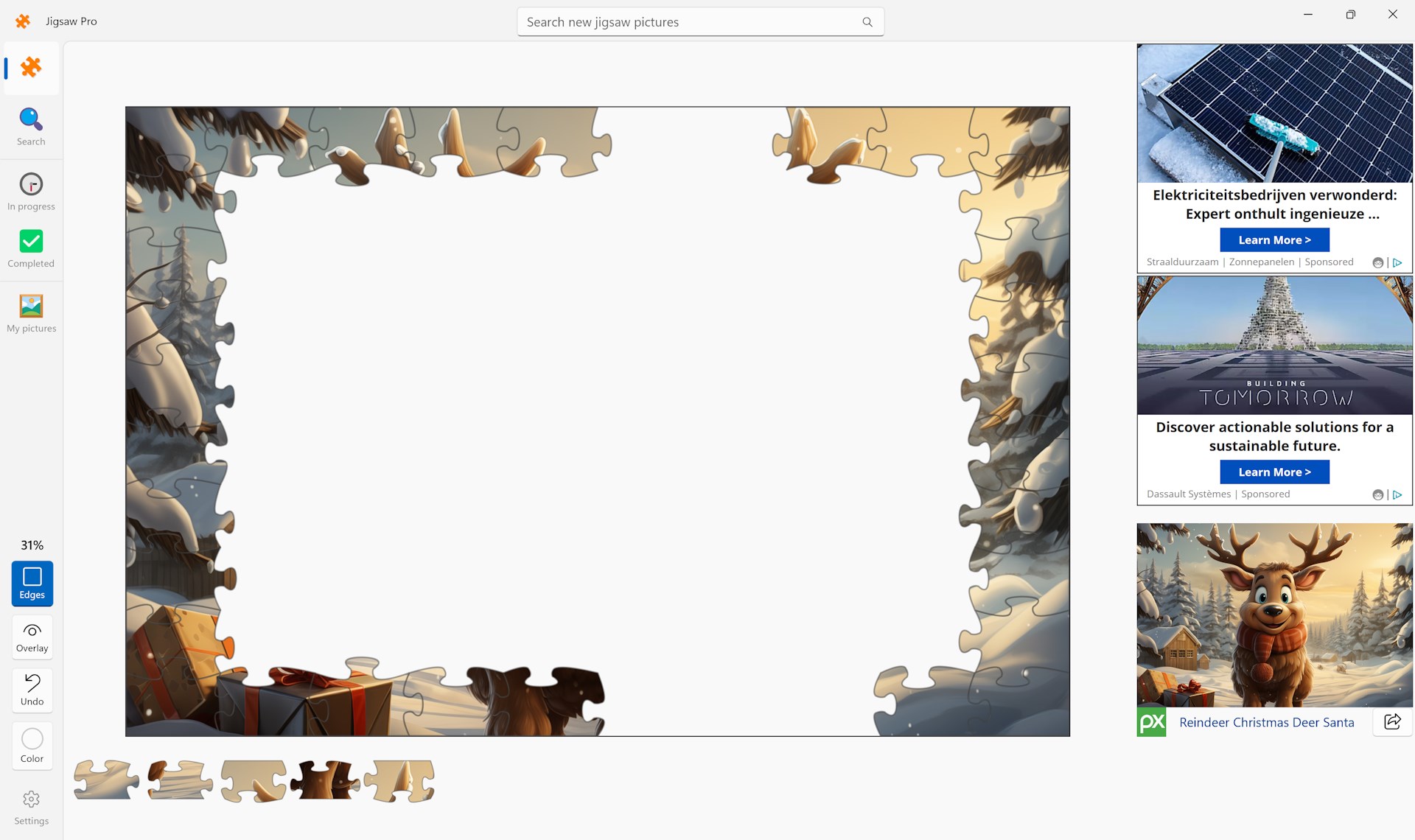
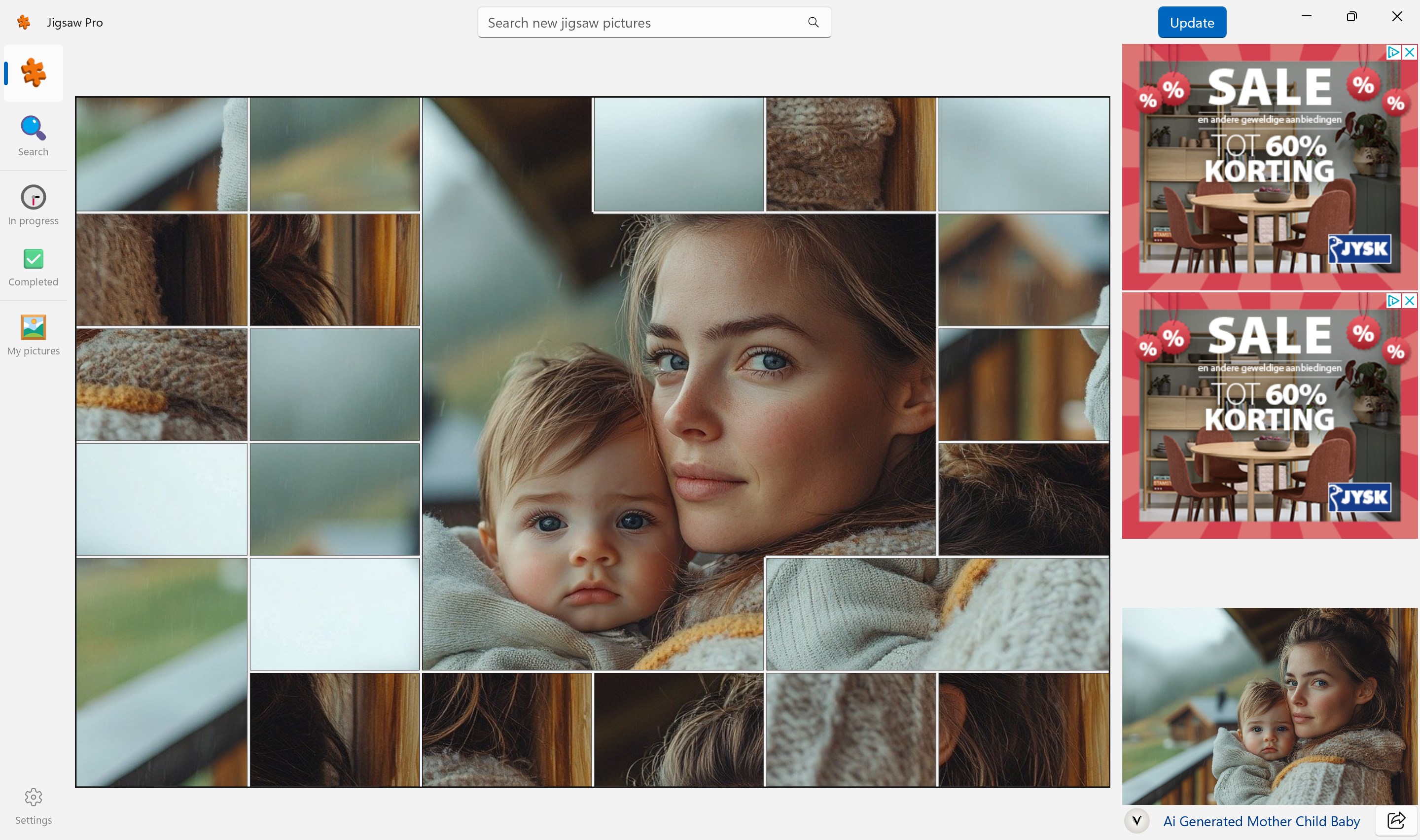
From the moment you start assembling, Jigsaw Pro reveals a clean, visually appealing layout reminiscent of a well-organized workshop. The drag-and-drop mechanics are buttery smooth, making piece placement feel satisfying rather than frustrating. The app's responsiveness ensures that your focus remains on the puzzle, not fighting against lag or complicated controls. The learning curve is gentle: new users can instinctively navigate through the options, while veteran puzzle enthusiasts find an array of advanced configurations to elevate their challenge.
Innovative Features That Make It Unique
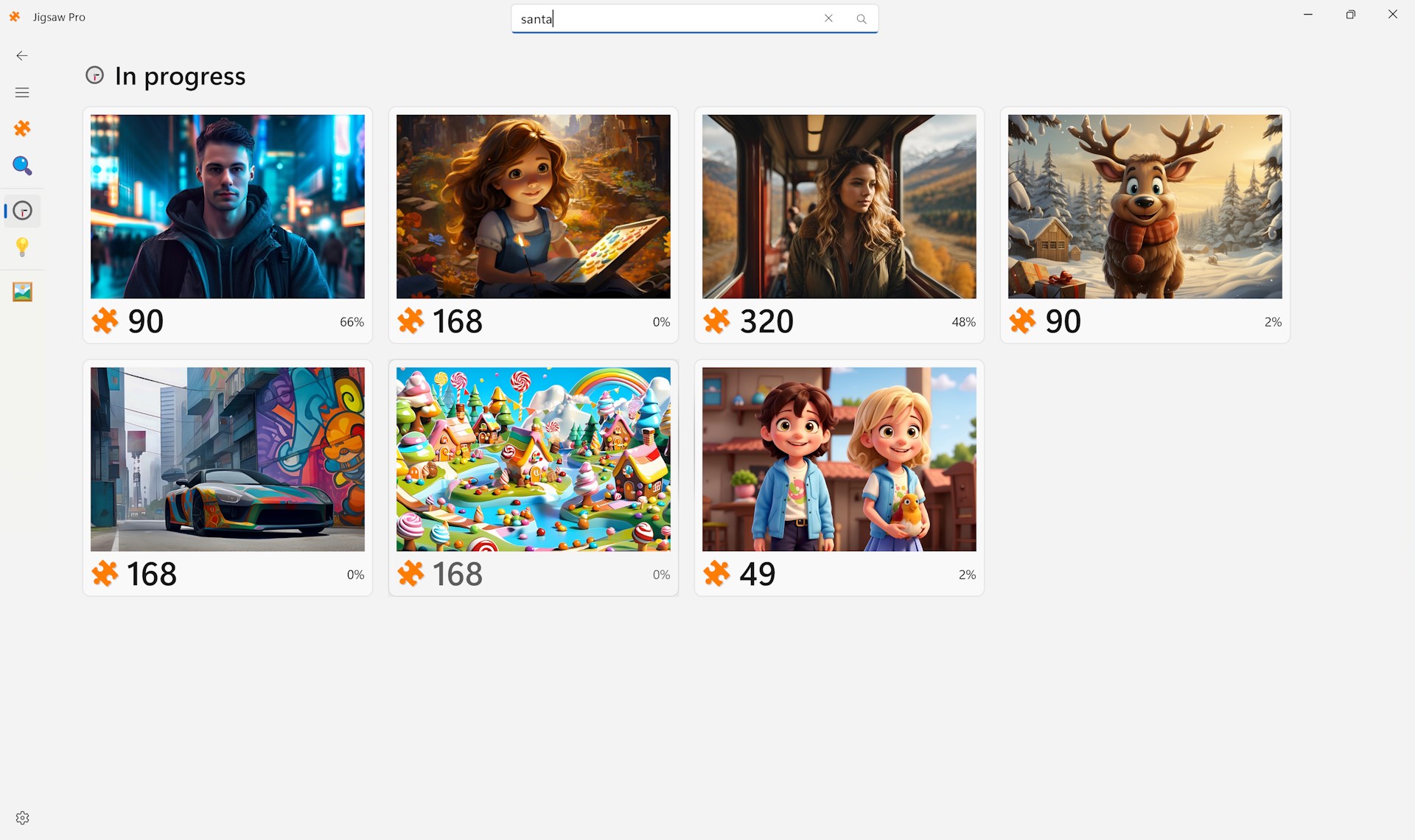
What truly sets Jigsaw Pro apart is its emphasis on customization and image integration. Unlike many puzzle apps that restrict you to fixed images or limited piece counts, Jigsaw Pro allows you to turn almost any photo into a puzzle and tweak the difficulty as you like. Additionally, the app supports the saving and resuming of partially completed puzzles, making it perfect for busy schedules. These features work together to provide a personalized puzzle experience, akin to having your own puzzle studio on your PC, ready to craft whenever inspiration strikes.
Final Thoughts and Recommendations
In summary, Jigsaw Pro for Windows stands out as a well-rounded, user-friendly puzzle application with meaningful customization options. Its seamless interface and flexible features are particularly appealing to users who want more control over their puzzle-solving experience. For casual puzzlers or seasoned enthusiasts looking for an app that adapts to their preferences, Jigsaw Pro offers a trustworthy, engaging platform. I recommend it for anyone seeking a relaxing yet challenging mental activity that's both personal and visually satisfying. Whether you're curating your own puzzle collection or exploring new images, this app earns its place on your desktop as a reliable puzzle companion.
Pros
- Intuitive interface
- Wide variety of puzzles
- High-quality graphics
- Smooth performance
- Offline mode available
Cons
- Limited puzzle categories in the free version
- Difficulty in customizing puzzle sizes
- Occasional ads interrupt gameplay
- Limited tutorial features for beginners
- Syncing across devices can be unreliable











