

- Category Puzzle & trivia
- Developer Larocque
- Available on PC
- OS Windows 10 version 17763.0 or higher
- languages English (United States), French
Jigsaw Puzzle Mania for Windows: A Charming Spin on Classic Jigsaw Puzzle Fun
If you're a puzzle enthusiast seeking a refreshing digital twist on the timeless allure of jigsaw puzzles, Jigsaw Puzzle Mania delivers a delightful experience. This app offers a vibrant, user-friendly platform packed with features that cater to both casual players and dedicated puzzle fans alike.
Developers Behind the Puzzle: Larocque's Artistic Craftsmanship
Created and published by Larocque, Jigsaw Puzzle Mania showcases the developer's passion for engaging, accessible game design. Larocque's portfolio reflects a focus on digital entertainment that emphasizes simplicity and fun, making this app a notable entry in the Windows puzzle ecosystem.
Highlighting the Main Features: What Makes It Stand Out?
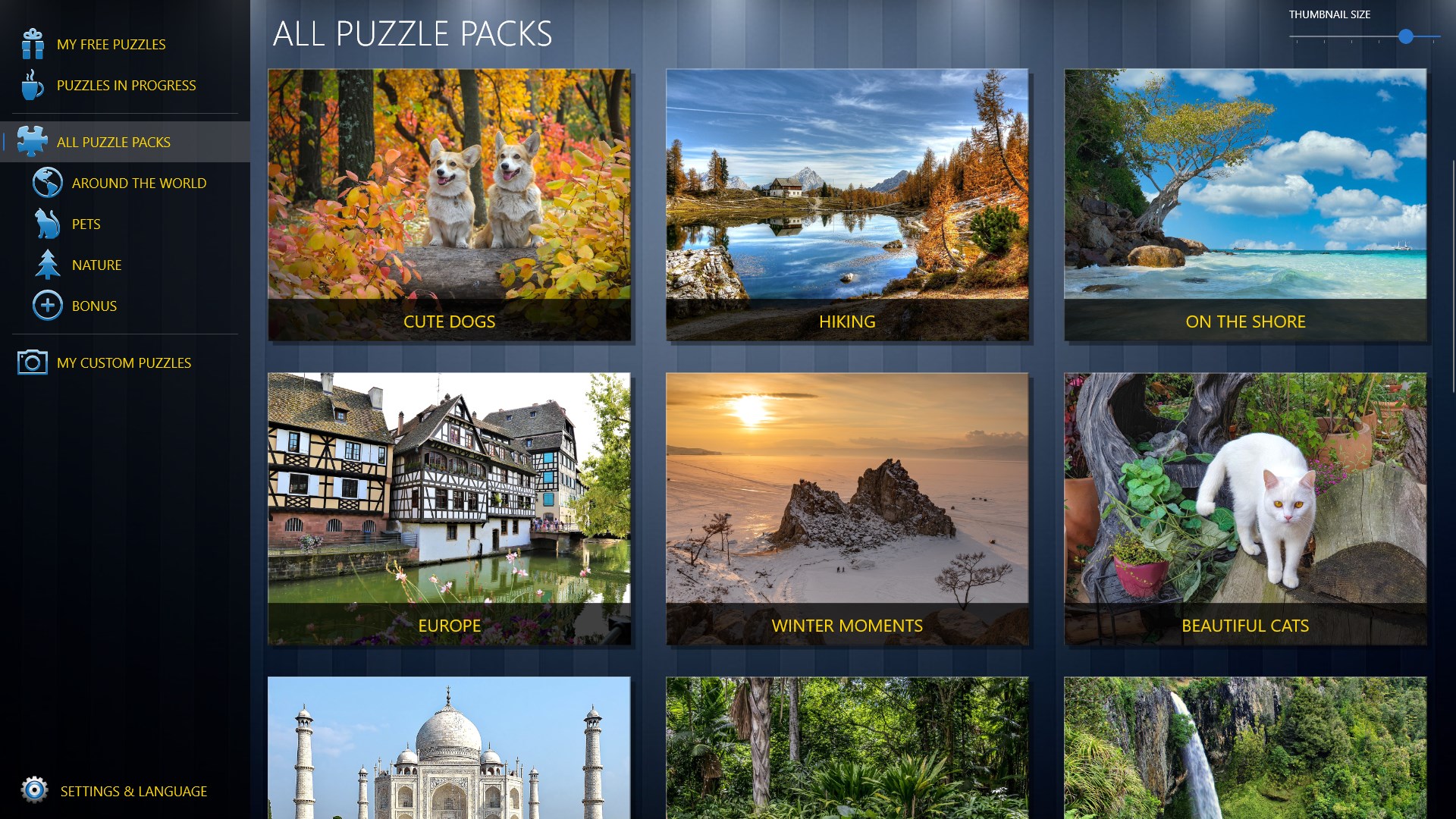
- Extensive Puzzle Library: The app boasts a broad selection of images ranging from scenic landscapes to intricate artworks, giving users a vast playground to challenge their minds and relax their eyes.
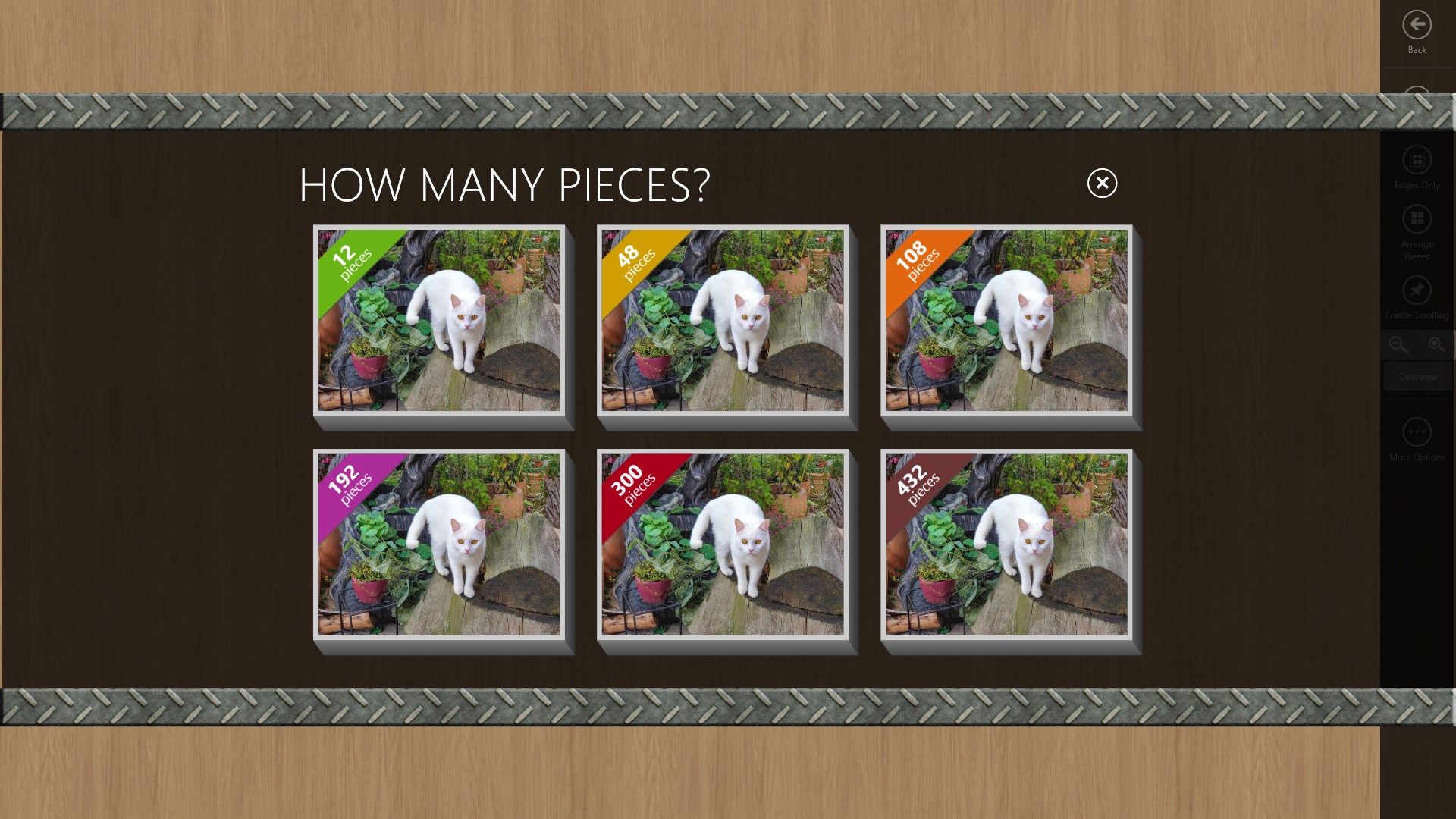
- Customization & Difficulty Levels: Players can choose from various piece counts, adjusting the complexity to match their skill level—perfect for beginners or seasoned puzzlers looking for a challenge.
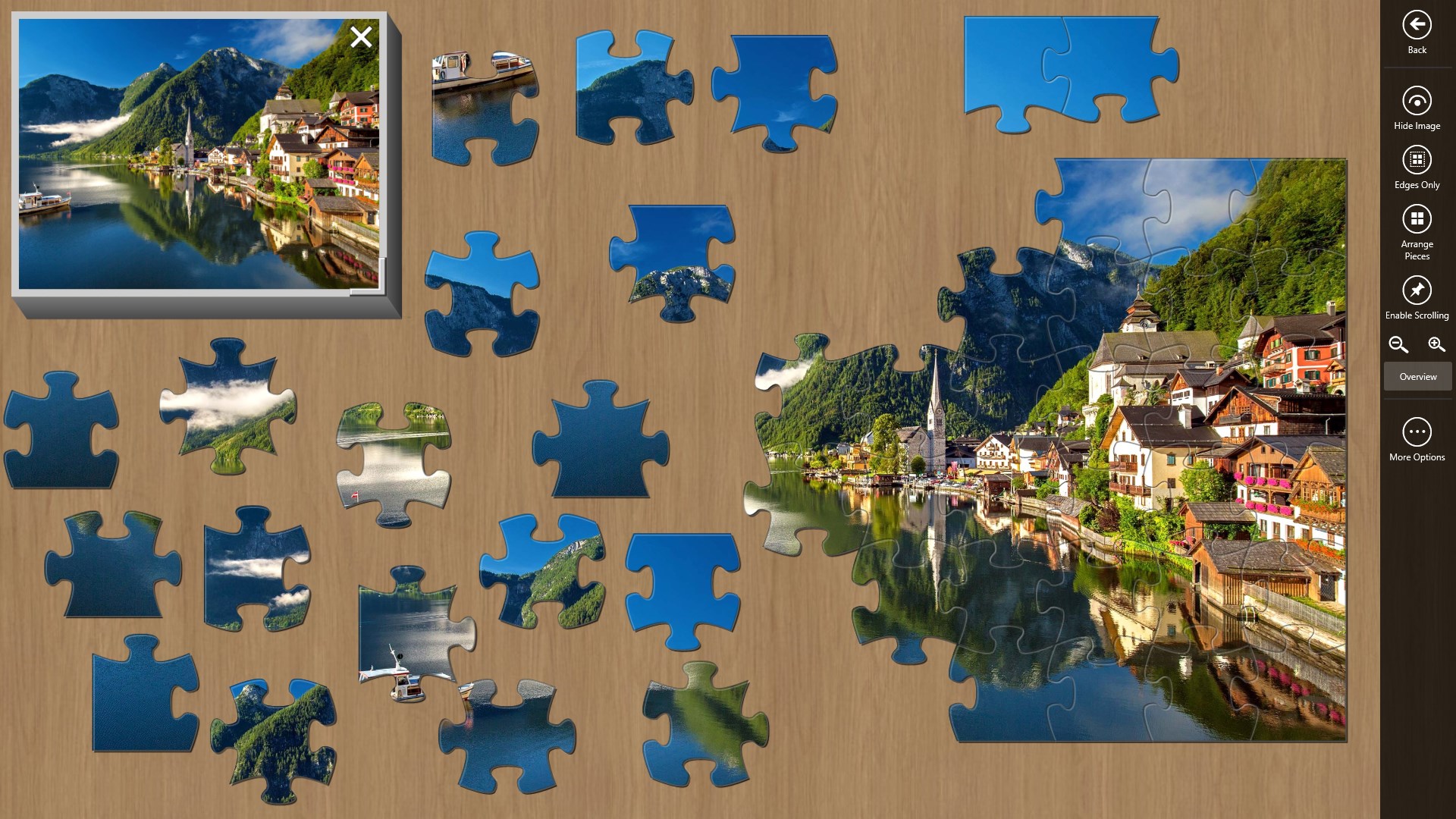
- Interactive and Intuitive Interface: A clean, colorful design coupled with smooth drag-and-drop mechanics ensures effortless assembly, making the experience intuitive for users of all ages.
- Pause & Resume Capability: Want to take a break? The app remembers your progress, allowing you to pause and pick up where you left off without hassle—ideal for busy schedules.
Immersive Experience and User-Friendly Design
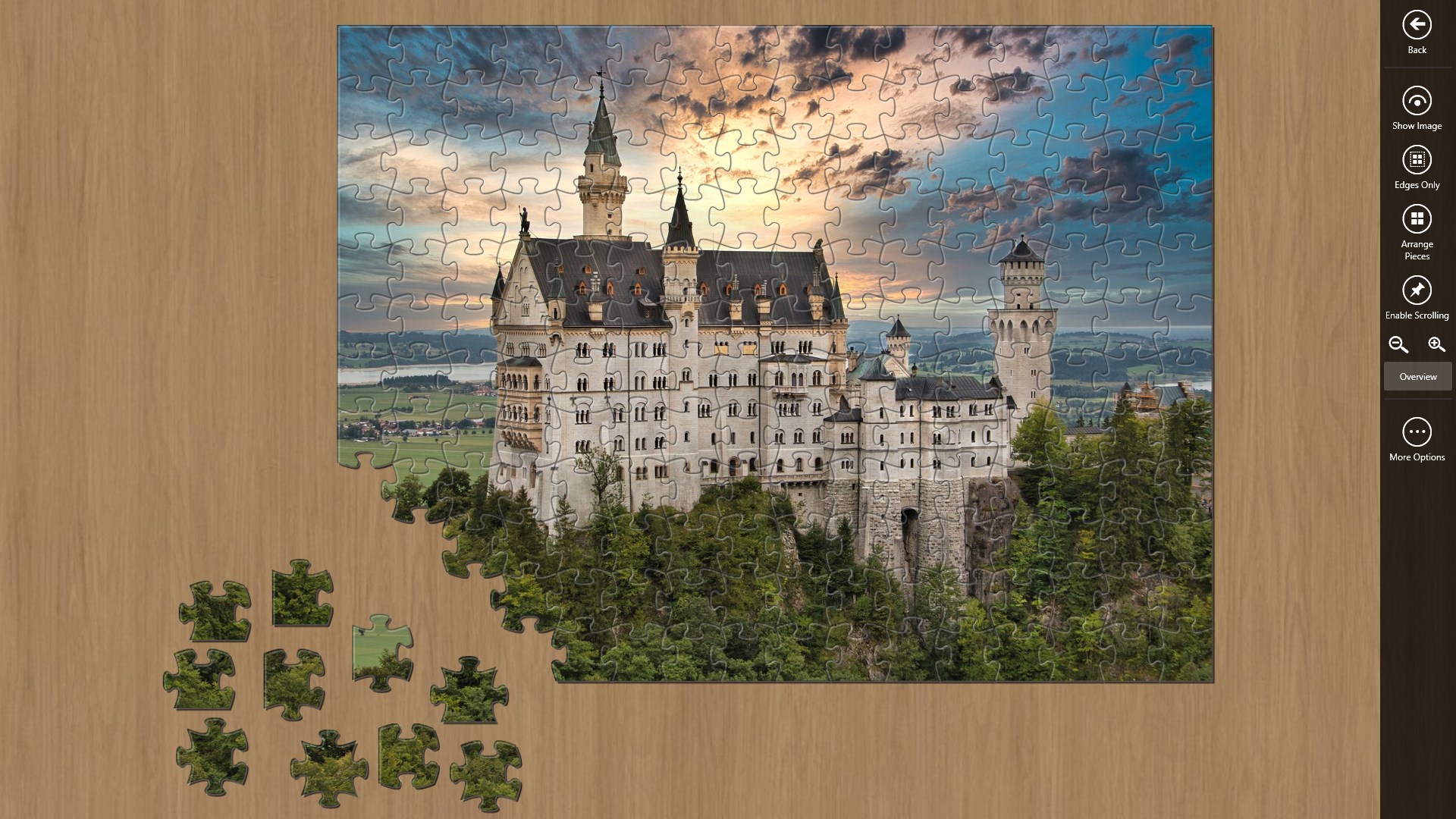
Diving into Jigsaw Puzzle Mania feels akin to settling into a cozy corner with a real puzzle—only digitally. The interface sports a vibrant palette and crisp visuals that draw you into each puzzle scene. The layout is straightforward: select an image, set your difficulty level, and start dropping pieces. Navigation is silky smooth, with minimal loading times, ensuring your focus remains on the gratifying process of puzzle-solving rather than technical hiccups.
Initial learning curves are gentle. For newcomers, tutorials are subtly integrated, showcasing how to rotate and place pieces efficiently. For seasoned players, the quick toggle between different difficulty settings keeps the challenge fresh and engaging.
Unique Features and Differentiation
Unlike many generic puzzle apps, Jigsaw Puzzle Mania emphasizes visual variety and user empowerment. Its most notable feature is the expansive, curated image library, which includes both high-resolution photos and artwork, catering to aesthetic preferences. Additionally, the app's ability to customize piece count offers a tailored challenge, from simple puzzles for quick fun to complex mosaics that test patience and skill. This flexibility sets it apart from more rigid puzzle apps that often restrict customization or content variety.
Another standout aspect is its emphasis on relaxing gameplay without intrusive ads or monetization pressures, providing a clutter-free environment akin to working on a physical jigsaw in the company of a favorite art piece.
Final Verdict: A Recommended Digital Jigsaw Companion
Overall, Jigsaw Puzzle Mania scores highly as an accessible, visually appealing platform that respects the core joy of jigsaw puzzles. It's especially recommended for puzzle lovers of all ages looking for a flexible, stress-free way to unwind or stimulate their brains. Whether you're on a quick break or settling down for an extended puzzle session, this app adapts well to your pace.
If you're searching for a durable digital puzzle experience that balances simplicity with diverse content, Jigsaw Puzzle Mania deserves a solid try. Its user-centric design, extensive image library, and customizable difficulty settings make it a lovely addition to the Windows gaming collection—quietly charming yet genuinely engaging. Happy puzzling!
Pros
- Intuitive drag-and-drop puzzle mechanics
- Wide variety of jigsaw images and themes
- Progress tracking and hint system
- Reward system with in-game achievements
- High-quality, detailed graphics
Cons
- Limited multiplayer or social sharing features
- Puzzle piece placement can sometimes be imprecise
- Loading times for large images may be noticeable
- Limited customization options for UI themes
- Some puzzles are less challenging for experienced players










