
Frequently Asked Questions
How do I start a new game in JoJo's Bizarre Adventure: All-Star Battle R?
Launch the app, go to the main menu, tap 'All-Star Battle Mode', then select your preferred character to begin your fight.
Can I customize the controls for better gameplay?
Yes, navigate to Settings > Controls in the main menu to customize button mappings according to your preference.
What are the main features of the All-Star Battle Mode?
It includes over 100 battles, character-specific scenarios, special skins, and illustrations, offering a comprehensive fighting experience.
How does the game incorporate characters from different arcs?
All characters from various arcs are playable; you can select them in the roster for battles and explore cross-arc interactions.
What new features are added compared to the original All-Star Battle?
The game introduces hit stops, jump dashes, refined fighting tempo, and new voice recordings from Part 6 anime voice actors.
Are there any in-app purchases or subscriptions needed for extra content?
Some cosmetic skins and special illustrations are available as in-app purchases; check Settings > Store for options.
How can I buy additional skins or cosmetics for characters?
Visit Settings > Store in the app to browse and purchase character skins and cosmetic items with in-game currency or real money.
Does the game offer multiplayer or online battle features?
Yes, the game supports Online Mode for multiplayer battles; access it via the main menu's Online Mode option.
What should I do if the game crashes or encounters bugs?
Try restarting the app, ensure your device is updated, and contact support via Settings > Help or feedback for assistance.
You May Like
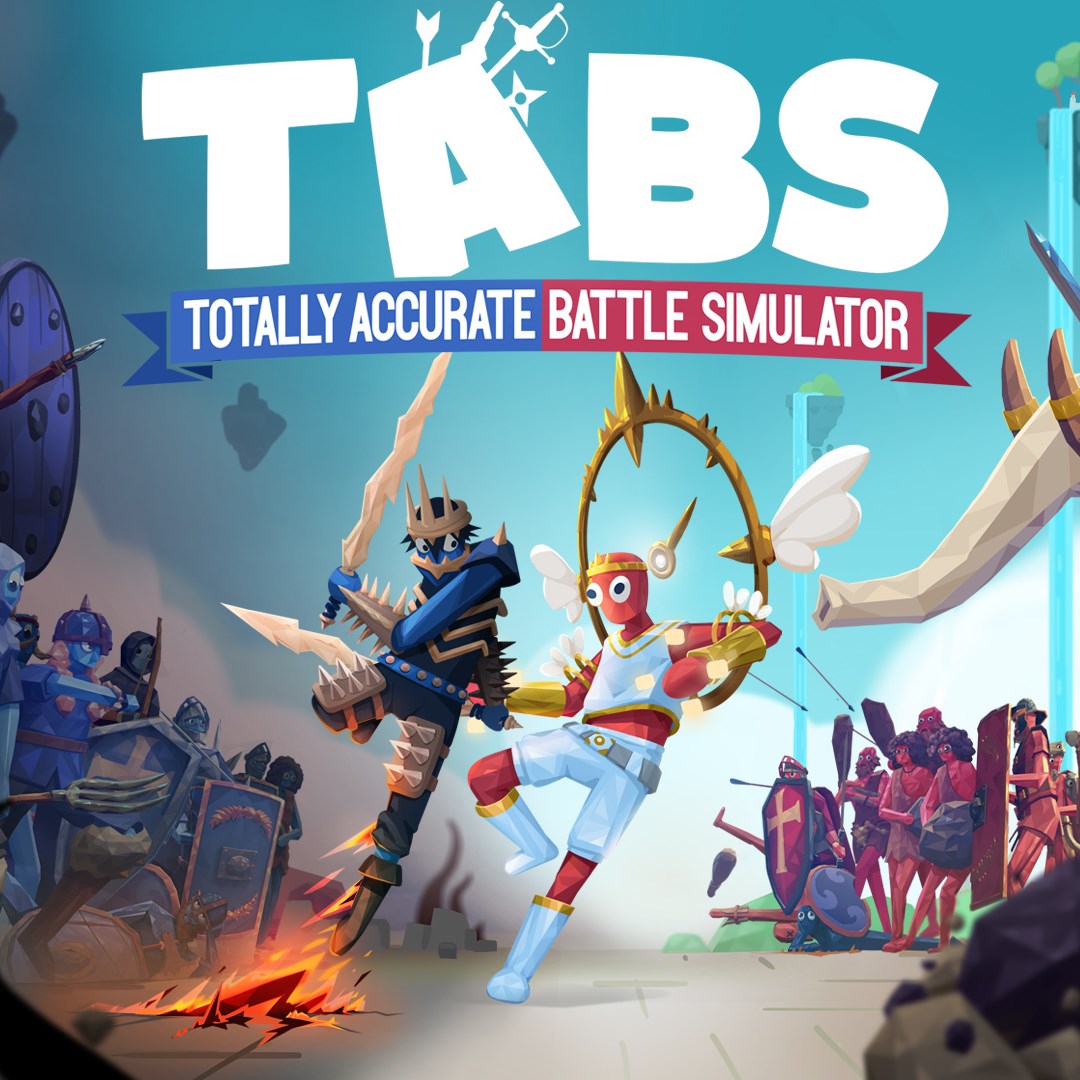
Totally Accurate Battle Simulator
for Windows
4.7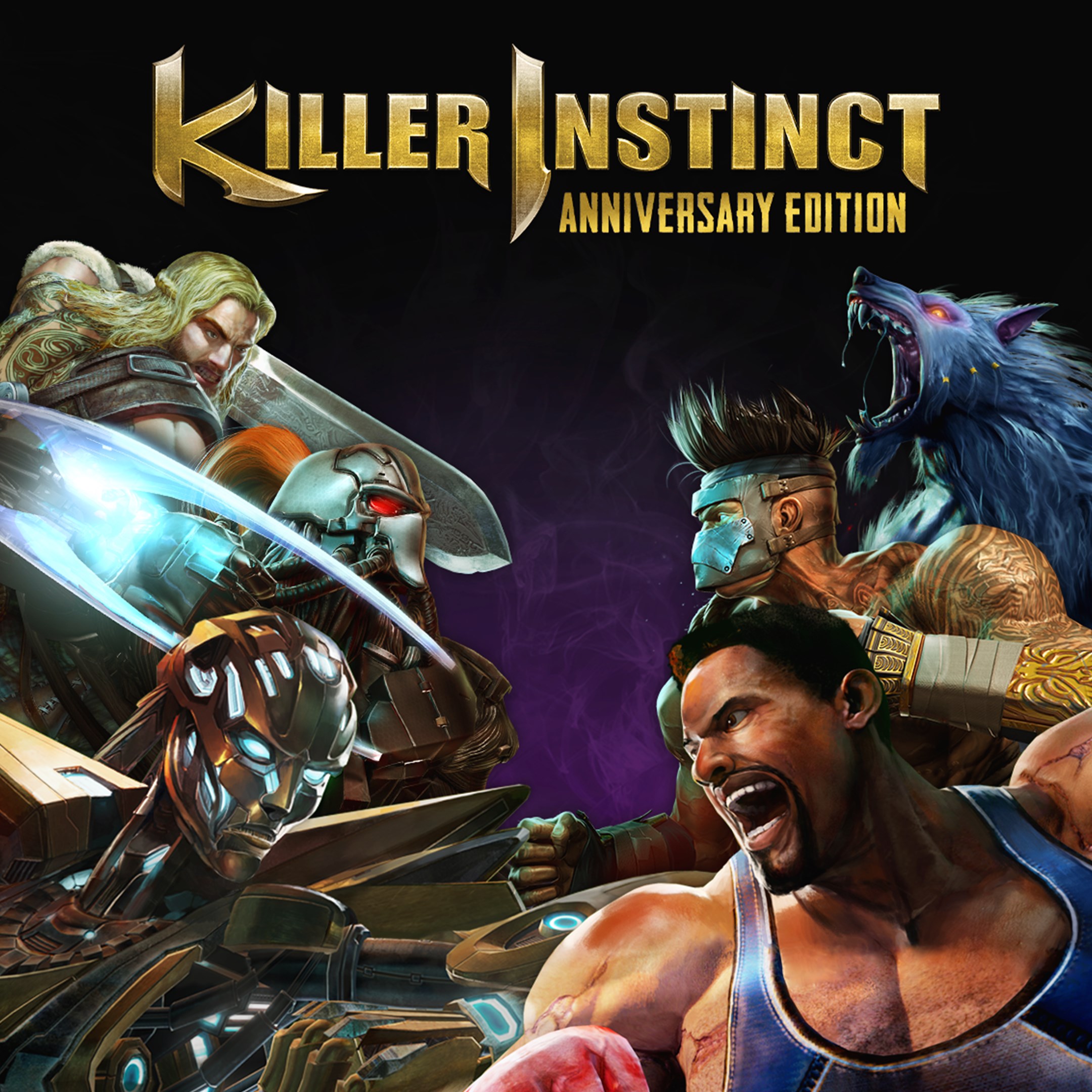
Killer Instinct: Anniversary Edition
for Windows
4.4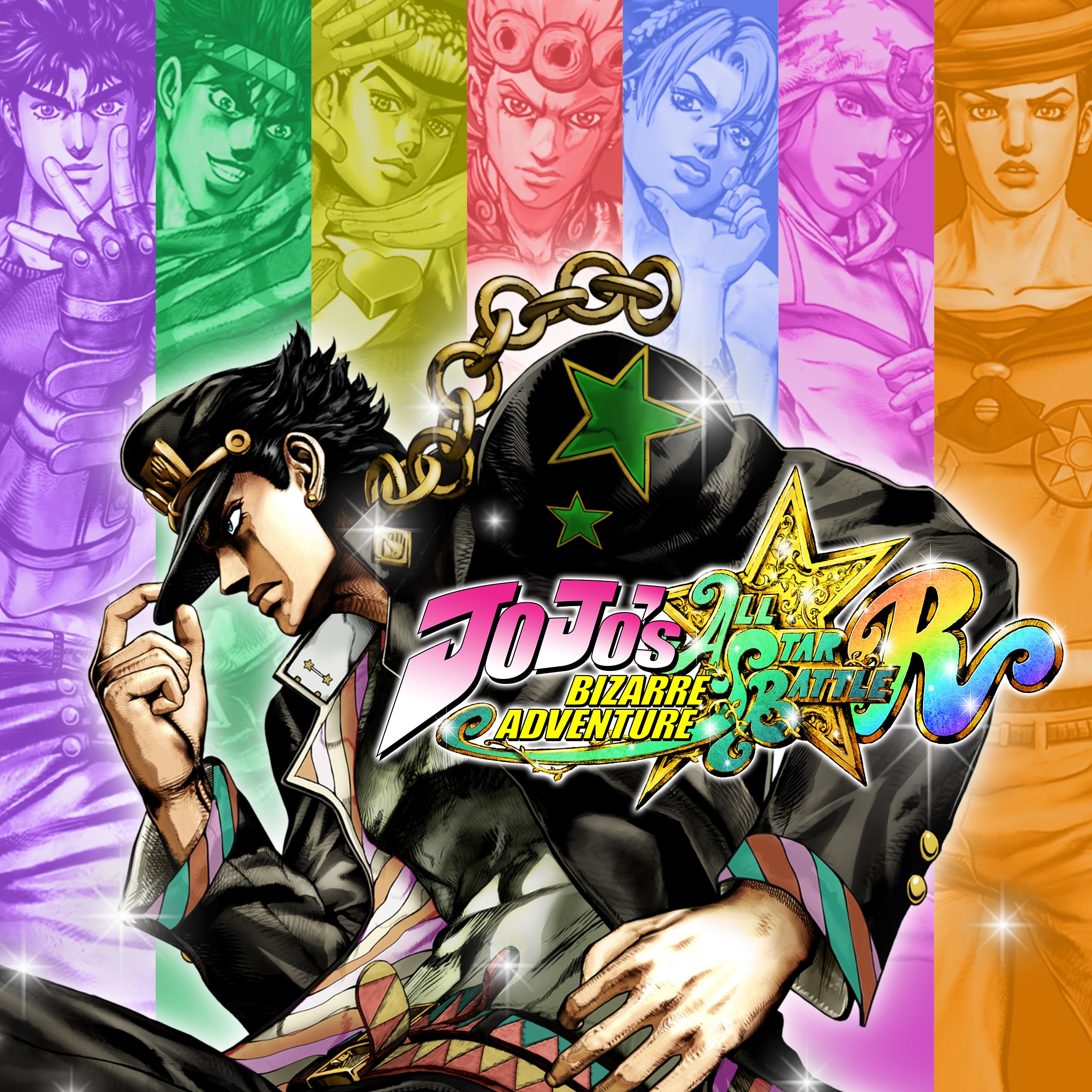
JoJo's Bizarre Adventure: All-Star Battle R
for Windows
4.3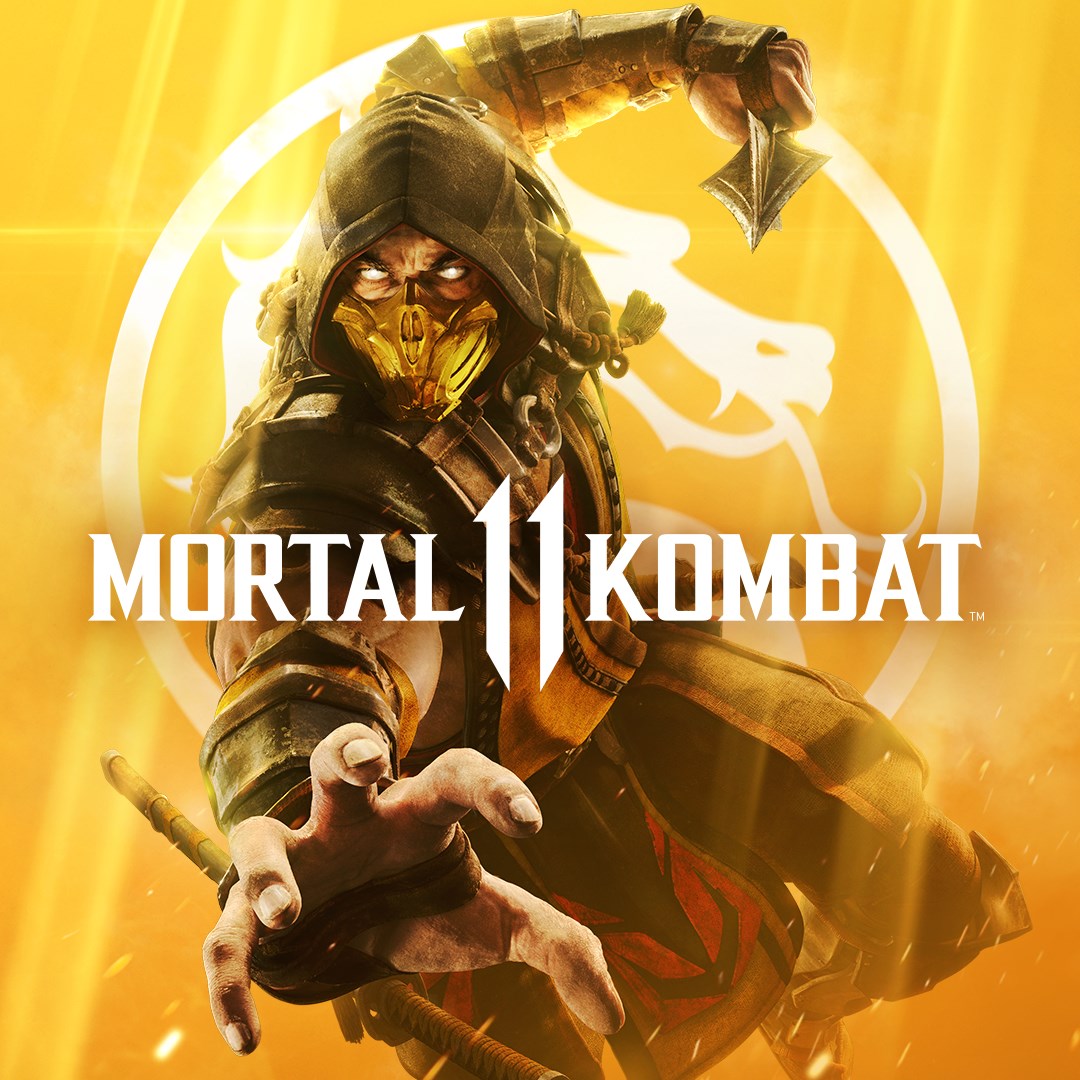
Mortal Kombat 11
for Windows
4.3
Mortal Kombat 11 Ultimate
for Windows
4.3
Guilty Gear -Strive-
for Windows
4.3
Killer Instinct
for Windows
4.3
Gang Beasts
for Windows
4.3
Injustice™ 2 - Standard Edition
for Windows
3.7
MARVEL VS. CAPCOM: INFINITE
for Windows
3.5
Nickelodeon All-Star Brawl 2
for Windows
3.1
Mortal Kombat™ 1: Definitive Edition
for Windows
2.9