

- Category Developer tools
- Developer Aadhil RF
- Available on PC, Mobile, Surface Hub, HoloLens
- OS Windows 10 version 17763.0 or higher
- languages English (United States)
Introducing JSON Hub for Windows: A Handy Tool for JSON Management
JSON Hub for Windows is a straightforward, efficient application designed to help developers and data enthusiasts view, validate, and manipulate JSON data seamlessly within their Windows environment.
Developer and Core Features
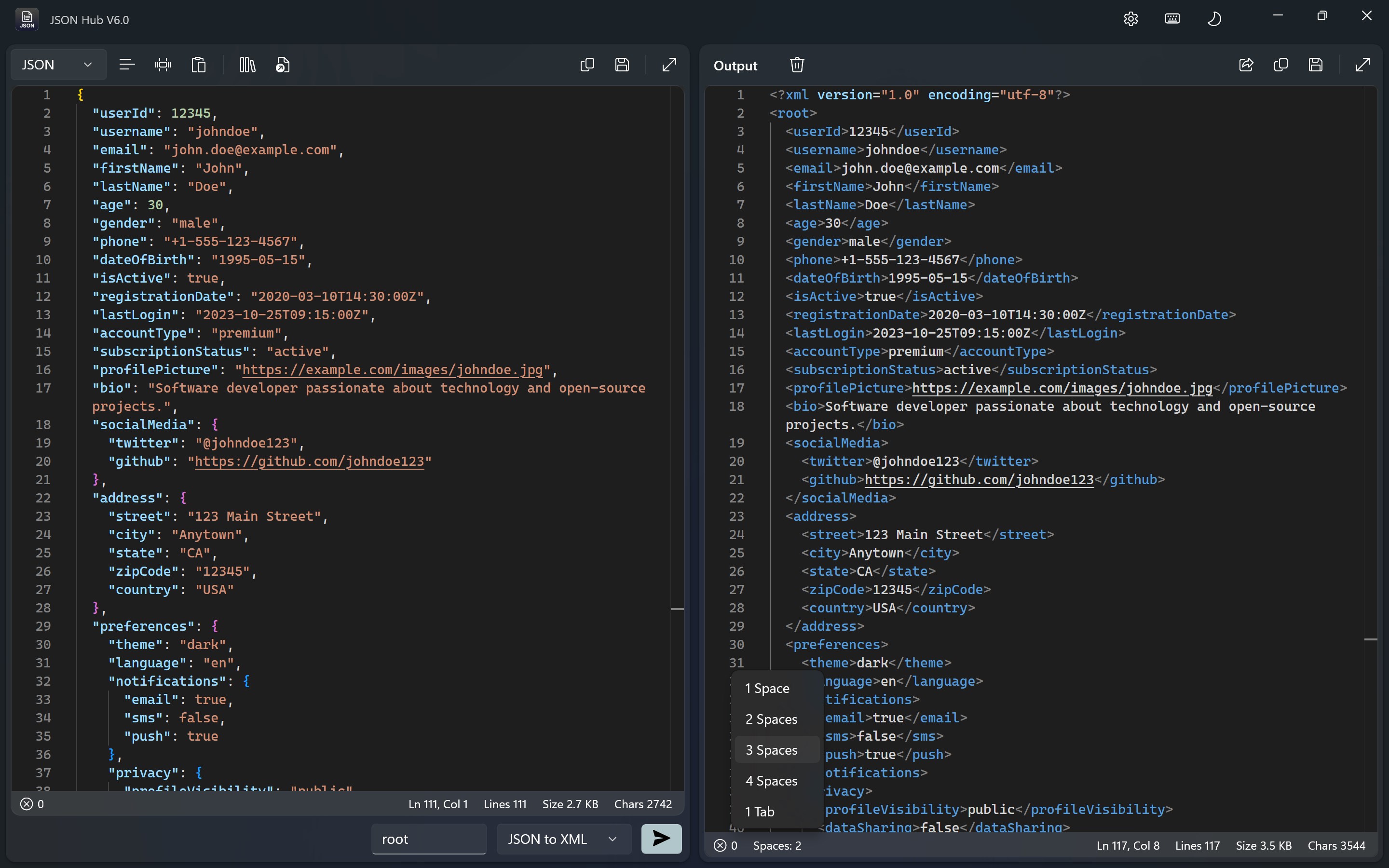
Developed and published by Aadhil RF, this app stands out in the crowded world of JSON tools with its focus on user-friendly visualization and robust validation capabilities. Its key features include real-time syntax validation, an intuitive data viewer, and quick formatting options—all crafted to streamline JSON workflows for both beginners and experienced coders alike.
A Closer Look: Navigating JSON Hub's Core Functionalities
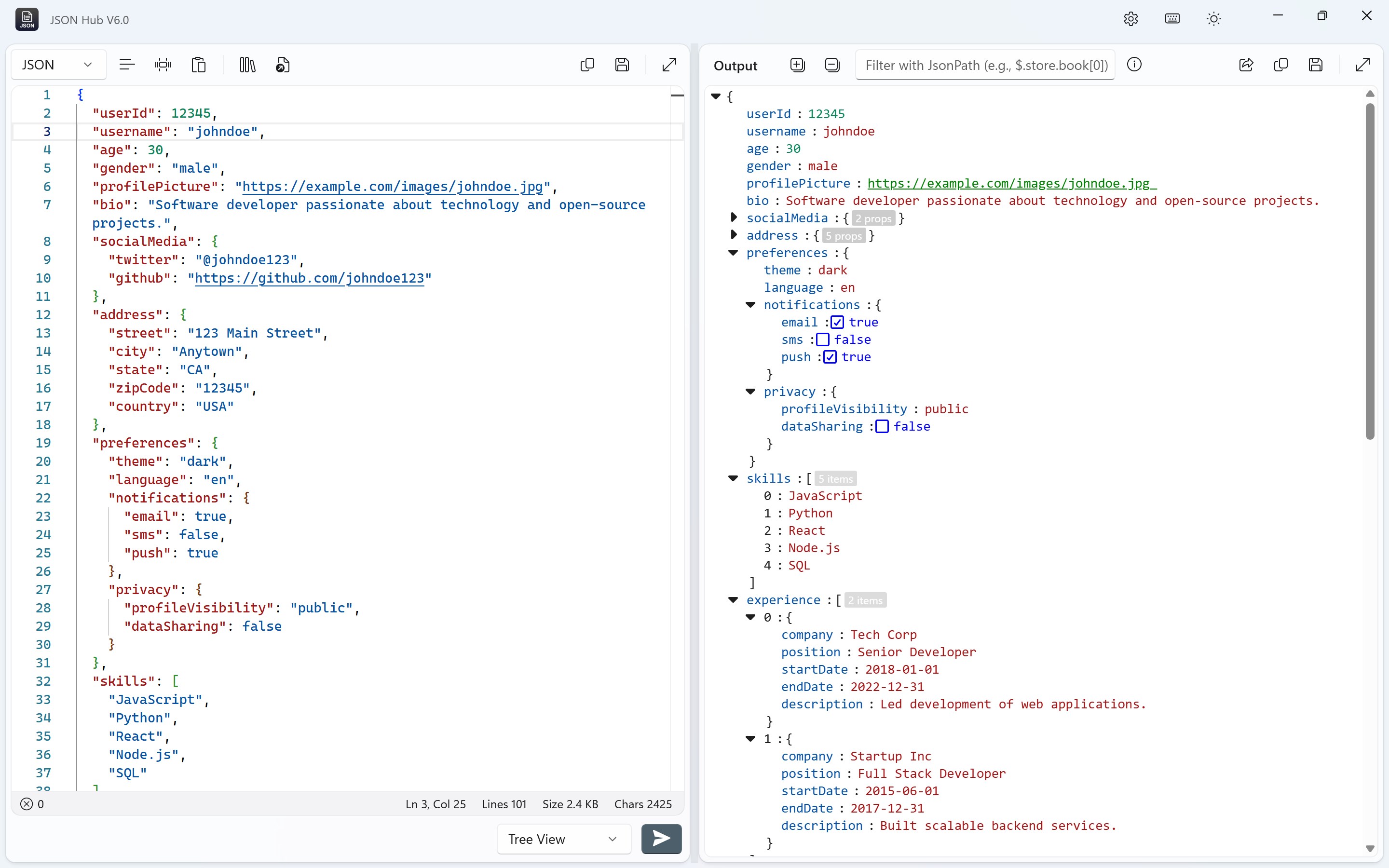
Intuitive JSON Visualization and Editing
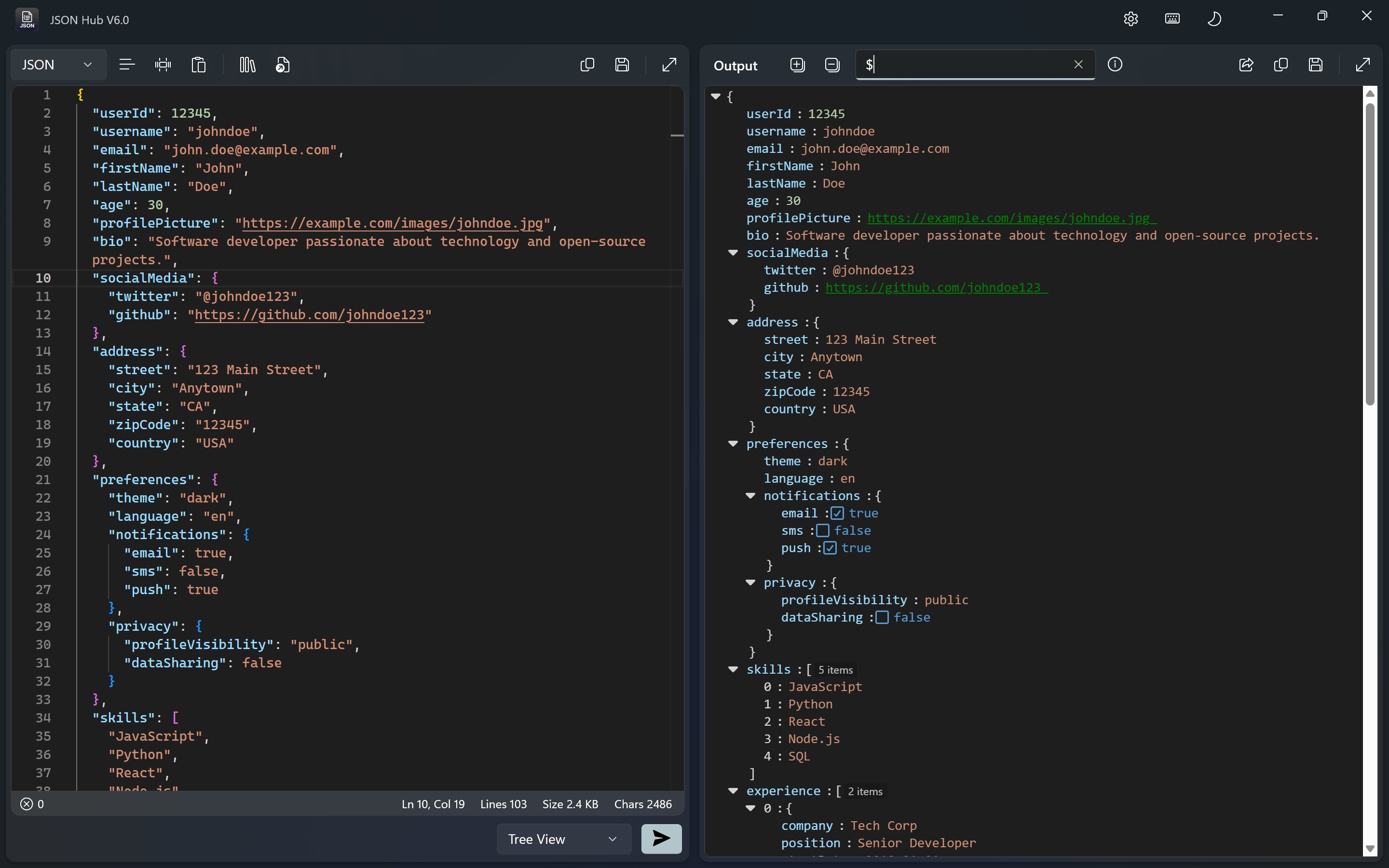
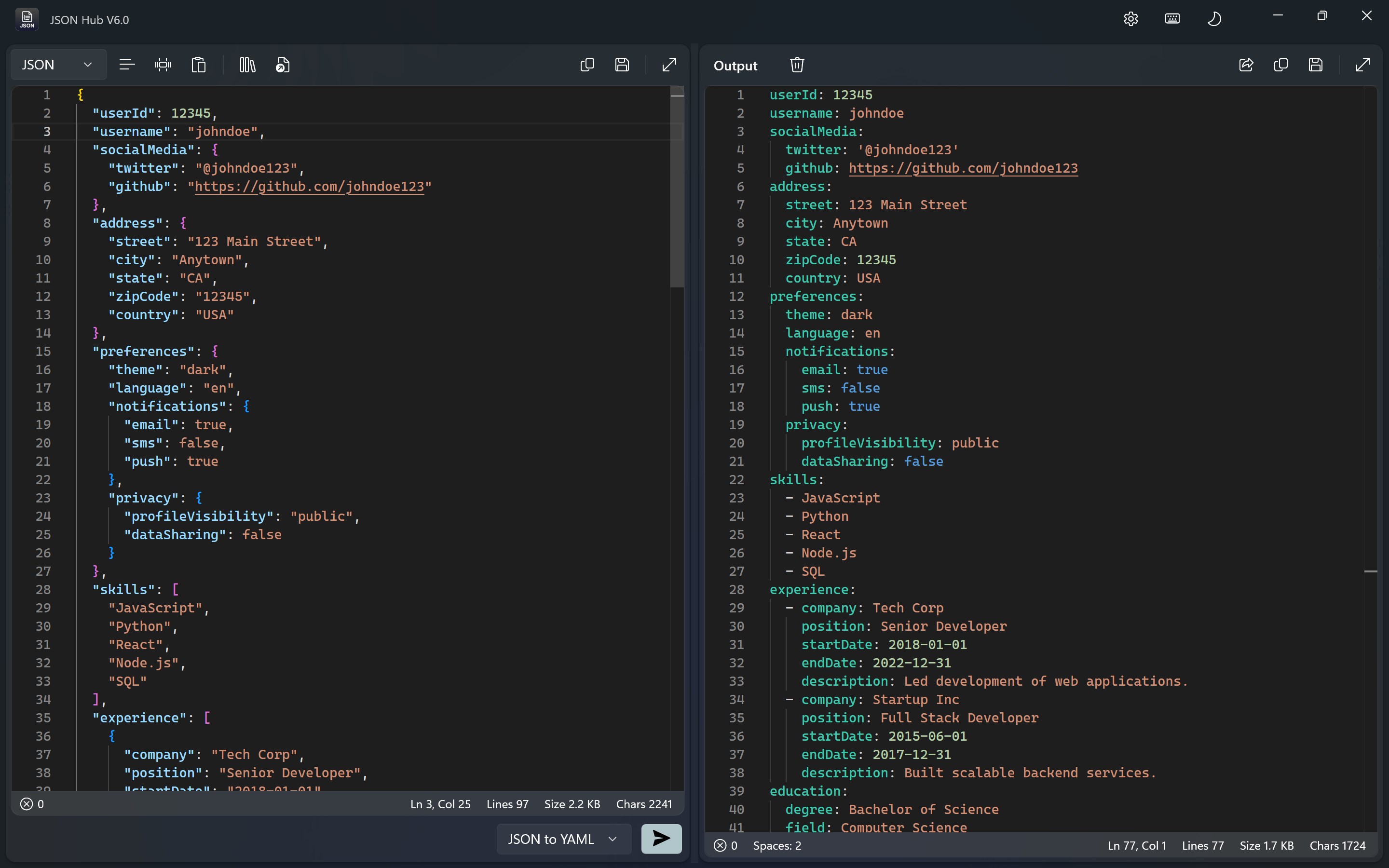
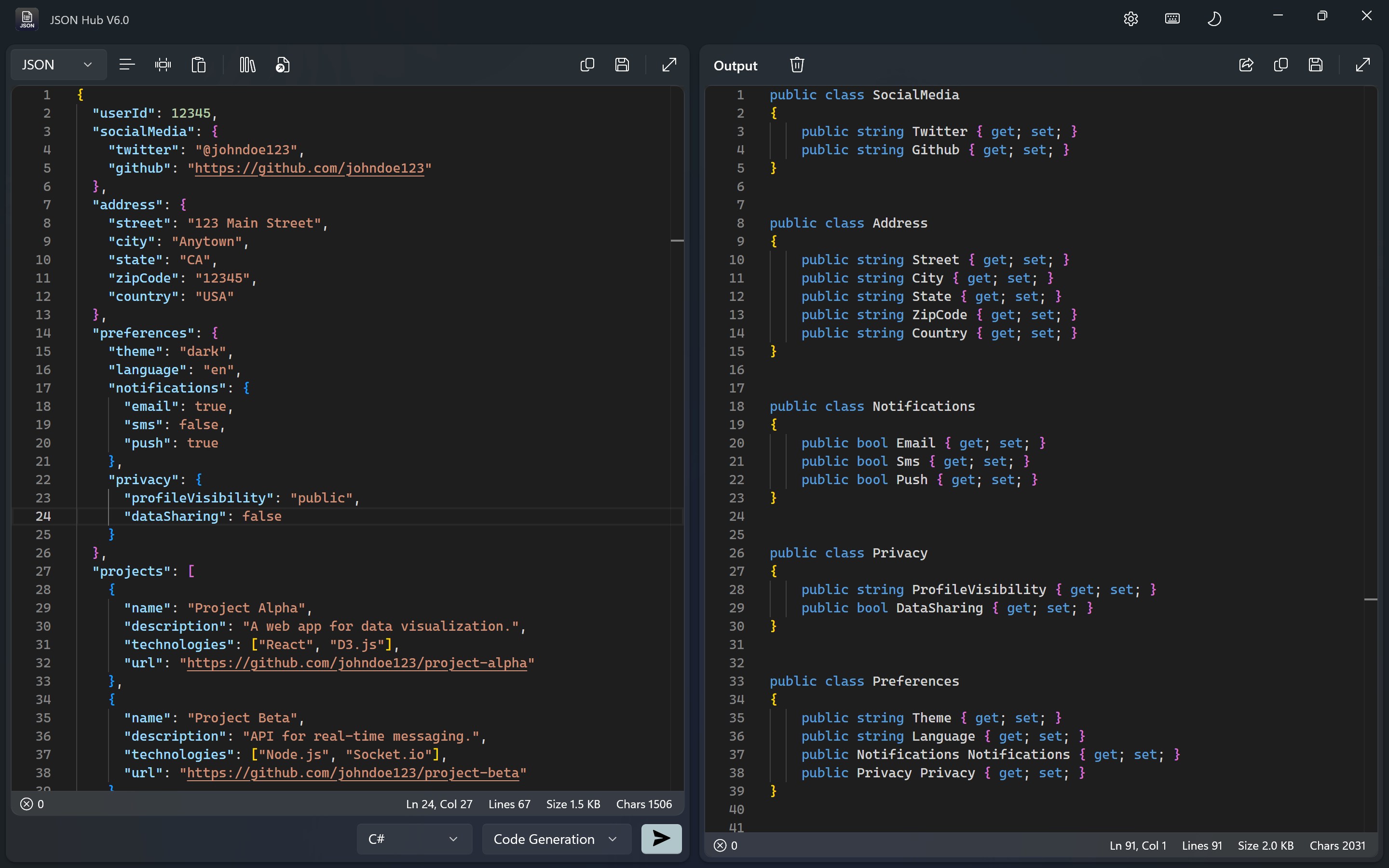
Imagine being able to view complex JSON data laid out like a neatly organized bookshelf—each nested object expanded or collapsed at will. JSON Hub provides a clean, visually appealing interface that makes navigating even the most elaborate JSON structures feel like a walk in the park. Its drag-and-drop and inline editing features further enhance user convenience, making modifications straightforward and error-free.
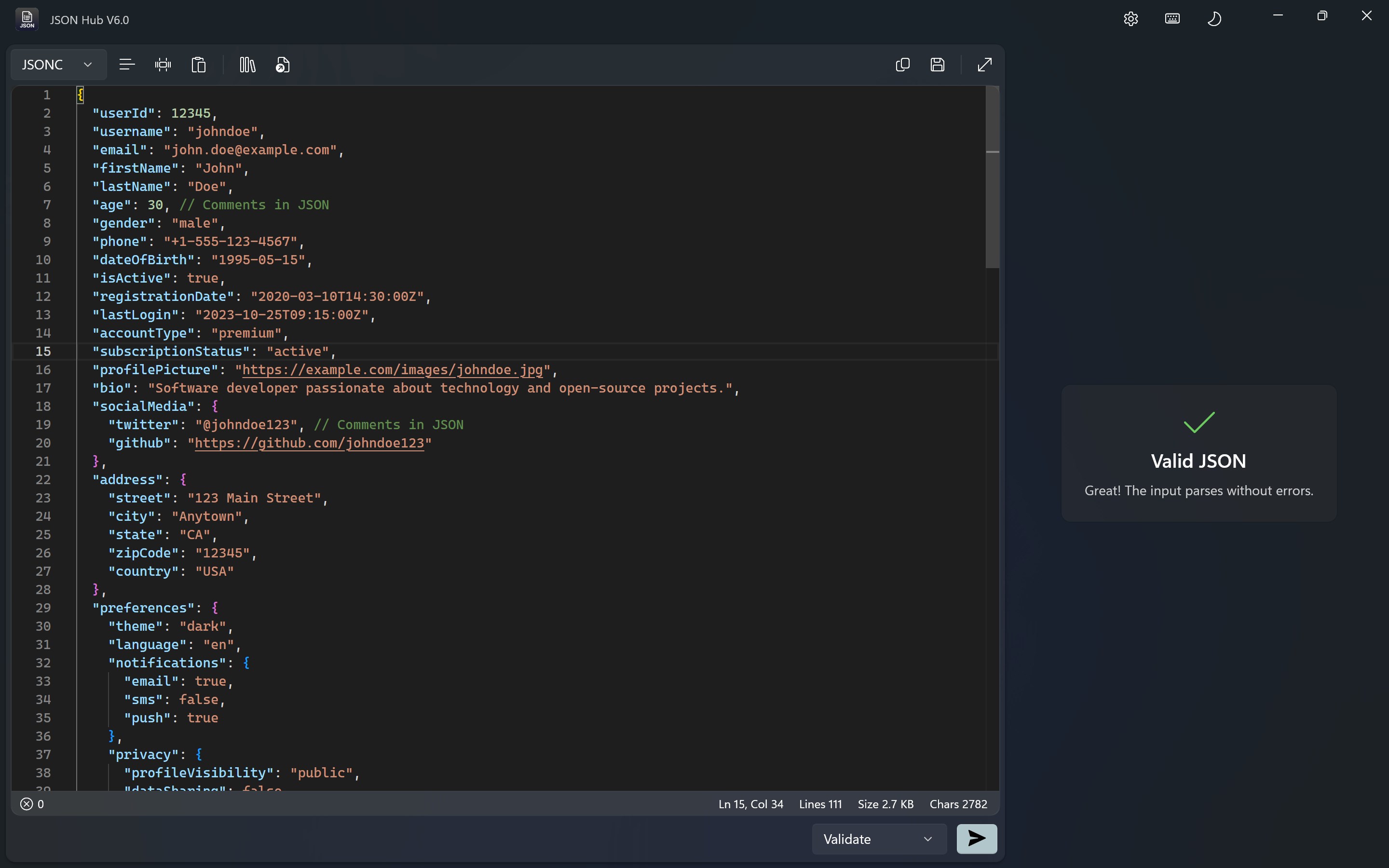
Real-Time Validation and Error Highlighting
Errors in JSON files can be like hidden potholes on an otherwise smooth road—tricky and disruptive. JSON Hub's real-time syntax validation acts like a vigilant GPS, instantly flagging issues with clear, color-coded markers. This immediate feedback helps users correct mistakes before they escalate, saving time and frustration. It's especially beneficial for those working on larger data sets or integrating APIs where precision matters.
Formatting and Data Management Tools
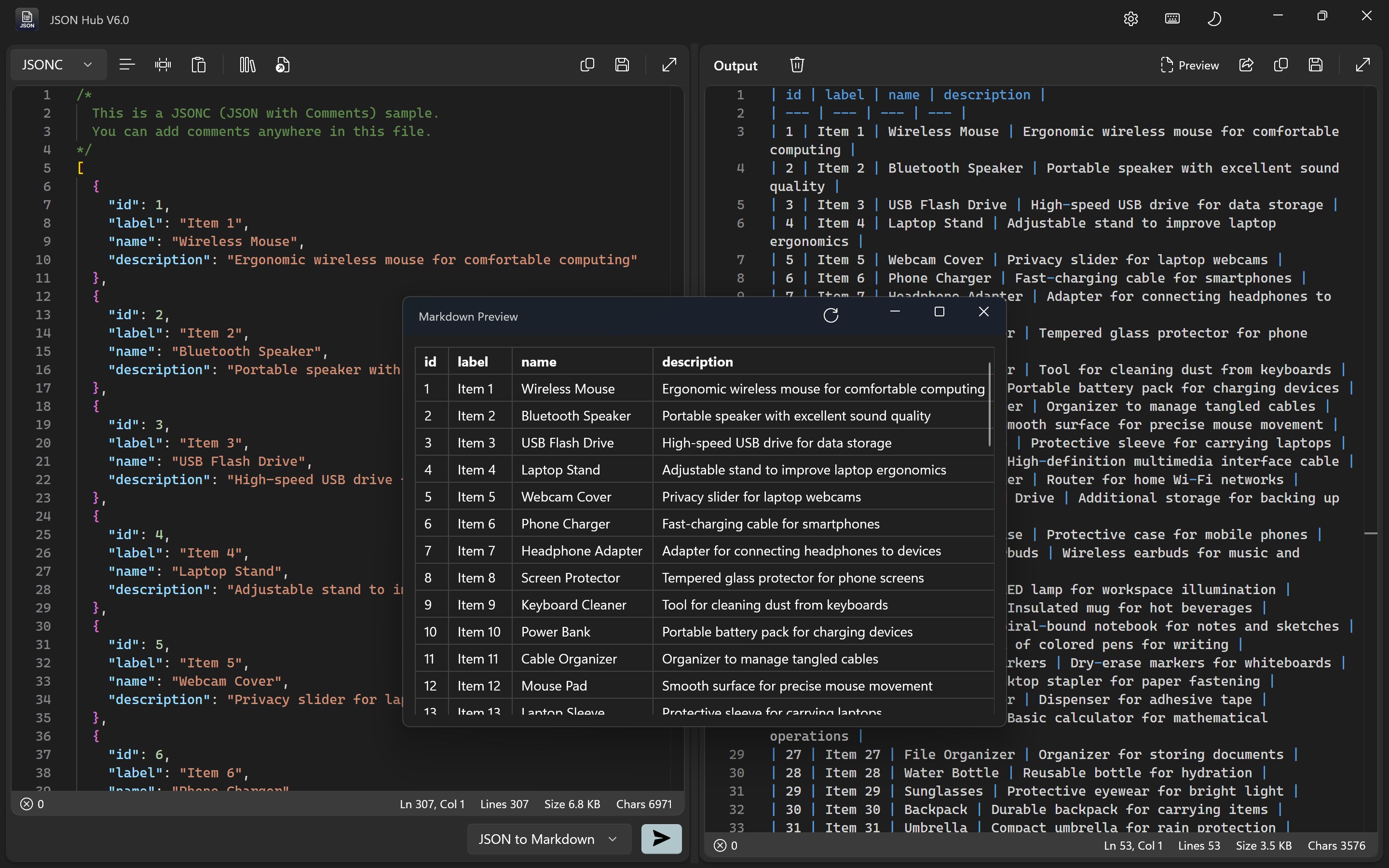
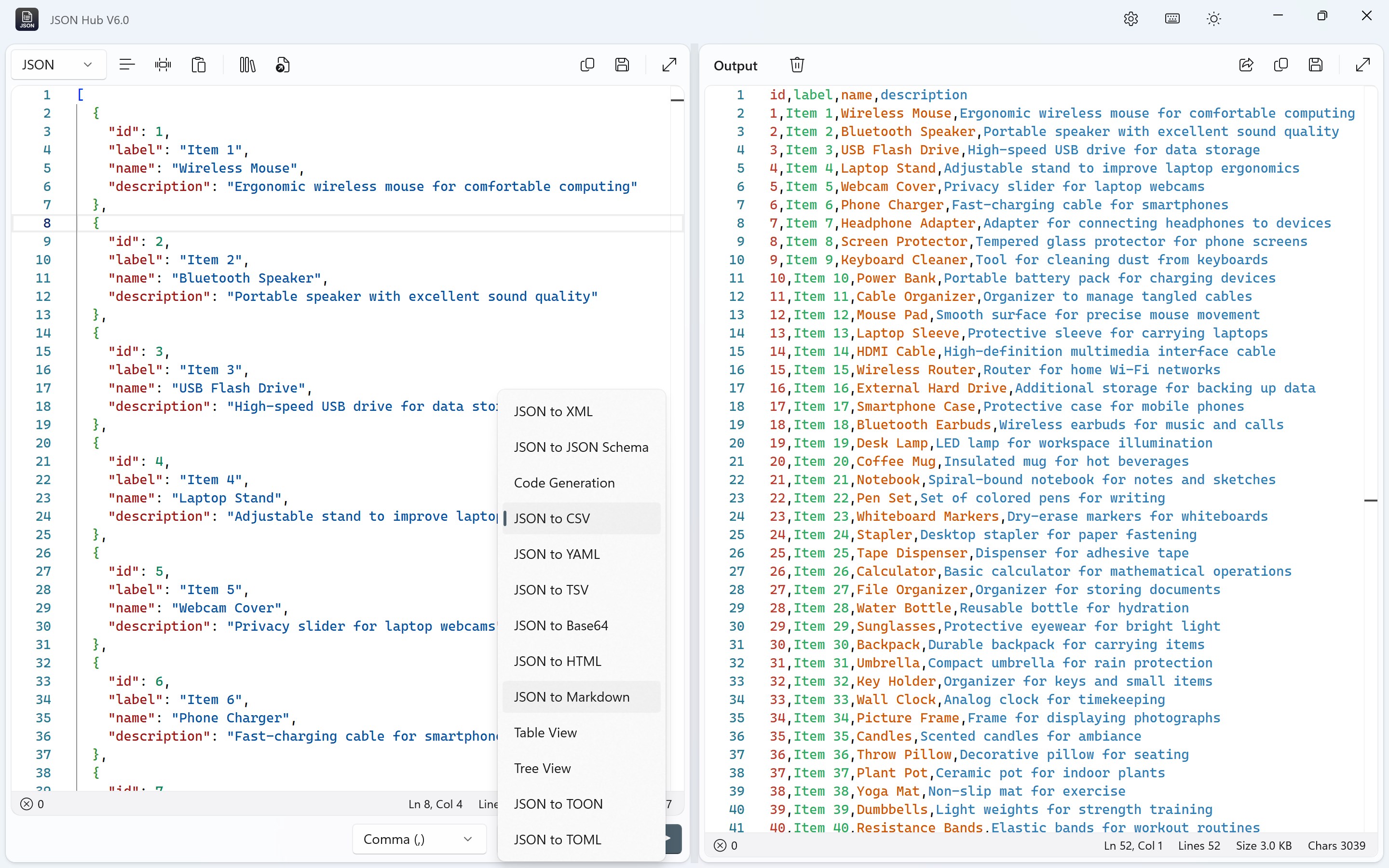
When it comes to preparing JSON data for sharing or debugging, formatting often becomes a chore. JSON Hub simplifies this with quick-format options—tabulations, minification, or pretty-printing—just a click away. Additionally, features like copy-to-clipboard and exporting options enhance data management, making it easier to reuse or transfer your data across different projects and platforms.
User Experience: Smooth, Friendly, and Accessible
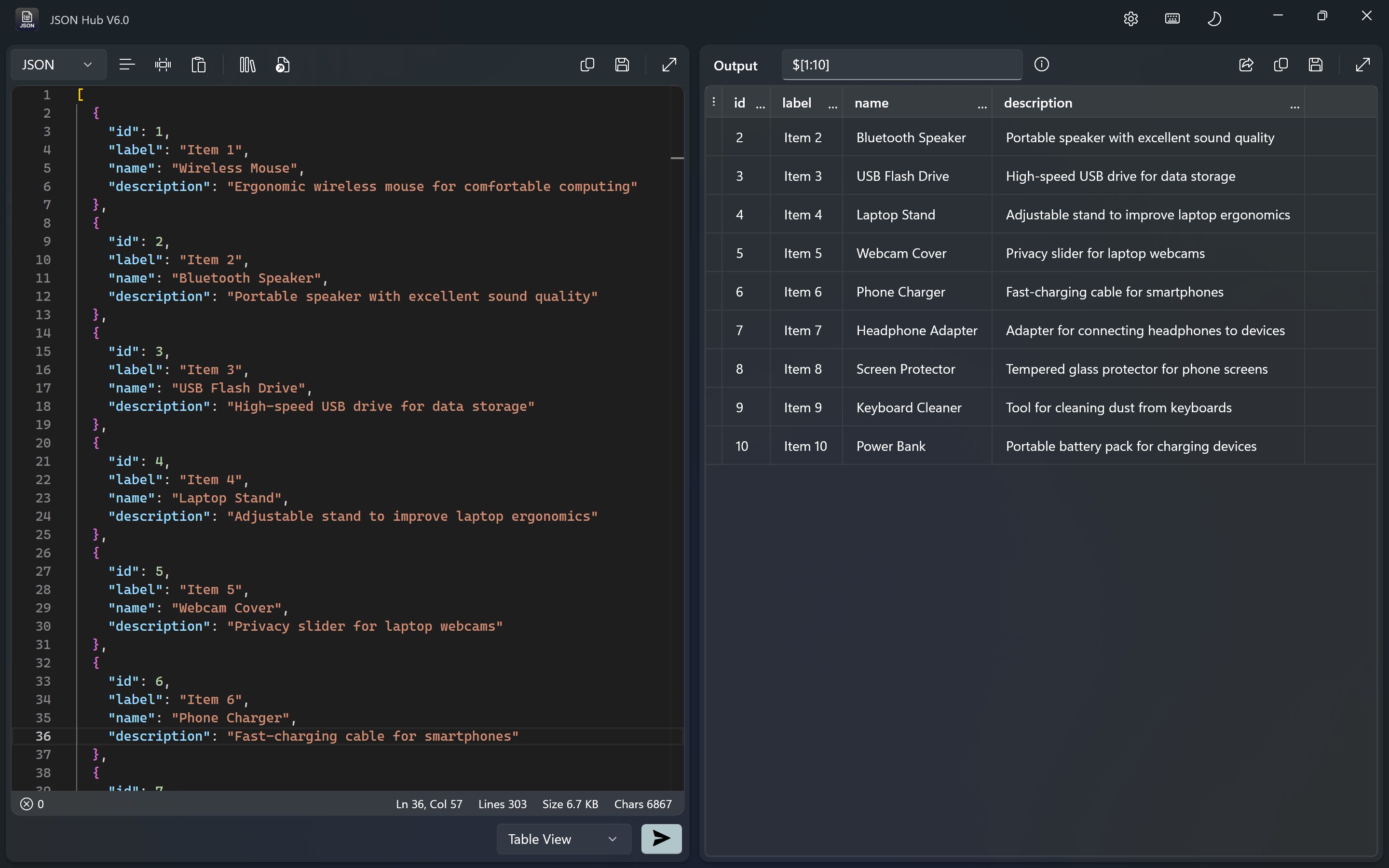
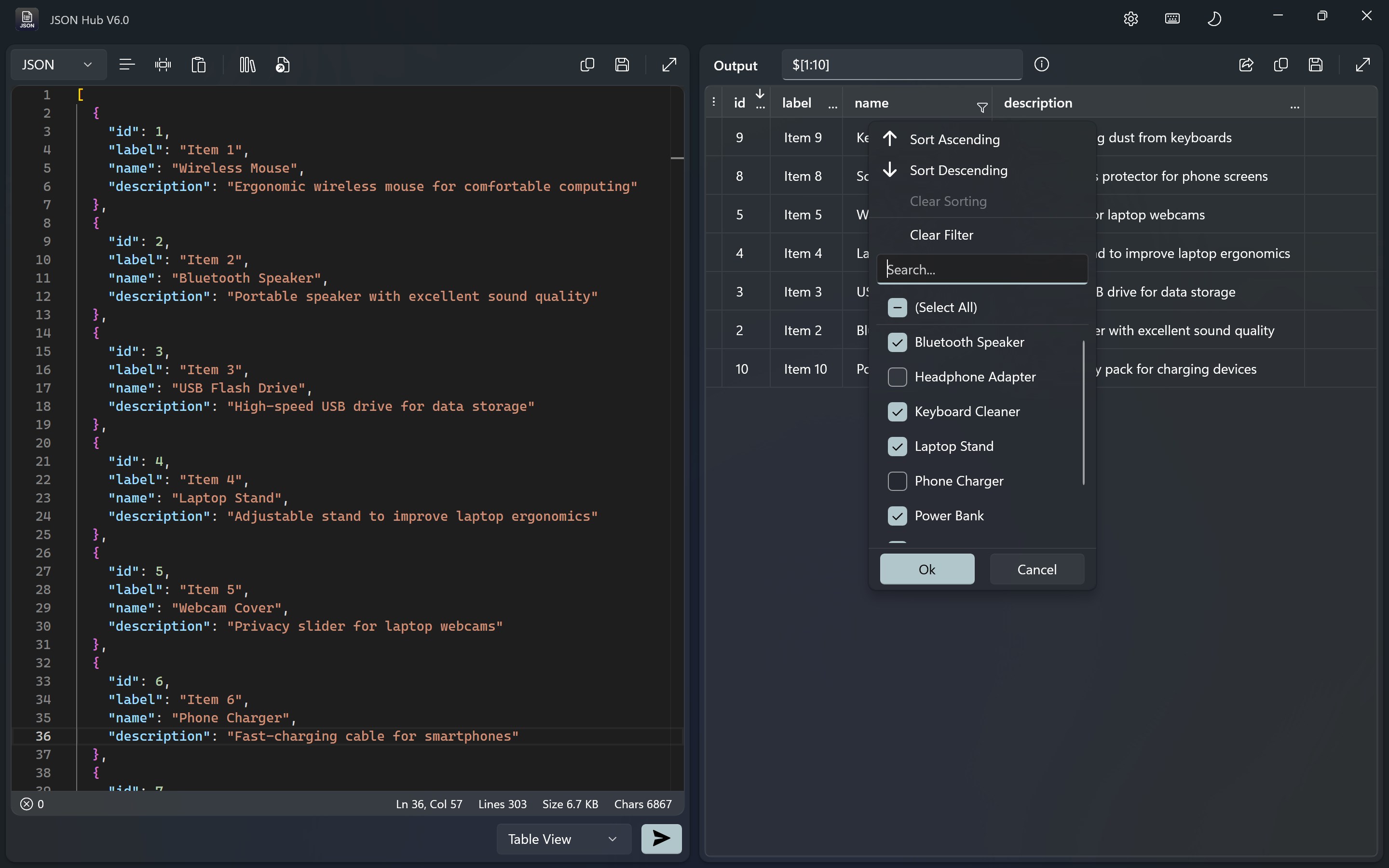
From the moment you open JSON Hub, it's like stepping into a well-organized workspace. The interface sports a minimalistic yet functional design, avoiding overwhelming clutter. Navigating through menus and features feels natural, akin to flipping through pages in a well-loved book. The app's responsiveness is notable; operations like expanding nodes, validating data, or formatting happen instantly, contributing to a fluid user experience. For new users, the learning curve is gentle—intuitive icons and helpful tooltips guide you step by step, making JSON management less intimidating.
What Sets JSON Hub Apart from Similar Tools
While numerous JSON editors exist, JSON Hub's real strength lies in its simplicity paired with powerful validation features. Its real-time syntax checking acts like a vigilant spellchecker—immediately catching errors and guiding corrections before you even notice them. Compared to more complex tools that might overwhelm with heavy features or complicated interfaces, JSON Hub keeps things lean, functional, and accessible.
Furthermore, its seamless integration with Windows and user-friendly design make it a versatile accessory for a variety of workflows—from quick data inspections to detailed data validation in larger projects. Its focus on clarity and ease of use ensures that even novices can confidently handle JSON tasks without a steep learning curve.
Final Verdict and Recommendations
All in all, JSON Hub for Windows is a highly recommended tool for anyone regularly working with JSON data. Its standout features—particularly real-time validation and an elegant visualization interface—offer tangible productivity benefits. While it may lack some advanced features found in premium tools, its simplicity and effectiveness make it a valuable addition to your developer toolkit.
If you're seeking a no-fuss, reliable JSON viewer and validator that integrates smoothly into your Windows workflow, JSON Hub deserves a try. Ideal for developers, data analysts, or hobbyists needing a quick, trustworthy JSON companion—think of it as your digital JSON assistant that's always ready to keep your data tidy and error-free.
Pros
- Intuitive JSON Parsing
- Fast Performance
- Built-in Validation Tools
- Code Auto-completion and Suggestions
- Cross-Platform Compatibility
Cons
- Limited Customization Options
- Basic Syntax Highlighting Only
- No Support for JSON Schema Validation
- Limited Export Formats
- Occasional Crashes with Large Files











