

- Category Security
- Developer Kali Linux
- Available on PC
- OS Windows 10 version 16215.0 or higher
- Keyboard Integrated Keyboard
- Mouse Not specified
- languages English (United States)
Kali Linux for Windows: Bridging the Linux Powerhouse to Your Desktop
Kali Linux for Windows brings the robust toolset of one of the world's most renowned penetration testing distributions directly into your Windows environment, offering an accessible yet powerful platform for cybersecurity enthusiasts, developers, and network administrators alike.
Developer and Core Features
Developed and published by Kali Linux, this application enables users to run Kali Linux natively on Windows 10 and Windows 11 via the Windows Subsystem for Linux (WSL). Its main highlights include seamless integration with Windows, a comprehensive collection of security tools, and ease of setup without the need for dual-boot configurations or external hardware. Its primary target audience comprises cybersecurity professionals, ethical hackers, and IT students eager to learn and practice security testing in a convenient, familiar environment.
A Warm Welcome to the World of Cybersecurity
Imagine opening your Windows desktop and instantly diving into a fully-equipped security lab, all without rebooting or juggling multiple devices—that's precisely what Kali Linux for Windows promises. It's like having a professional toolbox right at your fingertips, transforming your Windows machine into a versatile cybersecurity workstation. Whether you're testing your network defenses or exploring ethical hacking techniques, this app aims to make powerful tools accessible and straightforward to use.
Core Functionality 1: Native WSL Integration & Ease of Use
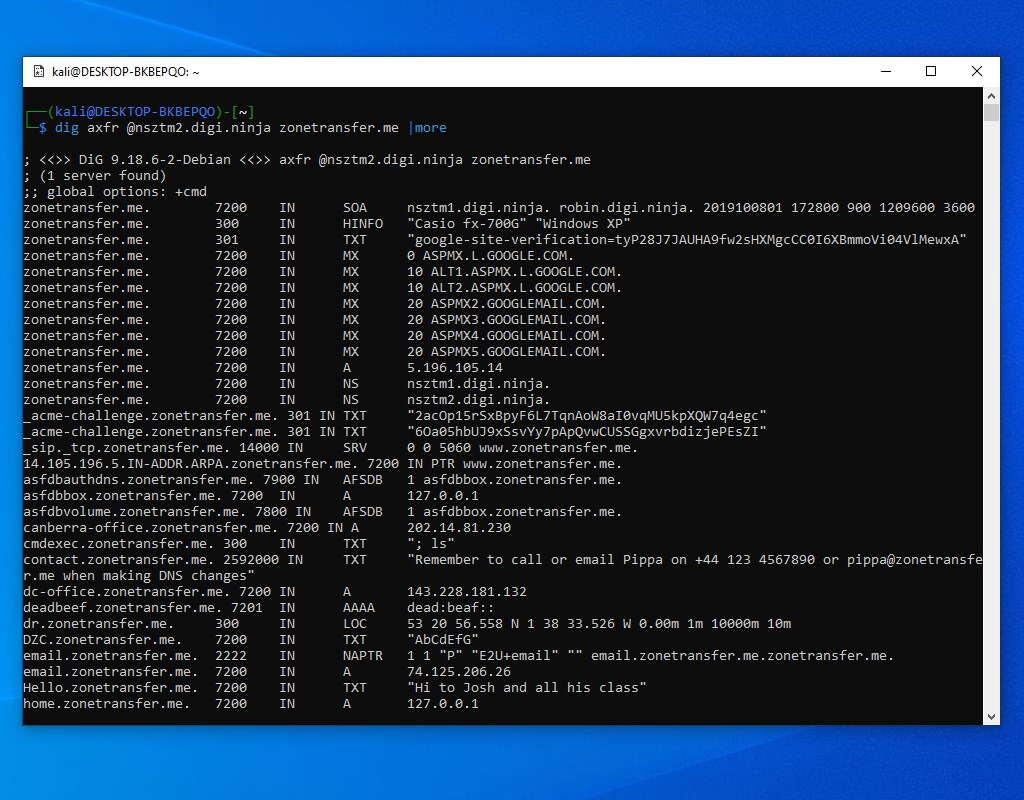
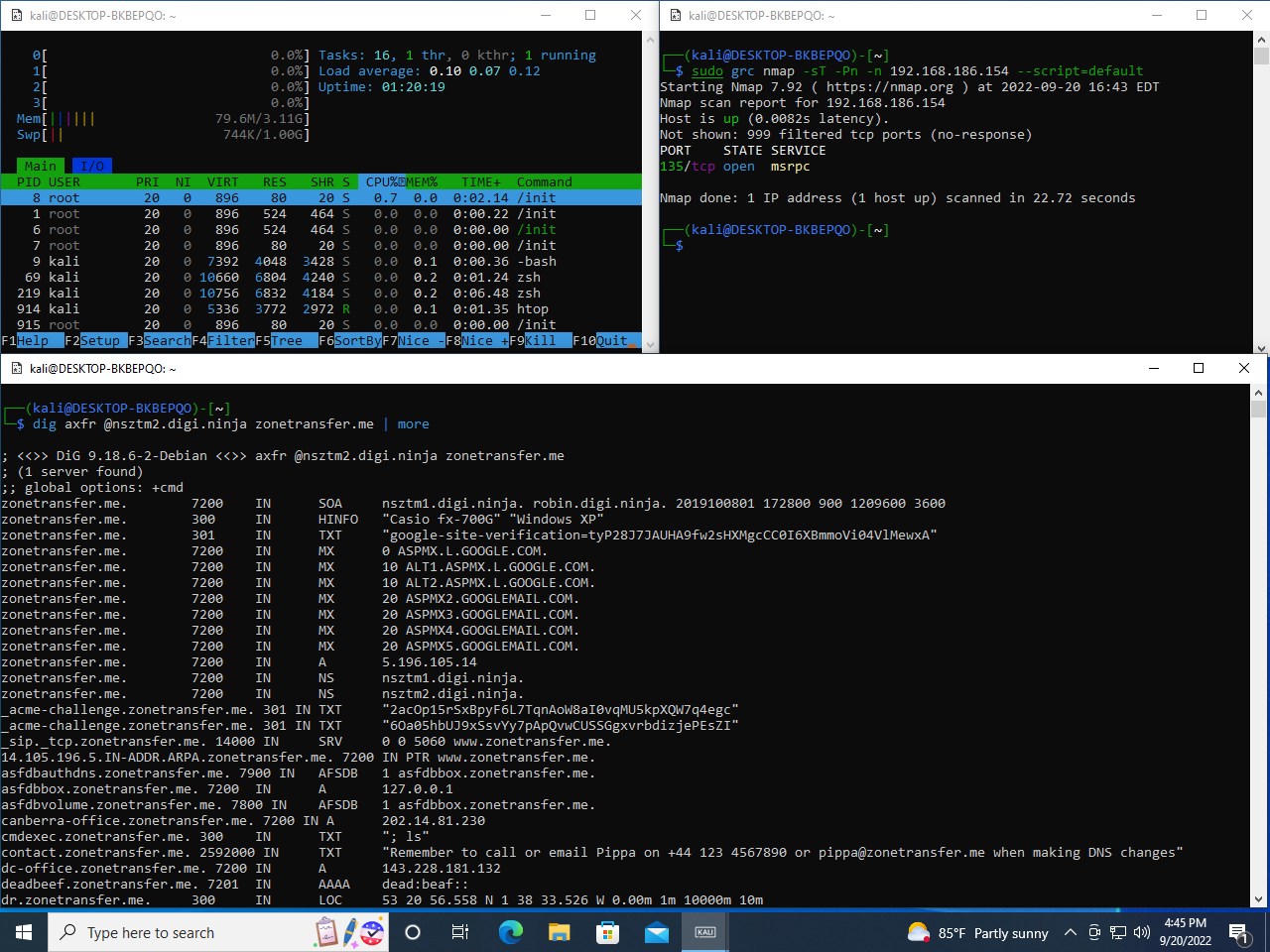
One of the standout features of Kali Linux for Windows is its smooth integration with the Windows Subsystem for Linux. Once installed, it operates almost like a native application, with quick access from the Start Menu. The developers have optimized the setup process, guiding users through enabling WSL and installing Kali Linux with just a few clicks. The interface adopts a traditional Linux terminal look, familiar to seasoned users, but with added convenience for those switching from Windows. This seamless integration means you can run complex security scripts or tools alongside your daily Windows applications without leaving your environment.
Core Functionality 2: Extensive Security Toolkit Library
At its heart, Kali Linux is renowned for its comprehensive collection of over 600 security and penetration testing tools. Running this on Windows unlocks all of that power in a contained environment, making it perfect for testing network vulnerabilities, analyzing Wi-Fi security, or conducting forensic investigations. And because it's all within WSL, users can leverage Windows features such as file sharing and clipboard integration, streamlining workflows that previously involved switching between multiple systems or setups.
Core Functionality 3: Customization and Flexibility
Further adding to its appeal is the ability to customize your Kali Linux environment. You can install additional packages, scripts, or even switch between multiple Linux distributions if needed. The app maintains stability and performance, providing a fluid experience akin to working on a dedicated Linux machine—only now, all inside your familiar Windows ecosystem. For learners, this flexibility offers a low-barrier entry into the world of cybersecurity without extensive hardware investments.
Evaluating User Experience and Unique Advantages
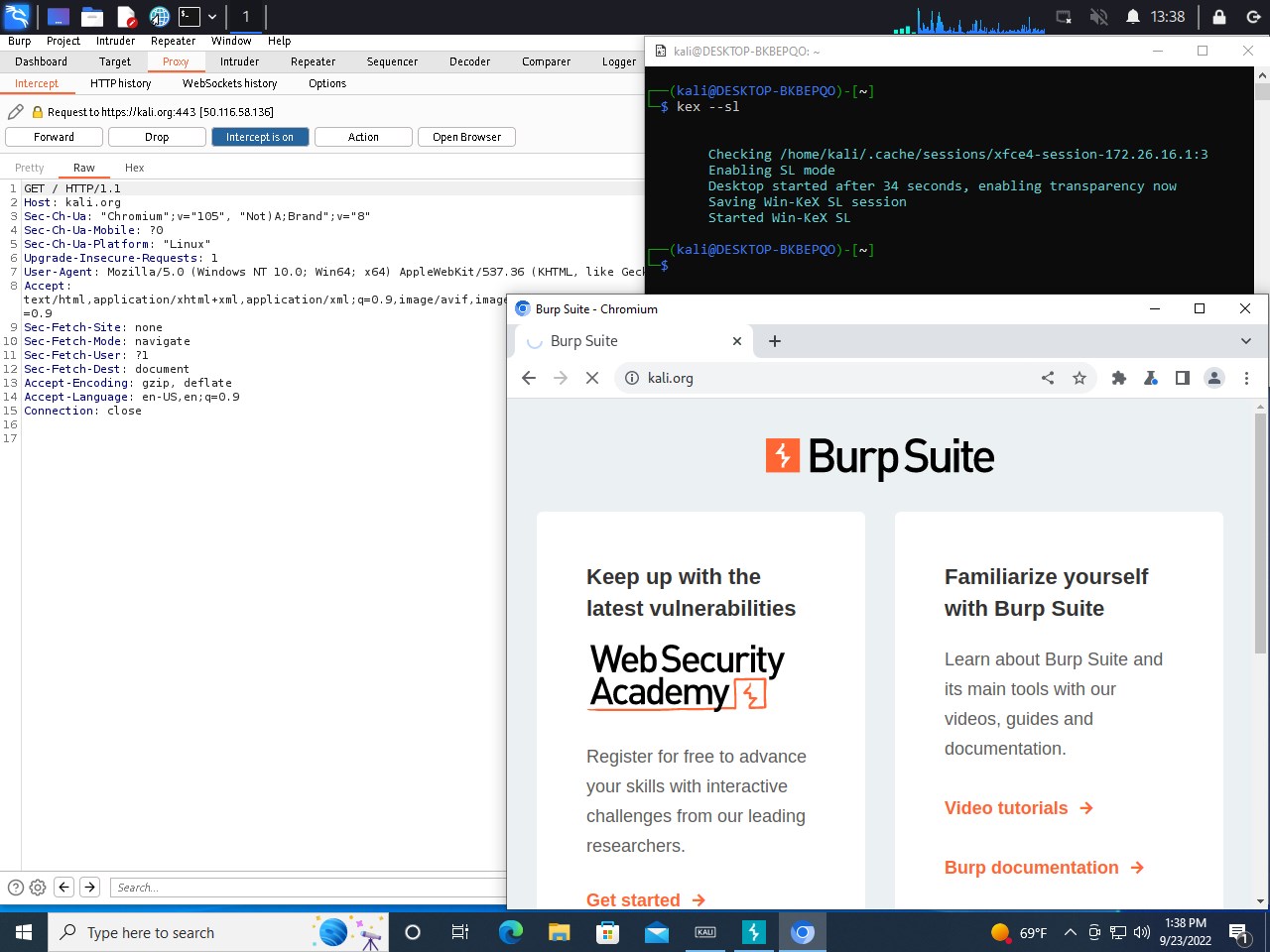
The interface feels straightforward, with a simple terminal window that doesn't overwhelm newcomers. While it's not a full graphical environment out of the box, advanced users can set up and run graphical tools using X servers; however, this might require some configuration. The responsiveness is impressive; executing complex tasks feels nearly native, thanks to WSL's lightweight architecture. The learning curve is moderate—users comfortable with Linux will find it an empowering extension of their skillset, while newcomers can explore tutorials to get started.
Differentiation in the Security Landscape
Compared to other security apps that run on Windows—many of which offer limited toolsets or simplified interfaces—Kali Linux for Windows stands out by offering access to an authentic, full-fledged cybersecurity toolkit. Its biggest edge is not just the depth of tools but the Reactivity—instant switching between Windows and Kali without rebooting—that empowers users to conduct testing in real-time. This makes it ideal not just for professional pentesters but also for institutions looking for an integrated security platform without investing in dedicated hardware.
Final Thoughts: Who Should Try It?
If you're a cybersecurity enthusiast, a student, or an IT professional looking to expand your toolkit without cluttering your system, Kali Linux for Windows is highly recommended. Its ease of setup, combined with the comprehensive security suite and seamless interoperability with Windows, offers a practical solution for both learning and professional use. While it may require some initial familiarization—especially for graphical tool setup—the benefits of having a portable, powerful Linux environment within Windows make it a worthwhile endeavor. For those seeking a bridge between Windows and Linux cybersecurity worlds, this app is undeniably a valuable asset.
Pros
- Seamless integration with Windows
- Easy installation process
- Access to a wide array of Kali tools
- Regular updates and support
- Resource-efficient operation
Cons
- Limited GUI support
- Requires Windows 10 or later
- Potential compatibility issues with certain hardware
- Limited access to hardware virtualization features
- Initial setup may be complex for novice users











