- Category Books & reference
- Developer KDLApps
- Available on PC, Mobile, Surface Hub, HoloLens
- OS Windows 10 version 17763.0 or higher
- languages English (United States)
Introducing KDL Reader for Windows: Your New Digital Reading Companion
Imagine having a personal library at your fingertips that effortlessly transforms the way you consume texts—whether novels, academic papers, or reference materials. KDL Reader for Windows by KDLApps promises to be that dependable companion, streamlining your reading experience with a clean interface and smart features. Designed for avid readers and researchers alike, this app aims to bring clarity and convenience to digital reading on your Windows device.
Core Features That Stand Out
Smart Bookmarking and Annotation
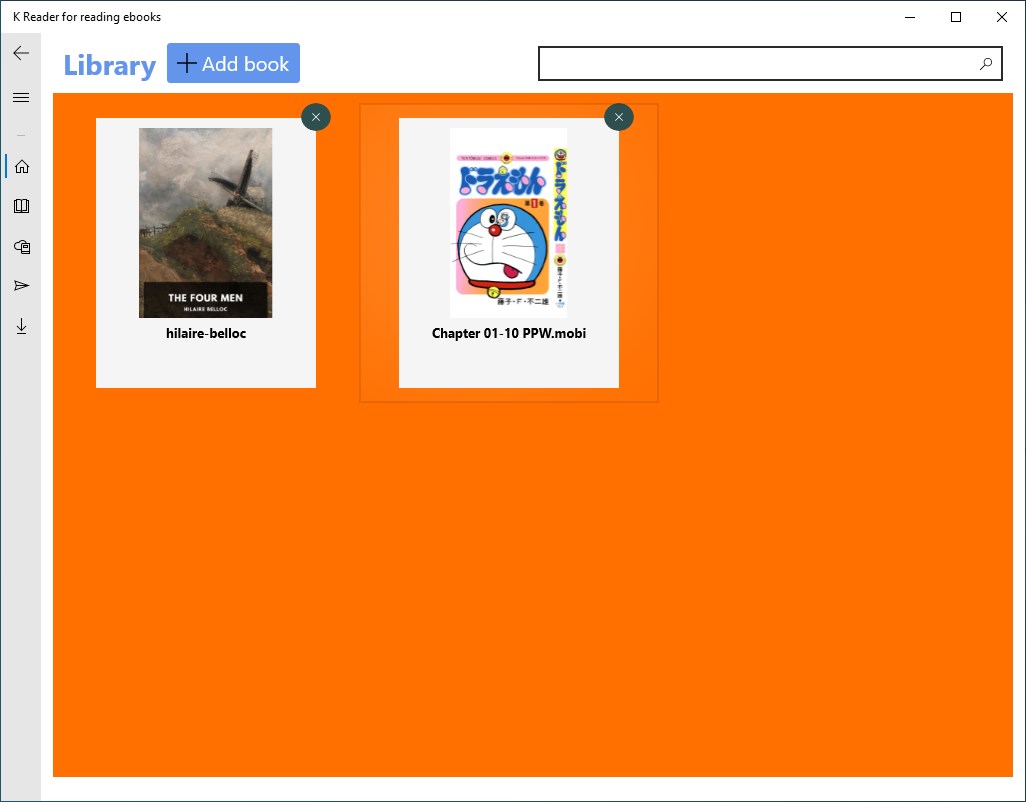
KDL Reader's standout feature is its intuitive bookmarking and annotation system. Unlike typical ebook readers that let you simply mark pages, this app allows for seamless highlights, notes, and tagging within documents. Whether you're studying complex materials or just jotting down quick thoughts, this function acts like a digital highlighter and margin note in a traditional book, making your review process both easy and organized.
Multiple Format Compatibility
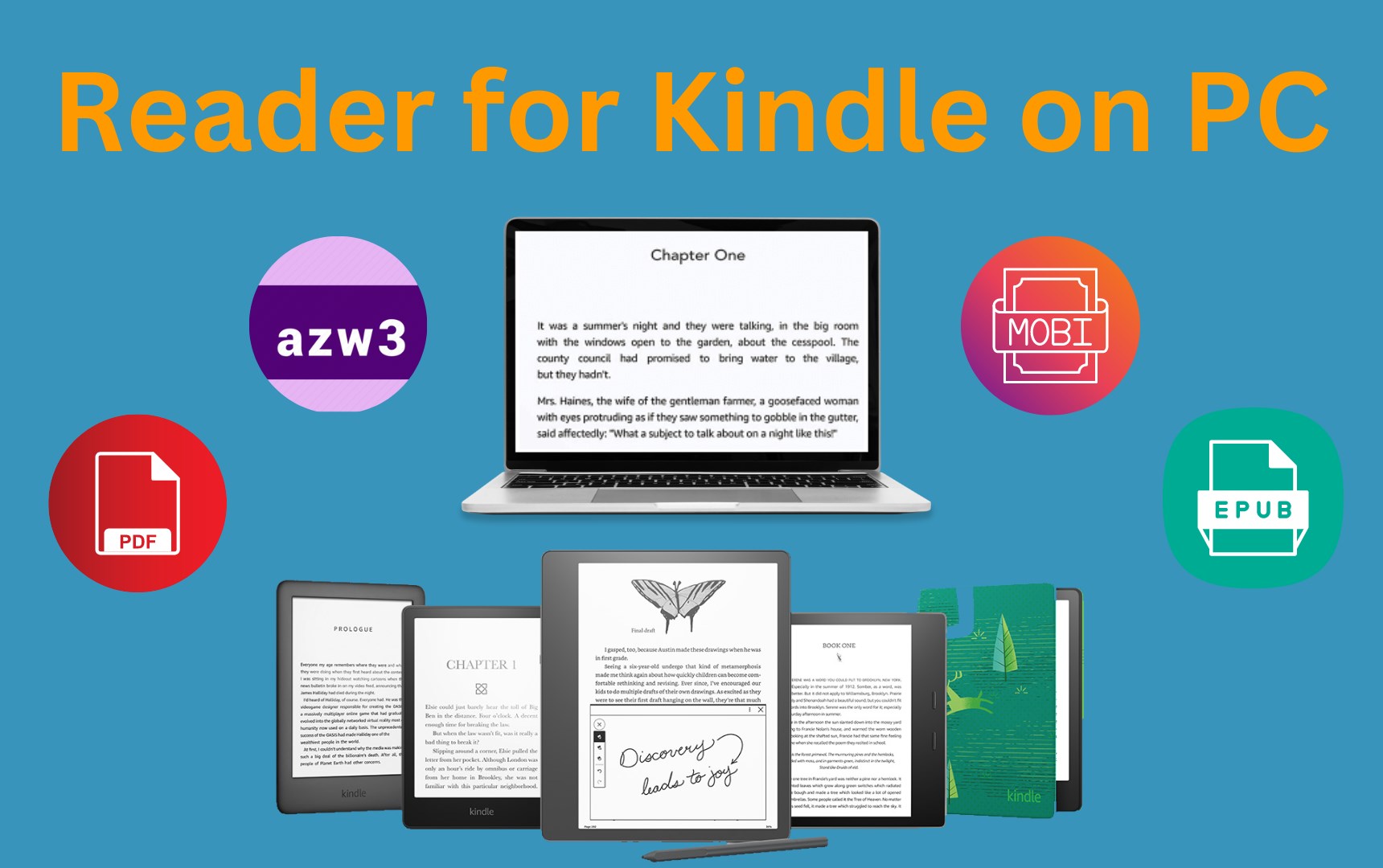
Forget the hassle of converting documents before reading. KDL Reader supports a variety of formats, including PDF, EPUB, and TXT, ensuring that your preferred materials open without fuss. This broad compatibility transforms the app into a versatile tool—your all-in-one reader that adapts to different content types, much like a Swiss Army knife for your digital library.
Customizable Reading Experience
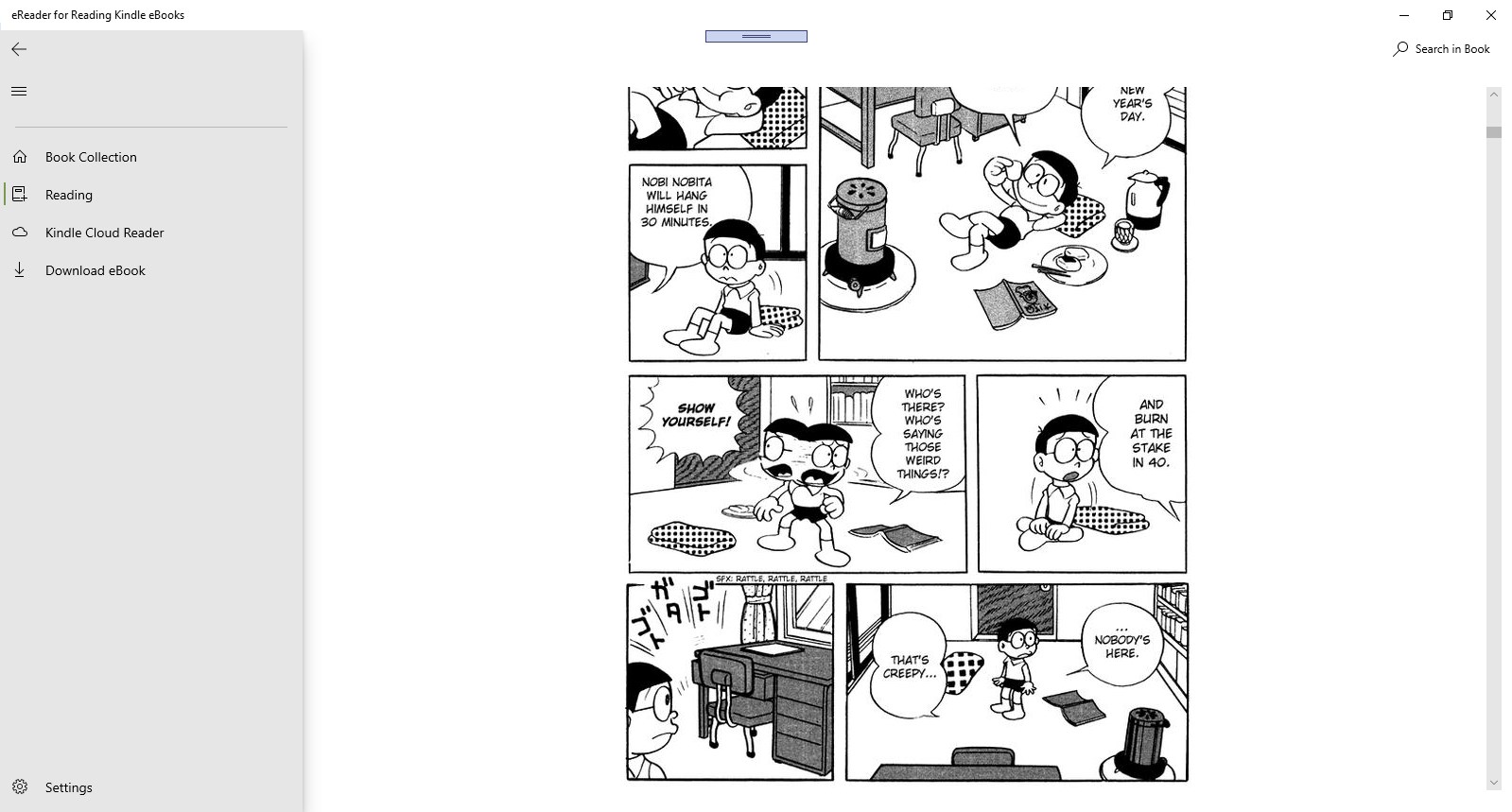
Reading comfort matters. With adjustable font size, background color themes, and even line spacing options, KDL Reader lets you tailor the reading environment to your liking. Its simple yet effective customization options create a cozy reading nook within your Windows screen, reducing eye strain and increasing engagement—think of it as your personal reading lounge, customized just for you.
Design, Usability, and Overall Experience
The app boasts a minimalist interface that resembles a well-organized bookshelf rather than a cluttered dashboard. The design feels intuitive—users navigate effortlessly between files, highlights, and settings, making the learning curve gentle. Operations such as opening files, adding highlights, and searching for annotations are notably smooth and responsive, like flipping through a well-worn paper book but with the added magic of digital convenience.
Concerning user experience, KDL Reader strikes a good balance. While it's accessible enough for casual readers, its robust annotation tools appeal to students, researchers, and professionals who rely on detailed notes and references. The interface's clarity minimizes distractions, allowing you to focus solely on your content. However, advanced customization features remain straightforward, avoiding intimidating menus or overly complex options.
What Makes KDL Reader Unique?
While many books and reference apps offer similar features, KDL Reader distinguishes itself through two particularly notable functionalities:
- Seamless Multi-Format Support with a Unified Reading Space: You don't need different apps for different document types. KDL Reader's integrated support means one unified space for all your reading materials, saving time and reducing app-switching frustration.
- Efficient Annotation within Large Documents: Its ability to handle large PDFs or lengthy EPUB files while maintaining smooth annotation and navigation is remarkable. Unlike many apps that slow down or become cumbersome with big files, KDL Reader remains responsive, making prolonged reading and note-taking sessions comfortable and productive.
This combination essentially creates a high-efficiency, low-friction reading experience—ideal for heavy readers who need a reliable app that adapts to their workflow.
Final Recommendation and Usage Tips
All in all, KDL Reader for Windows earns a solid recommendation for anyone seeking a straightforward yet capable digital reading tool. Its emphasis on core reading enhancements—like smart annotations and format flexibility—serves the needs of students, professionals, and casual readers alike.
For the best experience, I suggest exploring its customization options early on to create your ideal reading environment. Beginners will appreciate its intuitive interface, while seasoned users will find the annotation features particularly beneficial for research and study sessions. If your digital library is growing and clarity matters, this app is worth considering as part of your workflow.
Pros
- User-Friendly Interface
- Fast Reading Speed
- Wide File Format Support
- Customizable Reading Experience
- Offline Accessibility
Cons
- Limited Annotation Features
- Cluttered Menu Options
- Occasional Performance Lags with Large Files
- Lack of Night Mode by Default
- Limited Cloud Sync Support