

- Category Productivity
- Available on PC
- OS Windows 10 version 15063.0 or higher
- Keyboard Integrated Keyboard
- Mouse Integrated Mouse
- languages Arabic, Chinese (Simplified), Chinese (Traditional), Chinese (Traditional, Hong Kong SAR), Dutch, English (United Kingdom), English (United States), French, German, Greek, Italian, Japanese, Korean, Polish, Portuguese (Brazil), Portuguese (Portugal), Romanian, Russian, Slovak, Spanish
Keeper® Password Manager for Windows — A Seamless Guardian for Your Digital World
In an era where our digital footprints are as vast as the galaxy, Keeper® Password Manager for Windows acts as a reliable navigator, ensuring that your passwords and sensitive data stay safe and accessible without adding complexity to your workflow. Developed by Keeper Security Inc., this app promises robust security combined with an intuitive interface, making it a standout choice for both tech-savvy users and those just seeking a secure vault for their credentials.
About the App: What Sets It Apart
Keeper® Password Manager for Windows is a comprehensive password management solution designed to simplify the way you store, generate, and access passwords. It's like having a digital safe that's always within arm's reach, ready to unlock your online life with ease.
Developer and Purpose
Created by Keeper Security Inc., a trusted name in cybersecurity, the app aims to provide a secure, user-friendly platform to manage passwords across multiple devices and services.
Core Features That Shine
- End-to-End Encrypted Storage: Your data is encrypted locally on your device before syncing with the cloud, ensuring only you have access to your information.
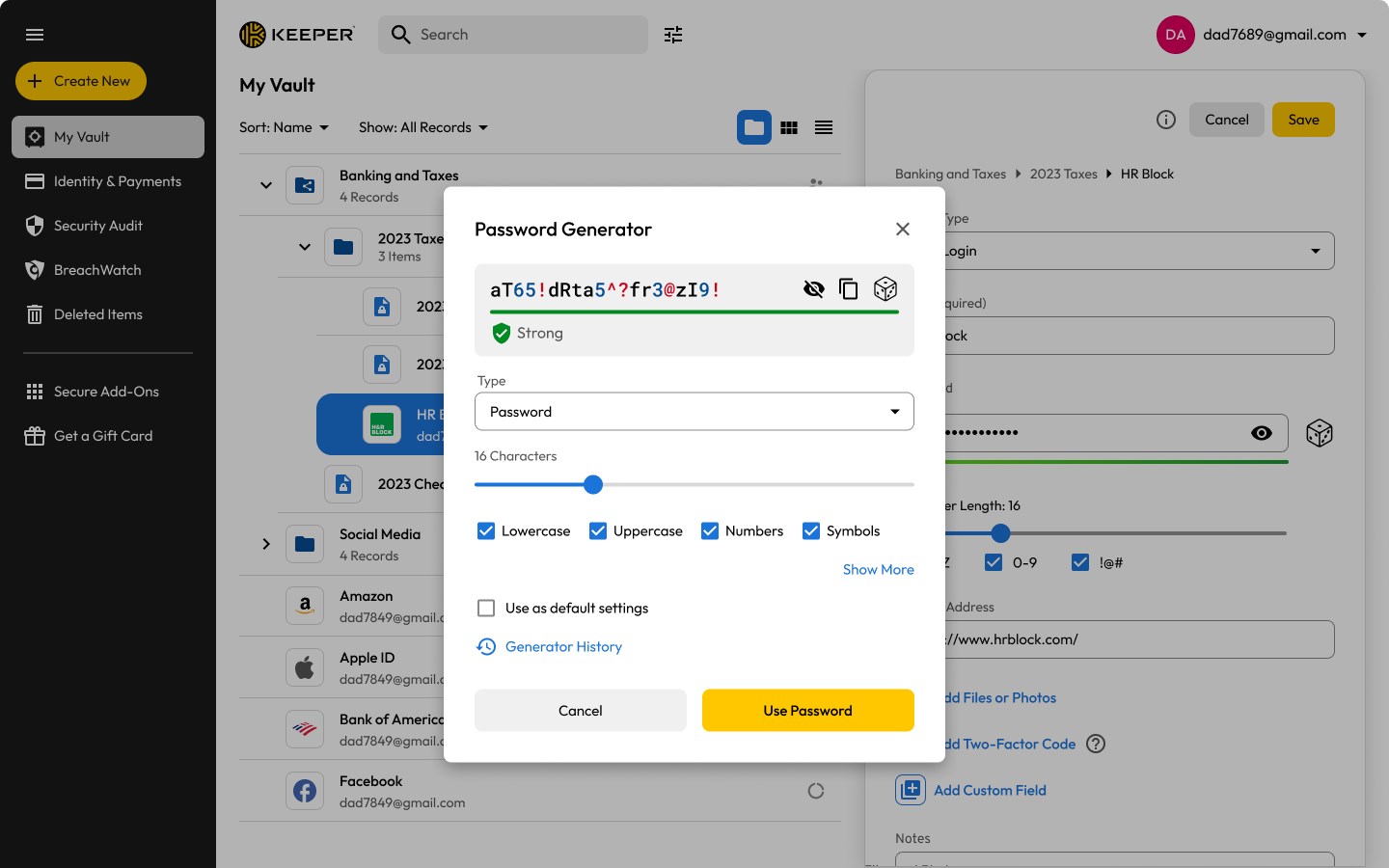
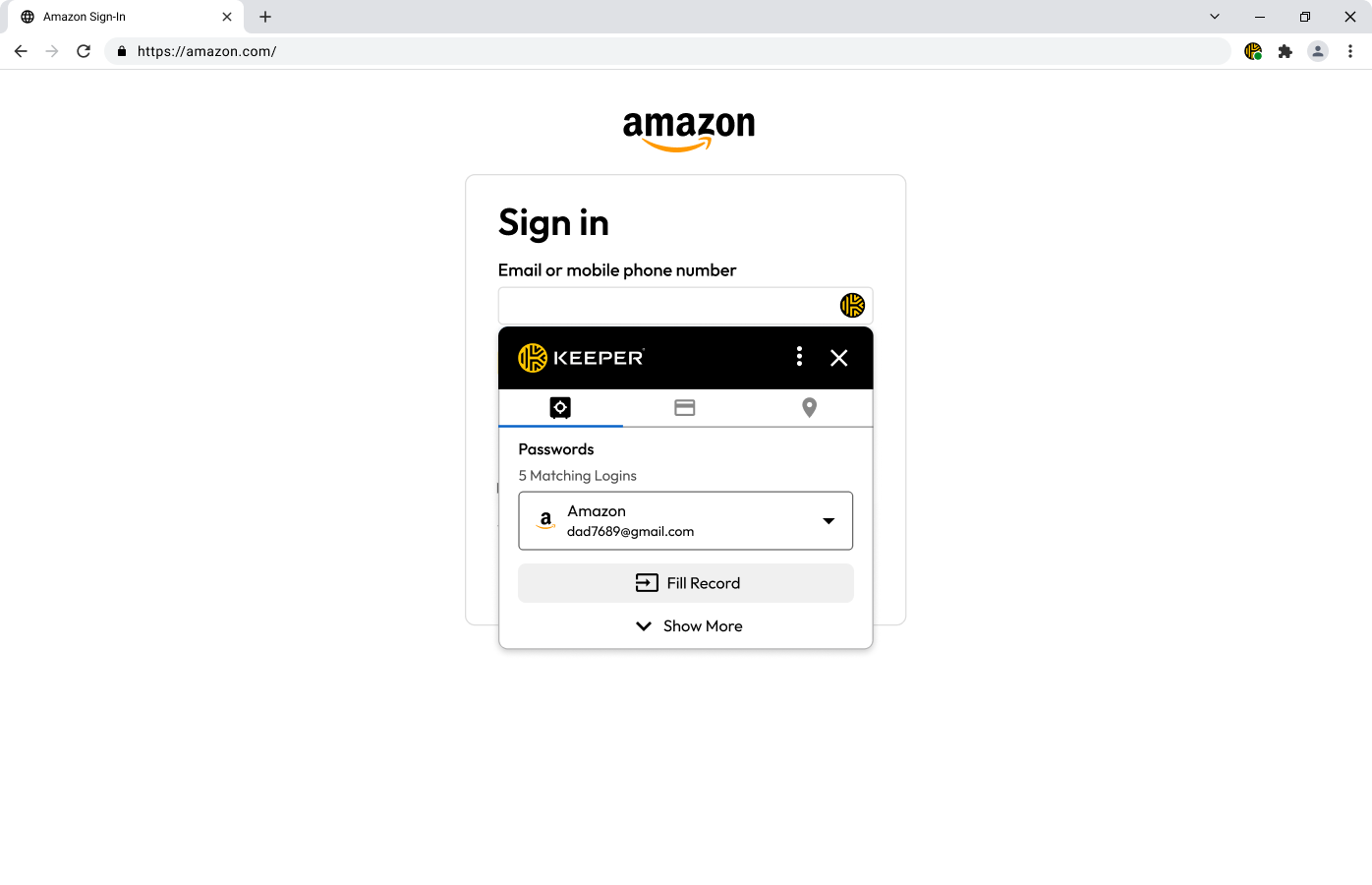
- Password Generation & Autofill: Generate strong, unique passwords effortlessly and enable autofill to streamline logins, saving you time and reducing password reuse risks.
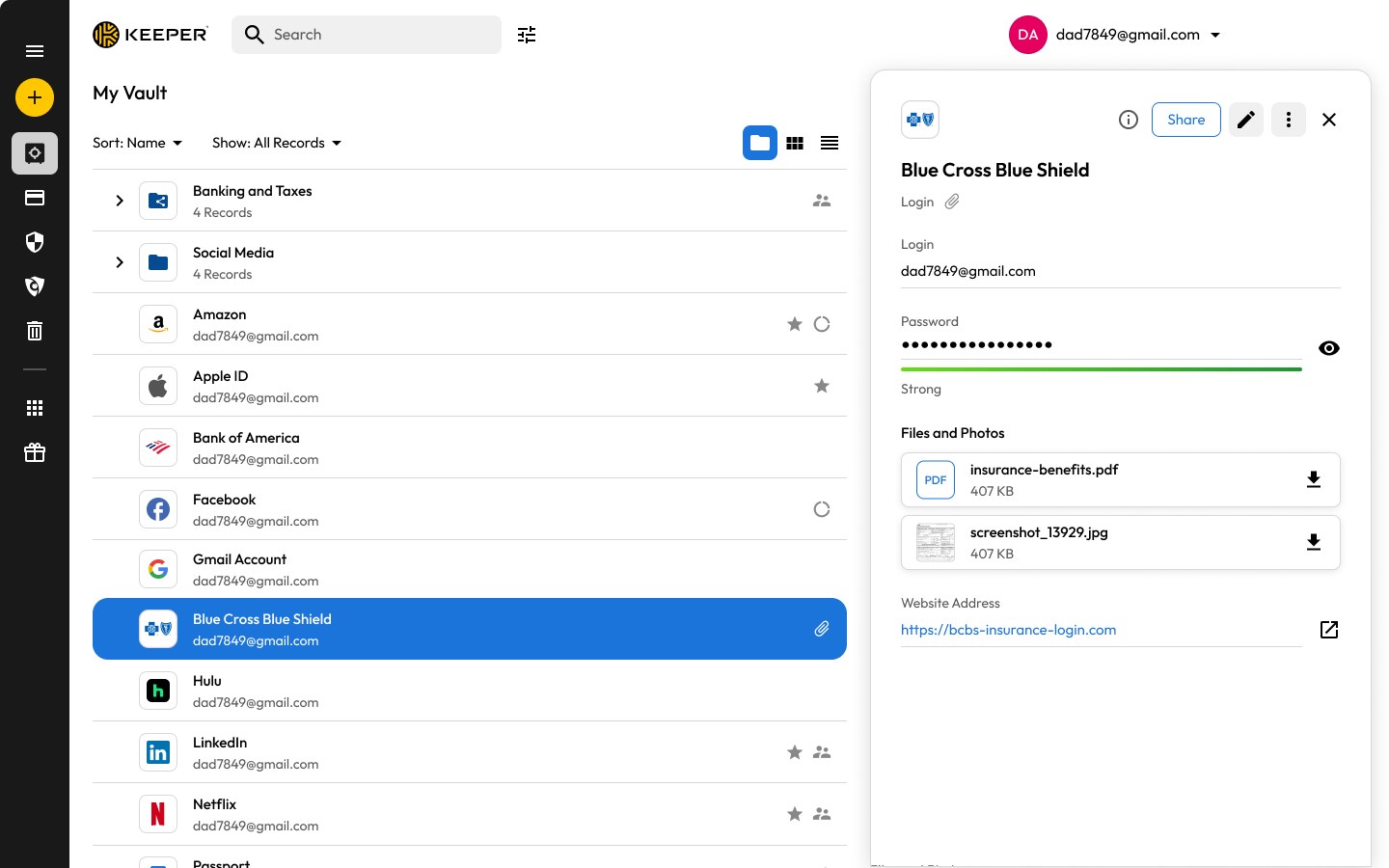
- Secure Digital Vault: Store not just passwords but also secure notes, login info, and sensitive documents—your personal digital vault.
- Multi-Device Syncing & Emergency Access: Access your passwords seamlessly across Windows, mobile, and browser; plus, designate trusted contacts for emergency access.
Its user-focused features make it particularly suitable for individuals, small businesses, and organizations prioritizing security without sacrificing convenience.
Detailed Review: Navigating the Keeper® Experience
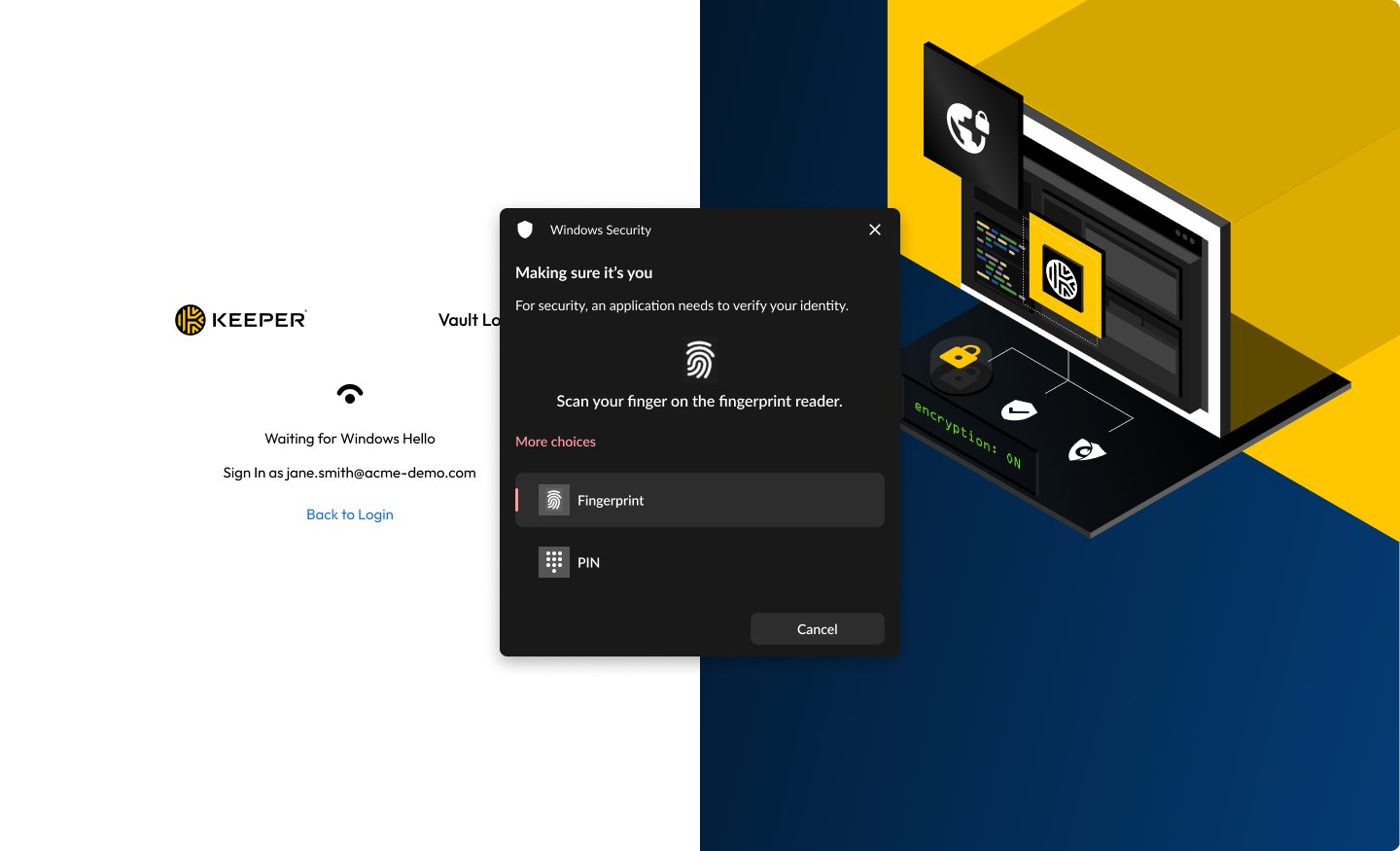
Imagine stepping into a sleek, high-tech safe—advanced yet inviting, where your secrets are protected behind a digital lock. Keeper's interface embodies this perfect harmony of security and simplicity, inviting users to explore its capabilities without feeling overwhelmed.
User Interface & Experience
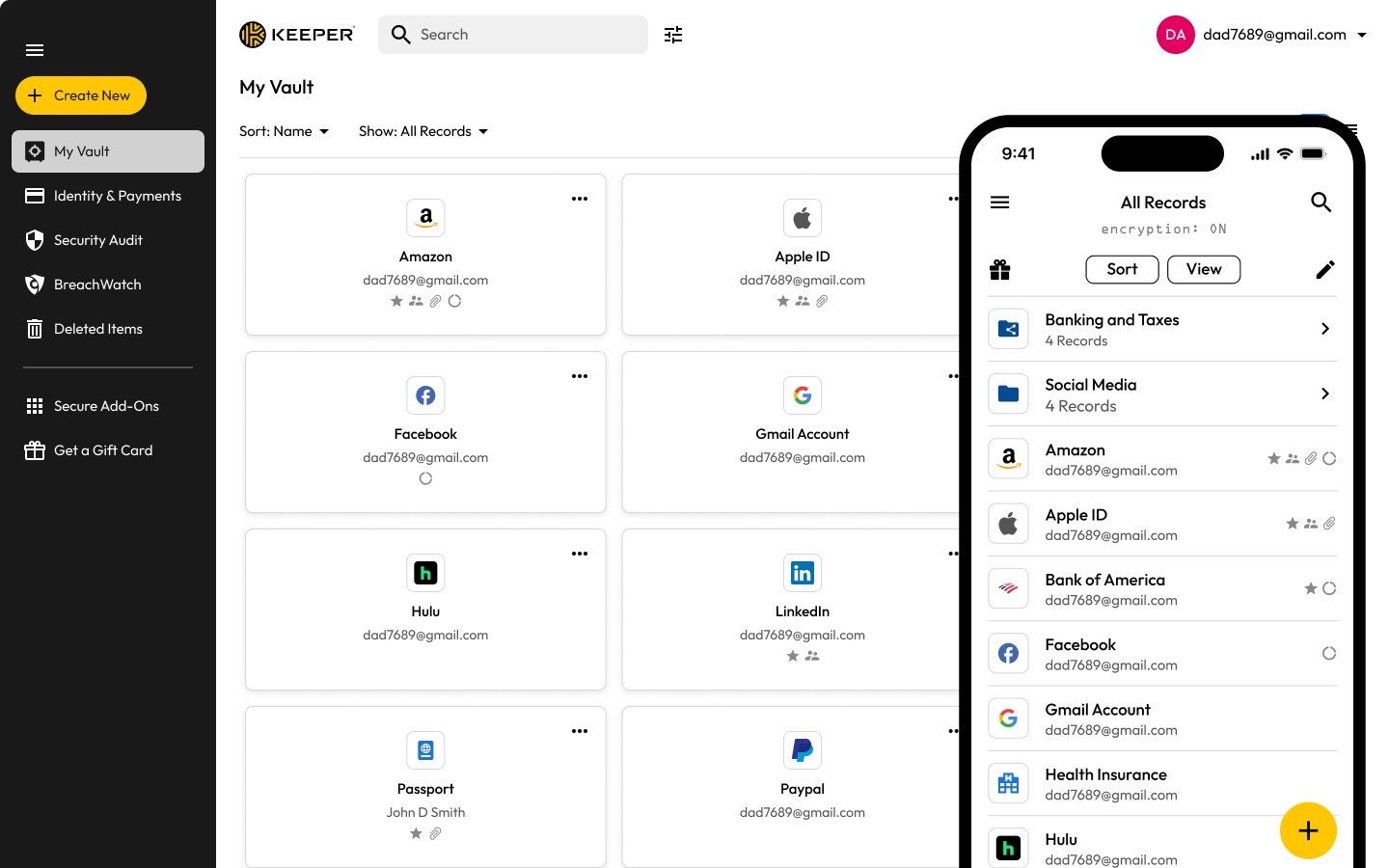
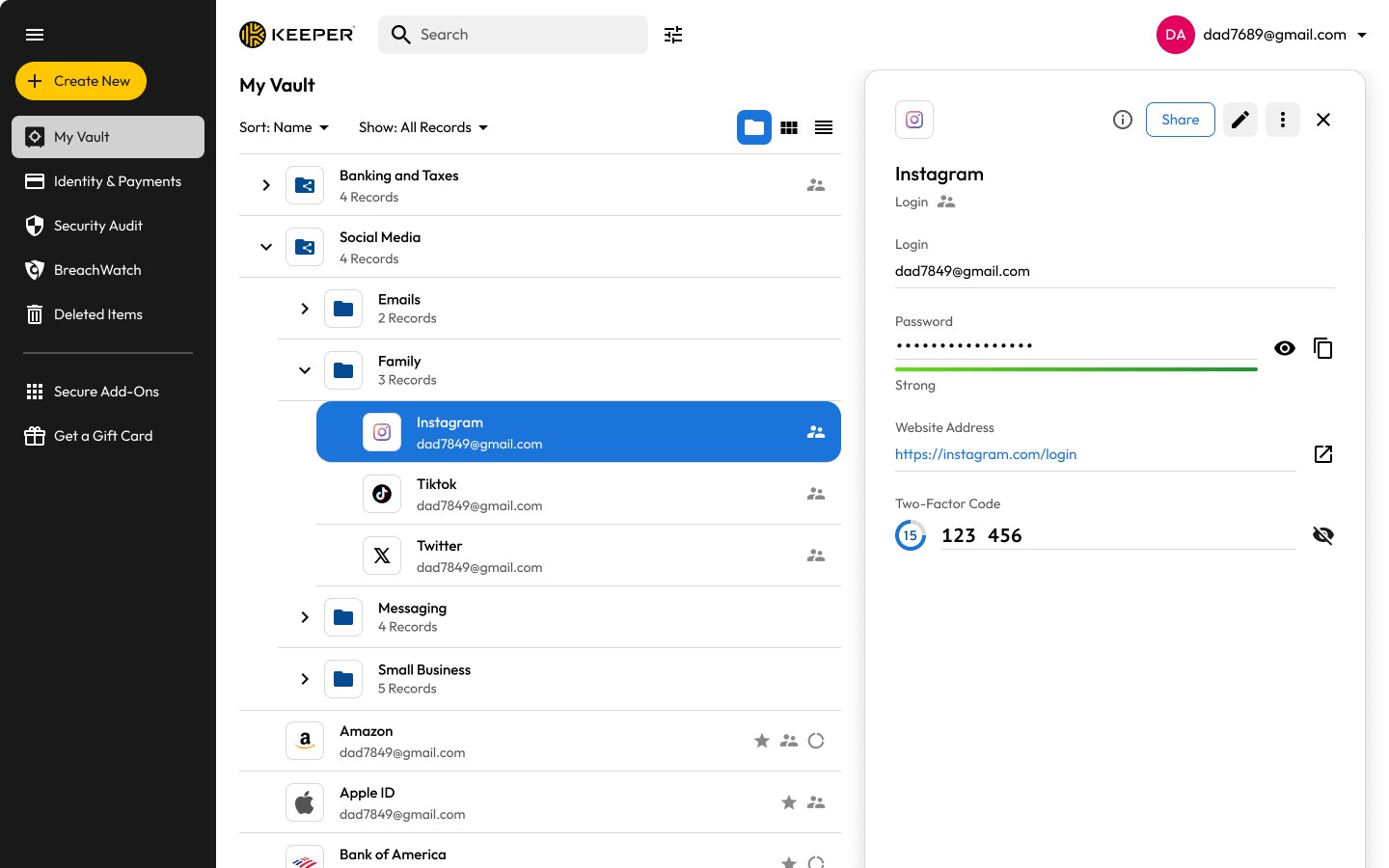
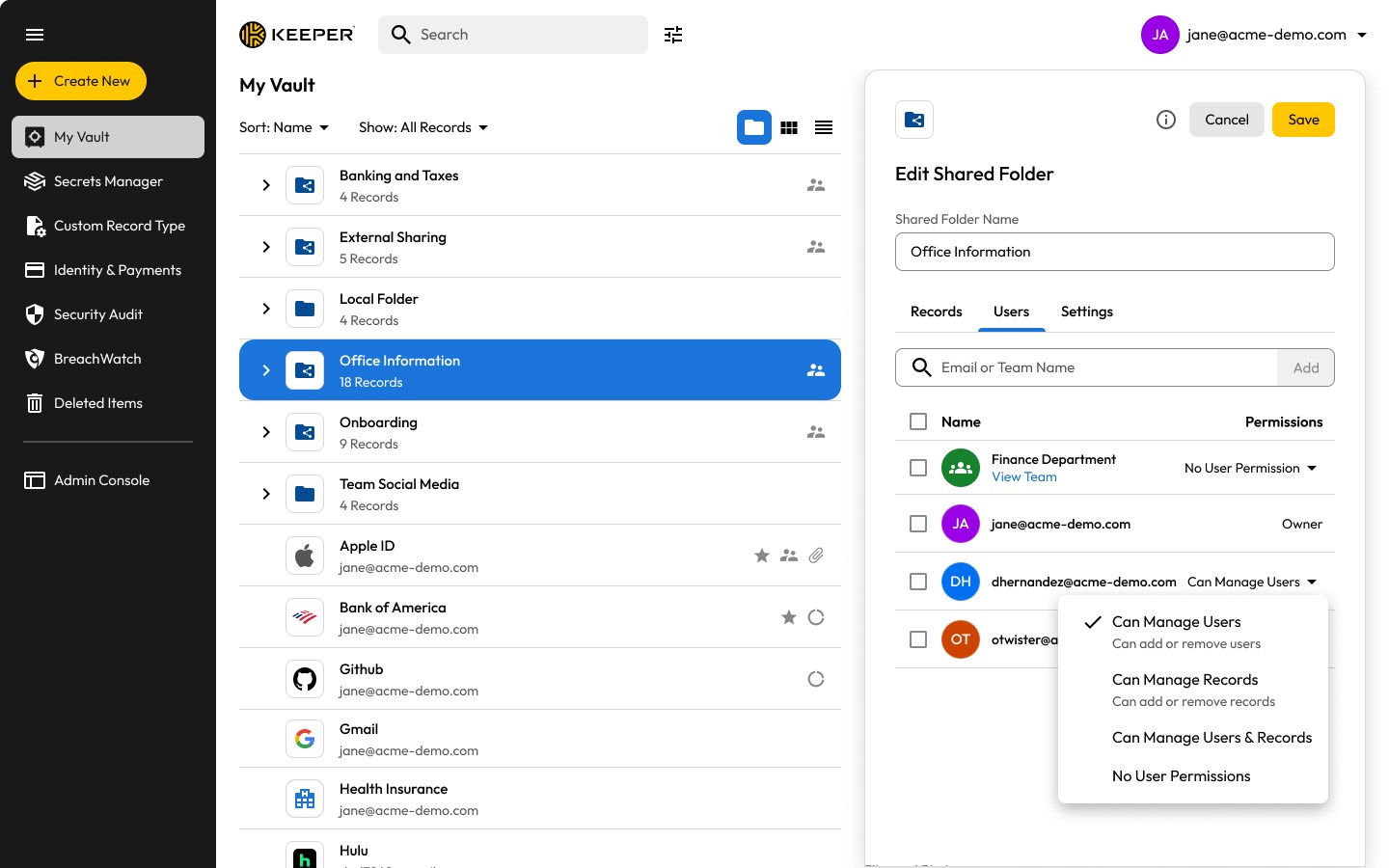
The app presents a clean, modern design that resembles a well-organized digital drawer—everything in its place. The dashboard offers quick access to your vault entries, and the navigation is intuitive enough even for those who aren't tech gurus. Operation feels smooth, with rapid response times, and adding or editing entries is as effortless as tagging items in a well-organized digital album. The learning curve is gentle, making it suitable for beginners while providing enough depth for power users.
Core Functionalities in Action
1. Password Generation & Autofill
One of Keeper's standout features is its ability to generate cryptographically strong passwords, eliminating the arduous task of creating complex keys. Its autofill capability integrates seamlessly with Windows and browsers, acting like a helpful butler, pouring passwords into login forms without delay. This dramatically reduces cognitive load, as users no longer need to remember or retrieve passwords manually, freeing mental space for more creative or strategic tasks.
2. Secure Vault and Data Management
Storing sensitive information within Keeper is akin to keeping valuables in an underground vault—impenetrable and accessible only to you. The app supports a variety of data types beyond passwords, including secure notes, credit card info, and documents, all encrypted locally before cloud sync. The ease with which users can organize and retrieve their data makes this feature especially valuable for those juggling multiple accounts and sensitive info.
Workflow Integration & Unique Edge
Unlike some password managers that add layers of complexity, Keeper prioritizes reducing cognitive load. Its integration with Windows ensures that password entry and data retrieval are swift, minimizing workflow disruptions. The autofill features are designed to work smoothly in the background, so users can stay focused without switching between apps or browser extensions excessively. This emphasis on efficiency is like having a trusted assistant handling security behind the scenes, freeing your mental bandwidth.
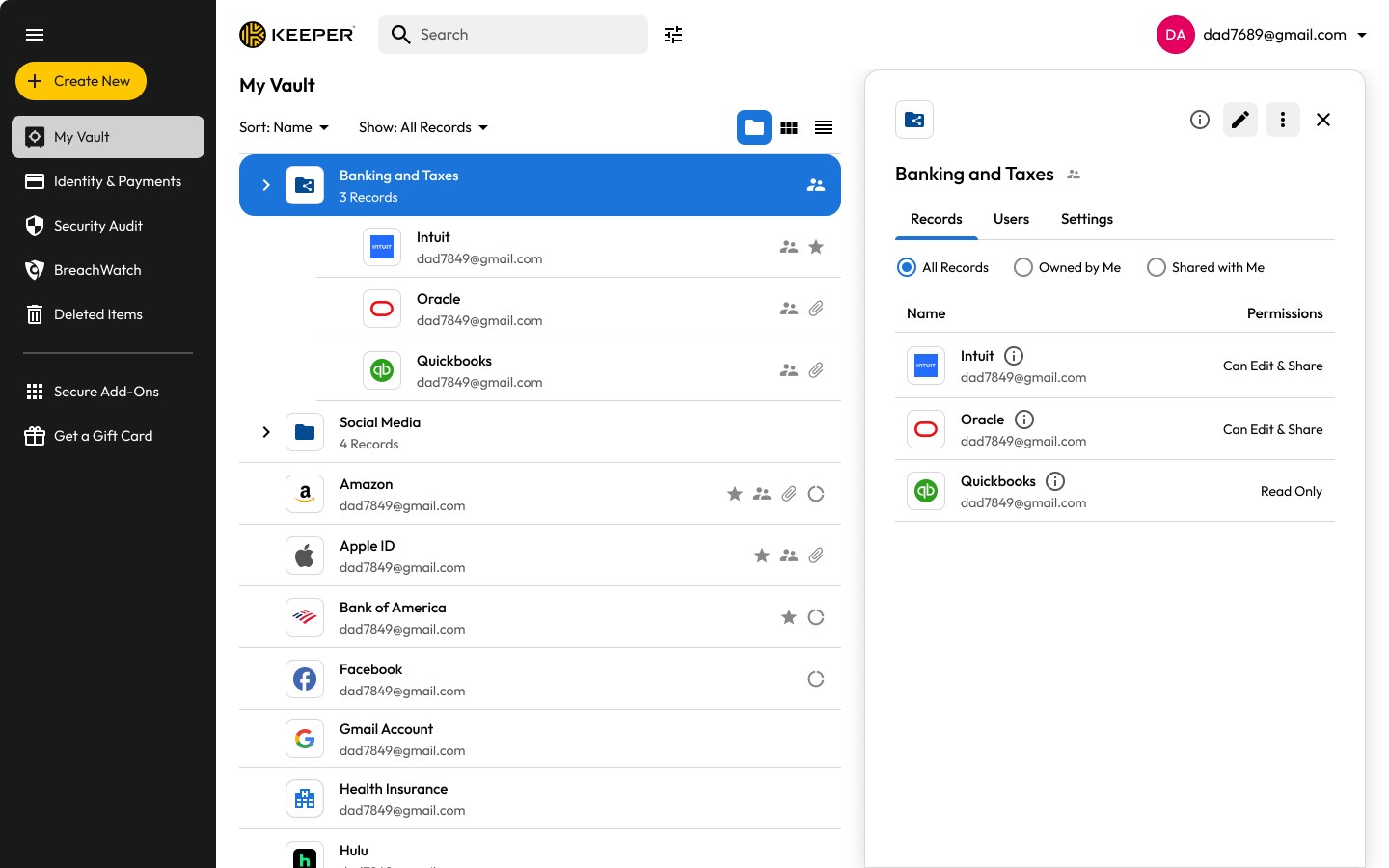
What particularly distinguishes Keeper from competitors is its emphasis on secure sharing and emergency access, which are indispensable for team environments and families. These features enable quick, safe sharing without exposing passwords or sensitive info unnecessarily, aligning perfectly with real-world needs where trust and security must go hand in hand.
Final Thoughts and Recommendations
Overall, Keeper® Password Manager for Windows is a highly reliable, user-friendly tool that effectively balances security, ease of use, and workflow integration. Its standout features—the encrypted vault, password generator, and seamless autofill—make it a compelling choice for anyone wanting to streamline password management without feeling overwhelmed by complexity.
For individual users, small teams, or organizations prioritizing security and efficiency, I recommend giving Keeper a try. It's especially suitable if you value strong encryption combined with features that minimize cognitive load, making the entire experience feel like a trusted partner rather than an intimidating barrier.
In essence, Keeper is like having a high-tech, friendly robot guardian for your online credentials—shielding your digital life while keeping things simple and accessible.
Pros
- User-Friendly Interface
- Seamless Browser Integration
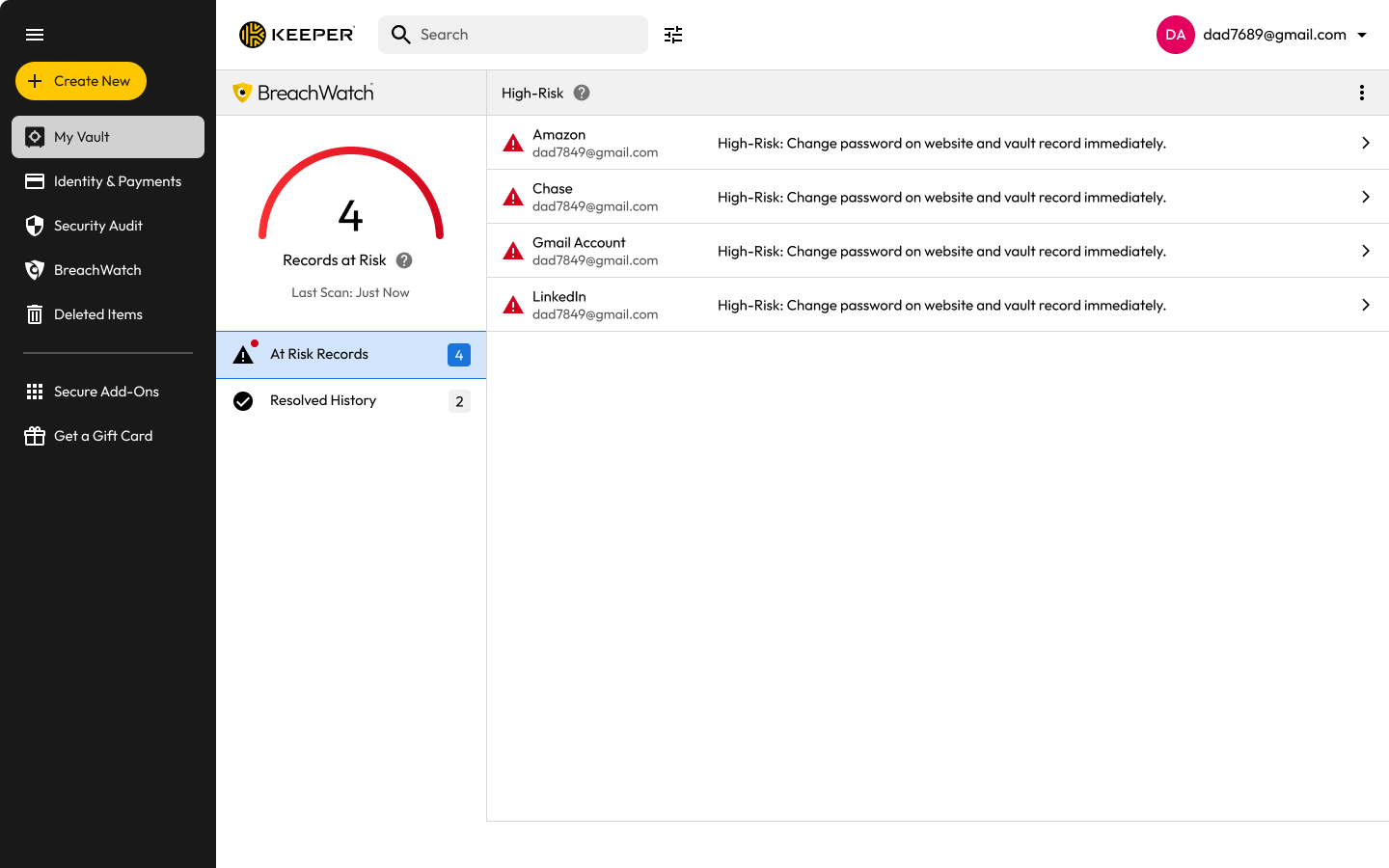
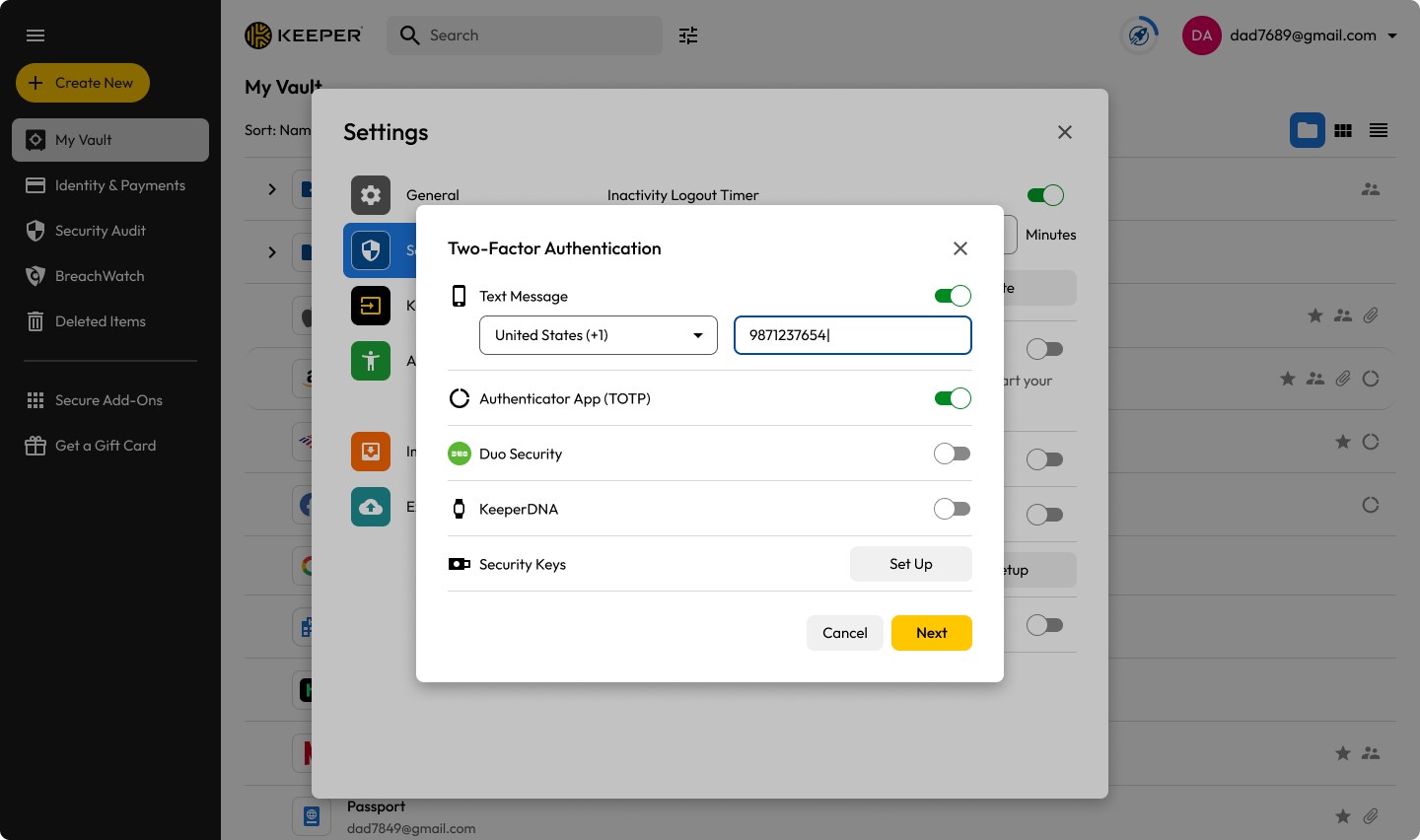
- Strong Security Measures
- Cross-Platform Support
- Offline Mode Availability
Cons
- Limited Free Features
- Syncing Might Be Slower
- Learning Curve for Beginners
- Limited Customer Support Options
- No Emergency Access Feature










