

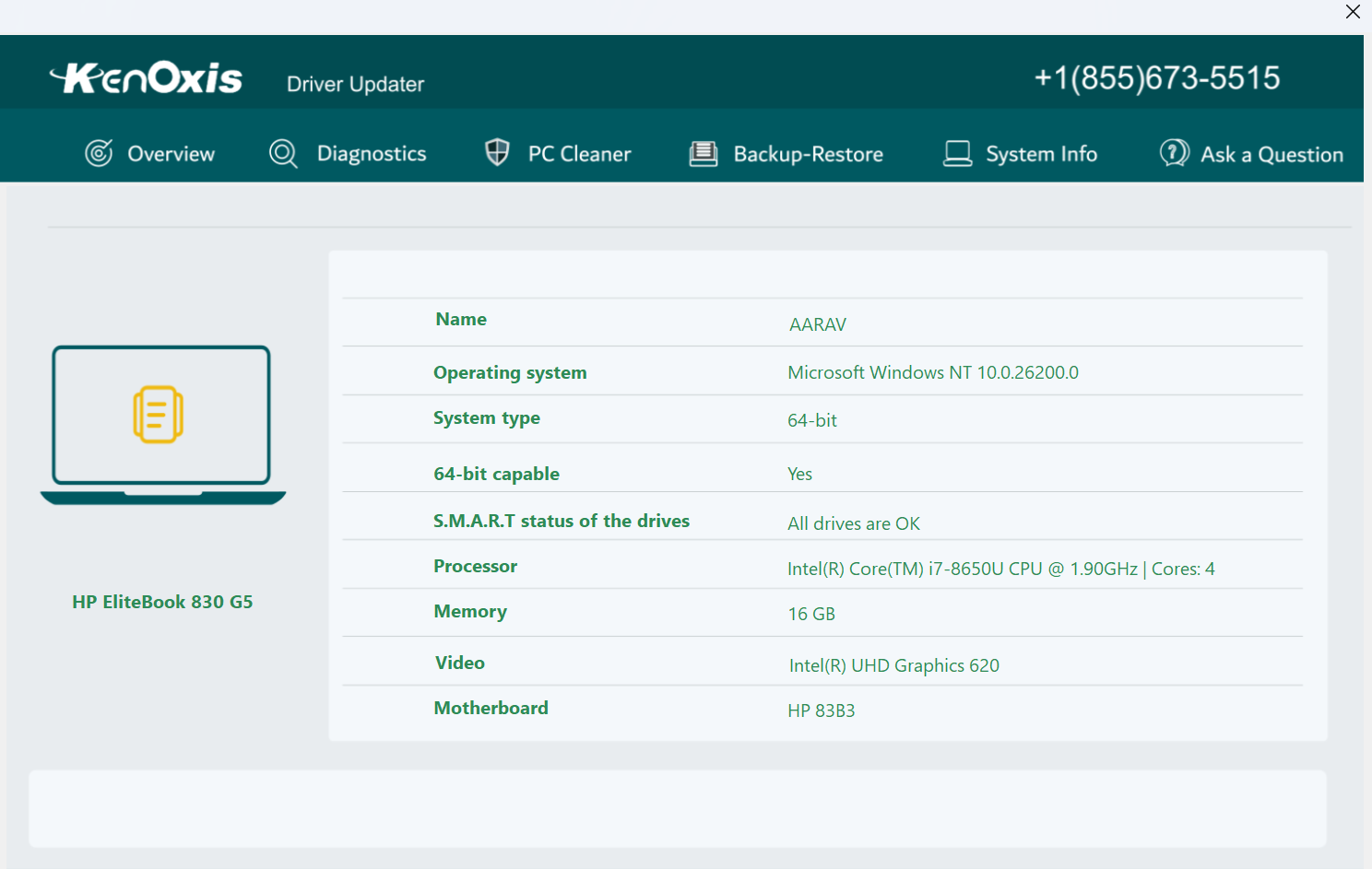
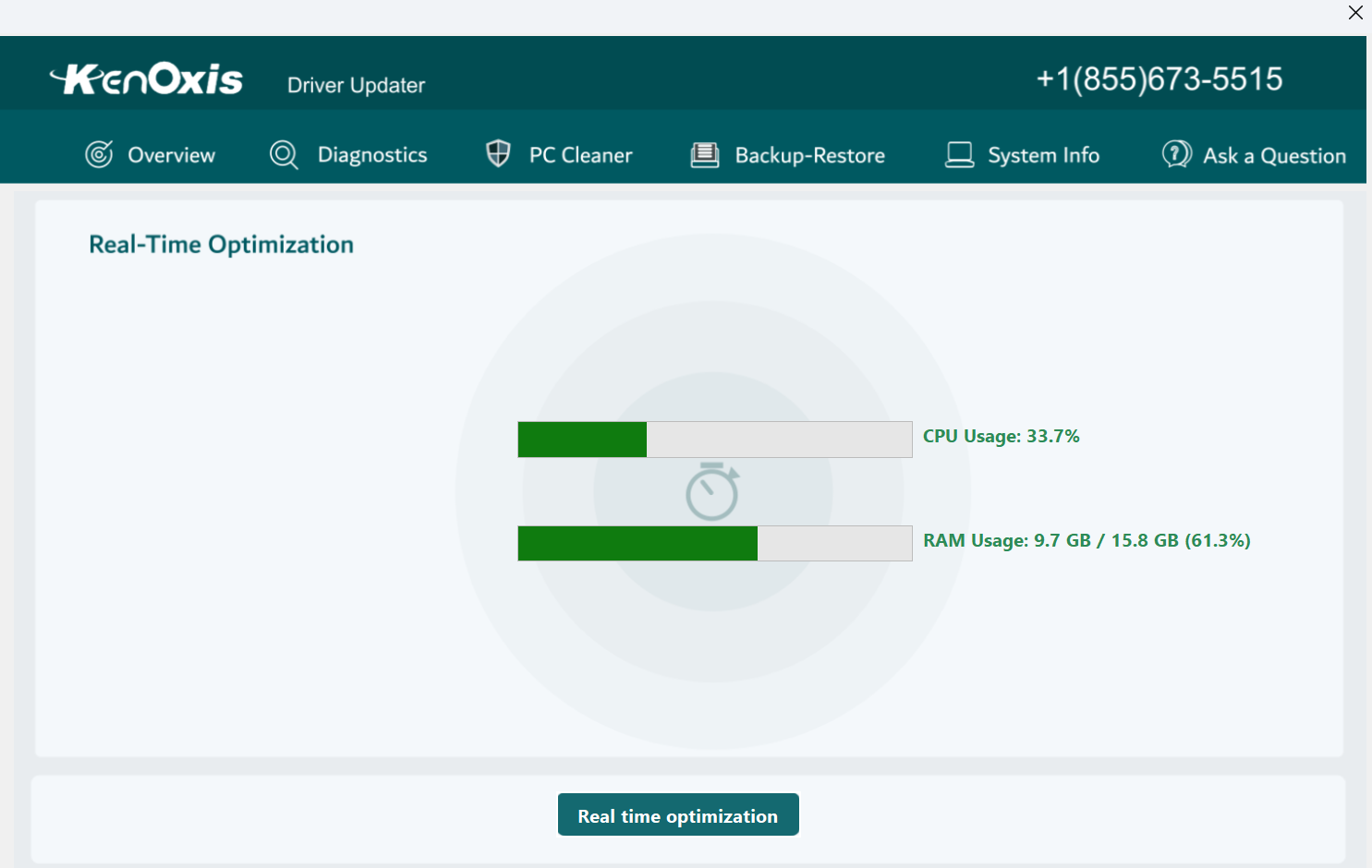
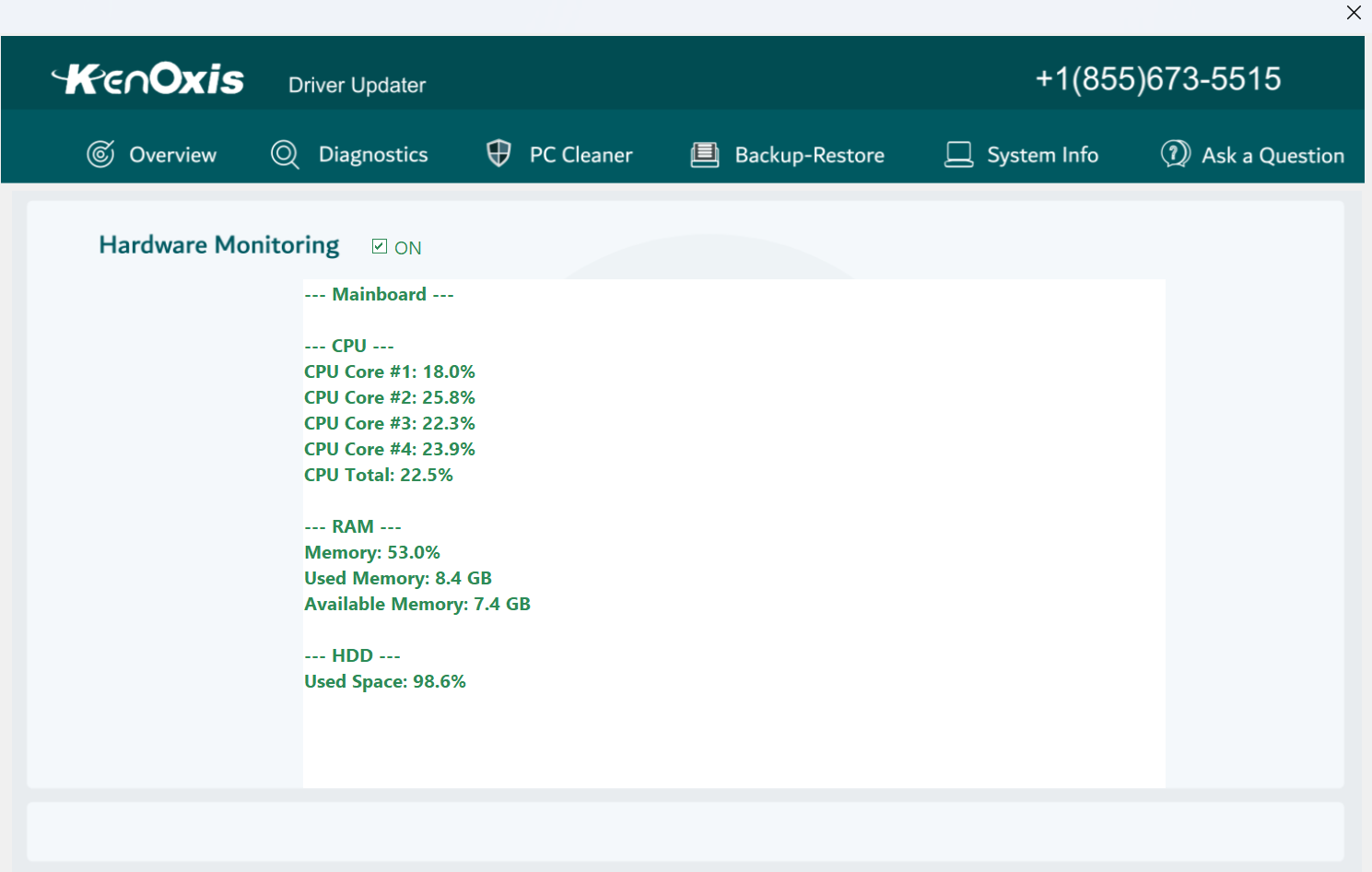
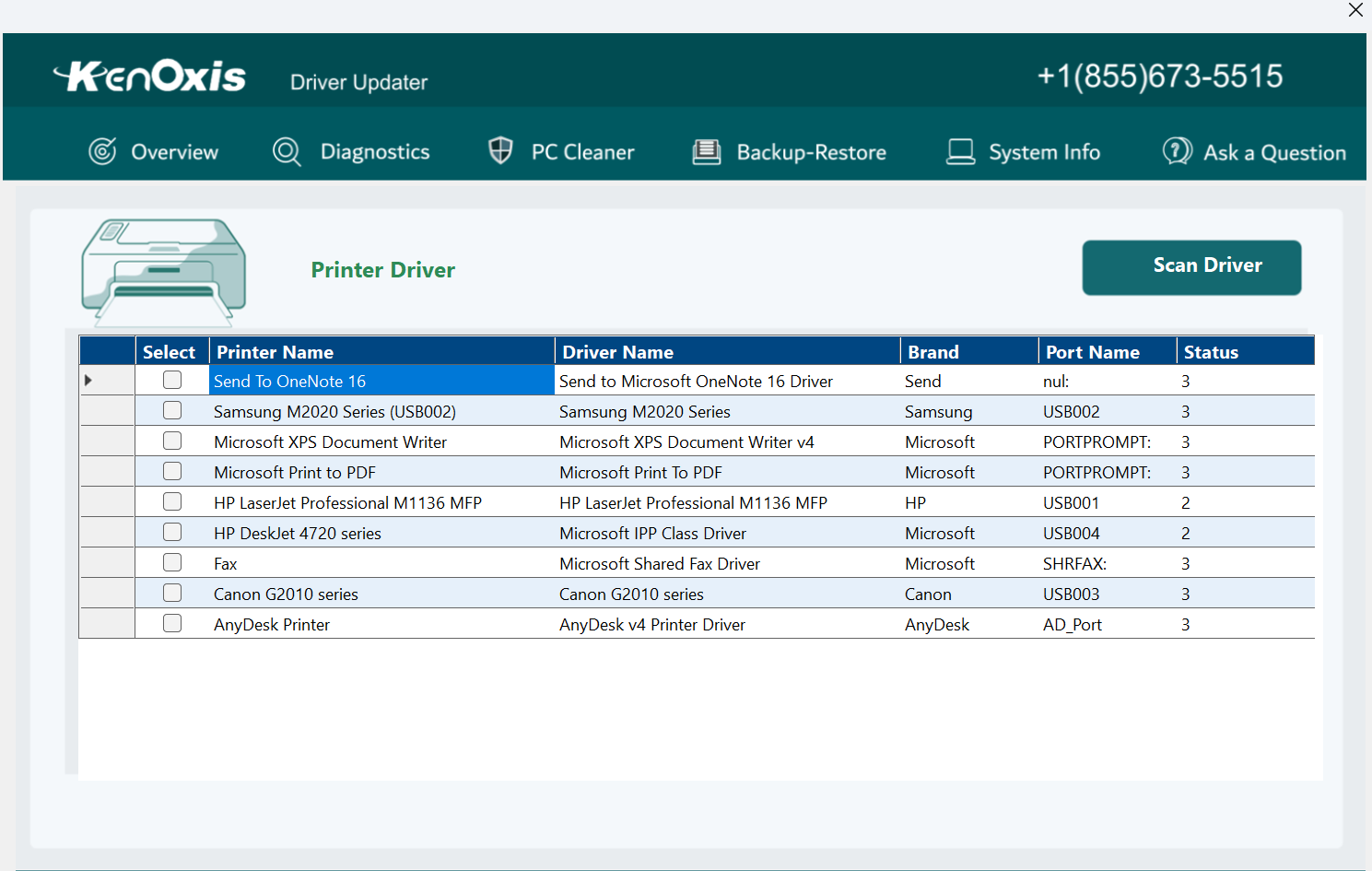
- Category Developer tools
- Available on PC
- OS Windows 10 version 0.0 or higher
- Keyboard Integrated Keyboard
- Mouse Integrated Mouse
- languages English
An Efficient Companion for Your Windows Drivers: Kenoxis Driver Updater
If you're tired of manual driver updates and the seemingly never-ending search for the latest drivers, Kenoxis Driver Updater for Windows offers a streamlined solution to keep your system running smoothly. Think of it as a diligent auto-mechanic for your PC, ensuring all components stay in peak condition without requiring your constant attention.
Basic Information at a Glance
Kenoxis Driver Updater for Windows is a user-friendly application designed to automatically scan, identify, and update outdated or missing drivers on your PC, helping to improve stability and performance. Developed by the team at Kenoxis, this tool aims to simplify driver management for users of all skill levels.
Key Features:
- A comprehensive driver scan that detects outdated or faulty drivers swiftly
- One-click driver updates to ensure all hardware runs with optimal performance
- Automatic scheduling options for regular maintenance without user intervention
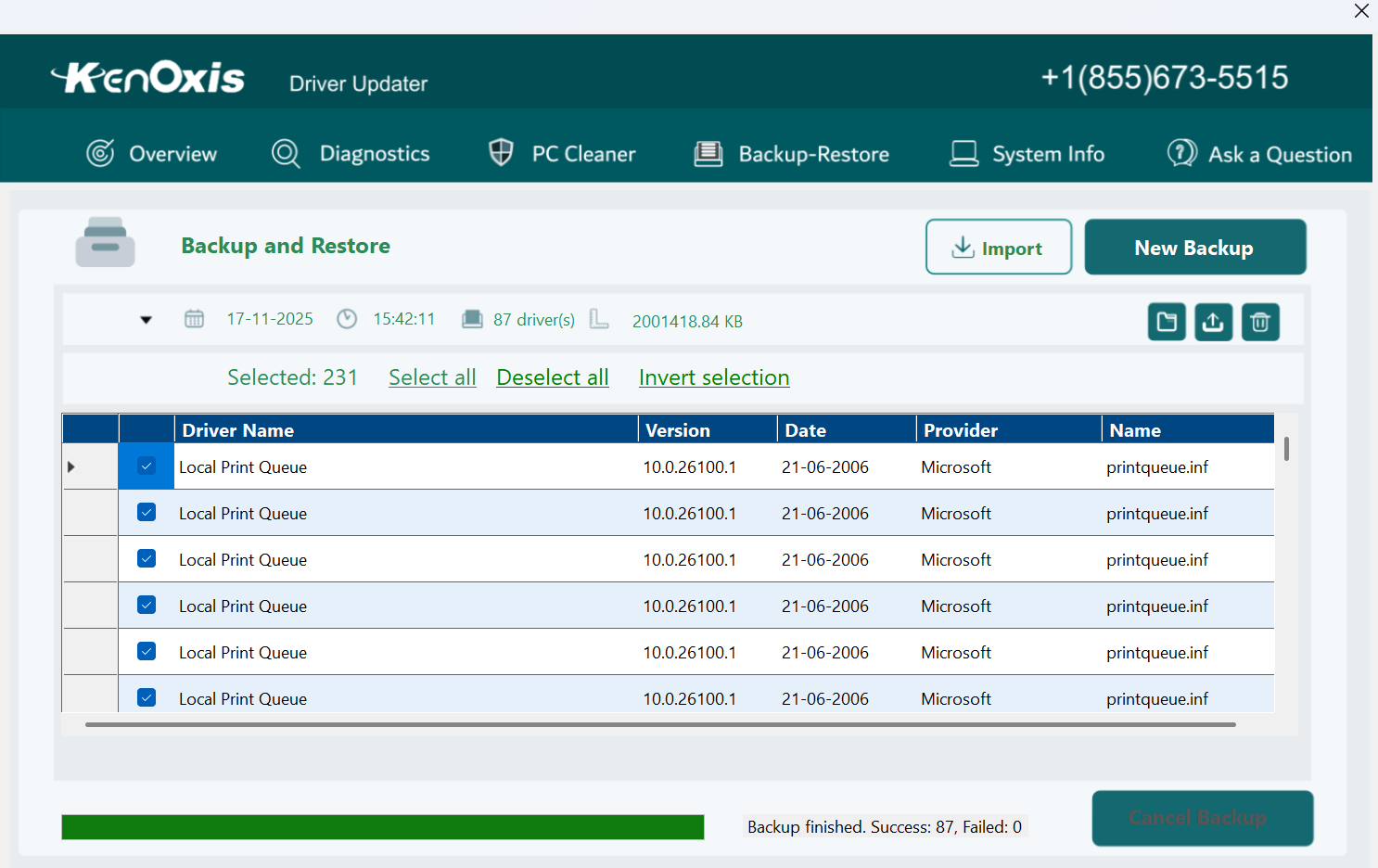
- Backup and restore functionality to safeguard driver configurations before changes
- Everyday Windows users seeking effortless driver management
- Gamers or content creators who need stable hardware drivers for smooth performance
- IT professionals looking for a reliable tool to maintain multiple systems
- Easy driver updates
- One-click fix
- Comprehensive database
- Automatic backups
- User-friendly interface
- Limited free features
- Overly aggressive scanning
- Occasional false positives
- Slow download speed
- Limited customization options
Target Users:
Getting Started: A Friendly Dive into the Interface
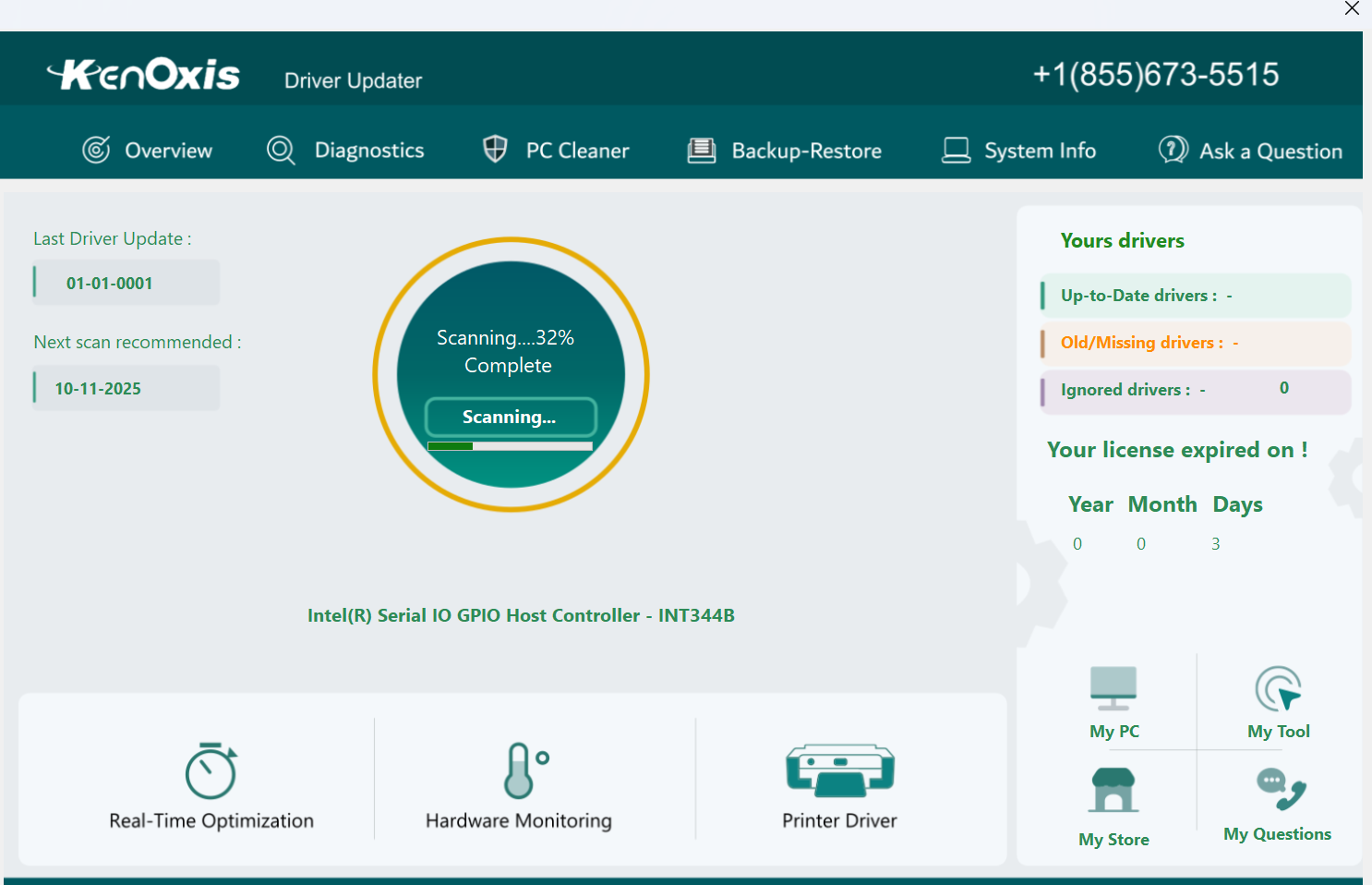
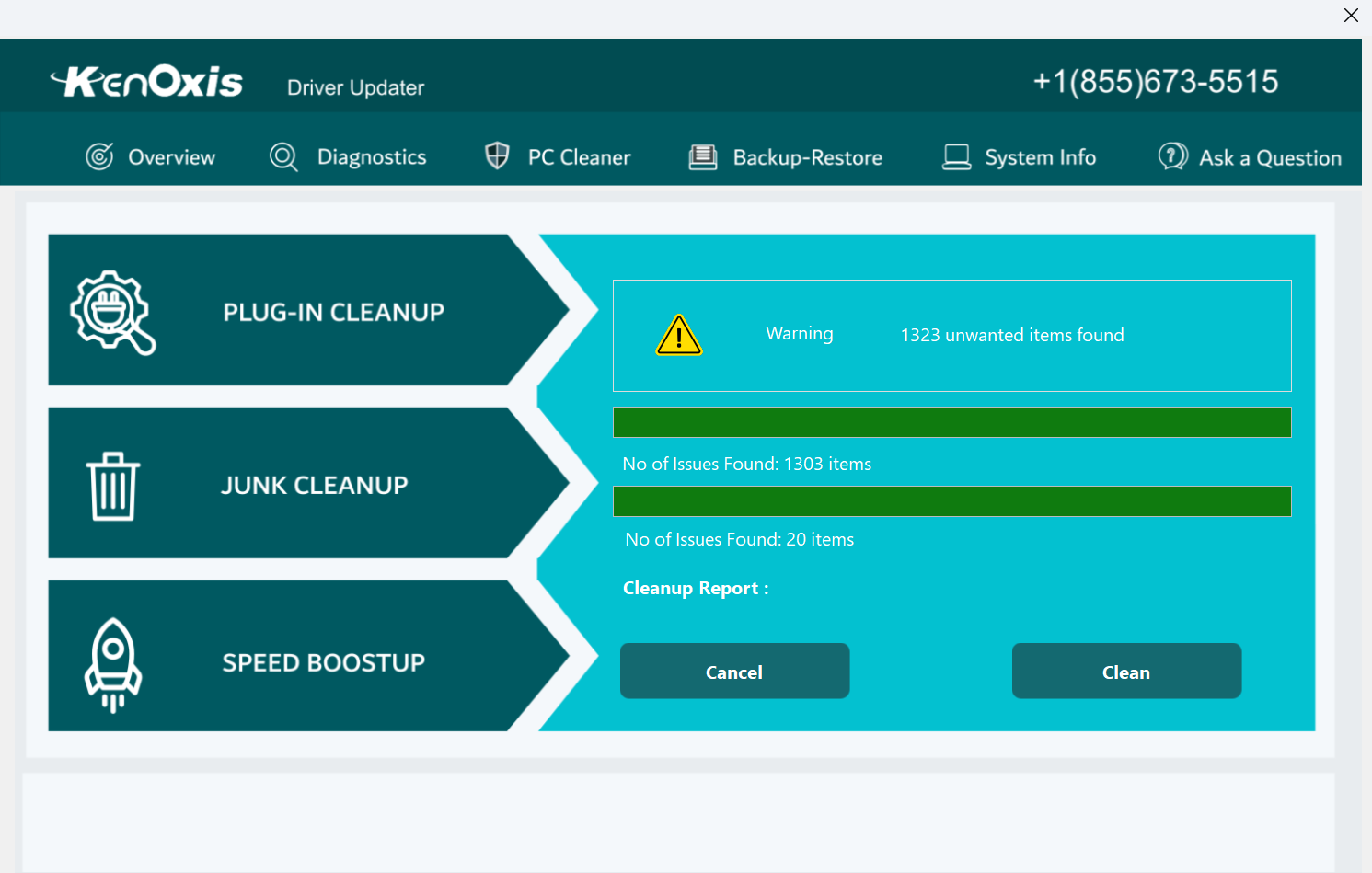
Imagine you've just installed Kenoxis Driver Updater—it welcomes you with a clean, intuitive dashboard that immediately reassures you this is no complicated tech maze. Its design matches the neatness of a well-organized toolbox, allowing users to navigate between scans, updates, backups, and settings seamlessly. The learning curve? As gentle as easing into a comfortable chair—most users will be up and running in minutes.
The Power of Automated Scanning and Updating
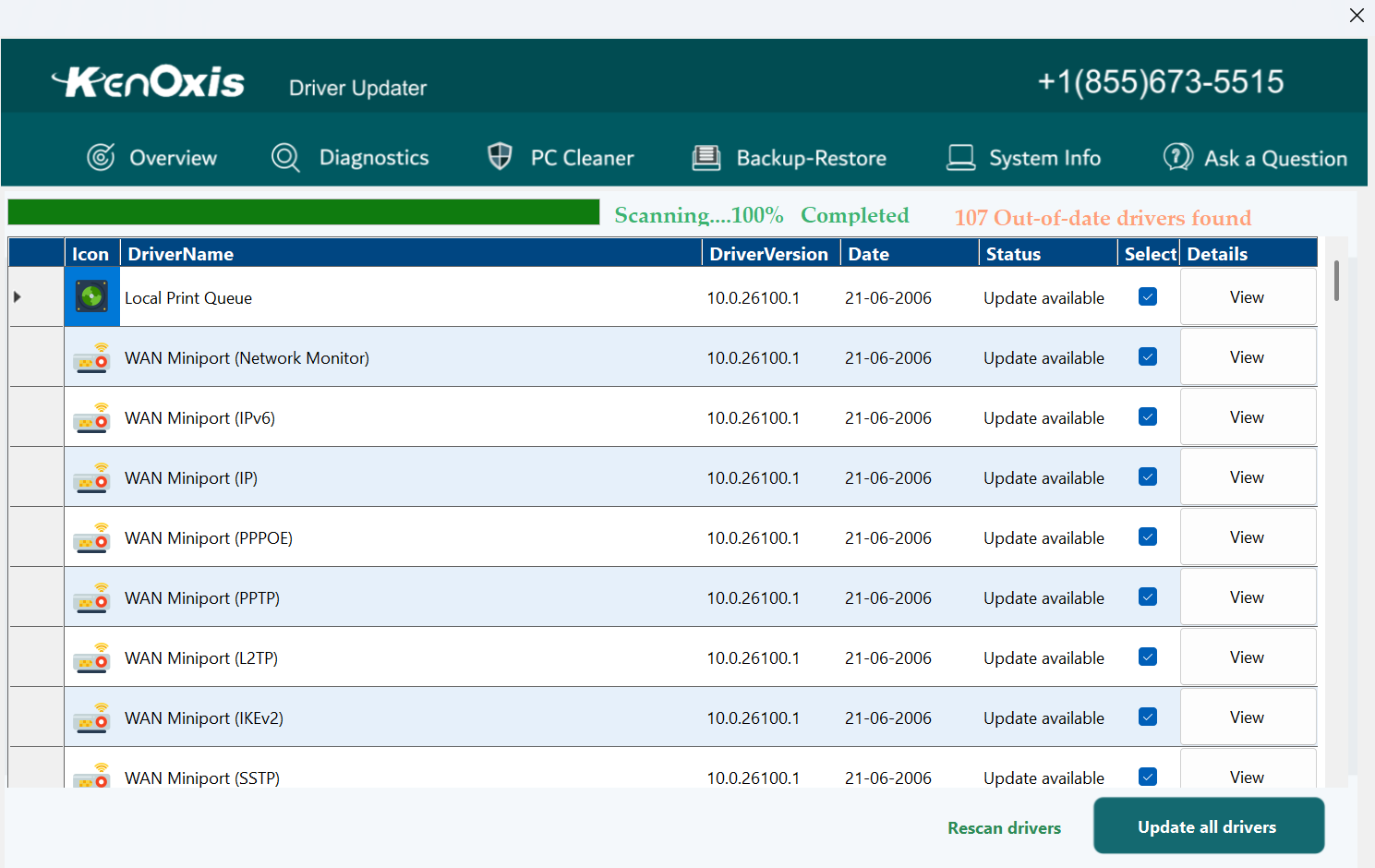
The core of Kenoxis Driver Updater's charm lies in its automatic scanning feature. With just a click, it scans your entire system to locate outdated drivers, displaying the results clearly. It's akin to having a trusted mechanic inspecting your vehicle, pinpointing exactly what needs attention. Once the scan completes, a simple “Update All” button takes the hassle out of manual downloads—no more hunting for drivers across countless manufacturer websites.
This feature especially shines in environments with multiple hardware components—like gaming rigs or workstations—where keeping everything current is essential yet time-consuming. The program's intelligent engine not only identifies outdated drivers but also verifies compatibility, reducing the risk of driver conflicts or crashes.
Backup, Restore, and Scheduling: Your System's Safety Net
Beyond just updating drivers, Kenoxis offers robust backup and restore options. Before applying updates, the software creates a restore point, acting as a safety net should any update cause unforeseen issues. Think of it as setting up a “save game” before trying a risky move—a reassurance that your system can revert to previous stability if needed.
Moreover, its scheduled scans keep your drivers up-to-date without manual prompts, meaning your system remains in optimal shape with minimal effort. Installing such automated maintenance is akin to having an invisible assistant regularly tuning your car, keeping it smooth for the long haul.
What Sets Kenoxis Driver Updater Apart?
While many driver update tools exist, Kenoxis's standout feature is its simplicity combined with intelligent driver detection. Unlike applications that bombard users with prompts or require complex configurations, Kenoxis keeps things straightforward, yet powerful. Its emphasis on backup and scheduling ensures users can trust it to perform routine maintenance safely and efficiently.
Compared to some competitors that may rely on third-party driver databases or obscure update mechanisms, Kenoxis's direct approach minimizes risks associated with incorrect driver installations. It offers a digestible, transparent process—highlighting its usability for less tech-savvy users without sacrificing depth for power users.
Final Thoughts: A Steady, Trustworthy Choice
All in all, Kenoxis Driver Updater for Windows earns a solid recommendation for those seeking a hassle-free way to keep their drivers current. Its most distinctive strengths—automatic, safe updates paired with reliable backup and scheduling—make it a standout among many tools cluttering the market.
This app is especially suitable for users who prioritize system stability without wanting to delve into complex manual updates. For casual users, it's like having a friendly tech-savvy assistant; for professionals, a dependable maintenance shortcut. If you're looking for an unobtrusive yet effective driver management tool, Kenoxis is worth considering as your new digital mechanic.










