

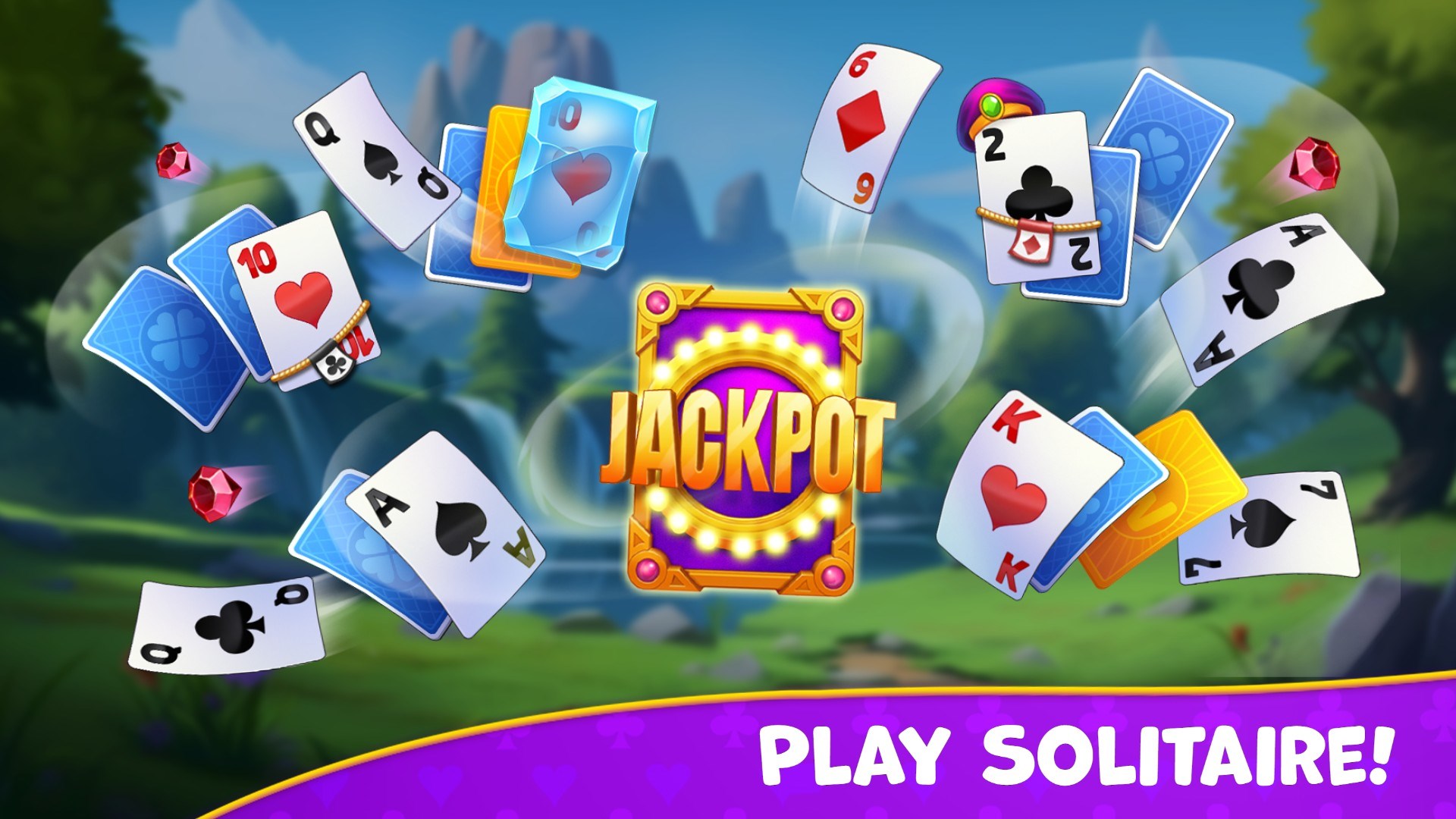
- Category Card & board
- Developer Clever Apps Pte. Ltd.
- Available on PC, Mobile, Surface Hub, HoloLens
- OS Windows 10 version 17763.0 or higher
- languages English (United States)
A Closer Look at Kings and Queens: Solitaire Game for Windows
If you're a fan of classic card games and looking for a fresh yet familiar experience, Kings and Queens offers an engaging twist on traditional solitaire. Its clean design and strategic gameplay make it a compelling choice for casual gamers and seasoned card enthusiasts alike.
Developed by Clever Apps Pte. Ltd.: A Team Dedicated to Quality Gaming
Created by Clever Apps Pte. Ltd., this application reflects the company's commitment to delivering polished and user-friendly digital card games. Their focus is on providing smooth gameplay experiences that cater to both leisure players and solitaire aficionados.
Top Highlights: What Makes Kings and Queens Stand Out
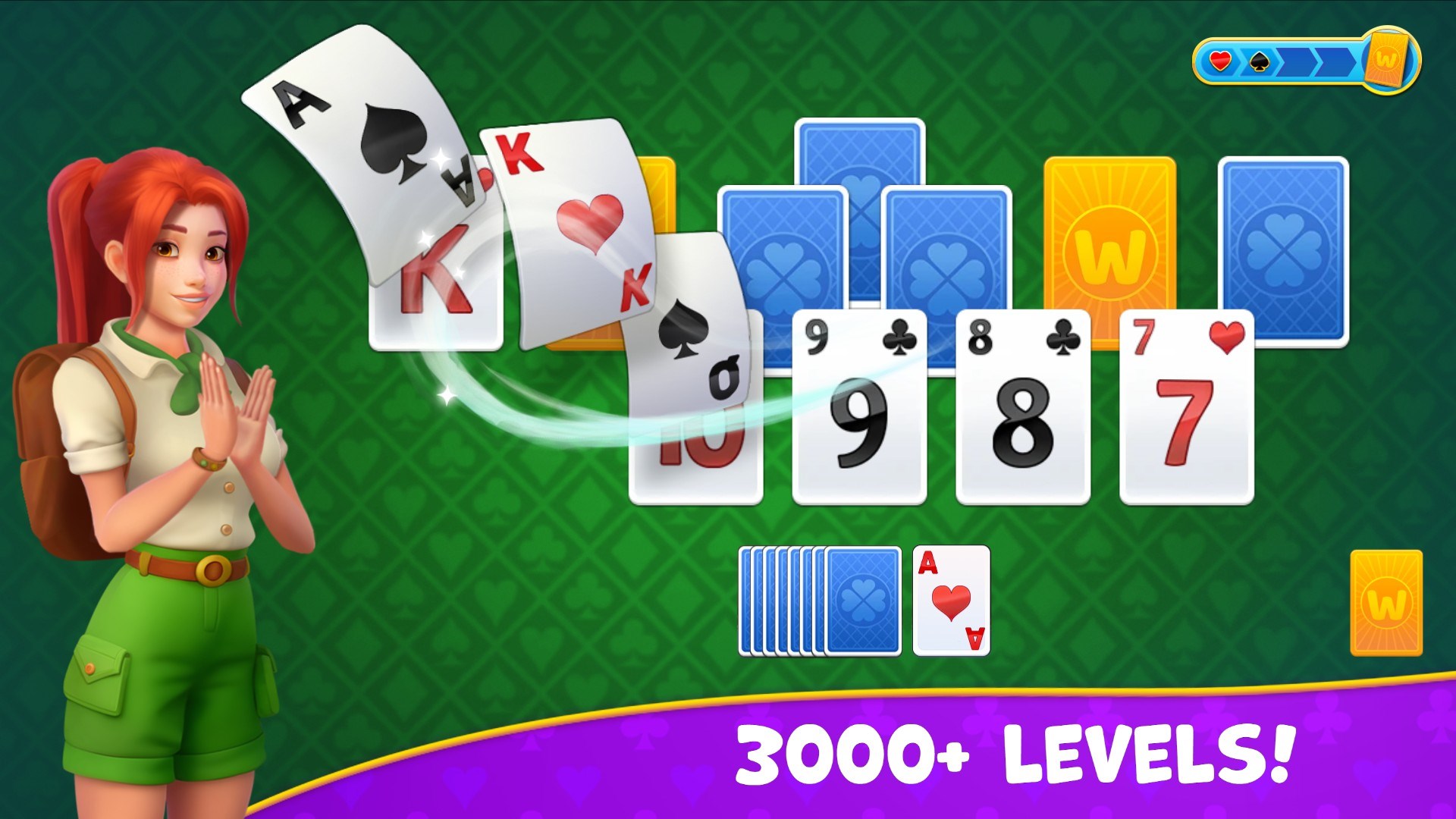
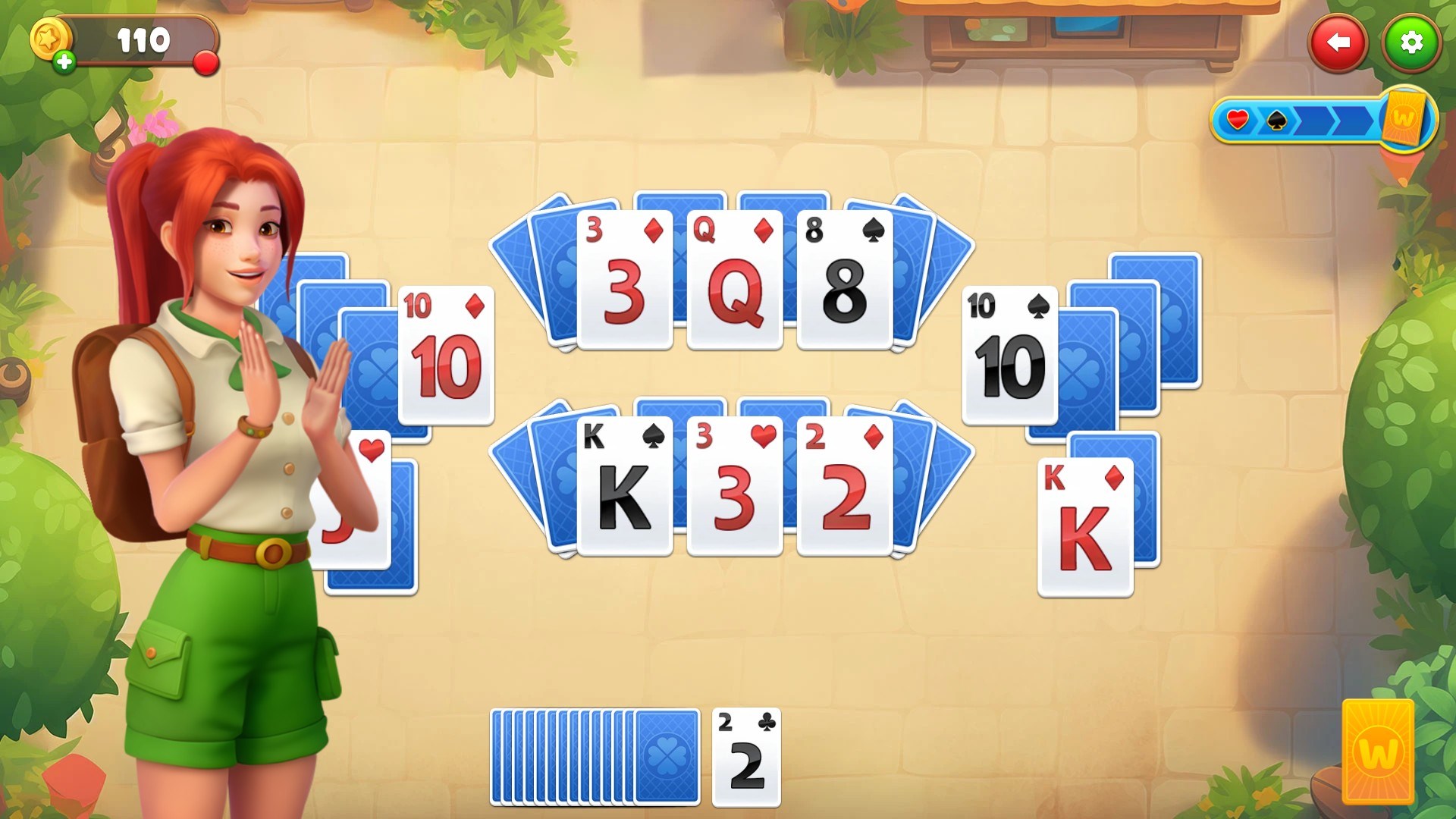
- Sleek and Intuitive Interface: The game boasts a modern, visually appealing layout that simplifies navigation, making it accessible to new players while remaining attractive to veterans.
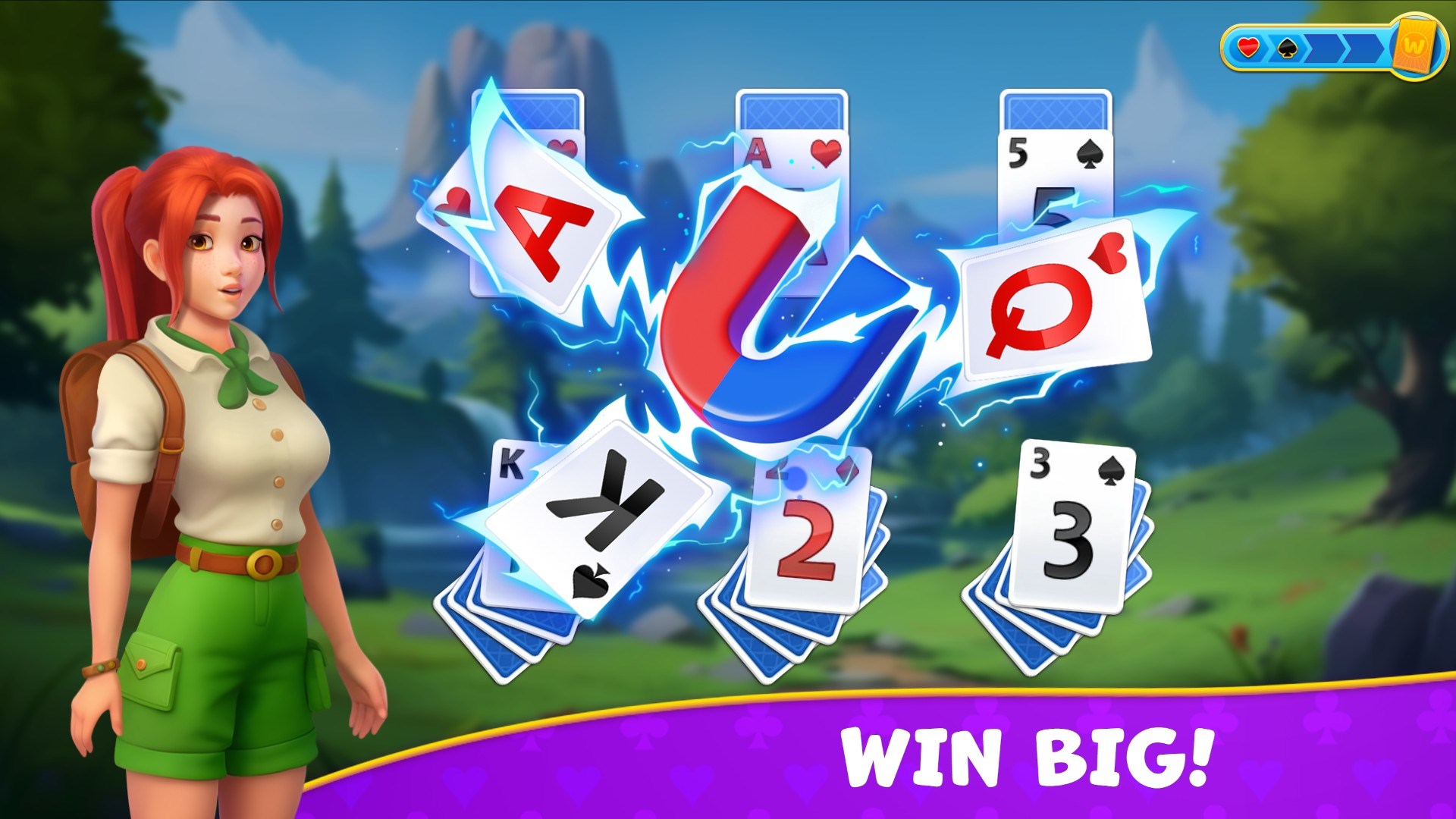
- Strategic Gameplay with a Twist: Unlike traditional solitaire, the game incorporates unique rules and scoring systems that challenge your strategic thinking and adaptability.
- Seamless User Experience: Fast load times, responsive controls, and smooth animations ensure an enjoyable experience without frustrating lags or interruptions.
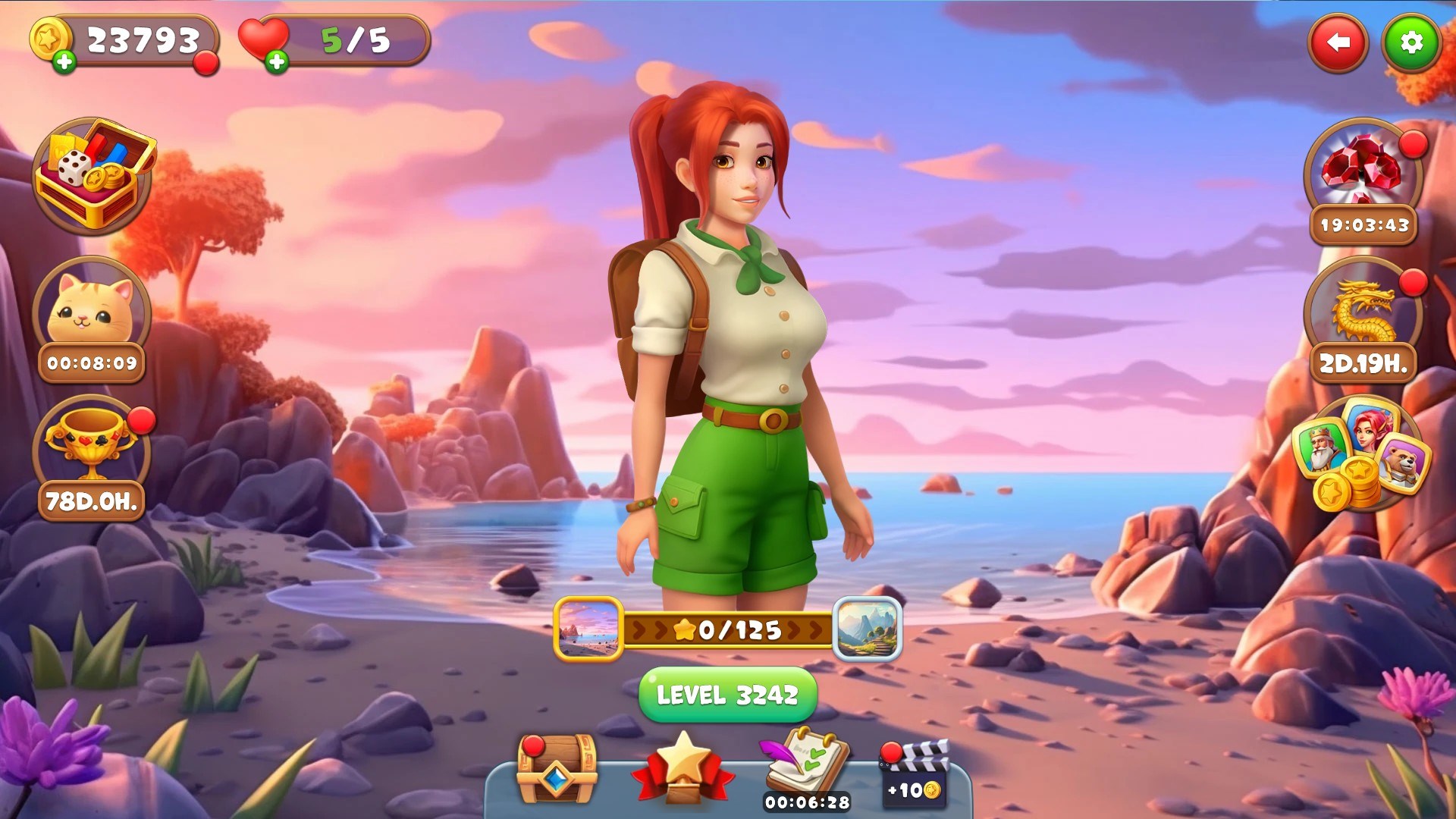
- Customizable Themes and Options: Personalize your game with different card backs, backgrounds, and difficulty levels, adding replayability and personal flair.
Playing with Style: Design, Usability, and User Experience
From the moment you launch Kings and Queens, it greets you with a crisp, beautifully designed interface that feels both modern and uncluttered—much like stepping into a well-organized game room. The cards are clear and legible, with smooth animations that lend a satisfying tactile feel, as if shuffling a real deck. The control scheme is intuitive; dragging and dropping cards feels natural, and even first-time players can quickly grasp the game mechanics without lengthy tutorials.
As for performance, the app runs fluidly across various Windows devices, from desktops to tablets, with no noticeable lag. The learning curve is gentle: beginners can easily pick up basic rules, while more experienced players will appreciate the added layers of strategy that emerge in advanced modes. Customization options further enhance user engagement, allowing players to tailor their visual experience to their preference, making each game session feel personalized and uniquely enjoyable.
How It Differs from Other Card & Board Games
Compared to many free solitaire apps, Kings and Queens distinguishes itself through its thoughtful integration of strategic depth and visual clarity. While most solitaire games focus purely on classic rules, this game introduces alternative rule sets and scoring mechanisms that add complexity without sacrificing simplicity. Its customizable themes also set it apart, allowing players to create a personalized gaming environment, unlike the more static designs of similar titles.
Furthermore, Clever Apps Pte. Ltd. emphasizes smooth animations and a responsive interface, making gameplay more lively and engaging compared to some apps where sluggish controls hinder enjoyment. This attention to detail creates an experience that feels both polished and inviting, keeping players returning to refine their skills and compete for high scores.
Final Verdict: Is Kings and Queens Worth a Try?
All in all, Kings and Queens offers a well-crafted, visually appealing solitaire experience that balances ease of play with strategic depth. While it doesn't reinvent the wheel, it adds enough unique features—particularly its customizable themes and novel gameplay variants—to stand out in a crowded market. I'd recommend it to casual players looking for a relaxing yet engaging card game, as well as to fans eager to test their strategic skills with a fresh twist. If you appreciate clean design and a smooth, responsive user interface, this game deserves a spot on your Windows device.
Pros
- Smooth Gameplay Experience
- Intuitive User Interface
- Variety of Game Modes and Themes
- Frequent Updates and Improvements
- Offline Access Option
Cons
- Limited Tutorial for Beginners
- Ads Interrupt Gameplay Occasionally
- Limited Customization Options
- Inconsistent Achievement Tracking
- Graphical Elements Could Be More Dynamic











