

- Category Lifestyle
- Available on PC, Mobile, Surface Hub, HoloLens
- OS Windows 10 version 17763.0 or higher
- languages English (United States)
Introducing Kitch: Your Window into Game Streaming on Windows
Kitch - game streaming watcher for Windows is a sleek, user-friendly app designed to enhance the way gamers and stream enthusiasts access and monitor live game content directly on their desktops.
Who's Behind the Curtain? The Developer and Core Benefits
The Creators: BoostingSuite
Developed by BoostingSuite, a team dedicated to crafting seamless multimedia experiences, Kitch stands out as a specialized streaming watcher tailored for Windows users.
Key Features That Make It Shine
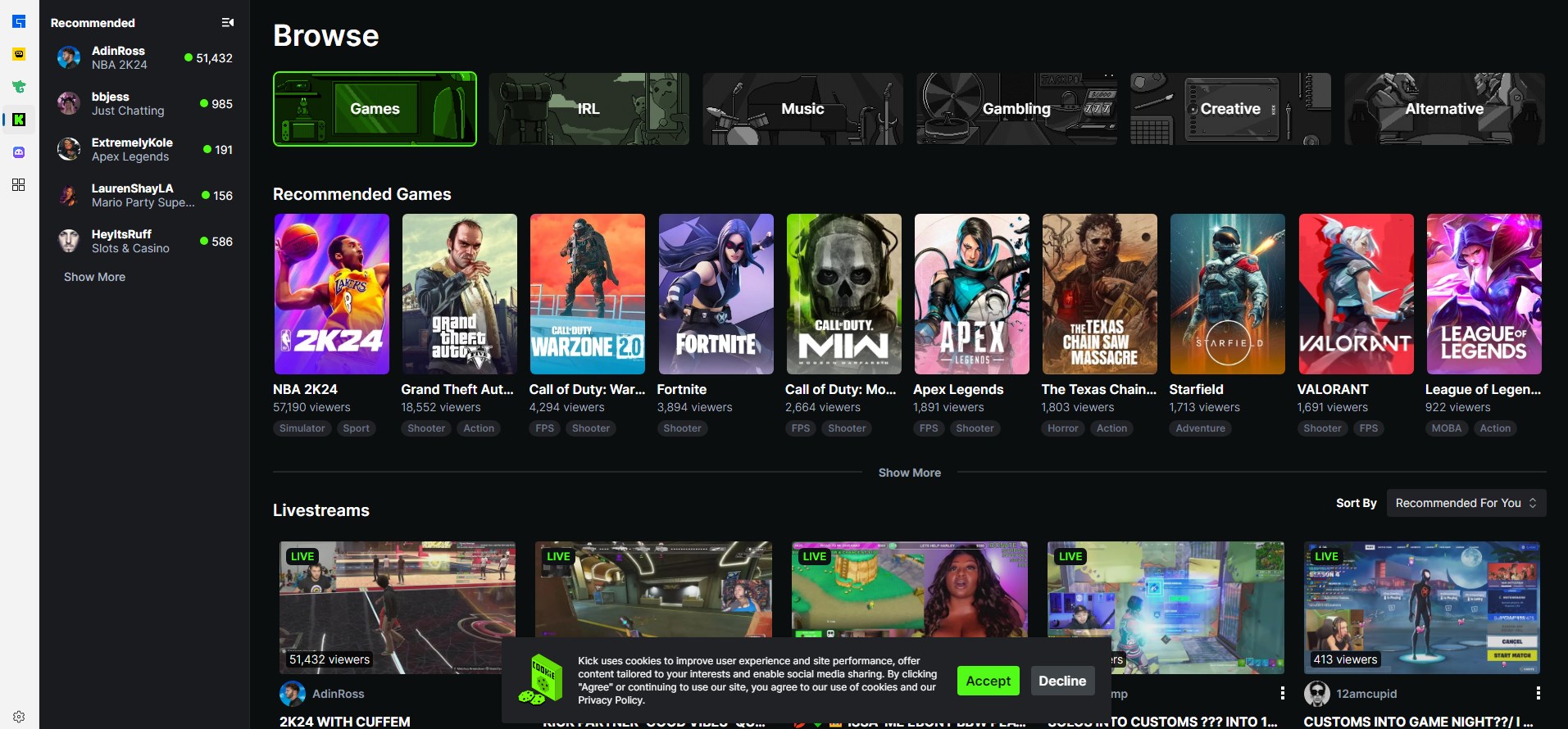
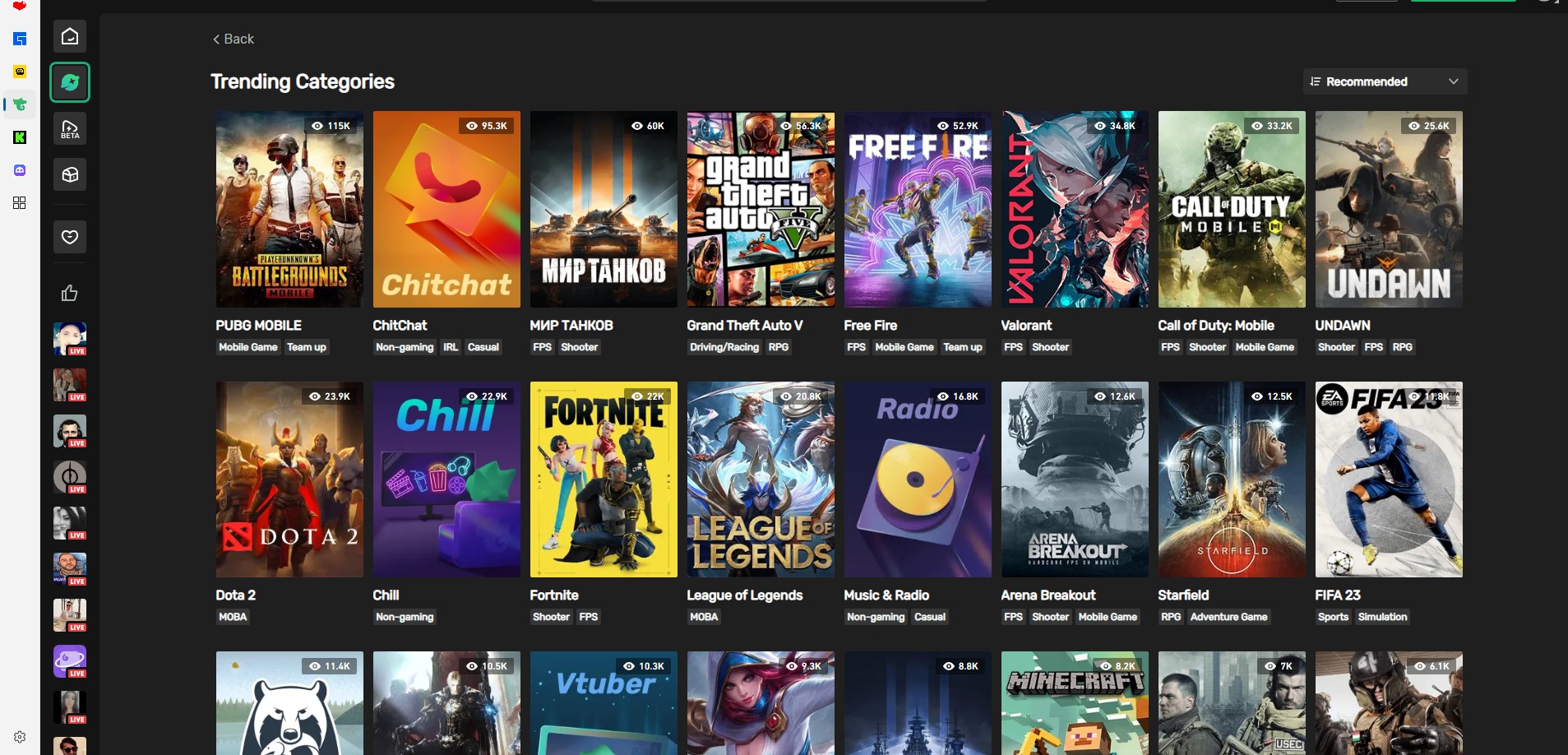
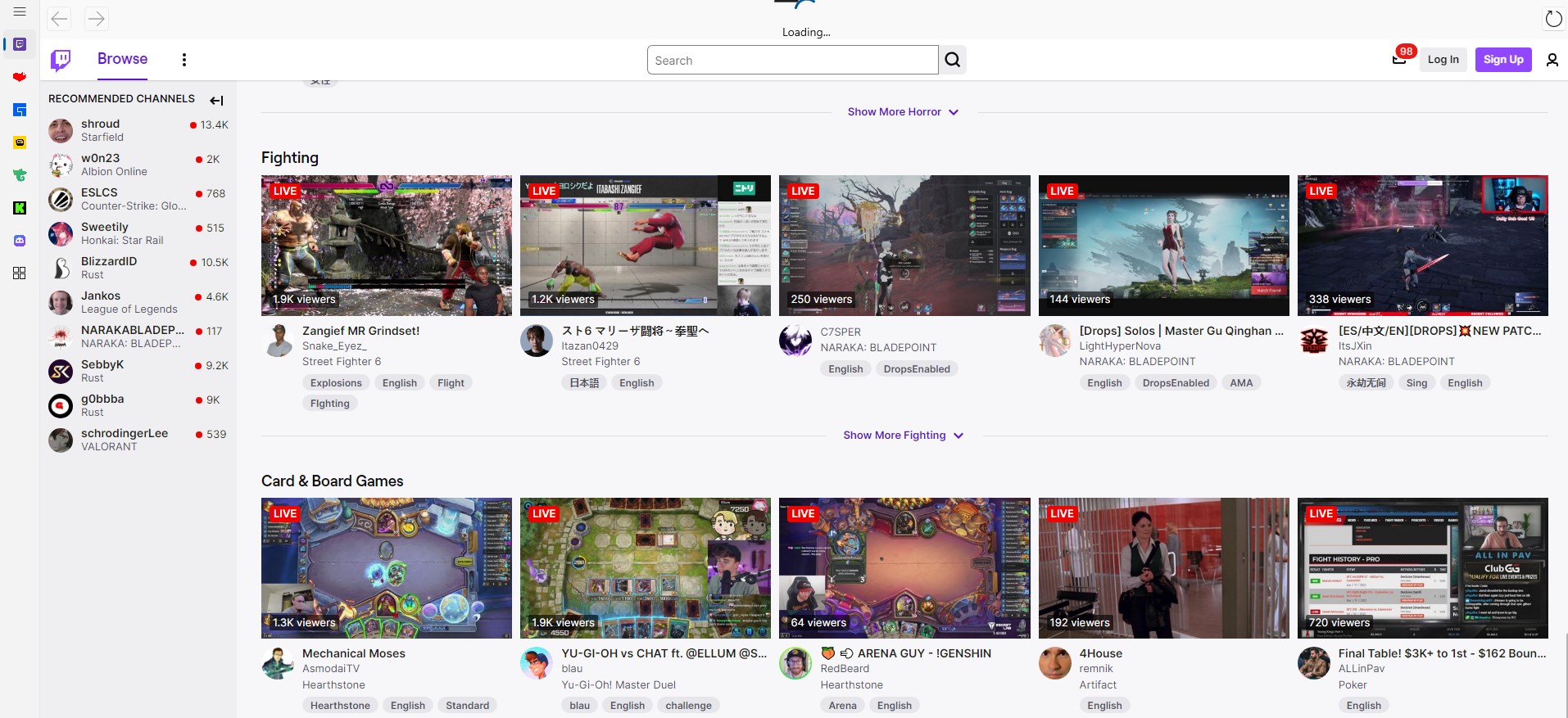
- Real-Time Stream Monitoring: Instantly browse, select, and watch live game streams from popular platforms without needing to navigate away from your desktop.
- Customizable Stream List: Save your favorite channels or streamers for quick access, streamlining your viewing experience.
- Minimalist and Intuitive UI: A clean interface that balances simplicity with robust functionality ensures ease of use even for newcomers.
- Built-in Notifications: Stay updated with alerts for new streams or streamers you follow, keeping you plugged into your favorite gaming content.
Target Users
This app is ideal for gamers, eSports followers, or streaming enthusiasts who prefer to keep an eye on their preferred game channels directly from their Windows desktop, without cluttering their browser or relying on more complex streaming solutions.
Experience the Stream: A Closer Look at Kitch
Starting Your Journey: An Engaging Welcome
Imagine cluttering your desktop with multiple browser tabs—chaotic, right? Kitch transforms this chaos into a streamlined window into your gaming universe. It's like having a dedicated TV channel for gaming right on your desktop, constantly updated and personalized. The app's smooth navigation feels like flipping through a well-organized media cabinet, inviting you to discover new streams or revisit your favorites effortlessly.
Core Functionality: Core Features that Catch the Eye
- Live Stream Browsing & Watching: The heart of Kitch is its ability to feed you live streams seamlessly. Whether you follow the latest eSports tournament or just want to see some chill gameplay, Kitch brings it all closer and clearer. Its well-optimized streaming engine reduces lag and buffering, offering a smooth viewing experience akin to gliding down a well-paved highway.
- Personalized Stream Management: No more hunting through endless URLs or tab-switching. Kitch allows you to curate your viewing list—adding favorite streamers or channels with just a few clicks. It's like having your favorite TV guide, but for gaming content—hassle-free and tailored to your taste.
- Real-Time Notifications: Stop guessing when your streamer goes live. Kitch's notification system ensures you're informed instantly—like a friendly neighbor tapping on your shoulder to announce an exciting event happening just outside your window.
User Interface & Performance: Smooth Sailing
The design of Kitch exudes simplicity yet sophistication. Its interface is reminiscent of a clutter-free dashboard, emphasizing ease of use with intuitive controls. Navigating through streams and managing your favorites feels almost instinctive—almost like chatting with an old friend who knows exactly what you need. Performance-wise, the app demonstrates commendable fluidity, even when handling multiple streams or notifications. It's lightweight and responsive, minimizing resource consumption so you can keep gaming or working without interruption.
What Sets Kitch Apart? The Distinctive Edge
While many lifestyle and media applications provide streaming access, Kitch's unique strength lies in its integration of real-time updates and personalized stream management, directly on your desktop environment. Its authenticity and credibility stem from its dedicated focus on gaming content, ensuring high-quality streams that are both trustworthy and relevant. In contrast to generic media apps, Kitch's content authenticity is underpinned by its compatibility with popular streaming platforms, bolstering user trust. Moreover, its sleek, minimalistic design suits gamers who value efficiency over clutter, making it a standout choice in the lifestyle category focused on content consumption.
Final Thoughts: Worth a Try for Stream Enthusiasts
All in all, Kitch provides a dependable, streamlined way for Windows users to stay connected with their favorite game streams. Its standout features—the real-time stream monitoring and personalized management—are especially useful for serious followers who want quick, organized access without extra fuss. While it's easy enough for beginners, its focus on quality and efficiency makes it a compelling choice for seasoned stream watchers.
My recommendation? If you're someone who loves gaming content and prefers a focused, desktop-based solution for streaming monitoring, Kitch is worthy of a spot on your device. Just remember, it's designed to complement your gaming life—not replace your preferred platforms. Use it to stay informed, organized, and connected, and you'll never miss a moment of the action.
Pros
- Real-time game stream viewing
- User-friendly interface
- Multiple stream support
- Customizable alerts
- Lightweight design
Cons
- Limited streaming platform integrations
- Occasional buffering during peak hours
- Lack of offline viewing options
- Limited customization options for notifications
- No integrated chat feature










