
- Category Card & board
- Developer TreeCardGames
- Available on PC
- OS Windows 10 version 17763.0 or higher
- languages Chinese (Simplified), Chinese (Traditional Chinese), Czech, Danish, Dutch, English, English (United States), Finnish, French, German, Greek, Hebrew, Hindi, Hungarian, Italian, Japanese, Norwegian (Bokmål), Polish, Portuguese (Brazil), Portuguese (Portugal), Russian, Spanish, Swedish, Thai, Turkish, Ukrainian
An Engaging Digital Card Game: Klondike Solitaire Collection Free for Windows
For fans of classic card games seeking a refined, accessible experience, Klondike Solitaire Collection Free stands out as a compelling choice in the Windows ecosystem. Brought to you by TreeCardGames, this app transforms the familiar solitaire routine into an inviting digital pastime, promising both nostalgia and smooth gameplay for various user groups.
Basic Information About the App
At its core, Klondike Solitaire Collection Free is a polished, ad-free version of the timeless card game, designed to deliver the classic Klondike experience with a modern touch.
Developer/Publisher: TreeCardGames
Main Features Highlights:
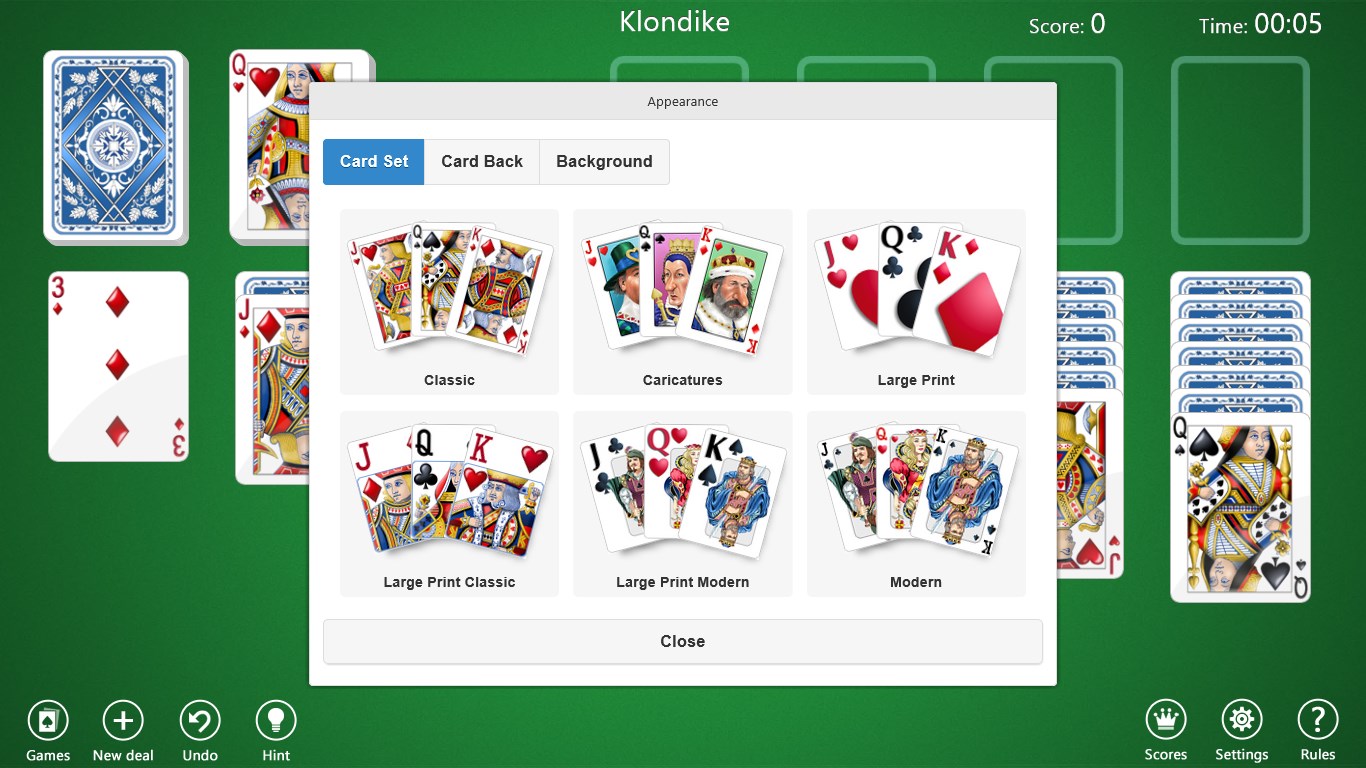
- Multiple card themes and customizable backgrounds, offering personalized aesthetics.
- Adaptive difficulty settings to suit beginners and seasoned players alike.
- Statistics tracking for gameplay performance, encouraging steady improvement.
- Optional hints and undo options to enhance user-friendly experience.
Target Audience: Casual players of all ages interested in classic solitaire, including beginners learning the game and advanced players seeking a relaxing, distraction-free variation.
A Fresh Take on Classic Solitaire
Picture yourself at a cozy weekend afternoon, a gentle breeze fluttering through the window, and a deck of cards spread out before you. Now, imagine transforming that serene moment into a digital escape—that's what Klondike Solitaire Collection Free offers. Its crisp, vivid graphics and intuitive controls make it a joy to immerse oneself in the familiar yet fresh world of Klondike solitaire, whether you're waiting in line or unwinding after a long day.
Core Features That Make It Shine
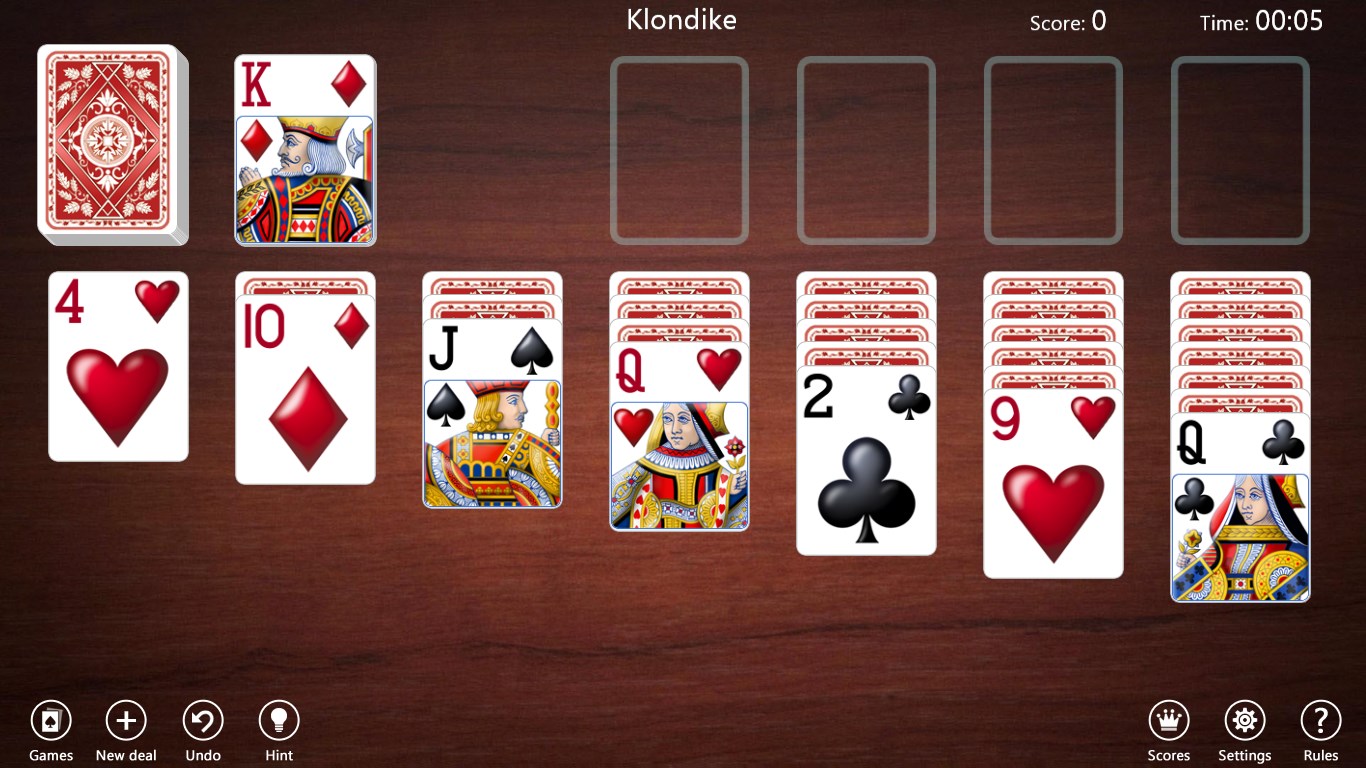
One of the app's standout elements is its customizable card themes. Whether you prefer the classic blue-backed cards, elegant patterns, or playful designs, these options add a touch of personality that can make each session feel uniquely yours. The ability to change backgrounds further personalizes the experience, transforming your game from مجرد مزيج من ورق اللعب إلى لوحة فنية مريحة.
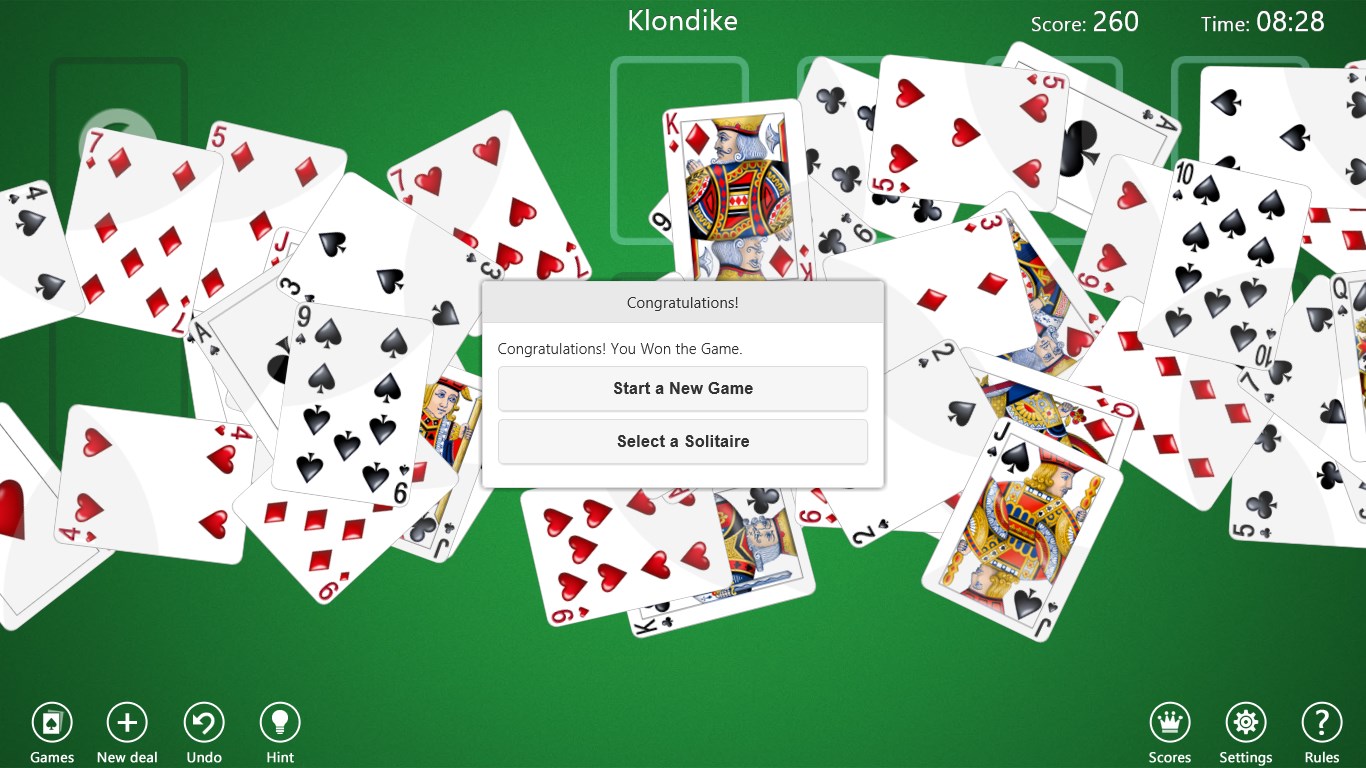
Another compelling feature is the smart statistics tracking system. After each game, you receive real-time feedback on your performance, including win rates and average moves. This makes the app not just a game but a subtle trainer encouraging you to hone your skills over time. The optional hints and undo functions serve as learning aids, allowing players to explore different strategies without fear of failure, fostering a friendly environment for beginners.
Furthermore, the app supports multiple difficulty levels, from relaxed casual play to more challenging scenarios. This flexibility ensures that both casual players who enjoy a leisurely game and competitive players aiming for mastery find their sweet spot within the app.
User Experience and Design
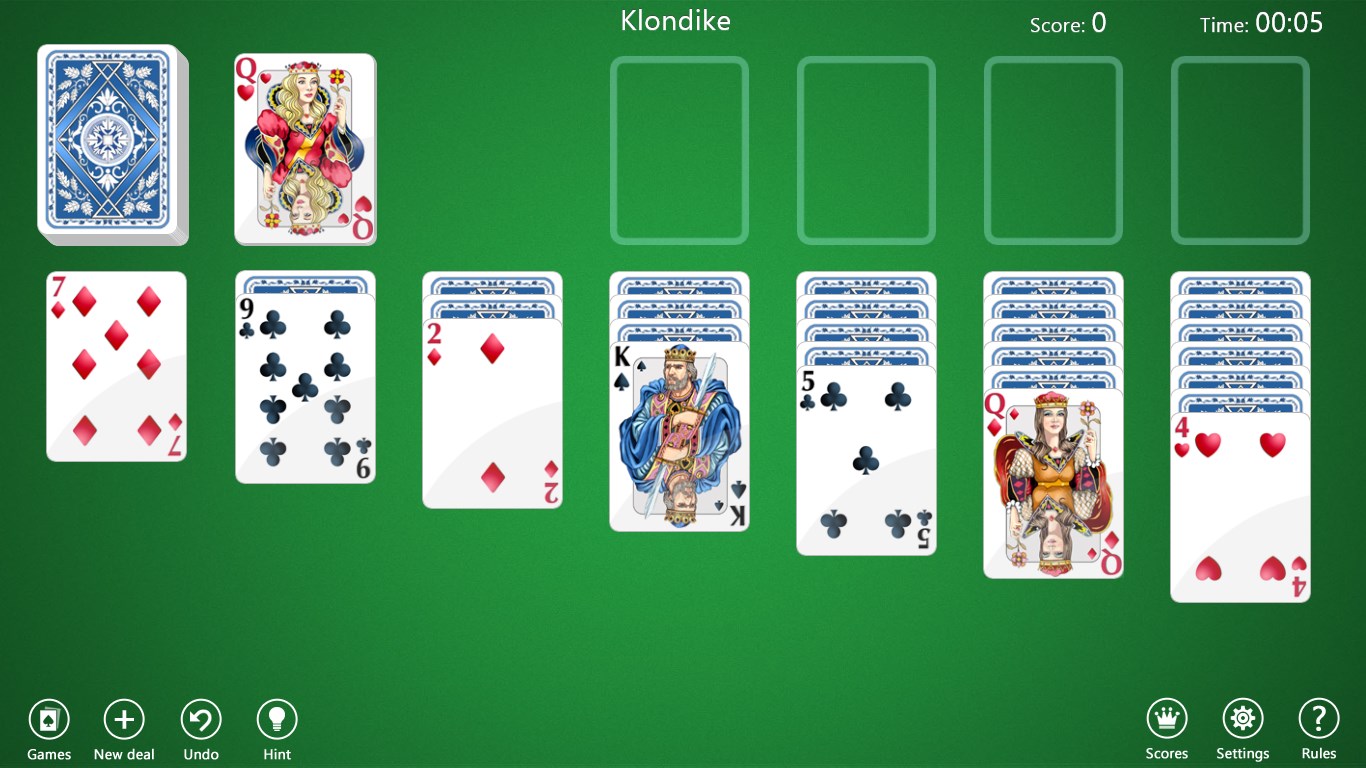
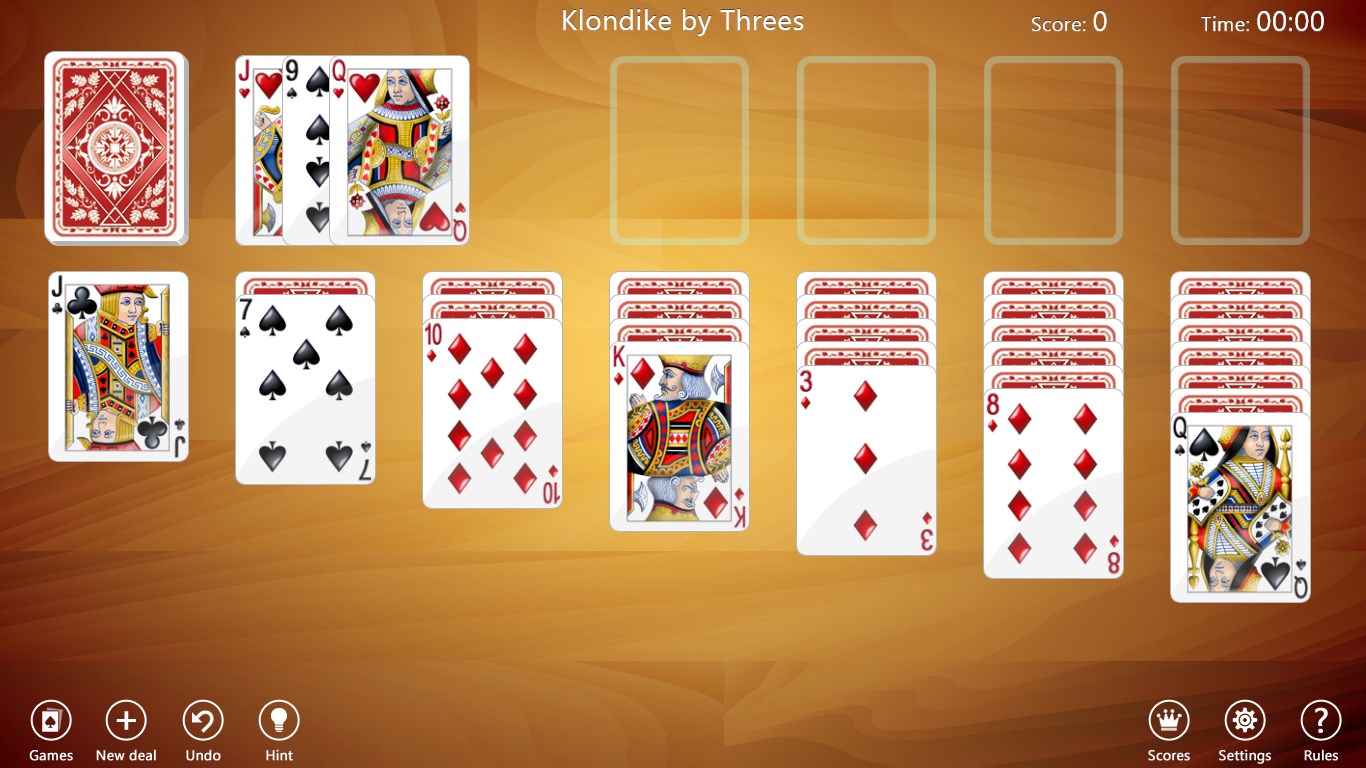
The interface adopts a minimalist yet elegant design, reminiscent of a well-kept table where cards are neatly arranged. Navigation feels seamless—clicking, dragging, and flipping cards are executed with fluid responsiveness that doesn't distract or frustrate. The user interface is straightforward; menus are logically organized, minimizing the learning curve for first-time users. Within minutes, newcomers can comfortably jump into a game, appreciating how the game visually guides their actions.
Regarding gameplay flow, the app excels at maintaining swift response times, contributing to a smooth, frustration-free experience. The subtle animations and soft sound effects enhance the tactile feel of card handling, adding an extra touch of realism. Even prolonged sessions remain comfortable, thanks to the well-balanced design and thoughtful feature placements.
How It Differs from Other Card & Board Apps
Compared to many other digital solitaire offerings, Klondike Solitaire Collection Free emphasizes customization and performance analytics—two features that set it apart. While many apps focus solely on straightforward gameplay, this app invites players to personalize their environment extensively, making each game visually appealing. Meanwhile, the integrated stats and performance insight provide a subtle layer of challenge and engagement, turning a simple game into a tool for skill development. Its unobtrusive free model, free of ads, further enhances its appeal, emphasizing a clean, distraction-free experience.
Final Recommendation and Usage Suggestions
If you appreciate the classic game of Klondike and seek a digital version that balances aesthetic flexibility, user-friendly design, and analytical feedback, this app is a solid choice. Its particular strengths lie in visual customization and performance tracking—ideal for players who enjoy tailoring their gameplay environment and monitoring their progression. I recommend it to casual gamers, seniors, or anyone looking to enjoy a relaxing yet engaging card game without unnecessary clutter or intrusive ads.
For best results, explore different themes and difficulty modes to discover what suits your style most. Regular use can turn this app into a calming daily ritual or a gentle challenge to improve your solitaire strategy. Overall, Klondike Solitaire Collection Free for Windows offers a well-rounded, approachable, and visually pleasing experience that makes it just as enjoyable as shuffling a real deck, minus the fuss.
Pros
- Intuitive and user-friendly interface
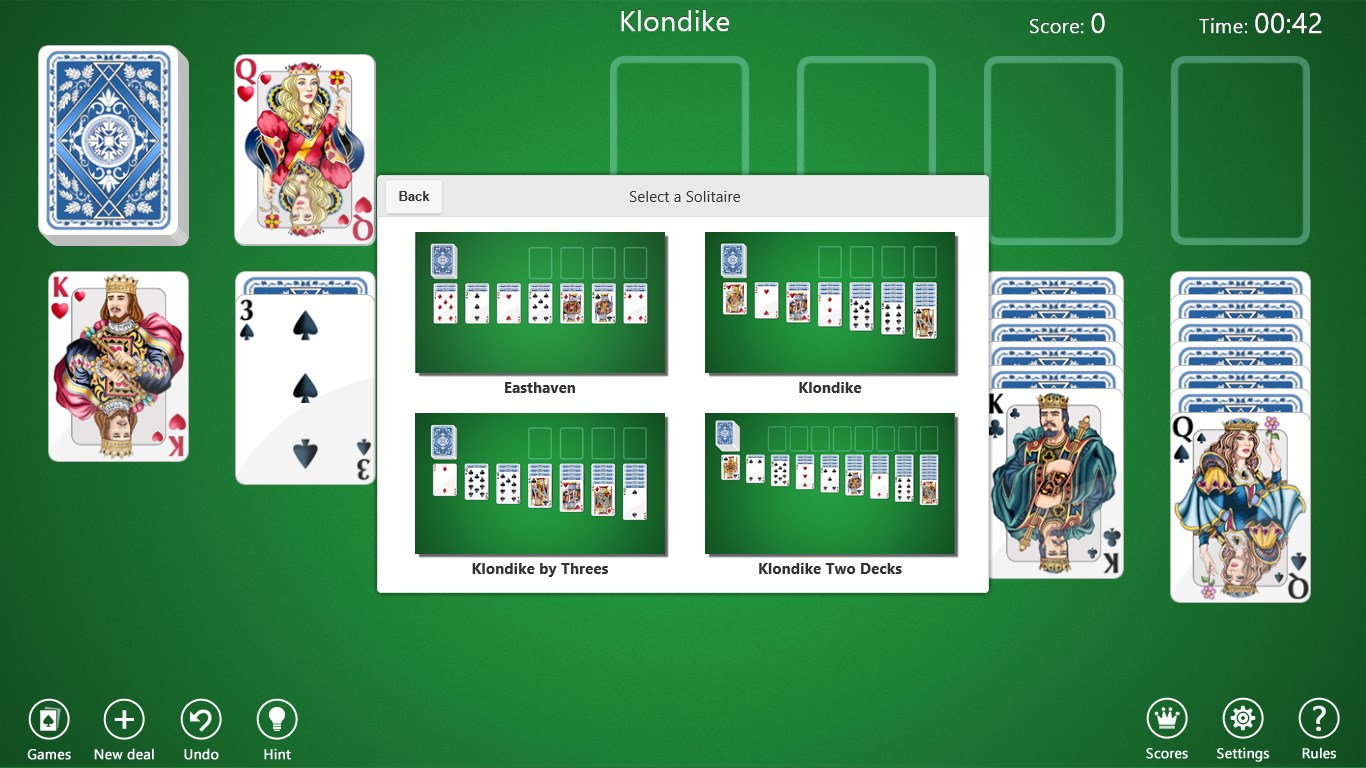
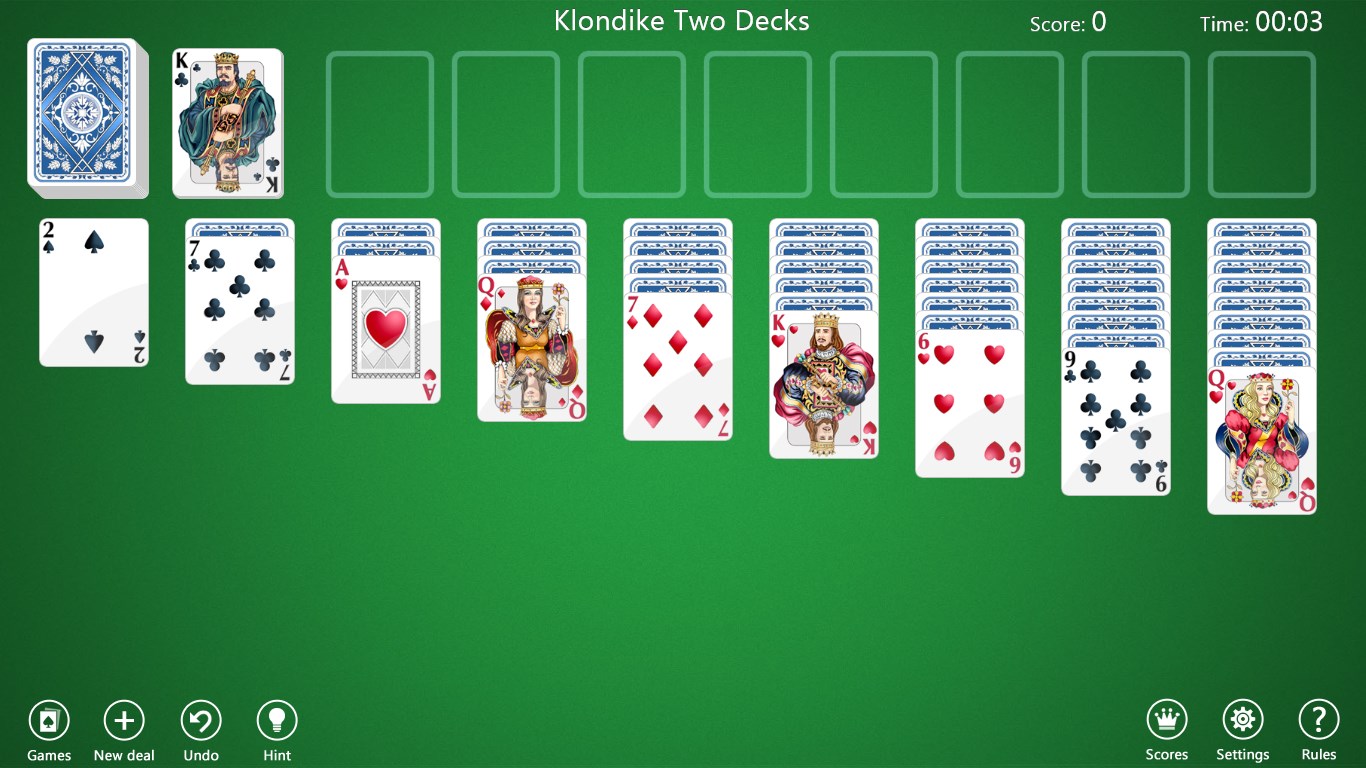
- Wide variety of Klondike Solitaire options
- Ad-free gameplay for a seamless experience
- Achievements and leaderboards motivate competitive play
- Regular updates bring new features and bug fixes
Cons
- Limited customization options for card themes
- Occasional glitches when loading new game modes
- No tutorials or guidance for beginners
- Limited sound customization options
- Occasional ads when switching between game modes











