- Category Books & reference
- Available on PC, Surface Hub
- OS Windows 10 version 18362.0 or higher
- languages English (United States), German
Introducing Kortext for Windows: Your Digital Textbook Companion
Kortext for Windows is a sleek and efficient e-reader designed to streamline access to academic texts, making students and educators' lives significantly easier. With its focus on interactive reading and seamless integration, this app aims to redefine digital learning experiences on desktop devices.
Developed by a Frontline Educational Tech Team
Created and maintained by Kortext, a renowned provider in educational technology, the app benefits from their dedication to transforming academic reading with intuitive digital tools and flexible content management.
Key Highlights That Make Kortext Stand Out
- Interactive Annotations: Enable users to highlight, add notes, and connect ideas directly on the text, fostering active learning.
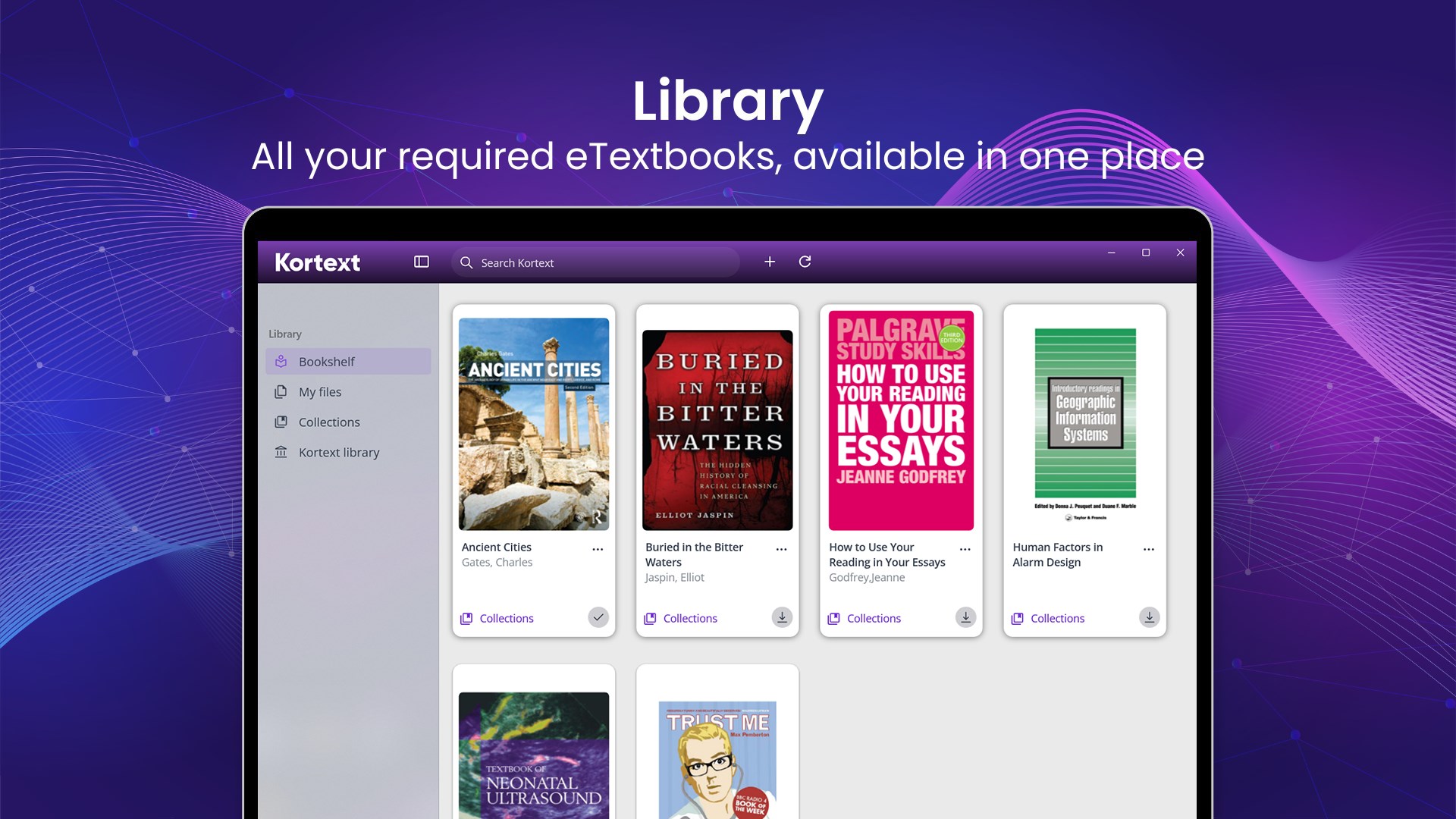
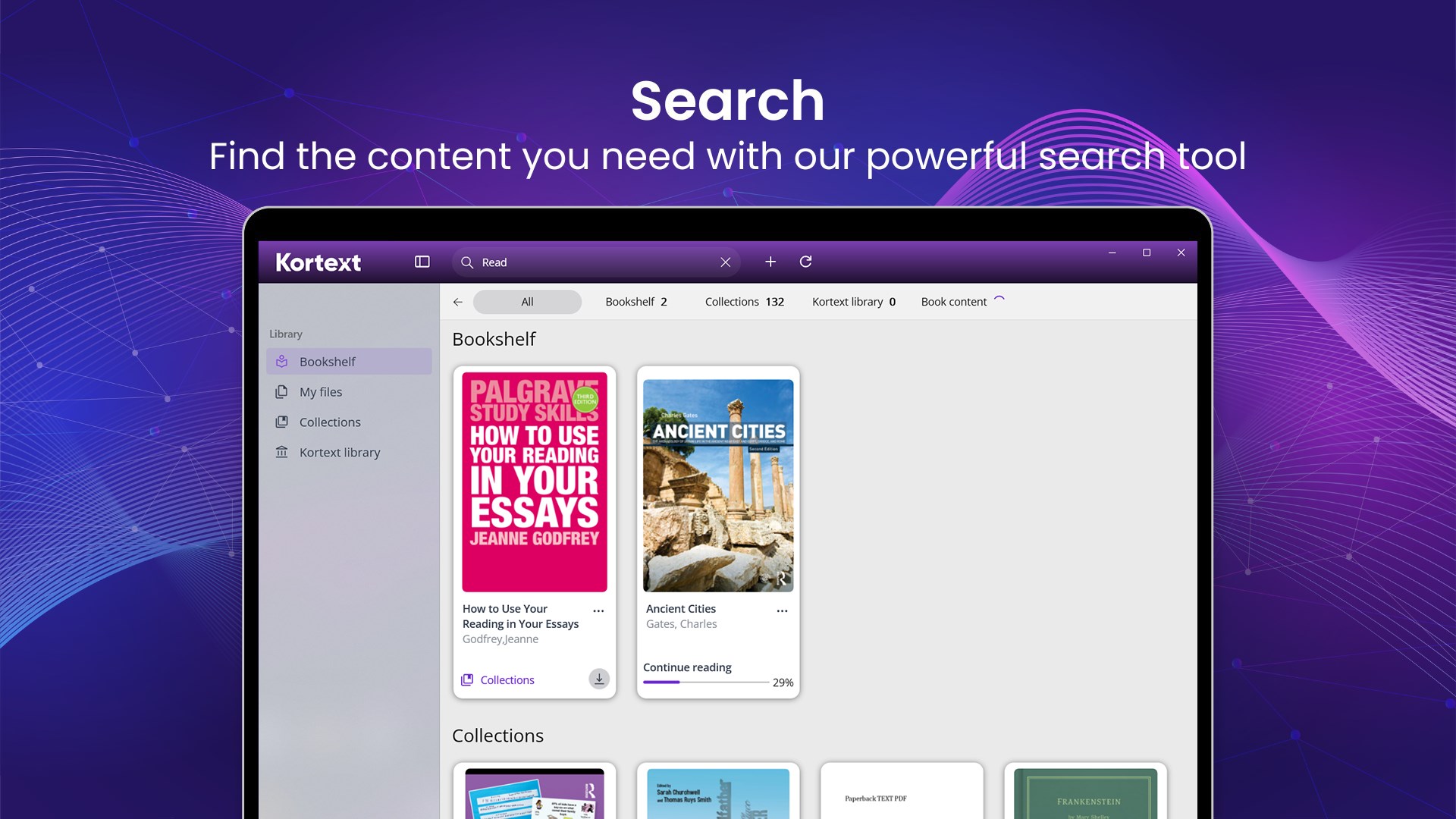
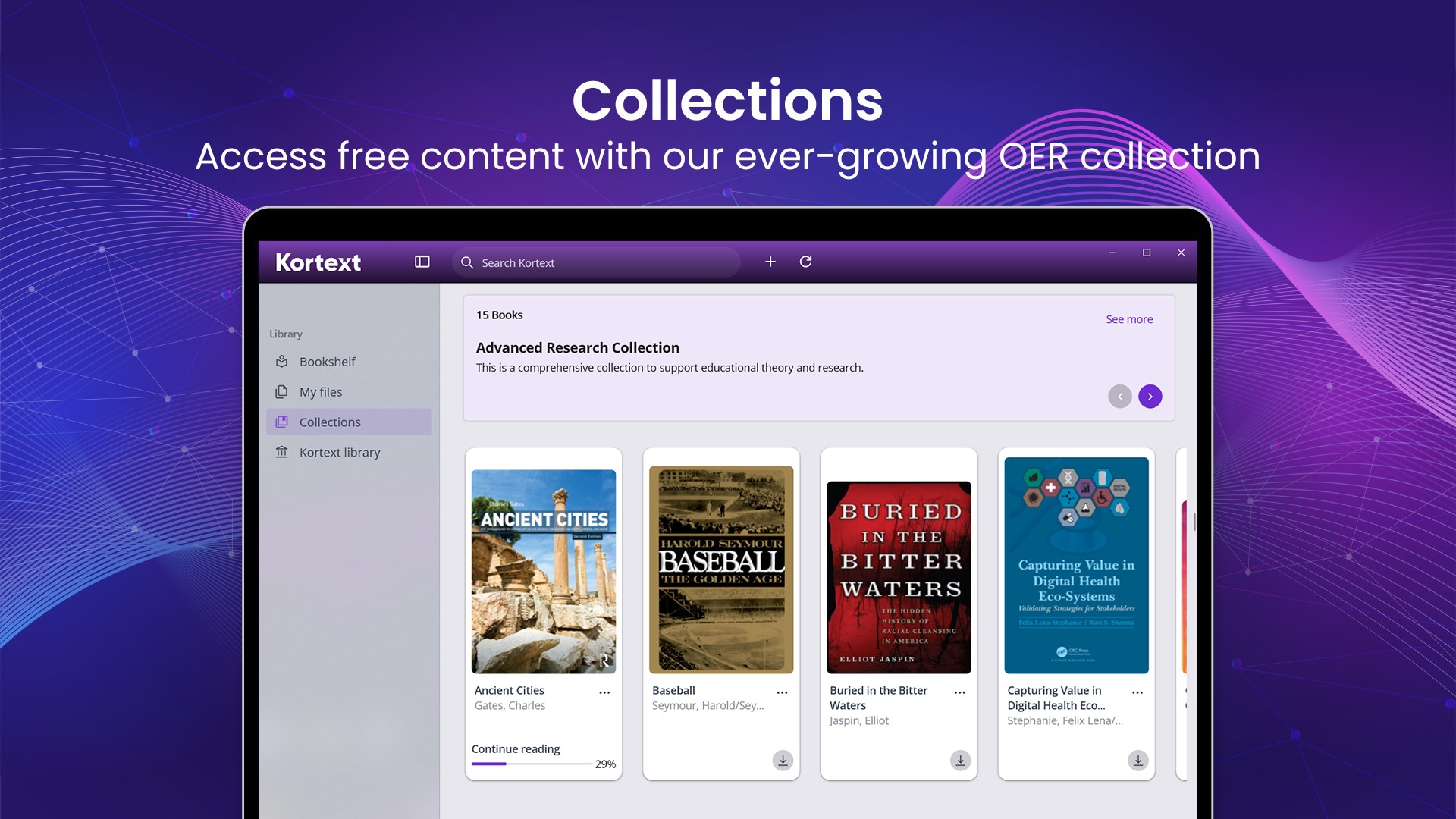
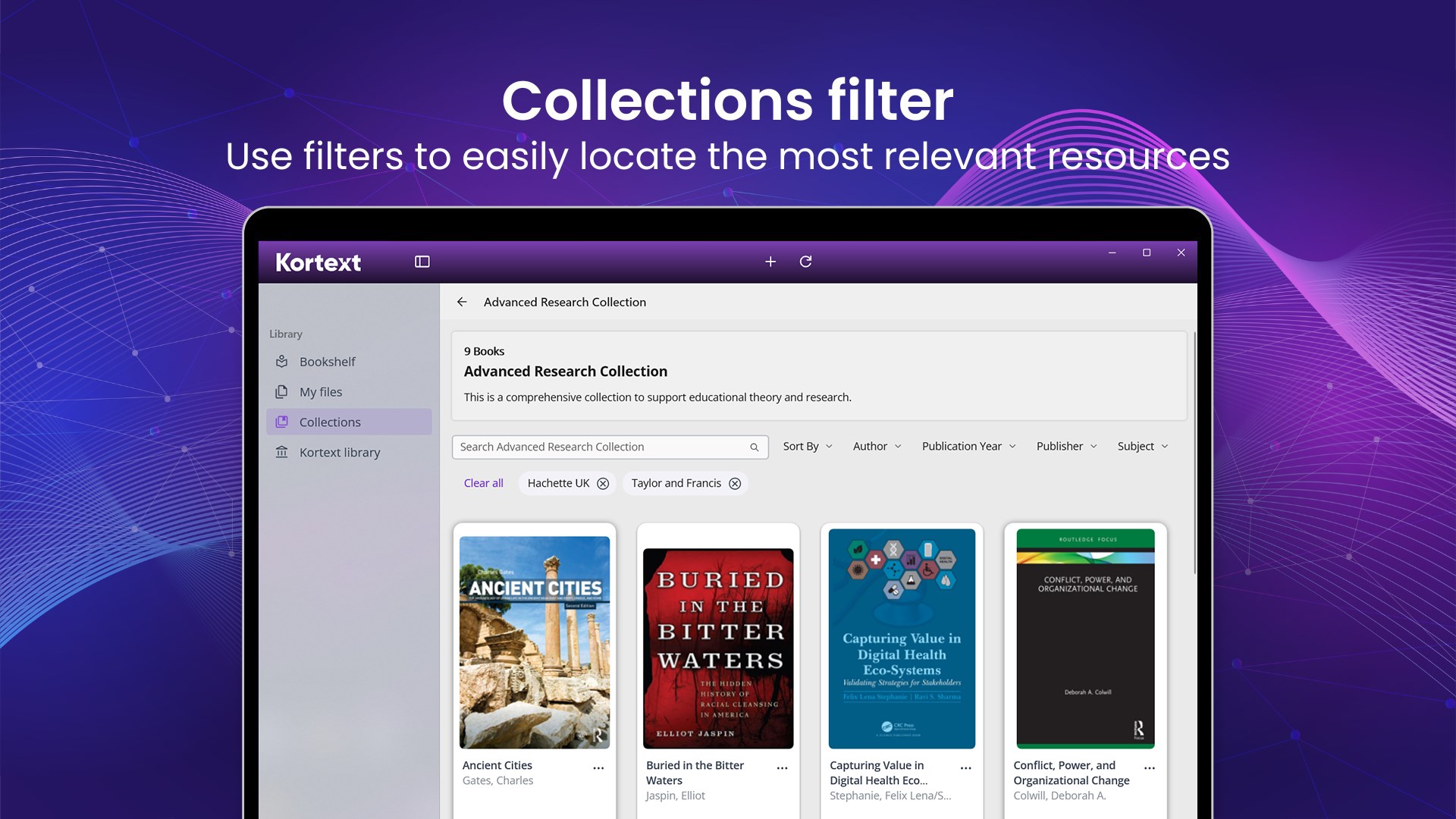
- Comprehensive Library Access: Integrate vast academic resources, making it easy to locate and manage multiple textbooks within a single platform.
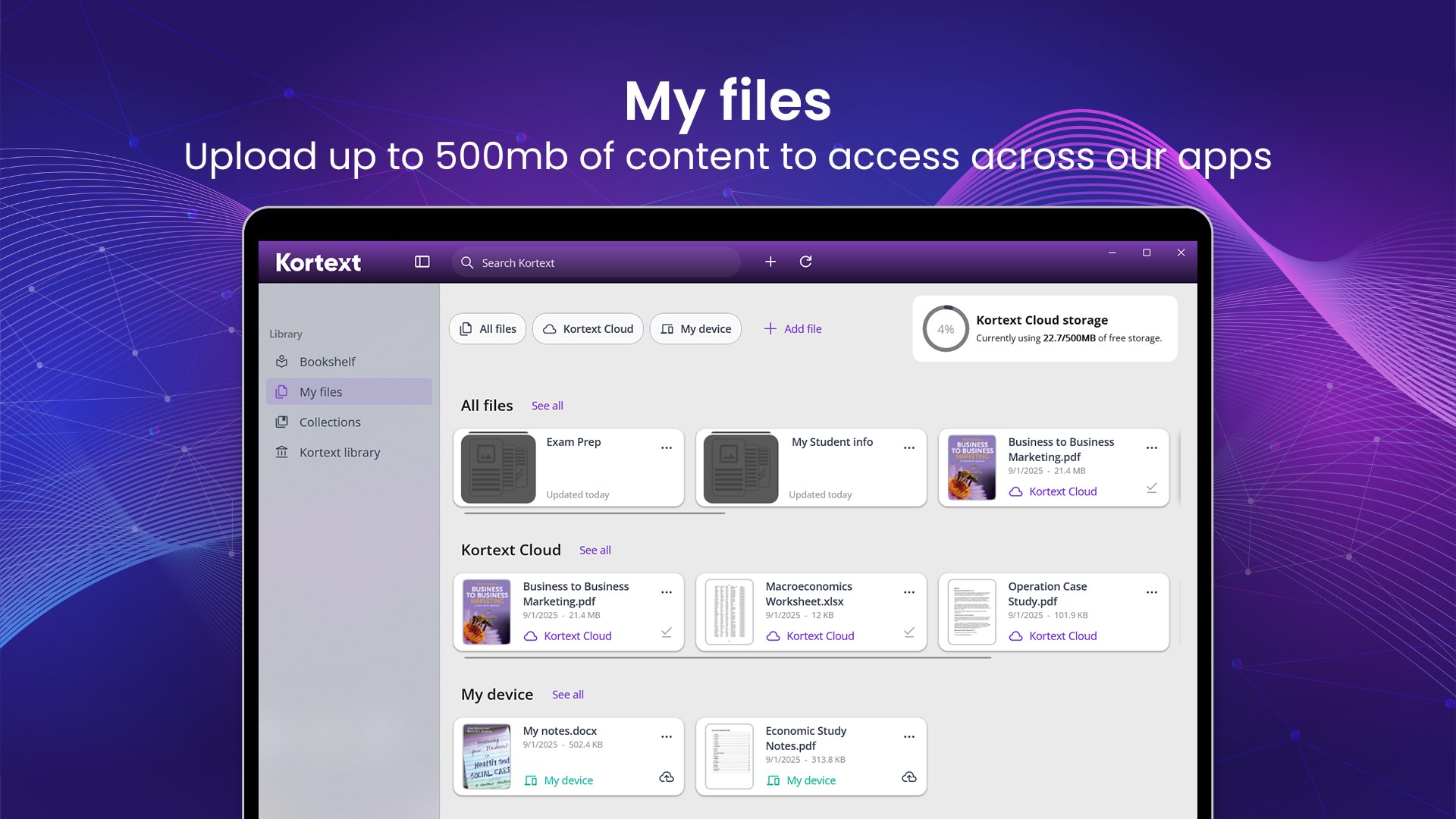
- Seamless Sync & Offline Accessibility: Keep your progress synchronized across devices and access your materials offline—a vital feature during connectivity issues.
- Intuitive User Interface: Clean design with optimized navigation simplifies complex academic reading, reducing learning curve.
An Engaging Dive into Your Digital Textbooks
Imagine sitting comfortably at your desk, a steaming cup of coffee nearby, and your entire course reading library just a click away. Kortext for Windows transforms what once could have been a cumbersome process into an engaging, almost tactile experience—only with your mouse and keyboard instead of paper. Its well-thought-out interface invites you deep into your textbooks, providing tools that turn passive reading into active learning. Whether you're flipping through chapters or deeply annotating, Kortext makes it feel natural, almost intuitive.
Powerful Note-Taking & Annotation Capabilities
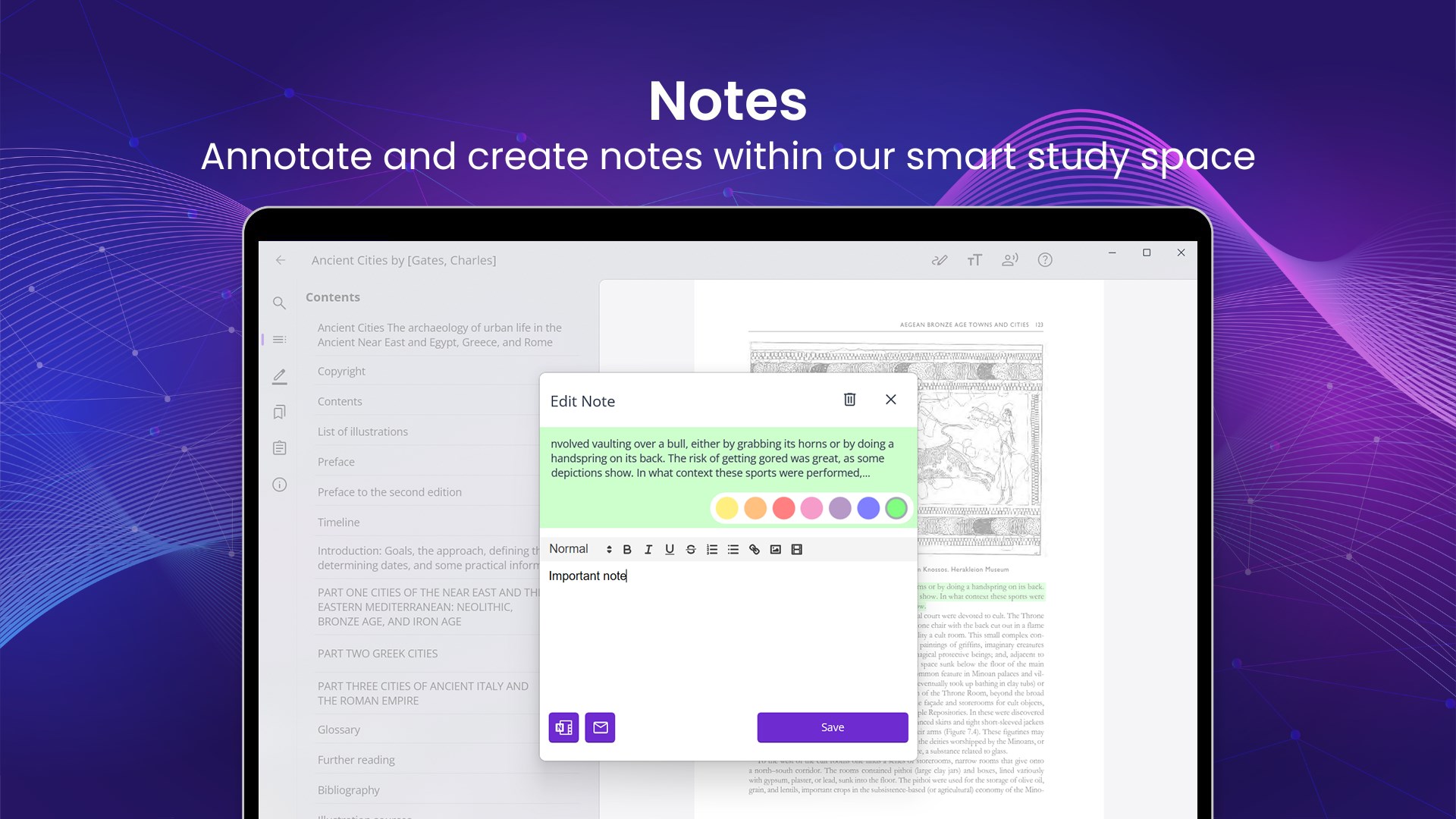
The standout feature of Kortext is its interactive annotation system. Users can effortlessly highlight text, add sticky notes, or draw freehand markings—much like using a highlighter and sticky notes in a physical book. These annotations are stored within the document for easy retrieval. What makes this feature particularly special is its ability to link notes to specific parts of the text, facilitating quick revision sessions and better understanding. Unlike static e-readers, Kortext promotes deeper engagement with your material, making studying less of a chore and more of a discovery process.
Sophisticated Library and Content Management
At the core of Kortext's appeal is its vast digital library integration. Users can access multiple textbooks and reference materials stored within the app, streamlining your study sessions. Its smart organization system groups your resources logically, reducing the chaos often experienced when juggling several files. The app also supports offline reading, ensuring your engagement isn't interrupted by network issues—ideal for library visits or commutes.
Design, Usability, and User Experience
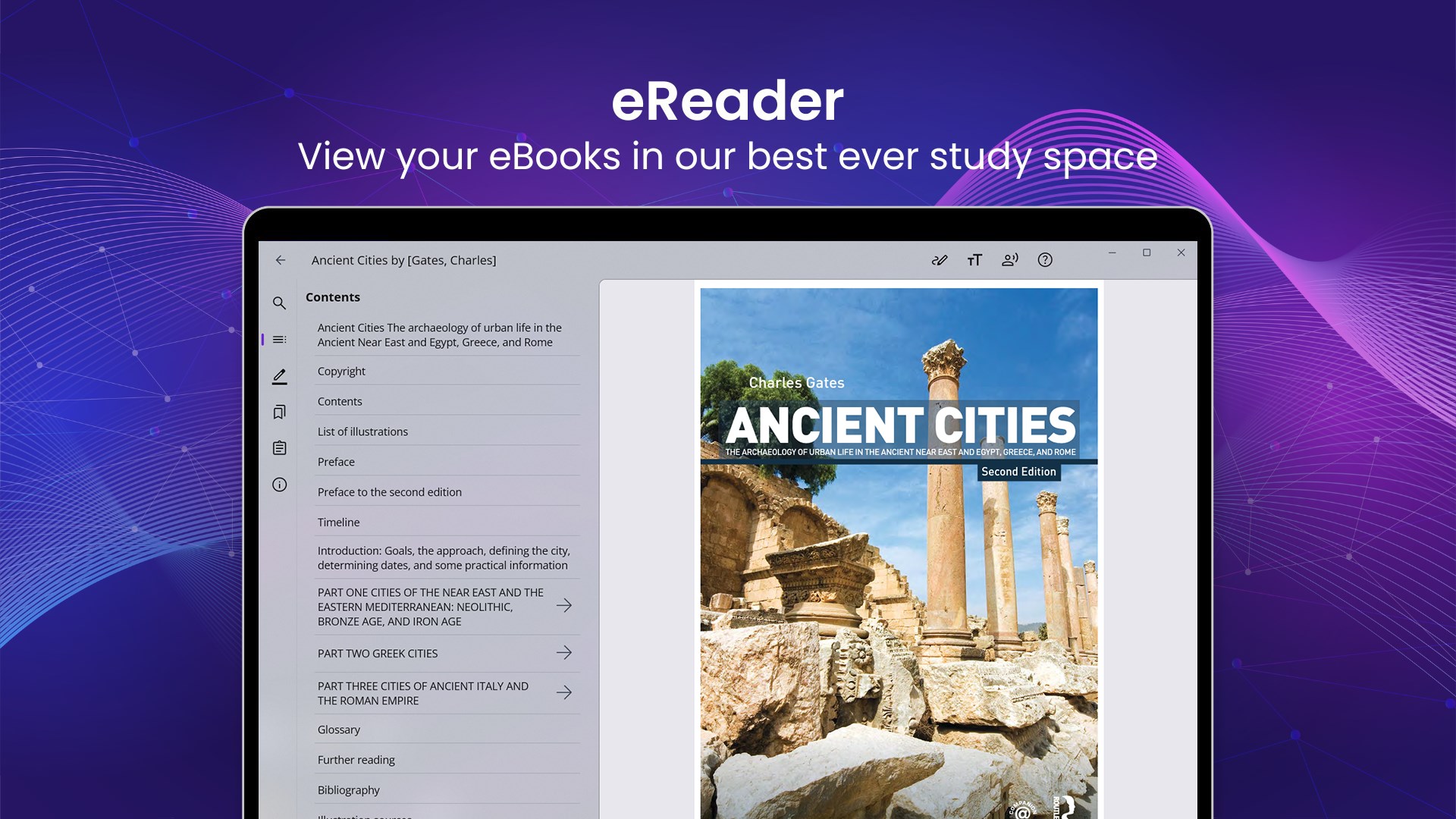
Visually, the app adopts a minimalist aesthetic—clear fonts, uncluttered layouts, and a streamlined toolbar make navigation straightforward, even for first-time users. The interface feels responsive, with smooth scrolling and swift loading times, which means your study flow isn't broken by software lag. The learning curve is gentle; users familiar with general reading apps will find their way around quickly. Moreover, the app mirrors real-world reading habits more closely than traditional PDF readers, thanks to customizable layouts and note management features.
What Sets Kortext Apart from Other Book & Reference Apps?
While numerous e-reader apps exist, Kortext's unique edge lies in its focus on academic engagement tools that integrate deeply with content, rather than simple document viewing. The interactive annotation system, combined with robust offline access and extensive library integration, creates an ecosystem tailored explicitly for students and educators. It's like having a digital classroom in your desktop—offering not just content, but tools for active learning and collaboration that many standard e-reader apps lack.
Final Thoughts: Is It Worth Your Time?
Based on its features and user experience, I recommend Kortext for Windows to students, teachers, and lifelong learners who want a reliable, feature-rich platform for managing and engaging with academic texts. It's especially beneficial if you value interactive note-taking and need the flexibility of offline access. While it may not replace lightweight reading apps for casual use, Kortext excels in educational settings where comprehension and active engagement are key. Overall, it's a solid, thoughtfully designed tool worth exploring if you're committed to making digital textbooks work for you rather than the other way around.
Pros
- Extensive eBook library
- User-friendly interface
- Offline reading capability
- Multi-device synchronization
- Integrated note-taking features
Cons
- Limited geographic availability
- Occasional app crashes
- Inconsistent annotation tools
- Limited multimedia support
- Pricing and licensing complexity