
- Category Multimedia design
- Developer The Krita Team
- Available on PC
- OS Windows 10 version 17135.0 or higher
- Memory 2 GB
- Keyboard Not specified
- Mouse Not specified
- languages English (United States)
Unleashing Creativity on Windows: An In-Depth Look at Krita for Windows
If you've ever dreamed of a digital canvas where your artistic ideas can bloom without limitations, Krita for Windows might be the perfect palette for you. Known for its open-source roots and powerful features, this app aims to serve both aspiring artists and seasoned illustrators alike. But does it live up to the hype? Let's delve into the details.
About Krita for Windows: The Artist's Digital Companion
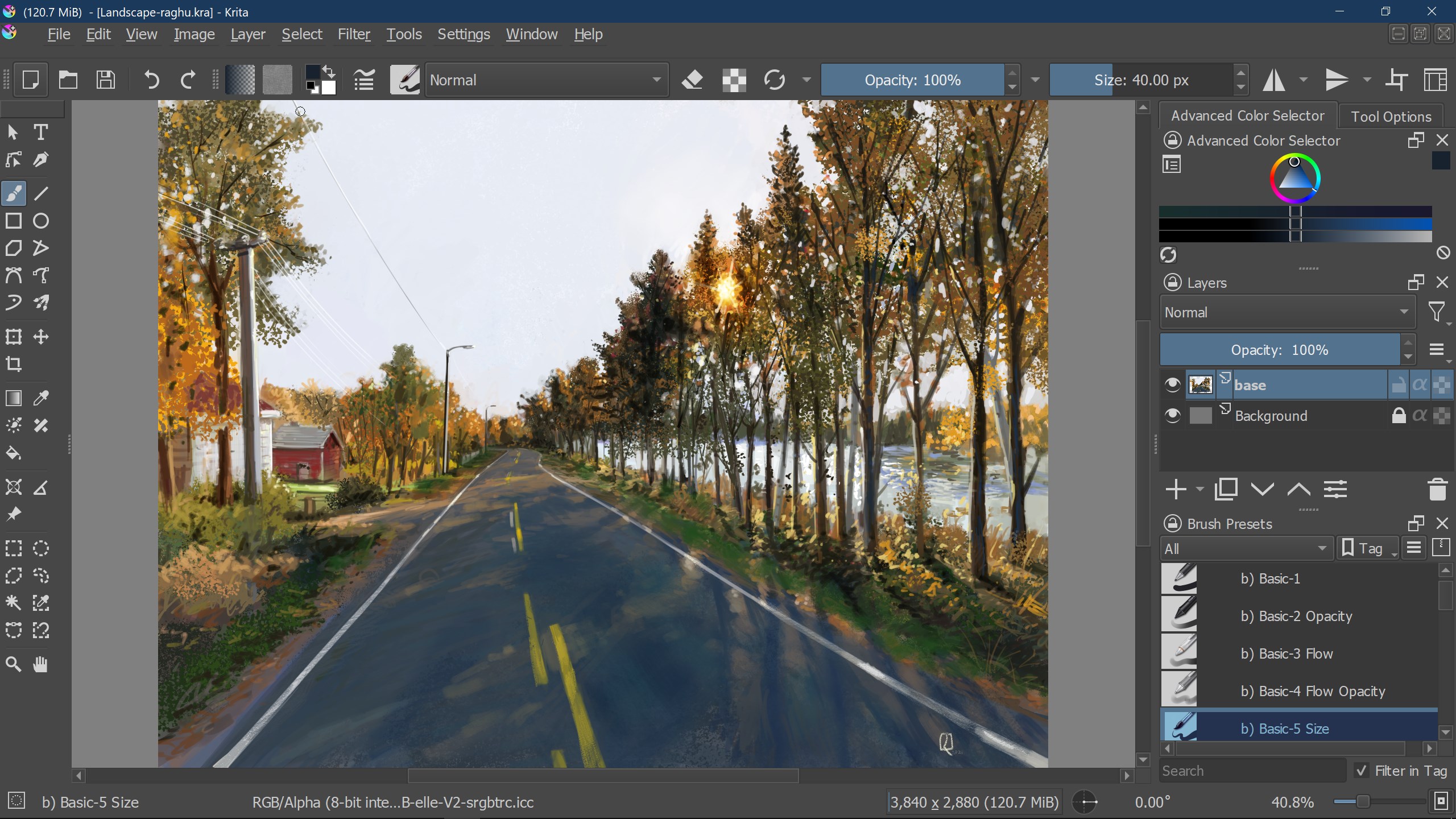
Krita for Windows is a professional-grade digital painting application designed to bring your creative visions to life with finesse. Developed by The Krita Team, a dedicated group committed to open-source art tools, this application is tailored to provide a comprehensive, flexible, and user-friendly digital art experience.
- Main Features: Advanced brush engines with customizable settings, layer and mask management for complex compositions, robust animation tools for frame-by-frame creation, and support for numerous file formats ensuring seamless workflow.
- Target Audience: Digital artists, illustrators, concept designers, animators, and art students seeking a versatile and cost-effective alternative to commercial software.
Vivid Beginnings: Why Krita Stands Out
Imagine stepping into a studio where the air is filled with the scent of fresh paint and endless canvases are at your fingertips—that's Krita. This isn't just another drawing app; it's a creative engine designed with serious artists in mind. Its open-source nature lets you customize your environment, while its rich feature set acts as a playground for both beginners and veterans alike. The app's intuitive interface and robust toolset make it feel more like a professional workshop than a simple sketchpad.
Core Feature Powerhouses
Revolutionary Brush Engine
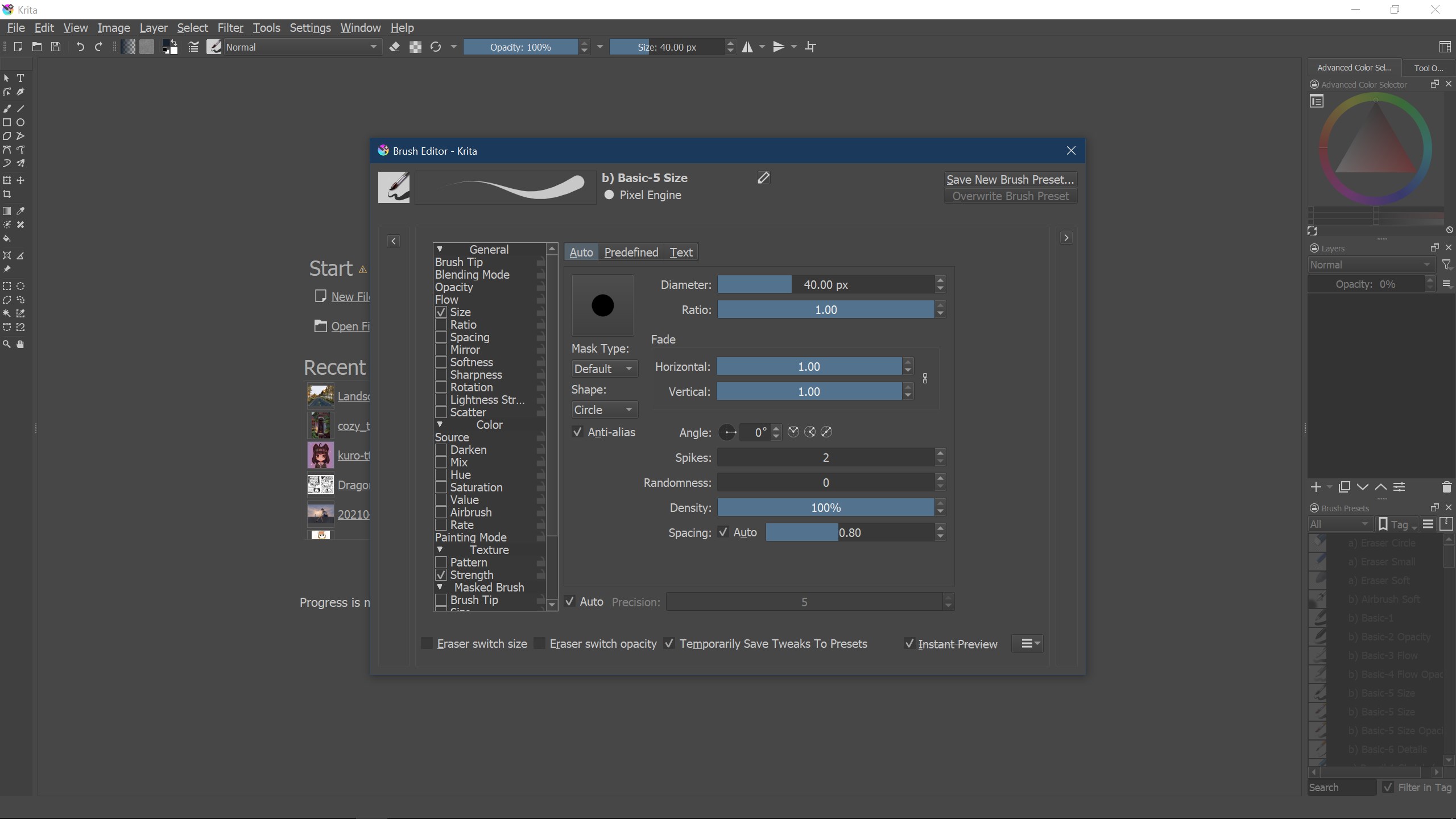
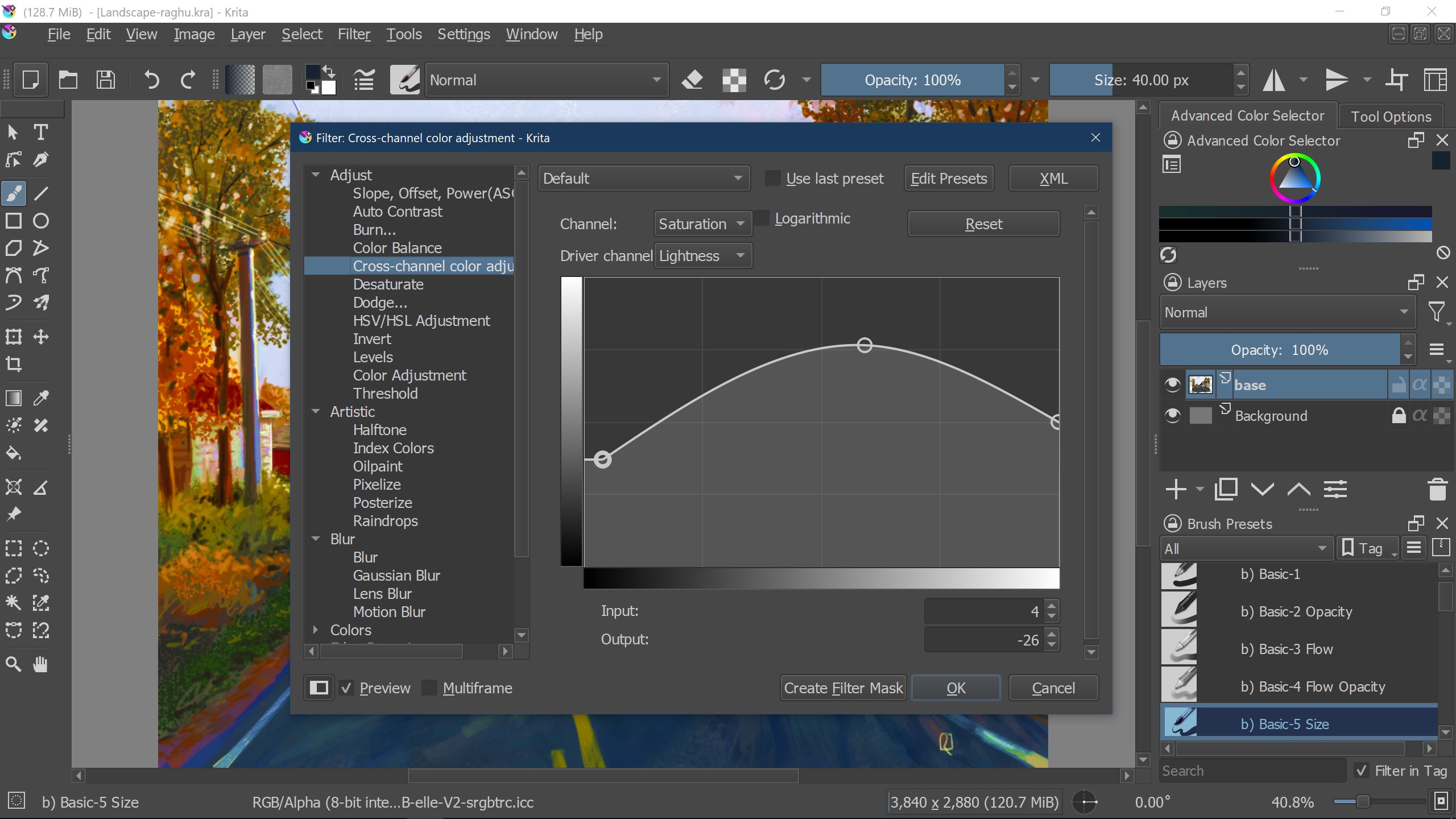
Krita's brush engine is arguably its crown jewel—think of it as a tailor-made set of brushes crafted to mimic real-world media, from oil paints to ink pens. The engine offers an impressive amount of customization, letting artists tweak pressure sensitivity, texture, flow, and more. This flexibility empowers users to achieve nuanced strokes that elevate their artwork, making it feel alive, textured, and vibrant. What makes it especially compelling is the ability to import or create entirely new brushes, turning your digital workspace into a personal atelier.
Layer and Mask Management for Complex Creations
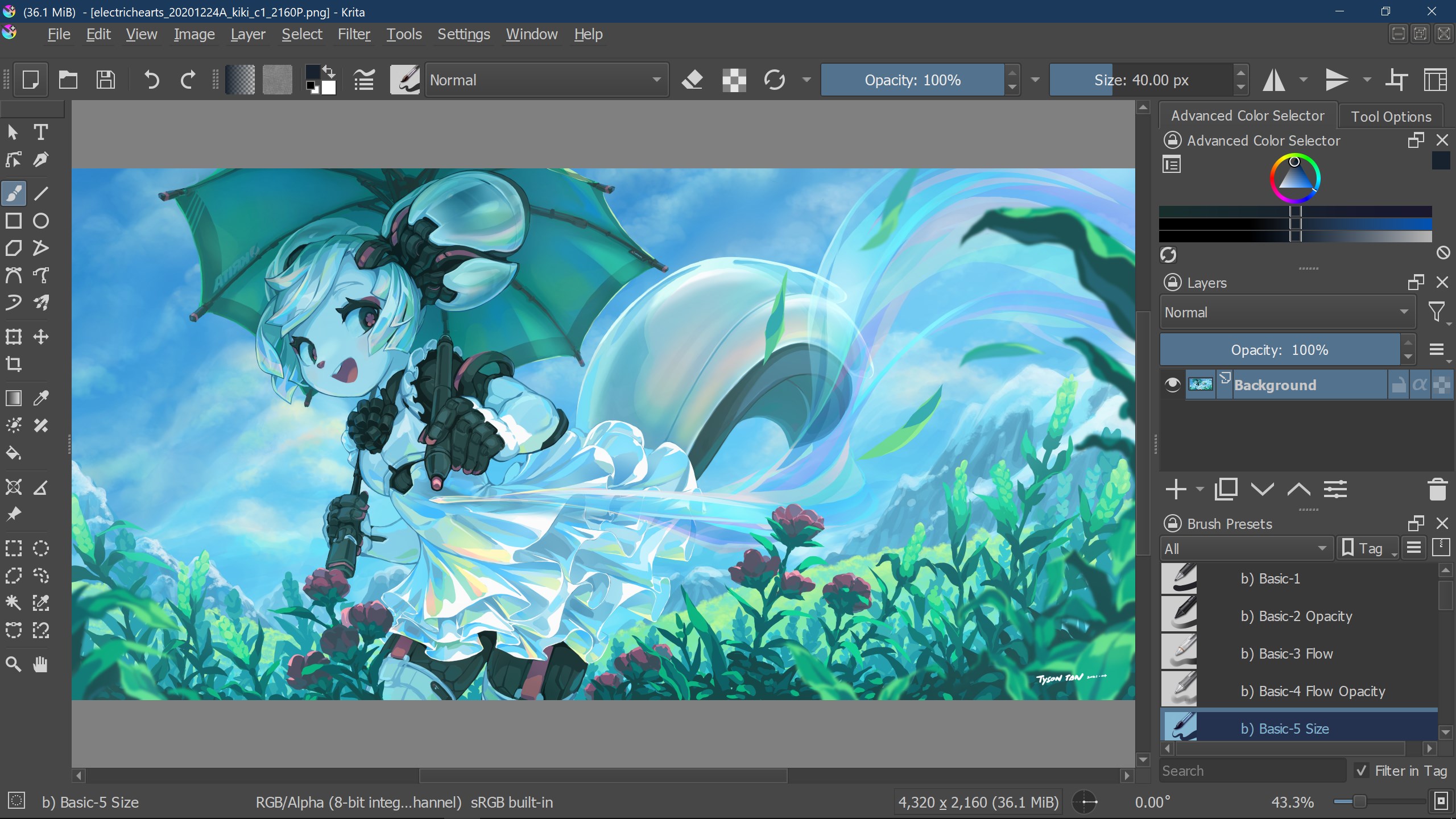
Creating detailed compositions requires meticulous control, and Krita delivers exactly that. Its layered system is intuitive yet powerful enough for complex artworks involving multiple masks, transparency, and blending modes. Drag, drop, and organize layers effortlessly, while non-destructive editing ensures that your original artwork remains intact even after multiple adjustments. This capability is akin to working on transparent sheets—adding or removing elements without disturbing the entire piece.
Animation and Frame-by-Frame Editing
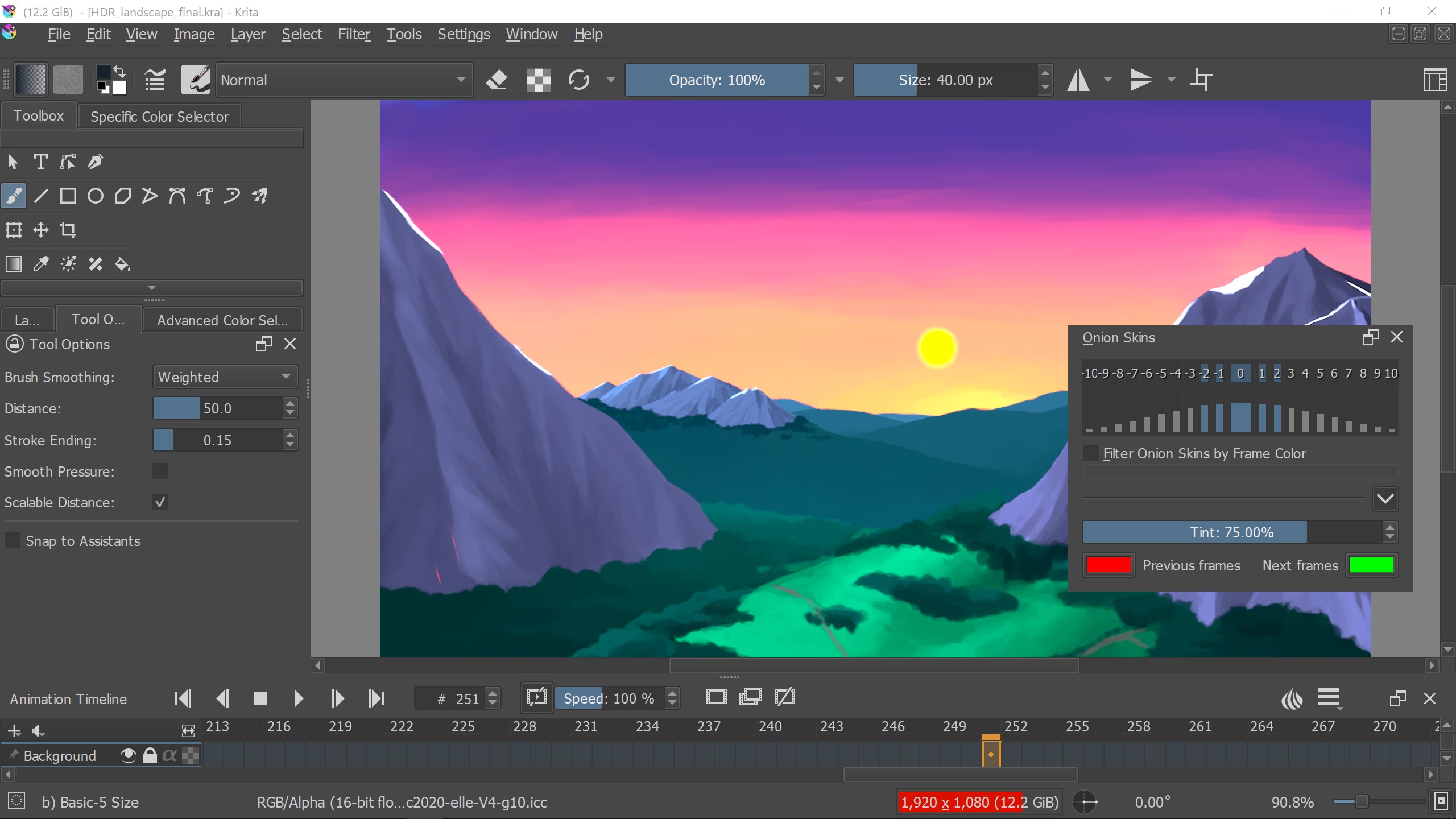
One of Krita's most distinct features is its versatile animation tools. Whether you're designing simple GIFs or intricate frame-by-frame animations, Krita offers a straightforward timeline interface, onion-skinning, and a variety of export options. This feature opens an animated door for artists eager to experiment with motion, making Krita not just a static painting tool but an all-encompassing creative platform. It's like having a traditional animation studio right inside your computer.
Design, Usability, and Learning Curve
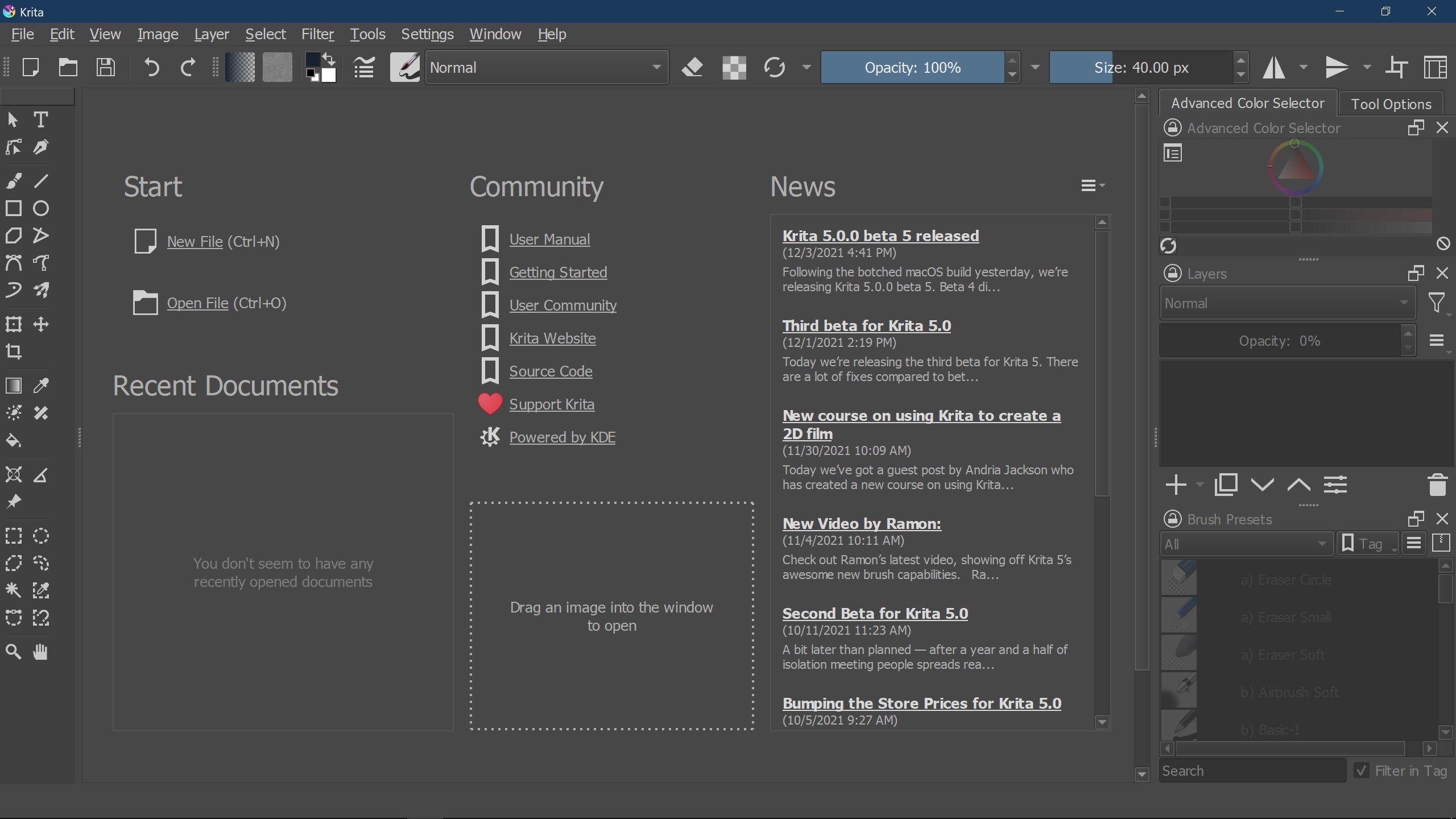
The interface of Krita is thoughtfully designed to resemble a traditional artist's workspace, with customizable panels and workspace layouts. It's tidy, less cluttered than some counterparts, and adapts well whether you're working on detailed projects or quick sketches. The responsiveness of tools and smooth operation make brush strokes feel natural, almost like working with physical media. For newcomers, the learning curve might seem steep initially—especially when diving into advanced features—but comprehensive tutorials and a supportive community ease the onboarding process. Experienced users will appreciate the depth of customization and efficiency options available from the get-go.
Unique Selling Points and Final Verdict
Compared to other multimedia design tools like Adobe Photoshop or Corel Painter, Krita's key differentiator lies in its dedicated focus on digital painting and animation, coupled with its open-source nature. Its customizable brush engine stands out as a particularly powerful asset, giving artists a level of control that's hard to match elsewhere. The seamless integration of advanced animation features within a free package also makes Krita a compelling choice for animators seeking a budget-friendly yet professional tool.
Based on its robust capabilities, user-friendly interface, and innovative features, I would recommend Krita for Windows to serious hobbyists and professionals alike. While beginners might need some time to master its tools, the payoff in creative freedom is well worth the effort. For artists seeking a versatile, powerful, and community-driven digital art environment, Krita remains a top contender in the landscape of multimedia design applications.
Pros
- Powerful open-source painting tool
- User-friendly interface with customizable workspace
- Advanced layering and masking capabilities
- Excellent support for graphics tablets and stylus input
- Frequent updates and active community support
Cons
- Limited vector graphic features
- Performance issues with large or complex files
- Sparse support for 3D integration
- Learning curve for advanced features
- Limited export formats compared to commercial competitors











