

- Category Security
- Developer LastPass US LP.
- Available on PC
- OS Windows 10 version 16299.0 or higher
- languages English (United States)
LastPass for Desktop for Windows: A Robust Password Manager for Modern Security Needs
LastPass for Desktop on Windows offers a streamlined, secure way to manage passwords and sensitive information, making digital life simpler and safer for everyday users and professionals alike.
About the App: Simple, Powerful, User-Friendly
LastPass for Desktop is a widely-used password management application developed by LastPass US LP, designed to store, generate, and autofill passwords across various platforms. Its primary goal is to enhance digital security and ease the burden of memorizing numerous complex passwords.
Developed by the dedicated team at LastPass US LP, this app integrates seamlessly into Windows environments, providing users with a centralized vault for their credentials and sensitive data. Its flagship features include automatic password generation, secure storage, and instant autofill capabilities.
The app targets a diverse audience—from busy professionals and tech-savvy users to casual internet browsers—anyone seeking a reliable, easy-to-use solution to safeguard their online accounts effectively.
Engaging and Reliable: A Closer Look at the User Experience
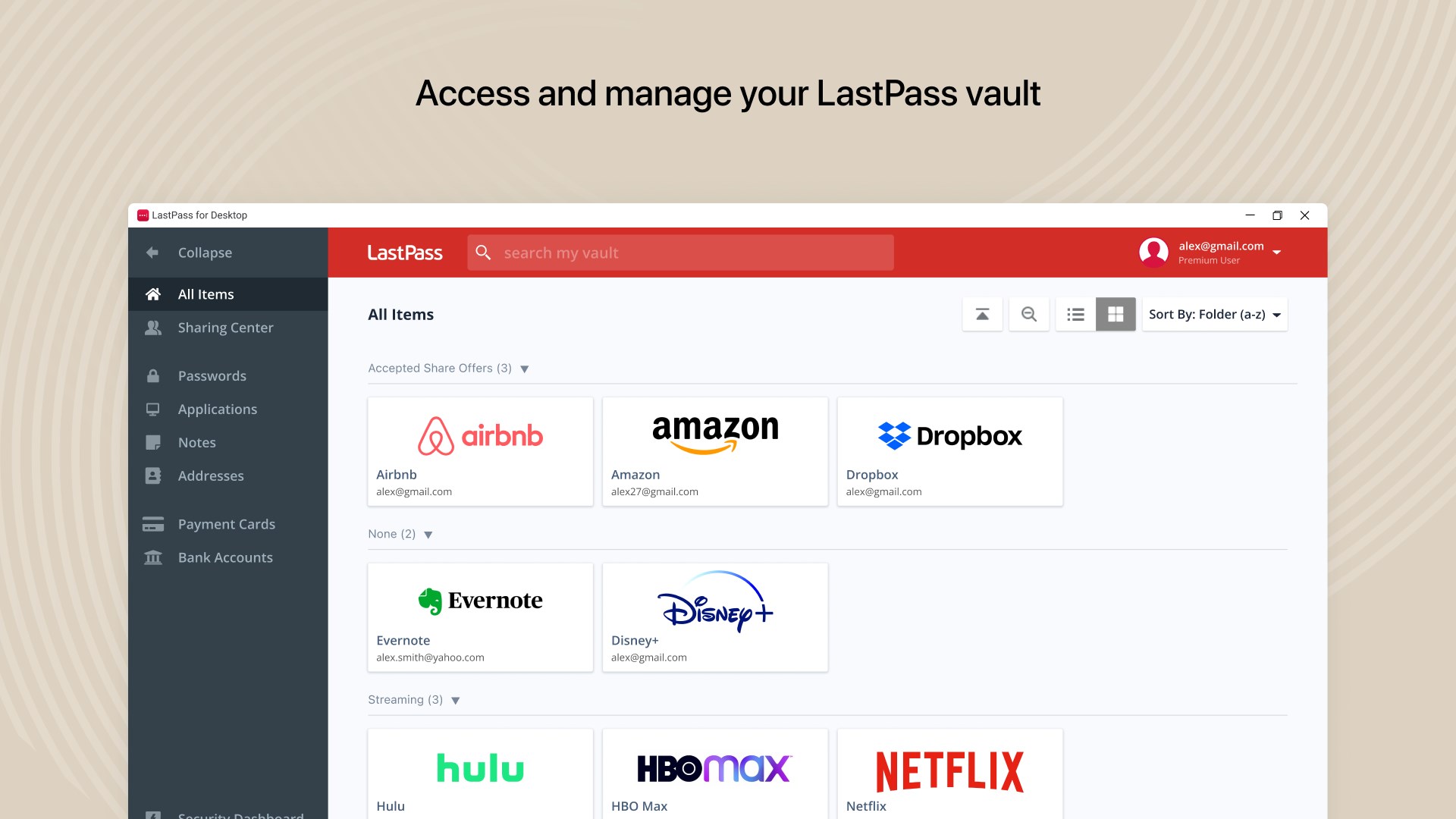
Imagine navigating your digital fortress with the ease of flipping through a well-organized notebook—LastPass for Desktop makes this a reality. The interface greets users with a clean, intuitive layout that feels like a familiar workspace, yet equipped with powerful tools beneath the surface. Setup is straightforward, with minimal learning curve, making it accessible to both tech novices and seasoned pros.
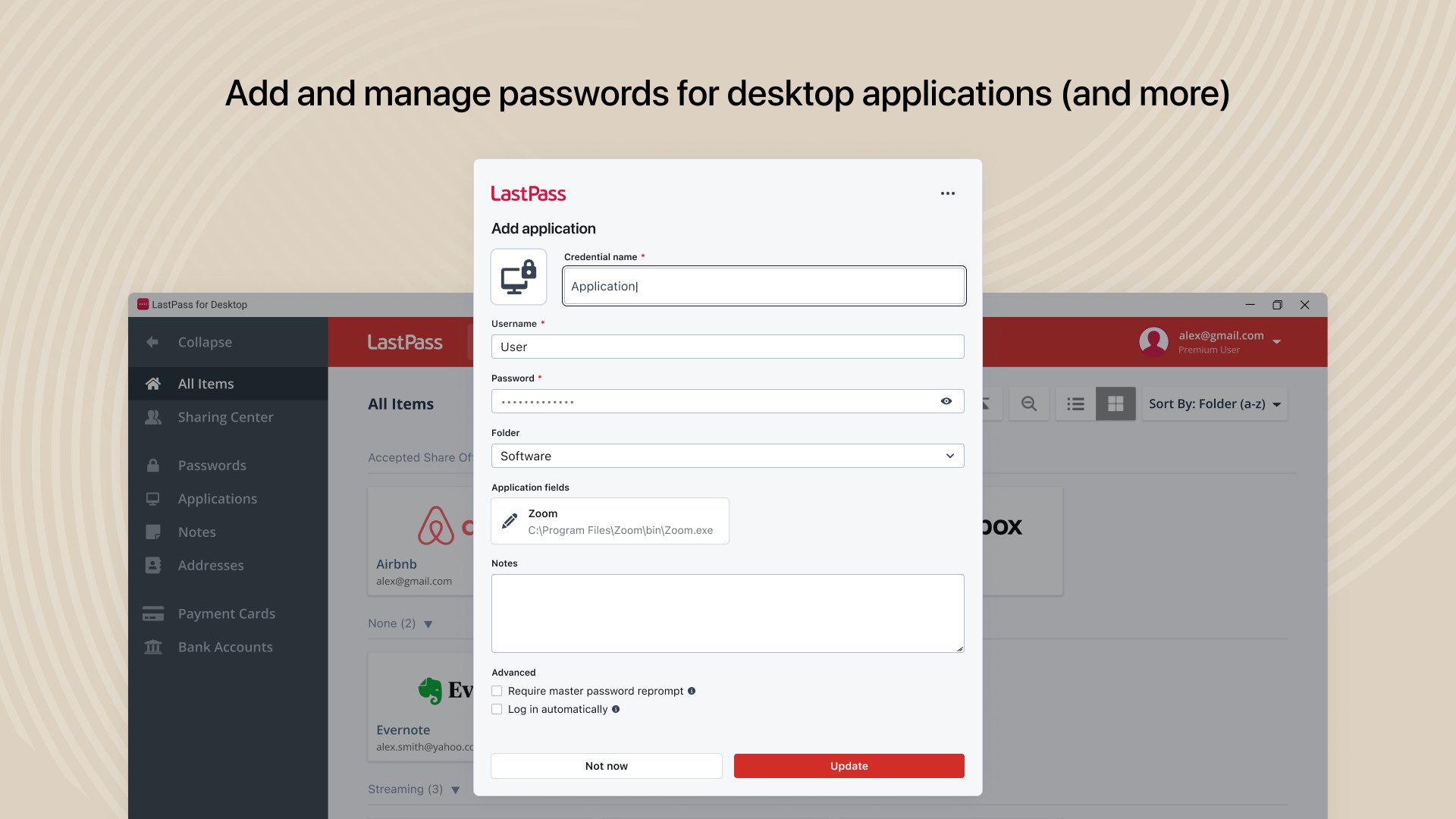
The app's operation is impressively smooth; autofill actions happen swiftly, and password vault management feels responsive and logical. Whether you're adding a new password or editing existing entries, the workflow flows naturally, almost as if the app anticipates your next move. This seamless experience reduces frustration and encourages regular use.
Core Features That Make a Difference
1. Secure Password Generation and Storage
LastPass's most notable feature is its ability to generate strong, unpredictable passwords tailored to specific site requirements. Once generated, these passwords are encrypted and securely stored in your personal vault. The encryption at rest is military-grade, ensuring your credentials stay private, even if the app's servers face issues. It's akin to having a safe deposit box—accessible at your fingertips but impenetrable to others.
2. Autofill and Easy Access
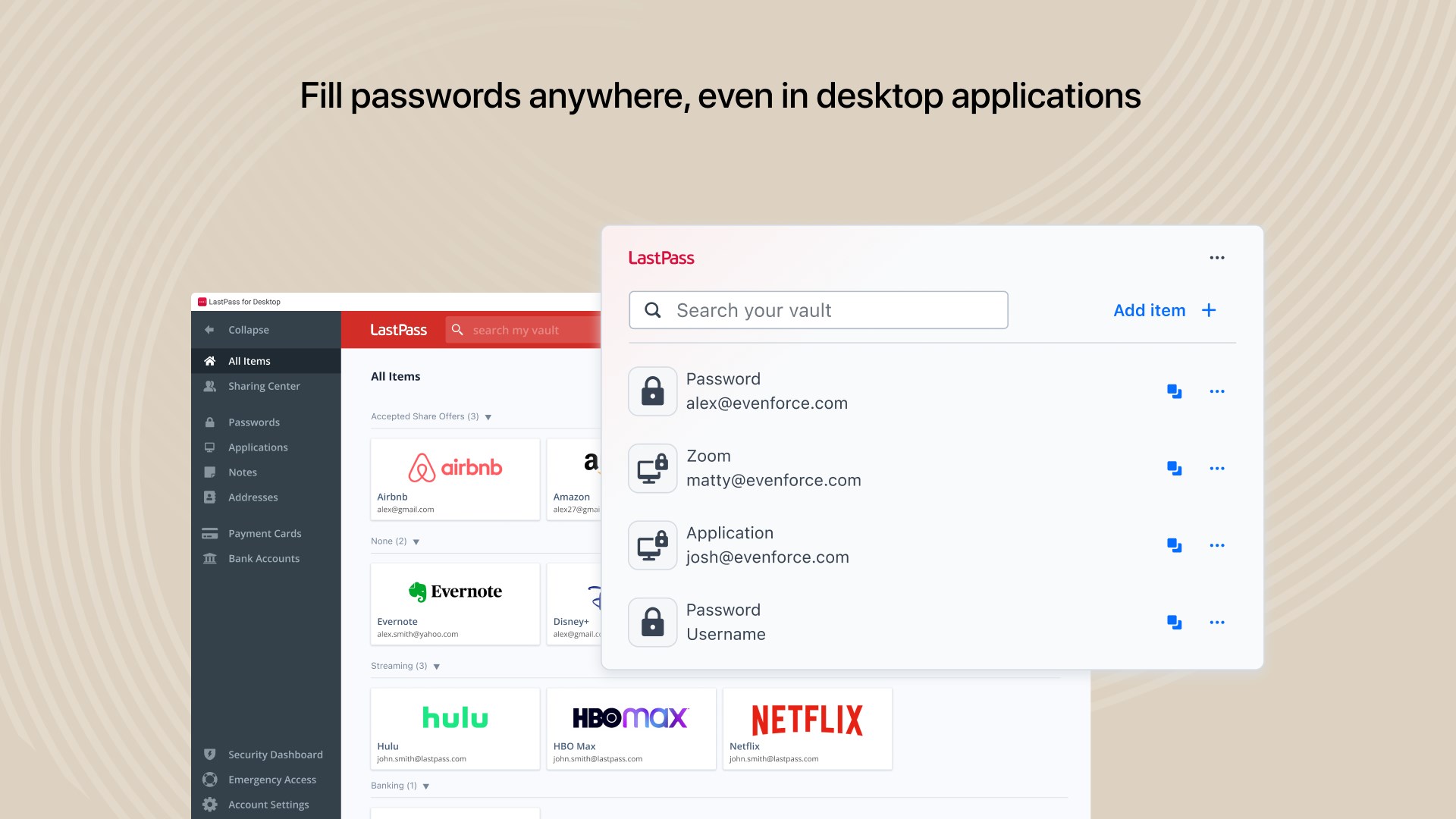
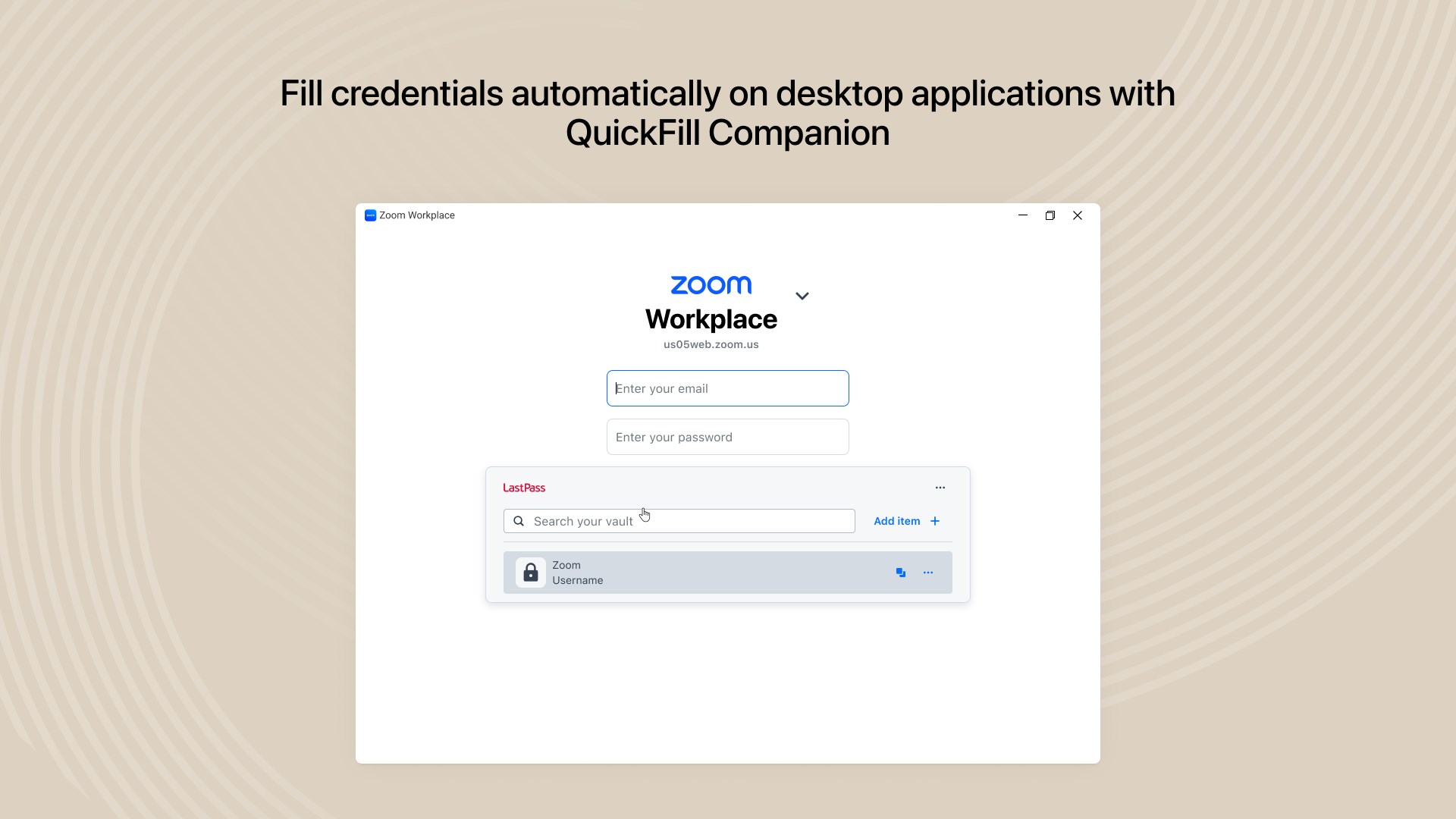
One of LastPass's standout features is its autofill capability, which fills in login credentials automatically when visiting websites or opening apps. This is especially beneficial for users juggling dozens of services daily—no more fumbling through browser bookmarks or sticky notes. The desktop app's integration with Windows simplifies this process, providing a consistent and effortless login experience.
3. Cross-Device Synchronization and Management
Though this review focuses on the Windows desktop version, LastPass shines in cross-device sync—allowing your passwords to be accessed securely from smartphones, tablets, and browsers. The desktop app acts as a central hub, where users can organize, add, or modify entries with ease. This flexibility ensures your credentials are always at hand, whether you're on a work PC or personal laptop.
Design, Performance, and User Learning Curve
The interface's minimalistic aesthetic is not just visually pleasing but functional. Navigation menus are logically arranged, enabling users to locate features swiftly. The app's responsiveness is commendable—inputs and commands are processed with minimal lag, enhancing overall user satisfaction.
Learning to use the desktop app is akin to learning a trusted tool; it doesn't bombard you with overwhelming options. The onboarding process includes helpful prompts, and the straightforward layout shortens the time to become proficient. Even first-time users find managing passwords intuitive and stress-free.
What Sets LastPass Apart in the Security Arena?
Compared to other security apps, LastPass for Desktop emphasizes a balance between ease-of-use and robust security. Its end-to-end encryption ensures that your passwords are encrypted locally before any data reaches the servers, meaning even LastPass cannot access your raw credentials. Additionally, its ability to generate highly complex passwords automatically and seamlessly fill them in online offers a tangible security advantage.
Unlike some competitors that focus solely on storage, LastPass integrates password management with effortless usability—its autofill and password sharing features make it a comprehensive security partner. Its cross-platform synchronization and user-friendly interface further differentiate it from more cumbersome or less integrated solutions.
Final Verdict: A Recommended Security Companion
Overall, LastPass for Desktop for Windows is highly recommended for users who prioritize security without sacrificing convenience. Its strongest selling points are the powerful password generator coupled with the seamless autofill feature—these two核心功能—stand out as particularly beneficial. The app's design ensures that users can manage their credentials effortlessly, making security an unobtrusive part of daily digital life.
For most individual users, especially those managing multiple online accounts, LastPass provides a trustworthy, efficient solution. However, beginners should take a few moments to familiarize themselves with its organization system to maximize its potential. In the realm of password managers, LastPass strikes a commendable balance of simplicity and toughness—worth trying out for anyone looking to bolster their digital defenses without complicating their routines.
Pros
- Seamless cross-platform syncing
- User-friendly interface
- Strong security features
- Integration with Microsoft ecosystem
- Auto-fill capabilities
Cons
- Limited free tier functionality
- Occasional sync delays
- Difficulty exporting passwords
- Limited 24/7 customer support
- Offline access limitations











