
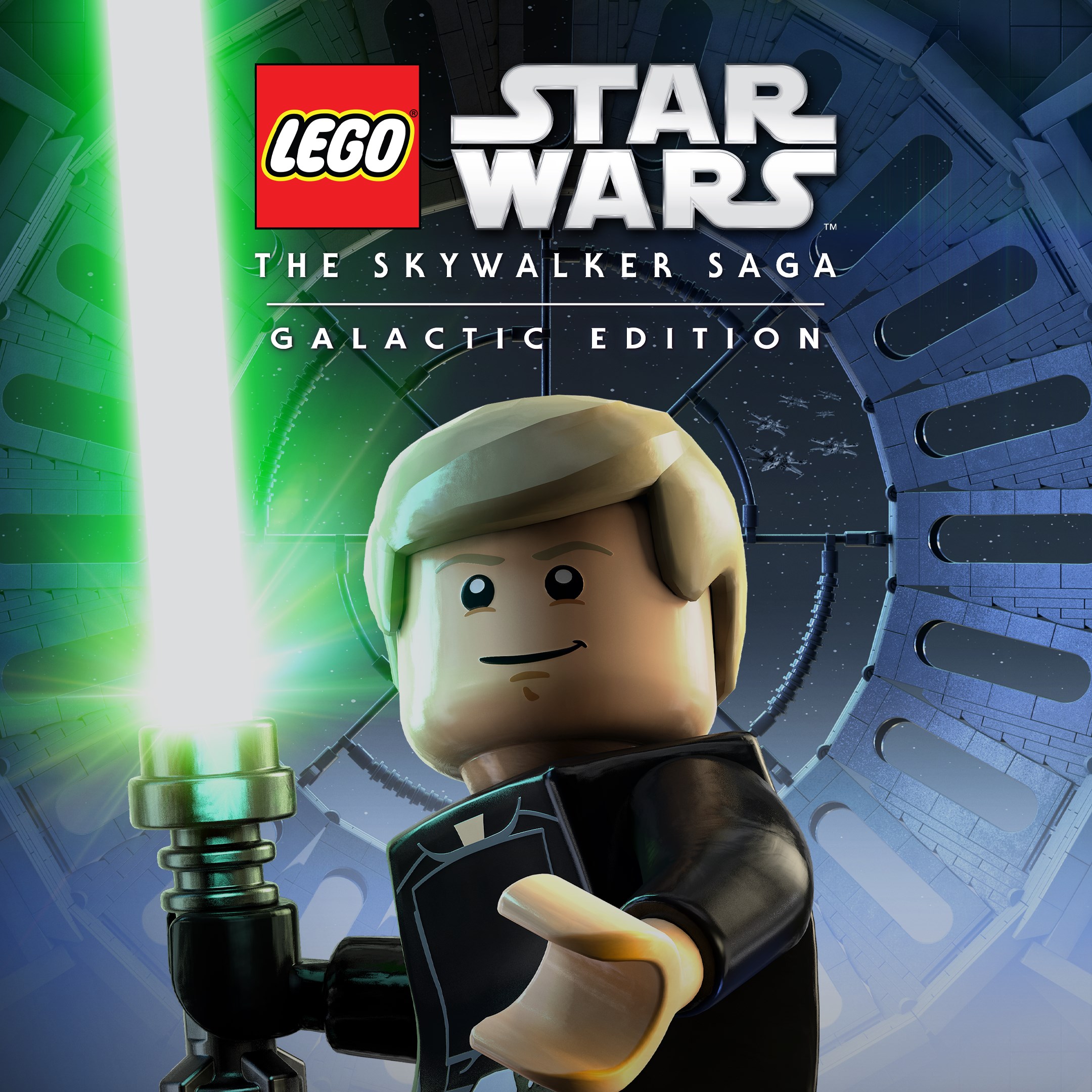
Frequently Asked Questions
How do I start playing LEGO Star Wars: The Skywalker Saga Galactic Edition for the first time?
Download and install the app, then launch it and follow the on-screen tutorials to begin your adventure.
Can I play all nine Star Wars saga movies in this game?
Yes, the game allows you to play through all nine films of the saga within the Galactic Edition.
How do I access additional characters and content from the DLC packs?
Navigate to the 'Download Content' section in the main menu, then select and install the packs you'd like to enjoy.
What are the main features of LEGO Star Wars: The Skywalker Saga Galactic Edition?
It offers an adventure through all nine saga films, over 400 characters, and multiple DLC packs for expanded gameplay.
How can I customize or unlock new characters in the game?
Complete story missions and side quests, or purchase and download character packs via the in-game store in the 'Extras' menu.
Are there any in-app purchases or subscription requirements?
The base game is a one-time purchase; additional characters and content are available through DLC packs, not subscriptions.
Do I need an internet connection to play the game offline?
Once downloaded and installed, the main game can be played offline; internet is only required for updates or DLC downloads.
How do I subscribe or buy DLC packs for more characters?
Access the in-game store or digital platform's marketplace, then purchase DLC packs through the options under 'Extras' or 'Content'.
What should I do if the game crashes or encounters errors?
Try restarting your device, ensure your app is updated, and check internet connection. Contact support if issues persist.
Can I transfer my game progress between devices?
Yes, enable cloud save or account sync features in the settings to transfer your progress across devices.
You May Like

Red Dead Redemption (PC)
for Windows
5
Solo Leveling: ARISE OVERDRIVE
for Windows
4.9
Criminal Case: The Conspiracy
for Windows
4.8
DesignVille: Merge & Design
for Windows
4.8
Minecraft: Java & Bedrock Edition Deluxe Collection
for Windows
4.8
Subnautica
for Windows
4.8
Vampire Survivors
for Windows
4.8
Little Kitty, Big City
for Windows
4.8
Hollow Knight: Voidheart Edition
for Windows
4.8
bloxd.io
for Windows
4.8
Sunset Overdrive
for Windows
4.8
Criminal Case: Mysteries of the Past
for Windows
4.8