
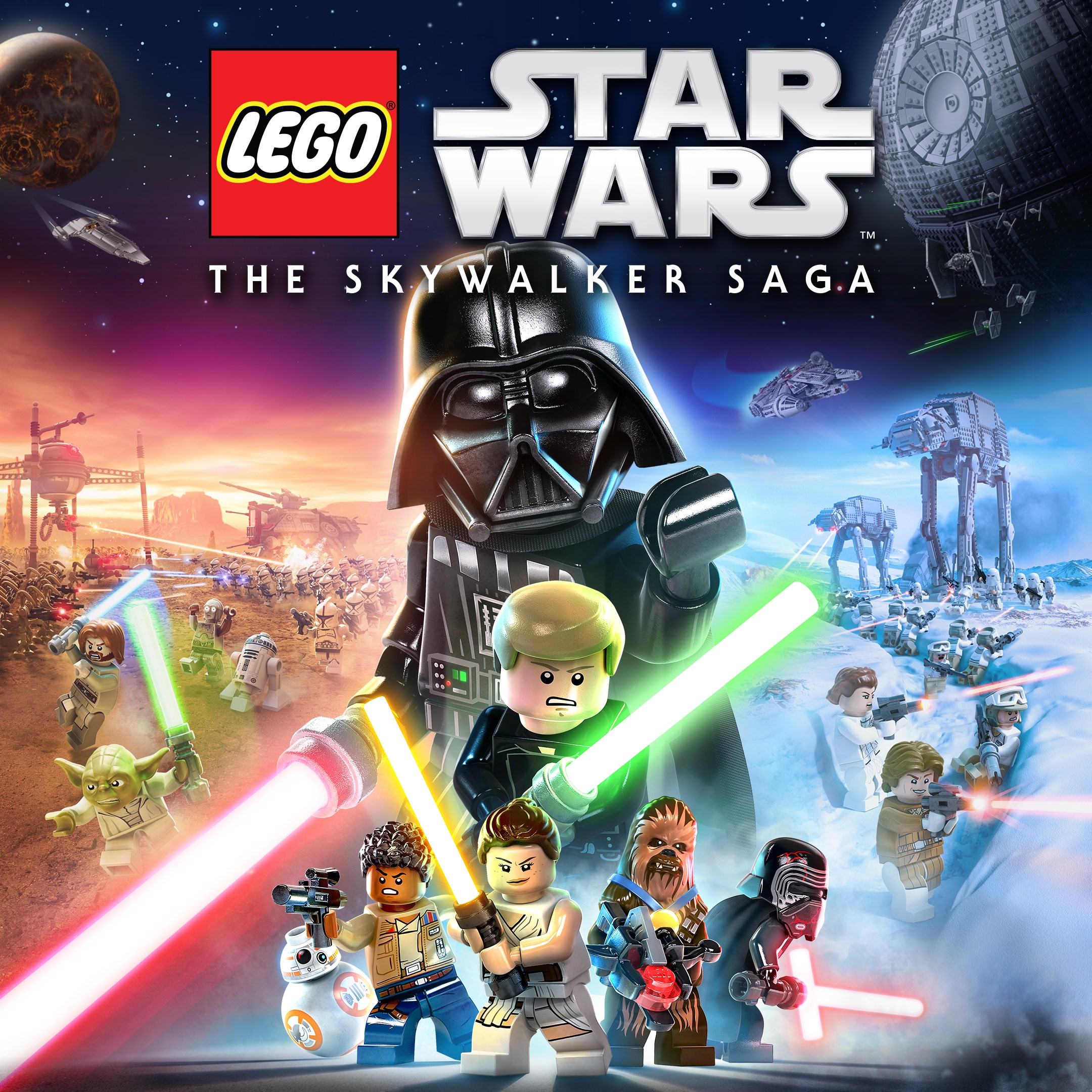
Frequently Asked Questions
How do I start playing LEGO Star Wars: The Skywalker Saga for the first time?
Download and install the app, launch it, choose your preferred trilogy, and follow the on-screen tutorial to begin your adventure.
What are the main controls and gameplay features I should know?
Use intuitive controls for combat, exploration, and vehicle commands. You can aim with precision, perform combo attacks, and wield lightsabers or blasters as needed.
Can I explore the story in any order?
Yes, after selecting a trilogy, you can explore the nine films in any order, allowing flexible gameplay progression.
How do I unlock new characters and abilities?
Find Kyber Bricks during gameplay to unlock new features and upgrade character abilities across various classes like Jedi, Villain, and Bounty Hunter.
What are the key features of vehicle gameplay?
Command over 100 vehicles, including starfighters and ships, join dogfights, and explore capital ships like the Super Star Destroyer for an immersive experience.
Are there any in-app purchases or subscriptions?
The app offers a one-time purchase with an exclusive Obi-Wan Kenobi character. No ongoing subscription is required.
Is there any extra content or premium features available?
Purchasing the digital edition grants access to exclusive content like the classic Obi-Wan Kenobi character; additional content depends on regular updates.
How can I troubleshoot if the app crashes or freezes?
Try restarting your device, ensure your app is updated, and free up storage space. If issues persist, contact support via Settings > Help or Support.
Can I play LEGO Star Wars offline?
Yes, once downloaded, you can play offline, but some features like updates or in-app purchases require internet access.
You May Like

Red Dead Redemption (PC)
for Windows
5
Solo Leveling: ARISE OVERDRIVE
for Windows
4.9
Criminal Case: The Conspiracy
for Windows
4.8
DesignVille: Merge & Design
for Windows
4.8
Minecraft: Java & Bedrock Edition Deluxe Collection
for Windows
4.8
Subnautica
for Windows
4.8
Vampire Survivors
for Windows
4.8
Little Kitty, Big City
for Windows
4.8
Hollow Knight: Voidheart Edition
for Windows
4.8
bloxd.io
for Windows
4.8
Sunset Overdrive
for Windows
4.8
Criminal Case: Mysteries of the Past
for Windows
4.8