

- Category Productivity
- Available on PC
- OS Windows 10 version 17763.0 or higher
- languages Chinese (Simplified)
Lenovo Commercial Vantage for Windows: A Smart Utility for Business Devices
Lenovo Commercial Vantage is a dedicated application designed to enhance the management and performance of Lenovo business laptops and desktops through seamless system updates, security features, and device customization, all tailored for enterprise use.
Who's Behind the Curtain?
Developed by LENOVO INC., a global leader in personal computing and enterprise solutions, this app embodies Lenovo's commitment to delivering optimized tools for professionals and IT administrators who rely on Lenovo hardware to power their workflows.
Key Features That Make a Difference
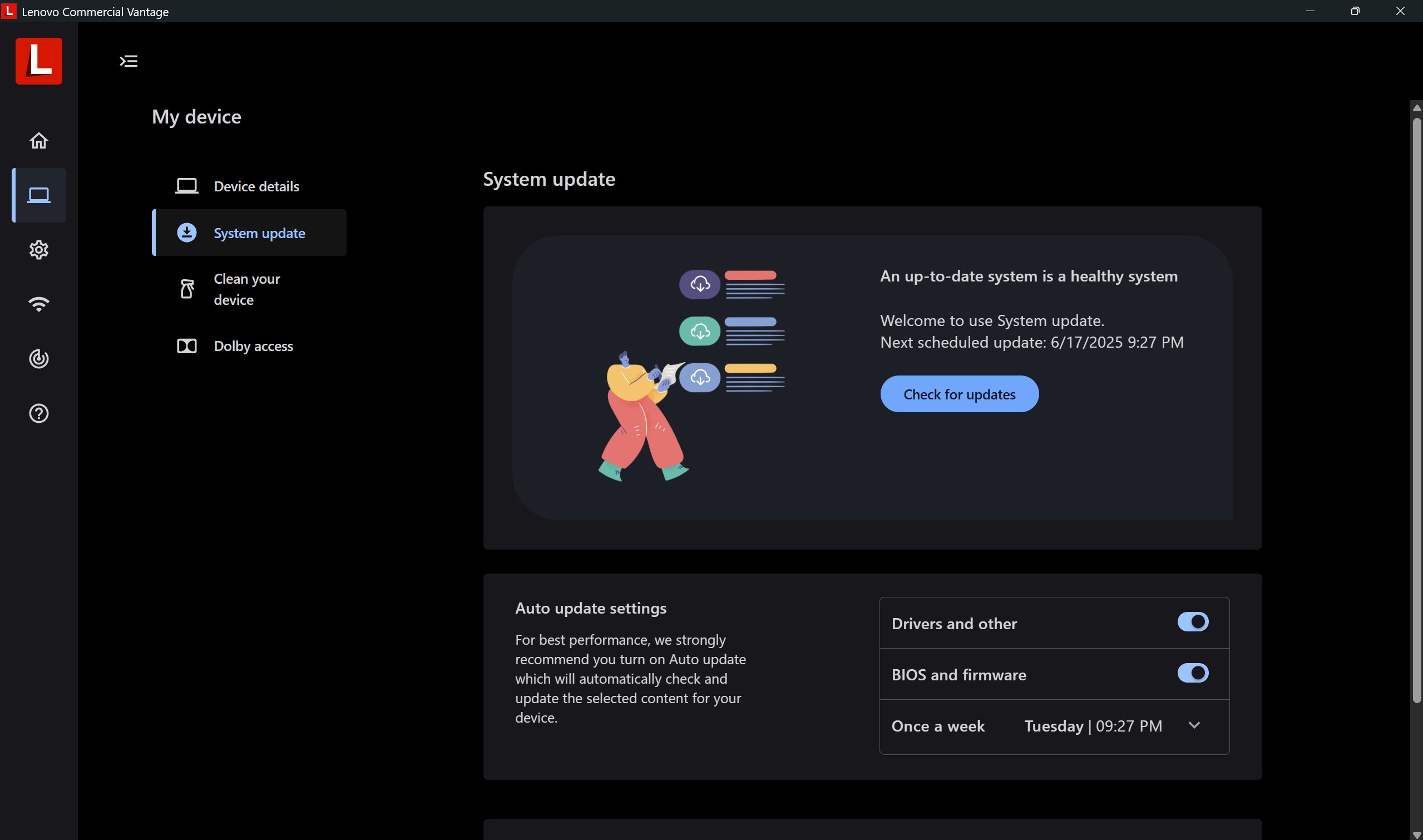
- Streamlined System Updates: Automates driver and BIOS updates, ensuring devices stay secure and efficient without manual hassle.
- Enhanced Security Management: Provides easy access to security settings and firmware updates, helping protect sensitive corporate data.
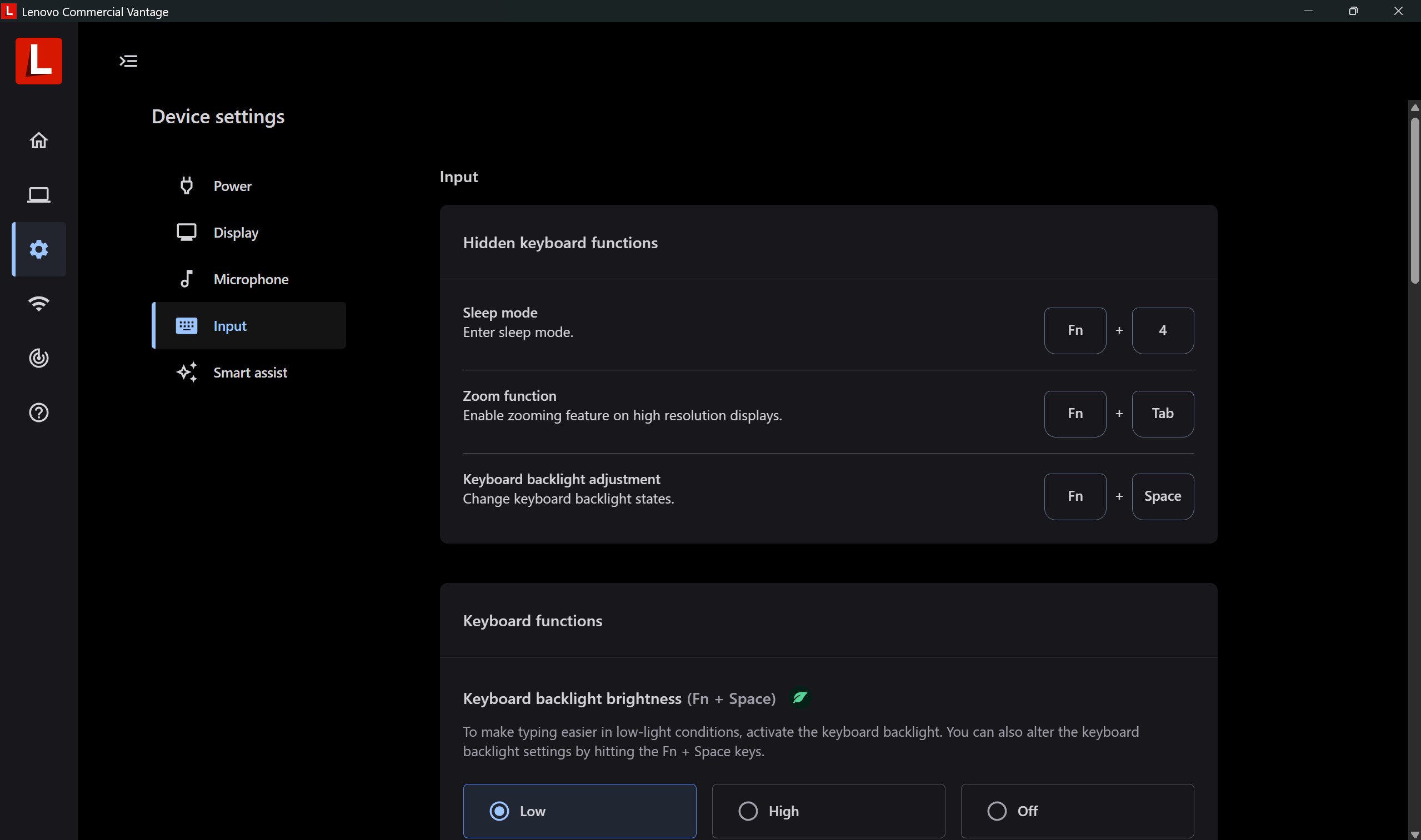
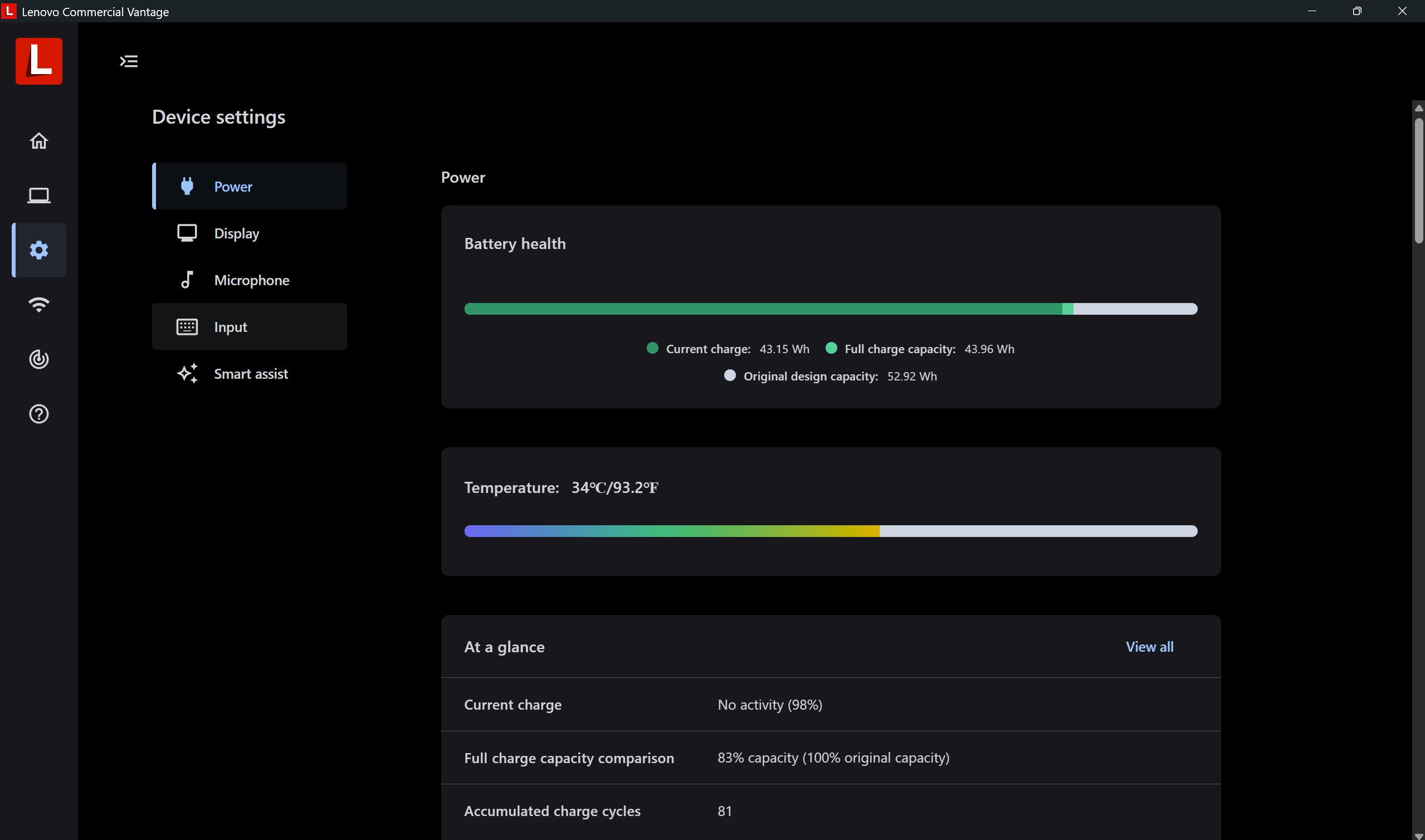
- Device Customization & Optimization: Offers tailored configurations for battery, audio, and support for specific business needs, improving overall user experience.
- Remote Management Capabilities: Facilitates easier device management in enterprise environments, reducing the IT overhead.
Revealing the Experience: An In-Depth Look
Imagine stepping into an office where your laptop feels as though it's been optimized by a dedicated personal assistant—quietly working behind the scenes to keep everything running smoothly. That's what Lenovo Commercial Vantage aims to deliver: a calm, controlled environment for your device management needs, all wrapped in a sleek, easy-to-use interface.
Intuitive Interface & User Experience
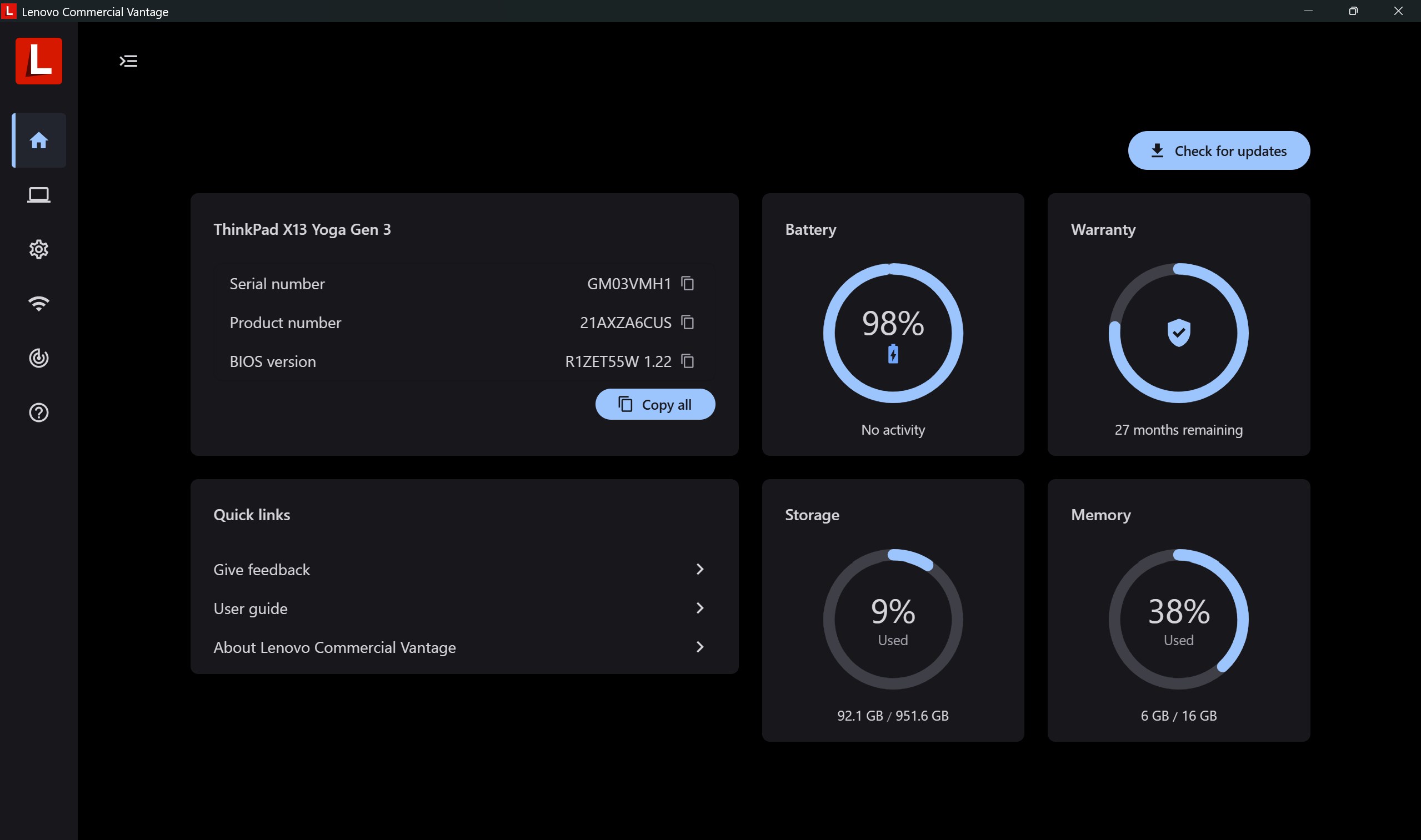
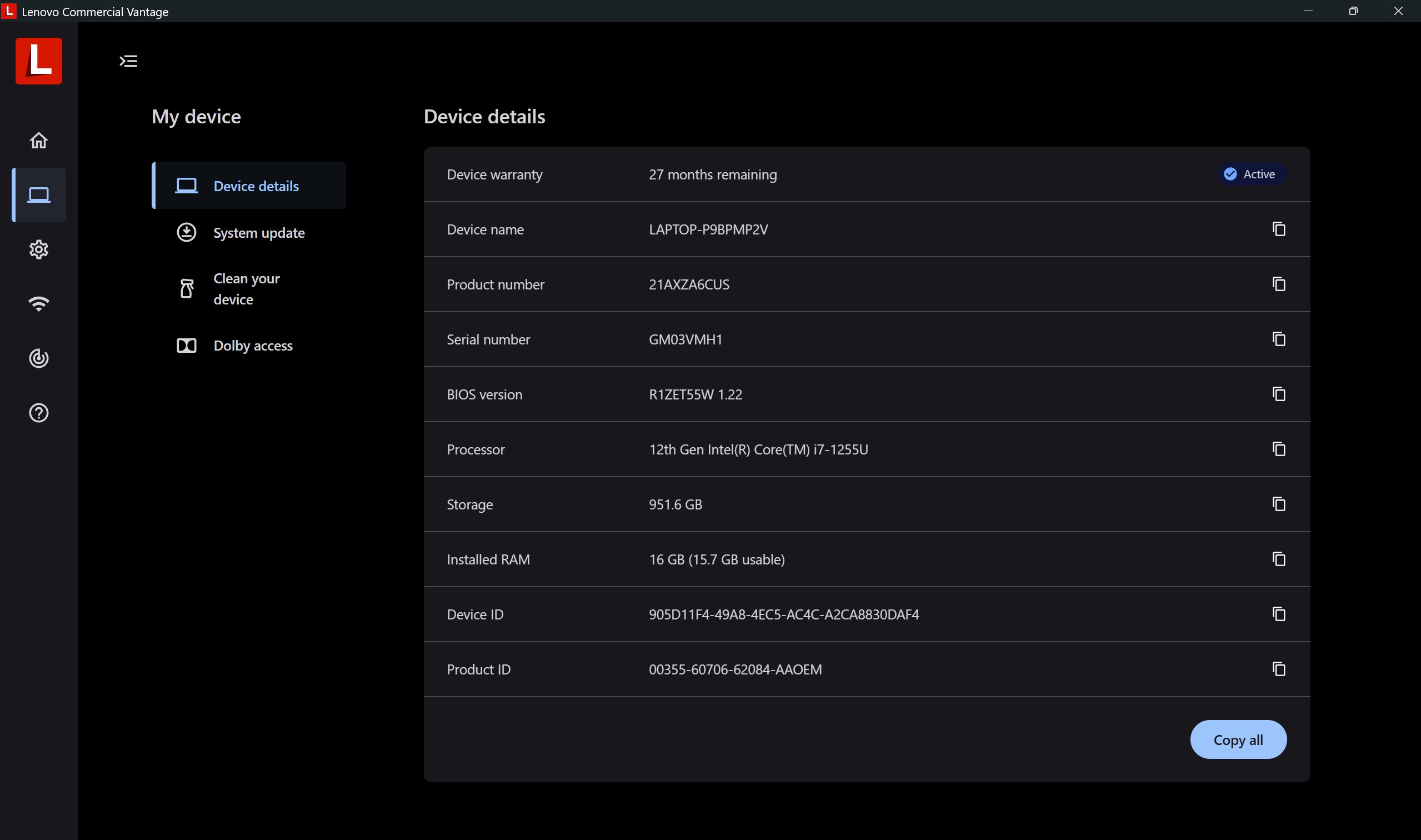
The app's design is clean and logical, resembling a well-organized control center rather than a cluttered toolbox. Navigating through system updates, security settings, and device diagnostics is akin to strolling through a familiar home—each section accessible with just a few clicks. Despite its array of features, the learning curve is gentle; most users with basic tech familiarity can comfortably navigate the app within minutes, making it accessible to both end-users and IT professionals alike. The smooth responsiveness of the interface—almost like a well-oiled machine—ensures that operations feel seamless and frustration-free.
Core Functionality: Focused and Effective
- Effortless System Maintenance: The automated update feature means your device can wake up, perform its maintenance quietly in the background, and let you get on with your day. Instead of manually hunting down drivers or BIOS updates, Lenovo Commercial Vantage does the heavy lifting, reducing your cognitive load and preventing update neglect—a key factor in maintaining security and efficiency.
- Security at Your Fingertips: From quick security scans to firmware patch management, this app consolidates security controls into a single hub, ensuring your device is protected without the clutter of multiple software layers. It streamlines security management, much like a vigilant guardian watching over your data.
- Device Customization & Optimization: Think of this feature as tuning a high-performance vehicle—adjusting settings for battery life, audio preferences, or support for specific peripherals. This level of customization ensures that each device acts exactly how its user needs it to, bolstering productivity without unnecessary complexity.
How Does It Differ from Other Productivity Tools?
Compared to standard device management apps, Lenovo Commercial Vantage shines brightest with its workflow integration and load reduction capabilities. Unlike generic tools that add layers of features—sometimes at the expense of clear usability—this app zeroes in on what business users need most: reliable updates, security, and device optimization. Its design reduces cognitive load by presenting only relevant information, avoiding overwhelming users with excessive options. This focus makes it stand out from more complex enterprise solutions that often require extensive training or expertise. Essentially, it acts as an intelligent concierge, streamlining routine maintenance tasks so you can concentrate on your core work without distraction.
Final Verdict & Recommendations
Lenovo Commercial Vantage is a thoughtfully designed utility aimed at simplifying device management for business users. Its most compelling feature—the automated system updates and security management—acts as a backbone, ensuring devices remain current with minimal user intervention. Whether you're an end-user looking for a smoother experience or an IT professional managing multiple devices, this app offers tangible benefits with an intuitive interface.
For small to medium-sized enterprises or individual professionals relying on Lenovo products, I recommend giving this app a try. Its focus on reducing cognitive load and integrating seamlessly into workflow makes it a valuable addition to your device management arsenal. That said, for environments demanding highly customized enterprise solutions, evaluating its integration with broader management systems is advised.
In short, Lenovo Commercial Vantage isn't just another utility; it's a reliable partner in maintaining the health and security of your devices, quietly working so you can focus on what truly matters—your work.
Pros
- Seamless device management
- Optimized power settings
- Firmware and driver updates
- Hardware diagnostics tools
- User-friendly interface
Cons
- Limited device compatibility
- Occasional software glitches
- Default notifications may be intrusive
- Limited customization options
- Initial setup complexity











