

- Category Productivity
- Developer Lenovo Group Ltd.
- Available on PC
- OS Windows 10 version 17763.0 or higher
- languages Chinese (Simplified), English (United States)
A Comprehensive Look at Lenovo Vantage for Windows: Your One-Stop Device Manager
Lenovo Vantage for Windows stands out as a dedicated, user-friendly hub designed to streamline your device management and enhance overall performance, making it an essential companion for Lenovo laptop users.
Who Develops and What Are Its Core Features?
Developed by Lenovo Group Ltd. and published by LENOVO INC., this application acts as a tailored control center for managing system updates, hardware settings, and troubleshooting. Its key features include automatic driver and firmware updates, personalized system optimizations, and health diagnostics—all crafted to keep your device running smoothly. Targeted mainly at Lenovo laptop owners—from everyday users to power users seeking optimal performance—it aims to simplify management tasks that might otherwise require navigating multiple settings or third-party tools.
Engaging and Intuitive Interface: Making Device Management Less Daunting
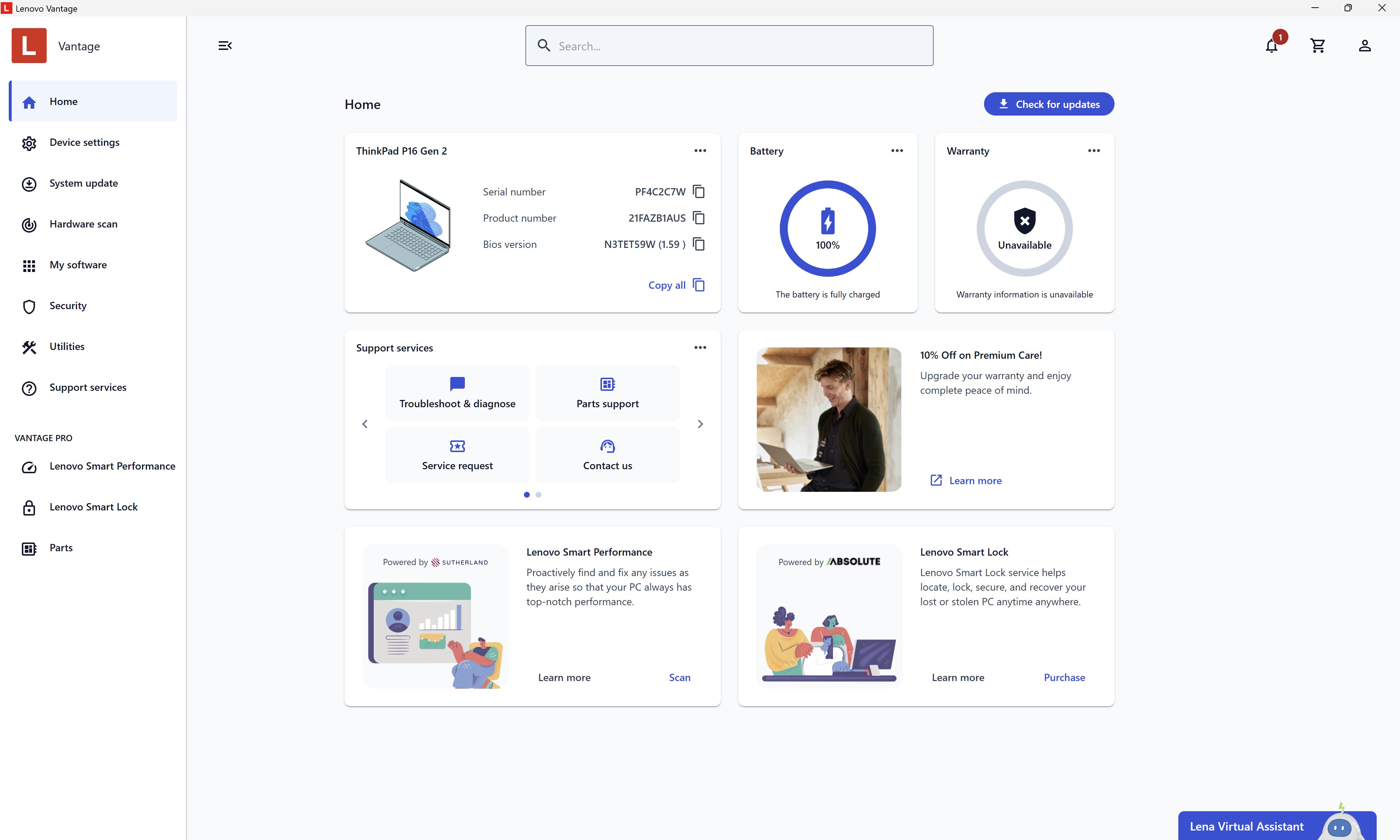
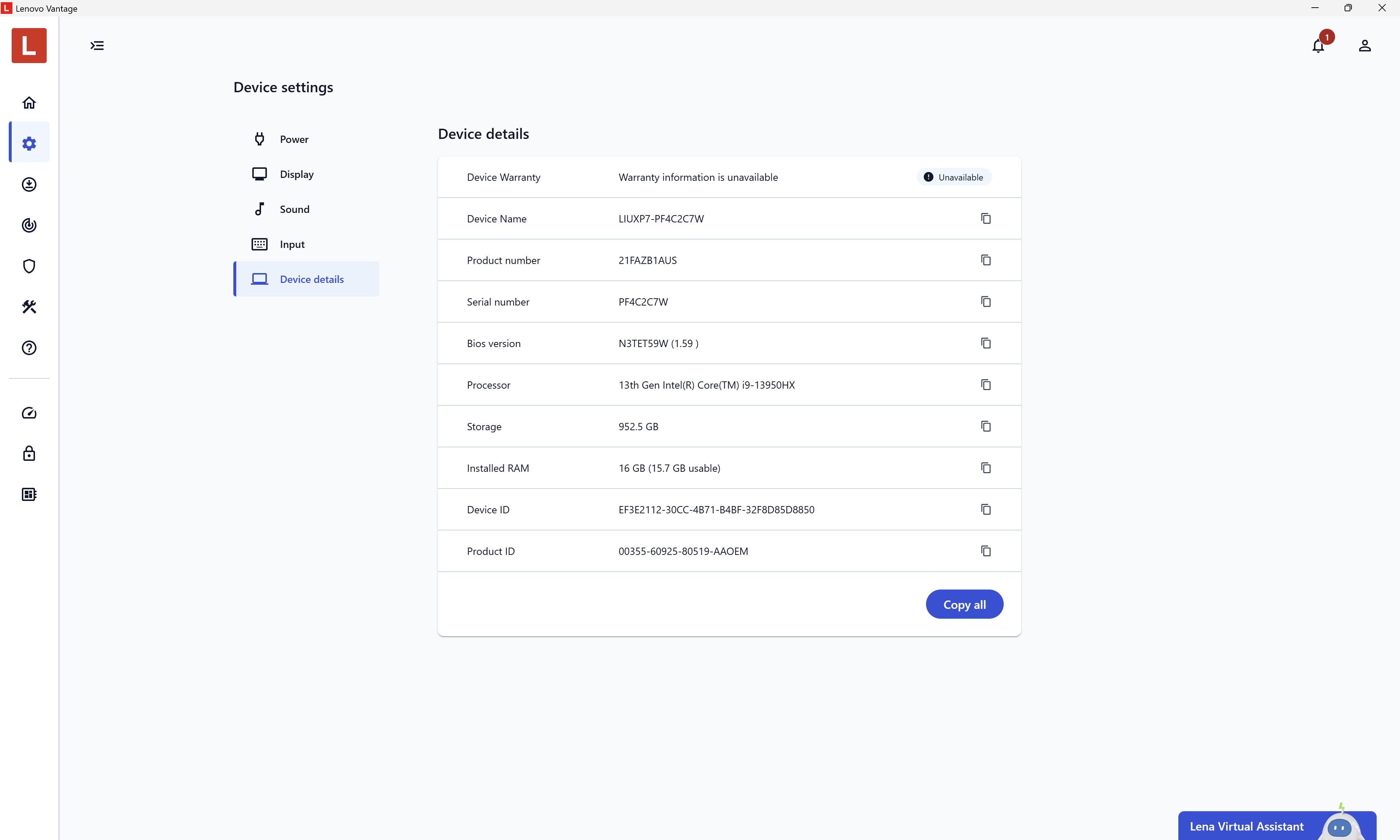
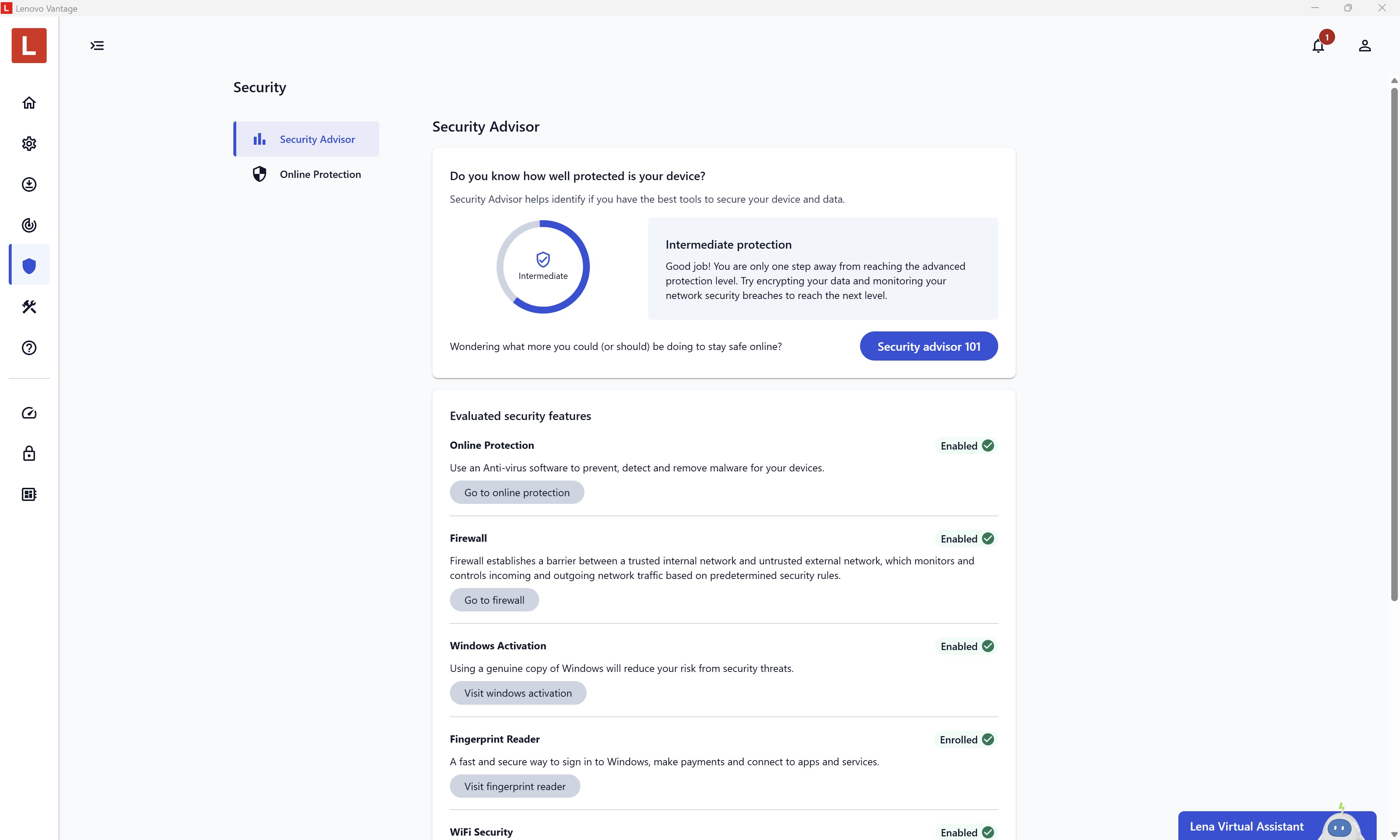
Launching Lenovo Vantage feels like walking into a well-organized cockpit—clean, colorful, and clearly labeled. Its interface adopts a modern, approachable design with intuitive icons and straightforward navigation that even those less tech-savvy can quickly grasp. On first use, the dashboard presents all essential categories at a glance—from system updates to device health—allowing users to access functions with minimal clicks. The app's layout minimizes cognitive load by decluttering options and grouping related features, turning what could be a confusing labyrinth into a smooth and welcoming experience.
Powerful Device Optimization: Keeping Your Laptop in Peak Condition
One of Vantage's standout features is its automatic system update mechanism. Imagine your laptop as a vintage car—regular tune-ups are vital for longevity and performance. Vantage identifies outdated drivers and firmware, then downloads and installs updates seamlessly, reducing the complexity and time-consuming process typically associated with manual updates. Plus, its "Performance Mode" offers tailored configurations to enhance responsiveness during intensive tasks, whether gaming, video editing, or multitasking. This proactive management not only boosts efficiency but also extends hardware lifespan, making it an invaluable tool for users who want their device to perform at its best without the headaches of manual upkeep.
Health Monitoring and Troubleshooting: Your Personal Tech Doctor
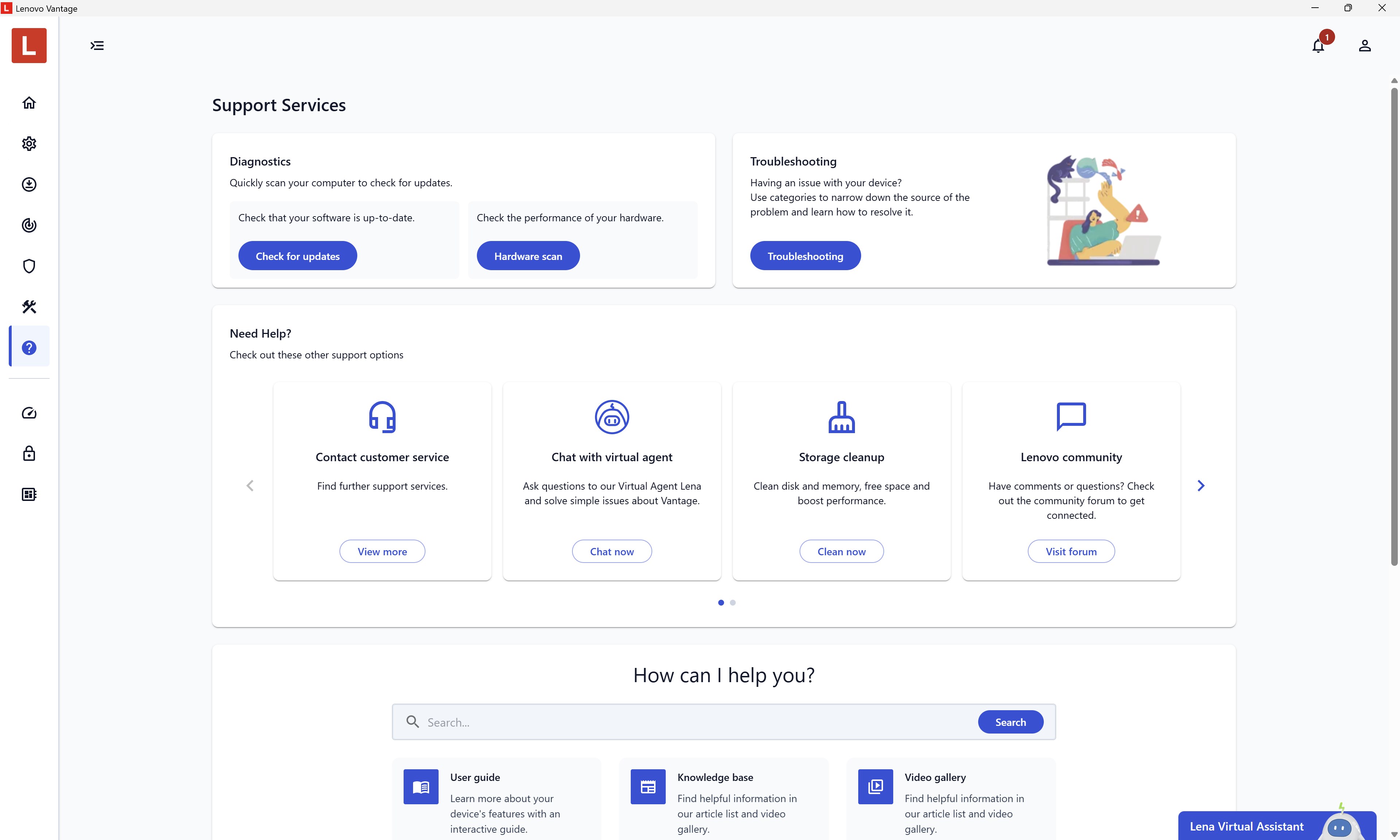
Think of Vantage's health diagnostics as a smart health check-up for your laptop. It continuously monitors battery health, thermal status, and storage capacity, alerting you before small issues become big troubles. When problems arise, the app offers step-by-step troubleshooting guides—much like having a tech-savvy friend walk you through repairs—saving time and frustration. This feature reduces user stress by presenting clear, actionable recommendations, which is crucial for those who rely on their device for work or leisure and cannot afford downtime.
Why Choose Lenovo Vantage? Unique Benefits for Users
What sets Lenovo Vantage apart from other productivity management apps is its deep integration with hardware-specific functions and workflow efficiency. Unlike generic system tools, Vantage understands the nuances of Lenovo's hardware architecture, delivering precise control and updates that are finely tuned for its devices. It effectively minimizes cognitive load by consolidating essential management tasks within a single, streamlined interface, avoiding that overwhelming feeling of juggling multiple apps or settings. This focus on reducing feature complexity while maintaining comprehensive control makes it particularly attractive for users seeking hassle-free device maintenance.
Final Thoughts: A Tool Worth Bookmarking
Lenovo Vantage for Windows proves to be a straightforward yet robust app that enhances device longevity and user experience without overcomplicating the process. Its most distinctive strengths lie in automatic updates and proactive health diagnostics—features that subtly remove the busywork from device management and empower users to focus on their tasks. For Lenovo laptop users who value reliability and a manageable workflow, this app is highly recommended. Keep it installed, explore its features casually, and let it handle the nitty-gritty—your laptop will thank you for it.
Pros
- User-friendly interface
- Hardware management features
- System updates and drivers
- Device diagnostics and troubleshooting
- Energy management features
Cons
- Occasional app lag or crashes
- Limited customization options
- App updates sometimes cause compatibility issues
- Some features may be redundant for experienced users
- Localization and language support could be improved











