

- Category Multimedia design
- Available on PC
- OS Windows 10 version 15063.0 or higher
- DirectX Version 9
- Memory 2 GB
- languages Chinese (Simplified), English (United States), French, German, Japanese
Introducing Leonardo for Windows: A Smart Companion for Multimedia Design
Leonardo for Windows emerges as an intuitive and powerful multimedia design tool, tailored for creative professionals and enthusiasts seeking streamlined workflows and innovative features. Developed by Xade Software AB, this application aims to simplify complex design tasks with a user-friendly interface and advanced functionalities that cater to various multimedia projects—from graphic creation to video editing.
Core Features That Stand Out
At its heart, Leonardo offers a suite of notable features that make it a compelling choice. First, its **Intelligent Design Automation** leverages AI to assist users in layout generation and asset organization, reducing repetitive work. Second, its **Real-Time Preview & Collaboration Mode** allows multiple users to co-design seamlessly, enhancing teamwork and rapid iteration. Lastly, the app boasts a robust set of **Customizable Templates and Plugins**, empowering users to tailor their workspace and tools according to specific project needs.
Sleek Interface and Seamless User Experience
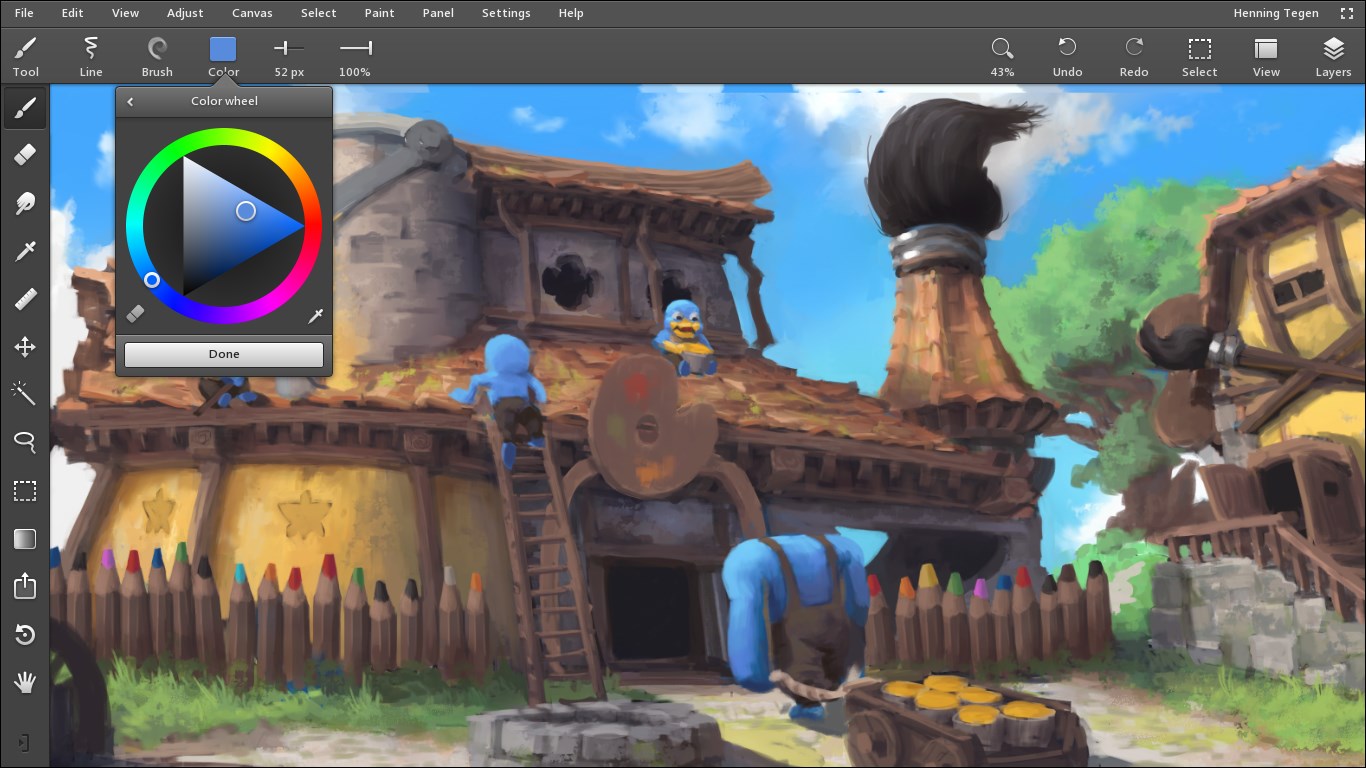
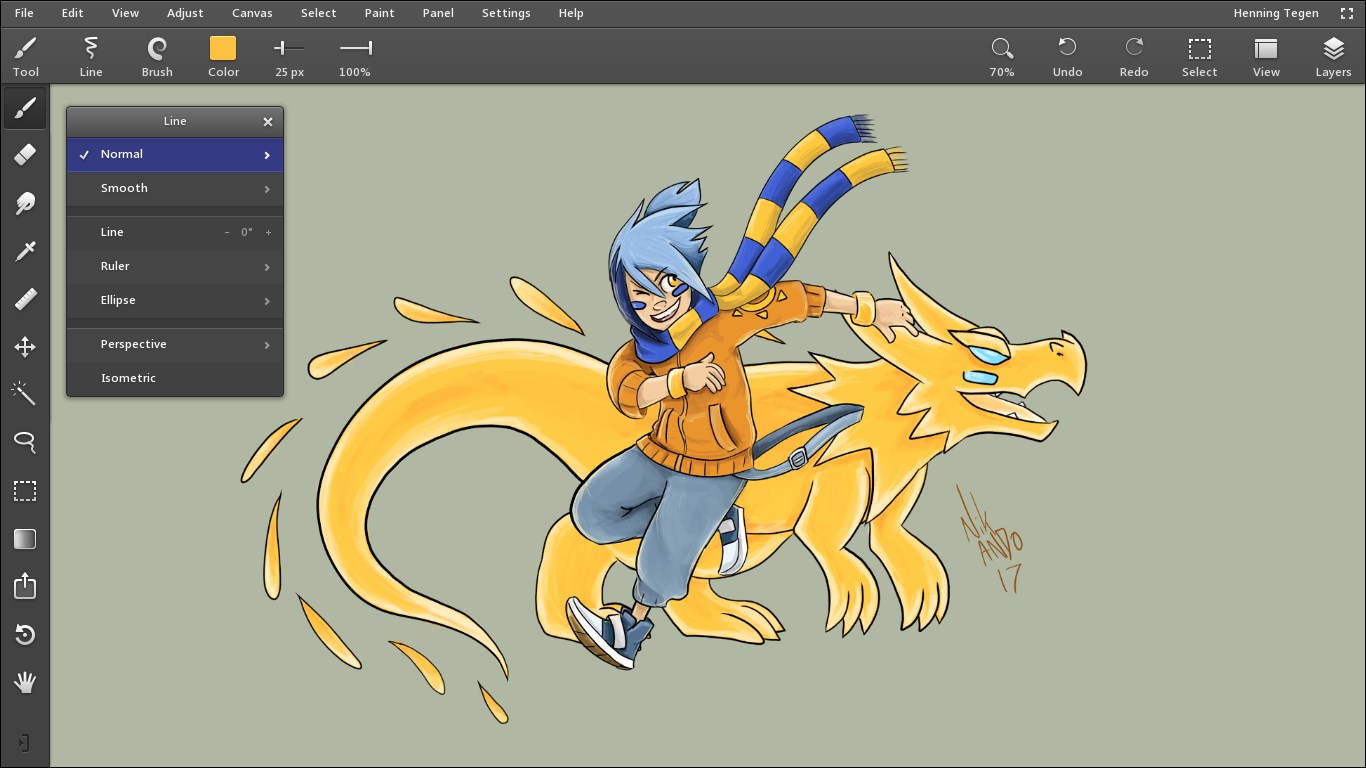
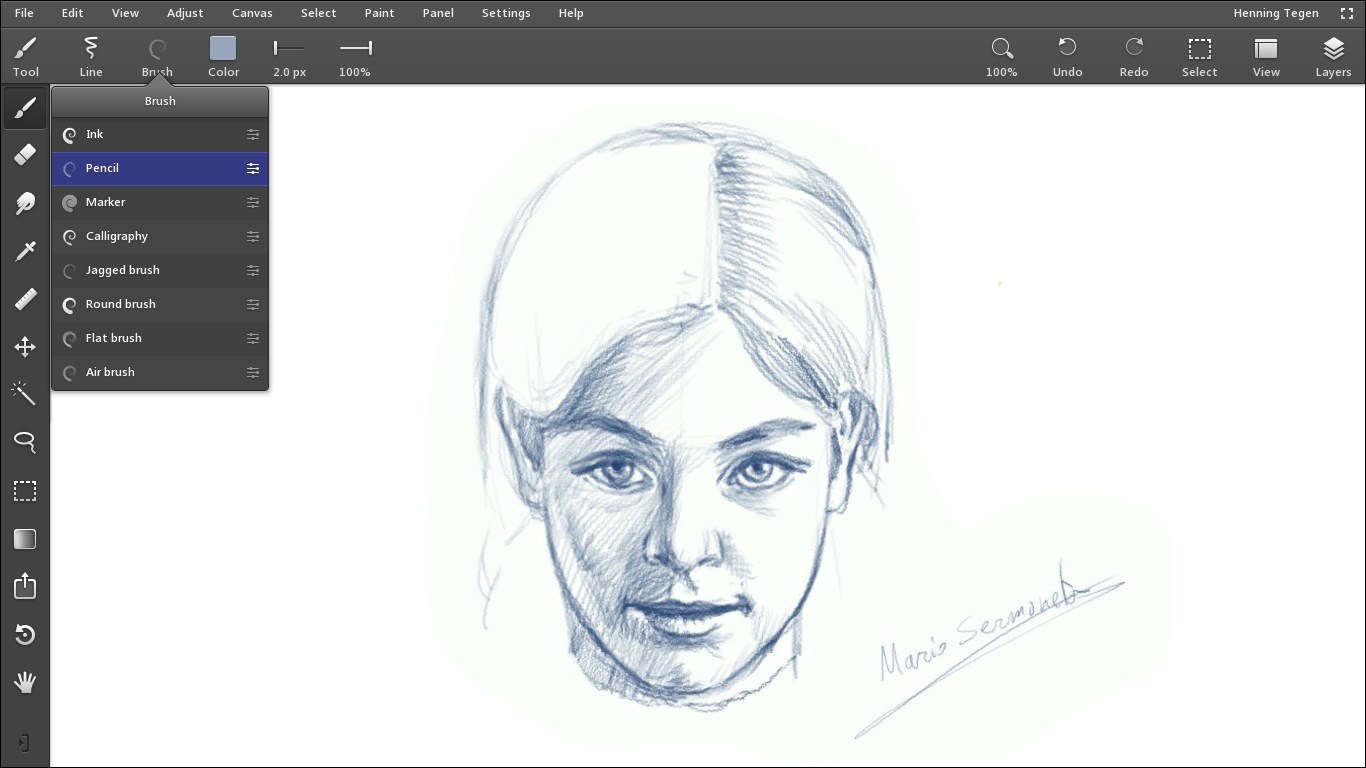
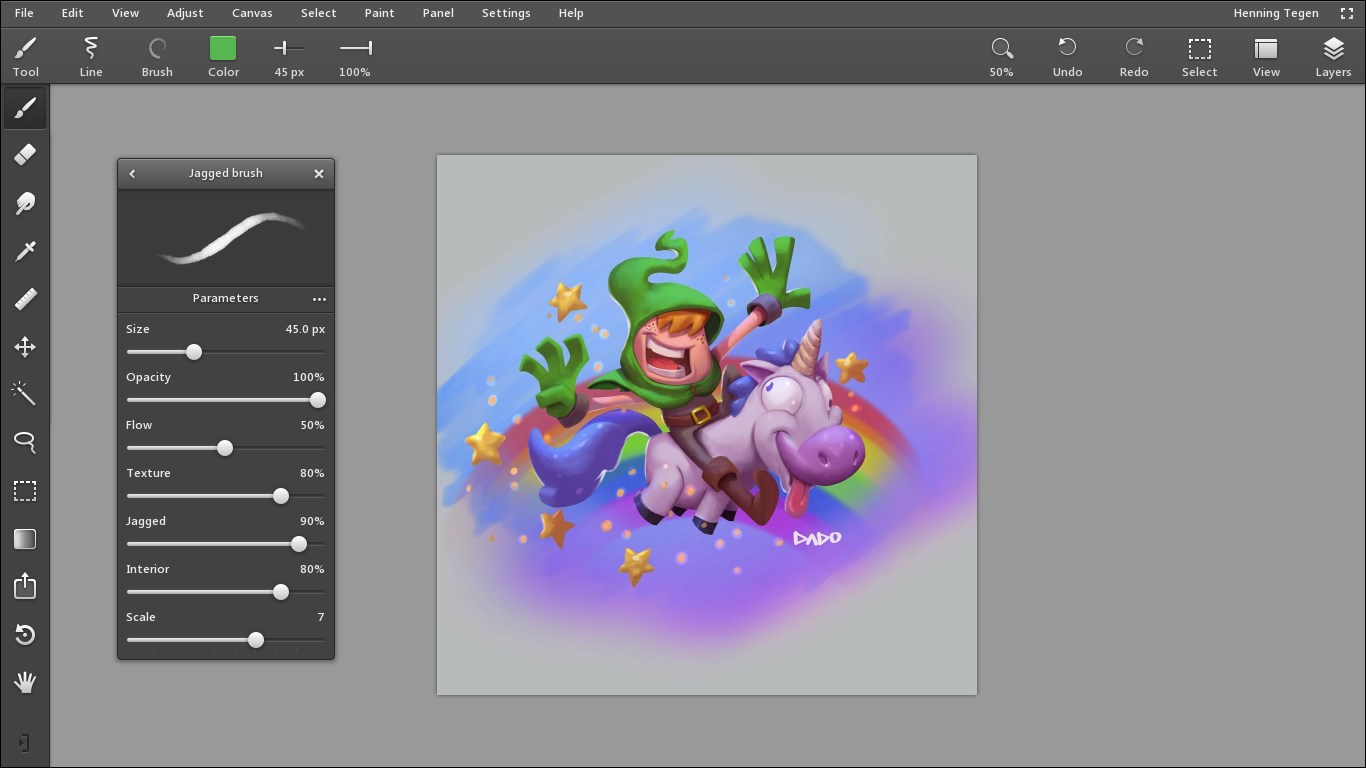
From the moment you open Leonardo, you're greeted with a clean, modern interface that feels like stepping into a well-organized digital workshop. The layout is intuitive, reminiscent of a high-tech craft table where every tool has its place. Navigation is smooth, with fast response times that keep your creative flow uninterrupted—think of it as gliding effortlessly across a freshly polished workbench.
Learning curve? It's refreshingly gentle. Whether you're a seasoned designer or a beginner, Leonardo's tooltips and thoughtfully designed menus make onboarding a breeze. The app's responsive design ensures that commands are executed swiftly, allowing you to experiment and iterate without frustration. The interface feels like a familiar workspace tailored to your style, fostering productivity rather than distraction.
Digital Craftsmanship: How Leonardo Transcends Typical Multimedia Apps
What makes Leonardo truly unique among multimedia design applications is its **AI-powered automation and collaborative real-time editing**—features that feel akin to having a creative partner right at your side. Unlike traditional tools that require manual layer adjustments or static collaboration processes, Leonardo's intelligent assistance accelerates workflow, making complex tasks feel effortless. Furthermore, its customizable plugin ecosystem sets it apart, allowing users to expand functionality tailored to their specific creative pursuits, whether that's graphic design, animation, or multimedia editing.
This app dialectically balances power and simplicity, providing advanced features without overwhelming the user. Its focus on collaborative features is especially beneficial in today's remote working world, making team projects more cohesive and efficient—think of it as a virtual digital studio where ideas converge smoothly.
Final Thoughts: Who Should Give Leonardo a Chance?
Overall, I recommend Leonardo for Windows to digital artists, multimedia professionals, and even hobbyists who want a versatile yet approachable design tool. Its most remarkable features—the AI-powered automation and collaborative editing—offer tangible benefits to streamline workflows and foster creativity. While it may not replace the most advanced pro-grade software for highly specialized tasks, it shines as a comprehensive solution for a broad spectrum of multimedia projects.
If you're looking for an app that combines intelligent features with user-friendly design, Leonardo deserves to be on your radar. Consider trying the free version first to explore if its intuitive environment and innovative capabilities align with your creative needs. It might just become your new digital creative partner!
Pros
- Intuitive User Interface
- Advanced AI Capabilities
- Wide Range of Tools
- Seamless Integration
- Regular Updates and Support
Cons
- High System Requirements
- Occasional Performance Lag
- Learning Curve for Advanced Features
- Limited Free Features
- Occasional Bugs










