

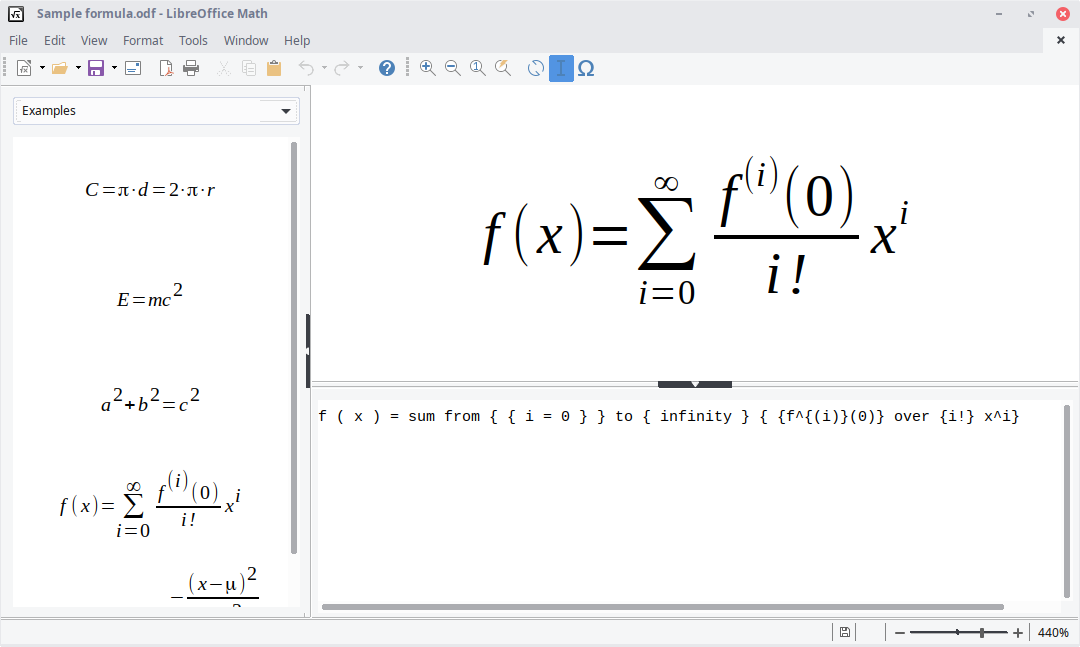
- Category Productivity
- Available on PC
- OS Windows 10 version 17763.0 or higher
- Memory 300 MB
- languages English (United States)
A Comprehensive Review of LibreOffice for Windows: The Open-Source Office Suite Reimagined
LibreOffice for Windows emerges as a robust, open-source alternative to proprietary office software, offering a suite of tools aimed at empowering users to create, edit, and collaborate on documents seamlessly. Crafted by The Document Foundation, this application champions transparency and community-driven development, making it a compelling choice for individuals and organizations seeking flexibility without sacrificing functionality.
Fundamental Information: What You Need to Know
Positioning Description
LibreOffice for Windows is a full-featured, open-source office suite designed to facilitate document creation, data analysis, and presentation creation with a focus on accessibility and user control.
Developer/Team
The Document Foundation, a nonprofit organization dedicated to promoting the use of free and open-source software, develops LibreOffice, ensuring continuous updates and community-driven improvements.
Main Features and Highlights
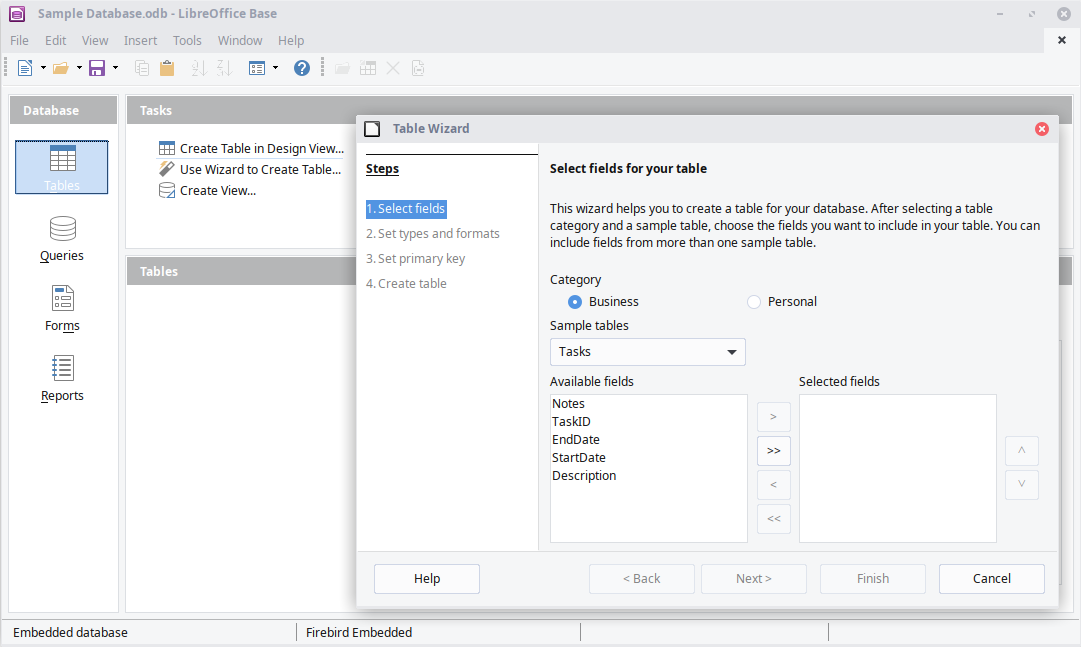
- Comprehensive suite covering word processing, spreadsheets, presentations, drawings, and databases.
- Cross-platform compatibility with seamless file format support, including Microsoft Office formats.
- Rich customization options and extensions, fostering personalized workflows.
- Robust support for collaborative editing and commenting, enhancing teamwork.
Target User Group
Primarily aimed at students, educators, small businesses, and professionals seeking a reliable, cost-effective office solution with advanced compatibility and customization capabilities.
Stepping Into a World of Open-Source Productivity
Imagine walking into a well-organized workshop where every tool is within arm's reach—LibreOffice aims to be that space for your digital workspace. It's not just another office suite; it's a vibrant ecosystem built by a passionate community, designed to balance power and simplicity, inviting users to explore and customize their productivity experience.
Core Functionality Deep Dive: Power and Precision
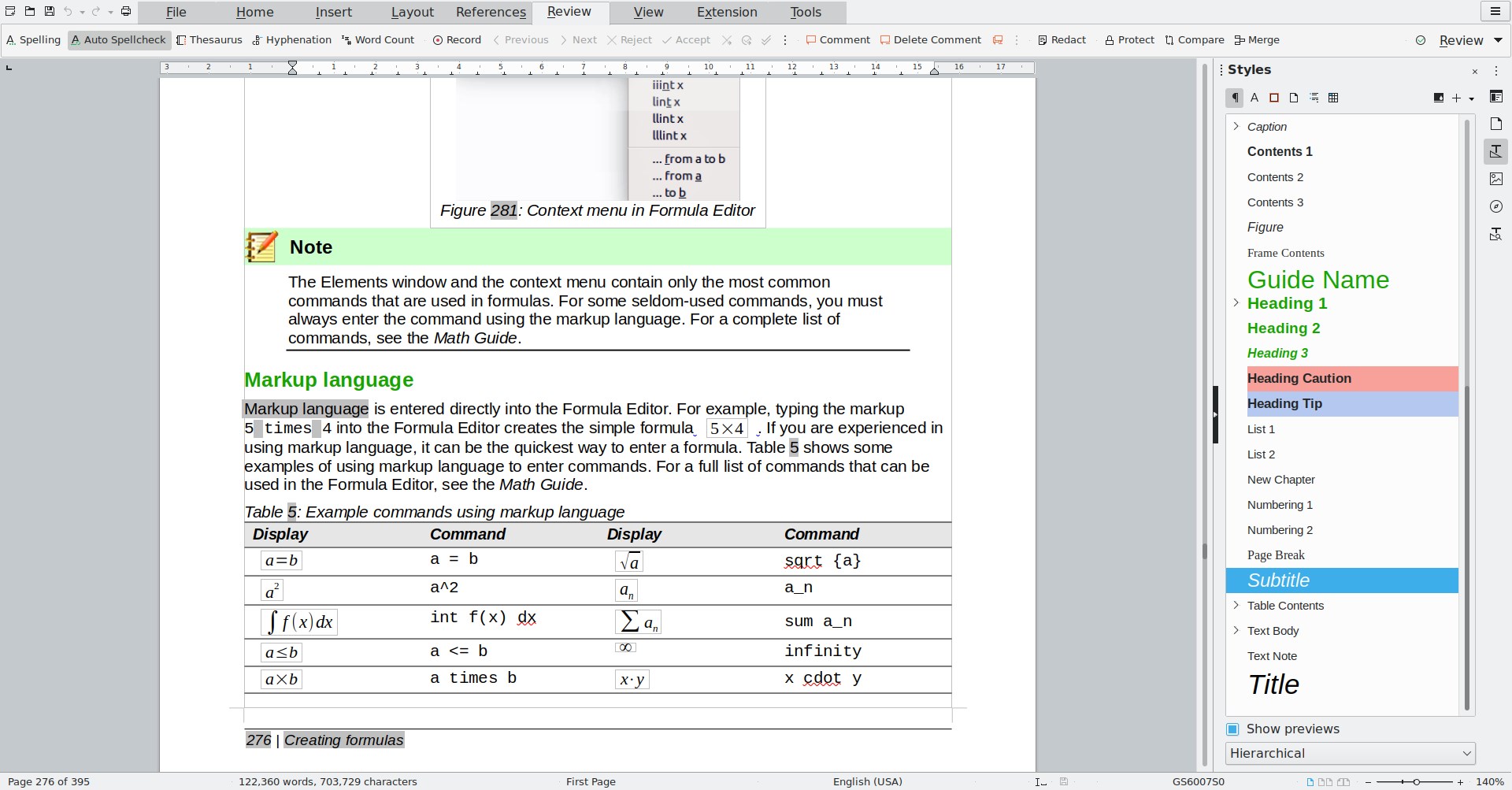
Elegant Documents with Writer
LibreOffice Writer stands out as a powerhouse for document creation, comparable to a seasoned author's trusty pen. Its interface is clean yet flexible, allowing users to craft everything from simple memos to complex reports. Features such as styles, templates, and auto-correct enhance efficiency. Importantly, its compatibility with Microsoft Word formats ensures documents maintain their integrity across platforms, reducing the dreaded formatting nightmares often encountered with other free tools.
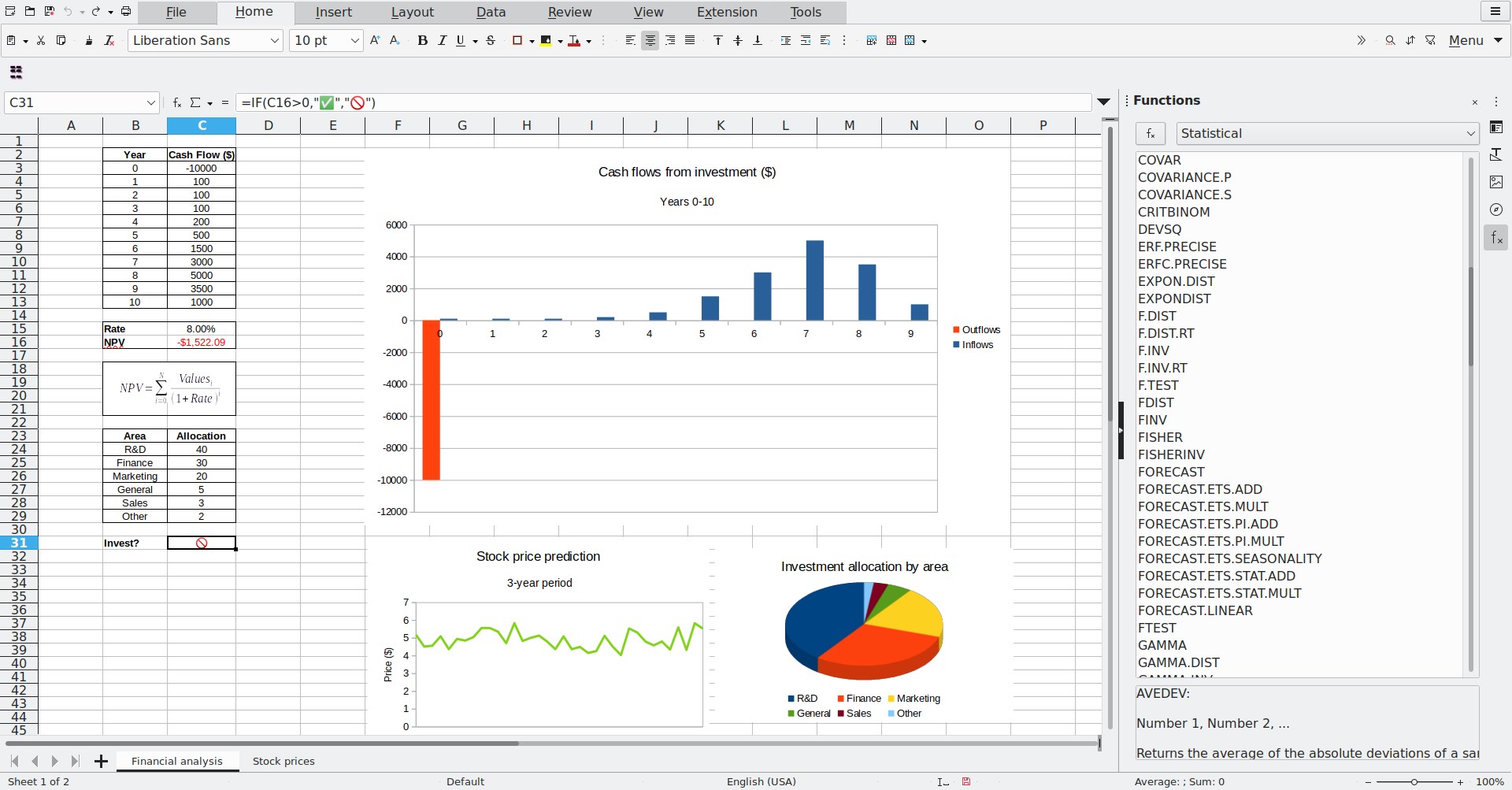
Data Mastery with Calc
Calc, LibreOffice's spreadsheet component, efficiently handles data analysis tasks, offering advanced formulas, pivot tables, and charting capabilities. What makes Calc particularly compelling is the logical arrangement that mimics traditional spreadsheet workflows but with added flexibility. Its performance remains smooth even with sizable datasets, making it suitable for users who need reliable data crunching without the bloat of more complex proprietary software. The ability to script with macro support adds another layer of automation, saving time on repetitive tasks.
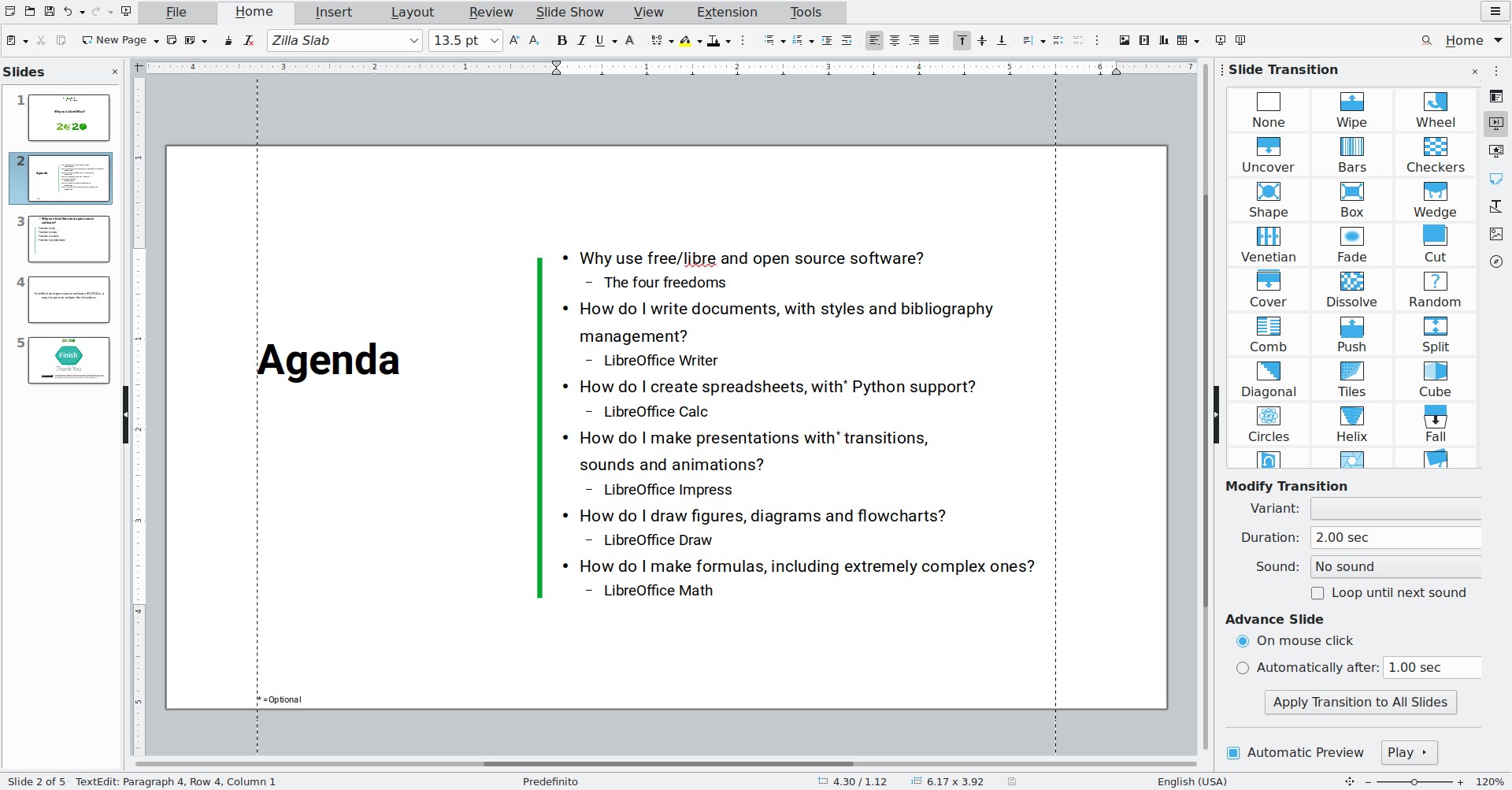
Dynamic Presentations with Impress
Impress Tool transforms static slides into engaging presentations—think of it as turning a picture book into a lively storybook. Its transitions and animations are straightforward to implement, yet powerful enough to produce professional-quality visual aids. It supports multimedia embedding and can export to PDF or even PowerPoint formats, ensuring presenters can communicate their ideas effectively regardless of the audience's platform.
User Experience: Intuitive, Streamlined, Yet Deeply Powerful
From the moment you open LibreOffice, its user interface welcomes you with a familiar yet modern ribbon-style toolbar that reduces the cognitive load—think of it as a well-organized toolbox where everything is just a click away. The application performs smoothly on most Windows configurations, with fast load times and responsive interactions. For new users, the learning curve is gentle; tutorials and community forums are plentiful, making onboarding less daunting. Power users will appreciate the advanced customization options, macros, and extension support that allow tailoring the environment to specific workflows.
What Sets LibreOffice Apart? Workflow & Feature Philosophy
Unlike many productivity apps that overload you with features—sometimes at the expense of usability—LibreOffice adopts a pragmatic approach. Its focus on reducing cognitive load is evident in its minimalist design and logical layout. The most notable feature is its commitment to interoperability; with formats from Microsoft Office and other standards, it simplifies cross-platform workflows, acting as a bridge rather than an obstacle. This emphasis on compatibility and customization enhances productivity rather than complicating it.
Additionally, LibreOffice's open-source nature means ongoing innovation driven by a community—features evolve based on real user needs rather than corporate agendas. This results in a flexible environment that adapts to diverse workflows, whether for academic writing, data analysis, or creative projects.
Final Verdict and Recommendations
Given its robust feature set, user-friendly interface, and commitment to openness, I recommend LibreOffice for Windows as a viable alternative to proprietary office suites—especially for those who value customization, transparency, and cost-effectiveness. It is particularly suited for users who need cross-platform compatibility and straightforward workflows without the burdens of excessive complexity.
While it may lack some of the polish found in commercial counterparts, its continuous development and active community support make it a dependable and versatile choice. Whether you're a student, a teacher, or a small business owner, LibreOffice can effectively serve your document needs while empowering you to take control of your digital workspace.
Pros
- Open-source and free to use
- Compatible with Microsoft Office formats
- Rich set of features for document creation and editing
- Regular updates and active community support
- Cross-platform availability
Cons
- Interface can feel outdated and less intuitive
- Limited advanced collaboration features
- Compatibility issues with complex MS Office documents
- Some advanced features are hidden in menus
- Performance may lag with very large files











