

- Category Entertainment
- Developer Light Lin
- Available on PC
- OS Windows 10 version 17763.0 or higher
- DirectX Not specified
- Memory Not specified
- languages Arabic, Chinese (Simplified), Chinese (Traditional), English (United States), French, German, Japanese, Korean , Portuguese (Portugal), Russian, Spanish (Spain)
Light AirPlay - Screen Mirroring Receiver for Windows: A Seamless Wireless Display Solution
Light AirPlay transforms your Windows PC into a versatile mirroring receiver, making wireless content sharing straightforward and efficient—a true boon for presentations, entertainment, and remote collaboration.
Developed by Light Lin: A Focused Player in the Mirroring Scene
Created and published by LightLin, this application emerges from a dedicated team committed to enhancing screen sharing experiences on Windows. With a targeted approach, they aim to deliver a reliable, easy-to-use AirPlay receiver that bridges the gap between Apple devices and Windows PCs.
Key Features That Shine
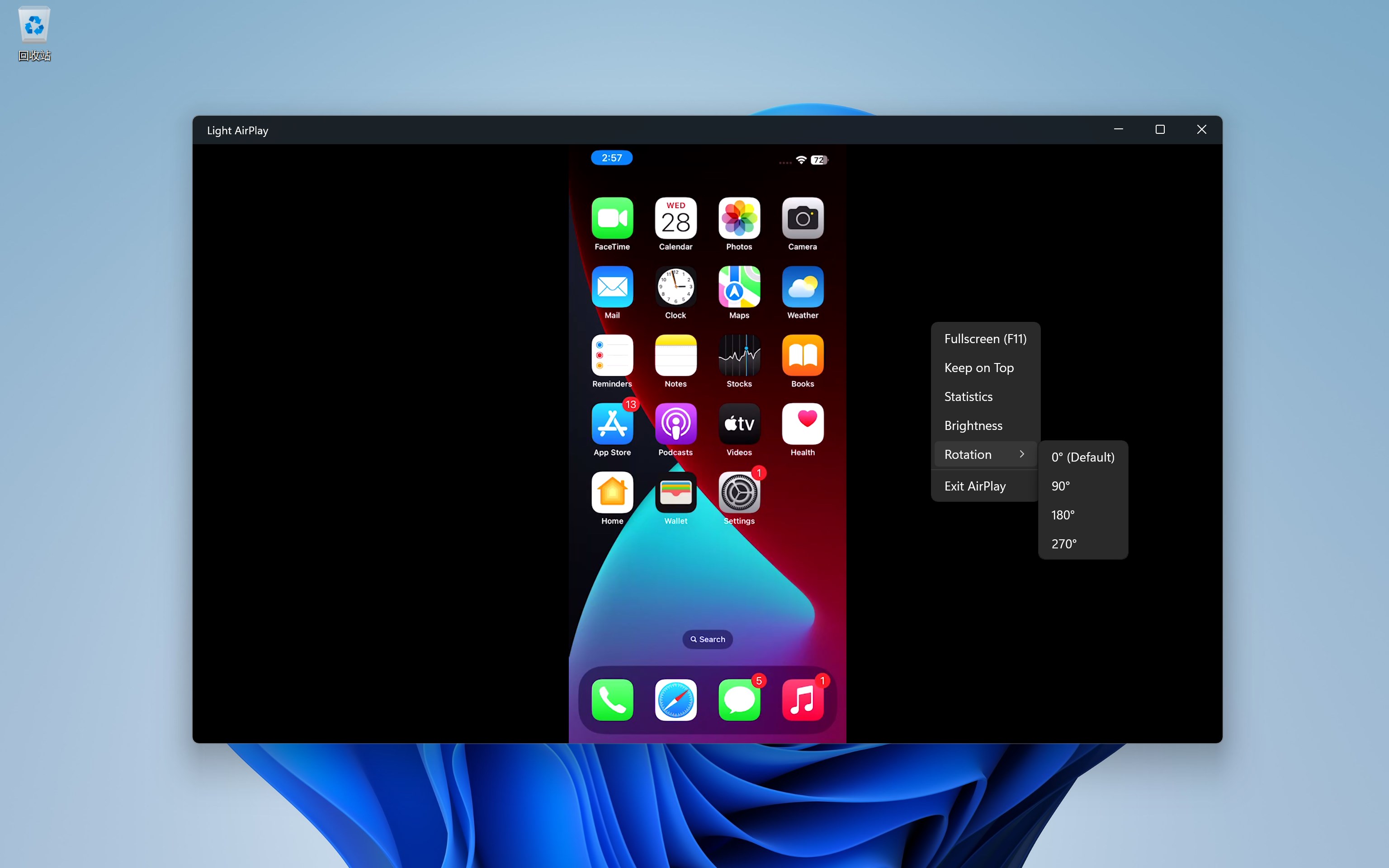
- AirPlay Compatibility: Effortlessly mirror iOS and macOS devices to your Windows PC, enabling smooth media and screen sharing.
- Low-Latency Streaming: Designed for real-time use, it minimizes lag, making it suitable for presentations, gaming, or interactive content sharing.
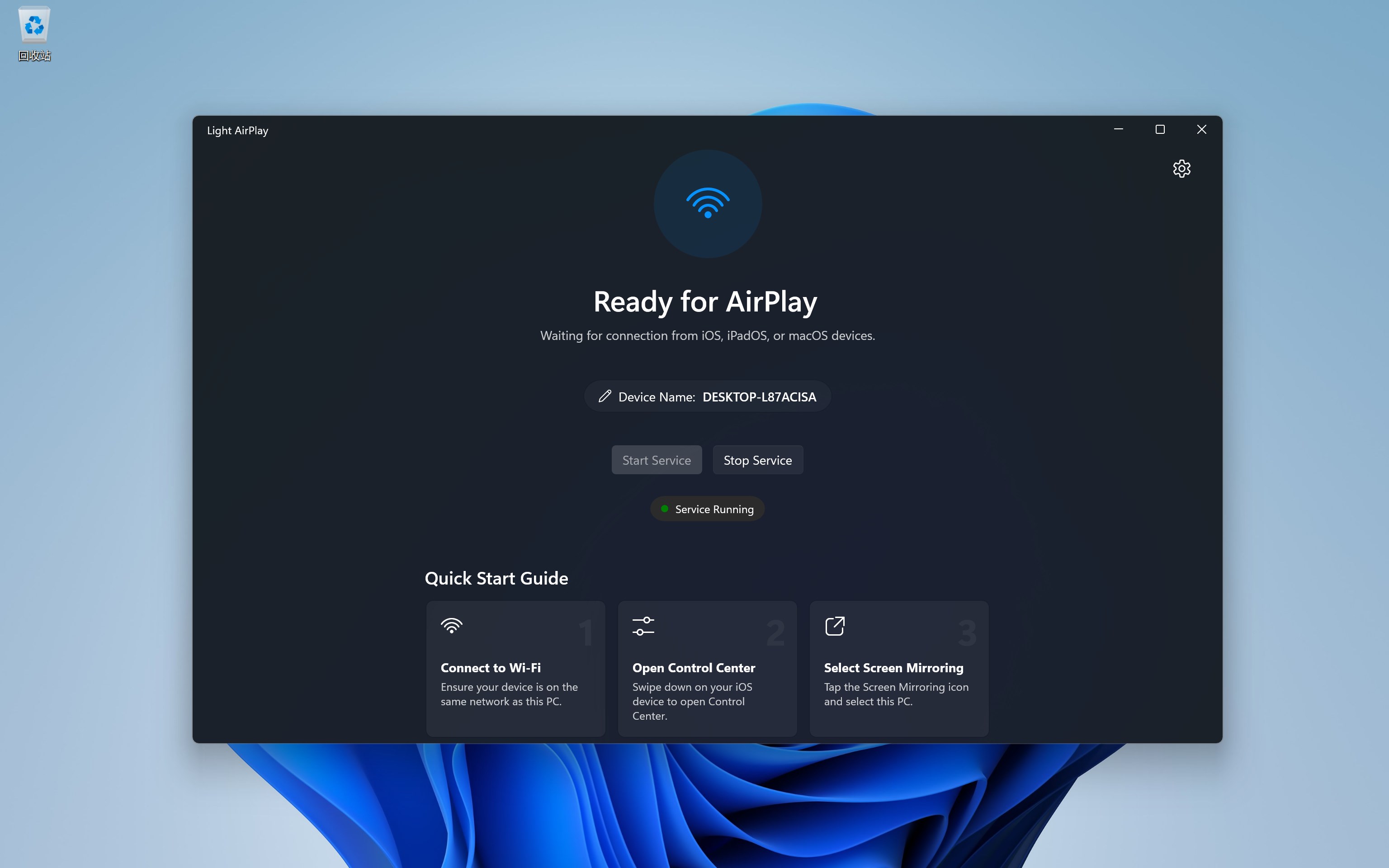
- Simple Setup and Intuitive Interface: No complex configurations—just install, connect, and mirror; the interface guides you with clear options.
- Multi-Device Support: Handles multiple devices simultaneously, allowing a shared space for various users or gadgets.
Experience the App: From Friendly Setup to Flawless Mirroring
Imagine effortlessly projecting your iPhone screen onto your Windows PC during a meeting or enjoying a movie on a larger display—Light AirPlay makes this a reality without the tangled mess of cables or cumbersome software. Its installation process is straightforward, with an interface that feels like a well-organized dashboard rather than a confusing maze. The app responds swiftly to your commands, with no noticeable delays, ensuring that your content appears instantaneously on the screen, keeping up with your lively or professional pace.
Design and User Experience: Clear, Smooth, and Accessible
The application's user interface adopts a clean, modern aesthetic, with intuitive icons and straightforward navigation. Whether you're a tech novice or a seasoned professional, you'll find it easy to initiate mirroring sessions—just select your source device, hit connect, and you're off. The responsiveness is commendable; the transition between screens is seamless, which is vital for dynamic presentations or interactive activities. Learning curve? Minimal—this app is designed for quick adoption with immediate results, making it accessible to a broad user base.
Core Functionality: Highlighting the Unique Capabilities
The standout feature is the app's dedicated focus on providing robust AirPlay support within a Windows environment. Unlike generic screen sharing tools that often rely on third-party platforms or complicated configurations, Light AirPlay integrates smoothly with Apple devices, emphasizing low latency and high-quality streaming. Another highlight is how it manages multiple source devices simultaneously, offering a flexible, collaborative platform for teams or family entertainment.
Differentiation from Other Entertainment Apps
What sets this app apart from other multimedia or screen sharing tools is its specialized aim to serve as a reliable AirPlay receiver rather than just a media player or general screencasting platform. While many apps focus primarily on content discovery or personalized recommendations—often critiqued for irrelevant suggestions—Light AirPlay's strength lies in its targeted, content-agnostic functionality. It doesn't distract with tailored algorithms but concentrates on delivering real-time, high-quality mirroring, making it more predictable and consistent than more cluttered, recommendation-heavy apps. This specificity makes it especially appealing to users seeking a dependable, straightforward mirroring solution without the noise of unnecessary features.
Final Thoughts: A Solid Companion for Wireless Content Sharing
All in all, Light AirPlay offers a refreshing, no-fuss approach to screen mirroring on Windows. Its emphasis on low latency, multi-device support, and user-friendly interface make it an excellent choice for professionals, educators, or anyone who values quick, reliable wireless sharing. While it might lack some of the entertainment-specific features found in media-rich apps, its core strength—robust, seamless AirPlay reception—fills a genuine need for anyone looking to bridge Apple devices with Windows effortlessly. I'd recommend giving it a try if you frequently use Apple products and want an unobtrusive, dependable mirroring solution.
Pros
- Smooth Screen Mirroring
- Easy Setup Process
- Supports Multiple Devices
- Wireless Connectivity
- Reliable Connection Stability
Cons
- Limited Device Compatibility
- Occasional Connectivity Drops
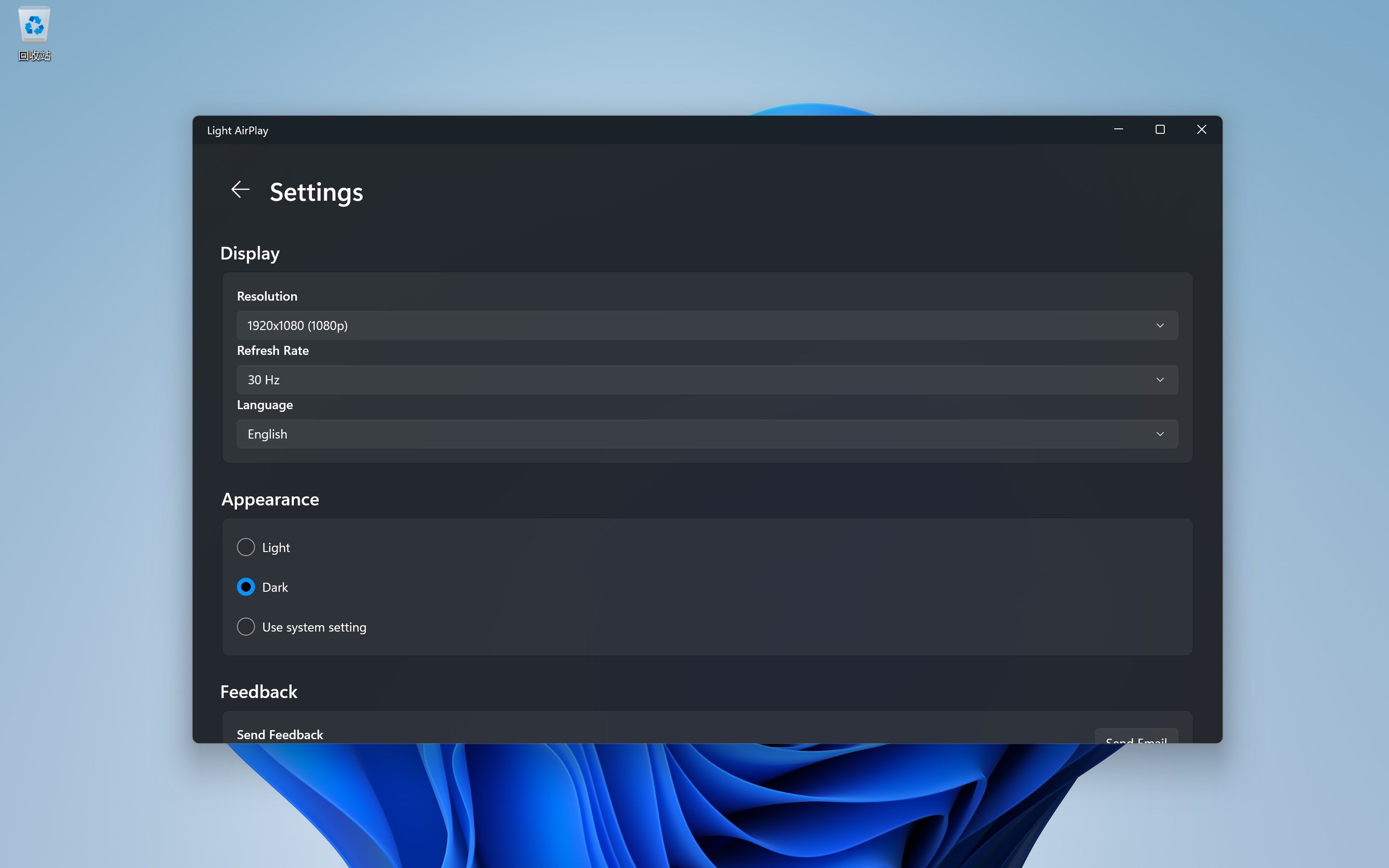
- Limited Customization Options
- Performance Variability on Different Hardware
- Lack of In-App Troubleshooting Guides











