
Frequently Asked Questions
How do I start playing LIMBO for the first time?
Download and install the app from your store, open it, and follow the on-screen instructions to begin your adventure.
What are the basic controls for moving and interacting?
Use on-screen virtual buttons or device tilt controls (if enabled) to move, jump, and interact with objects, accessible via the tutorial tutorial stage.
How do I access game settings and adjust sound or graphics?
Tap the menu icon, then navigate to Settings > Sound & Graphics to customize these options.
What are the main features of LIMBO's puzzles?
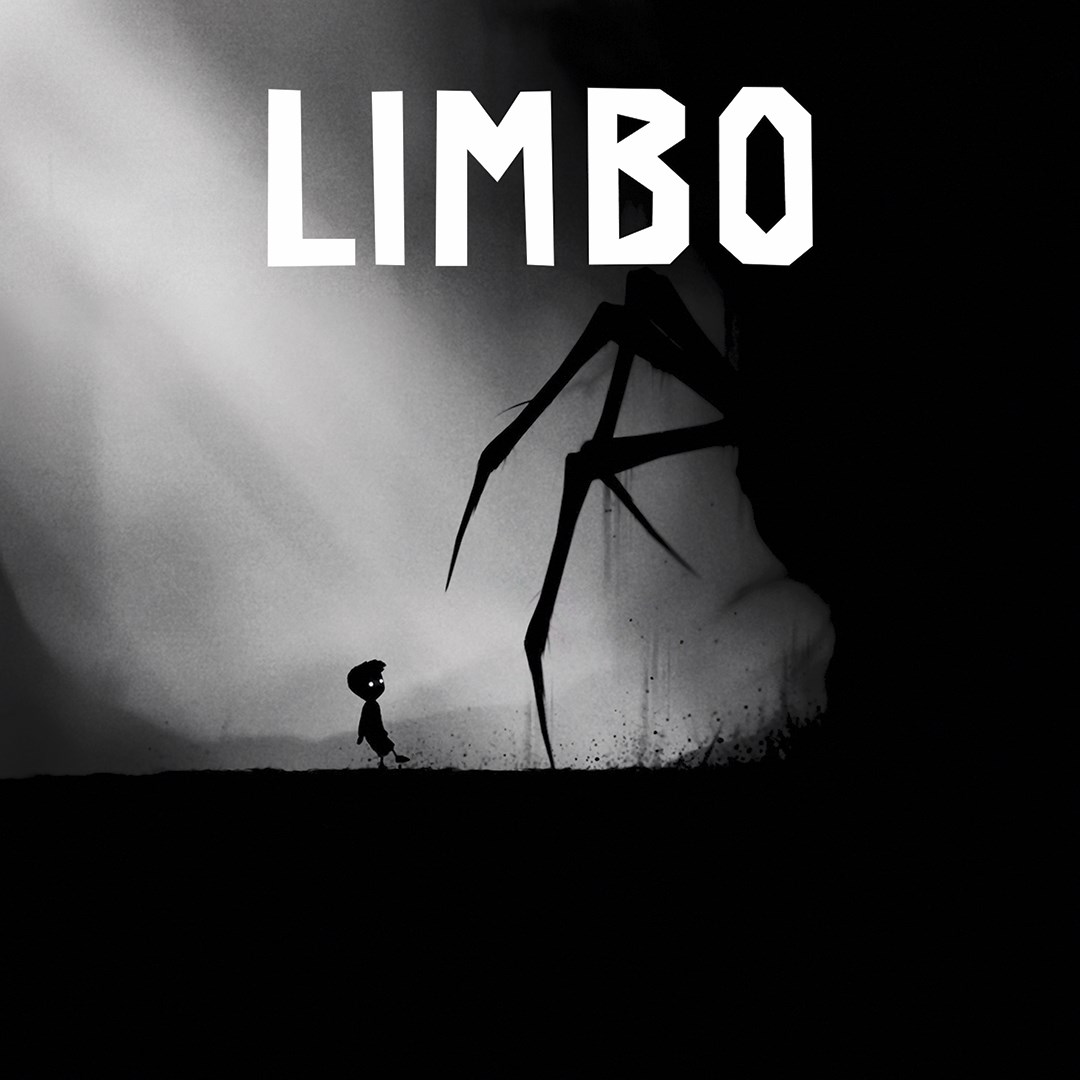
LIMBO offers atmospheric puzzles that involve manipulating objects, solving environmental challenges, and timing to progress through dark, eerie spaces.
How does the storyline unfold during gameplay?
The game narrates through immersive visuals and subtle environmental storytelling, with no spoken dialogue, gradually revealing the boy's quest and hidden mysteries.
Are there any in-app purchases or subscription options?
LIMBO is a paid app with a one-time purchase; there are no subscriptions or additional in-app purchases. Check your store for pricing details.
Can I upgrade or customize the game interface?
Customizations are limited; you can adjust sound and display settings via the Settings menu in the app to enhance your experience.
What should I do if the game crashes or won't start?
Try restarting your device, updating the app and operating system, or reinstalling LIMBO from your store. Contact support if issues persist.
You May Like

Red Dead Redemption (PC)
for Windows
5
Solo Leveling: ARISE OVERDRIVE
for Windows
4.9
Criminal Case: The Conspiracy
for Windows
4.8
DesignVille: Merge & Design
for Windows
4.8
Minecraft: Java & Bedrock Edition Deluxe Collection
for Windows
4.8
Subnautica
for Windows
4.8
Vampire Survivors
for Windows
4.8
Little Kitty, Big City
for Windows
4.8
Hollow Knight: Voidheart Edition
for Windows
4.8
bloxd.io
for Windows
4.8
Sunset Overdrive
for Windows
4.8
Criminal Case: Mysteries of the Past
for Windows
4.8