




- Category Social
- Available on PC
- OS Windows 10 version 0.0 or higher
- languages Chinese, Chinese (Simplified), Chinese (Traditional Chinese), Chinese (Traditional), English, English (United States), Indonesian, Japanese, Korean, Russian, Spanish (Latin America), Spanish (Spain), Thai, Thai, Turkish
Standing Out in a Crowded Messaging World
LINE Desktop for Windows offers a fresh take on messaging apps by blending familiar features with unique functionalities designed to elevate your digital communication experience. Developed by LY Corporation, a trusted leader in digital communication tools, this app aims to cater to users seeking a seamless, secure, and personalized chatting environment.
Key Features That Make LINE Desktop Shine
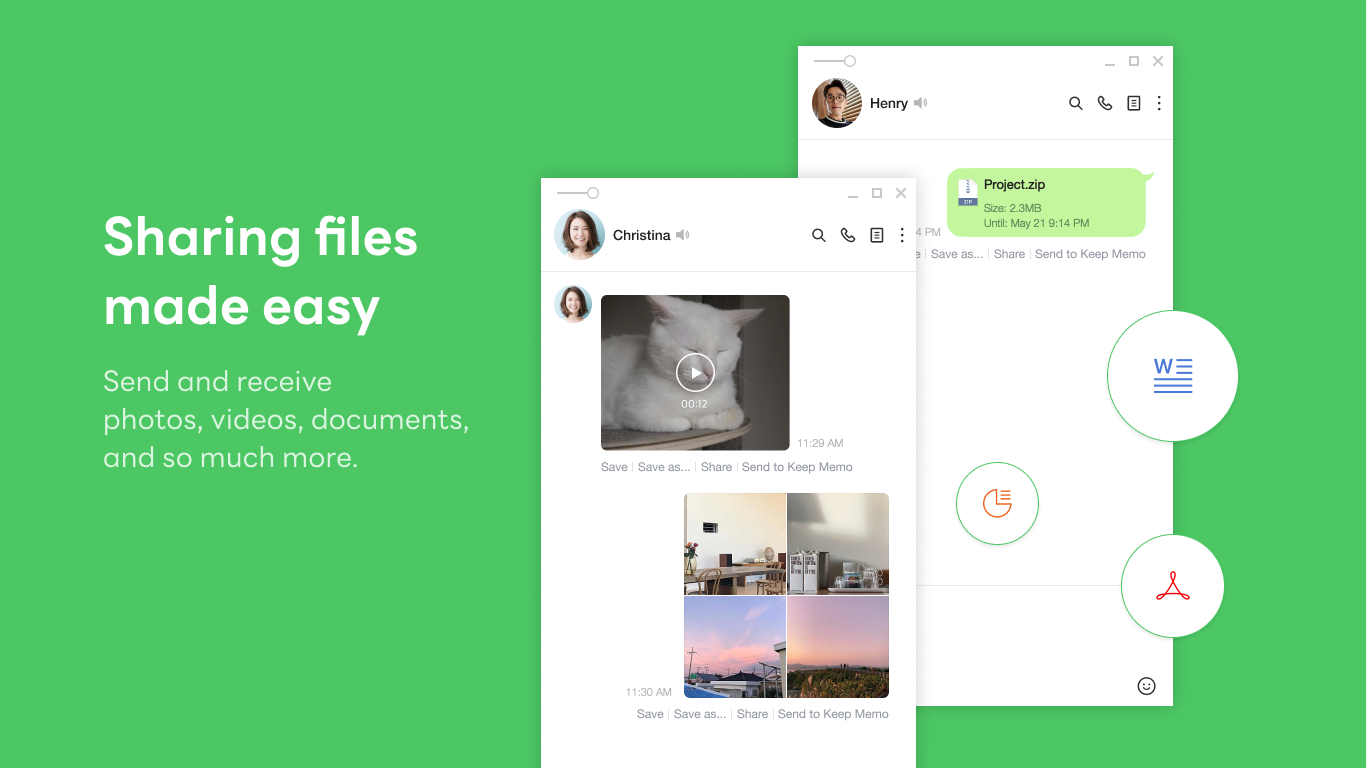
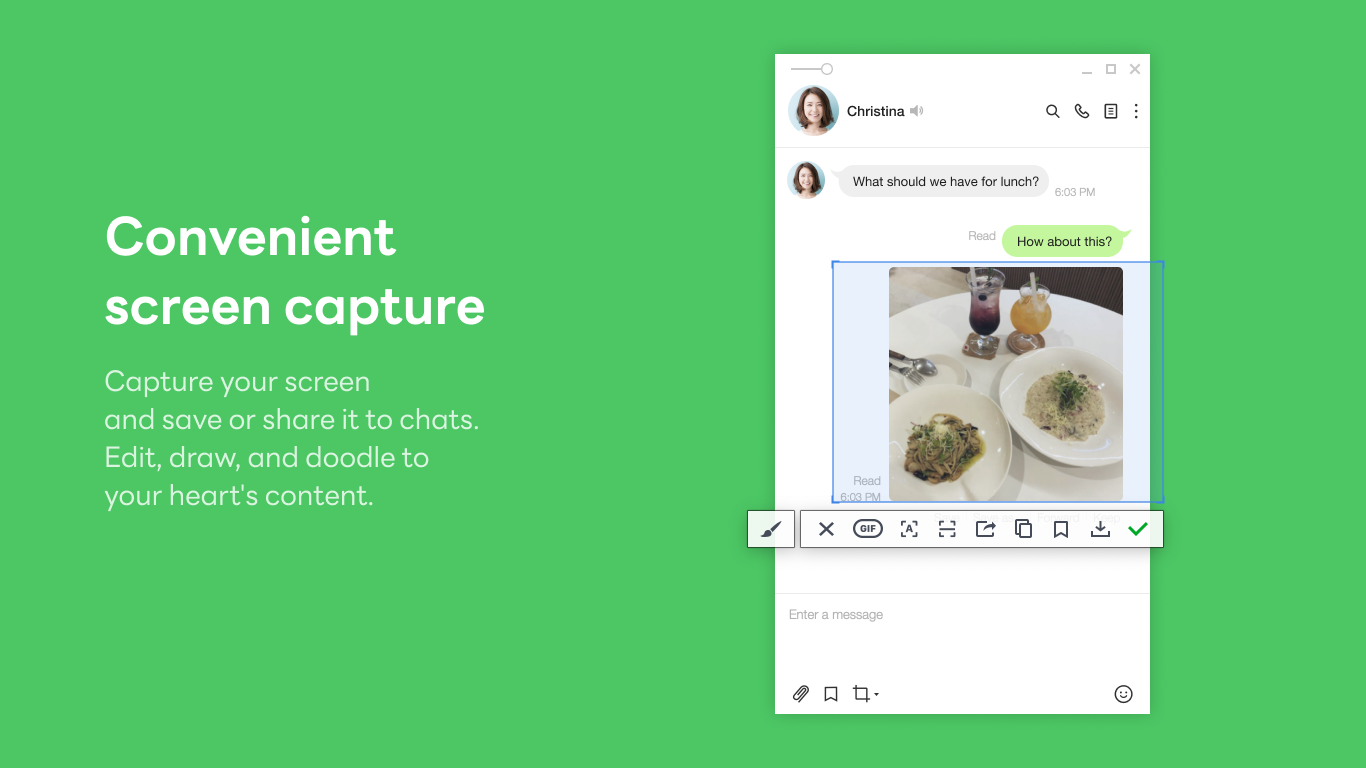
At its core, LINE Desktop provides a robust platform for staying connected. Its main highlights include integrated sticker and media sharing, versatile chat management options, and enhanced user verification processes. These features come together to create a cohesive experience that feels both intuitive and innovative.
Intuitive Interface and Seamless User Experience
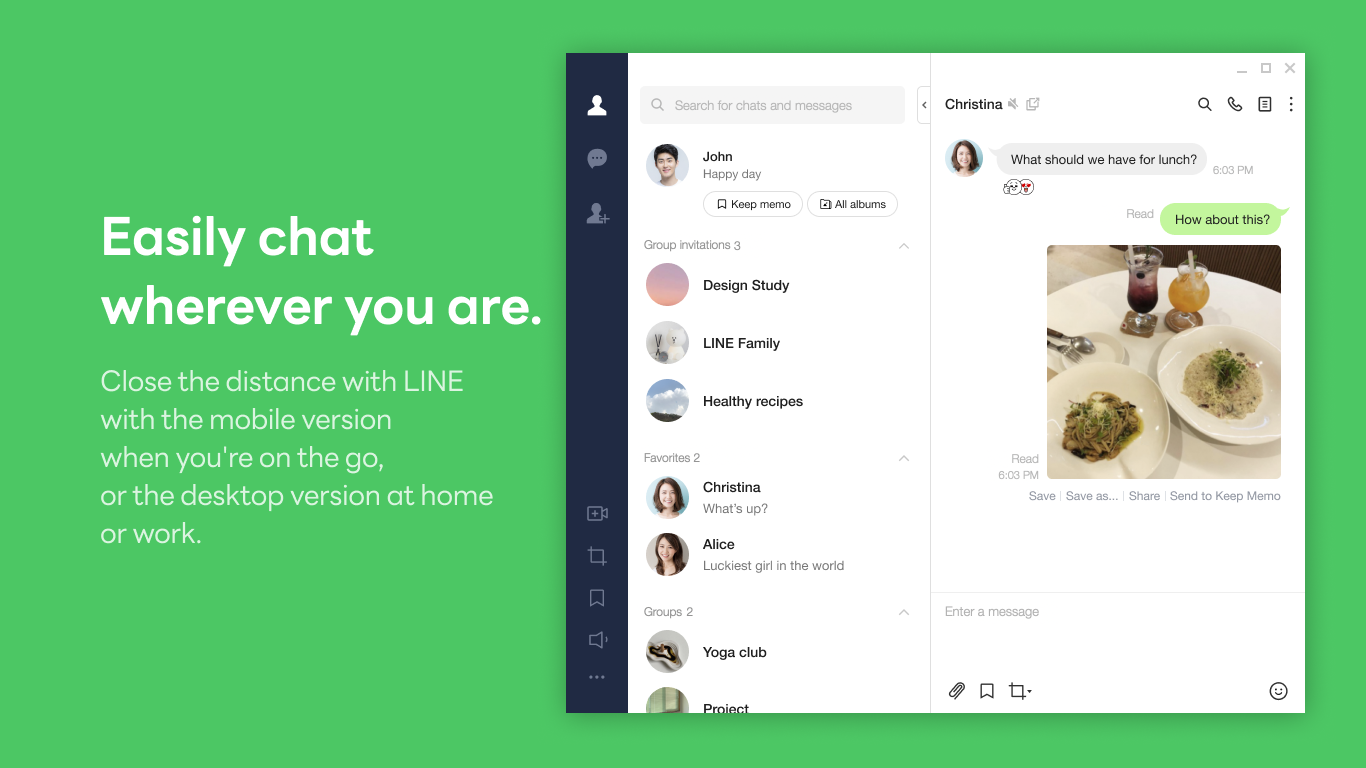
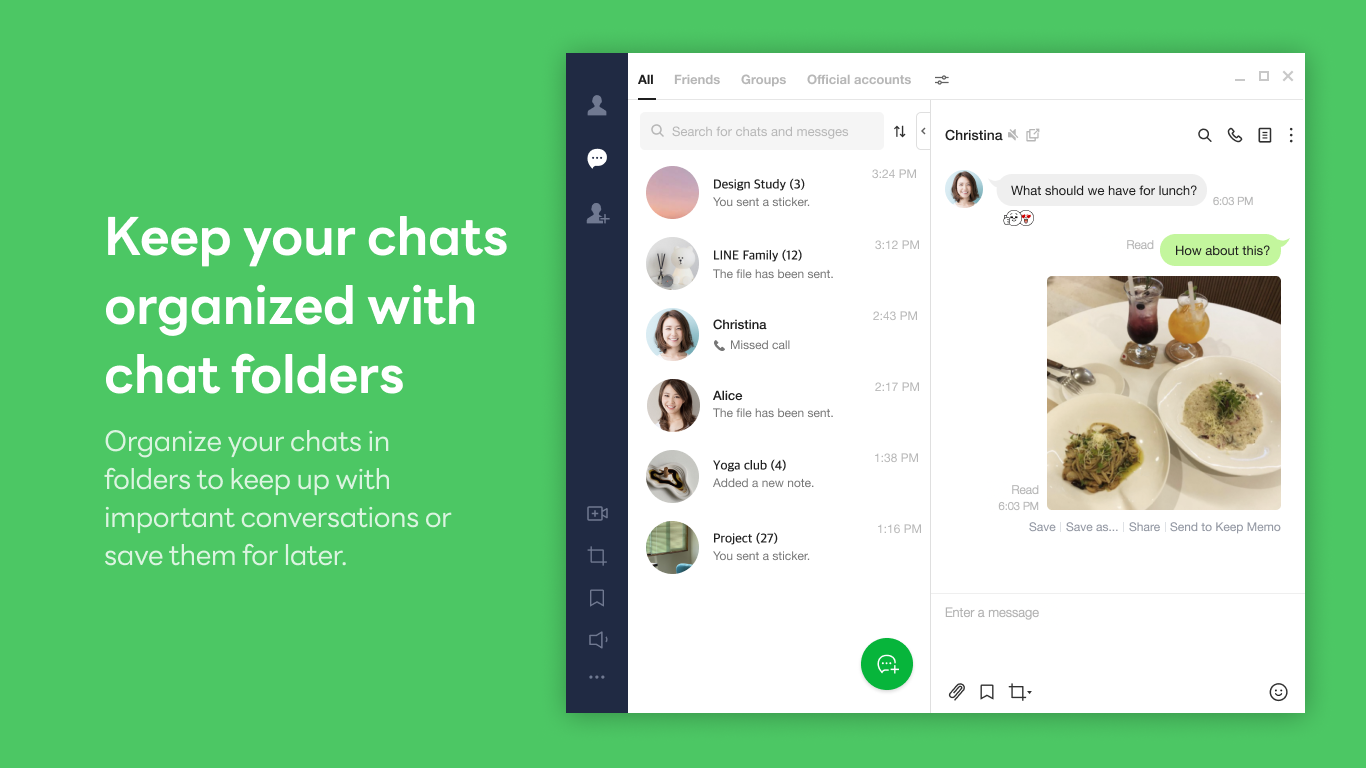
From the moment you launch LINE Desktop, you'll notice its clean and organized interface—think of it as stepping into a well-lit, friendly café where everything is within easy reach. Navigating through chats, contacts, and media galleries feels smooth and responsive, thanks to optimized performance tailored for Windows environments. The learning curve is gentle; even newcomers can quickly get the hang of sending messages, sharing images, or creating group chats without a headache. This is crucial in today's fast-paced world where time is precious—and no one wants to wrestle with complicated software.
Connecting with Authenticity & Personalization
One of LINE Desktop's standout features is its emphasis on authenticity verification and user profile customization. Unlike some messaging platforms that offer generic profiles, LINE allows users to verify their identities, creating a safer environment for genuine interactions. Imagine being at a networking event—you only want to connect with real, verified individuals. That's precisely the assurance LINE provides with its verification options. Plus, the app offers extensive profile personalization—custom avatars, status updates, and themes—allowing you to craft your digital identity just as you'd dress up for a special occasion. Furthermore, its connection discovery feature enables users to find friends or colleagues seamlessly, bypassing the usual frustrating search process—think of it as having a friendly matchmaker at your digital fingertips.
Differentiating Features and Competitive Edge
While many social apps focus solely on instant messaging, LINE Desktop goes a step further with its connection discovery and profile authenticity features. These elements foster a more trustworthy and personalized community, setting it apart from generic chat solutions. For example, its verification system not only assures safety but also encourages more open and genuine communication. Moreover, the app's ability to sync seamlessly with the mobile version ensures your conversations and contacts stay up-to-date across devices—like having your favorite chat window follow you everywhere, reliably and effortlessly.
Final Thoughts: Is It Worth Your Time?
All in all, LINE Desktop for Windows is a compelling choice for those looking for a more personalized and secure messaging experience. Its user-friendly interface, combined with standout features like profile verification and connection discovery, makes it a worthy addition to your digital toolkit. I recommend it especially for users who value authenticity and seamless integration across multiple devices. Whether you're a busy professional, a community organizer, or simply someone who enjoys connecting with friends in a more meaningful way, LINE Desktop offers a balanced mix of familiar comfort and innovative features. Give it a try—you might find that this app becomes your new messaging hub, bridging your online personal and professional worlds with finesse.
Pros
- User-Friendly Interface
- Standard Chat Features
- Cross-Platform Compatibility
- Notification Alerts
- Regular Updates
Cons
- Limited Customization Options
- Occasional Sync Delays
- High Resource Usage
- Limited Custom Notification Settings
- Some Features are Missing











