




- Category Social
- Available on PC
- OS Windows 10 version 17763.0 or higher
- languages Arabic, Chinese (Simplified), Chinese (Traditional), Czech, Danish, Dutch, English, Filipino, French, German, Hindi, Indonesian, Italian, Japanese, Korean, Malay, Norwegian (Bokmål), Polish, Portuguese, Romanian, Russian, Spanish, Swedish, Thai, Turkish, Ukrainian
Introduction: Elevating Professional Networking on Windows
LinkedIn for Windows is a streamlined gateway for professionals to connect, engage, and grow their careers within the familiar Windows environment. Designed by the renowned LinkedIn team, this application emphasizes ease of use, authenticity, and personalized interaction, making it an essential tool for anyone looking to expand their professional horizon without leaving their desktop. In a crowded social space, LinkedIn for Windows aims to offer a focused, optimized experience that keeps users connected and informed seamlessly.
Core Features That Stand Out
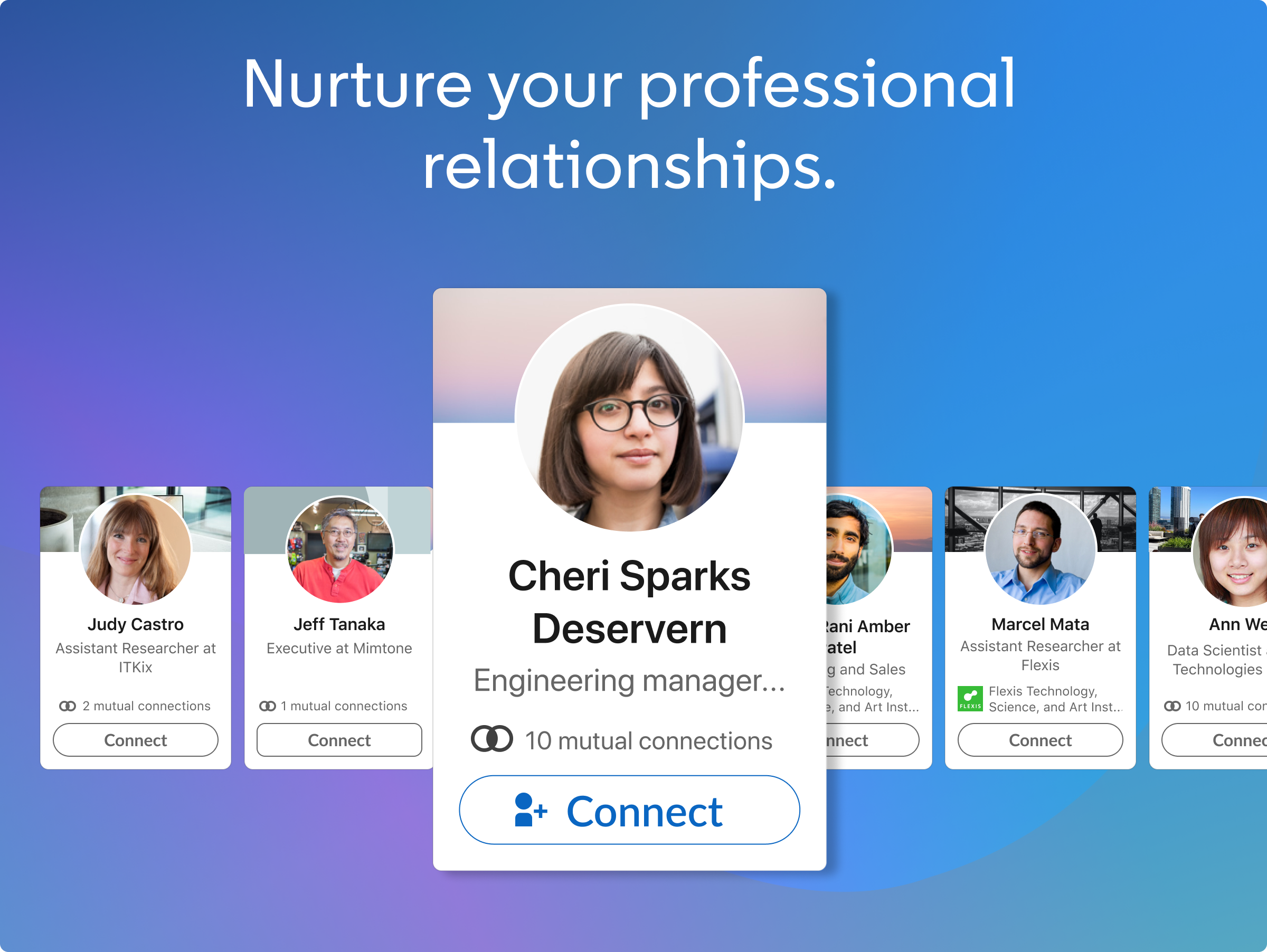
Personalized Connection Discovery
The app's standout feature is its intelligent connection discovery, which intelligently recommends potential contacts based on your profile, interests, and activity. Unlike many social platforms that bombard users with random suggestions, LinkedIn for Windows filters and curates tailored connection proposals, helping users forge meaningful professional relationships. This smart feature transforms the platform from a mere contact directory into a proactive networking assistant.
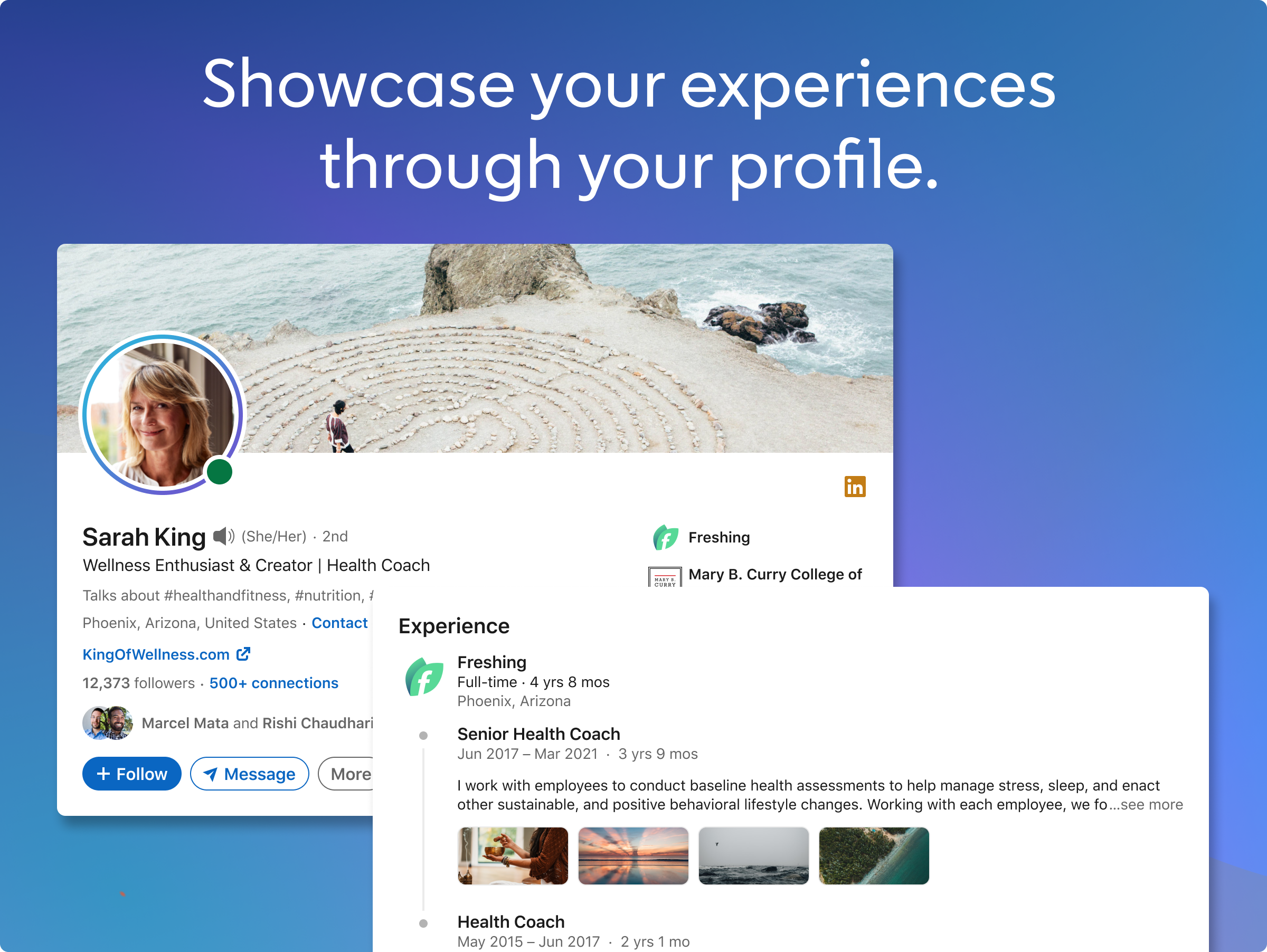
Authenticity Verification & User Profile Customization
Another highlight is its robust authenticity verification system, which assures users that the profiles they engage with are genuine. Through a combination of AI algorithms and verification badges, this feature reduces the risk of encountering fake accounts. Additionally, the app encourages users to tailor their profiles extensively, enabling a richer, more genuine display of their professional identities — akin to personalizing a professional storefront that truly represents their expertise and experience.
Intuitive Interface & Seamless User Experience
The interface design adopts a clean, modern aesthetic reminiscent of a well-organized workspace. Navigating through updates, messages, and networking suggestions feels fluid—like gliding effortlessly across a polished surface. The app's responsiveness is smooth, with minimal lag, making updates or content browsing as effortless as flipping through a well-curated magazine. Its learning curve is gentle; even newcomers can quickly get accustomed to its features compared to more complex platforms.
Deep Dive into User Experience and Differentiation
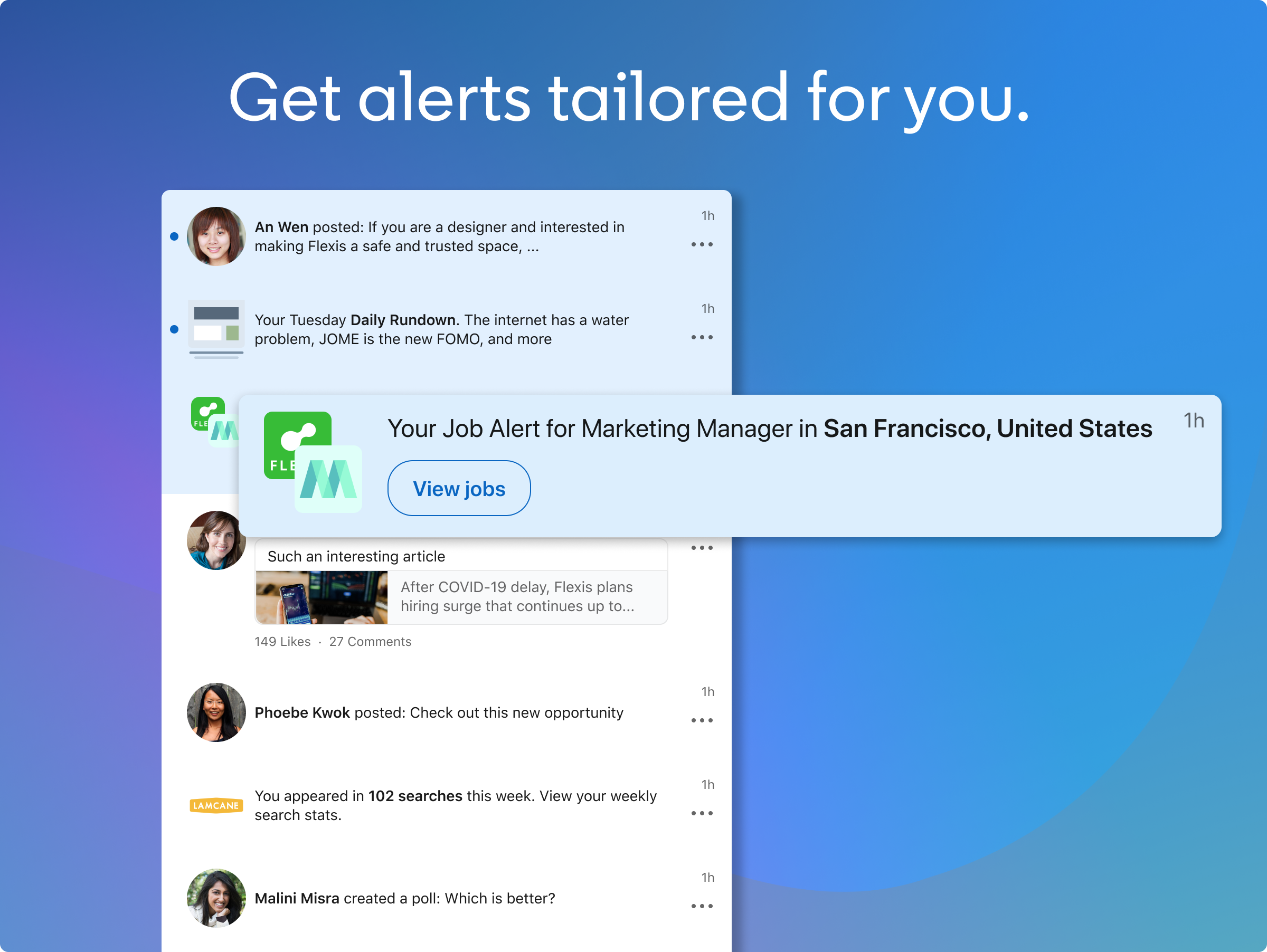
Using LinkedIn for Windows is akin to having a professional assistant right on your desktop—everything feels organized, accessible, and purposeful. The app's interface balances simplicity with functionality, reducing clutter while providing quick access to important features like messages, notifications, and profile editing. The responsiveness is notable; scrolling or switching between sections is nearly instantaneous, enhancing engagement without frustration. For users familiar with social apps, this is like sliding into a well-oiled machine that works without fuss, making daily networking feel less like a chore and more like a natural extension of your work routine.
Unique Selling Points: Why This App Excels
What truly sets LinkedIn for Windows apart from other social or professional networking tools is its focus on authenticity and personalized connection discovery. Its verification system fosters trust, ensuring genuine interactions. Simultaneously, the connection AI actively helps you find valuable contacts, not just random acquaintances, making every connection count. This targeted approach transforms the platform from a passive feed of updates into a proactive, trustworthy tool for meaningful professional growth.
Final Verdict & Usage Suggestions
All in all, LinkedIn for Windows presents a well-designed, thoughtfully curated experience tailored for busy professionals seeking efficient networking directly from their desktop. While it may not replace the full suite of features available on mobile or web versions, it excels in providing core functionality in a straightforward, distraction-free manner. I recommend it particularly for users who prefer desktop-centric workflows, value profile authenticity, and are looking for smarter connection discovery tools.
For those wanting a dependable, easy-to-navigate professional networking app, LinkedIn for Windows is a solid choice—and a welcome addition to your digital toolkit. Just remember, its real strength lies in making genuine, tailored connections effortlessly, turning your desktop into a dynamic hub for career growth.
Pros
- User-friendly interface
- Seamless LinkedIn integration
- Regular updates and bug fixes
- Supports notifications
- Official Microsoft support
Cons
- Limited offline capabilities
- Occasional slower loading times
- Notification customization needs improvement
- Limited editing options for profiles within the app
- Some features are region-restricted











