
Frequently Asked Questions
How do I start playing Little Nightmares Enhanced Edition on my device?
Download and install the app from your app store, open it, and follow the on-screen tutorial to get started with the game.
Can I switch between Quality Mode and Performance Mode during gameplay?
Yes, go to Settings > Graphics, then select either 'Quality Mode' for visuals or 'Performance Mode' for higher frame rates.
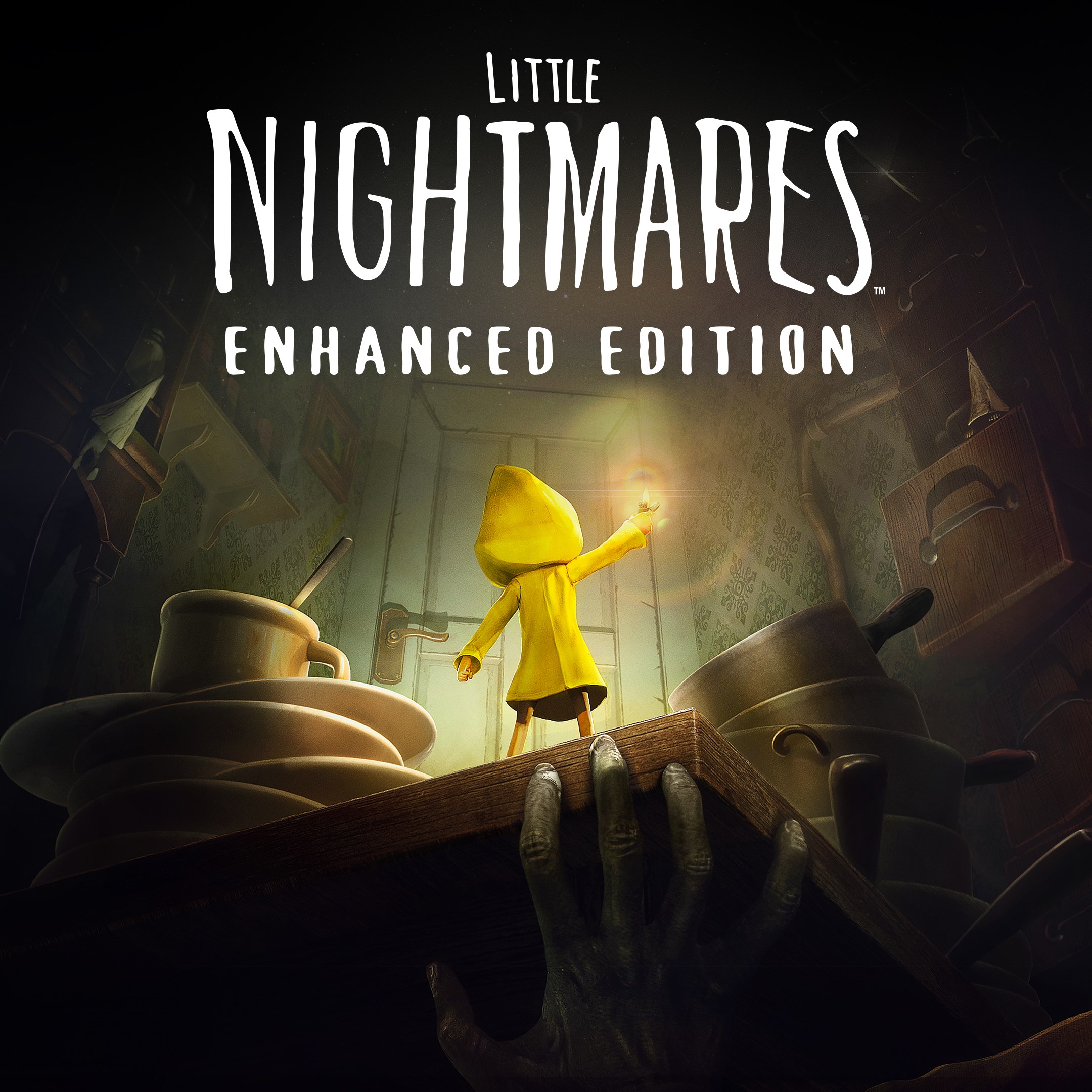
What are the main features and visual improvements in the Enhanced Edition?
It includes 4K resolution, 60FPS gameplay, RTX reflections, water effects, more particles, and volumetric lighting for an improved visual experience.
How does the enhanced version improve gameplay experience?
It offers improved visual effects, optional helper features, and performance options to better suit your preferences and device capabilities.
Are there any special settings or controls I need to adjust for better performance?
Yes, configure Performance Mode in Settings > Graphics to prioritize higher framerates and smoother gameplay.
Is Little Nightmares Enhanced Edition a paid app, and are there in-app purchases?
The app has a one-time purchase, and there are no mandatory in-app purchases; some optional content or helpers might be available.
How do I access or manage my subscription or in-app purchases?
Go to Settings > Account > Subscriptions or Payments to view or modify your purchases.
Will my previous save data transfer to the Enhanced Edition?
No, game saves cannot be transferred between the original and Enhanced versions; start a new game for the best experience.
What should I do if the game crashes or has performance issues?
Try switching to Performance Mode, restarting your device, or reinstalling the app to resolve any bugs or crashes.
Are there any system requirements or recommendations for optimal gameplay?
Ensure your device supports 4K resolution and 60 FPS, and update your graphics drivers for the best experience.
You May Like

Red Dead Redemption (PC)
for Windows
5
Solo Leveling: ARISE OVERDRIVE
for Windows
4.9
Criminal Case: The Conspiracy
for Windows
4.8
DesignVille: Merge & Design
for Windows
4.8
Minecraft: Java & Bedrock Edition Deluxe Collection
for Windows
4.8
Subnautica
for Windows
4.8
Vampire Survivors
for Windows
4.8
Little Kitty, Big City
for Windows
4.8
Hollow Knight: Voidheart Edition
for Windows
4.8
bloxd.io
for Windows
4.8
Sunset Overdrive
for Windows
4.8
Criminal Case: Mysteries of the Past
for Windows
4.8