
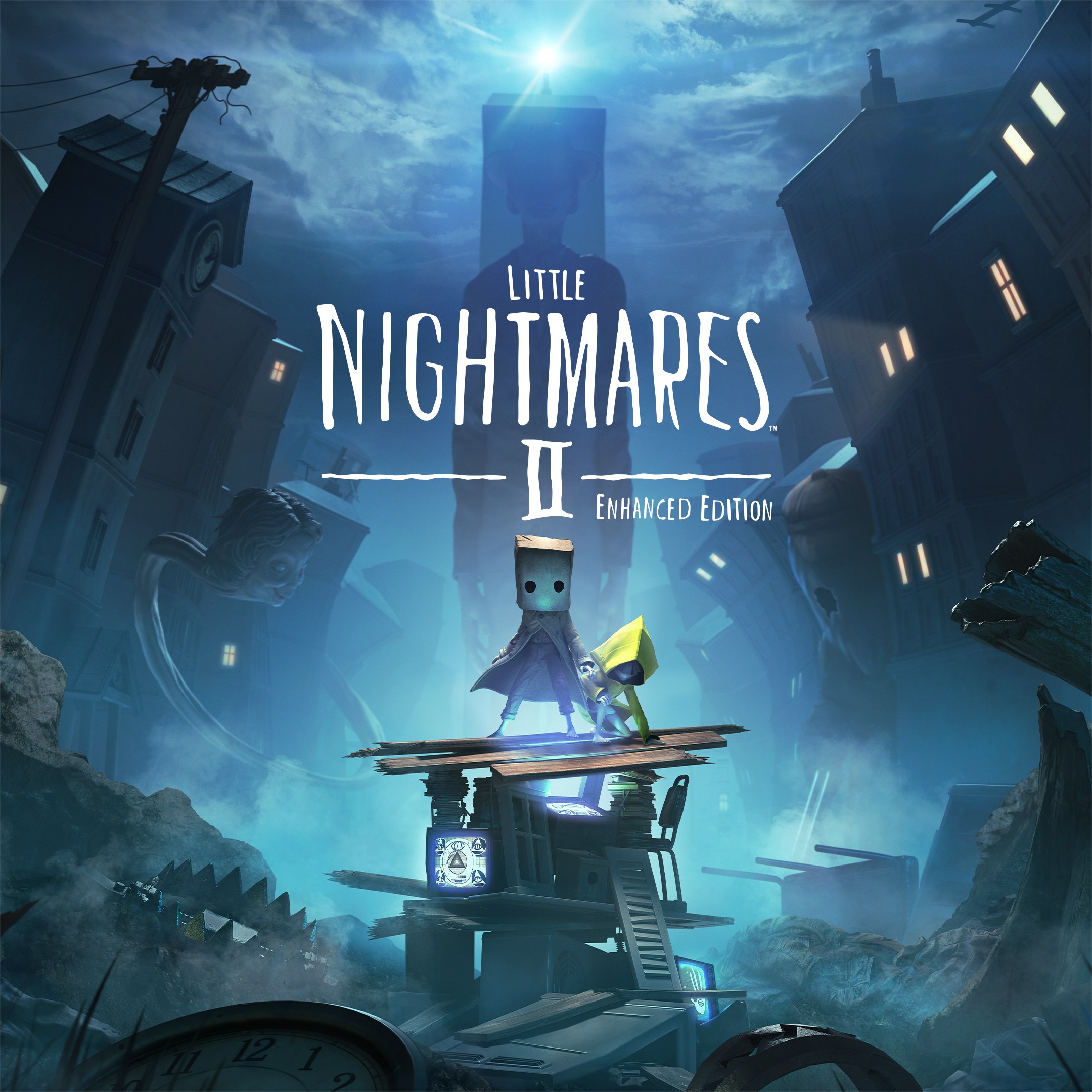
Frequently Asked Questions
How do I start playing Little Nightmares II Enhanced Edition on Windows?
Download and install the game from your preferred platform or store, then launch the app and follow on-screen instructions to begin your adventure.
What are the system requirements for running the enhanced version?
Ensure your PC supports 4K resolution, has a graphics card compatible with ray tracing, and sufficient RAM and CPU to run the game smoothly.
How do I adjust the game's graphics settings to optimize performance?
Go to Settings > Graphics, where you can customize resolution, detail level, and frame rate to best suit your system specifications.
What new features are included in the Enhanced Edition?
The game now features ray-traced reflections, improved volumetric shadows, detailed particles, and a 3D surround soundscape in 5.1 and 7.1 modes.
How does the 4K and high-FPS enhancement improve gameplay experience?
The visual upgrade provides sharper images, more immersive detail, and smoother gameplay, making the experience more realistic and engaging.
Are there any in-app purchases or subscription options?
The game is available as a one-time purchase; check your platform's store for potential additional content or updates, but no subscription is required.
Where can I manage or purchase additional content for this game?
Navigate to the platform's store or game page, usually under Settings > Store or add-ons, to view and buy available expansions or content.
What should I do if the game crashes or has performance issues?
Update your graphics drivers, lower the graphics settings in Settings > Graphics, or verify your game files through the platform's repair tool.
Can I change the soundscape to 5.1 or 7.1 surround sound?
Yes, go to Settings > Sound, then select your preferred surround sound mode if your audio hardware supports it.
Is the game compatible with controllers or only keyboard and mouse?
The game supports both keyboard/mouse and controllers; configure your preferred input device in Settings > Controls.
You May Like

Red Dead Redemption (PC)
for Windows
5
Solo Leveling: ARISE OVERDRIVE
for Windows
4.9
Criminal Case: The Conspiracy
for Windows
4.8
DesignVille: Merge & Design
for Windows
4.8
Minecraft: Java & Bedrock Edition Deluxe Collection
for Windows
4.8
Subnautica
for Windows
4.8
Vampire Survivors
for Windows
4.8
Little Kitty, Big City
for Windows
4.8
Hollow Knight: Voidheart Edition
for Windows
4.8
bloxd.io
for Windows
4.8
Sunset Overdrive
for Windows
4.8
Criminal Case: Mysteries of the Past
for Windows
4.8