

- Category Productivity
- Developer BeLight Software 3D USA, LLC.
- Available on PC, Mobile, Surface Hub
- OS Windows 10 version 18362.0 or higher
- Memory 2 GB
- DirectX Version 11
- Keyboard Not specified
- Mouse Not specified
- languages Chinese (Simplified), English, French, German, Italian, Japanese, Portuguese, Russian, Spanish, Ukrainian
Live Home 3D Pro: Your Virtual Blueprint Companion for House Design
Live Home 3D Pro is a comprehensive 3D home design software that transforms your architectural ideas into detailed visualizations with just a few clicks. Ideal for homeowners, interior designers, and hobbyists alike, it offers an intuitive yet powerful platform to craft, visualize, and refine house plans effortlessly.
Crafting Dreams: Developer & Core Features
Developed by BeLight Software 3D USA, LLC, a reputable team known for their user-centric 3D design tools, Live Home 3D Pro shines through its balance of simplicity and advanced capabilities. The app's main highlights include:
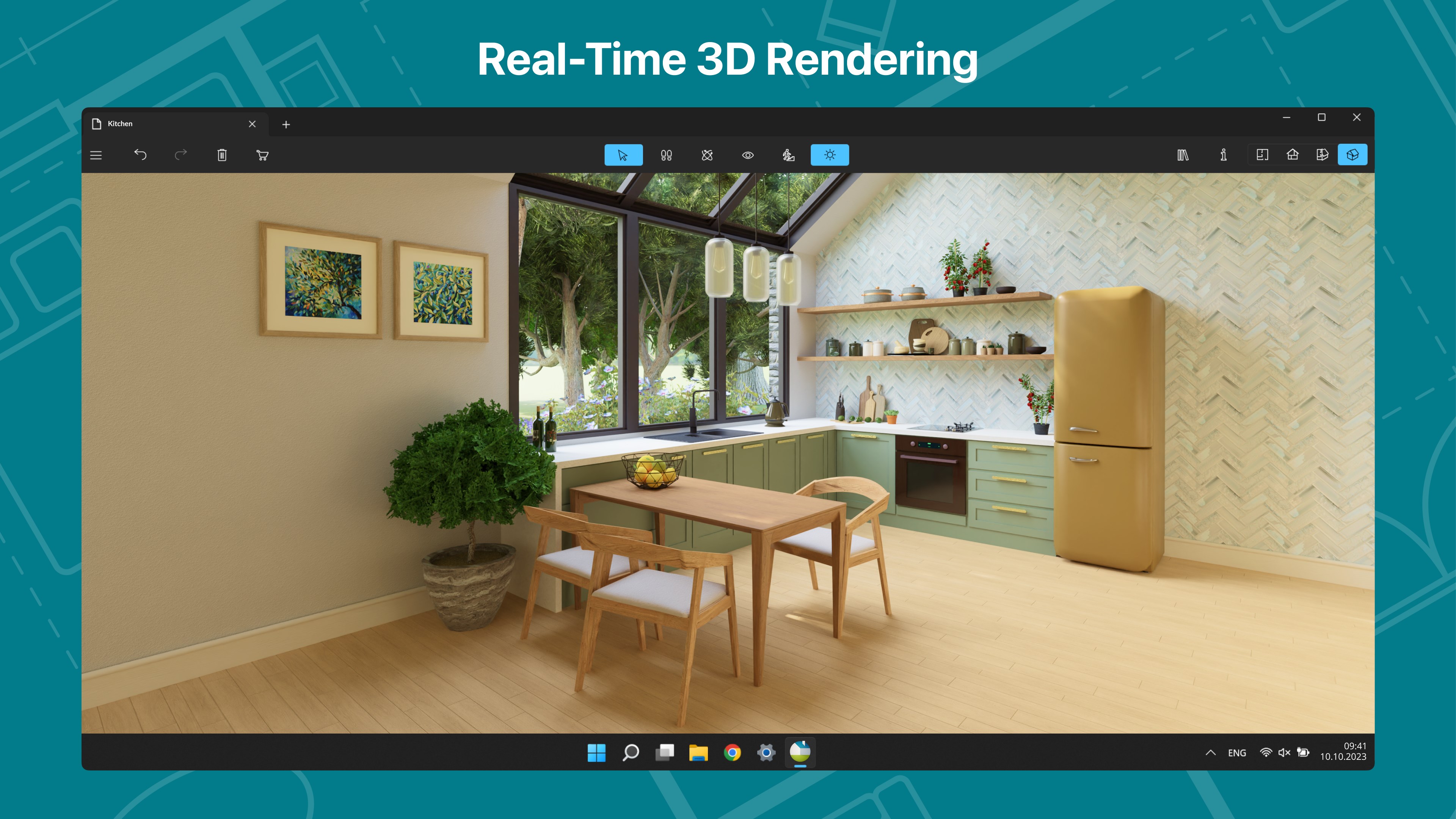
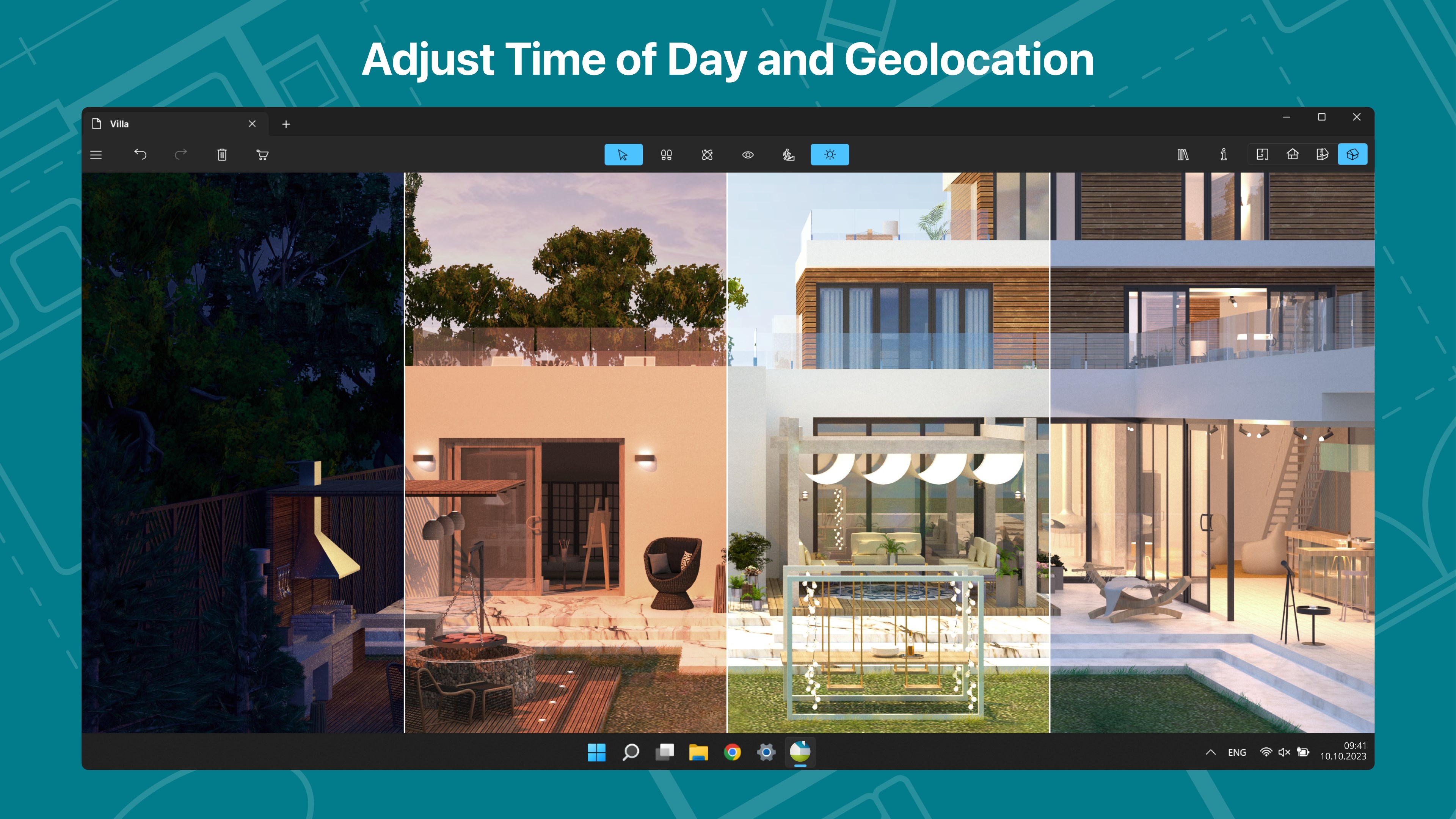
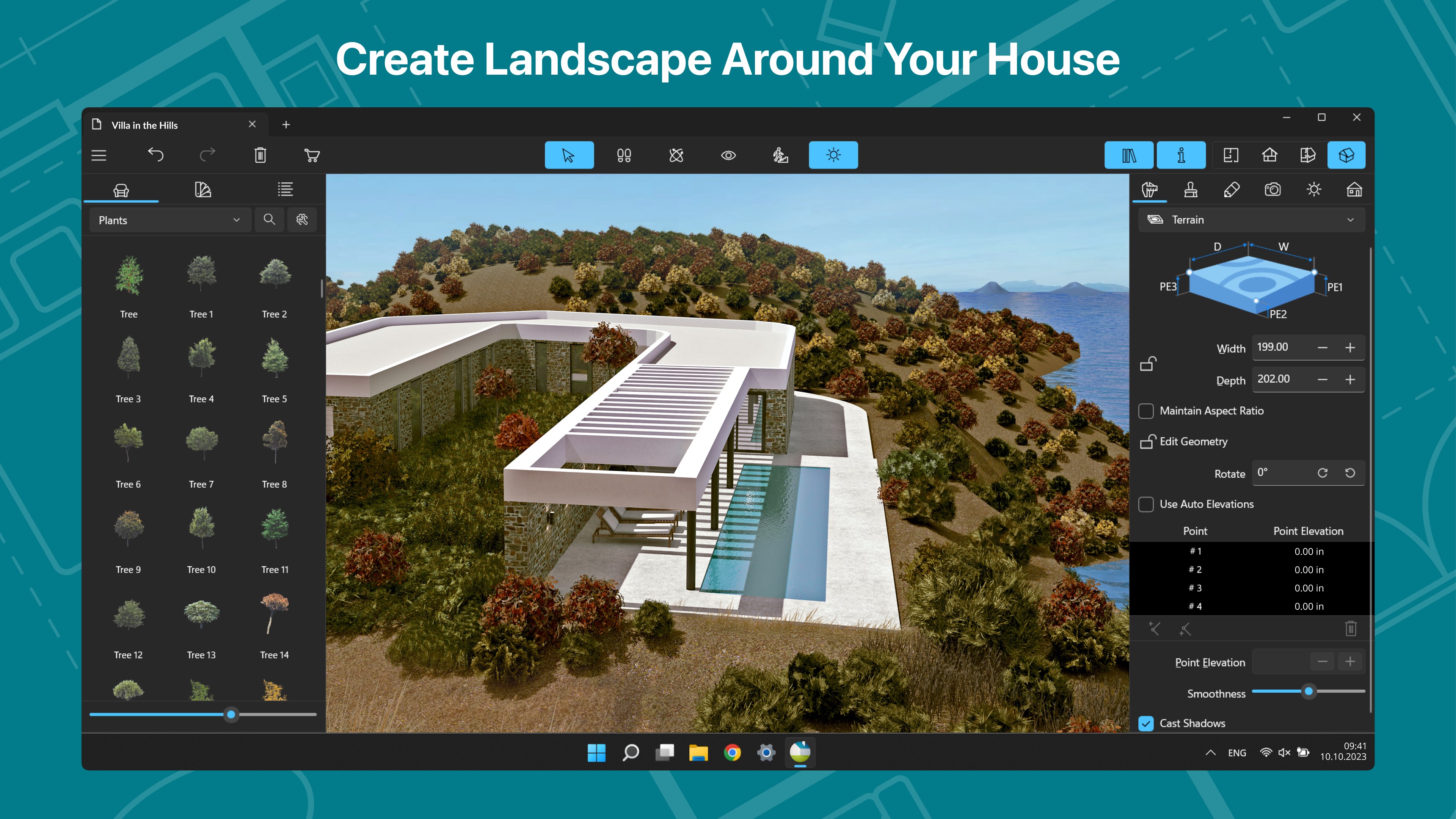
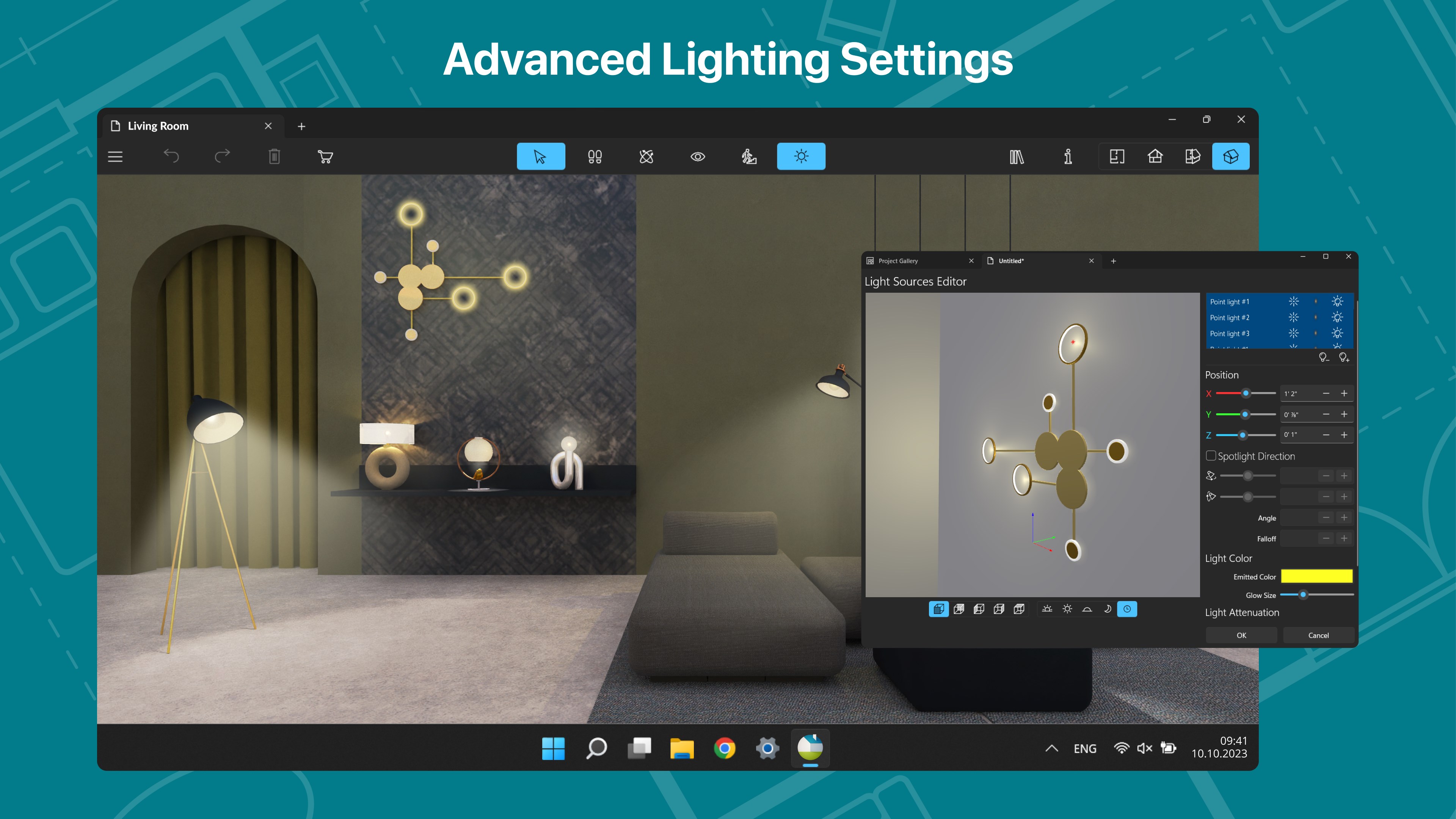
- Intuitive 3D Real-Time Visualization: Create and walk through your home designs in real-time, gaining a true sense of space and aesthetics before any physical work begins.
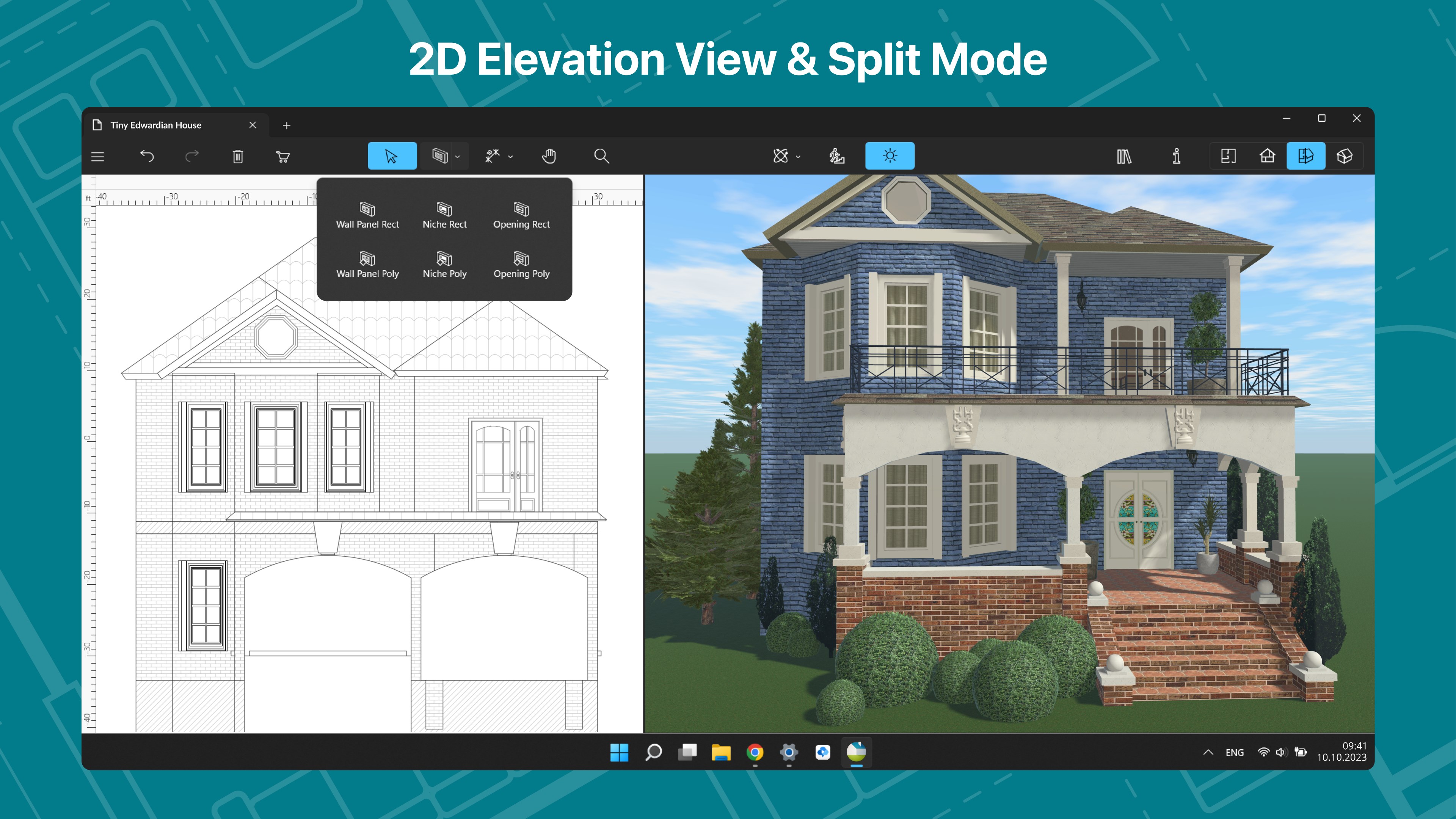
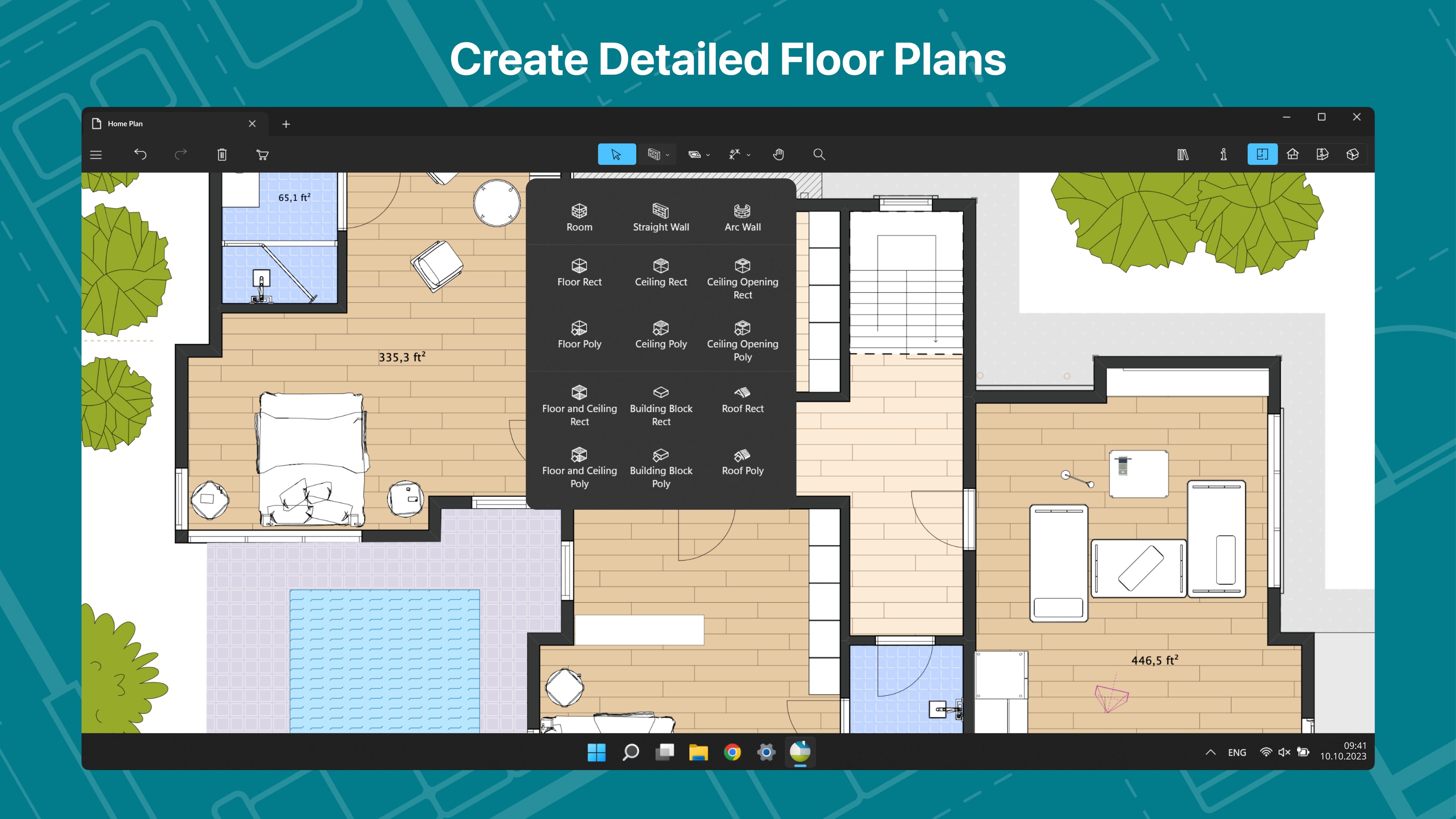
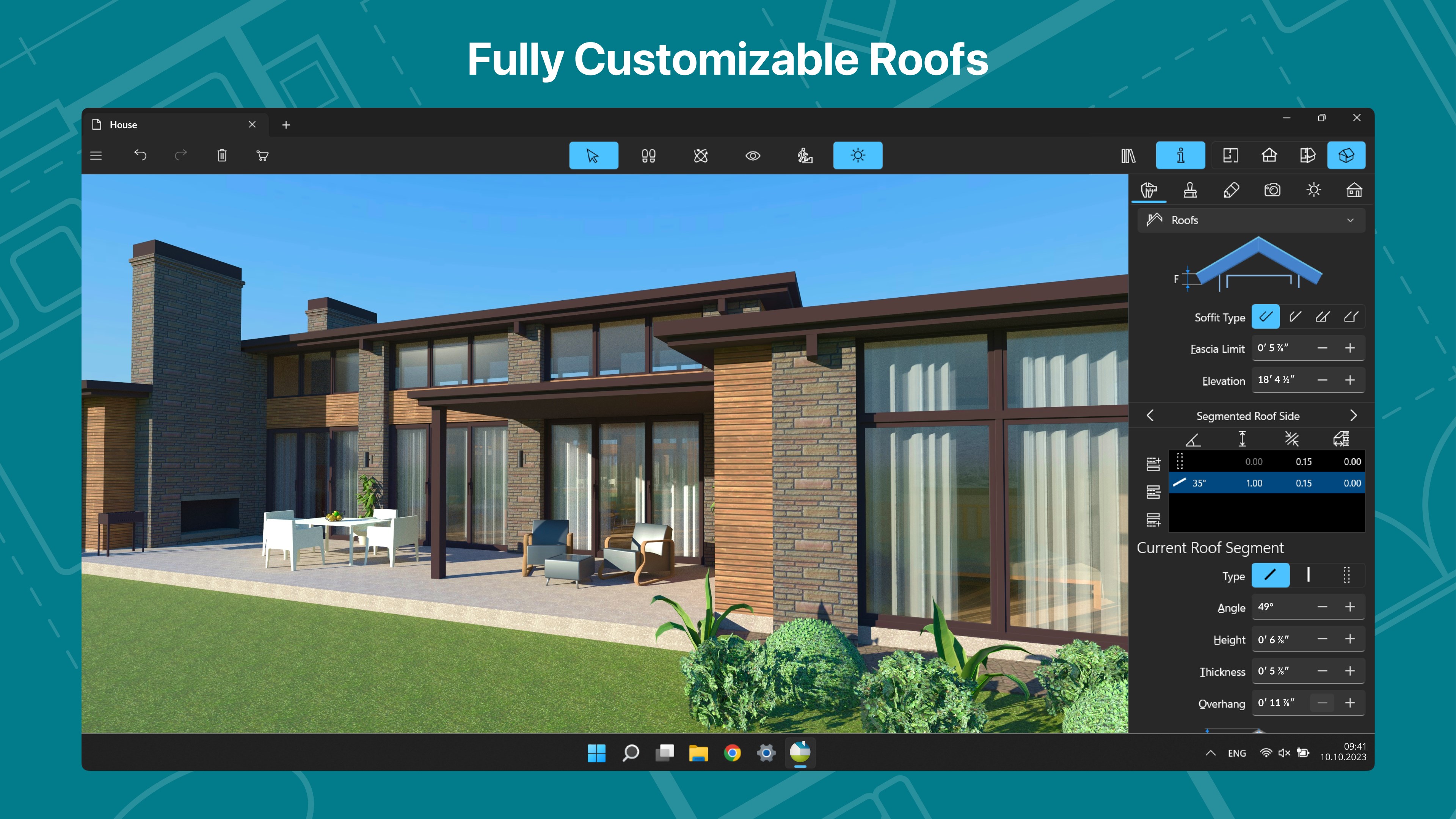
- Comprehensive Floor Planning Tools: From walls and doors to furniture and fixtures, the platform allows detailed customization to meet diverse design needs.
- Multi-Platform Flexibility: Seamlessly work across Windows devices, with options to export and share projects easily, making collaboration straightforward.
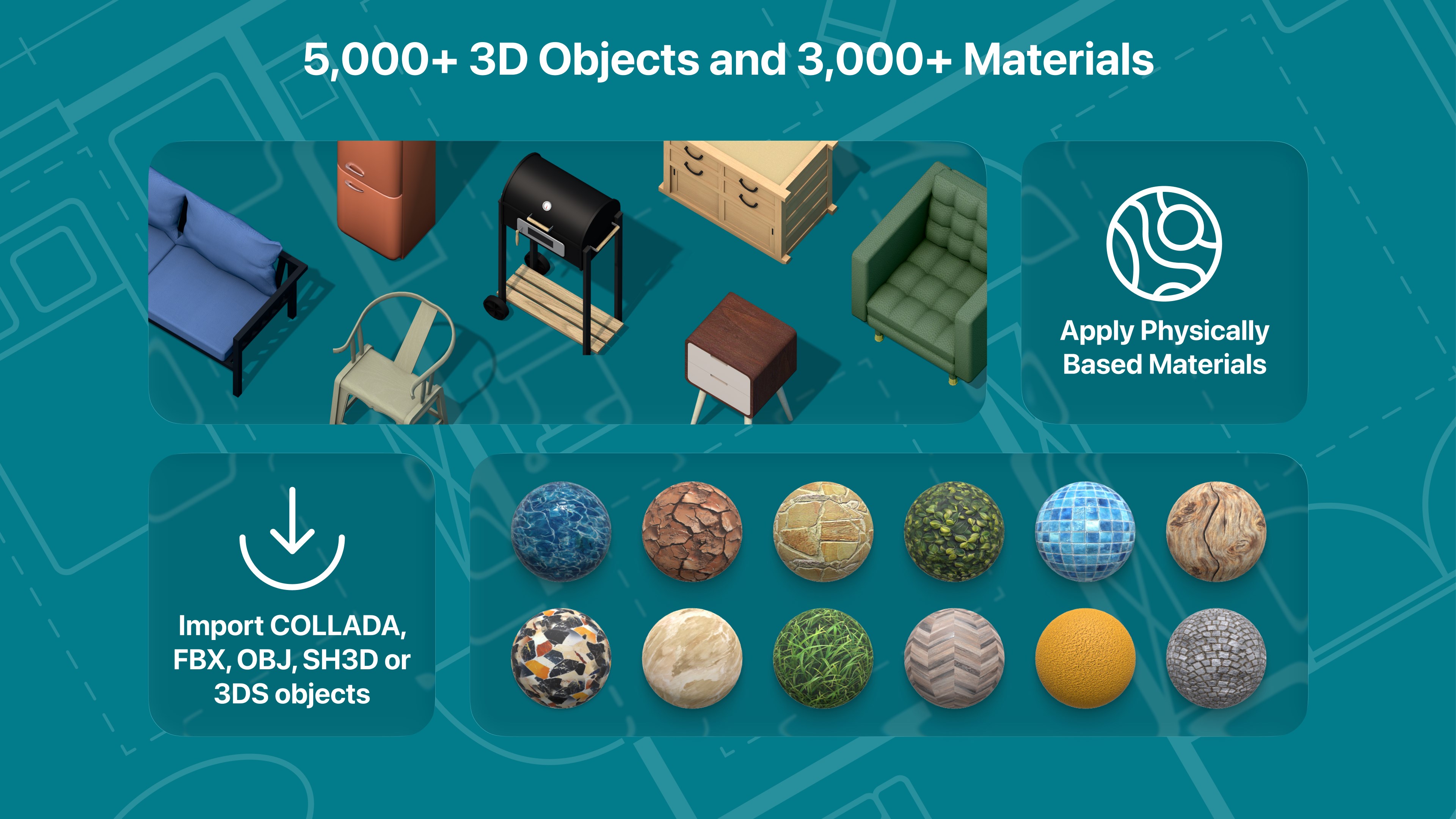
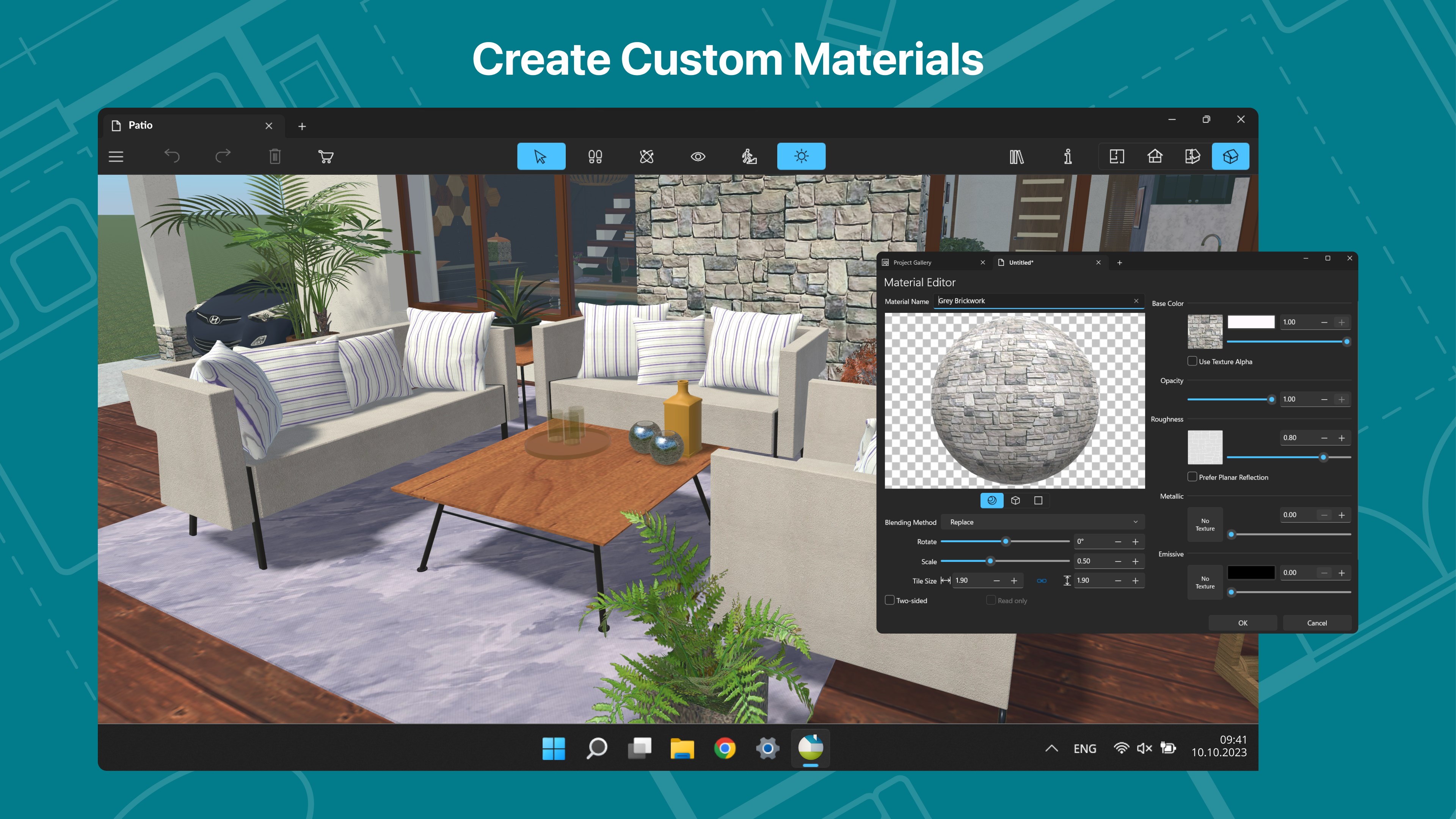
- Extensive Asset Library & Customization Options: Access a wide library of furniture, materials, and decor, or create your own elements to achieve personalized design perfection.
This combination makes it especially appealing to users looking for an all-in-one solution to visualize their home improvement projects virtually and accurately.
Immersive and User-Friendly Experience
Imagine opening a blank canvas and suddenly being able to stroll through your future living room or kitchen without leaving your computer—that's what Live Home 3D Pro offers. Its interface strikes a fine balance: visually appealing yet not intimidating, like a well-organized toolbelt awaiting your creative touch.
The interface design employs a clean, modern aesthetic that simplifies navigation. Whether you're dragging walls, placing furniture, or adjusting light fixtures, actions are smooth and responsive. The real-time editing and live 3D walkthroughs provide instant feedback, helping users learn by doing—so the learning curve remains gentle for newcomers and efficient for veterans.
Compared to some other home design tools that overwhelm users with cluttered menus or excessive features, Live Home 3D Pro's workflow emphasizes reducing cognitive load. Its straightforward assets, intelligent snapping, and guiding cues streamline complex tasks, allowing users to focus on creativity without getting bogged down by complexity.
Unique Strengths That Make It Stand Out
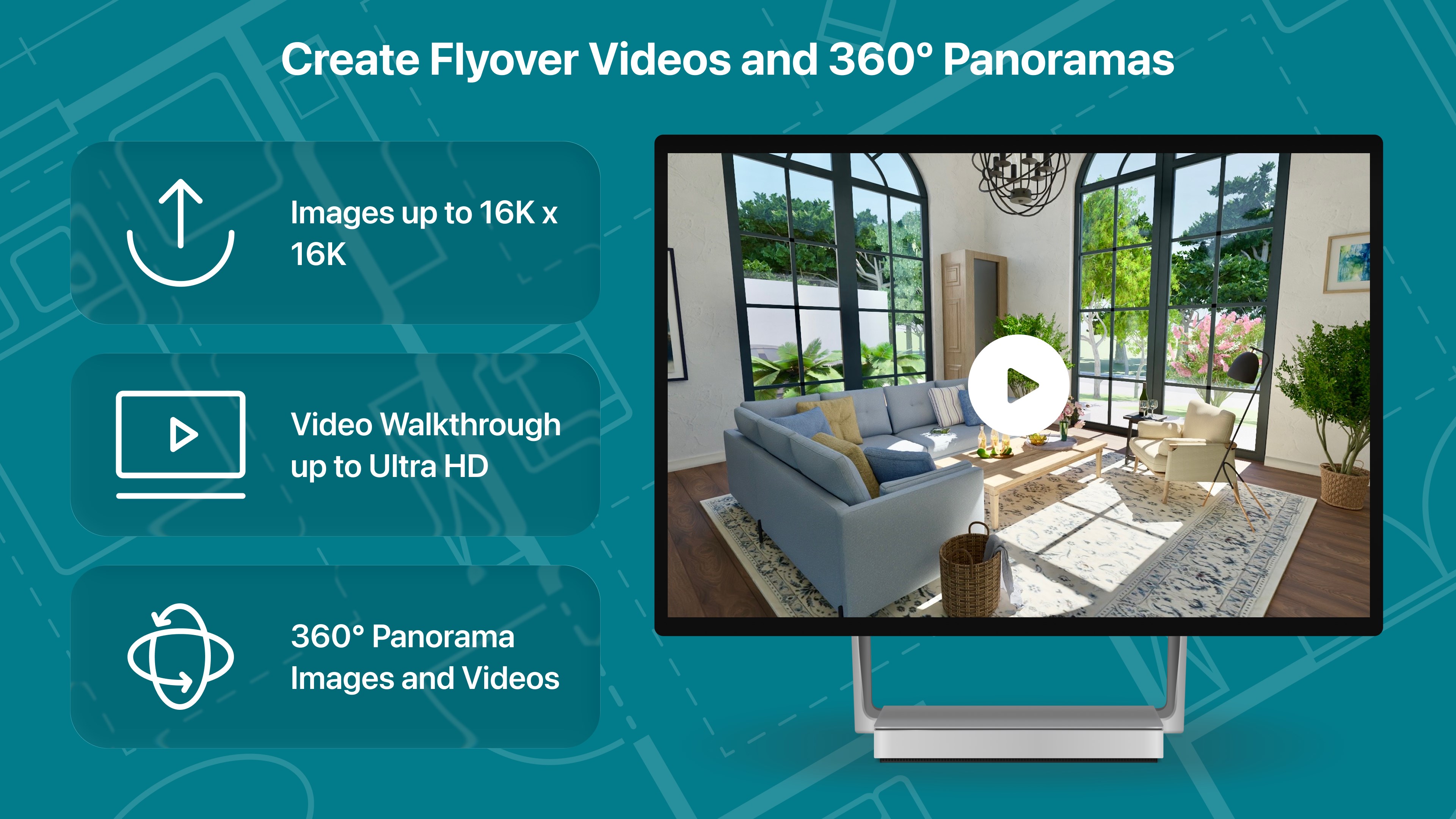
Among its peers, the most notable feature of Live Home 3D Pro is its real-time walkthrough combined with live editing capabilities. This combination acts like having a dynamic blueprint that you can explore and modify on the fly, making the design process feel almost like a game—immersive and engaging without sacrificing precision. This drastically reduces the frustration often associated with feature-heavy CAD tools, as users can visualize their modifications immediately.
Furthermore, its emphasis on workflow efficiency—thanks to intuitive gestures, simple asset management, and rapid rendering—places it ahead of many competitors. The tool champions the idea of ‘visual thought' over complex command sequences, thus lowering cognitive load, especially for those new to 3D design.
Recommendations & Usage Tips
Overall, Live Home 3D Pro earns a solid recommendation for anyone interested in home visualization, from DIY homeowners to interior designers seeking quick prototypes. Its straightforward approach helps users produce professional-looking results without steep learning curves.
If your primary goal is to simulate and explore home layouts with minimal hassle, this app will serve you well. For those requiring intricate architectural details or integration with larger project workflows, it remains user-friendly yet may need supplementing with more advanced CAD tools.
Tip: Take advantage of the real-time walkthrough feature early on, as it provides invaluable spatial insights that static plans cannot. Also, explore the asset library thoroughly—many ready-made furniture pieces and materials can drastically speed up your design process.
In conclusion, Live Home 3D Pro is a commendable choice for visually-driven home design, standing out with its seamless blend of ease-of-use, immersive visualization, and workflow-focused features. Think of it as a trusted virtual sketchpad that makes turning your home ideas into lifelike models both intuitive and enjoyable.
Pros
- User-friendly interface
- Extensive 3D visualization
- Rich furniture and material library
- Precise measurement tools
- Compatibility with Windows devices
Cons
- Steep learning curve for advanced features
- High system requirements
- Limited export formats
- Some detailed features are locked behind a subscription
- Occasional lagging with complex projects











