

- Category Personalization
- Available on PC, Mobile, Surface Hub, HoloLens
- OS Windows 10 version 17763.0 or higher
- languages English (United States)
Live Wallpaper Engine Plus for Windows: An immersive dynamic wallpaper experience
Live Wallpaper Engine Plus for Windows, developed by Frant Coolson Efficient Studio, offers a customizable and vibrant way to bring your desktop to life with dynamic wallpapers, making your daily computing experience more engaging and personalized.
Brief Overview of the App
Live Wallpaper Engine Plus is a desktop enhancement tool designed to elevate your Windows environment through rich, animated backgrounds. The application is crafted by Frant Coolson Efficient Studio, a developer known for creating user-friendly multimedia software. Its core strengths lie in providing a wide variety of live wallpapers, seamless theme integration, and extensive customization options, all tailored for users seeking a lively yet organized workspace. The target audience includes casual users who want to add a splash of personality to their desktops, as well as enthusiasts looking for sophisticated themes that can be fine-tuned to their preferences.
Why It Stands Out: A Fun Entry into Personalization
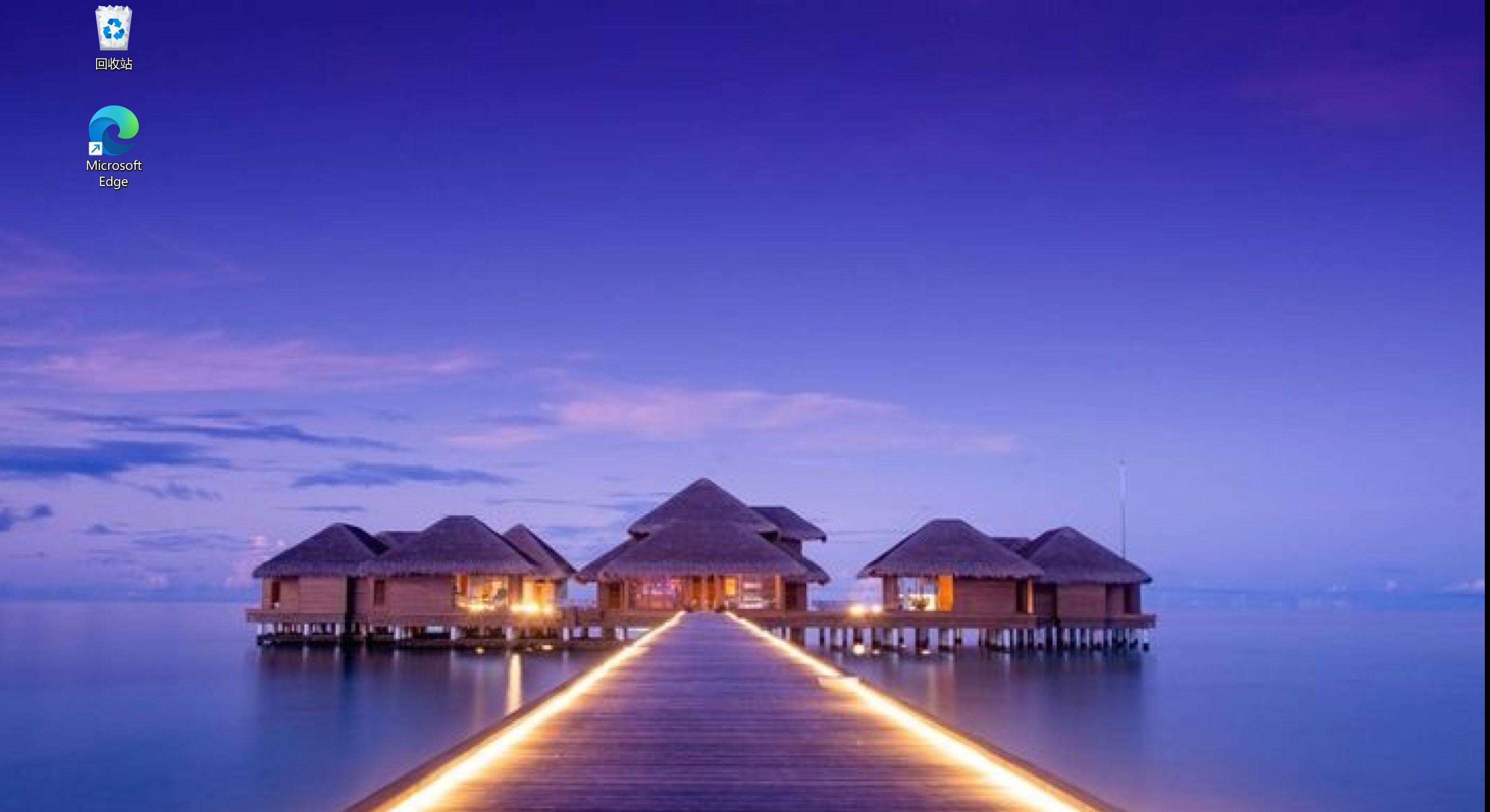
Imagine your desktop as a stage—ordinary no more! Live Wallpaper Engine Plus transforms it into a captivating visual performance. Whether it's a tranquil ocean scene reminding you of a vacation or a futuristic cityscape pulsing with activity, this app makes desktop backgrounds come alive with motion and personality. It's like having a miniature movie theater right in front of you, turning idle moments into visual escapes. But beyond its eye-catching design, what truly makes it appealing is how effortlessly it blends into your existing workspace without hogging resources or complicating operations.
Core Features Explored
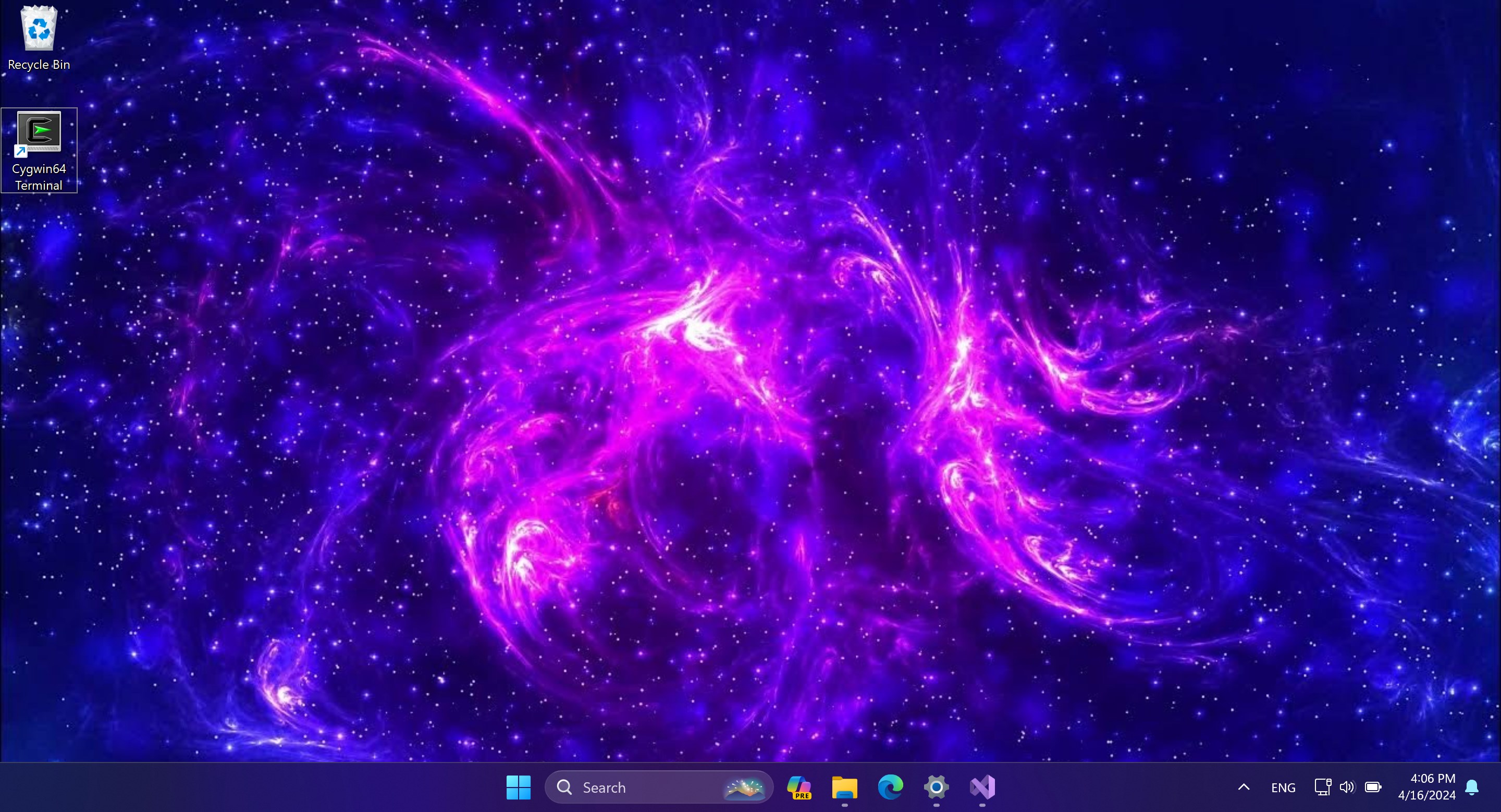
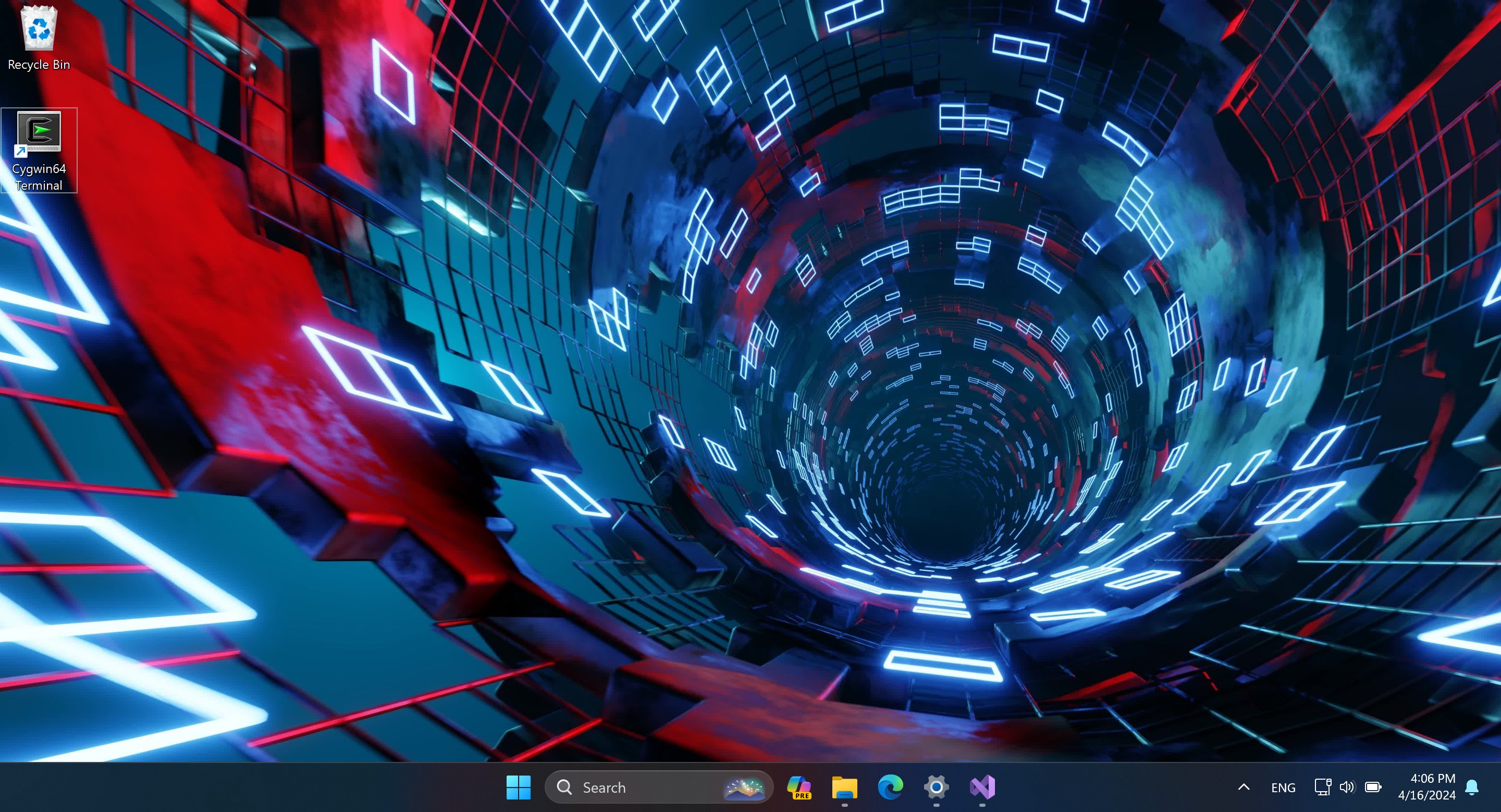
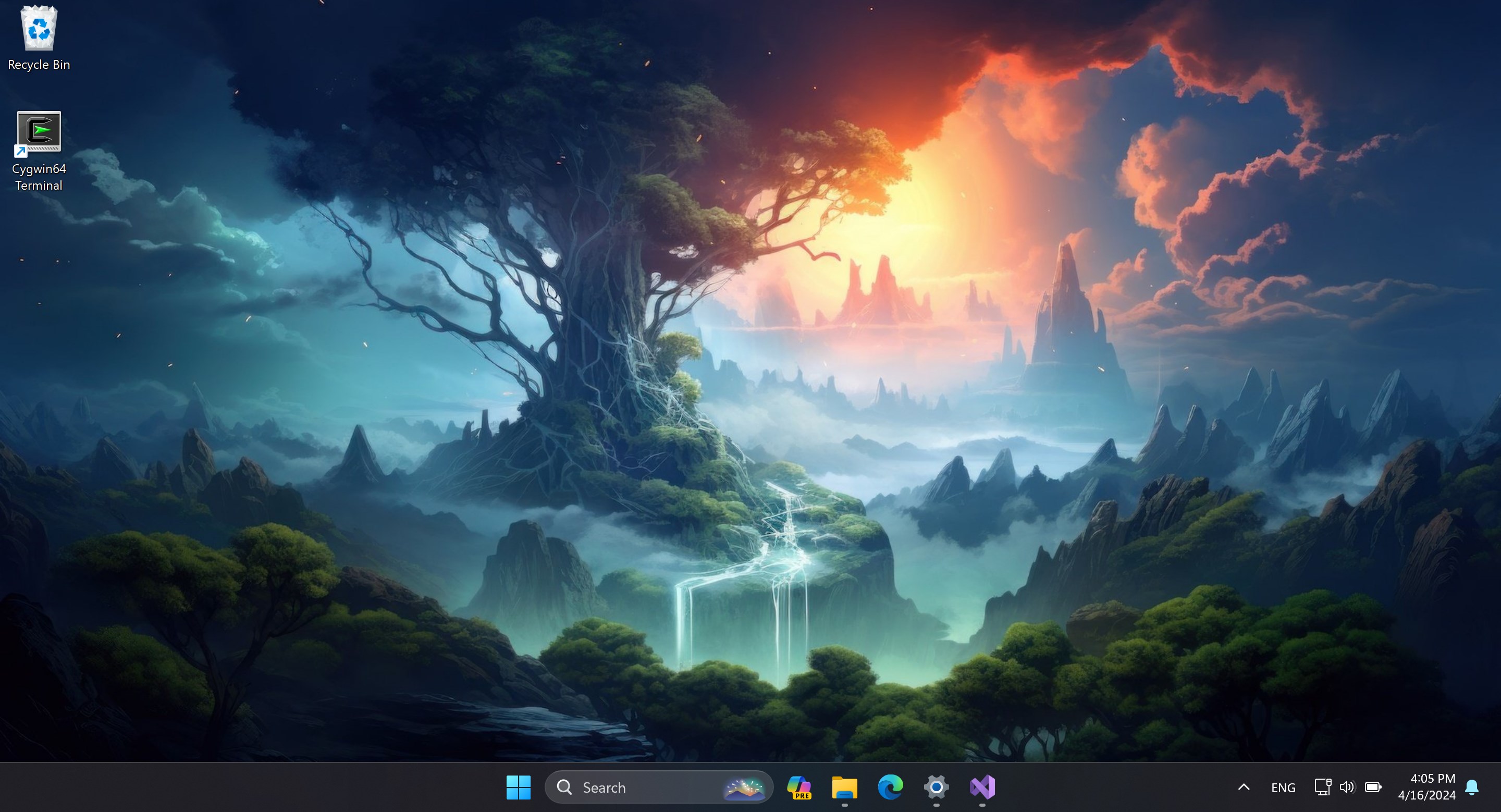
Dynamic and Customizable Wallpapers: This is the jewel in the crown. Live Wallpaper Engine Plus offers a vast library of animated wallpapers, from serene landscapes to energetic abstract designs. Beyond simply browsing preset options, users can import their own videos or create bespoke animated backgrounds. The flexibility here allows each user to craft a desktop ambiance that perfectly matches their mood or aesthetic preference, making their workspace uniquely theirs.
Theme Compatibility and Integration: Seamless harmony with Windows themes is another highlight. Whether you prefer dark mode, light themes, or custom color palettes, the app intelligently adapts backgrounds to complement your overall desktop style. This integration ensures that dynamic wallpapers do not clash or become distracting, maintaining a professional yet lively environment. Additionally, the app's smooth switching capabilities mean you can switch themes or wallpapers without lag or glitches, keeping everything fluid and polished.
Extensive Customization Options: Unlike some simpler wallpaper apps, Live Wallpaper Engine Plus provides detailed controls over playback speed, animation layers, and overlay effects. Users can fine-tune the visual parameters, add multi-layered effects, or synchronize wallpapers with system sounds or notifications. This high level of personalization makes the tool not only a visual enhancer but also an interesting creative platform where your imagination can run wild.
Assessing User Experience: Design, Usability, and Performance
The user interface strikes a balance between aesthetic appeal and intuitive navigation—think of it as a sleek dashboard that invites exploration. The menus are logically organized, enabling beginners to get started quickly while offering advanced settings for power users. Operation flows smoothly; changing wallpapers, adjusting settings, or creating custom effects feels instantaneous, which is crucial for maintaining a hassle-free experience.
Performance-wise, the app is stable and lightweight. It leverages system resources efficiently, ensuring that dynamic wallpapers do not cause noticeable lag or drain. The learning curve is gentle enough for non-tech-savvy users, yet rich enough to satisfy those who love tinkering and customization. For anyone familiar with Windows personalization, it offers enough depth to get creative without feeling overwhelming.
Your Unique Edge in Desktop Personalization
Compared to other wallpapers or personalization apps, Live Wallpaper Engine Plus stands out with its exceptional variety of animation styles combined with theme adaptability. The ability to import custom videos or craft layered effects is what makes it particularly appealing for users who want a truly personalized desktop environment. Its compatibility with various Windows themes means that dynamic wallpapers blend naturally rather than clash, creating a cohesive and aesthetically pleasing workspace. These features put it ahead of more static or less flexible options, offering both artistic freedom and functional harmony.
Final Recommendation & Usage Tips
Considering its features, ease of use, and performance, Live Wallpaper Engine Plus is a solid choice for anyone eager to enliven their Windows desktop. It bridges the gap between simplicity and depth, making desktop personalization both accessible and richly customizable. For best results, new users should start exploring the pre-made wallpapers to get a feel for the app's capabilities, then gradually experiment with importing their own videos and adjusting settings. Professional users can leverage its customization options to create a themed environment that enhances productivity as well as aesthetics.
Overall, I recommend Live Wallpaper Engine Plus for those who wish to add dynamic and personalized flair to their workspace without sacrificing stability or usability. It's like giving your desktop a heartbeat—subtle yet captivating, and undeniably yours.
Pros
- High-Quality Live Wallpapers
- Customizable Options
- Performance Optimization
- User-Friendly Interface
- Regular Updates and Support
Cons
- Premium Content May Require Purchase
- Limited Free Wallpaper Collection
- Potential Performance Impact on Low-End Devices
- Settings and Customization Options Can Be Complex
- Occasional Stability Issues with Certain Wallpapers










