

- Category Personalization
- Developer PeroSoftware.com
- Available on PC
- OS Windows 10 version 17763.0 or higher
- languages Afrikaans, Arabic, Arabic (United Arab Emirates), Azerbaijani (Latin), Belarusian, Bulgarian, Catalan, Chinese (Simplified), Chinese (Traditional Chinese), Czech, Danish, Dutch, English (United States), Filipino, Finnish, French, Galician , German, Greek, Hebrew, Hindi, Hungarian, Indonesian, Irish, Italian, Japanese, Kazakh, Korean, Korean , Lithuanian, Malay, Norwegian (Bokmål), Persian, Polish, Polish , Portuguese, Portuguese (Brazil), Portuguese (Portugal), Romanian, Russian, Serbian (Cyrillic), Serbian (Latin), Slovak, Spanish, Spanish (Mexico), Spanish (Spain), Swedish, Turkish, Ukrainian, Vietnamese
Introducing Live Wallpapers + for Windows: Transform Your Desktop into a Dynamic Canvas
If you're looking to breathe life into your Windows desktop, Live Wallpapers + offers a vibrant selection of animated backgrounds that turn mundane screens into captivating displays. Designed with ease and customization in mind, this app promises a seamless way to personalize your workspace without sacrificing performance.
About the Developer and Core Features
Developed by PeroSoftware.com, a company specializing in innovative desktop enhancement tools, Live Wallpapers + aims to deliver an engaging animated background experience. Its key features include:
- Extensive Library of Live Wallpapers:Access a wide variety of dynamic backgrounds—from serene nature scenes to futuristic animations—that can suit different moods and styles.
- Easy Customization Options: Customize wallpapers with various effects, speed controls, and overlays to make each background uniquely yours.
- Performance Optimizations: Designed to run smoothly without consuming excessive system resources, ensuring a bounce-free experience on everyday PCs.
- Theme Compatibility: Seamlessly integrates with Windows themes, providing a cohesive look and feel across your desktop environment.
The target audience includes Windows users seeking to personalize their desktops, ranging from casual users to creative professionals aiming for a lively workspace.
Vibrant and Engaging Visuals: The Heart of the App
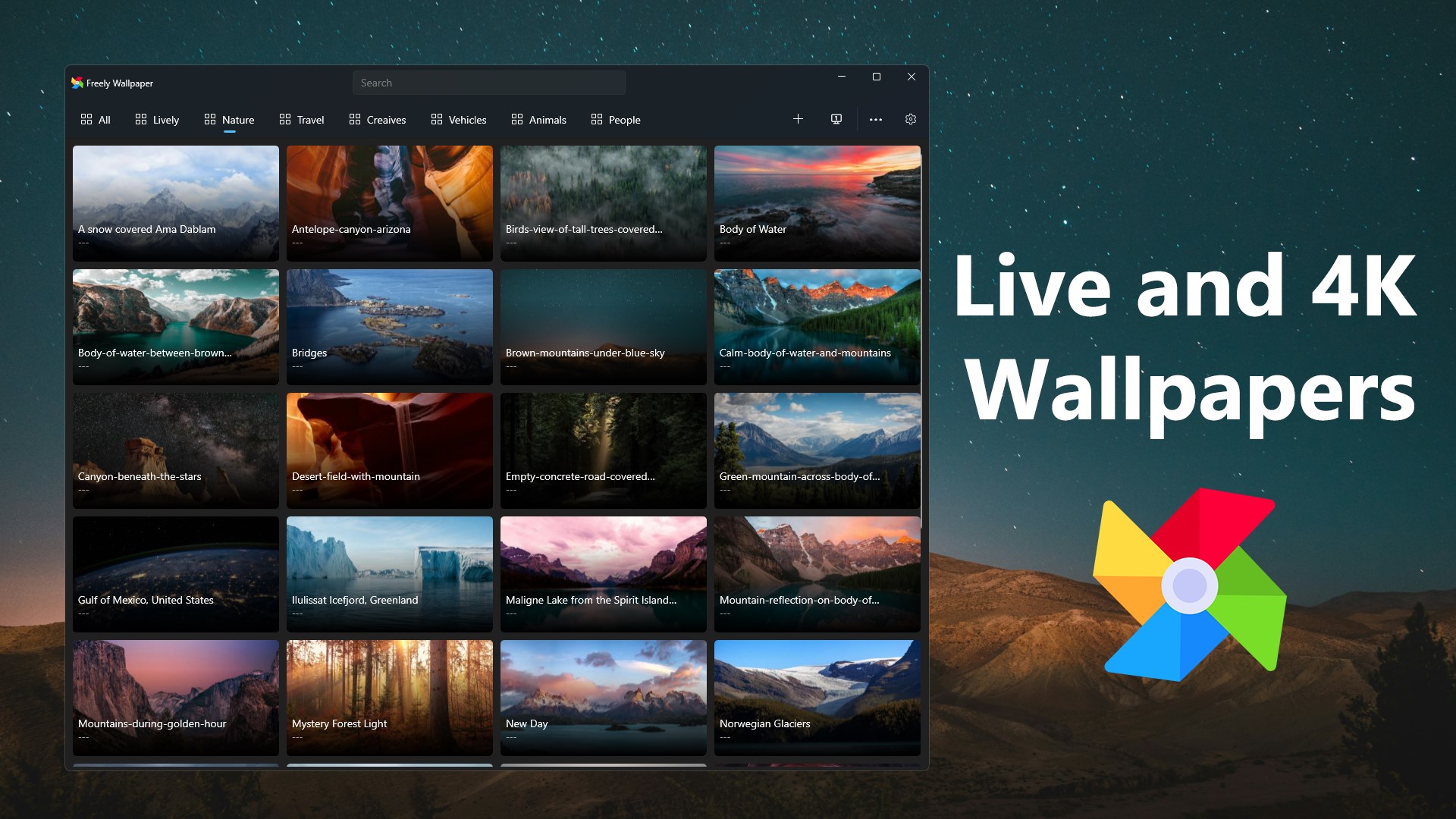
Once you open Live Wallpapers +, you're greeted with a sleek and intuitive interface that feels like stepping into a gallery of moving art. Browsing through categories is effortless—with thumbnails that invite you to explore animated vistas from tranquil oceans to bustling cityscapes. Setting a wallpaper is as simple as a click, but behind this simplicity lies an underlying engine that renders these animations smoothly, even on mid-range systems. The interface's clean design minimizes clutter, allowing users to focus on discovering new backgrounds without feeling overwhelmed.
This app stands out for its responsive and fluid operation—no lag or stuttering that could ruin the experience. The learning curve is gentle; even first-time users can quickly find and apply their favorites, making the process as smooth as glass.
Deep Dive into Core Functionalities
Enrich Your Desktop with a Wide Array of Animated Backgrounds
The app's library is akin to a multimedia art collection—diverse, vibrant, and regularly updated. Whether you prefer calming landscapes or action-packed animations, Live Wallpapers + offers a niche for every taste. The ability to preview in real-time allows users to make informed choices, ensuring satisfaction before setting a background. Additionally, the app's efficient use of system resources means these lively scenes won't bog down your PC, striking a fine balance between visual flair and performance.
Personalize with Flexible Customization Tools
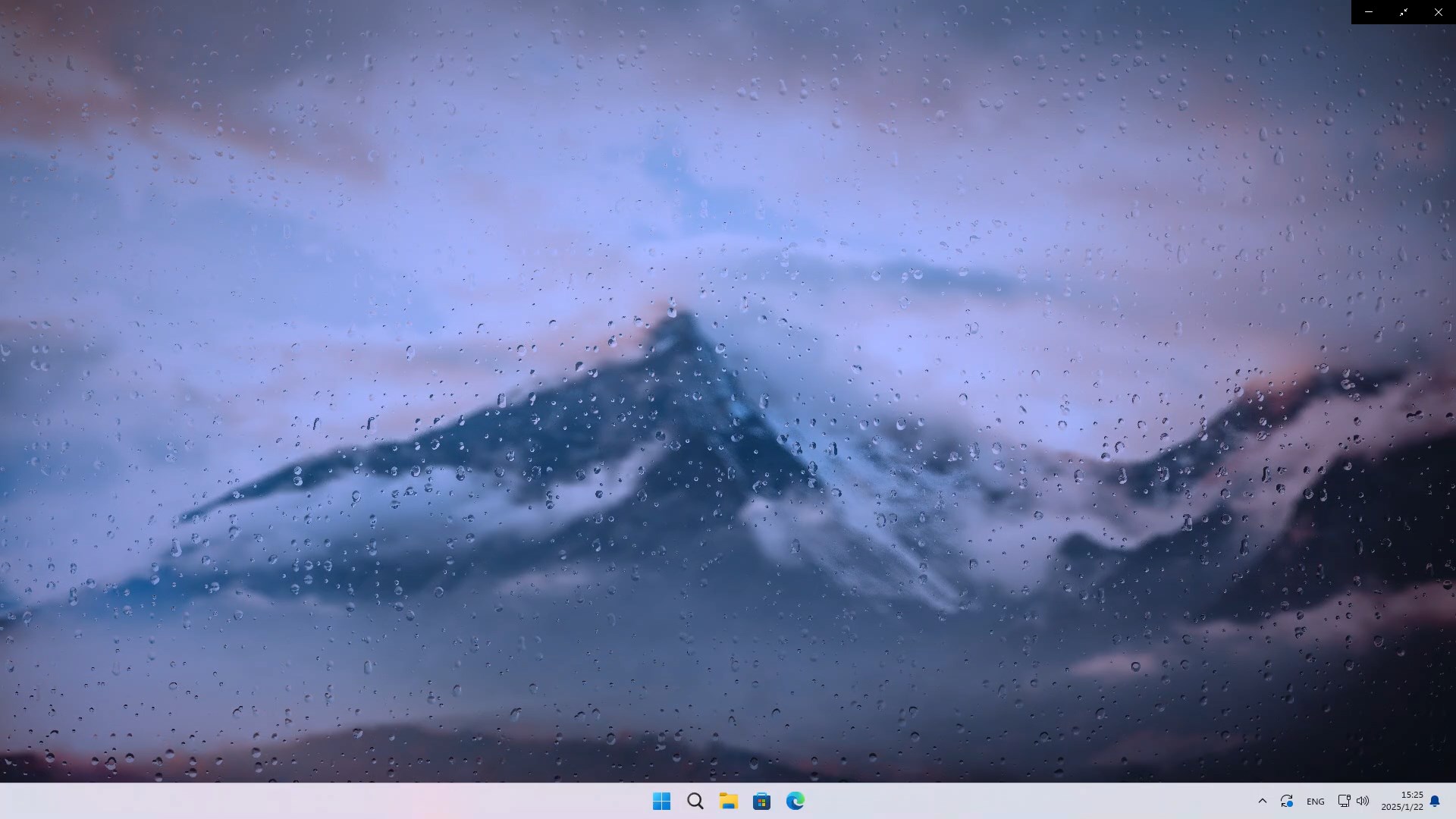
The gold mine here is the app's customization suite. Users can tweak speed, contrast, and apply overlays such as birds, floating lights, or drifting leaves—creating a personalized aesthetic. This versatility turns a simple animated wallpaper into a curated art piece tailored to your mood or the season. Compared with other personalization tools that often offer static options, Live Wallpapers + elevates the experience by making it more interactive and dynamic.
Seamless Windows Theme Integration for Cohesive Aesthetic
The app's ability to harmonize with your existing Windows themes is a subtle but significant feature. Unlike many wallpaper apps that clash with system styles, Live Wallpapers + ensures that your desktop background, icons, and overall look stay cohesive. This focus on compatibility means you can enjoy lively, animated backgrounds without disrupting your visual harmony, making it suitable for professional environments or minimalistic setups as well.
Overall Impression and Recommendations
Live Wallpapers + for Windows proves itself as a thoughtfully designed application that offers more than just eye candy. Its unique strength lies in blending ease of use with a rich set of customization features and smooth integration within the Windows ecosystem. For users eager to inject a bit of dynamism into their daily workflow or simply refresh their desktops frequently, this app is a reliable choice.
While it may not boast the most extensive library compared to some niche animation tools, its focus on quality, performance, and theme compatibility makes it stand out in the crowded personalization category. For casual users, creative enthusiasts, or those seeking an aesthetically pleasing environment, I'd recommend giving Live Wallpapers + a try—your desktop could use a little more life.
Pros
- Beautiful, dynamic live wallpapers
- User-friendly interface
- Regular updates with new wallpapers
- Customizable wallpapers
- Lightweight app
Cons
- Limited free content
- Occasional app crashes
- Heavy battery usage on laptops
- Limited customization options
- Some wallpapers may have performance issues on older hardware











