
- Category Personalization
- Developer rocksdanister
- Available on PC, Surface Hub
- OS Windows 10 version 17763.0 or higher
- Mouse Integrated Mouse
- DirectX Version 9
- Memory 4 GB
- languages Afrikaans, Arabic, Arabic (United Arab Emirates), Azerbaijani (Latin), Belarusian, Bulgarian, Catalan, Chinese (Simplified), Chinese (Traditional Chinese), Czech, Danish, Dutch, English (United States), Filipino, Finnish, French, Galician , German, Greek, Hebrew, Hindi, Hungarian, Indonesian, Irish, Italian, Japanese, Kazakh, Korean, Korean , Lithuanian, Malay, Norwegian (Bokmål), Persian, Polish, Polish , Portuguese, Portuguese (Brazil), Portuguese (Portugal), Romanian, Russian, Serbian (Cyrillic), Serbian (Latin), Slovak, Spanish, Spanish (Mexico), Spanish (Spain), Swedish, Turkish, Ukrainian, Vietnamese
An Innovative Way to Personalize Your Windows Desktop
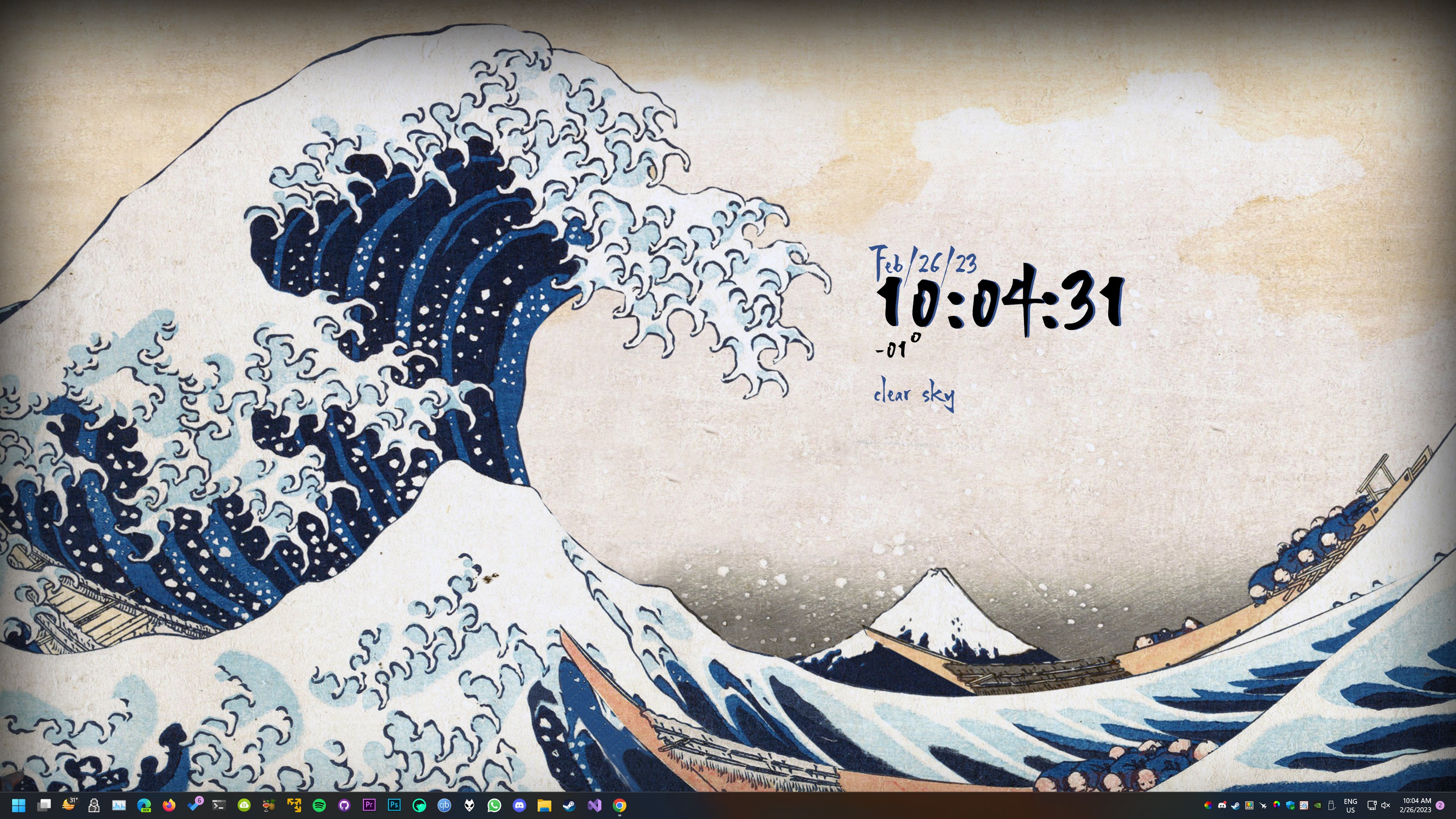
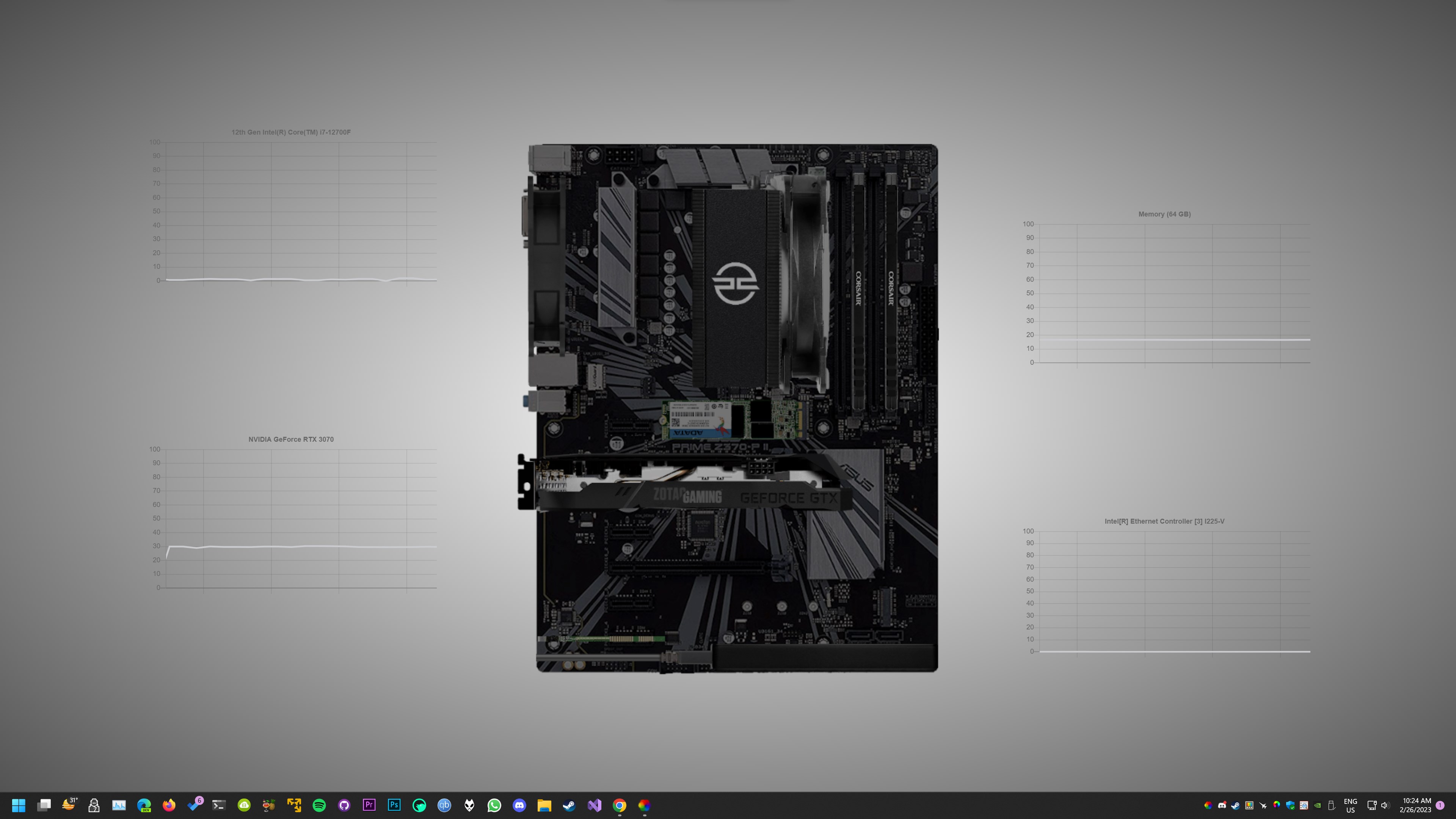
Imagine turning your mundane desktop into a lively canvas filled with captivating animations—a dynamic realm that responds to your mood and style. Lively Wallpaper for Windows, developed by Rocksdanister, offers a seamless way to elevate your desktop environment with animated backgrounds that breathe new life into your workspace. Whether you're seeking soothing scenery or engaging visual effects, this application transforms the traditional static wallpaper into a vibrant showcase of creativity and personalization.
Core Features That Make Lively Wallpaper Stand Out
1. Extensive Library of Animated Wallpapers
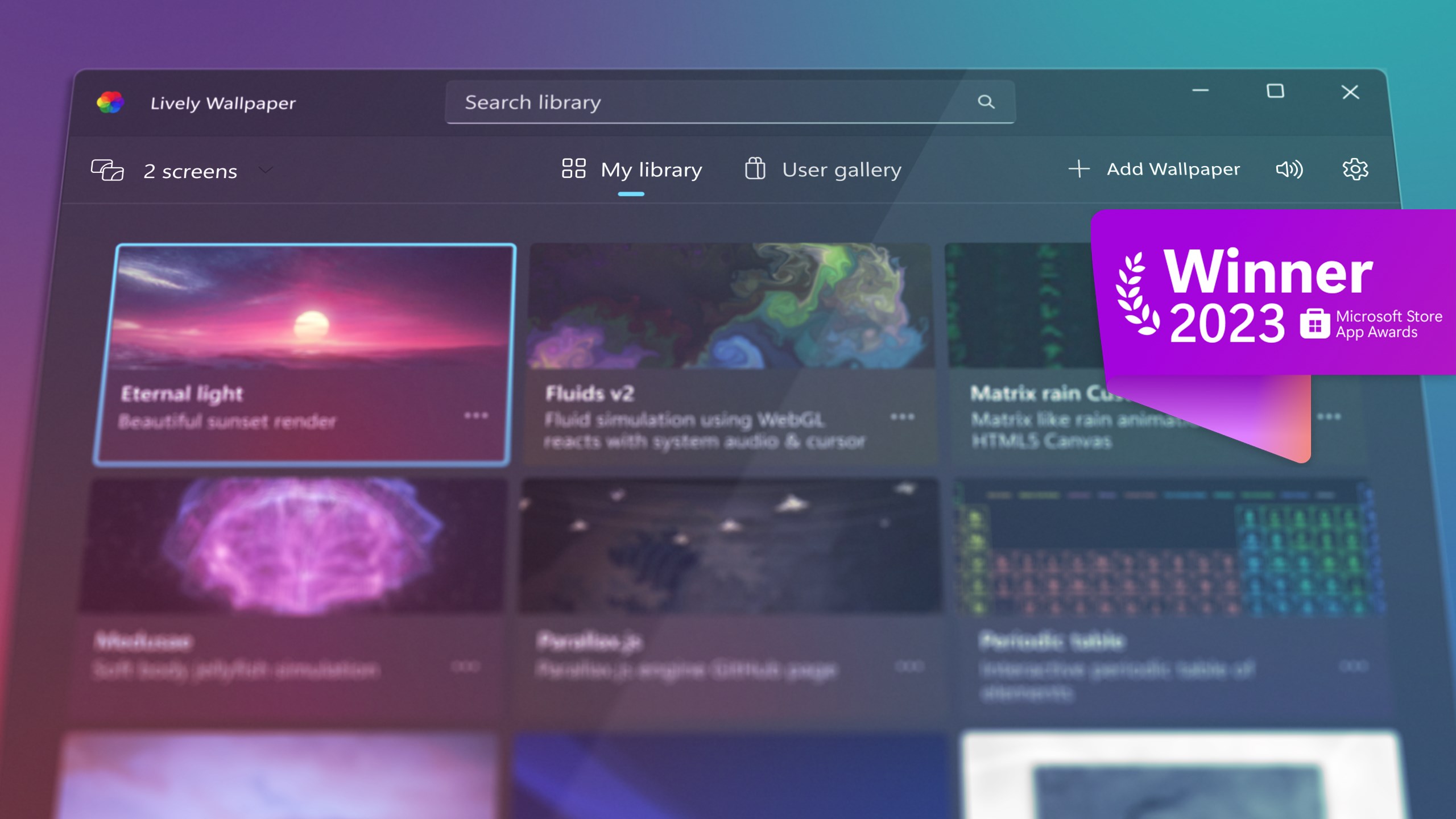
Lively Wallpaper boasts a diverse collection of animated backgrounds, ranging from serene nature scenes to futuristic visuals. What's more impressive is its support for user-created content, allowing enthusiasts to upload and share their own animated wallpapers. This flexibility means your desktop can evolve into a personalized gallery that reflects your unique style and interests.
2. Seamless Multiple Monitor Support and Dynamic Adjustments
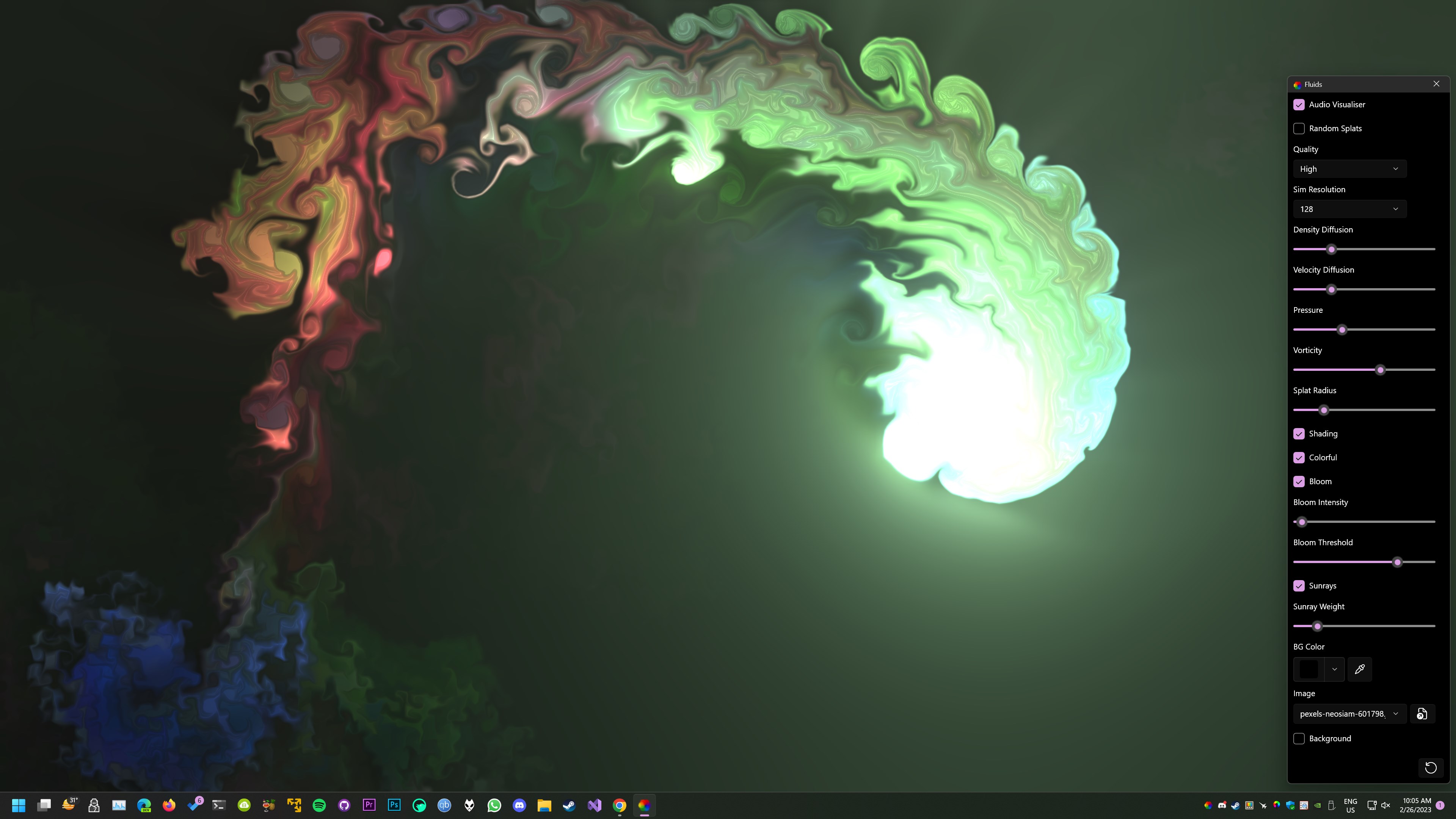
Managing multiple screens can sometimes turn into a logistical nightmare, but Lively Wallpaper simplifies this with smooth multi-monitor support. It intelligently manages wallpapers across different screens, ensuring each display has its tailored ambiance. Additionally, users can tweak various parameters—such as playback speed, visual effects, and responsiveness—empowering you to fine-tune your desktop environment to perfection.
3. User-friendly Interface and Low Resource Consumption
The app's interface is intuitive and minimalistic, making navigation a breeze even for newcomers. Setting up animated wallpapers takes mere moments, thanks to straightforward controls. Despite its rich features, Lively Wallpaper is engineered for efficiency—consuming minimal system resources so your PC remains swift and responsive without sacrificing visual flair.
Aesthetic and User Experience: How Does It Feel?
From the moment you launch Lively Wallpaper, it's akin to opening a portal to a digital art gallery. Its interface strikes a balance between simplicity and sophistication, akin to flipping through an art book with clear, accessible menus. Navigating through wallpapers feels smooth, and applying new ones is almost instantaneous. The app's memory footprint is modest, ensuring your system's performance stays unaffected, which is a blessing for those running more modest hardware setups. For newcomers, the learning curve is gentle—think of it as learning to ride a bicycle with training wheels, where every click and adjustment feels natural.
What Sets Lively Wallpaper Apart from Other Customization Tools?
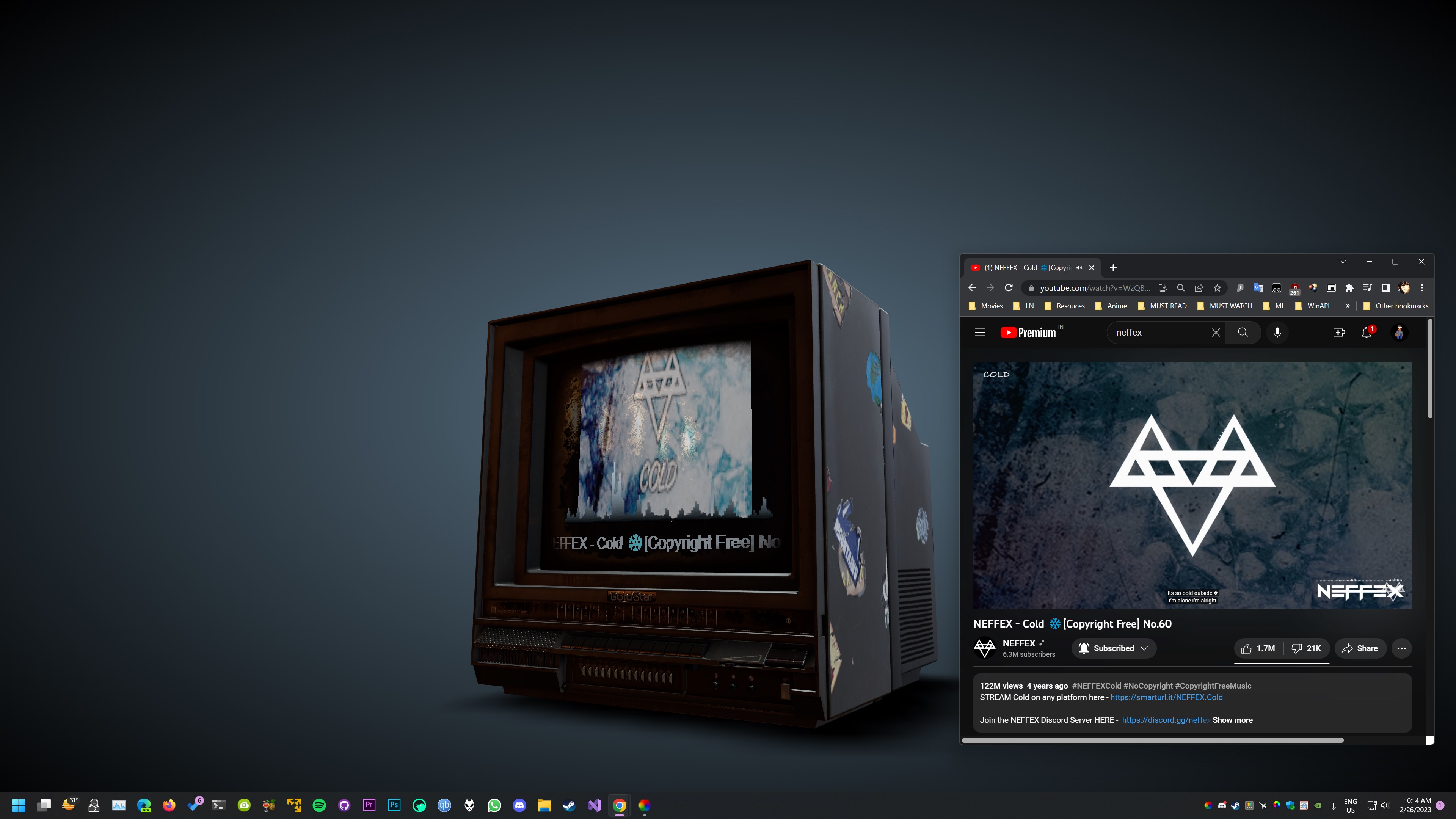
While many personalization apps offer static themes and simple backgrounds, Lively Wallpaper's standout feature is its support for animated, interactive content—bringing your desktop to life. Its ability to integrate a vast array of user-generated content and the ease with which you can manage multiple screens set it apart. Unlike other apps limited to static images or a handful of preset themes, Lively provides a rich variety of customization options, from dynamic nature scenes to abstract animations, all compatible with various themes and styles. This flexibility turns your desktop into a living art piece, making it more than just a backdrop—it becomes an experience.
Final Thoughts: Should You Give It a Try?
Based on its feature set, performance, and ease of use, Lively Wallpaper is highly recommended for users eager to personalize their Windows experience without overcomplicating the process. It's ideal for creatives, tech enthusiasts, or anyone looking to add a touch of visual interest to their daily workflow. Whether you're seeking calming visuals to relax or eye-catching effects for inspiration, this app delivers a versatile and efficient solution. As a friend would say—if your desktop feels a bit dull, giving Lively Wallpaper a spin might just refresh your digital environment in ways you've never imagined.
Pros
- High-quality, immersive animated wallpapers
- Supports a wide variety of multimedia content
- Easy to install and configure
- Automatically pauses to improve performance when gaming or using fullscreen apps
- Active community and regular updates
Cons
- Initial setup may require additional codecs or plugins for certain content
- High-resolution animations can increase CPU and GPU load
- Occasional stability issues with web-based wallpapers
- Lack of built-in customization options for animation parameters
- Free version includes some limitations on wallpaper types and features











