

- Category Photo & video
- Developer Mikael Finstad
- Available on PC
- OS Windows 10 version 14316.0 or higher
- Keyboard Not specified
- Mouse Not specified
- languages English (United States)
LosslessCut for Windows: Precision Video Editing Made Simple
If you're on the hunt for a straightforward yet powerful tool to trim or cut your videos without sacrificing quality, LosslessCut for Windows might just be your new best friend. It's like having a precise scalpel in your digital toolbox—designed for users who want quick, lossless edits without the hassle of complex editing software.
Meet the Devs: Who's Behind LosslessCut?
Developed by Mikael Finstad and published by mifi.no, LosslessCut is the result of dedicated efforts to simplify video editing. The team behind it focuses on creating lightweight, high-performance applications that serve specific editing needs without bloating your system or overwhelming you with features you don't need.
Key Features That Make It Stand Out
- Lossless Cutting: Easily trim your videos without re-encoding, preserving original quality and saving time. Think of it as snipping a piece off a tape with no fuzz or loss.
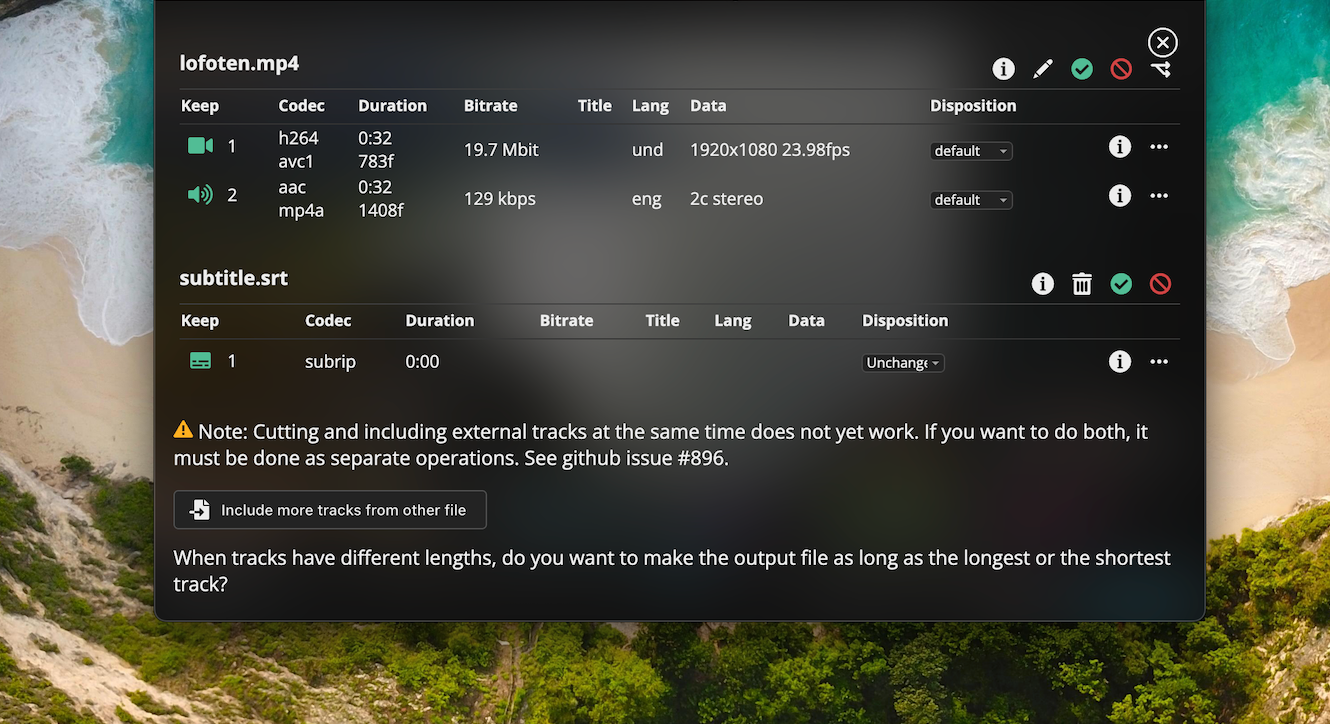
- Format Support & Compatibility: Handles a wide range of video formats seamlessly, making it versatile enough for various media files—no need for conversions or additional tools.
- Intuitive Interface & Quick Workflow: Designed for simplicity, offering a drag-and-drop experience with instant preview options—great for users of all skill levels who want fast results.
- Simplified Editing Process: Focuses solely on cutting, trimming, and exporting, avoiding the complication of unnecessary features—perfect for quick tasks.
Vibrant Video Editing: What's Inside?
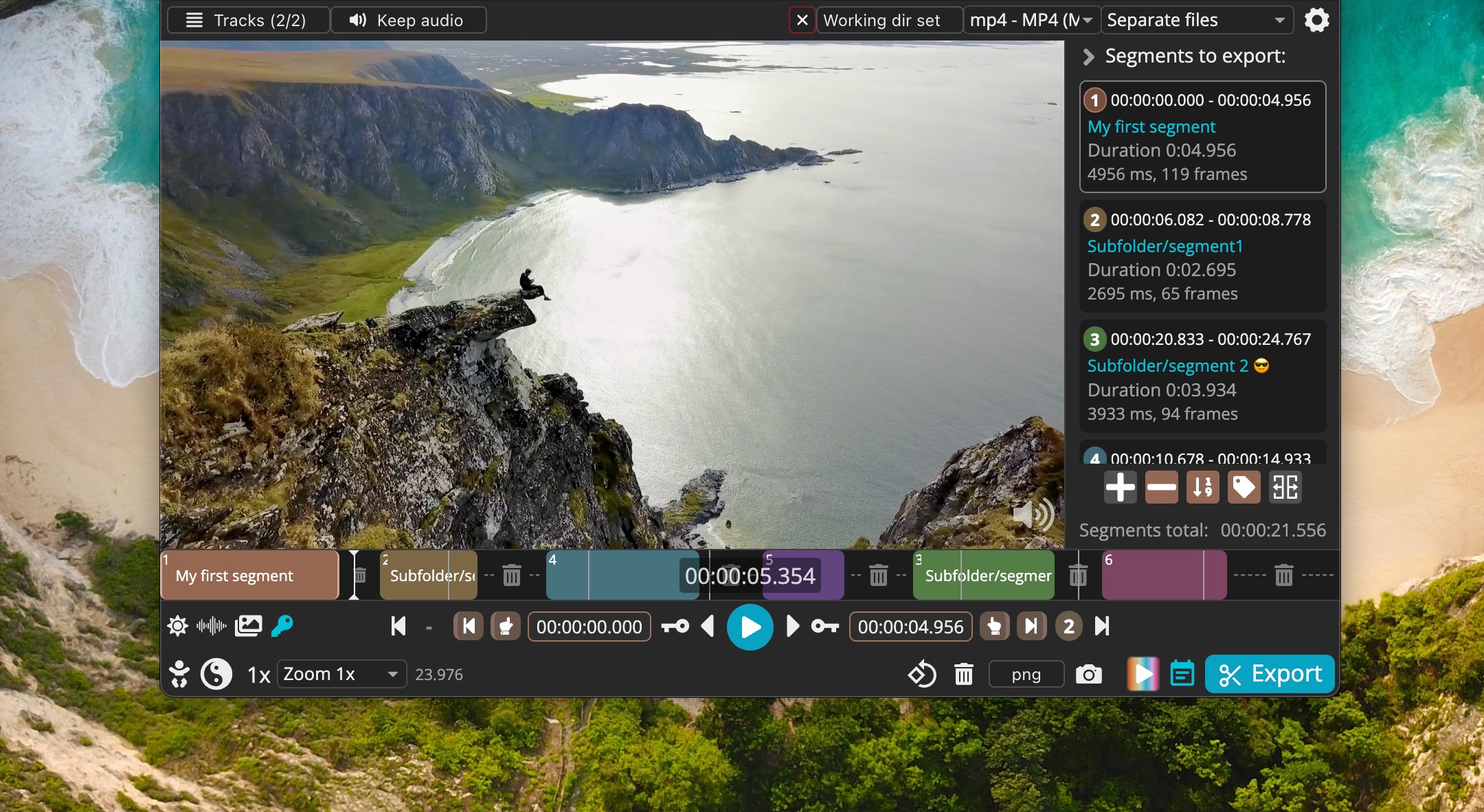
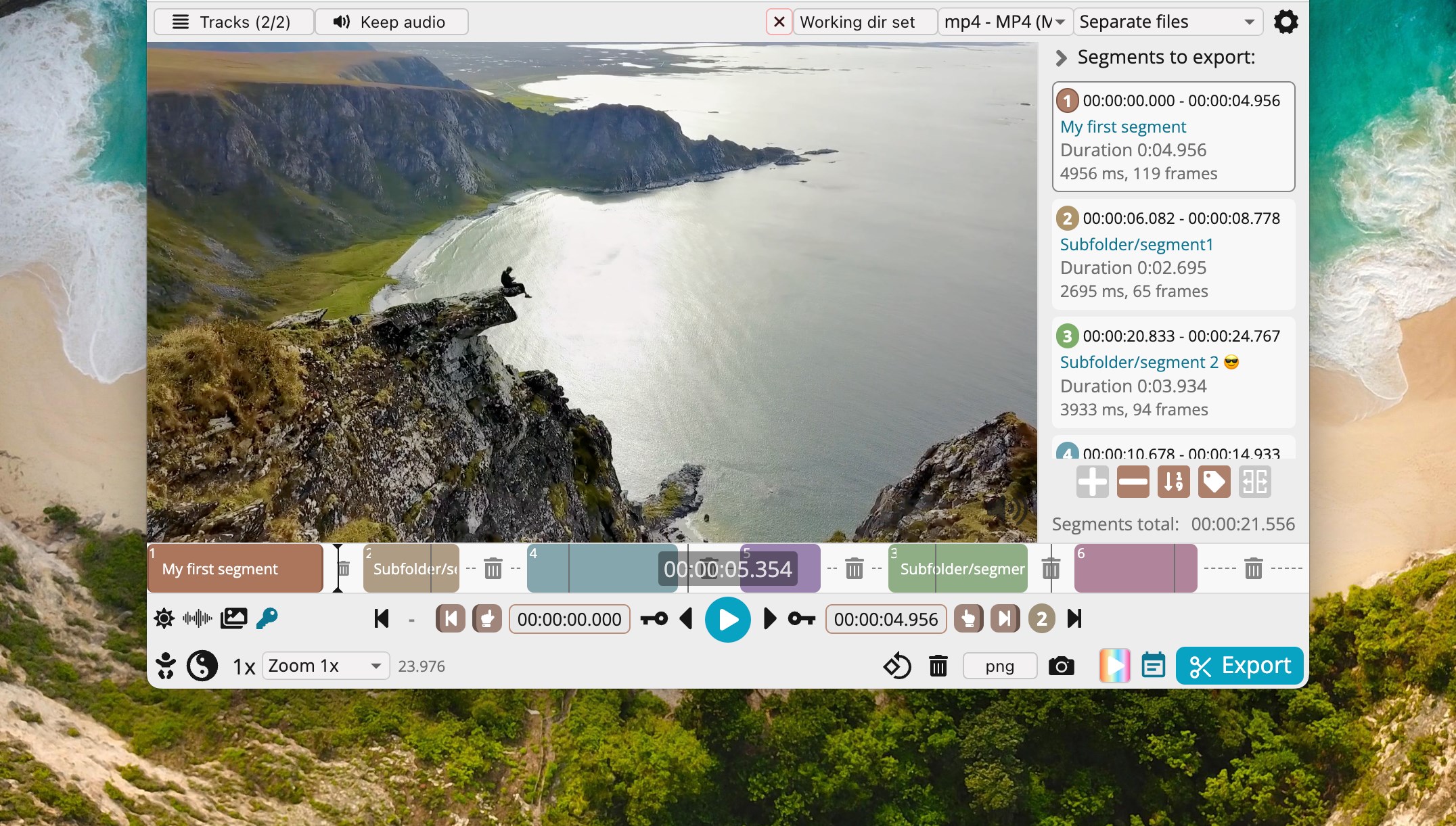
LosslessCut greets you with a minimalistic, sleek interface that resembles a neatly organized workspace—think of stepping into a well-lit, clutter-free workshop. Navigation feels natural; a simple drag-and-drop allows importing videos, and the timeline is straightforward to work with. The preview window updates instantly when you make cuts, giving you confidence that you're slicing precisely where you intend.
Core Functionality: Precision and Ease
The primary allure of LosslessCut is undoubtedly its lossless trimming feature. Imagine you're editing a family holiday video—spotting the less-than-stellar scene and wanting to cut it out without re-encoding all your footage. This app makes that process a breeze, with intuitive sliders and frame-by-frame navigation that let you pinpoint exact moments. After setting your start and end points, exporting your clip takes seconds, making editing feel like a swift, almost effortless process.
Interface Design & User Experience
One of LosslessCut's strengths is its clean, user-friendly design. It sidesteps the cluttered interfaces common in professional editors, focusing instead on core tasks. The learning curve is gentle—users surprisingly unfamiliar with editing software can quickly grasp working with the app. The drag-and-drop functionality reduces complexity, and the live preview ensures your edits are precise. Smooth operation is guaranteed, with minimal lag even on modest hardware, reinforcing its status as a go-to lightweight editor.
What Sets It Apart from Similar Apps?
Compared to more comprehensive editors like Adobe Premiere or DaVinci Resolve, LosslessCut offers a laser-focused approach—it's not cluttered with unnecessary features like transitions or effects. Its standout trait is the ability to perform lossless cuts, meaning you can trim videos without losing any quality or having to wait through long re-encodings. This makes it ideal for quick edits on large files, where time and quality preservation are paramount. It's akin to having a precision tool that cuts cleanly without damaging the original material, a feature not always prioritized in other video editors.
Final Thoughts & Recommendations
If your needs lean towards fast, high-quality trimming and cutting—especially for large files—LosslessCut for Windows deserves a top spot in your toolbox. It's not meant for detailed editing or effects but excels where simplicity and precision are desired. I'd recommend it to content creators, video archivists, or anyone who values maintaining original video quality while performing quick edits. For users seeking an uncomplicated, reliable app that handles lossless video slicing with aplomb, this software is a worthwhile choice.
Pros
- Intuitive interface
- Fast processing speed
- Supports a wide range of formats
- No re-encoding required
- Free to use
Cons
- Limited editing features
- Occasional stability issues with large files
- Basic timeline manipulation
- Limited output customization
- Lacking comprehensive documentation











