

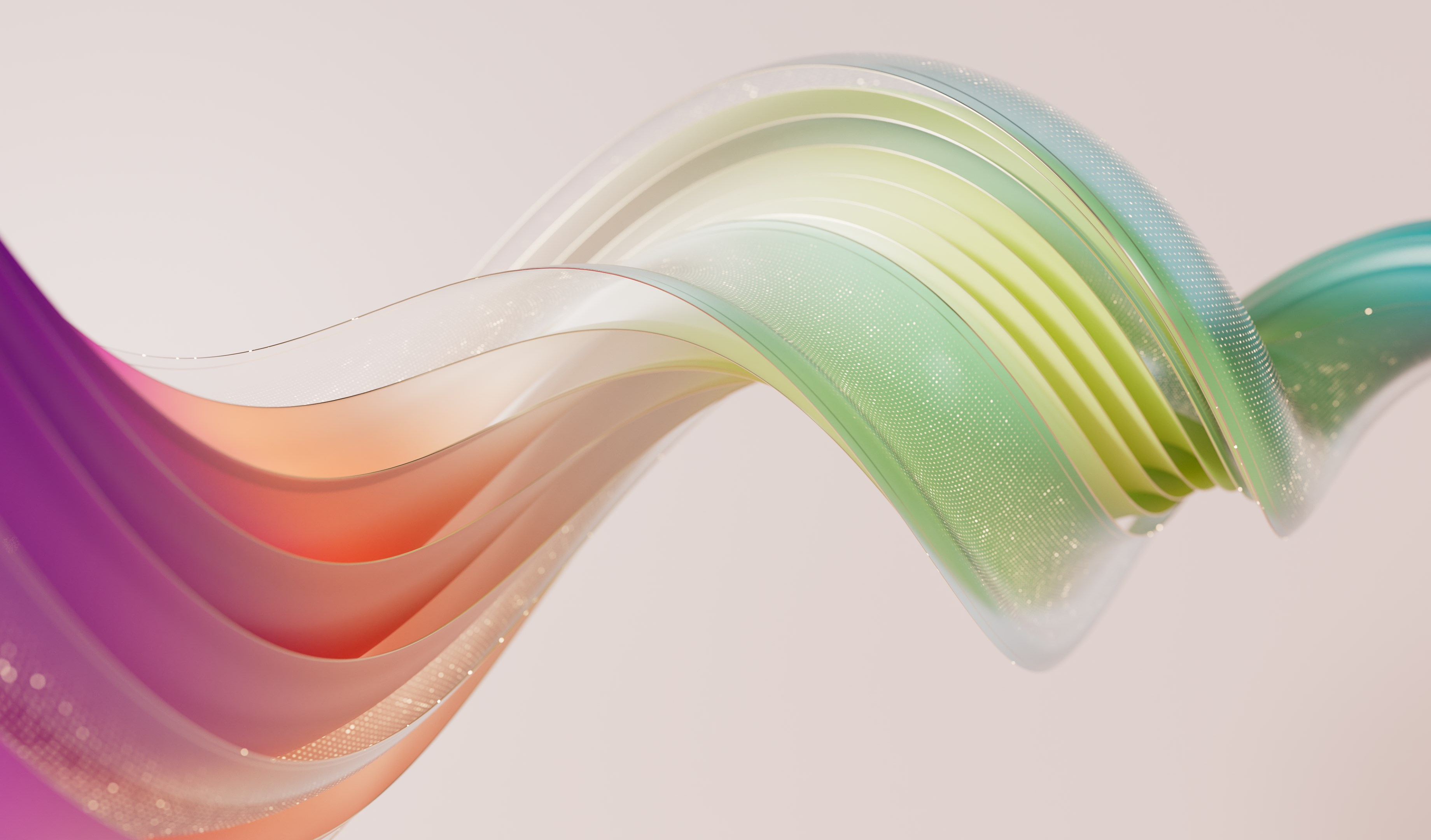



- Category Personalization
- Developer Microsoft Corporation
- Available on PC
- OS Windows 10 version 18362.0 or higher
- languages English (United States)
An In-Depth Look at Luminous Flow for Windows
If you're someone who enjoys giving your Windows desktop a personal touch, Luminous Flow aims to be your go-to app for creating visually stunning and customizable experiences. Combining eye-catching visuals with intuitive controls, it promises to transform mundane screens into dynamic displays of light and motion. But does it deliver on its promise? Let's delve into what makes this application stand out—and where it might fall short.
A Quick Snapshot: What's Luminous Flow All About?
Developed and published by Microsoft Corporation, Luminous Flow for Windows is a personalization app designed to bring animated light effects to your desktop environment. Its primary goal is to allow users to craft mesmerizing light-based visualizations that adapt to their preferences, making work and leisure more vibrant. Its main features include customizable light animations, seamless theme compatibility, and an intuitive user interface that caters to both beginners and advanced users. Targeted at Windows users seeking to add a touch of elegance and personality to their desktops, this app is perfect for digital artists, tech enthusiasts, or anyone looking to create a more engaging workspace.
Engaging and Elegant: Making Your Desktop Shine
Imagine firing up your PC in the morning—your favorite music softly playing, your coffee brewing nearby—and suddenly, your screen comes alive with flowing, luminous waves that dance in harmony with your mood. That's the allure Luminous Flow offers: turning a sterile workspace into a dynamic light show. Its core strength lies in its visual appeal and ease of use, making desktop customization feel as effortless as browsing a photo gallery.
Core Functionality: Brightness Control and Dynamic Light Effects
One of the standout features is the app's ability to generate vibrant light animations that respond to user inputs or ambient sounds. With a straightforward slider or menu, you can tune the luminosity, speed, and pattern complexity of the effects. Whether you want subtle glimmers or bold waves, Luminous Flow provides a vivid palette of options. The effect layers smoothly over your existing wallpaper, creating a harmonious visual effect that feels both modern and soothing. Its real-time responsiveness allows users to see changes instantly, adding a layer of interactivity and personalization that basic wallpapers can't match.
Theme Compatibility and Customization Options
Unlike many other apps that offer a limited set of predefined themes, Luminous Flow boasts a rich variety of customization options. Users can select from multiple preset flow patterns or craft their own with ease, adjusting parameters such as color schemes, motion dynamics, and glow intensity. This flexibility ensures that the app will complement nearly any desktop aesthetic—from minimalist monochrome to vibrant RGB worlds. Its seamless integration with Windows themes means that the luminous effects adapt flawlessly to your overall desktop style, ensuring a consistent, polished look akin to a perfectly coordinated fashion ensemble.
Design, Usability, and User Experience
The interface of Luminous Flow exudes a clean, modern design reminiscent of a well-organized art studio—clutter-free yet creatively inspiring. Navigation is smooth and intuitive, with controls grouped logically, making it accessible even for newcomers. Performance-wise, the app demonstrates excellent fluidity; animations run seamlessly without noticeable lag or stuttering, a testament to well-optimized coding. The learning curve is gentle: most users will be able to set up their preferred effects within minutes, while power users can spend hours fine-tuning intricate configurations. Overall, the user experience strikes a balance between straightforward usability and deep customization potential.
What Sets It Apart? Unique Selling Points
The most distinctive aspect of Luminous Flow is its ability to deliver highly personalized and reactive visualizations that integrate smoothly with your existing system theme. Unlike many personalization apps that offer a static or limited set of decorations, this application's dynamic light effects respond to your screen content, ambient sounds, or manual adjustments—making your desktop feel alive. Its broad customization options and theme compatibility are particularly notable: you're not limited to a predefined palette but can tailor animations to match your mood, workspace style, or even current music playlists. This level of adaptability positions Luminous Flow as a truly immersive desktop enhancer, rather than just a decorative add-on.
Should You Give It a Try?
If enhancing your desktop with beautiful, responsive light effects sounds appealing, Luminous Flow is a solid choice. It earns a strong recommendation for those who appreciate aesthetic customization without sacrificing performance or ease of use. Whether you're a casual user wanting a prettier background or a more advanced user seeking deep personalization, this app offers enough flexibility to satisfy diverse preferences. For users aiming for a static wallpaper, it might be overkill, but for those seeking a lively and tailored visual experience, it's definitely worth exploring.
In summary, Luminous Flow for Windows combines the charm of dynamic visual effects with robust customization options, making your screen not just a workspace but a living canvas. Its innovative features and smooth experience make it a valuable addition to any personalization toolkit. Just imagine your desktop transforming into a flowing river of light—subtle yet mesmerizing—a true feast for the eyes. So go ahead, give it a shot, and let your screen glow with your personality!
Pros
- Visually Stunning Effects
- User-Friendly Interface
- High Performance
- Customization Options
- Regular Updates
Cons
- Limited Free Features
- High Battery Usage
- Occasional Crashes
- Limited Device Compatibility
- Lack of Tutorials











