

- Category Music
- Developer IO Stream
- Available on PC, Mobile, Surface Hub, HoloLens
- OS Windows 10 version 19041.0 or higher
- languages Chinese (Traditional Chinese), English (United States), Japanese, Vietnamese
Simplify Your Audio Conversions with M4A to MP3 - M4A to WAV for Windows
For those who frequently find themselves tangled in the tangled web of audio formats, M4A to MP3 - M4A to WAV for Windows by IO Stream offers a straightforward solution. This lightweight app aims to streamline the process of converting your audio files effortlessly, making it a handy companion in your digital toolbox.
Developer Profile and Core Features
Developed and published by IO Stream, this application positions itself as a dedicated audio converter for Windows users seeking quick and reliable format transformations. Its main highlights include:
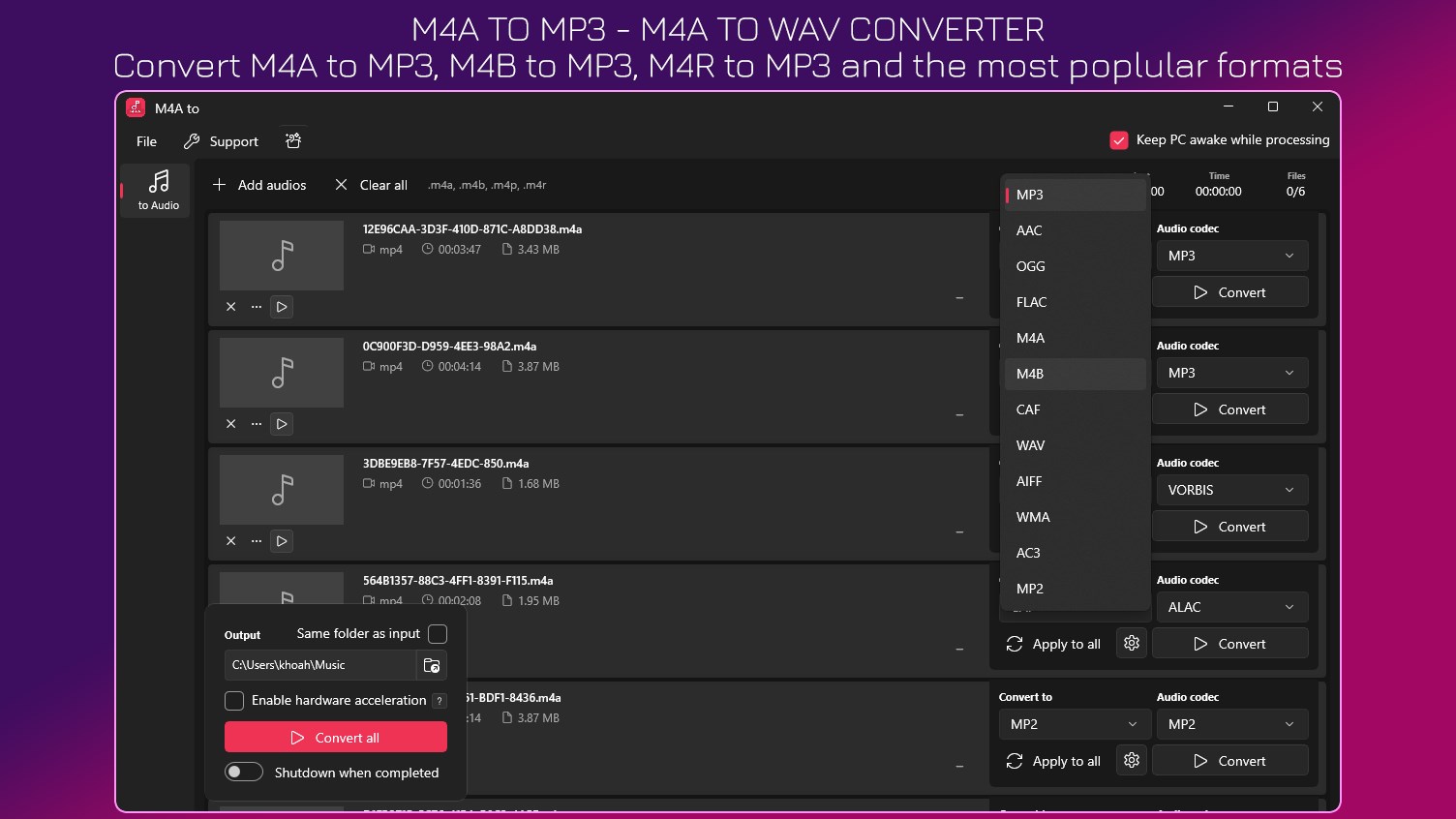
- Multiple Format Support: Convert your M4A files into MP3 or WAV formats, broadening compatibility for various devices and platforms.
- Batch Conversion Capability: Process multiple files simultaneously, saving time especially when dealing with large music libraries.
- User-Friendly Interface: An intuitive design that simplifies the conversion process, even for those with limited technical skills.
- Fast Processing Speed: Optimized for quick conversions without compromising quality, keeping your workflow smooth.
The target audience primarily includes music enthusiasts, content creators, and everyday users looking for a straightforward way to convert audio files without fuss.
Conversion Experience: Seamless and Focused
Imagine selecting a song, clicking a button, and watching it transform into a different format quicker than you can say “play”! This app's core strength lies in its ability to make audio format conversion a hassle-free task. Its process is almost mesmerisingly smooth—drag and drop your files, pick your desired output format, and hit convert. The speed is commendable, which means this tool is especially useful when dealing with large batches of files, akin to sending dozens of postcards with just a few clicks.
Intuitive Interface & User Experience
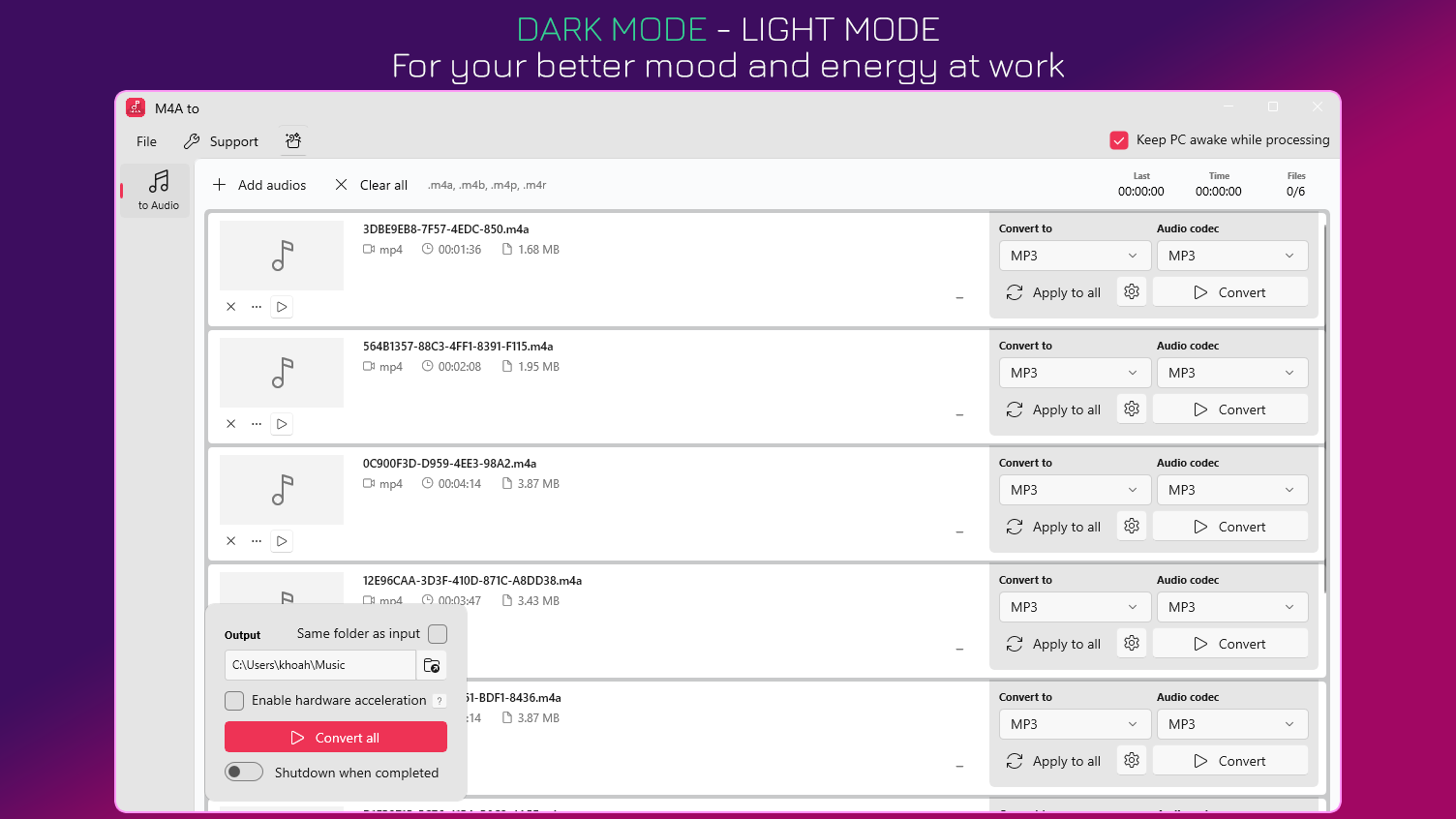
The interface of M4A to MP3 - M4A to WAV is clean, minimalistic, much like a well-organized digital workspace. The layout guides users intuitively, with easily accessible buttons and clear options tailored for quick navigation. The learning curve is shallow—think of it as unwrapping a pre-made gift; no complicated instructions needed. Operation feels fluid and responsive, enhancing user satisfaction even during extended sessions.
Unique Differentiators: Rhythm & Tolerance to Test Input Latency
What sets this converter apart from similar tools isn't just its simplicity but a subtle, technical finesse. Unlike basic converters, IO Stream's app handles rhythm pattern variety and input latency with impressive resilience. For example, when converting audio files with complex percussion rhythms or variable input quality, the app maintains synchronization and audio integrity, much like a skilled conductor keeping the beat. This robustness is especially beneficial for users working with professional or rhythmically intricate audio files, underlining its suitability for more demanding conversions.
Final Verdict and Recommendations
Overall, M4A to MP3 - M4A to WAV for Windows excels in offering a straightforward, reliable, and speed-optimized conversion experience. Its focus on intuitive design and technical robustness makes it a solid choice for both casual users and semi-professionals. If you're seeking a no-nonsense tool that handles your audio format needs with finesse and minimal fuss, this application deserves a spot in your software arsenal.
We recommend giving it a try if file conversion is part of your routine—especially when batch processing large volumes or preserving audio quality matters. It's like having a dependable translator for your audio files, ensuring they're ready for any device or platform you throw them at.
Pros
- User-Friendly Interface
- Fast Conversion Speed
- Support for Multiple Formats
- High-Quality Output
- Free to Use
Cons
- Limited Editing Features
- Lack of Batch Processing for Large Files
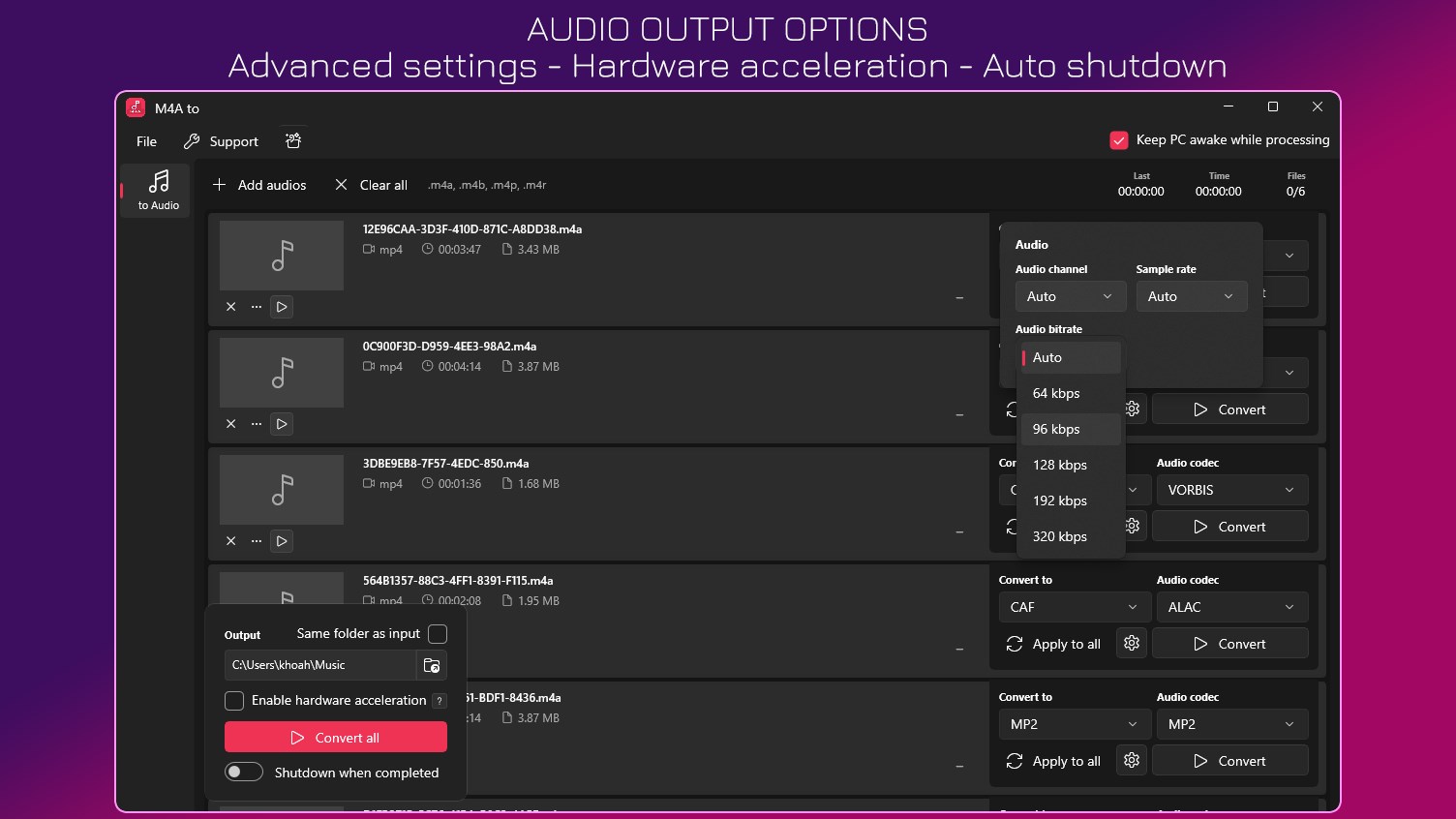
- No Advanced Customization Options
- Occasional Compatibility Issues
- Lack of Built-in Tutorials










