

- Category Productivity
- Developer Aleksandr Maslov
- Available on PC
- OS Windows 10 version 17763.0 or higher
- Keyboard Integrated Keyboard
- Mouse Integrated Mouse
- languages Arabic, Bulgarian, Chinese (Simplified), Chinese (Traditional), Czech, Danish, Dutch, English (United States), Filipino, Finnish, French, German, Greek, Hebrew, Hindi, Hungarian, Indonesian, Italian, Japanese, Kazakh, Korean , Lithuanian, Malay, Norwegian (Bokmål), Persian, Polish , Portuguese (Brazil), Portuguese (Portugal), Romanian, Russian, Serbian (Latin), Sinhala, Slovak, Slovenian (Slovenia), Spanish (Mexico), Spanish (Spain), Swedish, Thai, Turkish, Ukrainian, Urdu, Vietnamese
MagicPods for Windows: Unlocking Smarter Audio Management
MagicPods is a sleek Windows application designed to streamline your audio device control, making it easier and more intuitive to switch between headphones, speakers, and other audio peripherals. Developed by Aleksandr Maslov, this app aims to enhance your productivity and audio experience with minimal fuss.
About the Developer and Core Highlights
Fabriqued by Aleksandr Maslov, MagicPods is a thoughtfully crafted utility targeting users who frequently manage multiple audio devices. The app's primary features include automatic device switching, customizable profiles, and seamless integration with Windows workflows. Its tailored design aims to reduce cognitive load and simplify complex audio management tasks for busy professionals, gamers, and multimedia enthusiasts alike.
Engaging in the World of Simplified Audio Control
Imagine sitting down at your workspace, ready to dive into a conference call, but every time you need to switch from your speakers to your headset, you're met with a tangled menu and confusing options. MagicPods acts like a helpful assistant sitting quietly in the background, ready to switch your audio device at a moment's notice—smooth, effortless, almost magical. Its minimalistic design ensures that users spend less time fumbling through system settings and more time being productive or immersed in their content.
Automatic Device Switching and Profiles
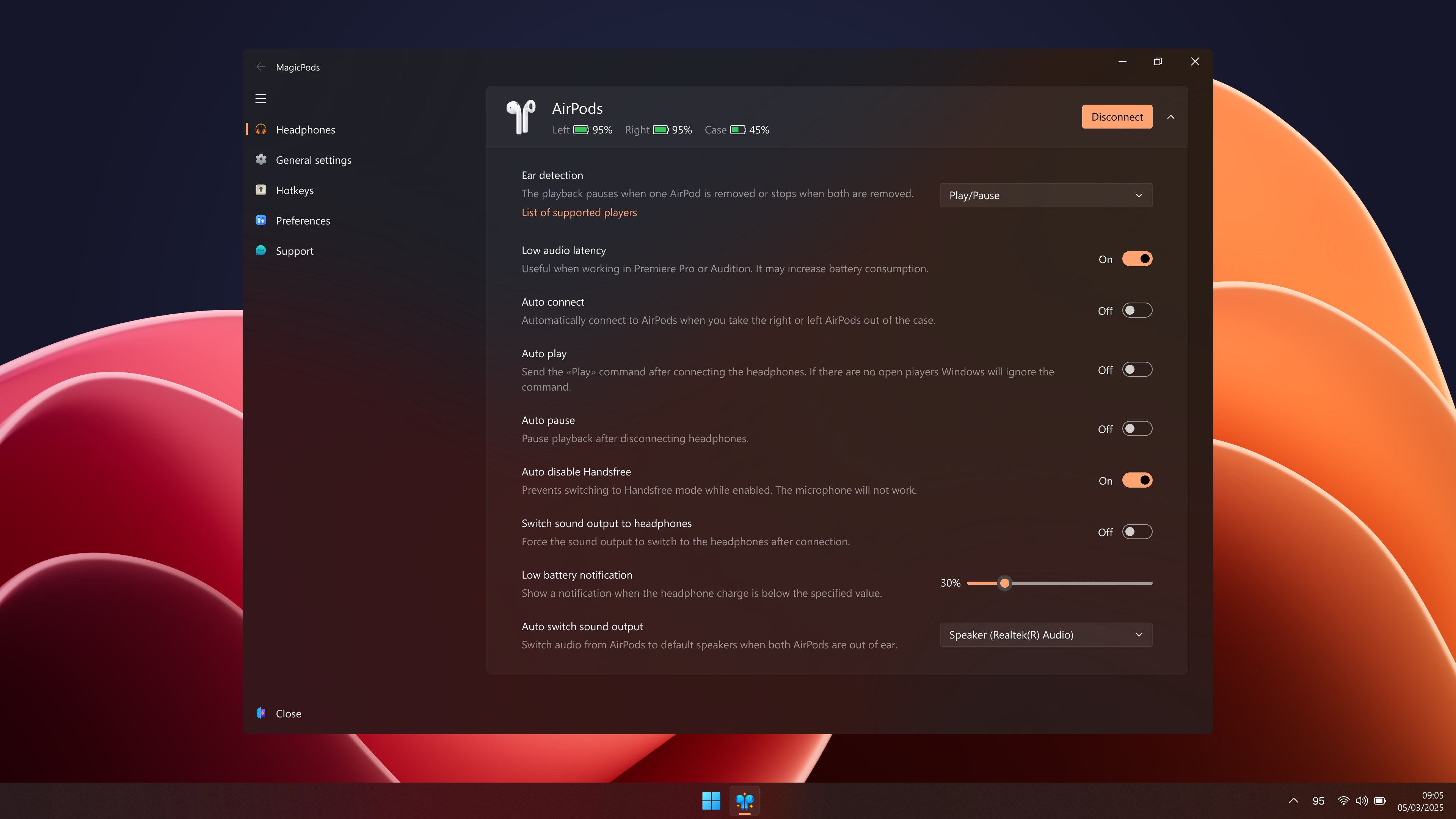
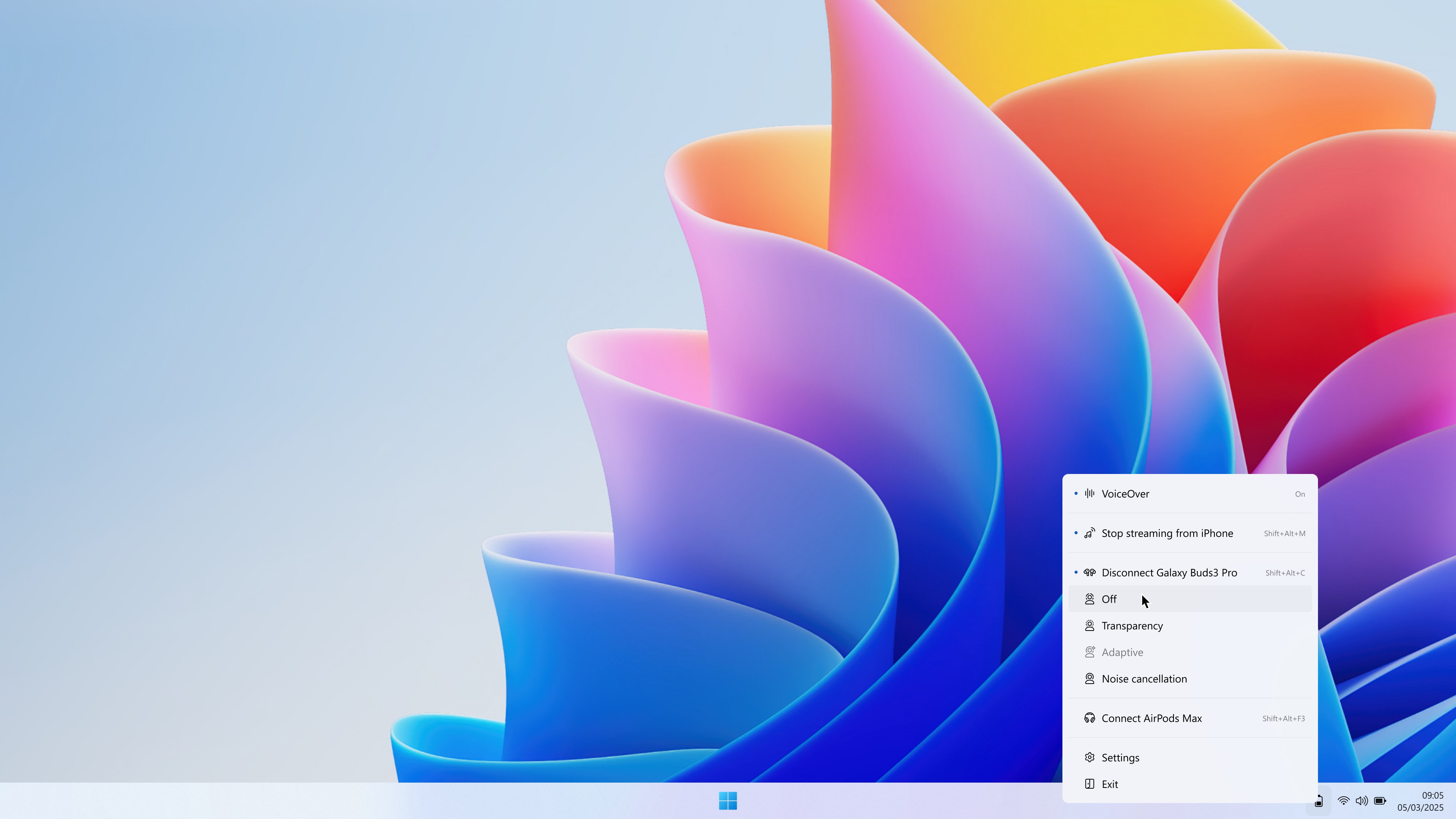
One of MagicPods' standout features is its ability to automatically detect and switch between audio devices based on your predefined preferences or contextual cues. For example, when you connect your Bluetooth headphones, MagicPods can automatically switch the audio output, saving you from the hassle of manually fiddling with sound settings. Additionally, you can create multiple profiles tailored for specific scenarios—be it work, entertainment, or gaming—and switch between them with just a click. This feature enhances workflow integration, as users don't need to reset their audio preferences each time their environment changes.
Intuitive Interface and User Experience
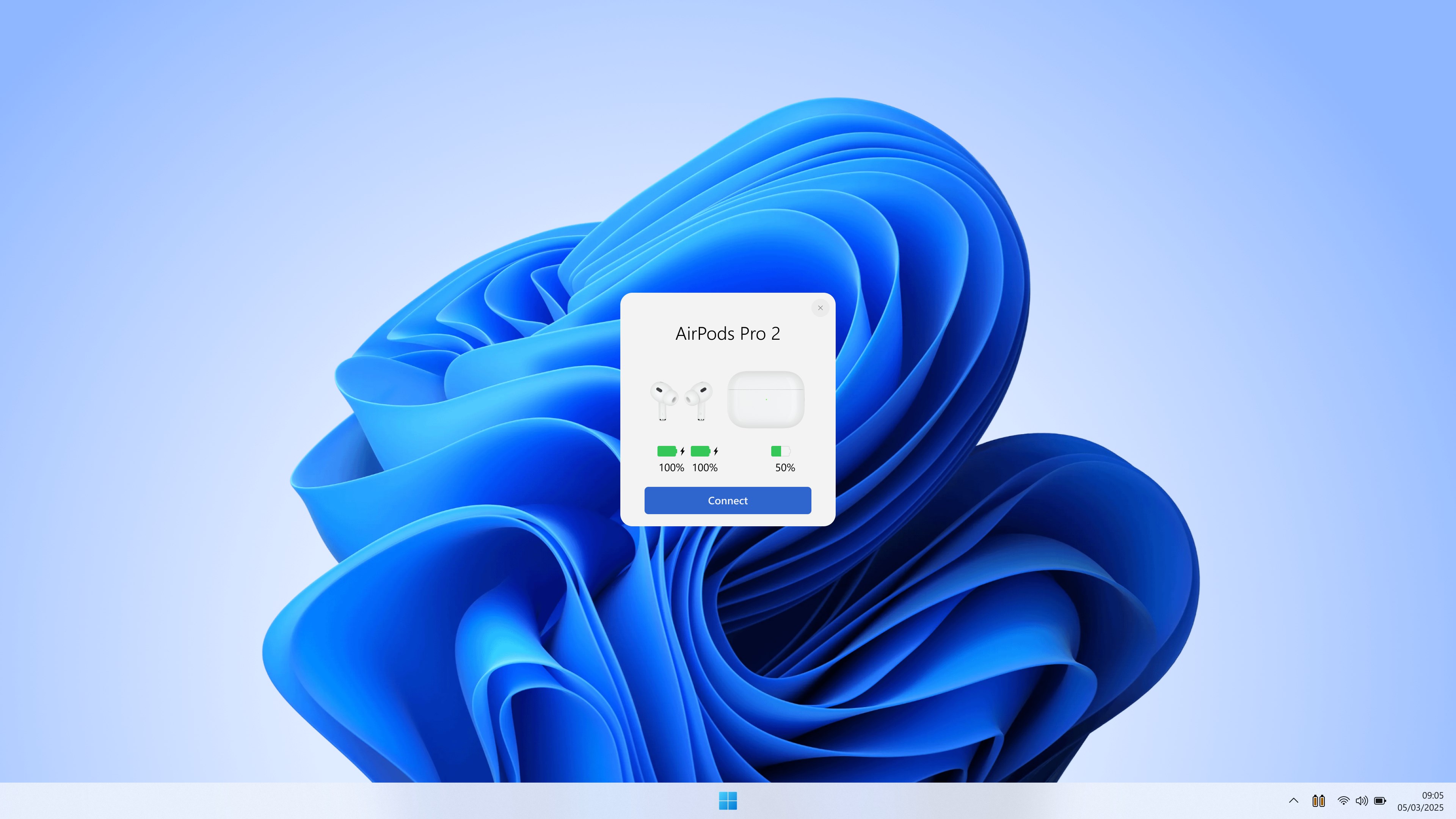
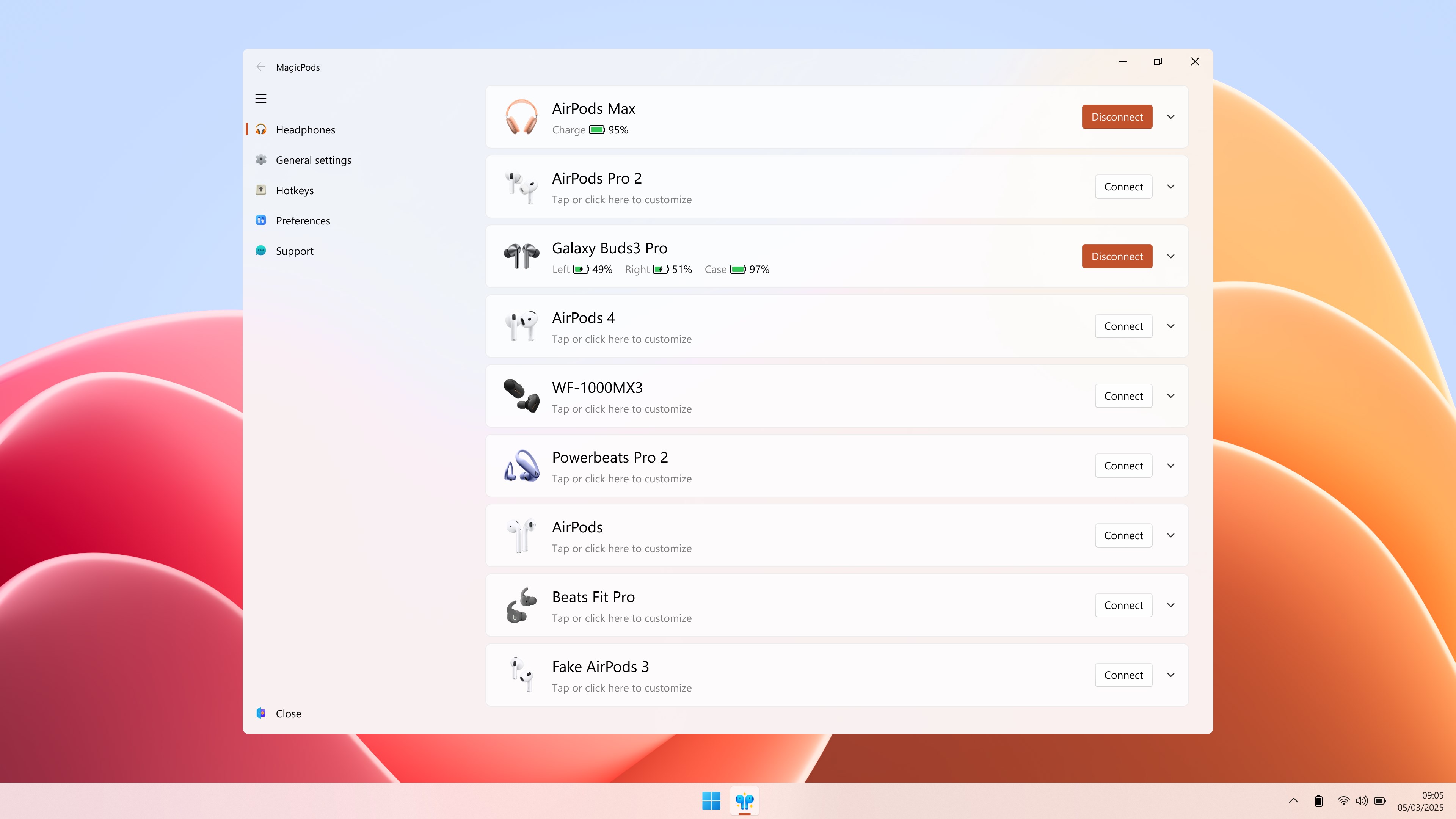
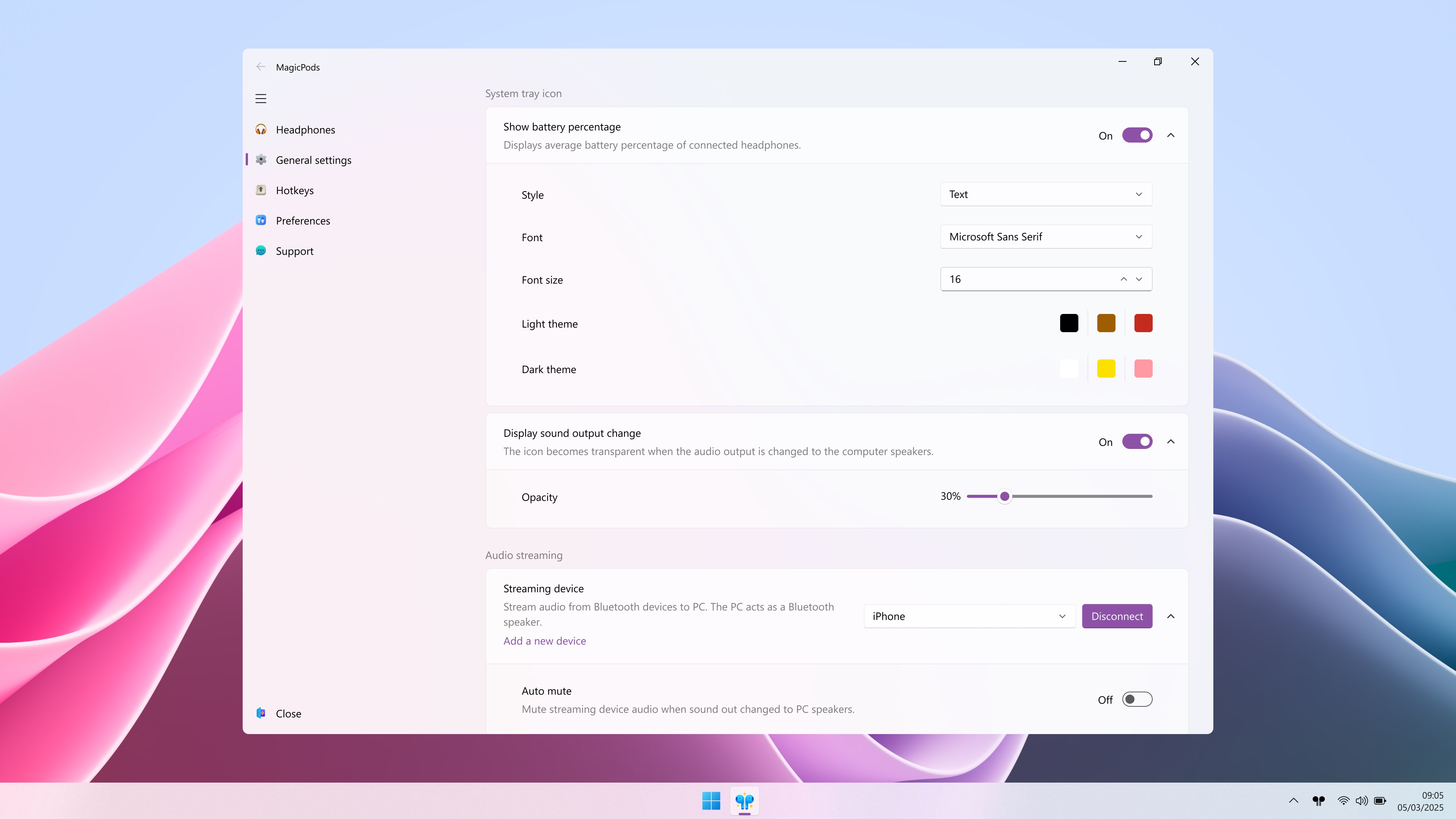
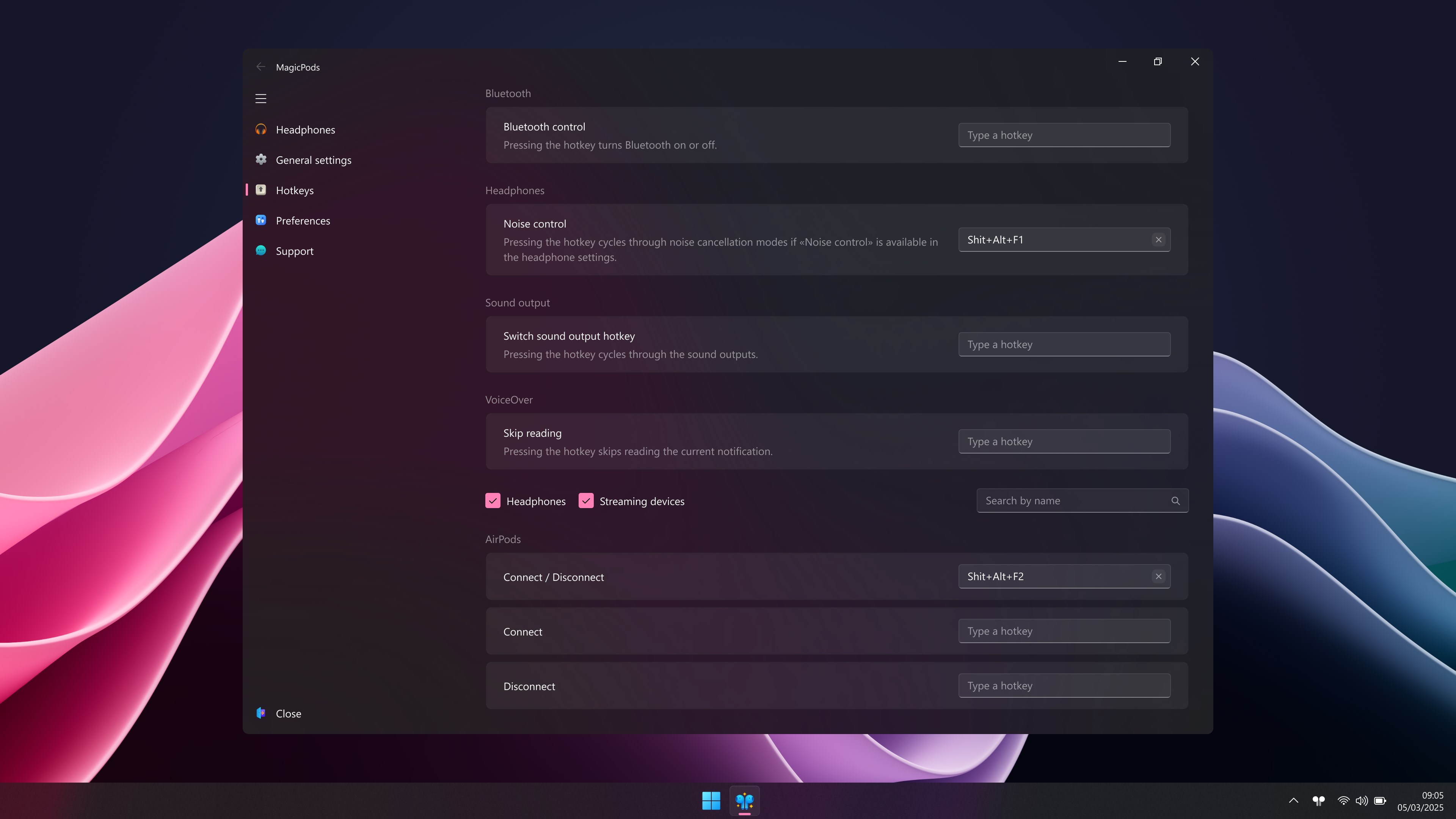
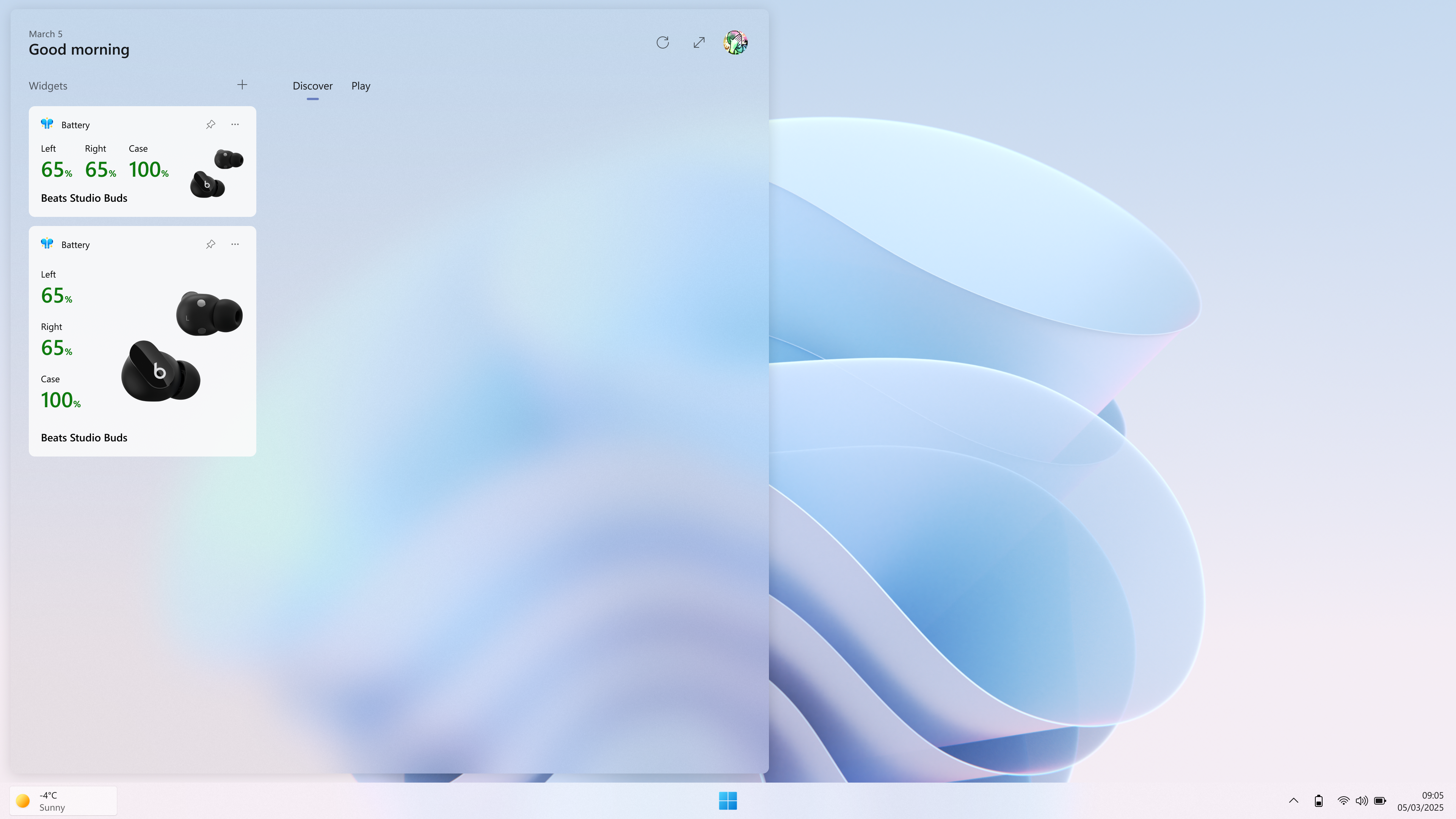
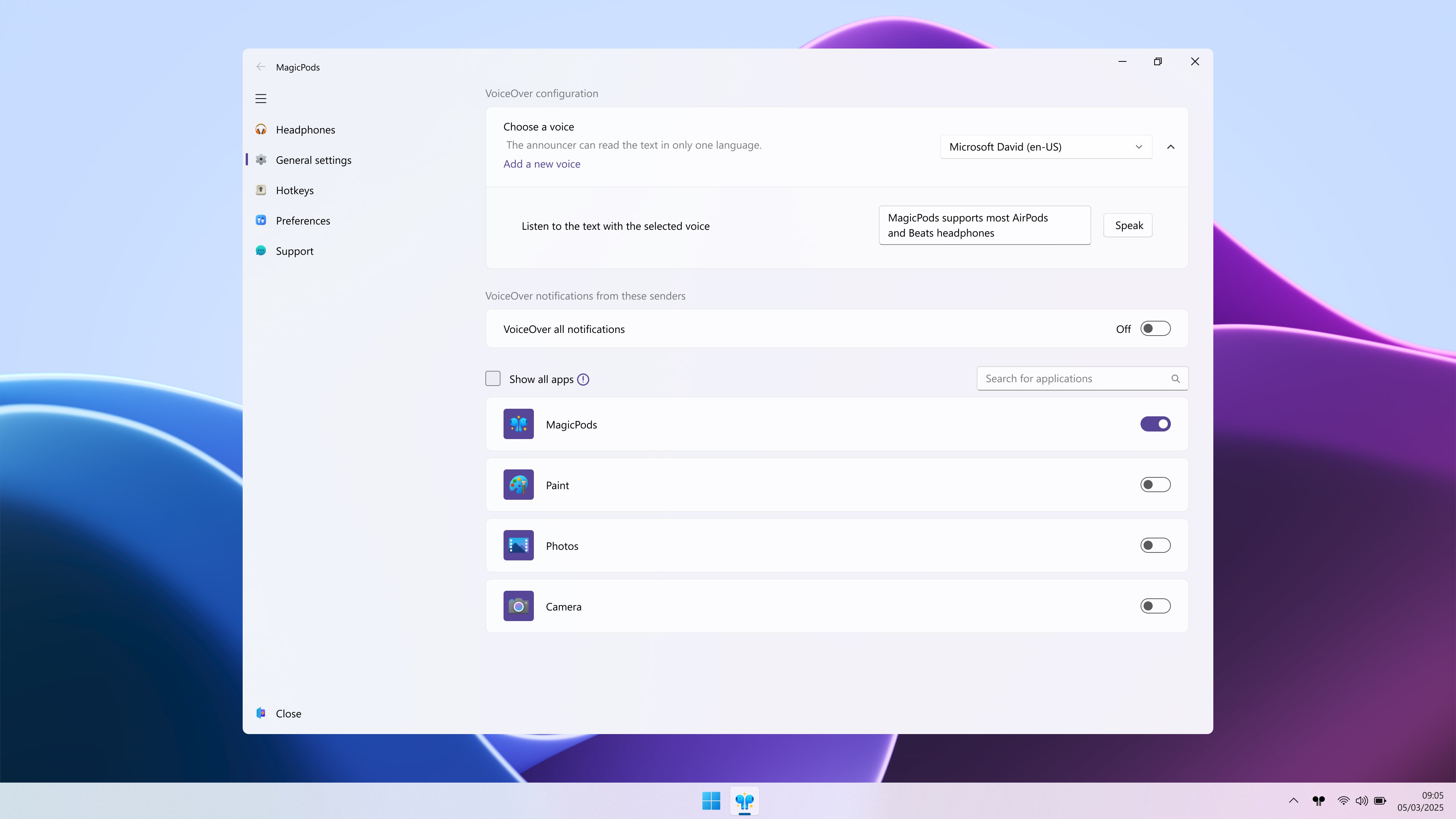
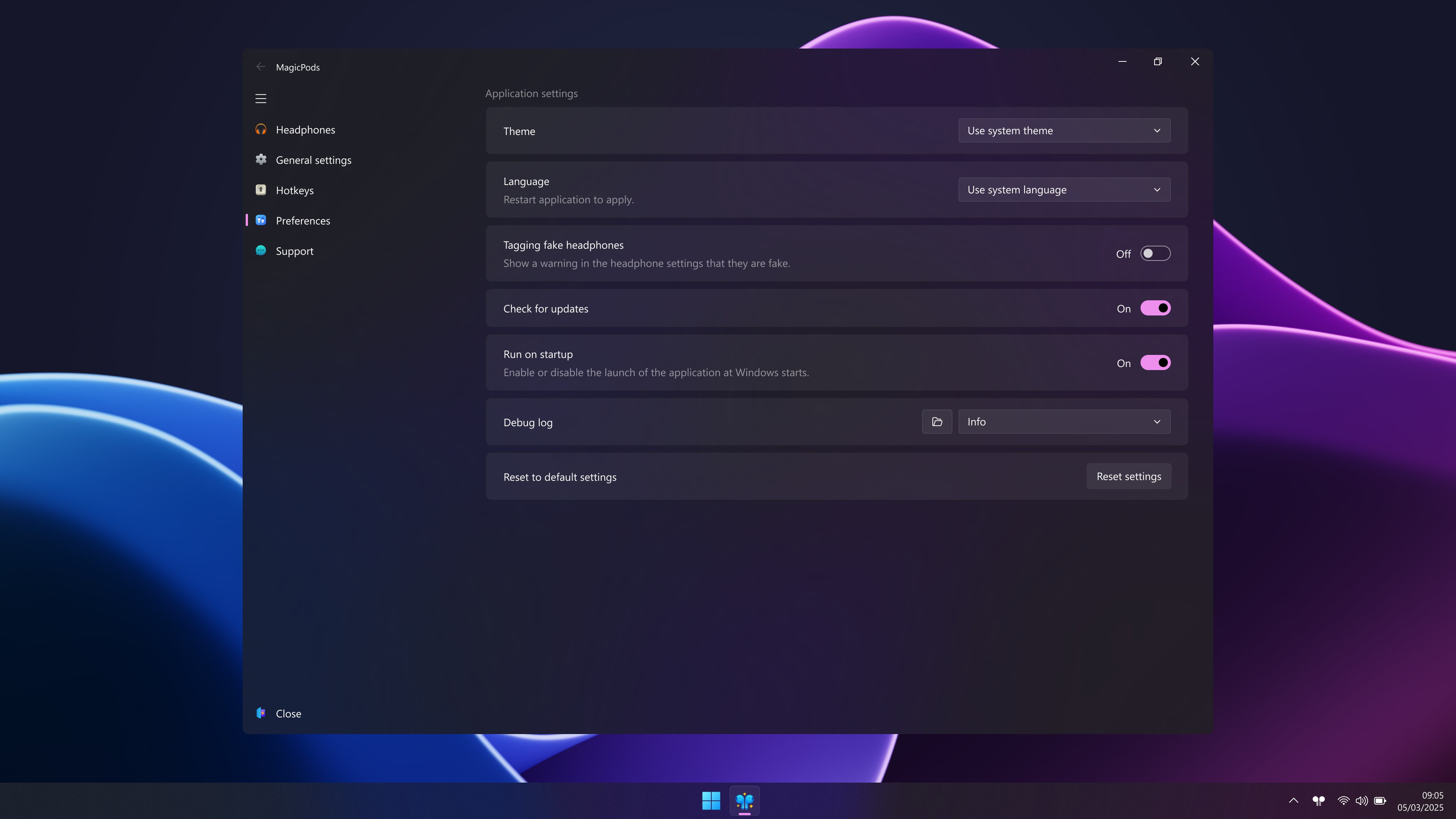
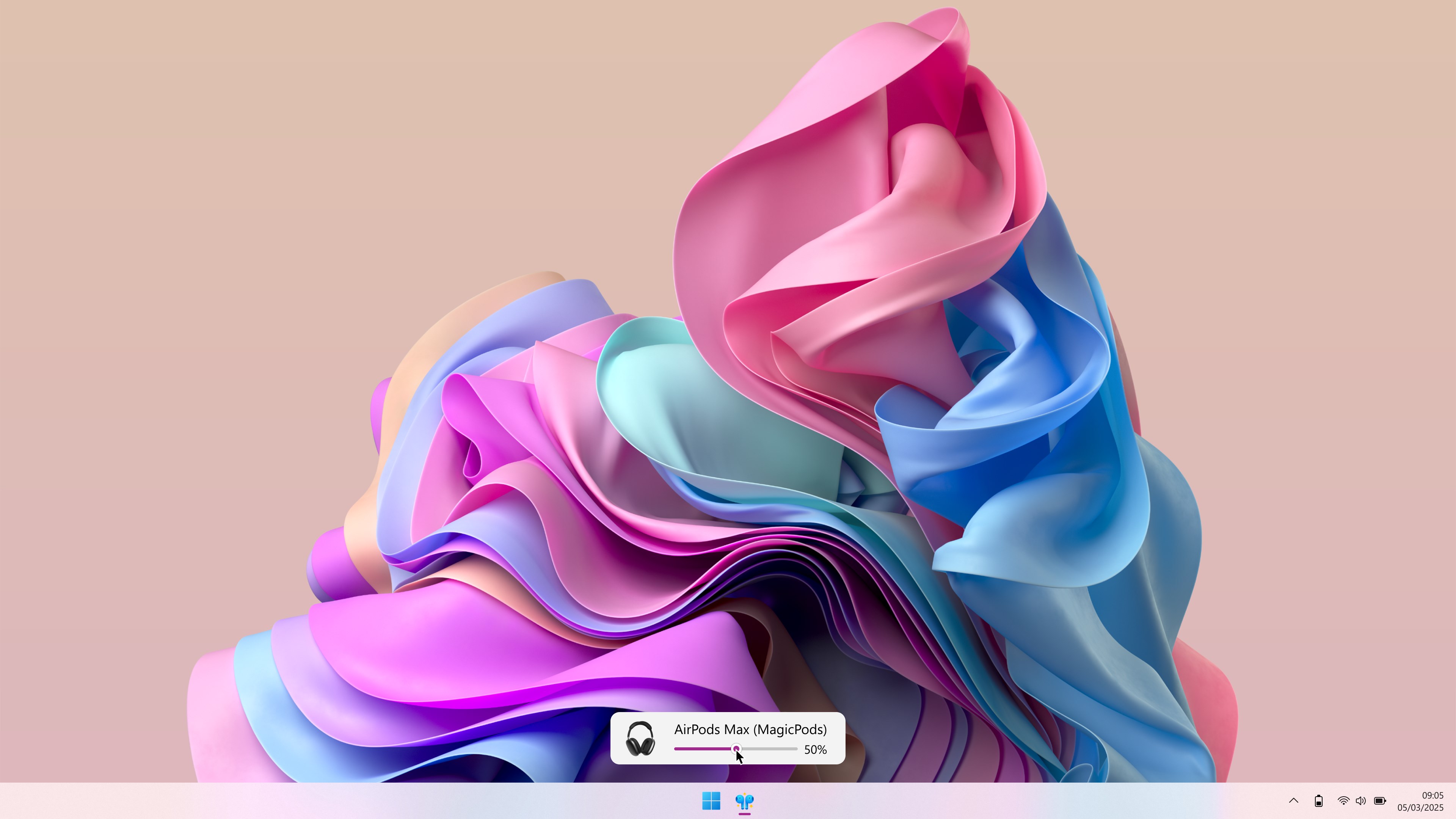
The app sports a clean, modern interface that feels more like a conversation with a knowledgeable friend than a complex control panel. The layout is straightforward: a list of connected devices, status indicators, and quick settings. Operation is so smooth that even users new to audio management find it approachable. The learning curve is very gentle; most interactions feel natural, akin to flipping a light switch rather than wrestling with a complicated menu. Transitioning from traditional Windows sound settings to MagicPods is akin to upgrading from a manual transmission to an automatic—less effort, more efficiency.
Differentiation from Similar Productivity Apps
Unlike most audio management tools that prioritize feature overload, MagicPods emphasizes workflow efficiency and cognitive simplicity. Its unique strength lies in reducing cognitive load—users don't need to remember complex procedures or toggle numerous menus. Instead, it offers a streamlined experience that minimizes distraction by focusing solely on core functionalities. Moreover, its automation features distinguish it from cluttered audio apps—making device switching feel like a natural extension of your workflow rather than an intrusive remnant of technical clutter.
Final Thoughts and Recommendations
MagicPods for Windows is a solid choice for anyone seeking a smarter way to control multiple audio devices without the headache. Its focus on seamless workflow integration and cognitive load reduction makes it stand out among similar utilities. For professionals who frequently switch audio peripherals or gamers who need quick toggling without breaking immersion, this app can significantly enhance your productivity and listening experience. I recommend giving it a try if you value simplicity and efficiency in your daily digital routines.
Pros
- Seamless wireless connectivity
- Excellent sound quality with noise cancellation
- Long battery life
- Intuitive touch controls
- Compact and ergonomic design
Cons
- Limited app customization options
- Occasional connectivity drops
- Battery indicator accuracy could be improved
- Limited customization for touch controls
- Case charging time slightly longer than competitors











