
Frequently Asked Questions
How do I start a new Mahjong King game?
Open Mahjong King, tap 'Play,' select your preferred difficulty level, then start matching tiles to clear the board.
Can I play Mahjong King on my tablet?
Yes, Mahjong King supports tablet devices; just download the app and enjoy on larger screens for better gameplay.
How do I change the difficulty level?
Go to Settings > Difficulty, then select easy, normal, or hard according to your skill level.
What types of Mahjong tile pictures are available?
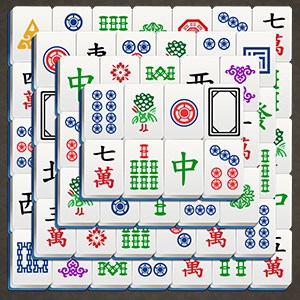
The game offers six different Mahjong tile picture types; you can select or switch them in the settings menu.
How do hints and shuffles work in Mahjong King?
Do I need to pay to remove ads or unlock features?
Some features may be available via in-app purchases; check the Shop section for options and prices.
How can I upgrade or subscribe for extra benefits?
Visit Settings > Account > Subscription to view and subscribe to premium plans for extra features.
Is Mahjong King free to download and play?
Yes, the app is free to download and play; optional in-app purchases are available for additional features.
What should I do if the game crashes or freezes?
Are there any time limits in Mahjong King?
No, there are no time limits; you can enjoy the game at your own pace without pressure.
You May Like

Gardenscapes
for Windows
4.8
Simple Mahjong
for Windows
4.8
Mahjong Free !
for Windows
4.8
Microsoft Sudoku
for Windows
4.8
Homescapes
for Windows
4.8
Jigsaw Puzzle Mania
for Windows
4.8
Park Town: Match 3 Game with a story
for Windows
4.8
Sudoku
for Windows
4.8
Candy Crush Jelly Saga
for Windows
4.7
Manor Matters
for Windows
4.7
Candy Crush Soda Saga
for Windows
4.7
Cross Stitch Colorful Art
for Windows
4.7