
Frequently Asked Questions
How do I start playing Malu the Princess on Windows?
Download and install the app from the official store, open it, and follow the on-screen prompts to begin your adventure.
What are the main controls for character movement?
Use keyboard arrow keys or WASD to move Malu, and spacebar to jump. Customize controls in the settings menu for comfort.
How many levels are available and are they difficult?
The game features 40 challenging levels that progressively increase in difficulty, testing your reflexes and skills.
What are the key features of Malu the Princess?
It includes 40 levels, various enemies and traps, and fast-paced, fluid gameplay designed to challenge your reflexes.
Can I customize the difficulty or game controls?
Yes, you can adjust control settings and difficulty levels through the game's Settings menu to suit your skill level.
Are there in-app purchases or subscription options?
The app offers optional in-app purchases for cosmetics or boosters; check Settings > Store for available options.
How do I purchase in-game items or upgrades?
Go to Settings > Store within the app to view and purchase available items using your preferred payment method.
Is there a way to restore my purchases if I reinstall the app?
Yes, sign into your account within the app and select 'Restore Purchases' in the Store menu to recover previous transactions.
What should I do if the game crashes or freezes?
Close the app, restart your device, and reopen the game. Ensure your system meets the minimum requirements and update if needed.
You May Like
Cuphead
for Windows
4.7
Cuphead & The Delicious Last Course
for Windows
4.7
Celeste
for Windows
4.6
Ultimate Chicken Horse
for Windows
4.4
Level Devil: Troll Platformer
for Windows
4
Planet of Lana II
for Windows
3.8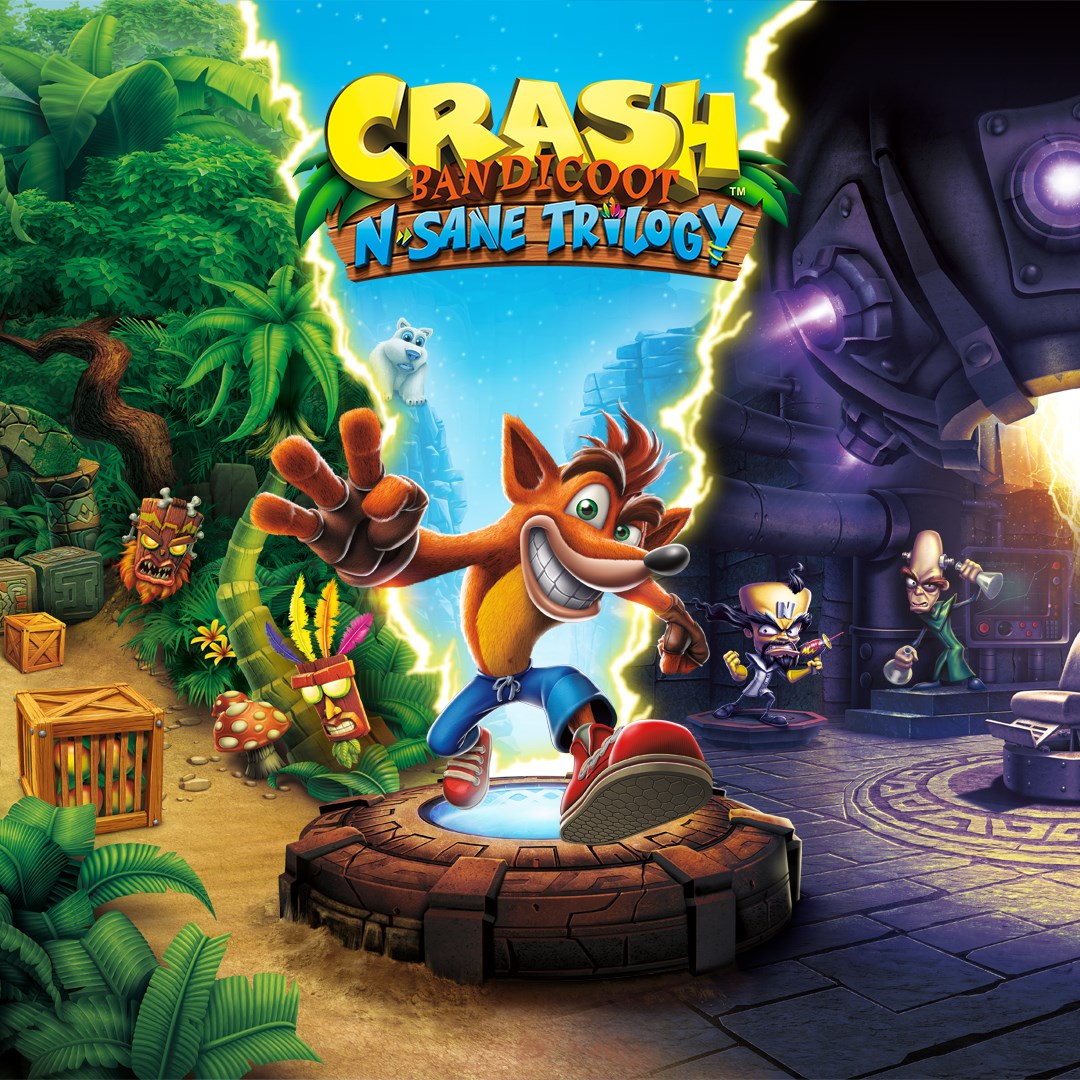
Crash Bandicoot™ N. Sane Trilogy
for Windows
3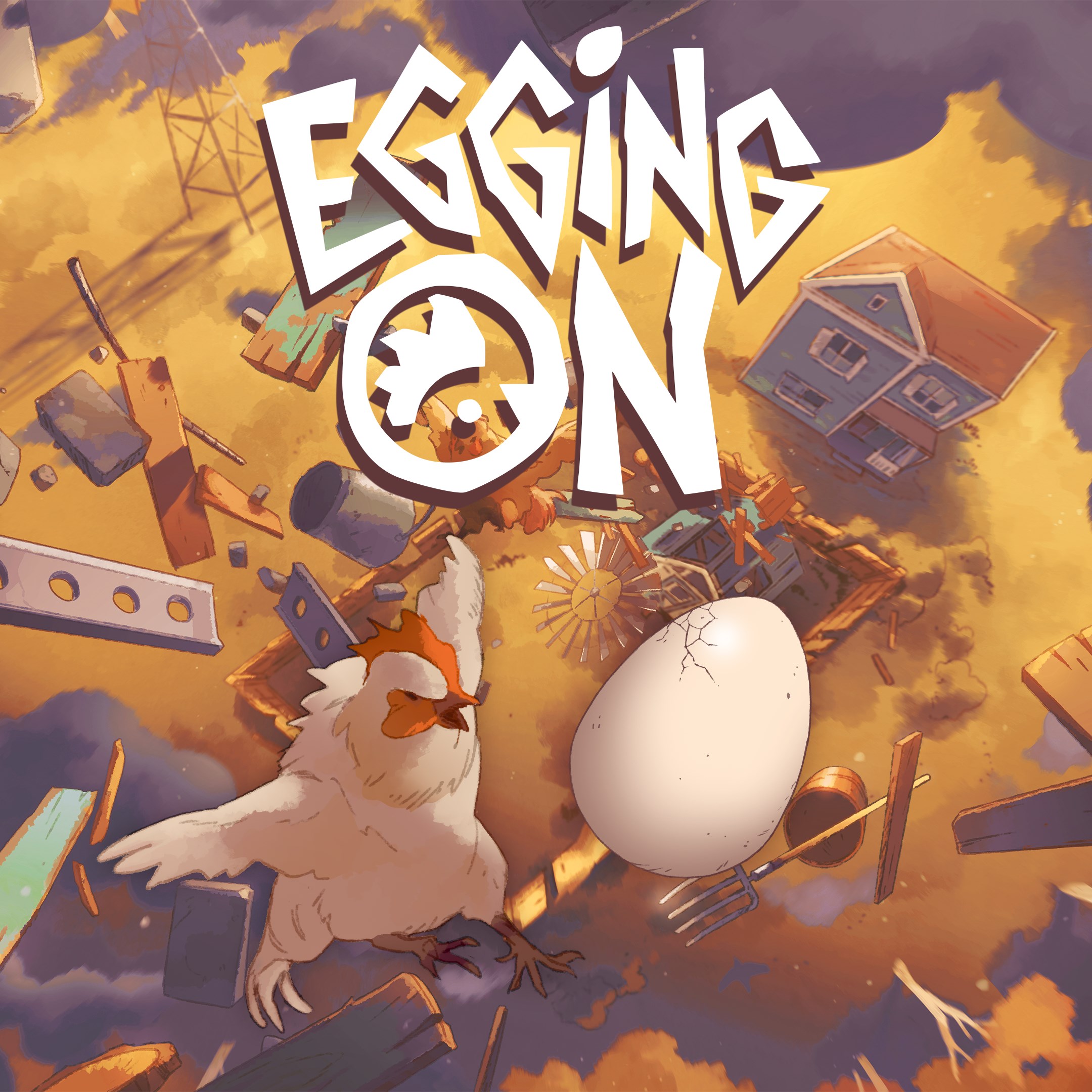
Egging On
for Windows
2.6
BEAR ESCAPE MISSION (WINDOWS)
for Windows
0
Metal Shoot (Windows)
for Windows
0
Stellar Docks (Windows)
for Windows
0
Penguin Flight (Windows)
for Windows
0