

- Category Navigation & maps
- Available on PC
- OS Windows 8.1 or higher
- languages Chinese (Simplified), Chinese (Traditional Chinese), Danish, Dutch, English (United States), Finnish, French, German, Hindi, Italian, Polish , Portuguese, Russian, Serbian (Cyrillic), Serbian (Latin), Spanish, Swedish
An Overview of Maps Pro for Windows
Maps Pro for Windows is a versatile navigation application crafted to enhance your mapping and route planning experience on desktop environments. With its robust features, it aims to serve both casual explorers and professional users seeking accurate, user-friendly map solutions.
Developer and Core Features
Developed by Nicollet Fabien, Maps Pro for Windows stands out in the navigation app landscape with its focus on comprehensive mapping tools. Its main highlights include detailed offline maps, real-time route updates, and customizable map layers. Designed to cater to a broad audience—from travelers to logistics managers—the app provides valuable tools for anyone needing reliable geographic information and navigation support.
Engaging Your Journey: Why Maps Pro Feels Like a Trusted Companion
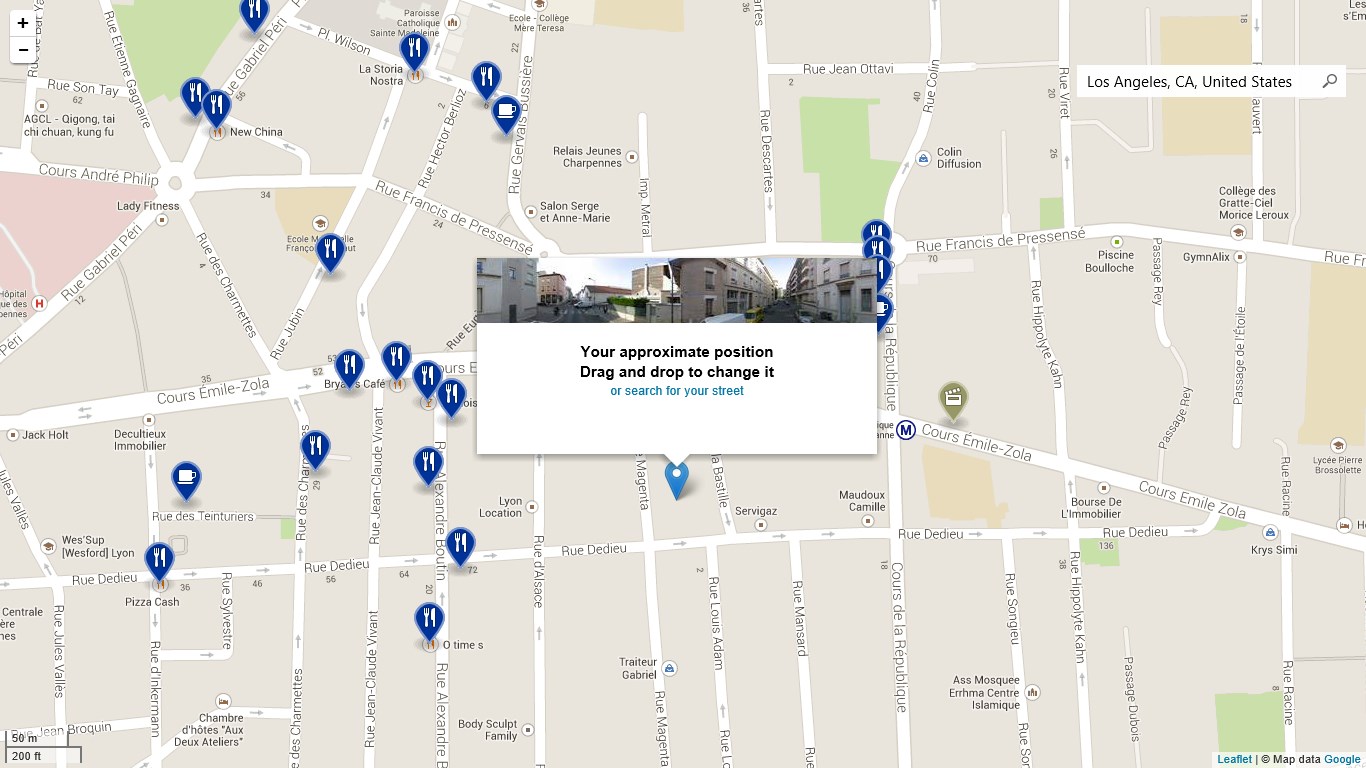
Imagine planning a road trip or navigating an unfamiliar city—Maps Pro transforms this experience from daunting to effortless. The interface is intuitive, charting a course like a friendly guide holding your hand through a complex city maze. The attention to detail and smooth performance make exploring digital maps feel as easy as flipping through a well-organized atlas, but with the convenience of digital magic.
Powerful Map Customization and Offline Capabilities
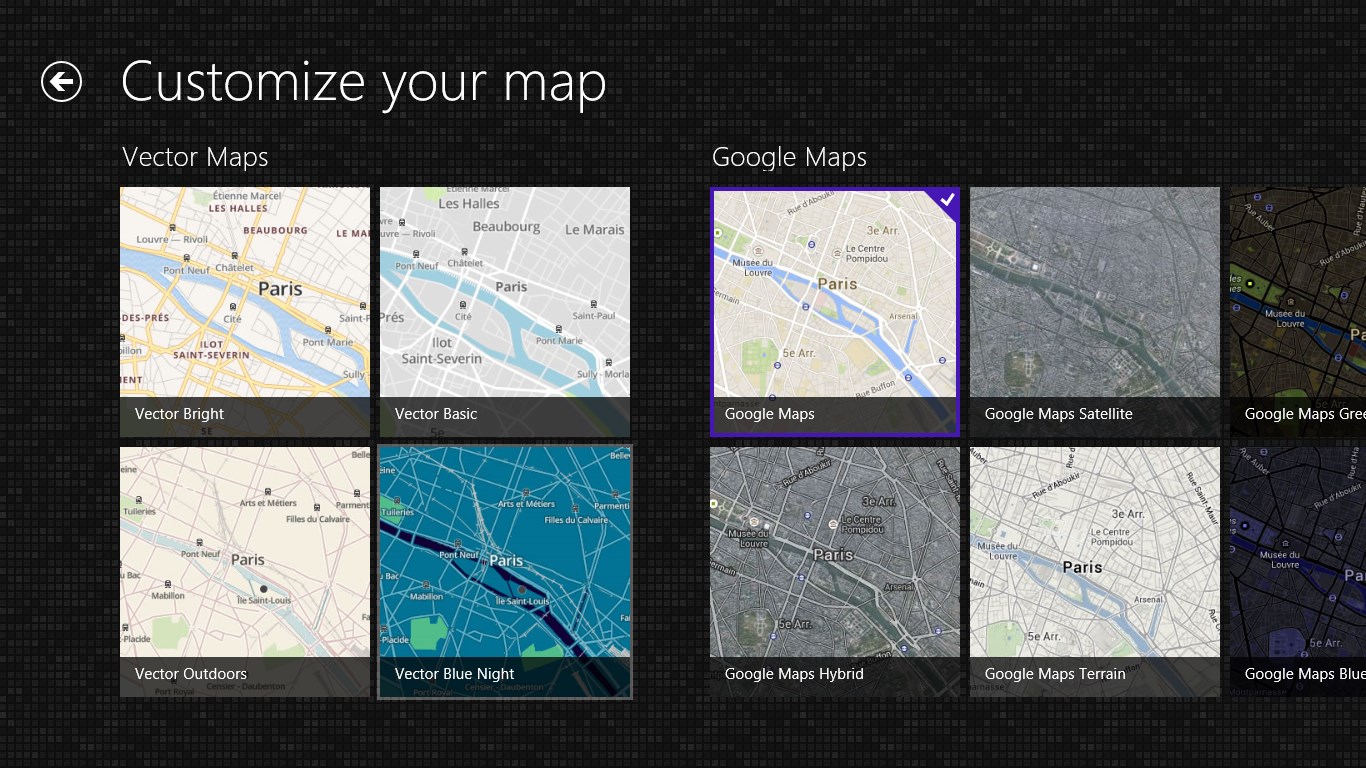
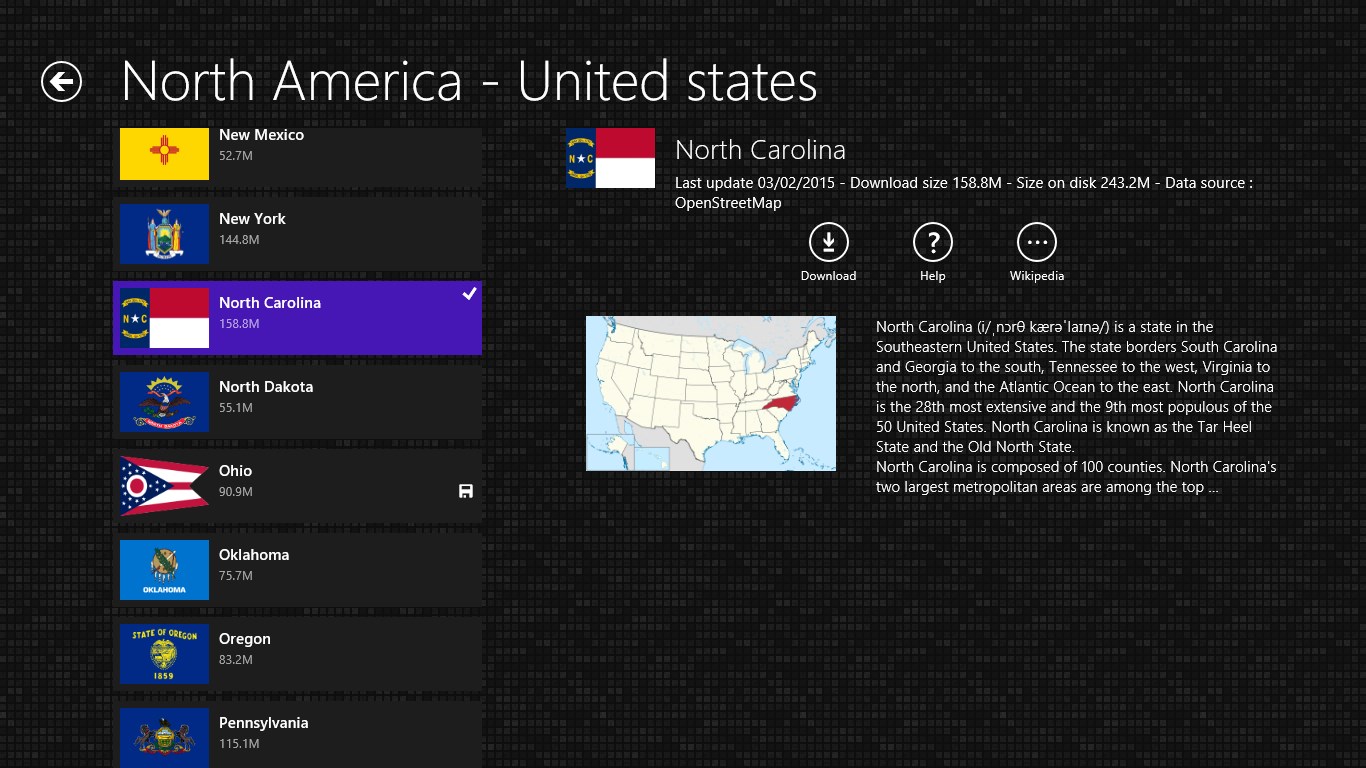
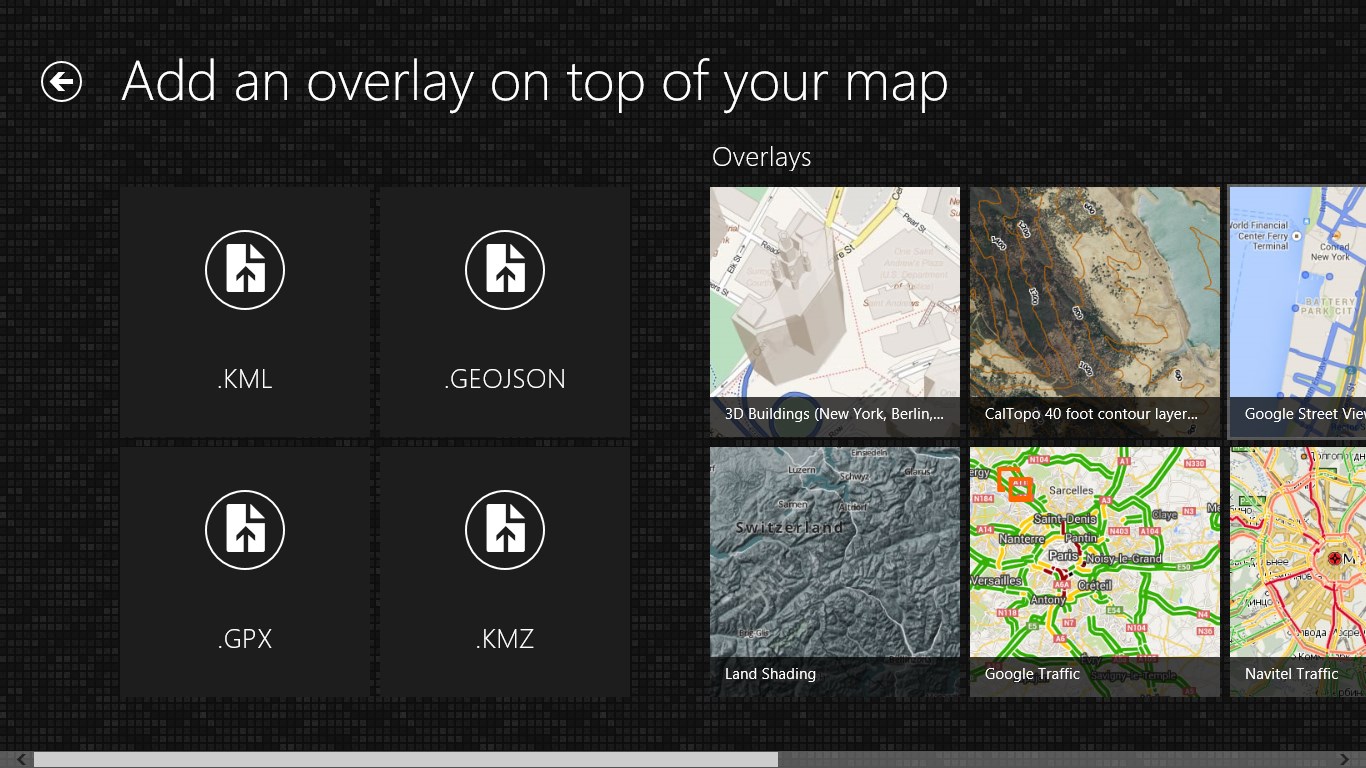
One of the standout features of Maps Pro is its robust offline map functionality. Users can download detailed maps of specific regions and access them anytime, anywhere—perfect for those venturing into areas with poor or no internet connection. This offline mode isn't just a basic feature; it includes layered map options, such as terrain, satellite view, and traffic overlays, allowing users to tailor the visual information to their needs.
Compared to many other navigation apps that require constant online access, Maps Pro's offline maps give you peace of mind and uninterrupted service—think of it as having your personal GPS in your pocket even in the most remote locations.
Real-Time Navigation and Route Planning
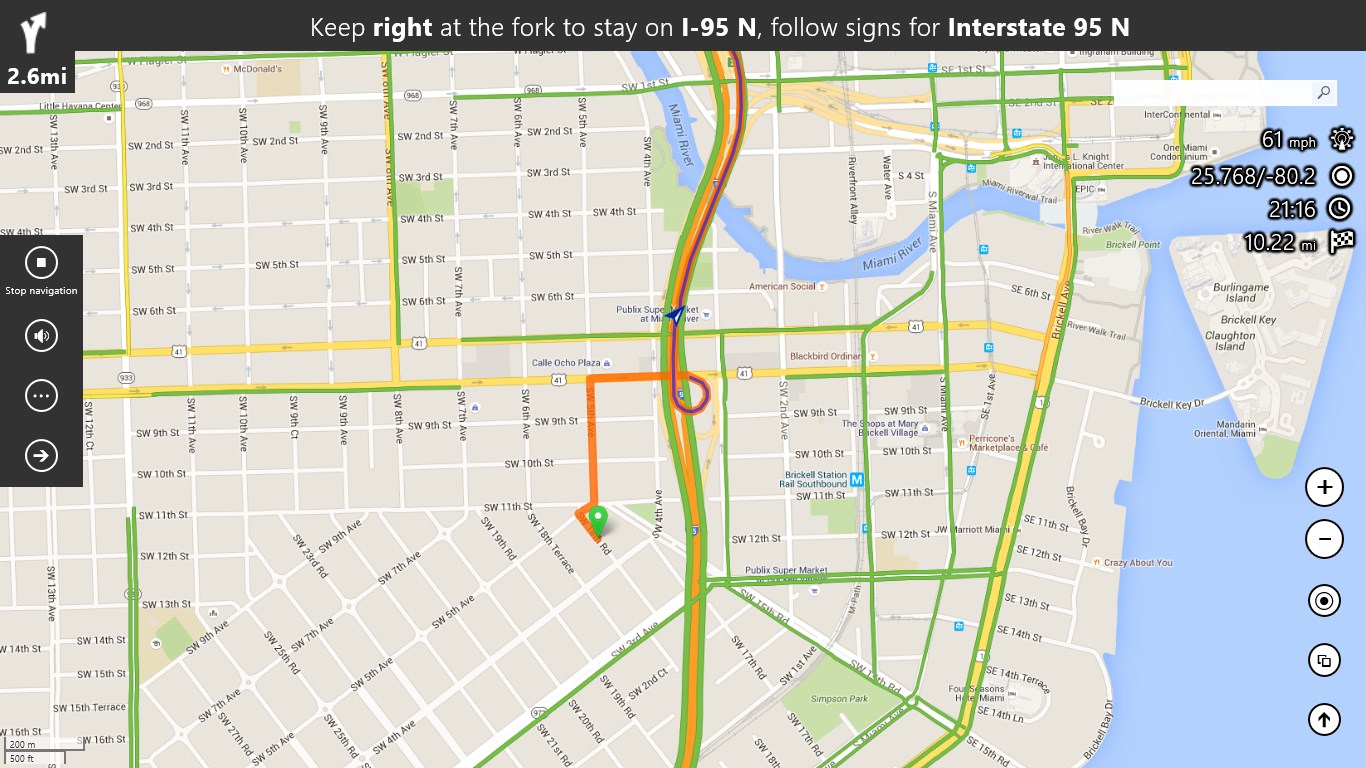
The app excels in providing dynamic, real-time route updates. Whether you're navigating busy streets or rural paths, Maps Pro adapts instantly to changing traffic conditions, providing the fastest and most efficient routes. Its route optimization feature is particularly useful for professionals managing multiple deliveries or logistics operations, as it helps save time and fuel.
Additionally, you can set waypoints and customize routes, making it flexible enough for complex trip planning. The map's clarity and responsiveness after setting a route make follow-up navigation smooth—no frustrating lag or confusing graphics to disrupt your focus.
User Interface and User Experience
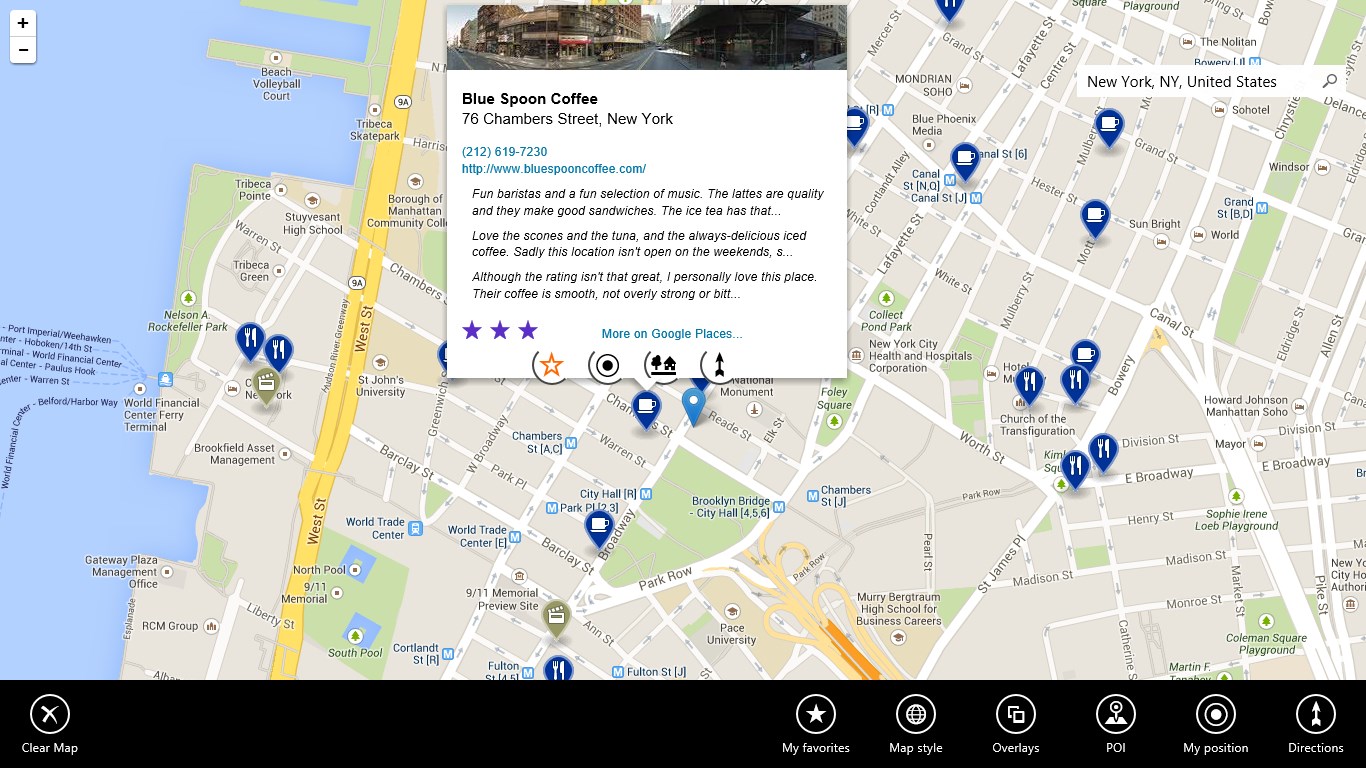
Maps Pro features a clean, modern design that balances simplicity with functionality. Its interface feels like a well-organized car dashboard—everything you need is accessible without clutter or overload. The learning curve is gentle; even new users can quickly grasp the essentials thanks to its straightforward menu structure and helpful onboarding prompts.
Operation feels smooth, with swift map rendering and responsive controls that elevate the overall experience. Navigation through layers, setting waypoints, and switching views happen seamlessly—much like turning pages in a well-loved travel journal. This polished experience makes the app not just functional but also pleasant to use.
What Sets Maps Pro Apart from the Crowd?
While many navigation apps share core features like routing and map display, Maps Pro's uniqueness lies in its comprehensive offline capabilities combined with detailed layer customization. The ability to download multi-layer maps and access them offline, combined with real-time updates, makes it especially appealing for users who need reliable navigation without dependence on constant internet connectivity. It's akin to having a detailed, interactive paper map and a GPS device combined into one sleek software package.
Furthermore, its focus on user-friendly design and flexible route planning positions it as a practical tool—not just for tech enthusiasts but for everyday users seeking dependable guidance.
Final Thoughts and Recommendations
Overall, Maps Pro for Windows offers a compelling package for those looking for a reliable, feature-rich navigation tool. Its strongest points—offline map access and customizable layers—make it stand out among similar applications. If you often find yourself in areas with spotty connectivity or need detailed map control, this app is a practical companion.
While it excels in many areas, newcomers should expect a minimal learning curve, thanks to its intuitive layout. I recommend it especially for travelers, outdoor enthusiasts, and professionals who need dependable navigation without always relying on internet connectivity. For casual users with basic needs, exploring the free trial or simpler alternatives might be sufficient, but for advanced users seeking robust features, Maps Pro is worth your consideration.
Pros
- User-friendly interface
- Accurate real-time traffic updates
- Offline map downloads
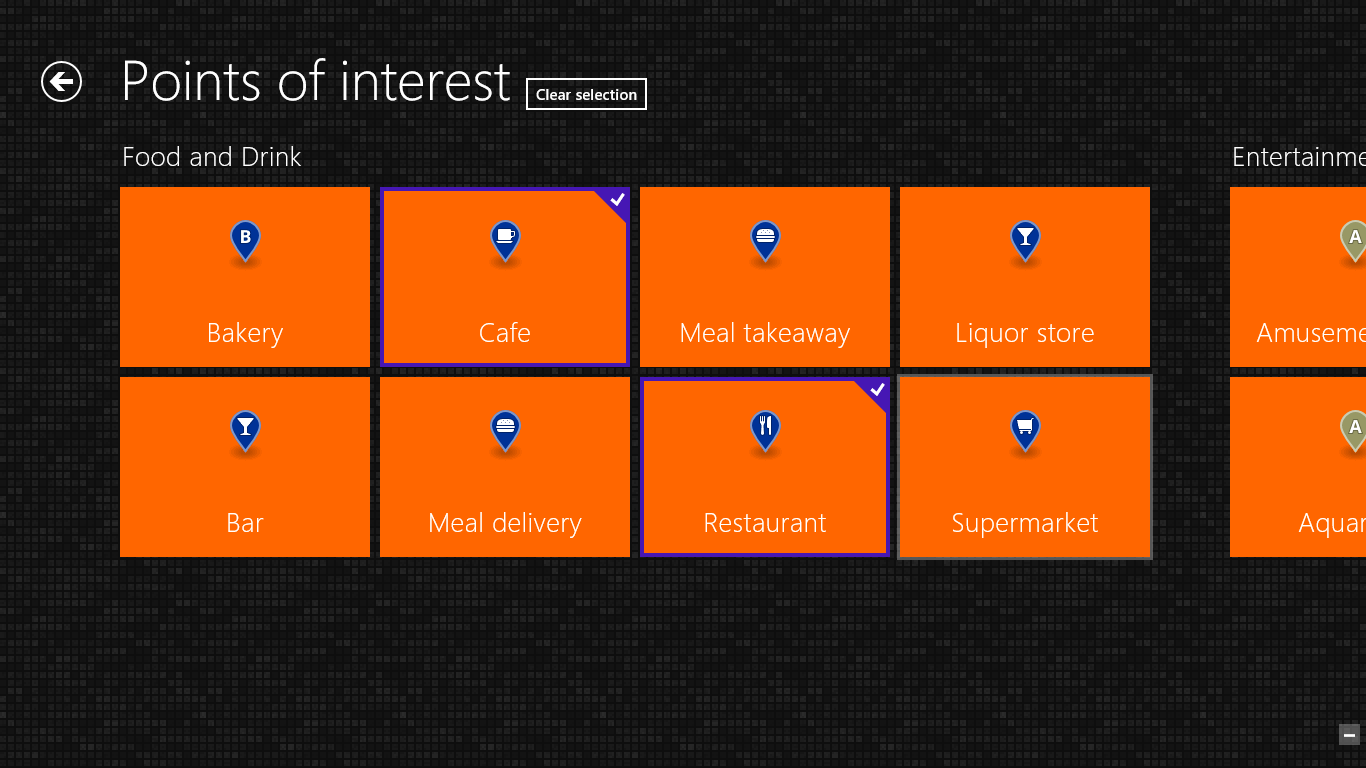
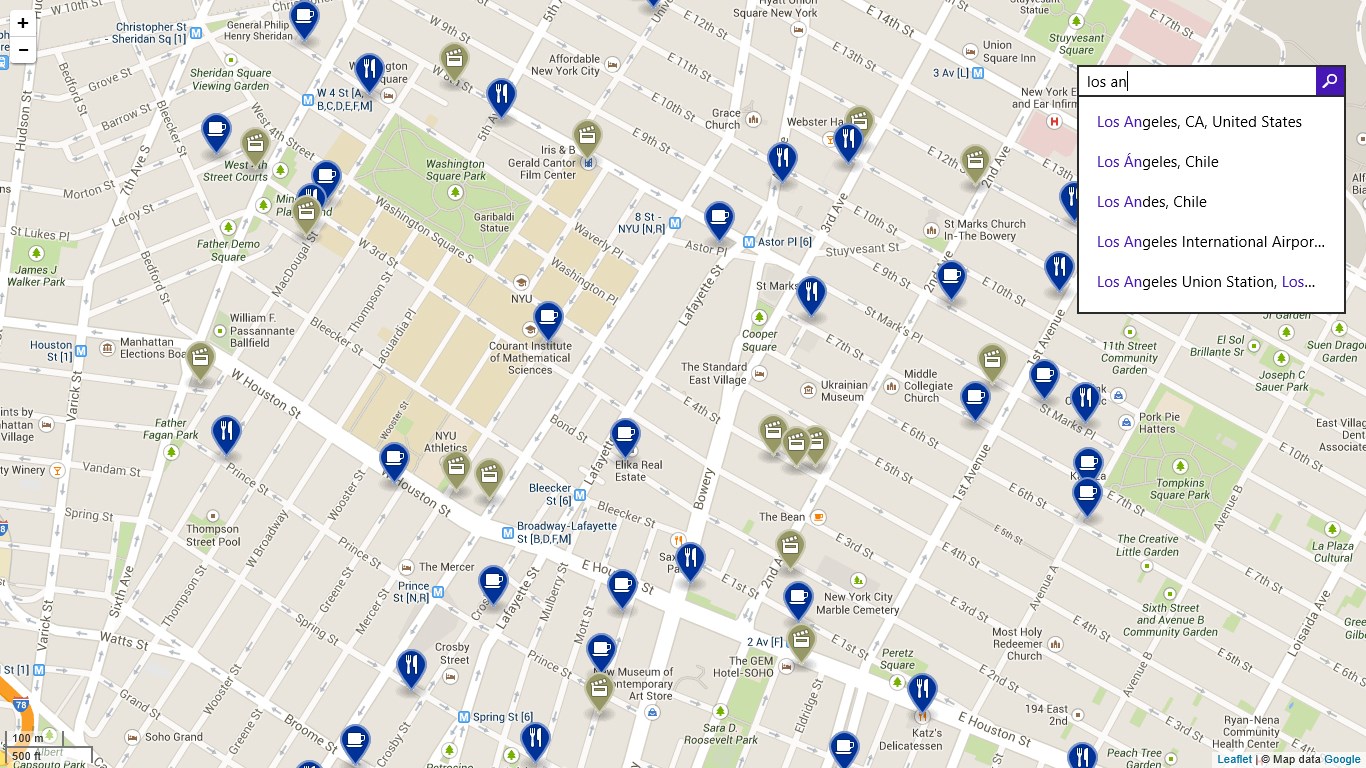
- Comprehensive point of interest data
- Regular updates and improvements
Cons
- Occasional slow loading times
- Limited customization options
- Inaccurate POI data in remote areas
- Battery consumption is high during extended usage
- Limited multi-language support