
- Category Strategy
- Developer Gameloft SE
- Available on PC
- OS Windows 10 version 18362.0 or higher
- languages Arabic, Chinese (Simplified), Chinese (Traditional Chinese), English, French, German, Hindi, Indonesian, Italian, Japanese, Korean, Polish, Portuguese, Russian, Spanish, Thai, Turkish
Unveiling the Majesty: A Deep Dive into March of Empires on Windows
For those who dream of ruling vast territories and forging mighty civilizations from the ground up, March of Empires for Windows offers a grand strategy experience that marries medieval conquest with modern gaming finesse. Developed and published by Gameloft SE, this title seeks to immerse players into a world of war, diplomacy, and empire-building, all within a sleek and user-friendly interface.
Essentials at a Glance: What Is March of Empires?
March of Empires is a strategic simulation game set in a medieval fantasy universe, where players construct and expand their kingdoms through strategic decisions, military campaigns, and alliances. Gameloft SE, renowned for their polished mobile and PC titles, brings its signature quality to this game, aiming to captivate fans of large-scale strategy with engaging mechanics and a visually appealing presentation.
Key features that stand out include dynamic city management, real-time multiplayer battles, and diplomatic alliances. It's designed primarily for fans of strategy games who enjoy balancing resource management with tactical combat, making it ideal for players aged 16 and above who enjoy deep gameplay with competitive elements.
Captivating Gameplay and Design: What Makes It Tick?
A Royal Introduction: Setting the Stage for Empires
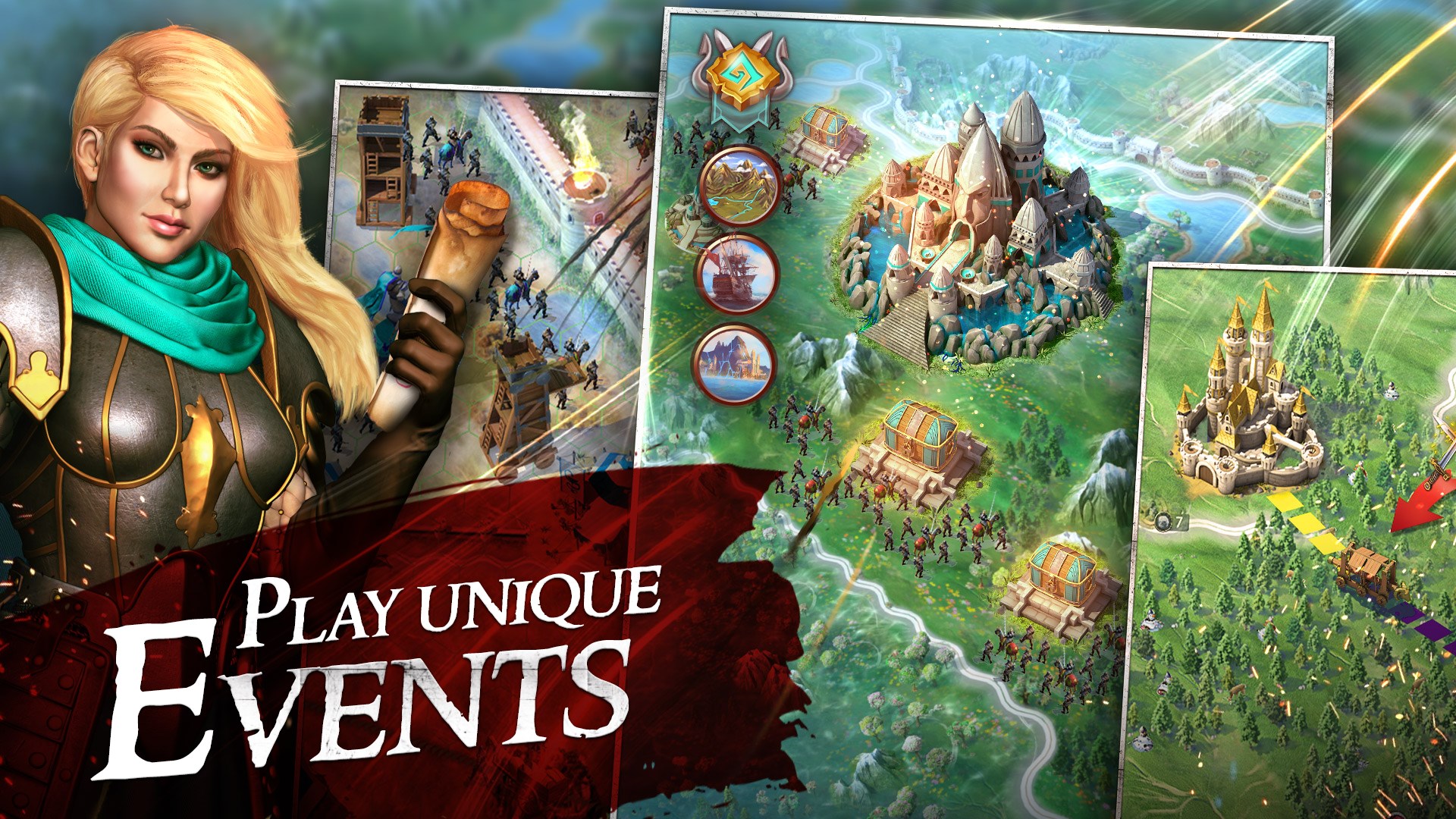
Sitting comfortably at your computer, you're greeted by a richly detailed medieval map, reminiscent of a parchment scroll unfolding into a battlefield of endless possibility. The game's initial tutorial walks you through constructing your first settlement, assigning resource gatherers, and engaging in small-scale battles—all narrated in a friendly yet informative tone. The interface feels intuitive, akin to flipping through the pages of a well-illustrated strategy manual, which eases new players into the complex world of empire-building without overwhelming them.
Core Functionality One: City Building and Resource Management
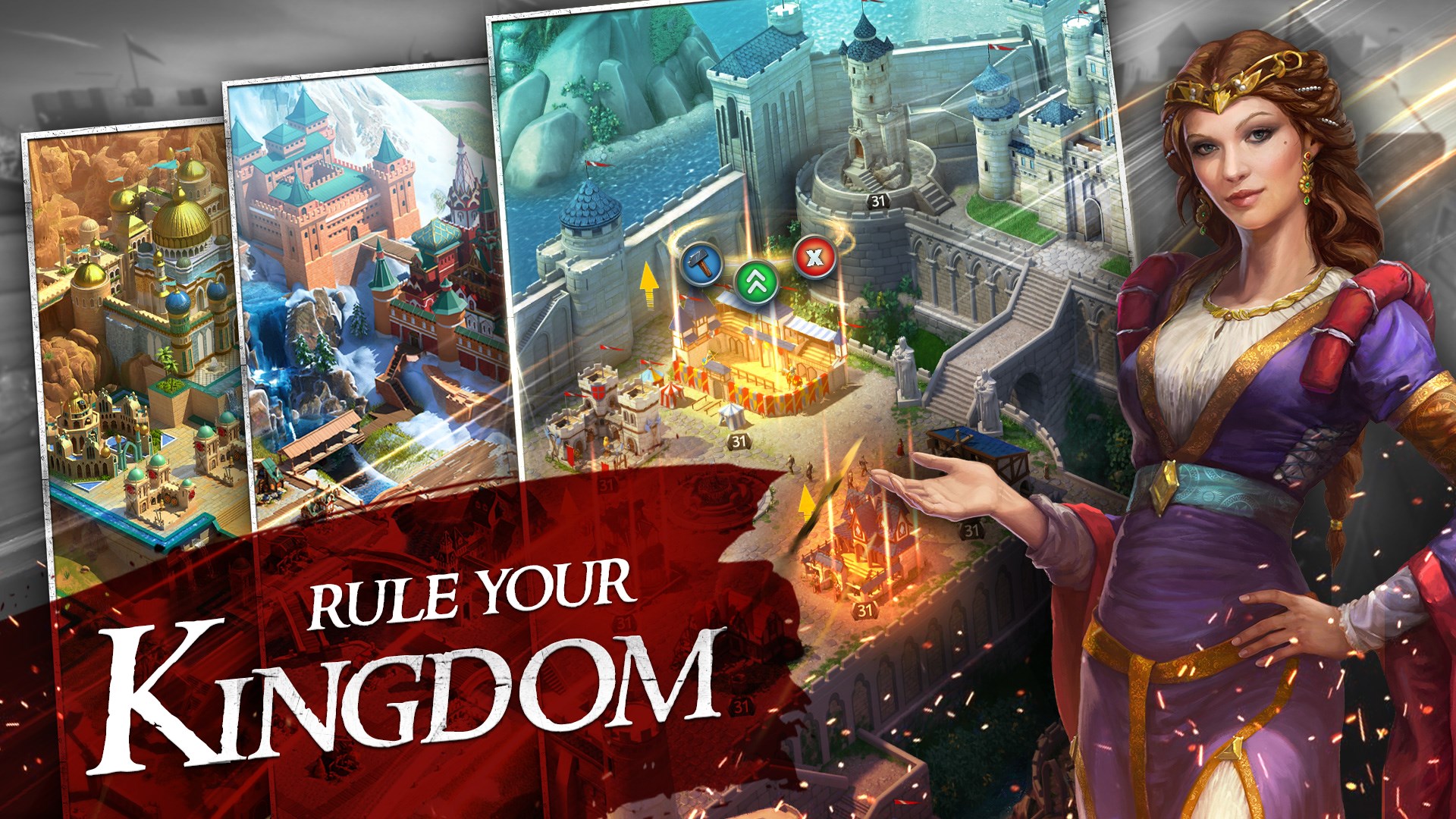
This foundational aspect is akin to tending a flourishing garden: careful planning ensures your empire's growth. The game offers a variety of buildings—from farms and barracks to magic towers—that players upgrade progressively to unlock new features and armies. What sets March of Empires apart here is its balance between depth and clarity; the interface consolidates critical information without clutter, guiding players on what to prioritize to avoid resource overload. The seamless flow of mechanics allows for continuous development, making each decision feel impactful but manageable—similar to tending a complex yet harmonious landscape.
Core Functionality Two: Military Strategy and Real-Time Battles
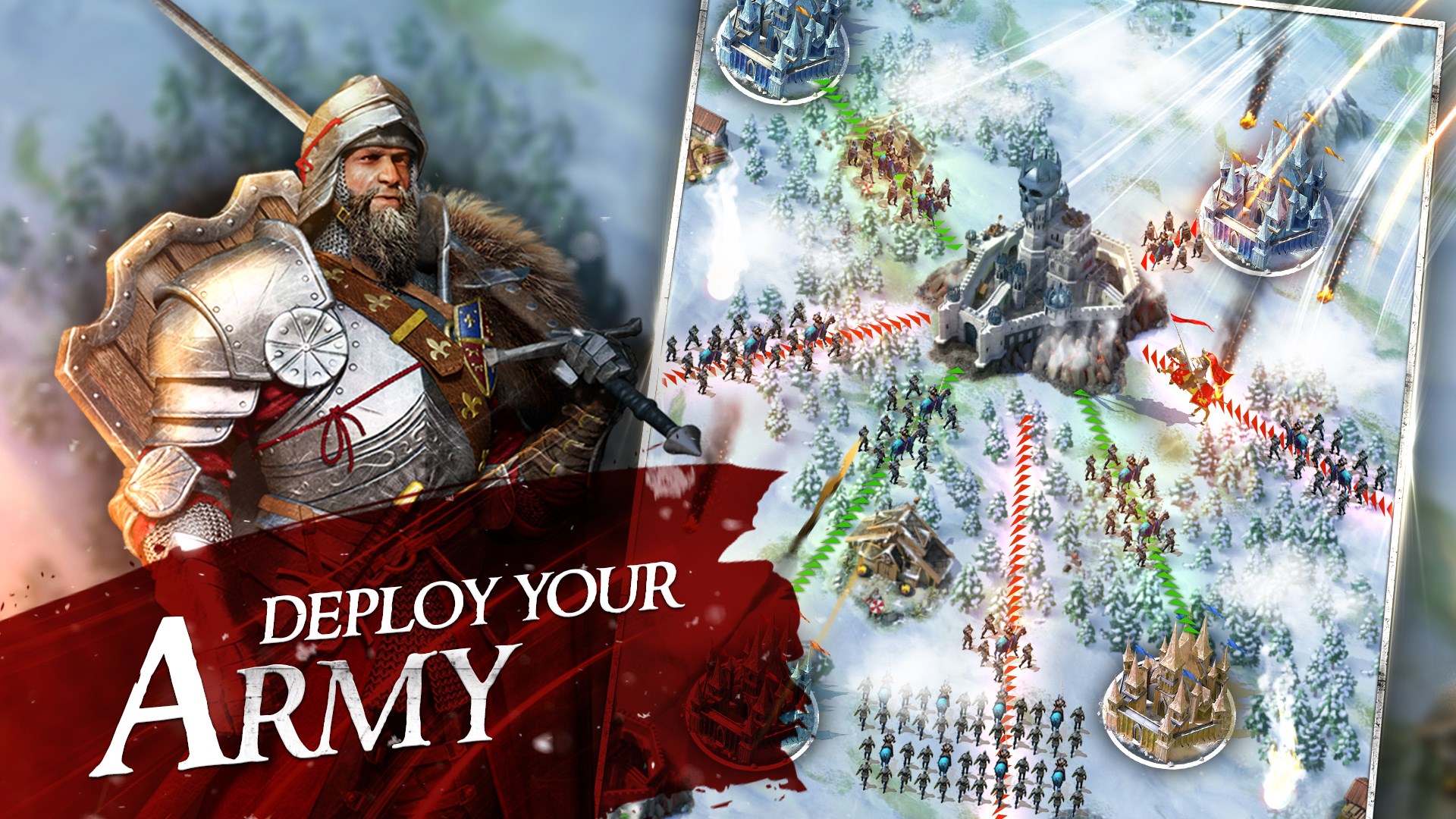
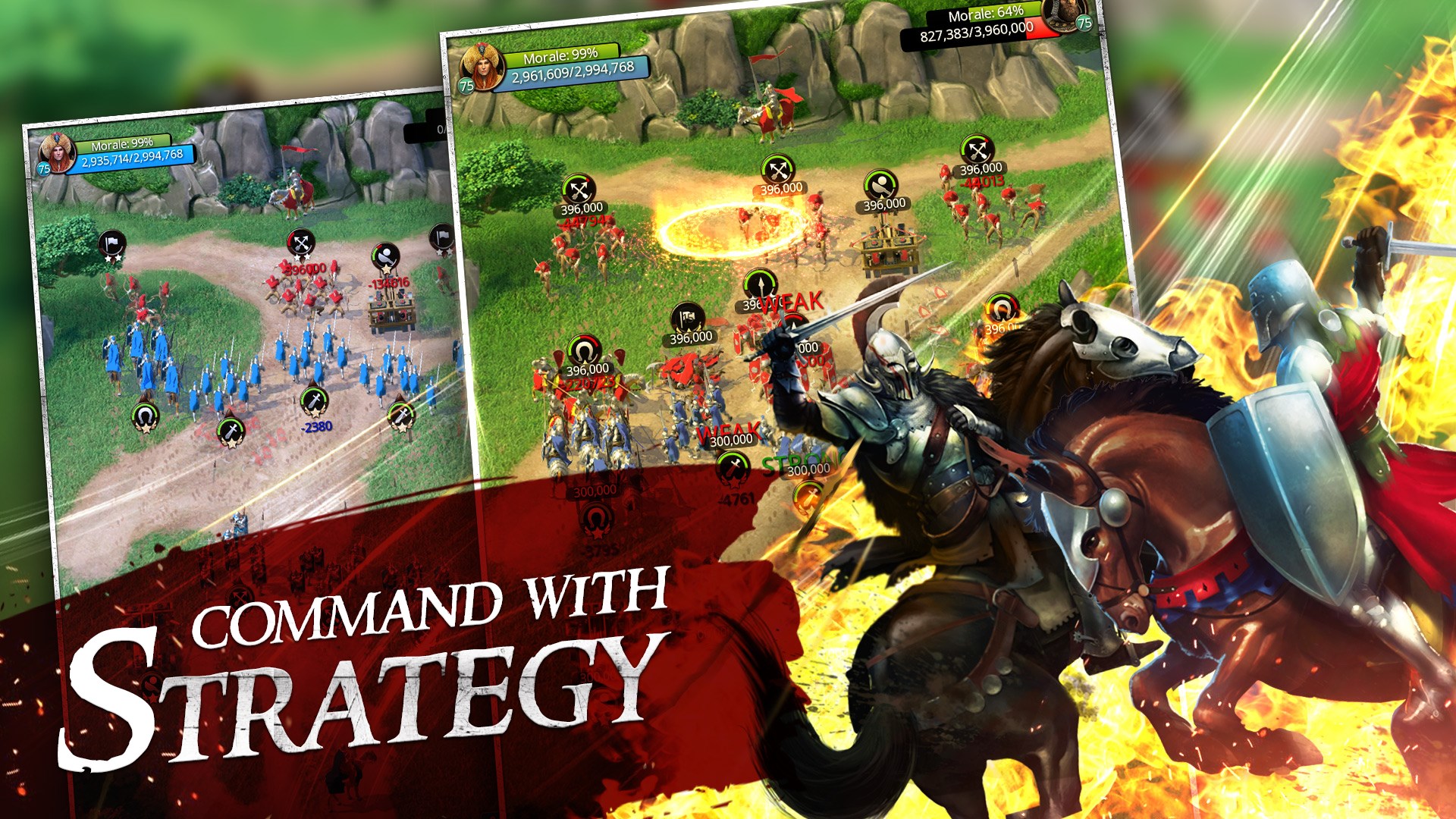
The heart of March of Empires beats strongest in its combat system. Engaging in real-time battles feels like commanding a well-orchestrated symphony, with units responding quickly and intuitively. The game offers a variety of troop types, each with unique strengths, encouraging players to experiment with different tactics. What's particularly noteworthy is how the game visualizes decision consequences—you can see the flow of battle unfold with clear cues, making it easier to assess, adapt, and learn from each engagement. This transparency enhances strategic thinking, making each victory or defeat a valuable lesson rather than a random outcome.
Enhanced User Experience and Unique Selling Points
The design of March of Empires emphasizes clarity and engagement. The interface balances aesthetic appeal with functional simplicity, allowing players to navigate menus and manage their empire without frustration. The game's smooth performance on Windows ensures that tactical decisions are not hampered by lag, which is vital during intense battles or long-term planning.
Compared to other strategy titles, March of Empires's standout feature is its effective management of information overload. Instead of bombarding players with endless data, it intelligently filters and presents relevant stats at each stage, promoting strategic thinking without overwhelming. This makes it accessible for newcomers while still rewarding veteran players who enjoy deep tactical analysis.
Final Verdict: A Noble Recommendation
All things considered, March of Empires for Windows is a well-crafted strategy game that offers a balanced blend of city management, tactical combat, and diplomatic diplomacy. Its standout features—particularly the transparent depiction of decision consequences—set it apart from many contemporaries. While it does introduce some learning curve typical of deep strategy games, its user-friendly interface and thoughtful design make the journey rewarding rather than frustrating.
Whether you're a seasoned strategist or a budding empire-builder, I'd recommend giving it a try—especially if you enjoy games where your choices truly influence the outcome. For those seeking an immersive medieval strategy experience on Windows, March of Empires proves to be a robust and engaging option worth exploring.
Pros
- Engaging gameplay with real-time strategic battles
- Rich graphics and detailed medieval-themed art
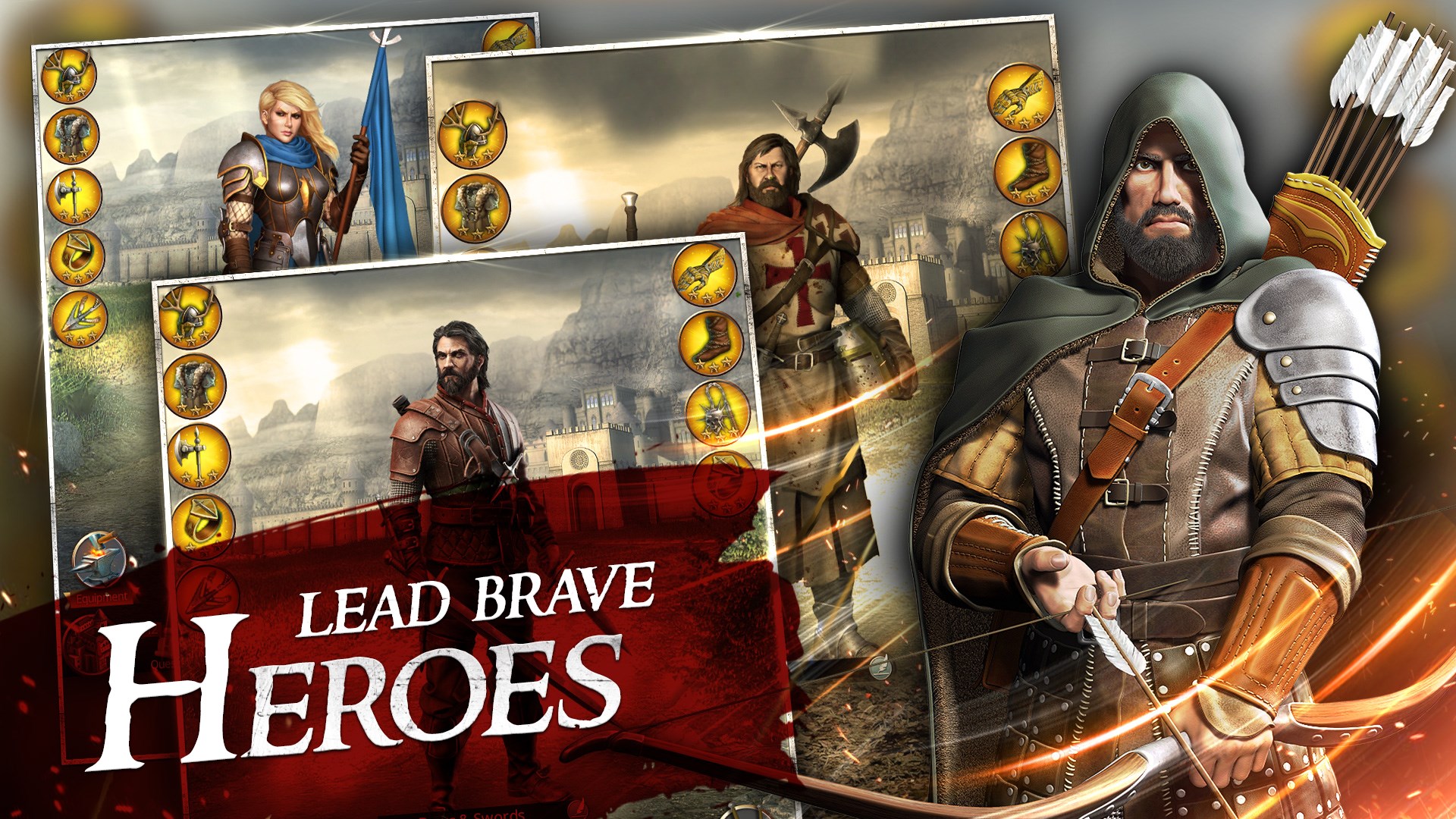
- Variety of customization options for armies and defenses
- Regular updates and new content additions
- Tutorials and beginner guides available
Cons
- High energy consumption during gameplay
- Long loading times on older devices
- Some in-game purchases can be pricey
- Requires a stable internet connection for multiplayer features
- Limited language options for some regions











