- Category Educational
- Developer RV AppStudios LLC
- Available on PC
- OS Windows 10 version 10240.0 or higher
- DirectX Version 10
- languages Afrikaans, Albanian, Arabic, Bangla, Basque, Bulgarian, Catalan, Chinese (Simplified), Chinese (Traditional Chinese), Croatian, Czech, Danish, Dutch, English (United States), Estonian, Filipino, Finnish, French, German, Greek, Gujarati, Hindi, Hungarian, Indonesian, Italian, Japanese, Kannada, Kazakh, Kiswahili, Korean, Latvian, Lithuanian, Malay, Malayalam, Marathi, Nepali, Norwegian, Persian/Farsi, Polish, Portuguese, Punjabi, Romanian, Russian, Serbian (Cyrillic), Sinhala, Slovak, Slovenian, Spanish, Swedish, Telugu, Thai, Turkish, Ukrainian, Vietnamese
Introducing Math Games: Math for Kids for Windows
Math Games: Math for Kids for Windows is a thoughtfully designed educational app aimed at making math learning both engaging and effective for children. Combining interactive gameplay with curriculum-aligned content, it seeks to foster a love of numbers while building solid foundational skills.
About the Developer and Core Features
Developed and published by RV AppStudios LLC, a company specializing in educational apps for children, this application offers a safe, kid-friendly environment to explore math concepts. The app's highlights include:-
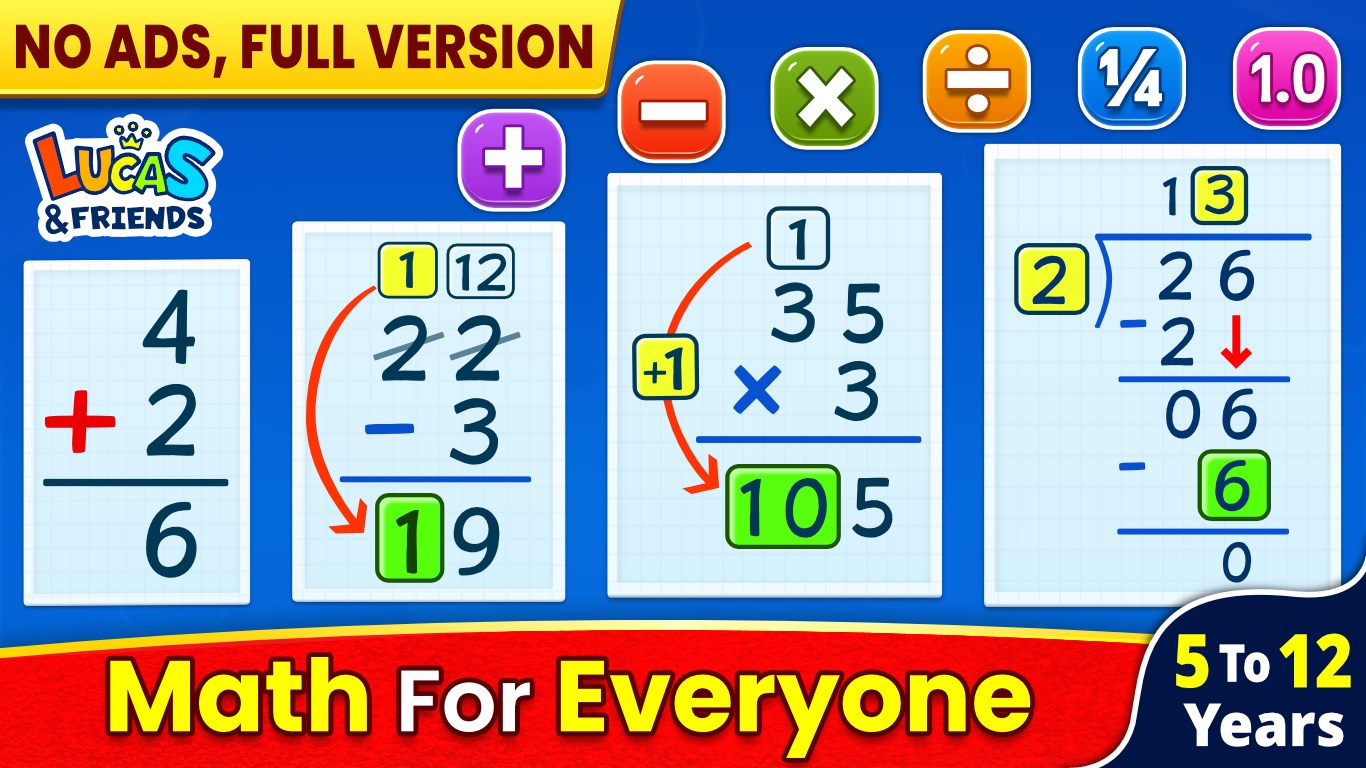
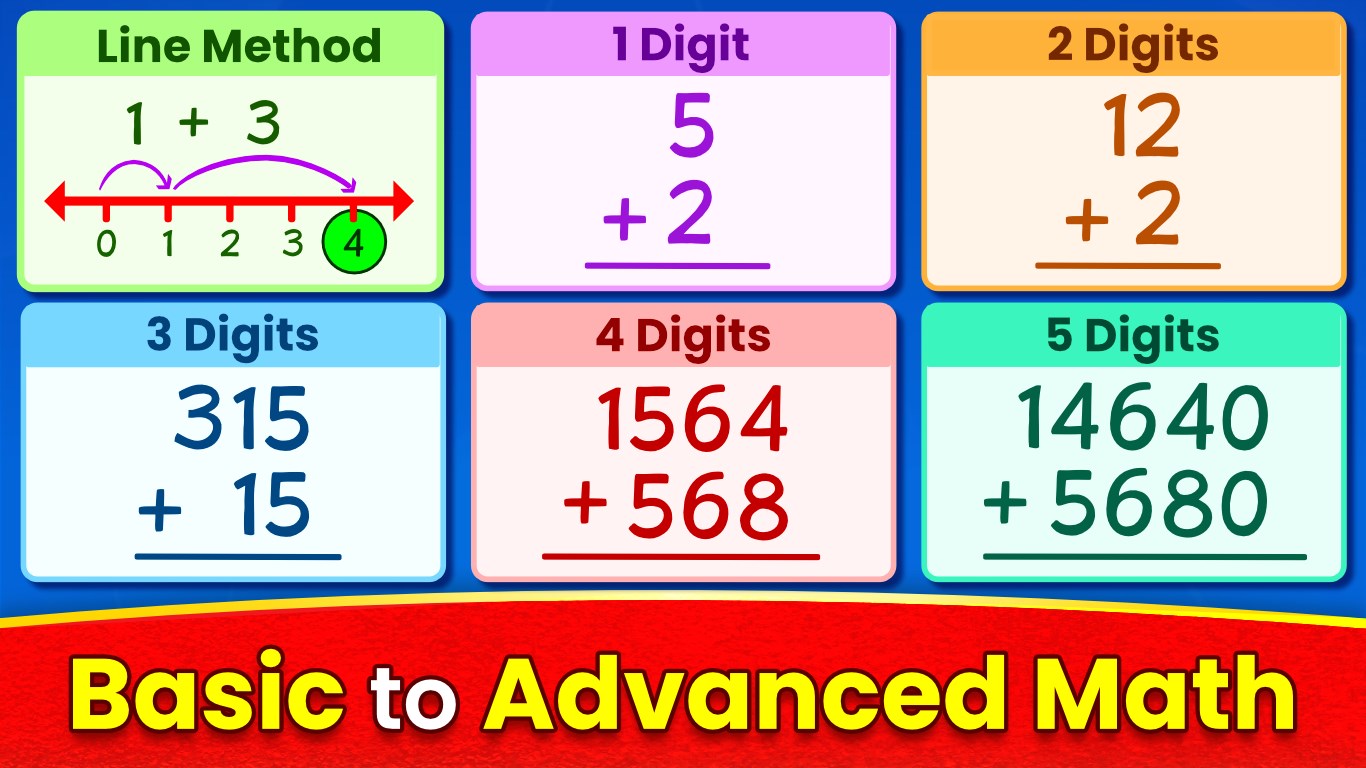
1. Interactive Math Challenges – a collection of fun puzzles and activities that adapt to different skill levels.
2. Progress Tracking – built-in metrics allow parents and teachers to monitor learning advancements.
3. Customizable Levels – activities adjust difficulty dynamically, ensuring children remain challenged yet not overwhelmed.
4. Bright, Kid-Friendly Interface – colorful visuals and intuitive navigation foster independent exploration.
A Fun-Filled Math Adventure for Young Learners
Imagine a world where math is no longer intimidating but an exciting journey—this is exactly what Math Games: Math for Kids aims to create. From the first tap, children are greeted with lively animations and playful characters guiding them through numbers, shapes, and patterns. It turns the classroom into a vibrant playground filled with puzzles waiting to be solved, making learning a delightful adventure rather than a chore.
Engaging Core Functionalities: Dive into Learning
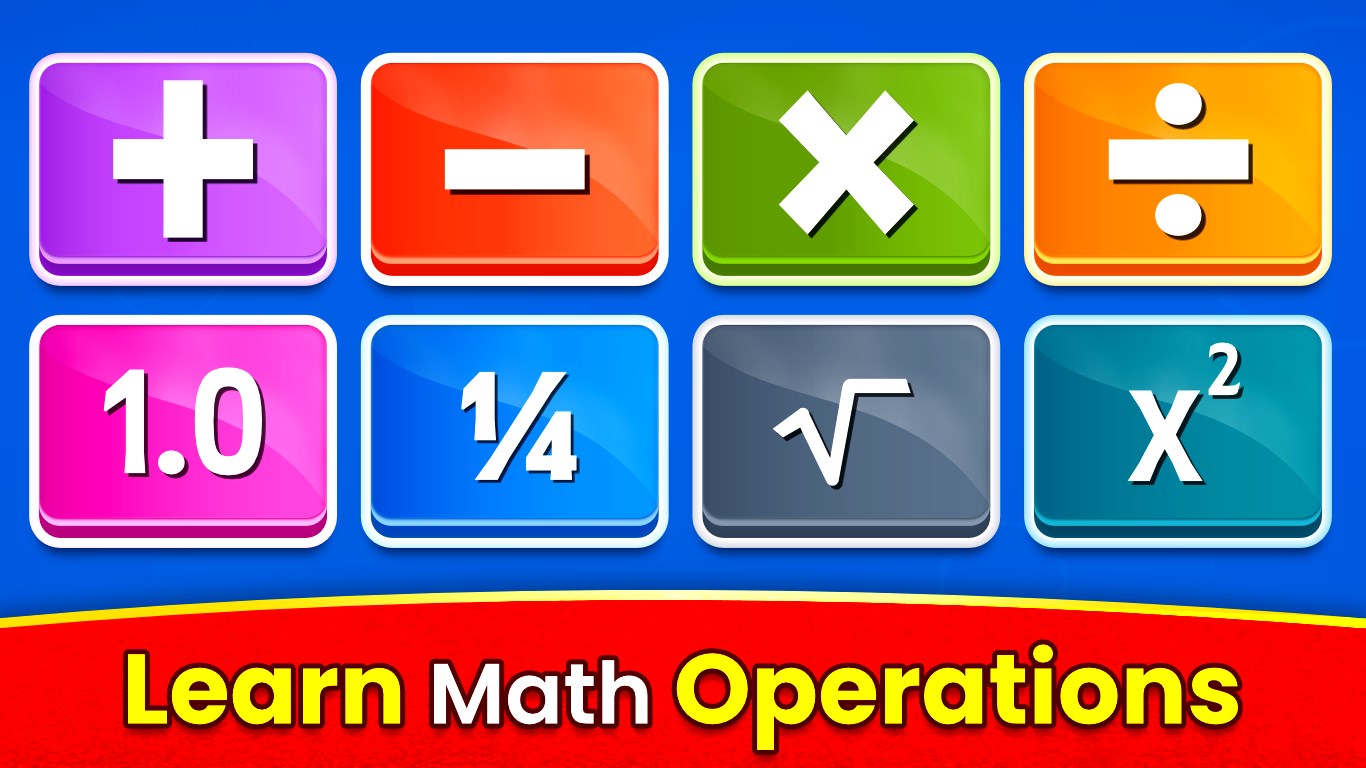
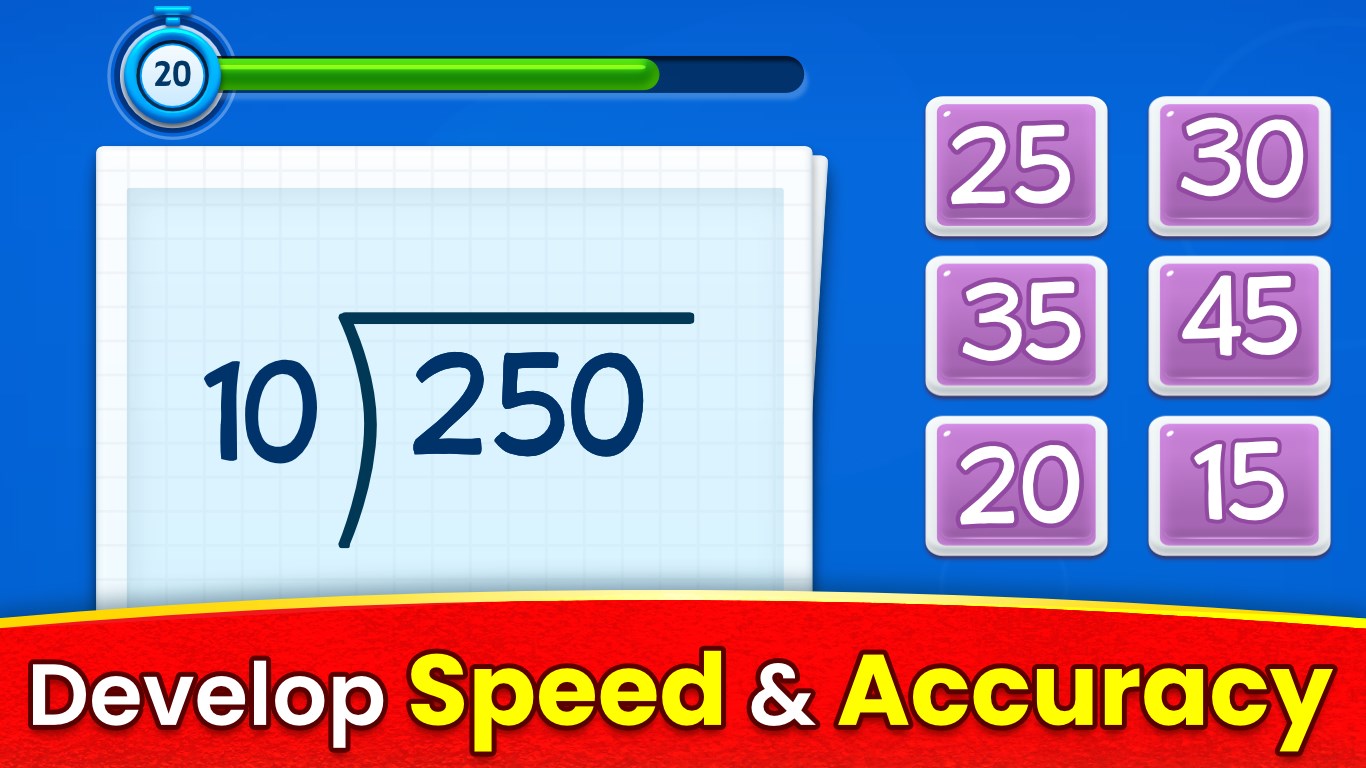
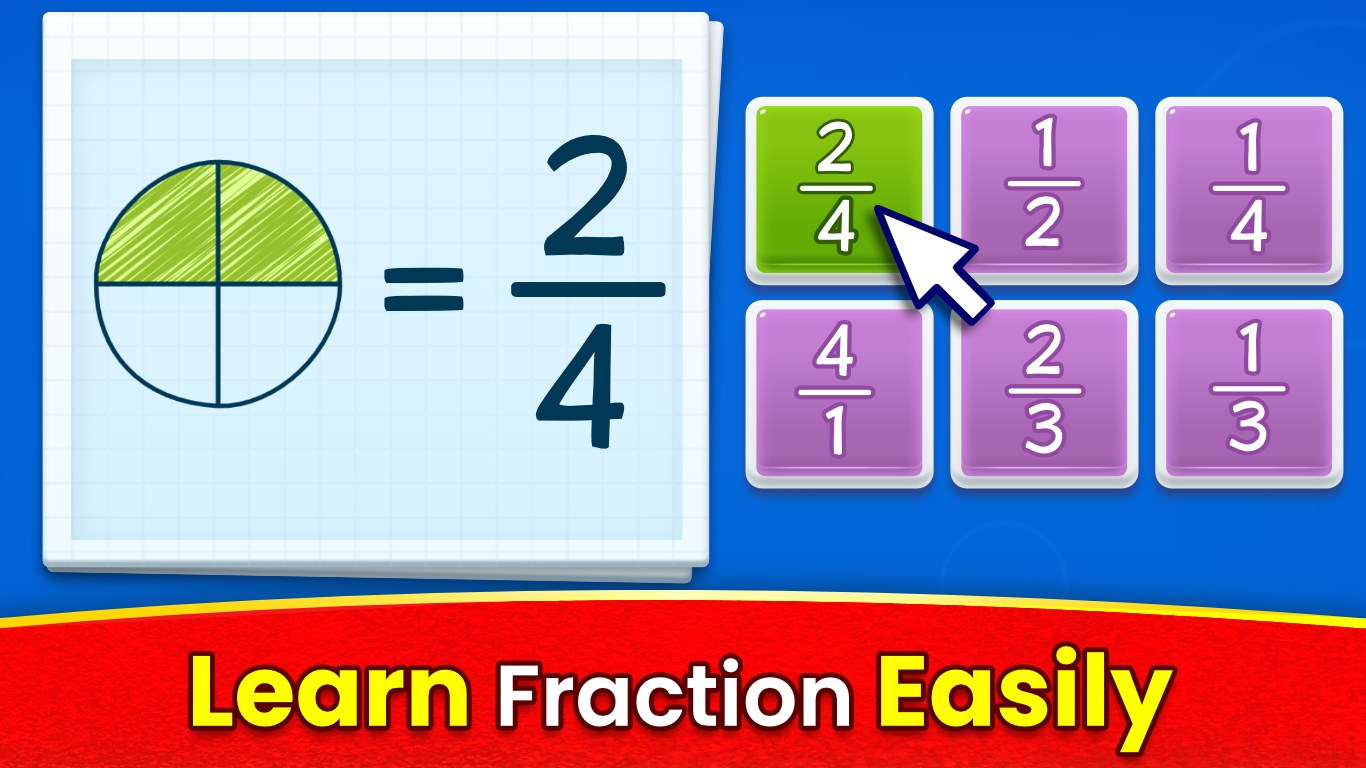
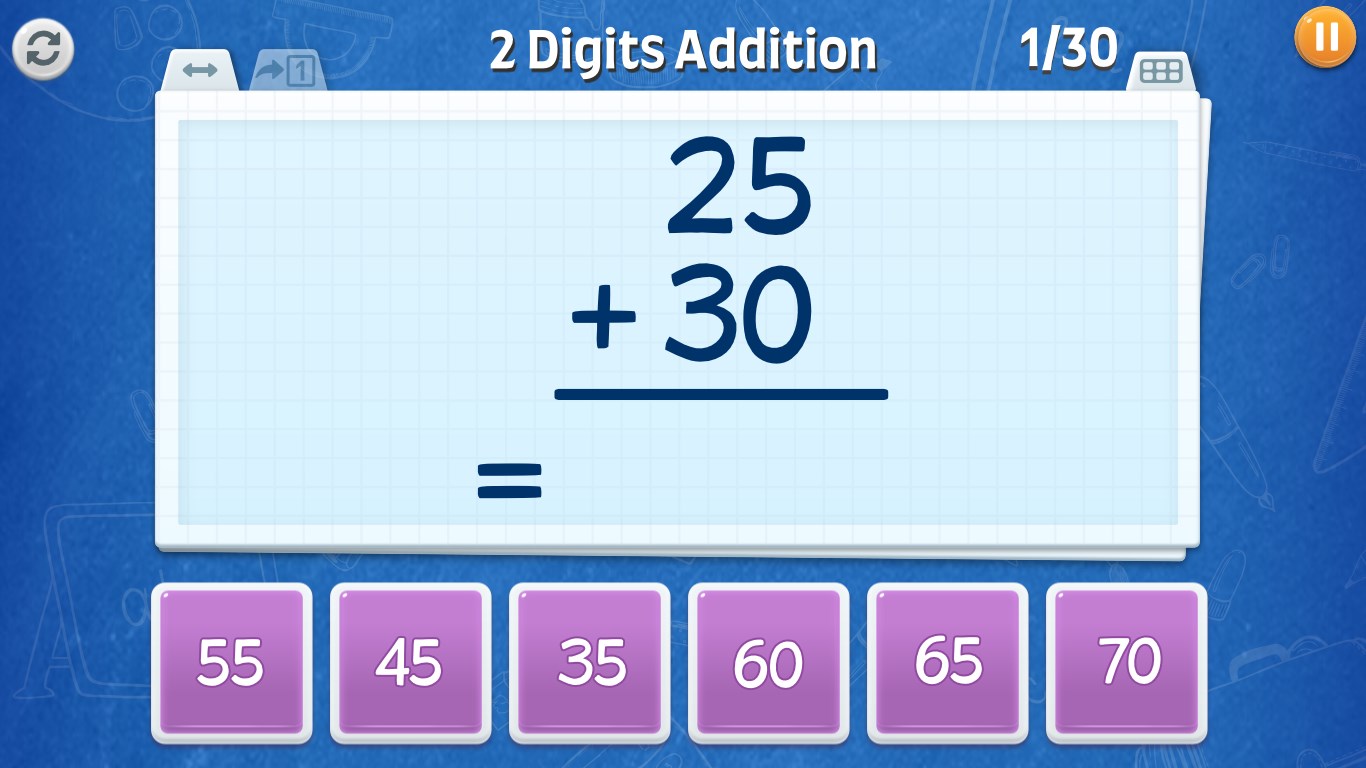
Interactive Puzzles that Cater to Every Level: The standout feature of this app is its dynamic puzzle system. Whether a child is just grasping basic addition or exploring multiplication, the activities adapt seamlessly to their proficiency. The puzzles are visually appealing, with colorful graphics and cheerful sounds that motivate children to keep practicing without feeling pressured.
Progress Monitoring for Growth Awareness: RV AppStudios integrates a simple yet powerful reporting system. Parents and teachers can access detailed metrics that track time spent, correct answers, and areas needing improvement. This data not only encourages children by showing their progress but also empowers caregivers to tailor future learning sessions effectively.
Adaptive Difficulty for Sustained Engagement: The app's core strength lies in its ability to sense a child's skill level and gently adjust the challenge. This keeps the child in a 'zone of proximal development,' where learning feels both accessible and stimulating—avoiding boredom and frustration alike.
User Experience: Intuitive, Smooth, and Friendly
The app's interface is thoughtfully crafted with young users in mind. Its bright, colorful visuals and clear icons make navigation effortless, fostering independence from the get-go. The app runs smoothly on Windows devices, with responsive controls that encourage uninterrupted play. The learning curve is gentle; children can start exploring right away, and the variety of activities ensures they stay interested for extended periods. Slight animations and sound effects add a layer of fun without overwhelming the senses, creating an inviting environment that feels like a friendly game rather than typical rote exercises.
How Does It Stand Out Among Educational Apps?
Compared to many traditional math apps, Math Games: Math for Kids excels in balancing educational goals with engagement. Its adaptive difficulty ensures that children are continuously challenged at their current ability level, promoting mastery without frustration. Moreover, its built-in progress tracking allows parents and educators to measure knowledge retention effectively—an often overlooked feature in similar products. The app doesn't just aim to teach; it strives to make children eager to learn more by integrating game-like mechanics that captivate and motivate, while remaining rooted in curriculum standards. This dual focus makes it a compelling choice for parents seeking an educational tool that respects both learning objectives and the child's natural curiosity.
Final Recommendations and Usage Tips
I would recommend Math Games: Math for Kids to parents and educators looking for a well-rounded, kid-friendly math app that fosters independent learning while providing valuable insights into progress. It's particularly suitable for elementary school children who need a supportive environment to practice core skills. For optimal results, use the app regularly to reinforce concepts and track development through its metrics. While the activities are engaging enough to stand alone, pairing the app with real-world math activities can create a well-rounded educational experience. Overall, this app deserves a solid recommendation as a trustworthy, enjoyable supplement to your child's math learning journey.
Pros
- Engaging and colorful interface
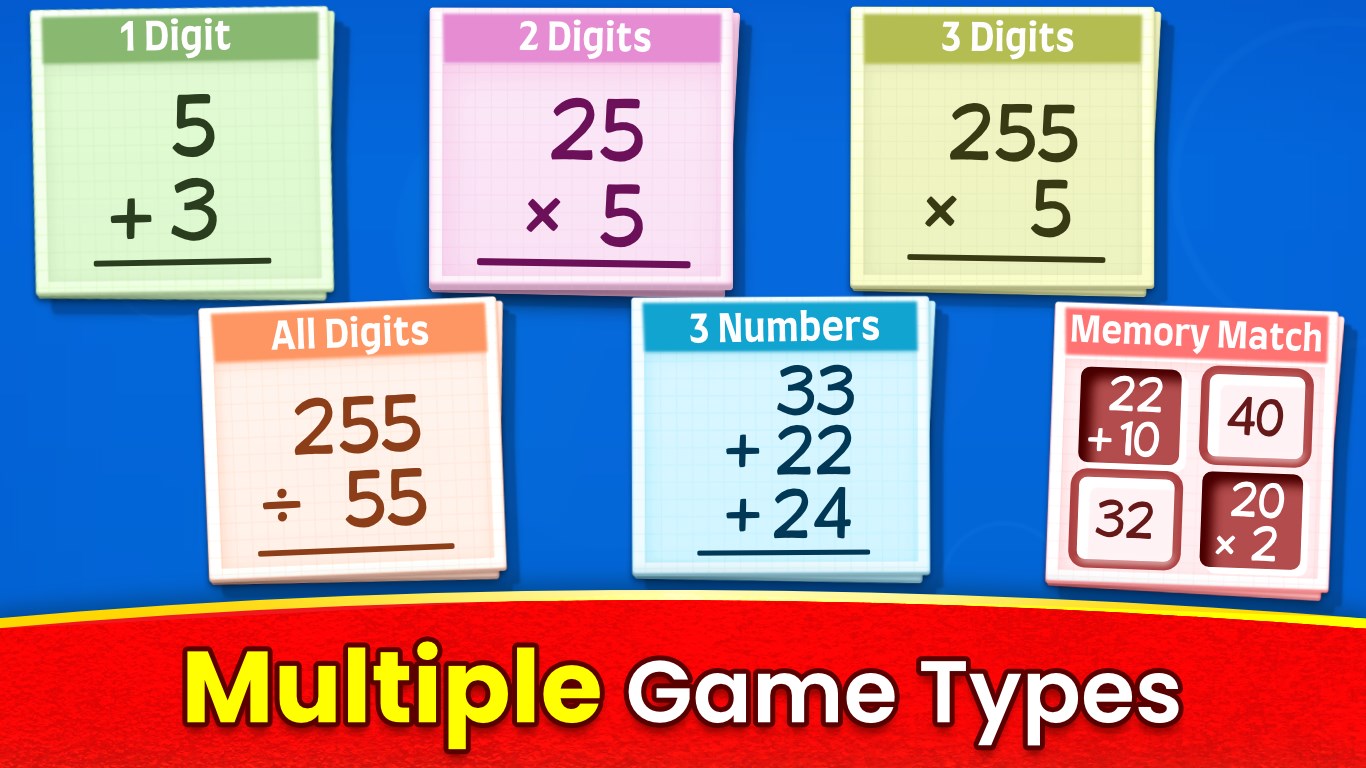
- Variety of game types
- Progress tracking system
- Educational content aligned with curricula
- User-friendly navigation
Cons
- Limited difficulty levels for advanced learners
- In-app advertisements
- Language options are limited
- Offline mode not fully supported for all content
- Limited customization options for parents/teachers