

- Category Productivity
- Available on PC, Mobile, Surface Hub, HoloLens
- OS Windows 10 version 17763.0 or higher
- languages Chinese (Simplified), Chinese (Traditional Chinese), English, French, German, Italian, Japanese, Korean, Norwegian (Bokmål), Portuguese, Russian, Spanish, Swedish, Turkish, Vietnamese
Introducing Me Calendar for Windows: A Streamlined Approach to Scheduling
Me Calendar for Windows is a thoughtfully designed productivity app that aims to simplify and centralize your scheduling needs, making calendar management feel effortless rather than overwhelming.
Who is Behind It?
Developed by Design Me, a passionate team committed to creating intuitive and user-friendly productivity tools, this application reflects their focus on enhancing user experience through thoughtful design and functionality.
Main Features That Stand Out
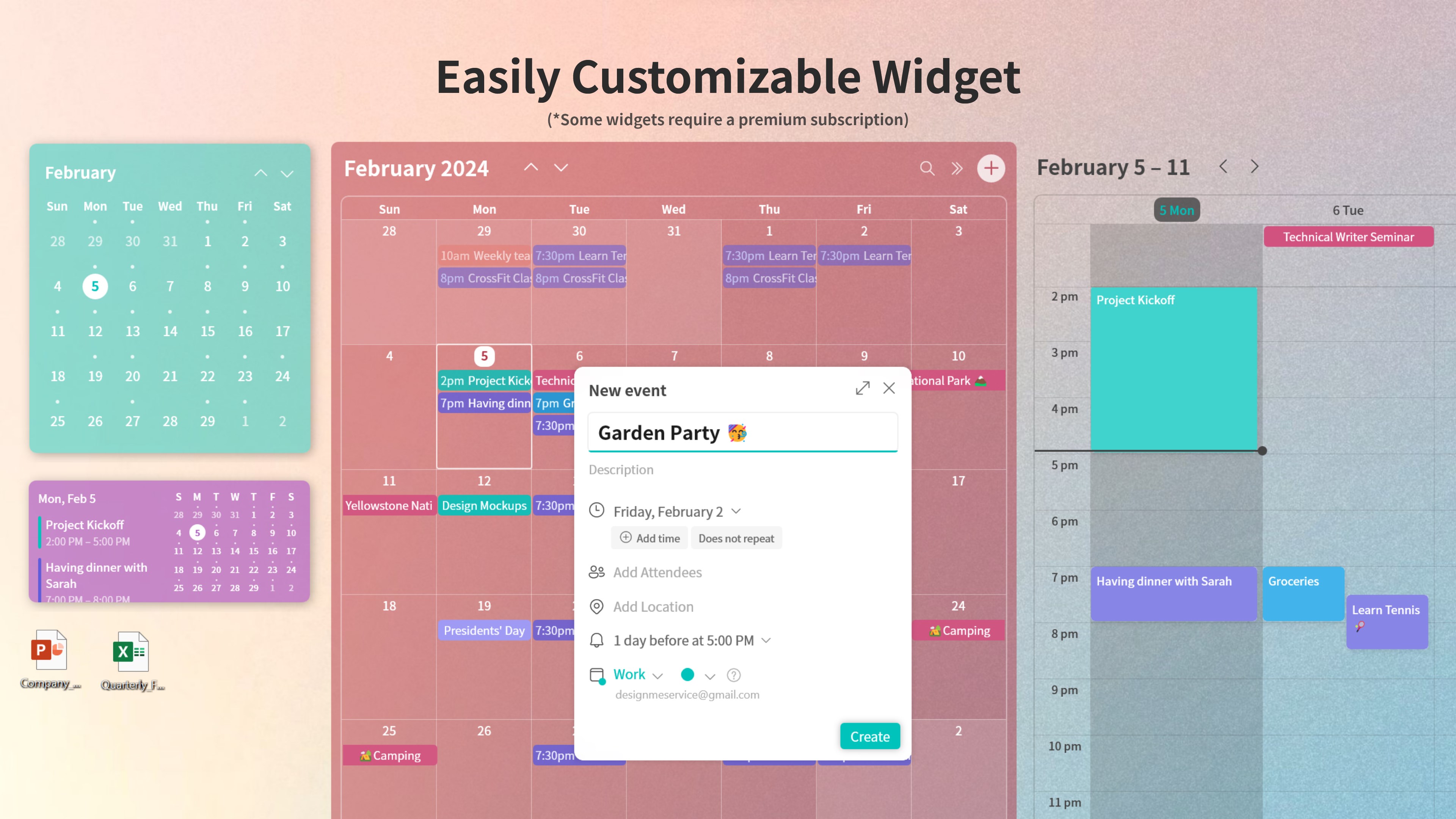
- Unified Calendar Interface: Combines multiple calendar services into one streamlined view. Think of it as your personal command tower—helping you oversee all your commitments in one glance.
- Smart Event Recommendations: Uses intelligent algorithms to suggest optimal times and task prioritizations, reducing decision fatigue and helping you plan more efficiently.
- Customizable Notifications & Reminders: Allows tailored alerts to keep you punctual without the noise of excessive alerts, effectively cutting through cognitive clutter.
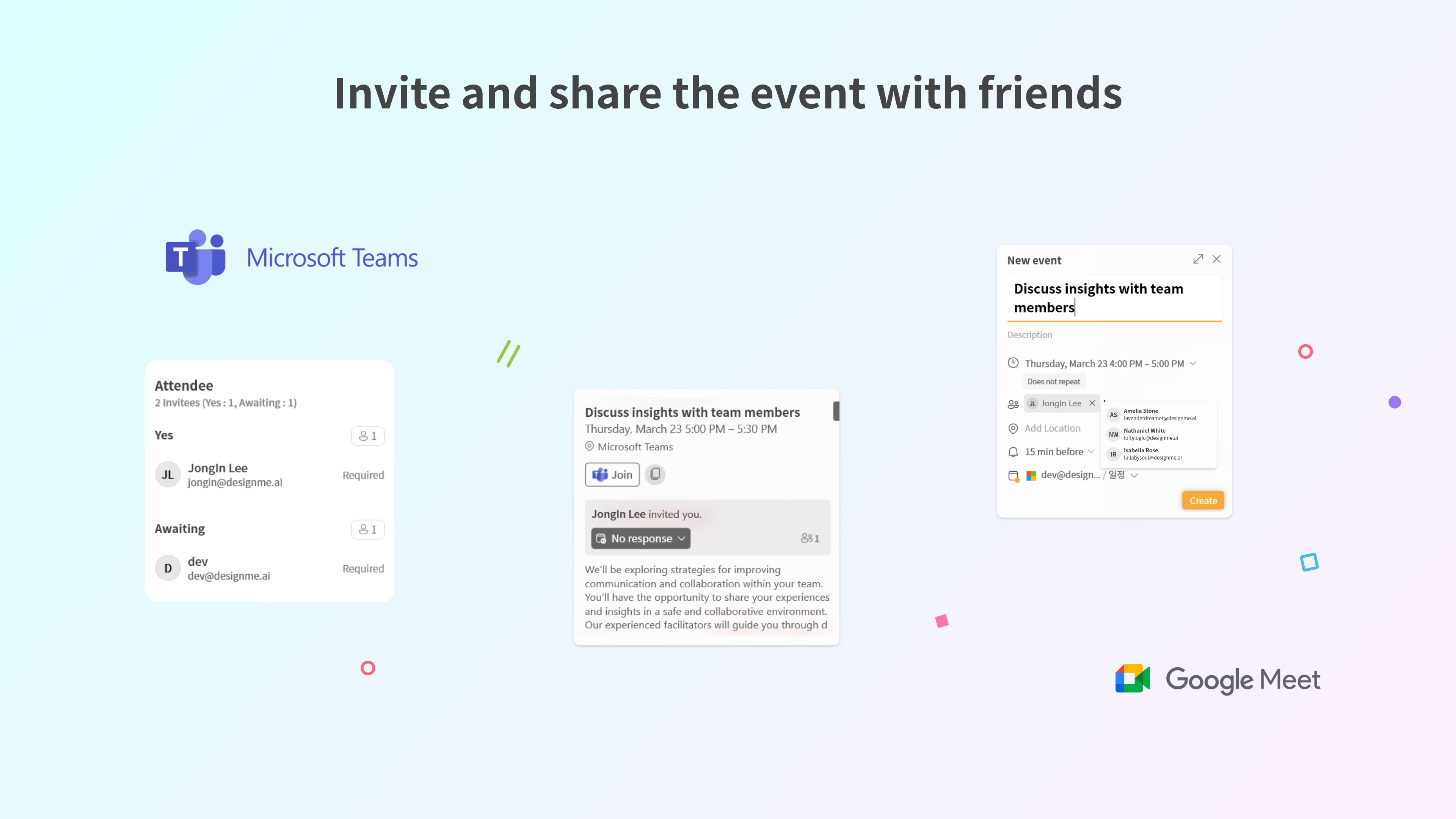
- Seamless Workflow Integration: Compatible with Windows 10 and 11, the app easily meshes with your existing tools, from Outlook to other productivity apps, ensuring a cohesive work process.
The primary target audience includes busy professionals, students, and anyone seeking a smarter way to organize their schedules without drowning in complexity.
A Fresh Take on Calendar Management—An Engaging Dive
Imagine starting your day with a digital assistant that not only shows your appointments but also gently guides you through your day's tasks, making the mundane feel like a well-orchestrated symphony. That's what Me Calendar helps you achieve—a harmonious flow of time and tasks, elegantly laid out and meaningful. It's like having a personal scheduler that adapts to your rhythms, simplifying what once seemed chaotic.
Core Functionality #1: Unified, All-in-One Calendar View
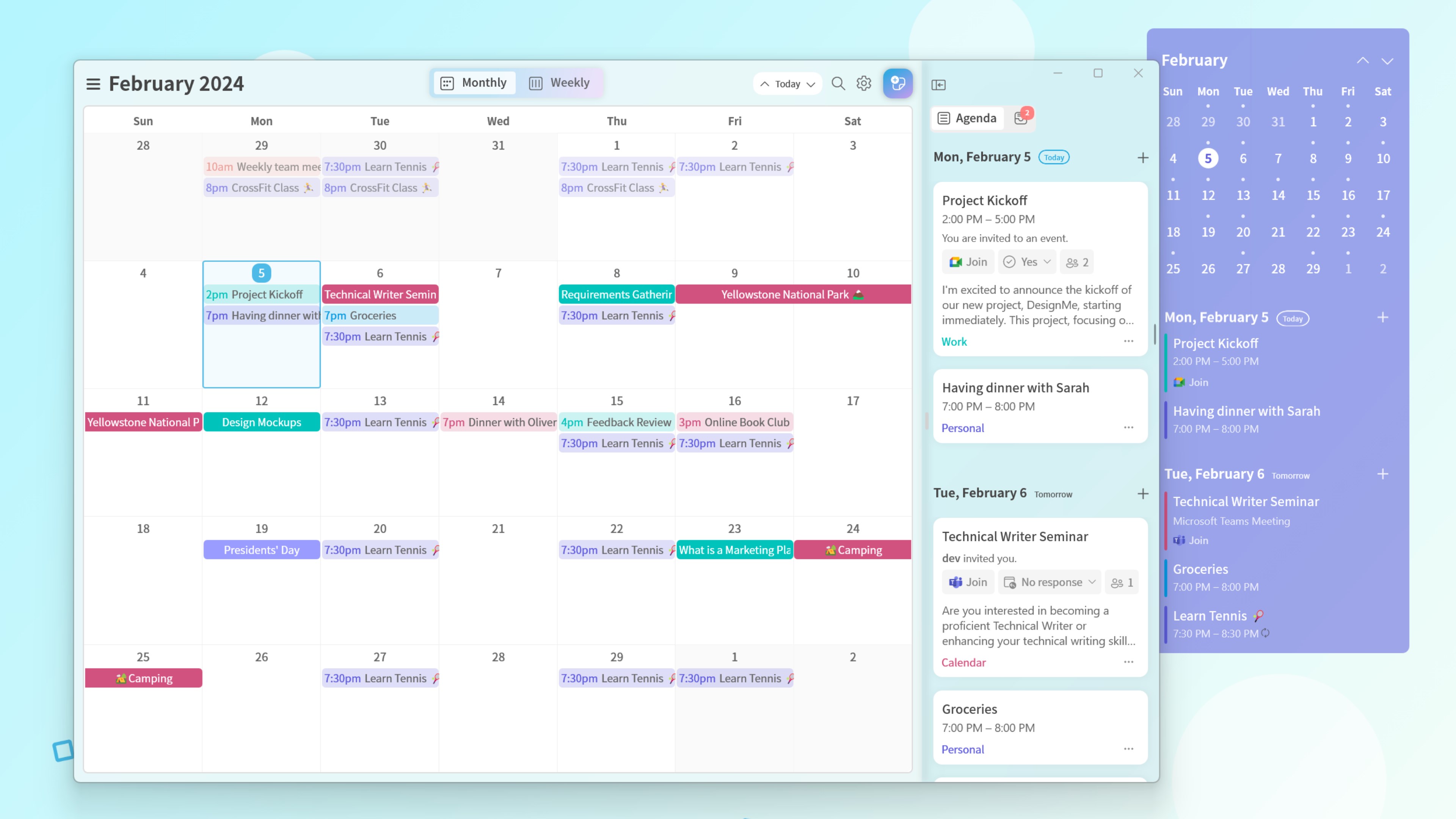
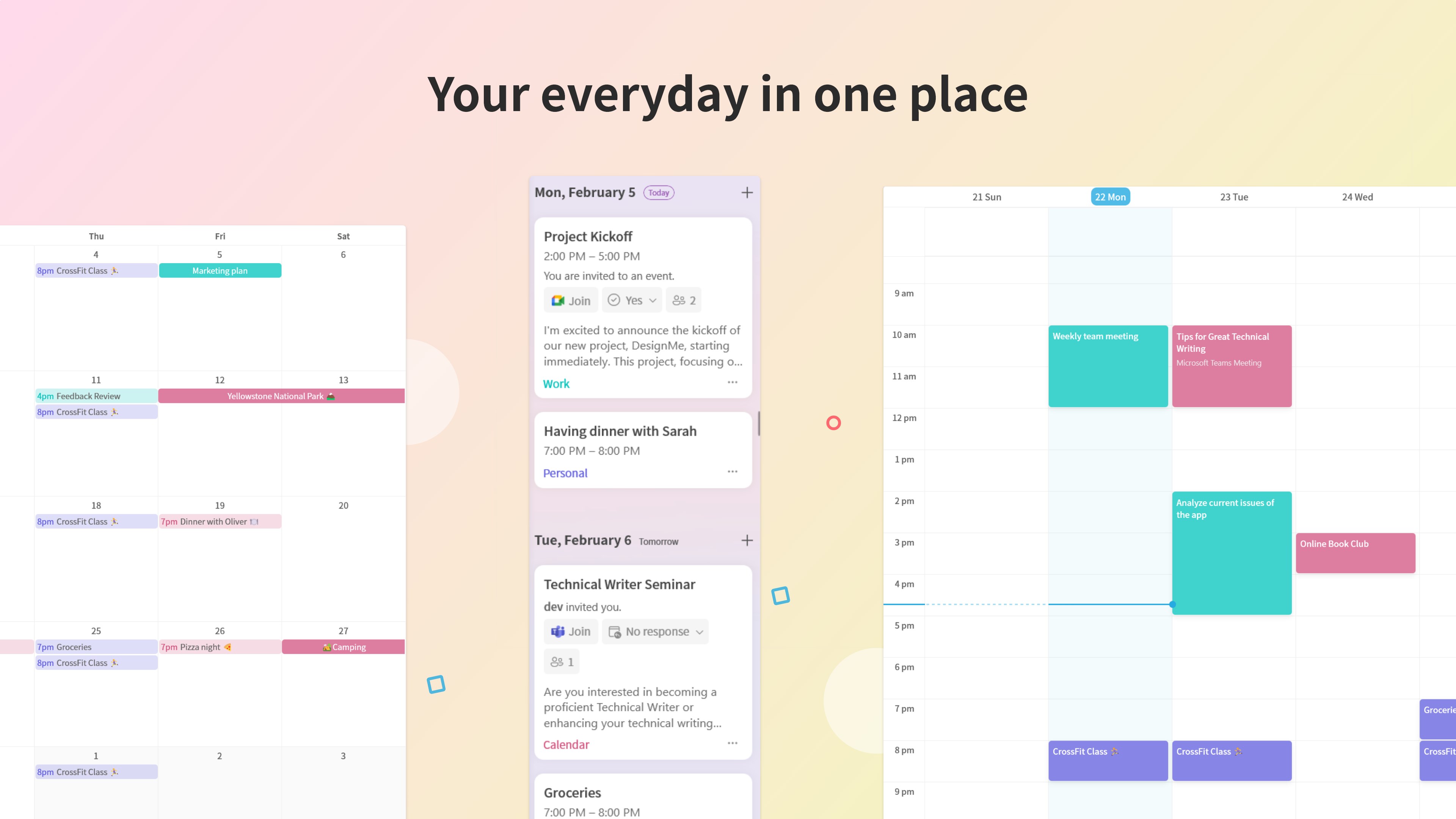
One of Me Calendar's most appealing features is its ability to integrate various calendars—be it Outlook, Google Calendar, or others—into a single, cohesive interface. Instead of toggling between multiple apps or windows, users can see their entire schedule at a glance, reducing mental switching costs. The interface is clean, intuitive, and customizable, allowing you to color-code or prioritize events easily. This integration not only saves time but also minimizes the cognitive load associated with managing multiple digital calendars—think of it as replacing a cluttered desk with a neat, organized workspace.
Core Functionality #2: Intelligent Suggestions & Workflow Optimization
The app's standout feature is its ability to analyze your schedule and offer smart recommendations. For instance, if you have back-to-back meetings, Me Calendar suggests buffer times or alternative slots, helping you avoid the dreaded “rushed from one event to another” phenomenon. This intelligence is built to reduce your mental effort, streamlining decision-making. It's like having a virtual assistant who anticipates your needs, allowing you to focus on what truly matters. Such features exemplify how Me Calendar emphasizes reducing cognitive overload through intelligent design rather than bombarding users with endless options.
Design & User Experience: Simplicity Meets Efficiency
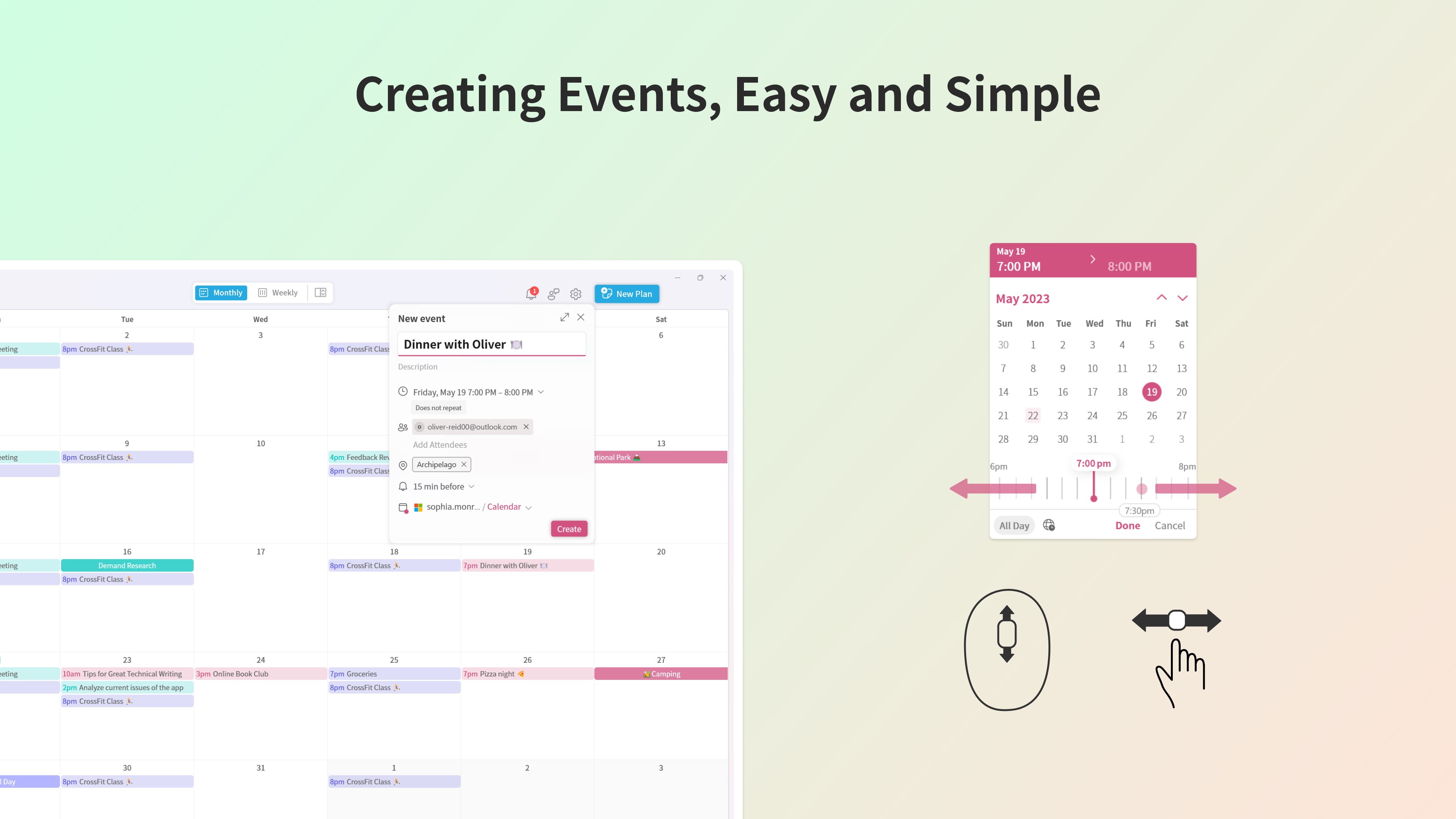
The interface exudes a modern, minimalistic aesthetic—akin to a well-organized toolkit where everything is within arm's reach. Navigating through menus is smooth and responsive, with drag-and-drop functionality making editing events straightforward. The learning curve is gentle; even first-time users find it intuitive to set up their schedules. The app reduces friction with clear icons and contextual prompts, creating a welcoming environment for users of various tech proficiency levels. Overall, the user experience feels polished, making routine planning less of a chore and more of a seamless part of your day.
Differentiation & Unique Advantages
Compared to other productivity apps, Me Calendar's focus on workflow integration and cognitive load reduction sets it apart. Many calendar apps add features that, while powerful, can sometimes overwhelm users—like trying to juggle too many balls at once. In contrast, Me Calendar adopts a minimalist philosophy: it emphasizes “just enough” functionality to improve efficiency without adding unnecessary complexity. Its intelligent scheduling suggestions act as a secondary brain, helping you avoid common pitfalls like overlapping commitments. This approach results in a tool that enhances your productivity by supporting your natural workflow rather than complicating it with superfluous features.
Final Thoughts and Recommendations
Me Calendar for Windows comes highly recommended for those seeking a straightforward yet powerful calendar solution. It's particularly suited for users who value efficient workflow management and prefer a clutter-free, intuitive experience. If you're tired of juggling multiple calendars or overwhelmed by feature-heavy apps, this tool offers a refreshing alternative that prioritizes clarity and smart automation. While it may not replace highly specialized project management tools, it excels at helping you keep your personal and professional schedules aligned with minimal effort.
In summary, if you're looking for an app that enhances your time management with intelligent features and a clean design—without the typical cognitive overload—Me Calendar is definitely worth exploring.
Pros
- User-Friendly Interface
- Integration with Microsoft Ecosystem
- Customizable Reminders
- Multiple View Modes
- Offline Access
Cons
- Limited Customization Options
- Occasional Sync Delays
- Basic Reminder Settings
- No Cross-Platform Support Beyond Windows
- Learning Curve for New Users











