


- Category Photo & video
- Available on PC, Mobile, Surface Hub, HoloLens
- OS Windows 10 version 16299.0 or higher
- languages Chinese (Simplified), Chinese (Traditional, Hong Kong SAR), English, English (United States), French, German, Italian, Japanese, Korean, Polish, Portuguese, Russian, Spanish, Turkish, Ukrainian
Media Player for Windows: A Sleek and Versatile Media Companion
Media Player for Windows, developed by Yellow Elephant Productions, promises to elevate your multimedia experience with a clean interface and robust features. Designed for everyday users and media enthusiasts alike, this app aims to provide a seamless way to enjoy your audio and video files directly from your Windows device.
Basic Information: A Clear Snapshot
Positioning and Purpose
Media Player for Windows positions itself as an all-in-one media playback solution, combining simplicity with powerful features to enhance how you access and enjoy your multimedia collections.
Developer Team
Yellow Elephant Productions, a developer known for crafting user-centric applications, is behind this media player, ensuring regular updates and attentive support.
Main Features & Highlights
- Wide Format Support: Handles countless audio and video formats without the fuss of codecs or conversions.
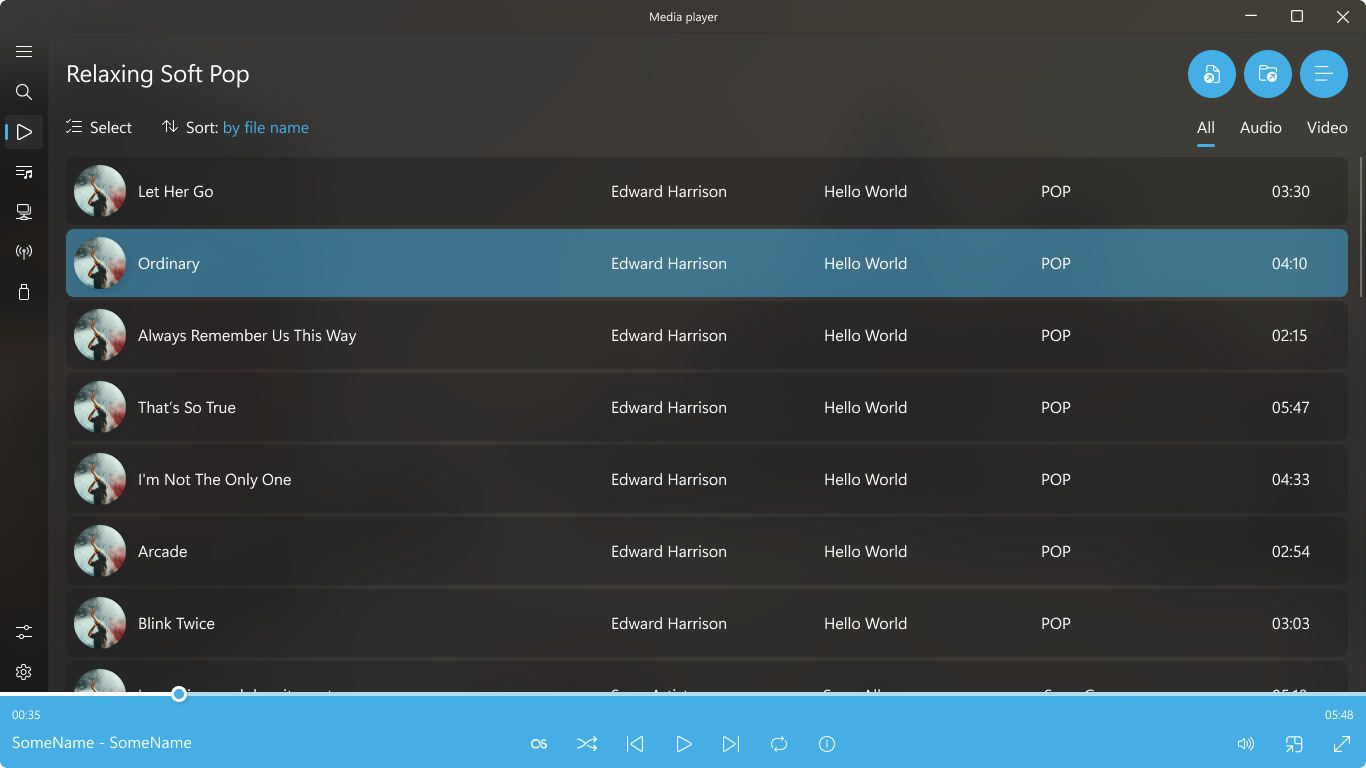
- Intuitive Playback Controls: Provides easy-to-navigate playback options, including playlists, favorites, and more.
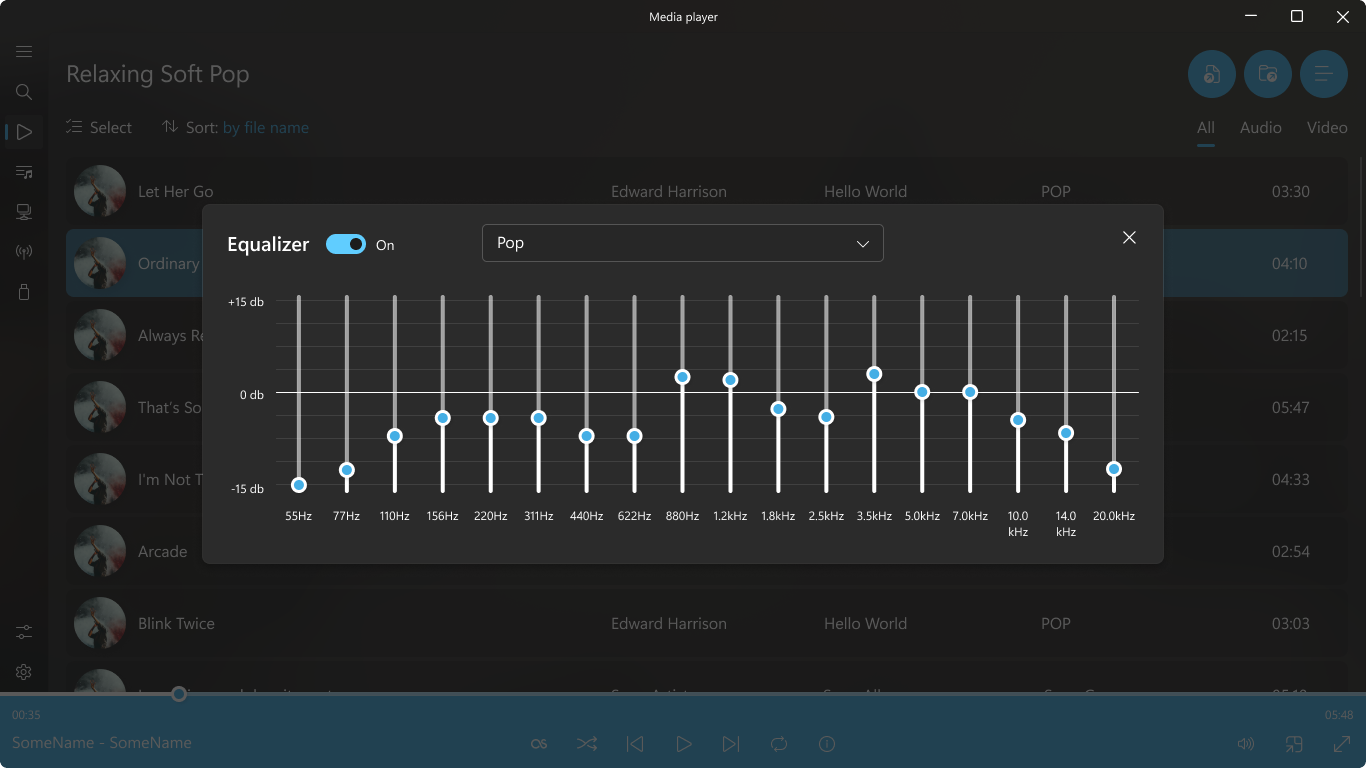
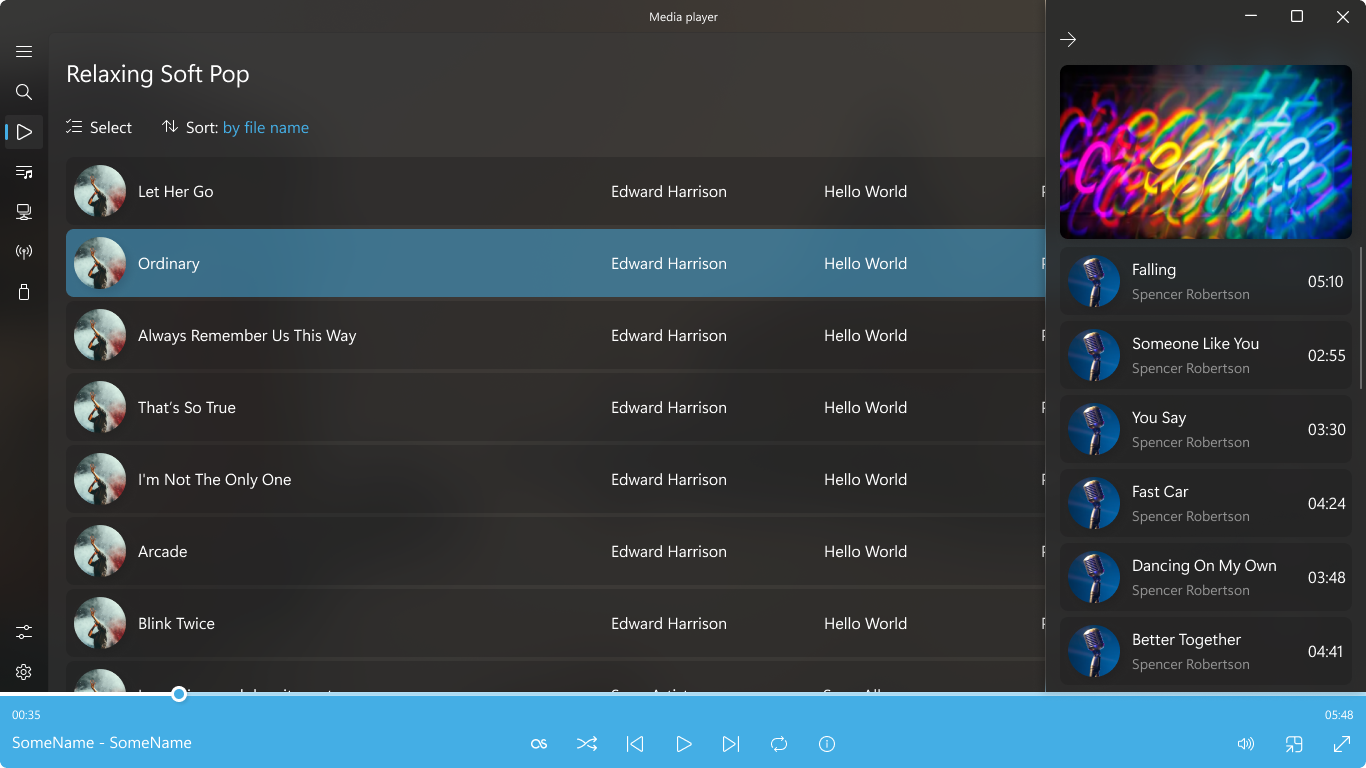
- Customizable Interface: Offers light and dark themes, window resizing, and layout adjustments to suit user preferences.
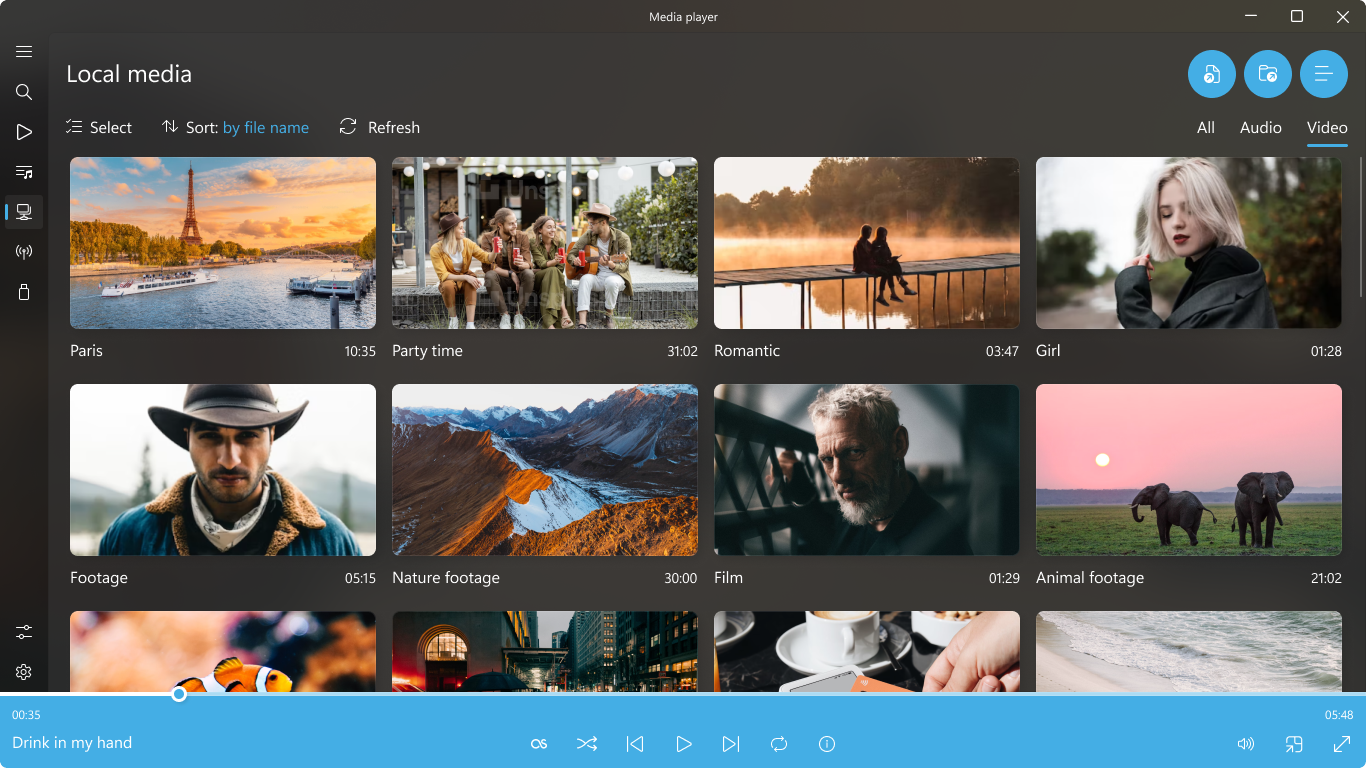
- Built-in Media Library: Organizes your media files efficiently with quick access and search functionalities.
Target Audience
This application is best suited for casual users seeking a straightforward media player, as well as tech-savvy individuals who desire a lightweight yet flexible playback tool for daily entertainment or professional use.
Engaging the Viewer: Bright and Clear
Imagine sitting down after a long day, clicking open your media folder, and effortlessly hitting play — no complicated setups, no lag, just instant entertainment. Media Player for Windows makes this a reality, blending simplicity with sophistication. Its minimalist interface invites you in, making navigation feel like flipping through a well-organized media library. Whether you're watching a documentary, streaming music, or browsing family videos, it's like having your personal media concierge guiding the way.
The Core Strengths Unpacked
Flawless Playback and Format Compatibility
The app's standout feature is its extensive support for various media formats — from high-definition MKV and MP4 videos to FLAC and MP3 audio tracks. This means users don't need to fuss over codecs or convert files. Playback feels smooth and stable, even with high-bitrate 4K videos, making it a reliable companion whether you're watching a movie or listening to high-fidelity audio. The app cleverly manages resource allocation, ensuring your system runs efficiently while delivering crisp visuals and rich sound.
User Experience and Interface Design
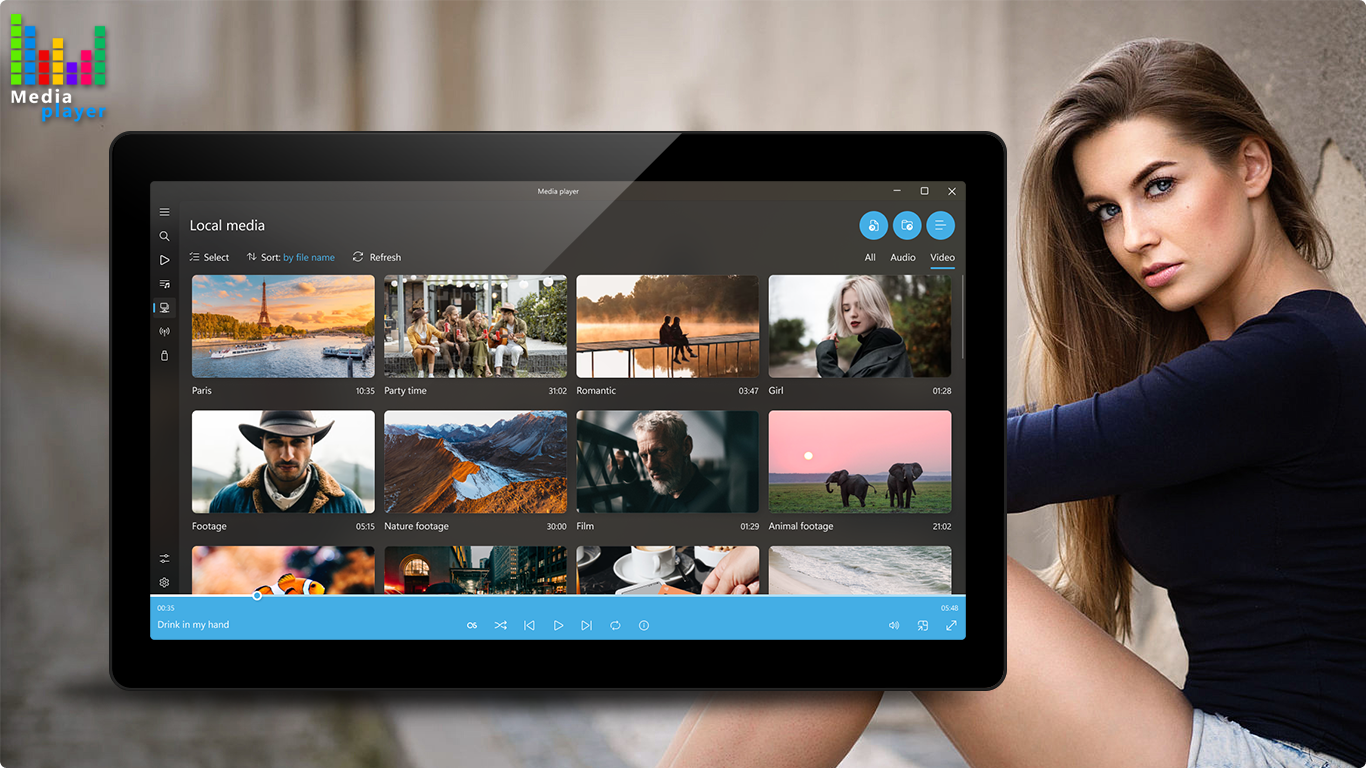
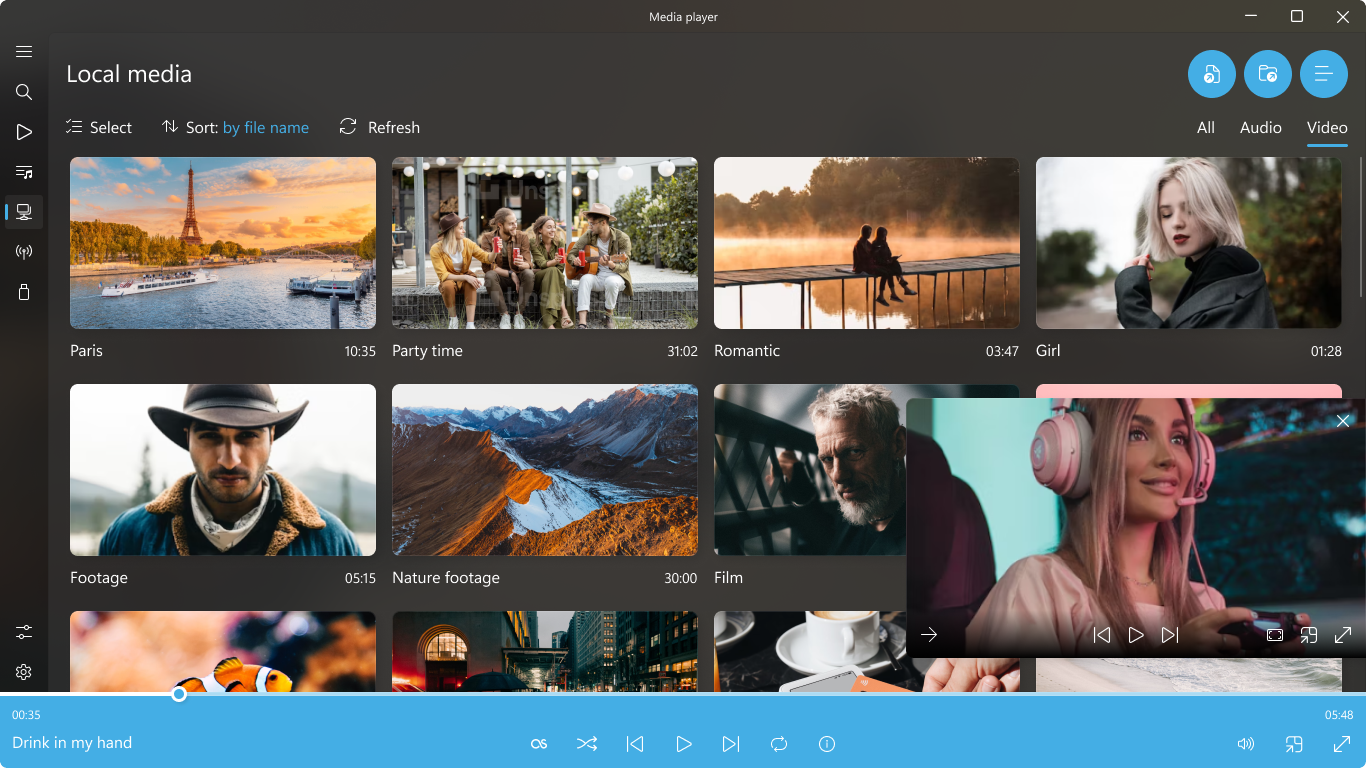
The design strikes a perfect balance between aesthetics and usability. The interface, with its sleek dark and light themes, resembles a well-organized book, with media thumbnails and easy-to-find controls. Transitioning between playlists, adjusting volume, or switching video modes feels natural — almost second nature. Response times are quick, and the learning curve is gentle; even first-time users get comfortable in minutes. Additional features like window resizing or mini-player mode make multitasking effortless, turning media playback into an unobtrusive part of your workflow.
Unique Selling Points and Differentiators
Compared to other media players like VLC or MPC-HC, Media Player for Windows emphasizes a clean user interface tailored for straightforward media consumption. Its ability to organize a media library with integrated search, coupled with customizable viewing options, sets it apart. Particularly, its focus on maintaining performance without sacrificing features makes it a compelling choice for those who want a lightweight, no-fuss app that still packs a punch. The app's ability to seamlessly support various media formats without additional codecs adds to its charm, making it a reliable, all-encompassing media hub.
Final Recommendations and Usage Tips
If your priority is a clutter-free, reliable, and easy-to-use media player that performs well across a broad spectrum of formats, this app is worth adding to your Windows toolkit. It's especially appealing for users who dislike complicated setups or need a simple, fast media viewer for daily entertainment. For those who appreciate custom themes and organization, the app offers just enough flexibility without overwhelming the user. Given its lightweight design and efficient performance, I'd recommend it for everyday media consumption, as a secondary player alongside more advanced options if needed.
Pros
- Intuitive User Interface
- Wide Format Support
- Seamless Integration with Windows
- Built-in Streaming Capabilities
- Customizable Playback Settings
Cons
- Limited Advanced Features
- Occasional Stability Issues
- Slow Media Library Scanning
- Limited Custom Skins or Themes
- Lacks Advanced Subtitle Management











