

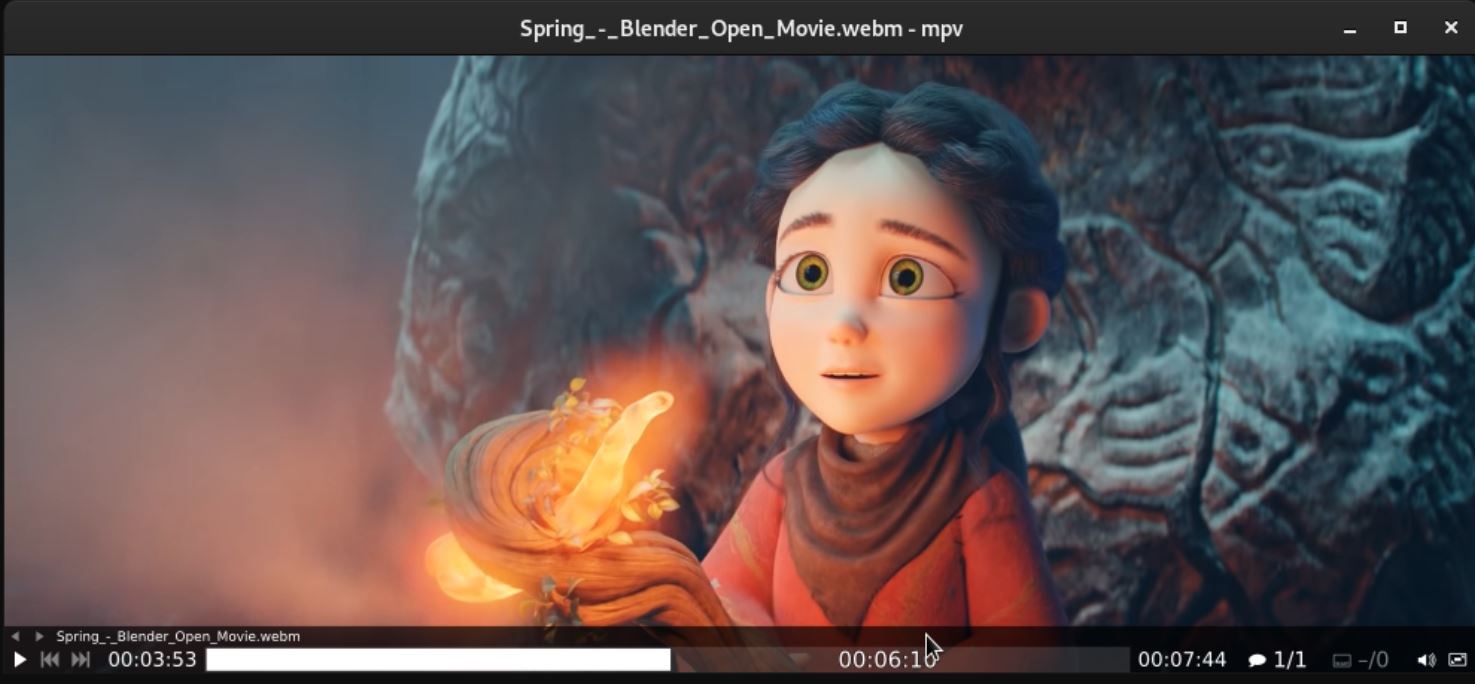
- Category Photo & video
- Available on PC, Mobile, Surface Hub, HoloLens
- OS Windows 10 version 16299.0 or higher
- languages English (United States)
Introducing Media Player Max for Windows: A Versatile Media Companion
Media Player Max for Windows, developed by Guangzhou Seyon Animation Technology Co., Ltd., stands out as a comprehensive media player designed to handle both audio and video files with ease and finesse. Perfectly suited for users seeking a straightforward yet powerful media playback experience, this application promises a blend of intuitive controls and robust features.
Core Features That Make Media Player Max Shine
Rich Format Support & Customization Options
Media Player Max can natively support an extensive range of media formats, eliminating the need for multiple players or tedious conversions. Its customizable interface allows users to personalize themes, fonts, and control layouts, making the media experience uniquely theirs.
User-Friendly Interface with Seamless Playback
The design emphasizes simplicity without sacrificing functionality. Intuitive navigation, quick access to playlists, and smooth playback enhance the user experience, akin to turning on a favorite record and hearing it play flawlessly every time.
Advanced Playback Features & Video Enhancement
Beyond basic playing, Max offers features like playback speed control, subtitle integration, and even video enhancement options such as brightness, contrast, and sharpening—turning standard viewing into a more engaging visual journey.
An Inviting & Engaging User Experience
Stepping into Media Player Max feels like walking into your digital living room—everything is organized, inviting, and ready to entertain. The interface design strikes a perfect balance between minimalism and richness: large, clear icons guide you effortlessly through your media library, while the smooth transitions give the feeling of gliding through a well-oiled machine. Whether you're a casual listener or a video enthusiast, the quick loading times and responsive controls make interaction feel natural and satisfying. The learning curve is gentle, allowing new users to start enjoying their media almost immediately, yet offering enough depth for power users to dive into customization and advanced features.
What Sets Media Player Max Apart from Competitors
While many media players exist, Media Player Max achieves a unique position by combining versatility with a clean, approachable design. Its flagship strengths are the broad format compatibility—think of it as a universal translator for media files—and its video enhancement capabilities, which enable users to upgrade standard footage into clearer, more vibrant displays without complicated editing tools. Additionally, the customizable themes and layout give it a personal touch that many other players lack. This focus on user-centric customization, coupled with robust performance, makes it stand out.
Final Verdict: A Solid Choice for Media Enthusiasts
Overall, I recommend Media Player Max for users who need a reliable, all-in-one media player with room for personalization and advanced features. It's especially suitable for those tired of juggling multiple applications or seeking a straightforward yet capable media library. Whether you're watching videos, listening to music, or exploring high-quality media enhancements, this app offers a balanced mix of simplicity and power. As a friendly recommendation—give it a try, and you might just find yourself making it your go-to media companion.
Pros
- User-friendly interface
- Supports a wide range of formats
- High-quality video and audio playback
- Built-in media library management
- Frequent updates with new features
Cons
- Limited streaming capabilities
- Occasional stability issues
- Inconsistent subtitle support
- Limited customization options
- Requires frequent updates to fix bugs










