

- Category Entertainment
- Developer RoxyApps
- Available on PC, Mobile, Surface Hub, HoloLens
- OS Windows 10 version 18362.0 or higher
- languages Arabic (Egypt), Chinese (Simplified), Chinese (Traditional, Hong Kong SAR), Czech, Dutch, English (United States), French, German, Hebrew, Hindi, Indonesian, Italian, Japanese, Korean , Persian, Polish , Portuguese (Portugal), Spanish (Spain), Thai, Turkish, Ukrainian
An Insightful Look at MediaPlay DVD Player for Windows
If you're on the hunt for a dependable media player that seamlessly handles DVDs and more on your Windows device, MediaPlay by RoxyApps might just fit the bill. Designed as a versatile fixture for your multimedia needs, it promises an intuitive experience for both casual viewers and avid movie fans alike.
Basic Information: What Is MediaPlay?
MediaPlay DVD Player is a straightforward yet capable media application that allows users to play DVDs and various multimedia formats with ease. Its primary aim is to streamline your entertainment experience directly within the Windows environment.
Developer and Publisher
Developed and published by RoxyApps, a team specializing in lightweight multimedia applications tailored for Windows users.
Main Features and Highlights
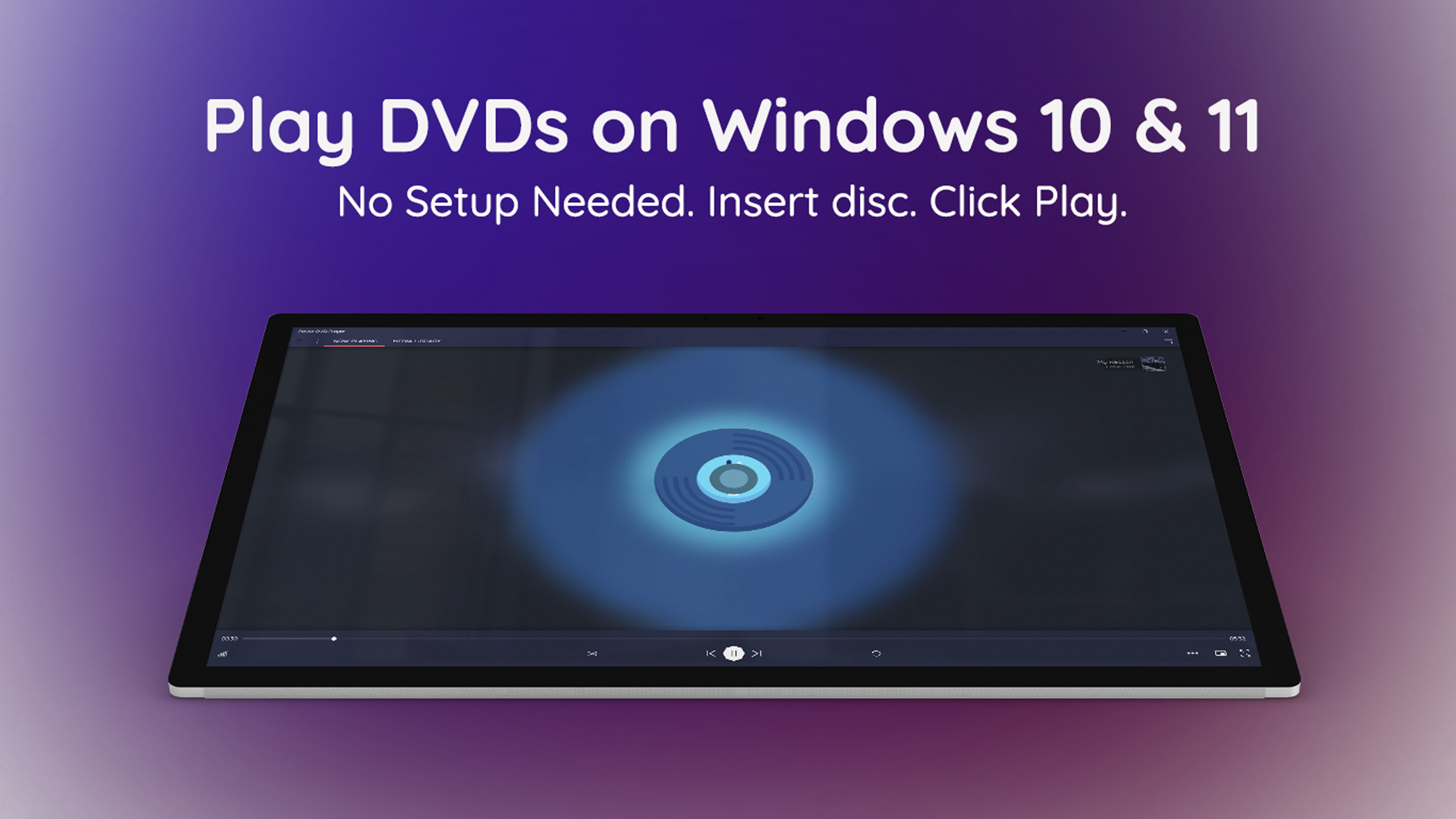
- Seamless DVD Playback: Supports all common DVD formats, ensuring your physical discs are easily accessible.
- Multi-format Compatibility: Beyond DVDs, it handles MP4, AVI, MKV, and other popular media files.
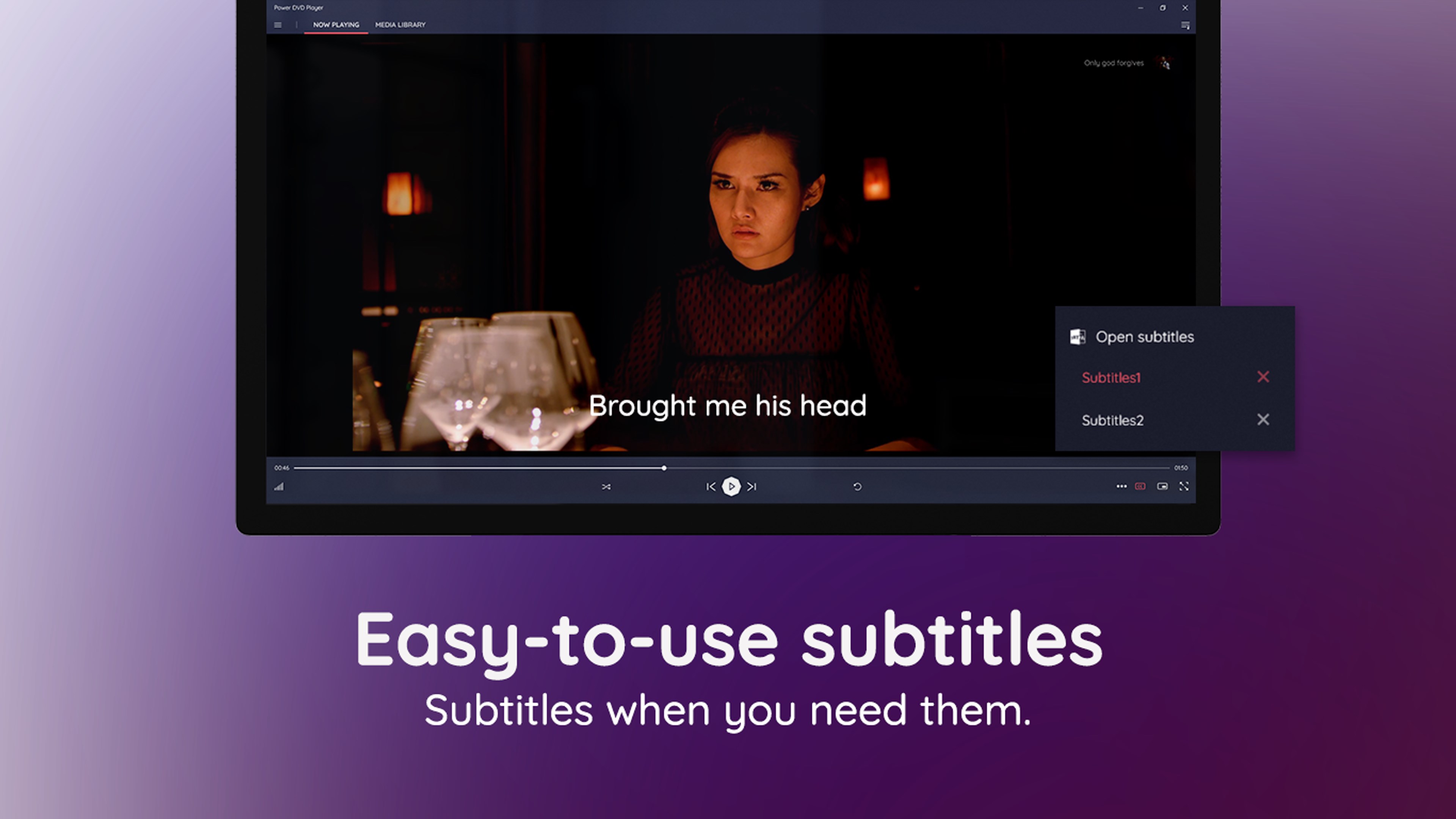
- User-Friendly Interface: Clean design with intuitive controls, minimizing the time you spend fiddling and maximizing your viewing pleasure.
- Lightweight and Efficient: Runs smoothly without hogging system resources, ideal for various Windows configurations.
Target Audience
This app caters to everyday Windows users who want a simple solution for DVD playback, media enthusiasts seeking a lightweight alternative, and those who prefer a straightforward interface without complex features.
A Fresh Take on Media Playback: Play, Discover, Enjoy
Imagine unwinding after a long day with your favorite sci-fi flick or exploring a catalog of multimedia content—MediaPlay promises just that, wrapped in a package that guides you effortlessly through your media library. Its promise isn't just about watching but about transforming your Windows device into a dedicated entertainment hub.
Core Functionality: Simplicity Meets Power
Efficient DVD and Media Playback
At its heart, MediaPlay excels as a dependable DVD player. The experience is akin to slipping a new disc into a high-end chassis—smooth, fast, and hassle-free. The software opens directly to your media files or discs, with minimal loading times. Moreover, its support for a broad range of formats means you can load your other videos without a fuss, making it a versatile media hub. The apparent focus on speed and stability ensures that watching a film feels natural, without the annoying pauses or crashes that sometimes plague other players.
Intuitive User Interface and Experience
The design of MediaPlay resembles your favorite sleek media device—a minimalist dashboard that puts controls within easy reach. Navigating menus feels like flipping through a familiar remote control, with clear icons guiding your actions. The interface's simplicity means that even first-time users can pick it up and start watching within minutes, reducing the usual learning curve associated with more complex media players. The smooth operation, combined with responsive controls, makes the whole experience feel like an effortless glide—like setting a cruise control and enjoying the ride.
Unique Differentiators: Personalized Content Discovery & Algorithmic Insights
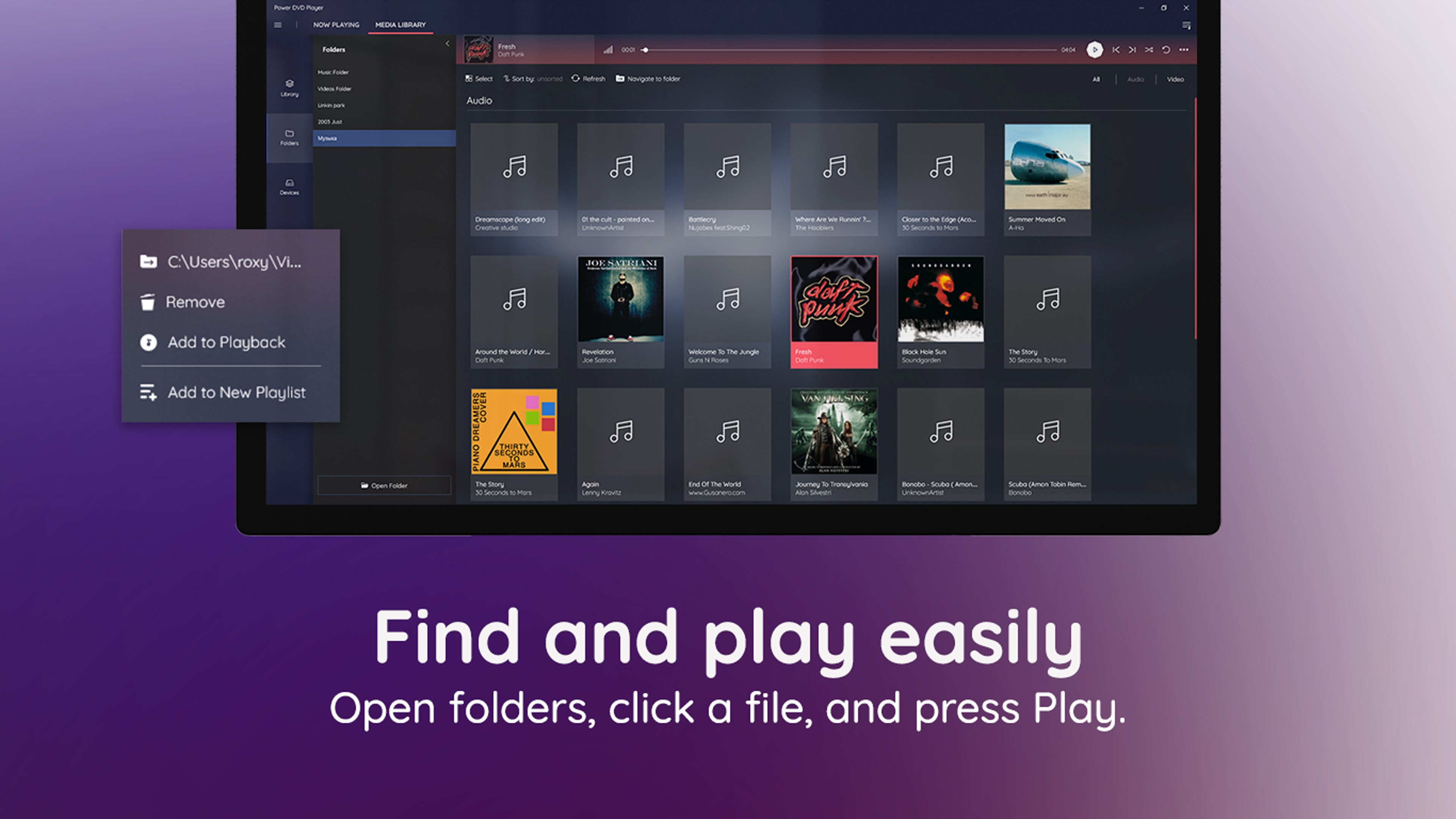
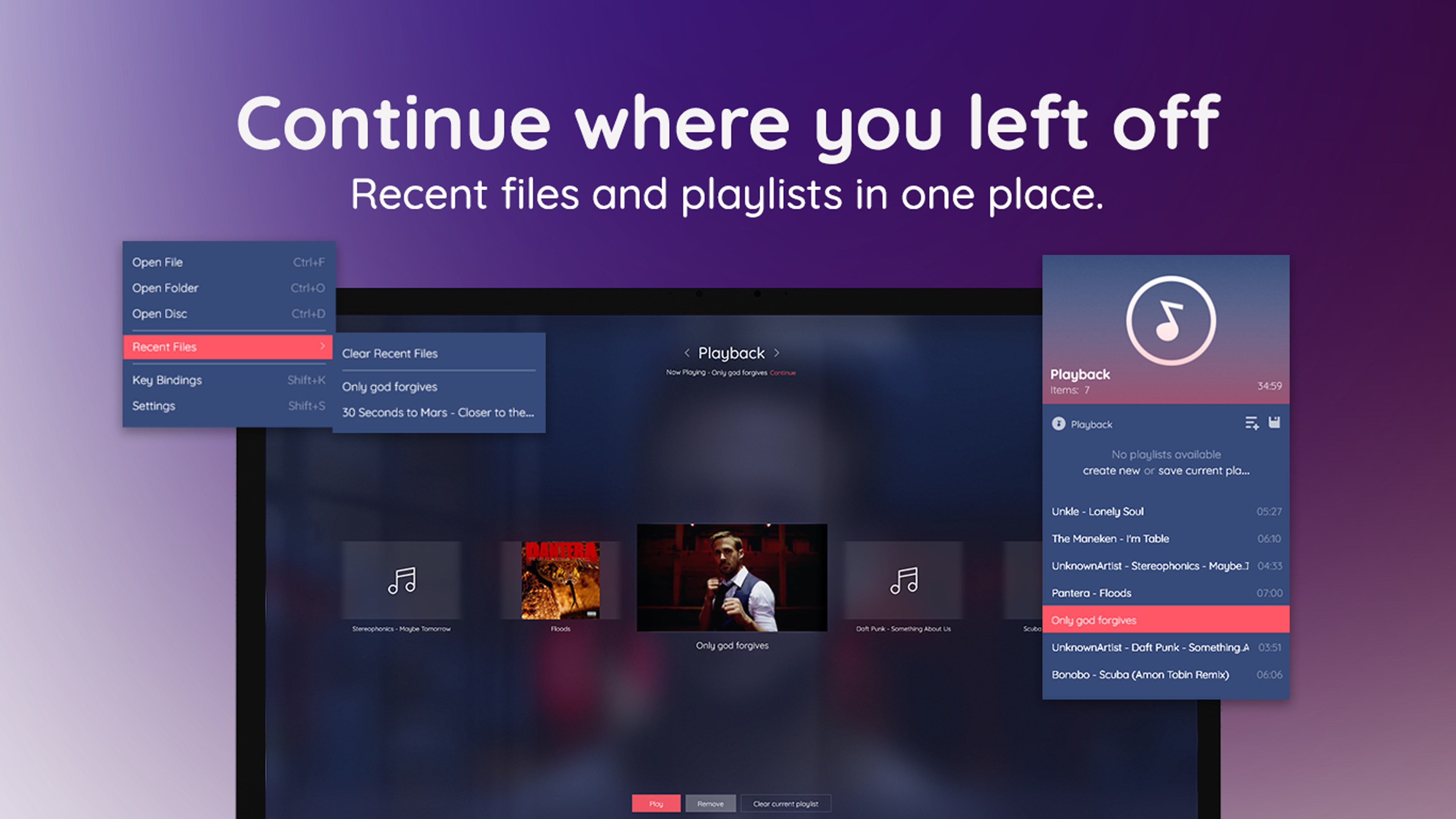
One of MediaPlay's standout features is its approach to content discovery, which is less about messy recommendations and more about smart categorization. The app's content organization algorithms analyze your viewing history to present tailored options, but unlike other media players that just suggest popular titles, MediaPlay seems to recognize your preferences more subtly. This personalized touch feels like having a knowledgeable friend who knows exactly what you might want to watch, making your media exploration feel less arbitrary and more curated.
Although it doesn't boast complex algorithmic recommendations akin to full-blown streaming platforms, the app's focus on relevant content within your library provides a more meaningful, less cluttered entertainment experience. This makes MediaPlay especially appealing to users who want a media player that respects their viewing habits and helps them discover content seamlessly—without pushing intrusive ads or irrelevant suggestions.
Final Verdict: A Solid Choice for Everyday Media Needs
MediaPlay DVD Player offers a clean, efficient, and user-friendly experience for those who simply want to enjoy their media collection without the fuss. Its standout features—the smooth playback and intelligent content organization—set it apart from many basic media players. While it might lack some of the advanced streaming features seen in larger entertainment platforms, its lightweight nature and personalized touch make it a recommended choice for everyday use. If your goal is a no-nonsense, reliable DVD and media player with a touch of smart content management, MediaPlay deserves your consideration.
Pros
- User-Friendly Interface
- Supports Multiple DVD Formats
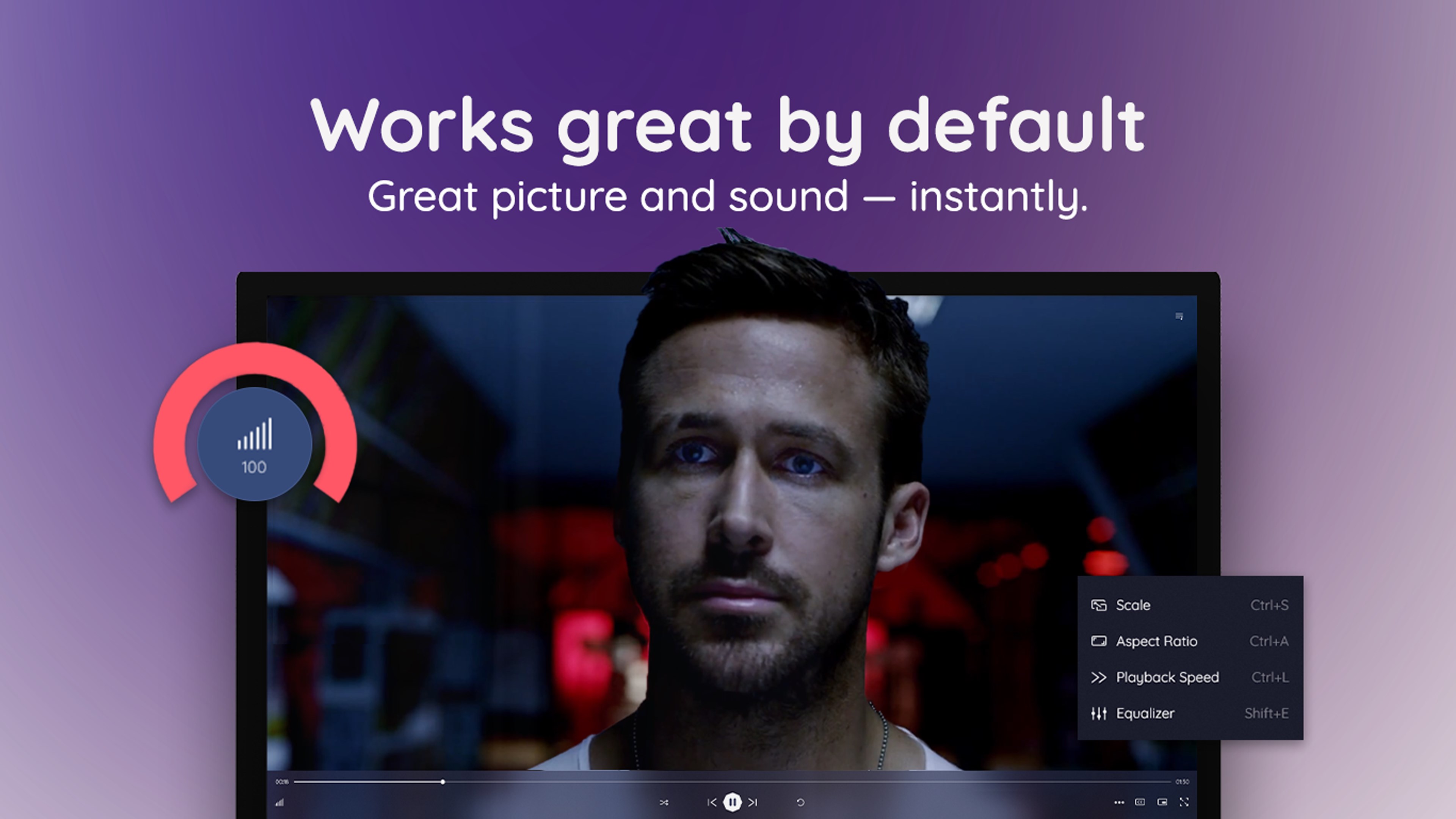
- High-Quality Video Playback
- Built-in Codec Support
- Additional Features
Cons
- Limited Audio Settings
- Occasional Playback Glitches
- Limited Trial or Free Version
- No 4K Support
- Minor User Interface Clutter











