
- Category Multimedia design
- Developer MediBang Inc.
- Available on PC
- OS Windows 10 version 17763.0 or higher
- Keyboard Integrated Keyboard
- Mouse Integrated Mouse
- Memory 8 GB
- languages Chinese (Simplified), Chinese (Traditional Chinese), English (United States), French, German, Indonesian, Italian, Japanese, Korean , Malay, Polish , Portuguese (Portugal), Russian, Spanish (Spain), Thai, Turkish, Vietnamese
Introducing MediBang Paint for Desktop: A Versatile Digital Art Companion
Designed for budding artists and seasoned illustrators alike, MediBang Paint for Desktop offers a comprehensive, user-friendly platform for creating stunning digital artwork on Windows. With a focus on accessibility and a rich set of tools, it's a go-to choice for anyone wanting to dive into digital illustration without breaking the bank.
Who's Behind the Brush?
MediBang Inc., a well-established developer in the digital art community, is renowned for creating accessible and powerful creative software. Their commitment to providing free yet feature-rich tools shines through in MediBang Paint, aligning perfectly with their mission to nurture artistic expression worldwide.
Key Features That Make MediBang Stand Out
- Cloud Storage & Collaboration: Seamlessly save your work to the cloud and share projects with peers, facilitating real-time collaboration and project continuity across devices.
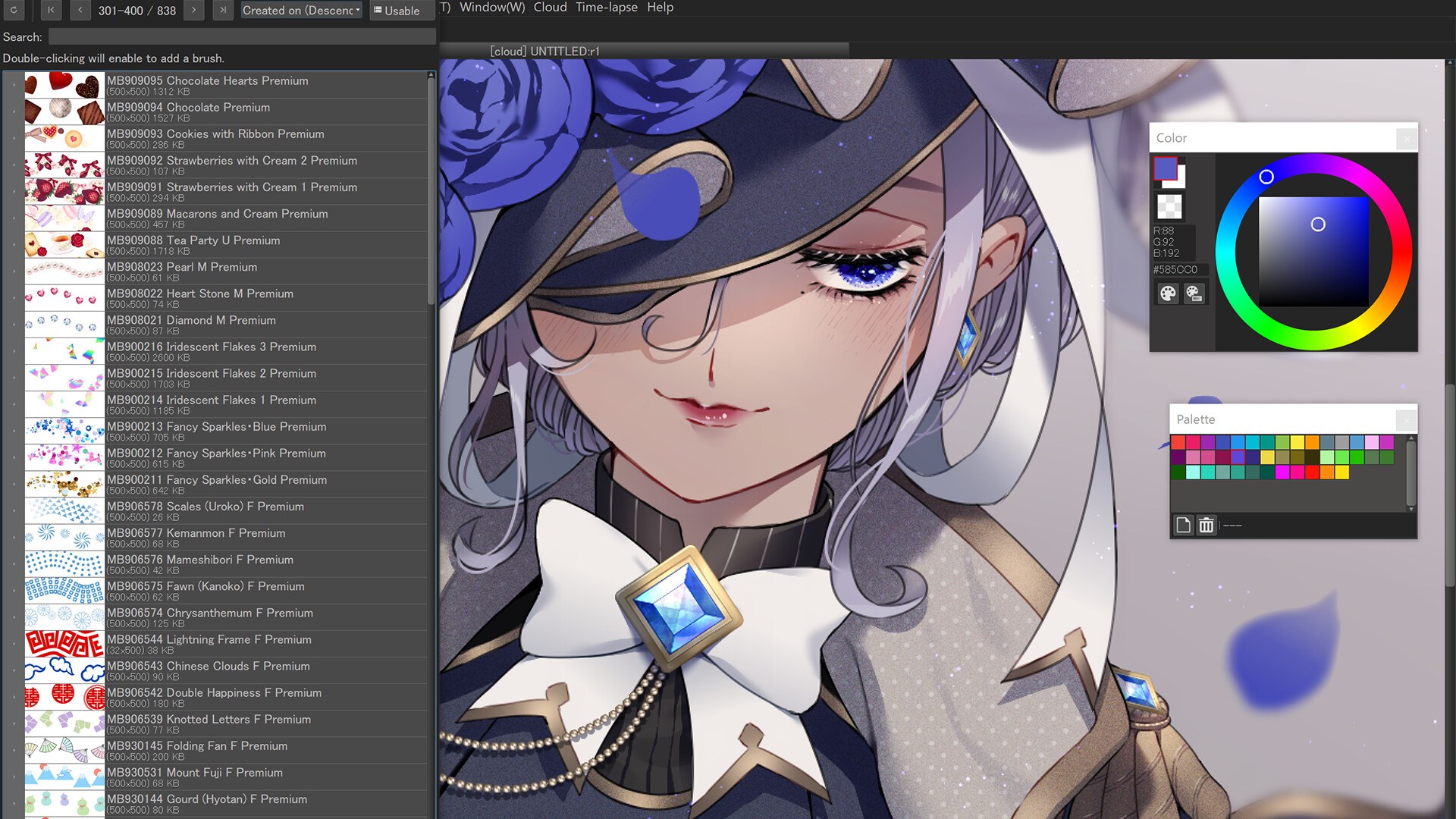
- Extensive Brush & Asset Library: Access hundreds of customizable brushes, screentones, backgrounds, and fonts, making your creative process versatile and inspiring.
- User-Friendly Interface & Compatibility: Intuitive design paired with compatibility for various graphic tablets and input devices accelerates your workflow without steep learning curves.
- Cross-platform Syncing: Though mainly optimized for desktop, MediBang's ecosystem allows smooth transition and synchronization with its mobile app, providing flexibility for artists on the go.
A Closer Look at the Creative Experience
Vivid Interface that Feels Like a Digital Studio
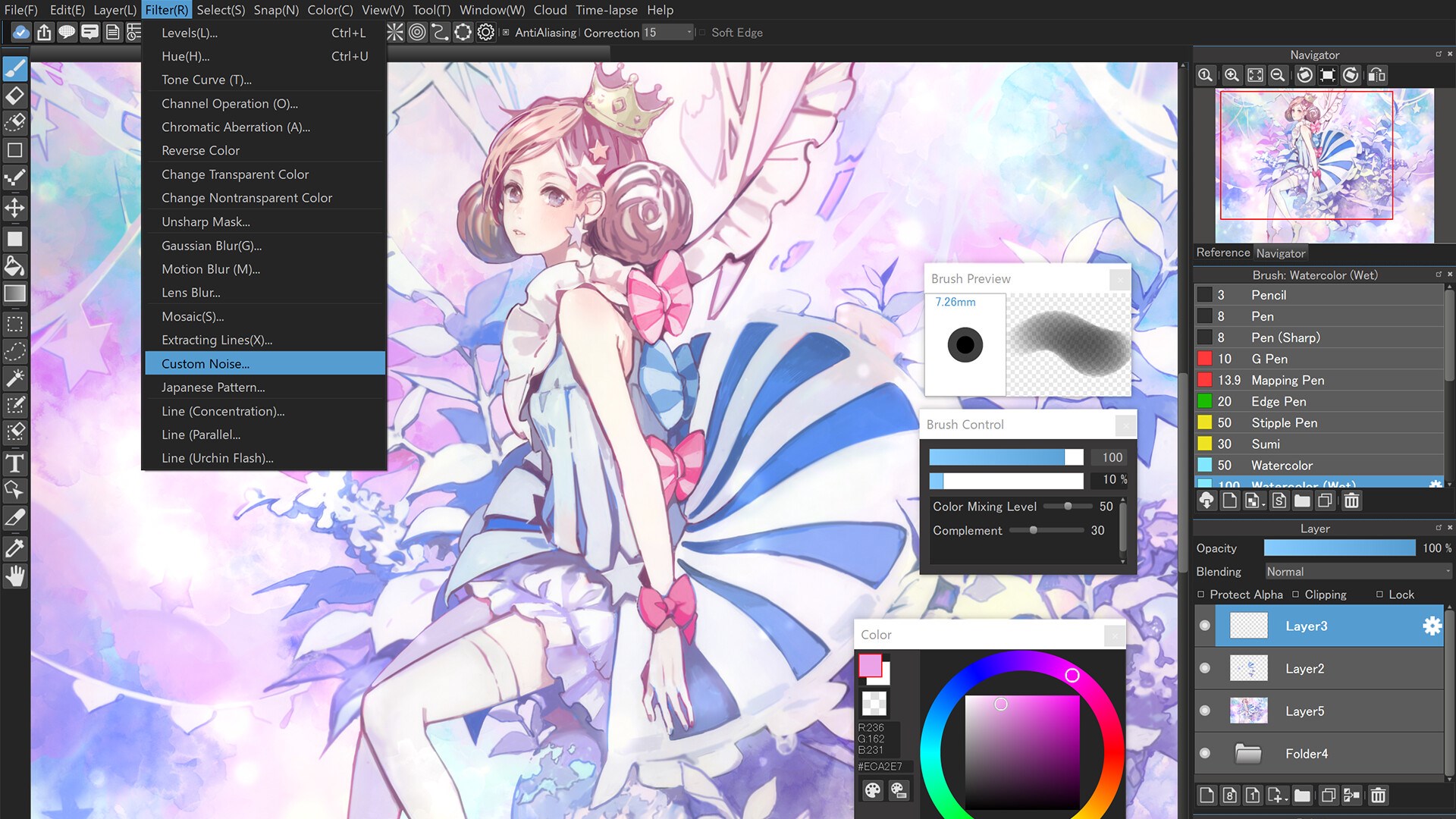
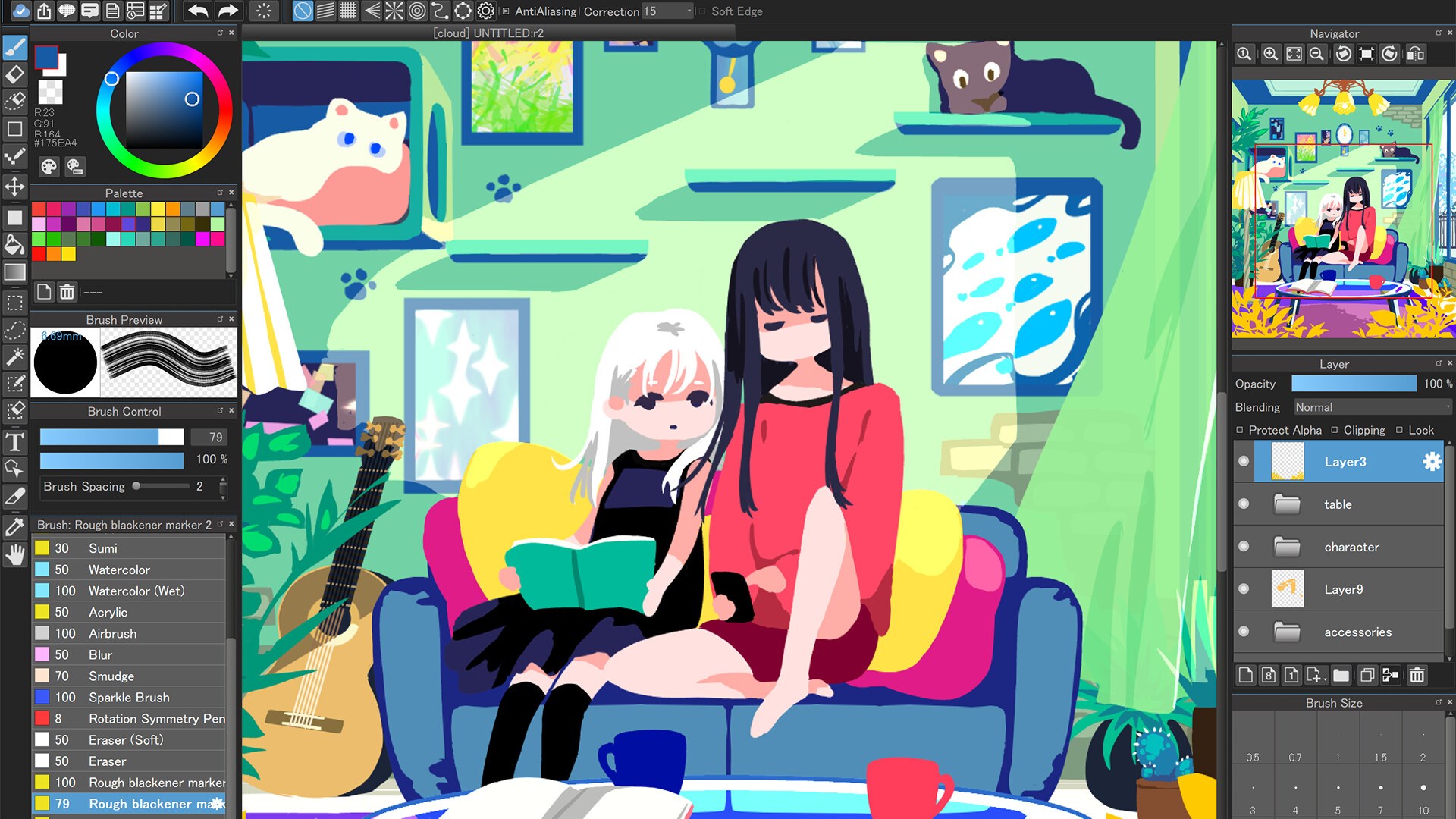
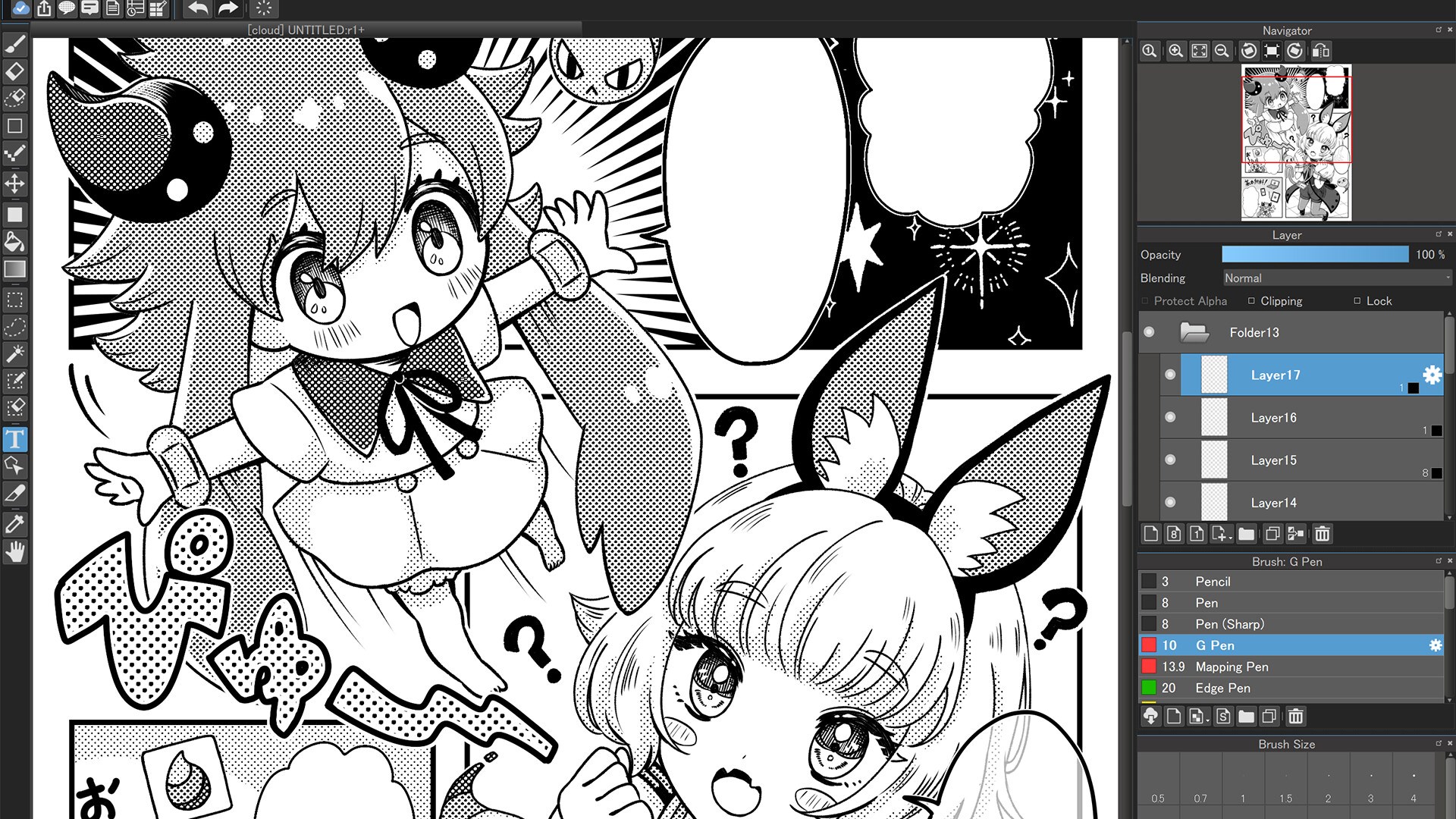
MediBang Paint's interface resembles a clean, well-organized artist's workspace. The layout is intuitively structured, with tools and panels easily accessible but easily hideable, ensuring your canvas remains uncluttered. Whether you're sketching manga, illustrating detailed concept art, or dabbling with comics, the interface adapts smoothly to your workflow, like a trusty sketchbook that's always within reach.
Smooth Operation & Learning Curve
One of the app's notable strengths is its responsiveness. Brushes and tools respond promptly to input, whether you're using a mouse or a drawing tablet, making the experience feel natural and frictionless. For newcomers, the learning curve is gentle—guided tutorials, a helpful community, and a wealth of online resources help beginners get started quickly. Seasoned artists will appreciate the depth of tools and customization options that support advanced techniques.
Unique Selling Points: Cloud Integration and Asset Library
While many digital art applications focus solely on local files, MediBang's cloud storage system is a standout. It functions like a digital safe, allowing you to back up masterpieces or share progress with collaborators effortlessly. Plus, its expansive free asset library is like a treasure chest for artists: countless brushes, screentones, and backgrounds are ready for use, eliminating the need to source external resources constantly. These features set MediBang apart from competitors that often require paid upgrades or lack integrated sharing tools.
Final Impressions & Recommendations
Overall, MediBang Paint for Desktop strikes a fine balance between accessibility and powerful features—a true digital art Swiss Army knife. Its cloud capabilities and rich asset library are particularly commendable, making it especially appealing for collaborative projects or artists who want an all-in-one solution without costs piling up.
For aspiring manga artists, comic creators, and digital illustrators looking for a free yet comprehensive tool, MediBang offers a compelling choice. Beginners will find its gentle learning curve welcoming, while seasoned illustrators will appreciate the depth and customization options. I'd recommend giving it a try, especially if you value seamless sharing and a vast resource pool—it's like having a trusty art studio in your computer.
Pros
- Rich feature set for digital painting
- User-friendly interface
- Performance optimization for desktop
- Free to use with optional upgrades
- Support for stylus input
Cons
- Limited export formats
- Occasional crashes with large files
- Basic animation features are missing
- Limited brush customization options
- Performance can vary on older hardware











