


- Category Business
- Developer Owl Labs
- Available on PC
- OS Windows 10 version 17763.0 or higher
- languages English (United States)
Meeting Owl for Windows: Elevating Your Video Conferencing Experience
Meeting Owl for Windows is a software application designed to complement Owl Labs' innovative 360-degree camera hardware, transforming virtual meetings into more immersive and engaging experiences. Think of it as the digital brains behind a smart, user-friendly conference room in your PC, seamlessly capturing and managing your meetings with clarity and ease.
About the Developer and Main Features
Developed and published by Owl Labs, a company renowned for their pioneering 360-degree video conferencing devices, Meeting Owl for Windows aims to enhance remote collaboration through intelligent software integration. Its standout features include automatic speaker framing, adaptive microphone management, and intuitive session controls, all crafted to make virtual meetings feel more natural and less stressful. Designed primarily for professionals, educators, and small to medium-sized teams, this app caters to anyone seeking a smarter, more engaging virtual communication tool.
A Fresh Take on Virtual Meetings: An Entertaining Intro
Imagine stepping into a room where your virtual presence feels just as lively as face-to-face interactions—all without adjusting a single camera angle or worrying about background noise. Meeting Owl for Windows acts like a kind-hearted host, tuning in to your voice and gestures, to make every meeting feel more connected and less robotic. It's as if your computer gains a third eye, smartly watching and listening so your team can focus on what truly matters: collaborating effectively instead of fiddling with tech issues.
Core Functionality That Sets It Apart
1. Intelligent Speaker Framing and Tracking
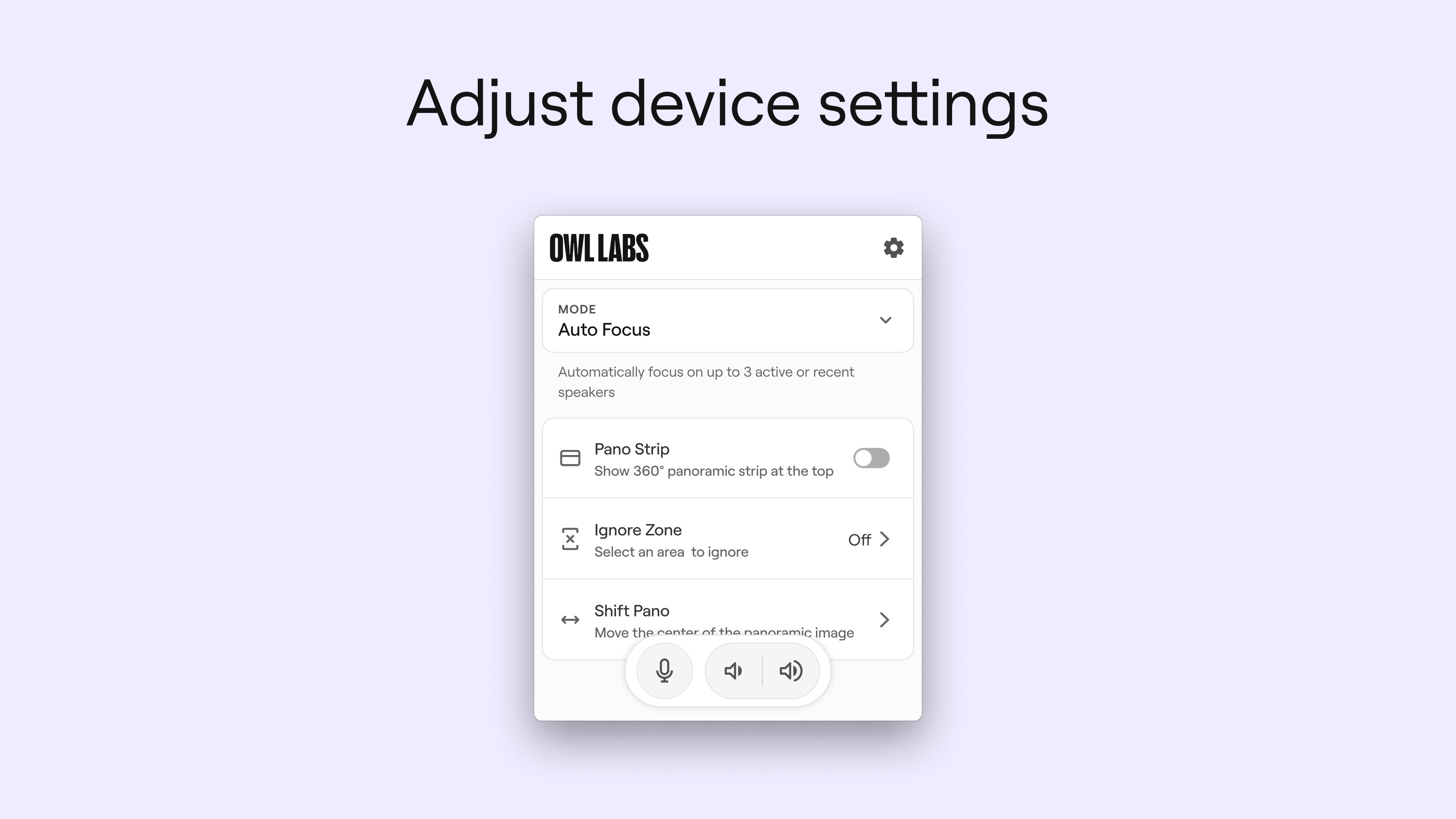
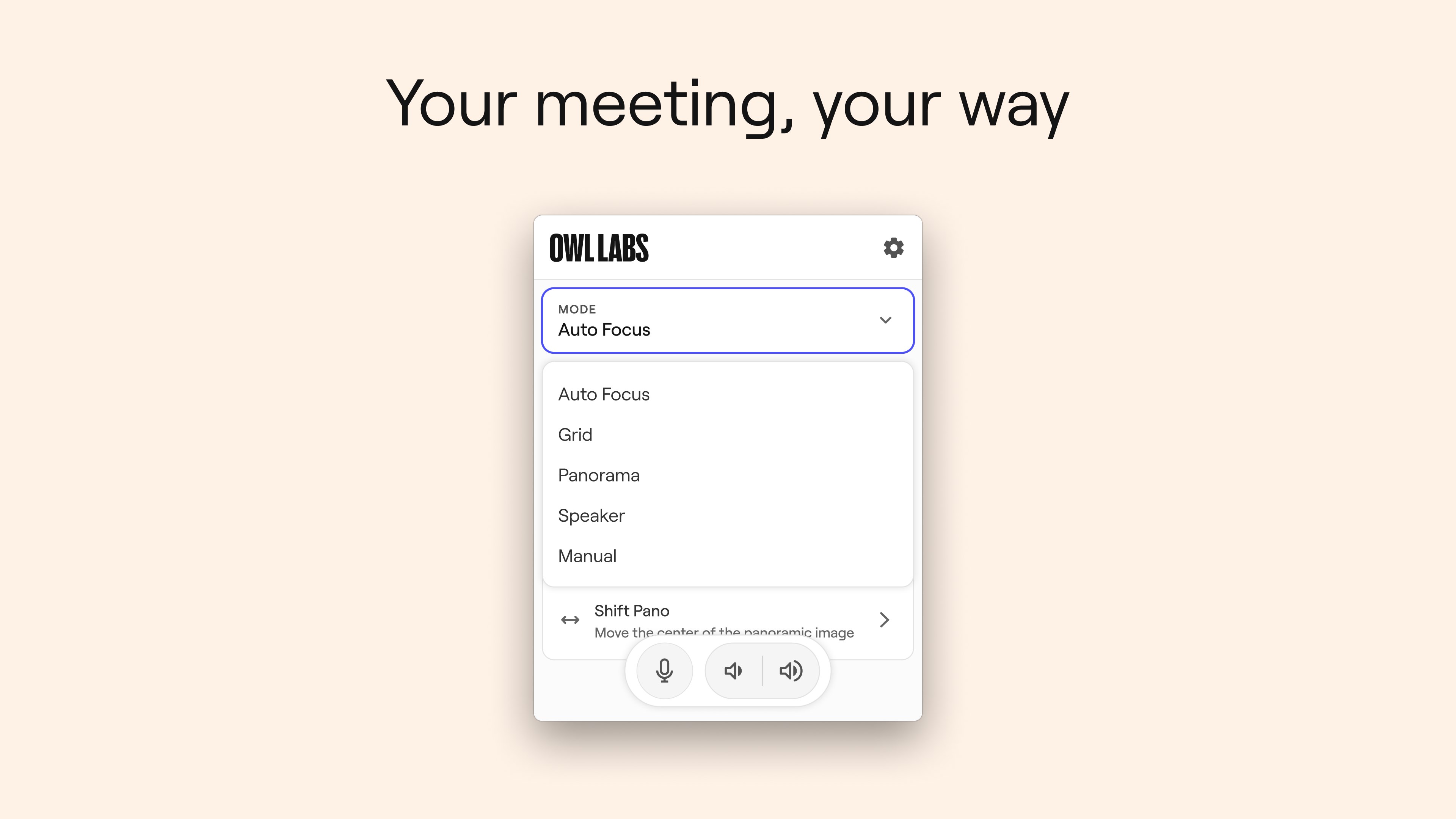
One of the most impressive features of Meeting Owl for Windows is its ability to automatically detect who is speaking and focus the camera's attention in real-time. If someone is presenting or making a point, the app adjusts the video feed to keep them front and center — akin to a gracious host ensuring everyone's face is seen and heard. This eliminates the frustration of manual camera adjustments and keeps the conversation flowing naturally, fostering a more engaging meeting environment.
2. Adaptive Microphone Management
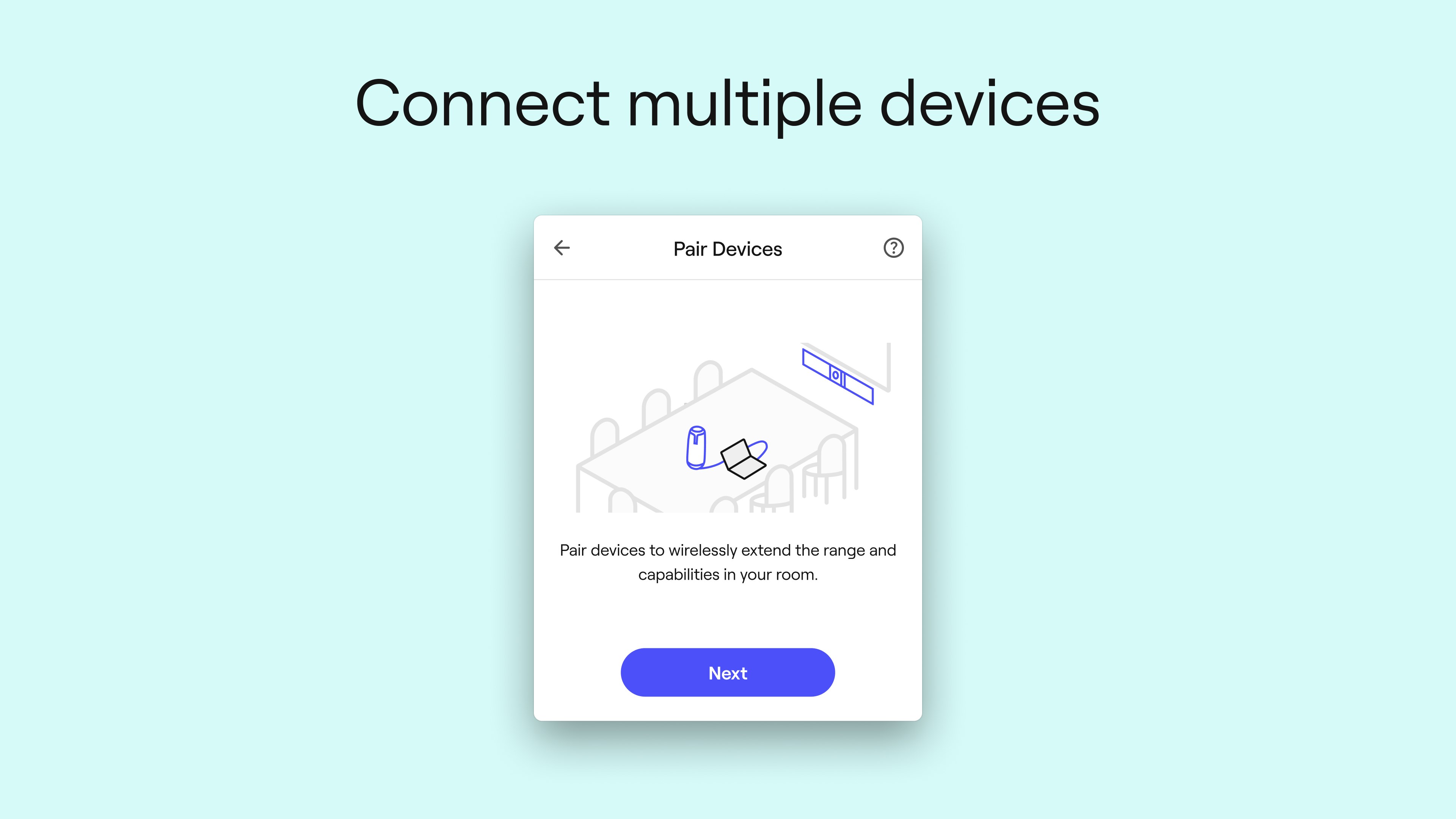
The app intelligently manages multiple microphones connected to Owl Labs' hardware, automatically switching between speakers to reduce background noise and improve clarity. This feature ensures that every participant's voice is heard clearly, and the audio remains synchronized with the video feed. For teams working in noisy or shared spaces, this adaptive audio system acts like a digital noise-canceling assistant, simplifying a task that can often be a source of distraction or miscommunication.
3. Seamless Integration with Meeting Platforms and User-Friendly Interface
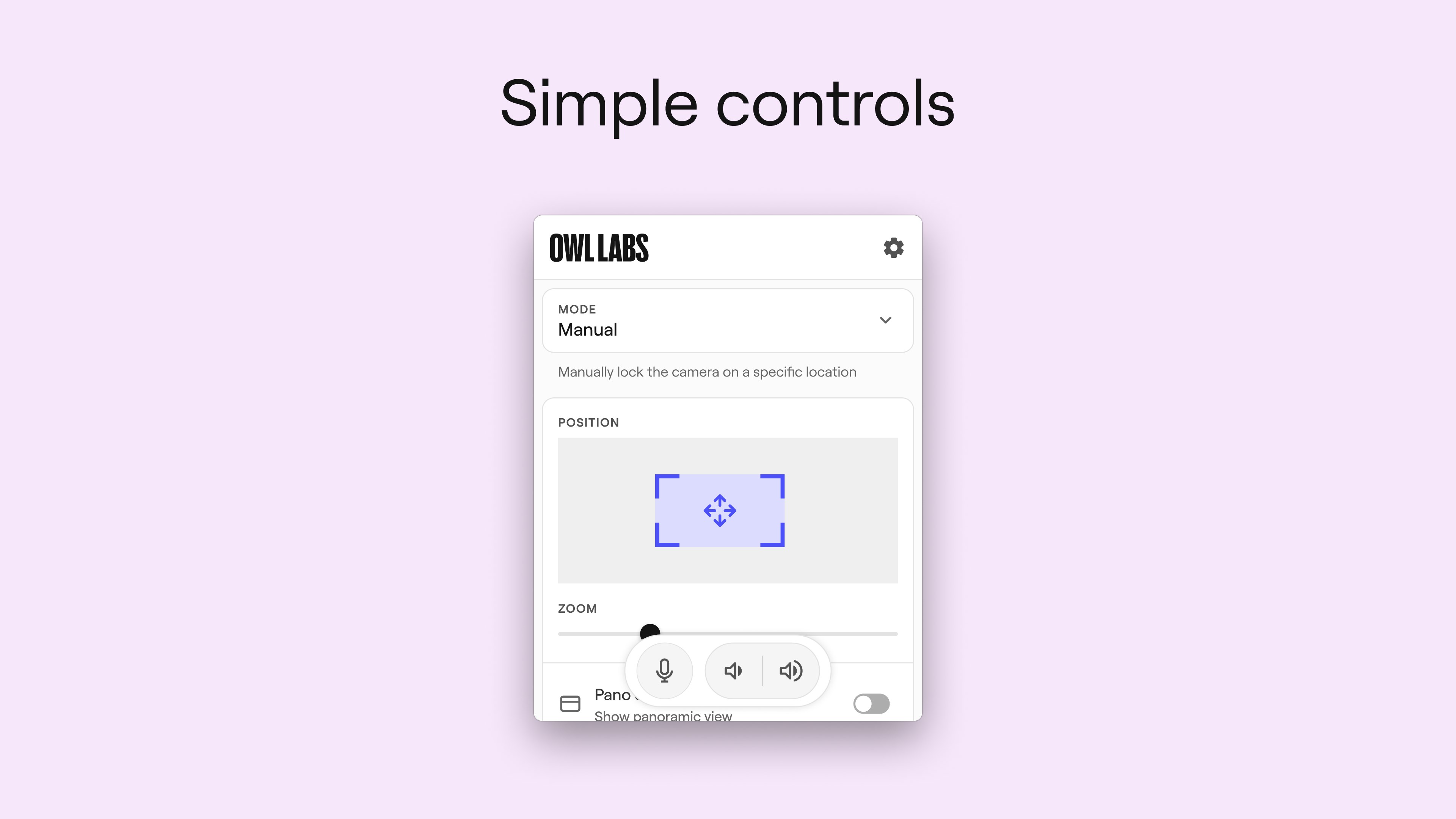
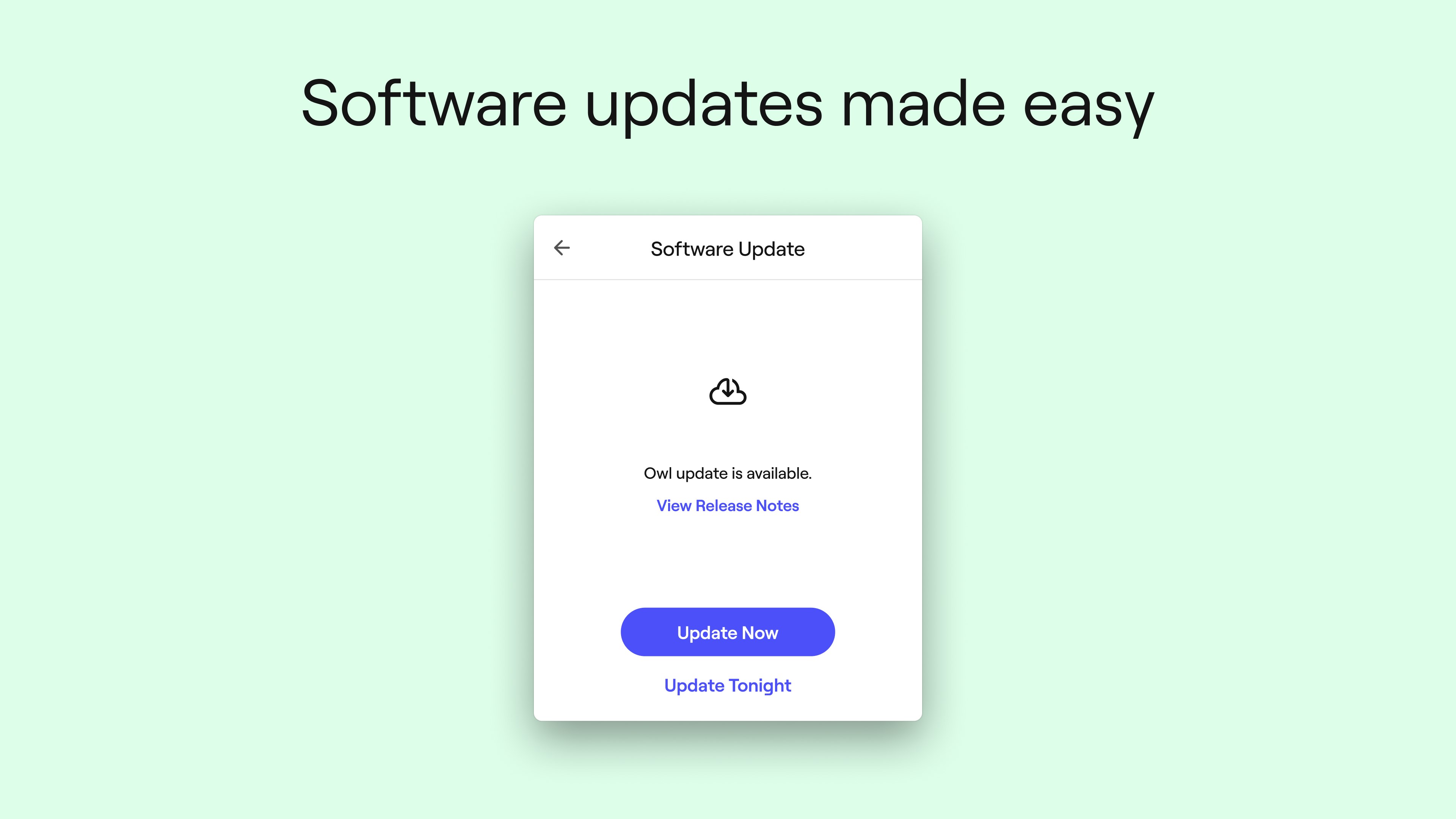
Designed with simplicity in mind, Meeting Owl for Windows supports integration with popular conferencing platforms like Zoom, Microsoft Teams, and others. Its clean, intuitive interface guides users through setup and controls without requiring a steep learning curve—much like a friendly navigator leading a voyage. Users can effortlessly start, pause, or end sessions, adjust camera views, and manage audio settings all through a straightforward dashboard, ensuring minimal fuss and maximum productivity.
Enhanced User Experience and Differentiators
From a user perspective, the app offers a fluid experience characterized by smooth transitions and responsive controls. The visual design is uncluttered, allowing users to focus on their meetings rather than wrestling with software. The learning curve is gentle; even users with minimal tech experience can quickly master its functionalities. Compared to other business collaboration apps that rely solely on software-based scene management, Meeting Owl's integration with hardware provides a more natural and inclusive meeting flow. Its primary distinction is the combination of hardware-smart features (like auto-framing and adaptive microphones) with a user-centric interface, making meetings feel less like a chore and more like engaging conversations.
Final Recommendations
If your organization invests in Owl Labs hardware and frequently hosts team meetings, this app is a valuable addition that ensures your meetings are more interactive and less technically fiddly. While it is especially effective in small to mid-sized conference settings, users should note that its full potential shines when used in conjunction with Owl's devices. For those seeking a straightforward solution that boosts online collaboration quality without an overwhelming learning curve, Meeting Owl for Windows comes highly recommended. However, if you're looking for a solely software-based solution without dedicated hardware, some features may be limited.
Pros
- High-quality 360-degree video capture
- Automatic speaker tracking
- Easy integration with Microsoft Teams and Zoom
- Voice and sound quality are notably good
- User-friendly, Plug-and-Play setup
Cons
- Limited customization options for camera angles
- Occasional lag in speaker tracking
- Requires a stable internet connection for optimal performance
- Some users report difficulties with mounting or positioning
- Limited recording or local storage options











