


- Category Personalization
- Available on PC
- OS Windows 10 version 14951.0 or higher
- languages English (United States)
Meteor Showers for Windows: A Celestial Personalization Companion
If you're captivated by the night sky and wish to bring the magic of meteor showers right onto your desktop, Meteor Showers for Windows offers a delightful way to do just that. This app transforms your screen into a window to the cosmos, combining stunning visuals with customizable features that cater to astronomy enthusiasts and casual sky gazers alike.
Who Developed This Stellar App?
Developed by Microsoft Corporation, Meteor Showers for Windows is crafted by a tech giant renowned for its seamless integration of functionality and aesthetics. As part of Microsoft's diverse suite of applications, it leverages their expertise in creating user-friendly, visually appealing software tailored to enhance your desktop experience.
Main Features that Light Up the Sky
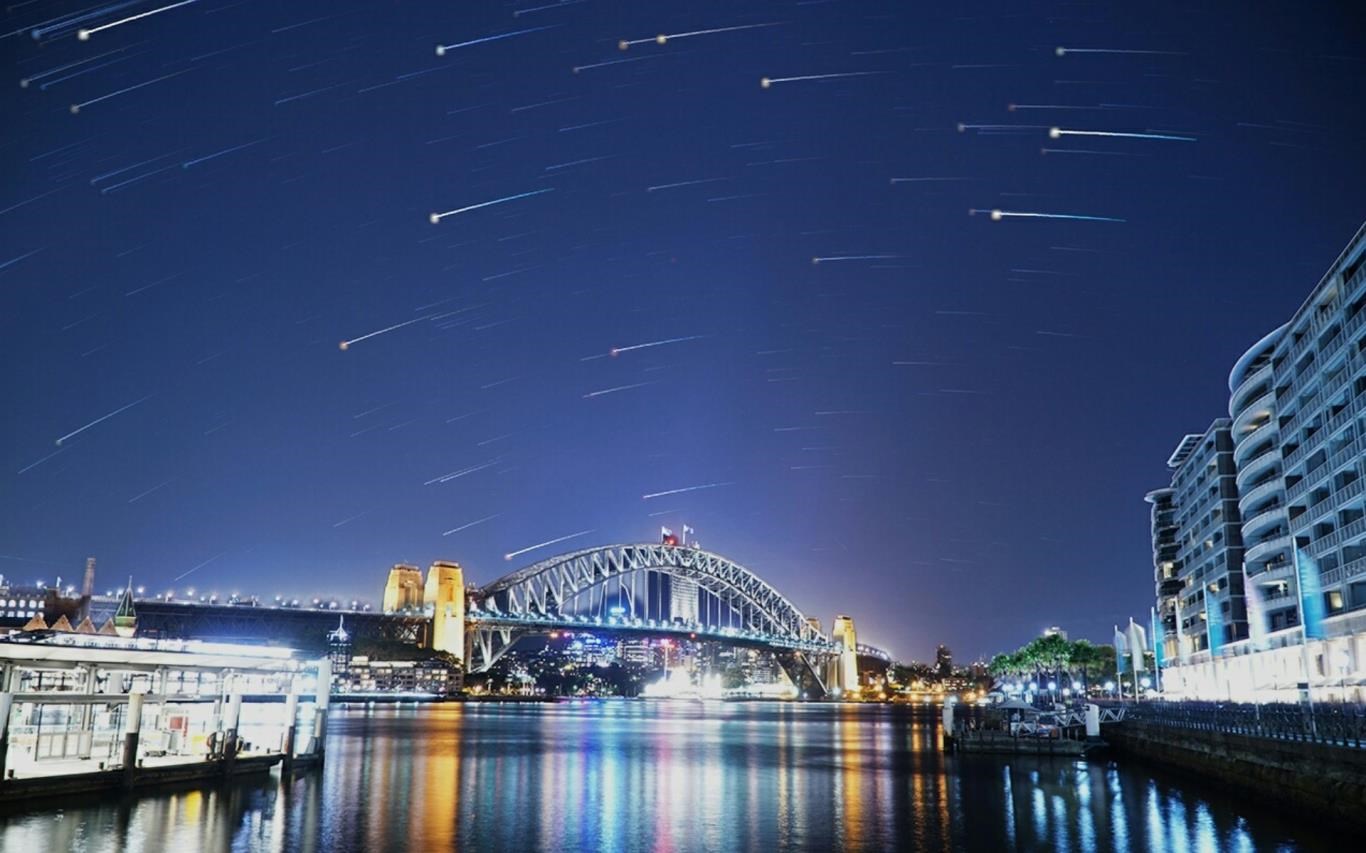
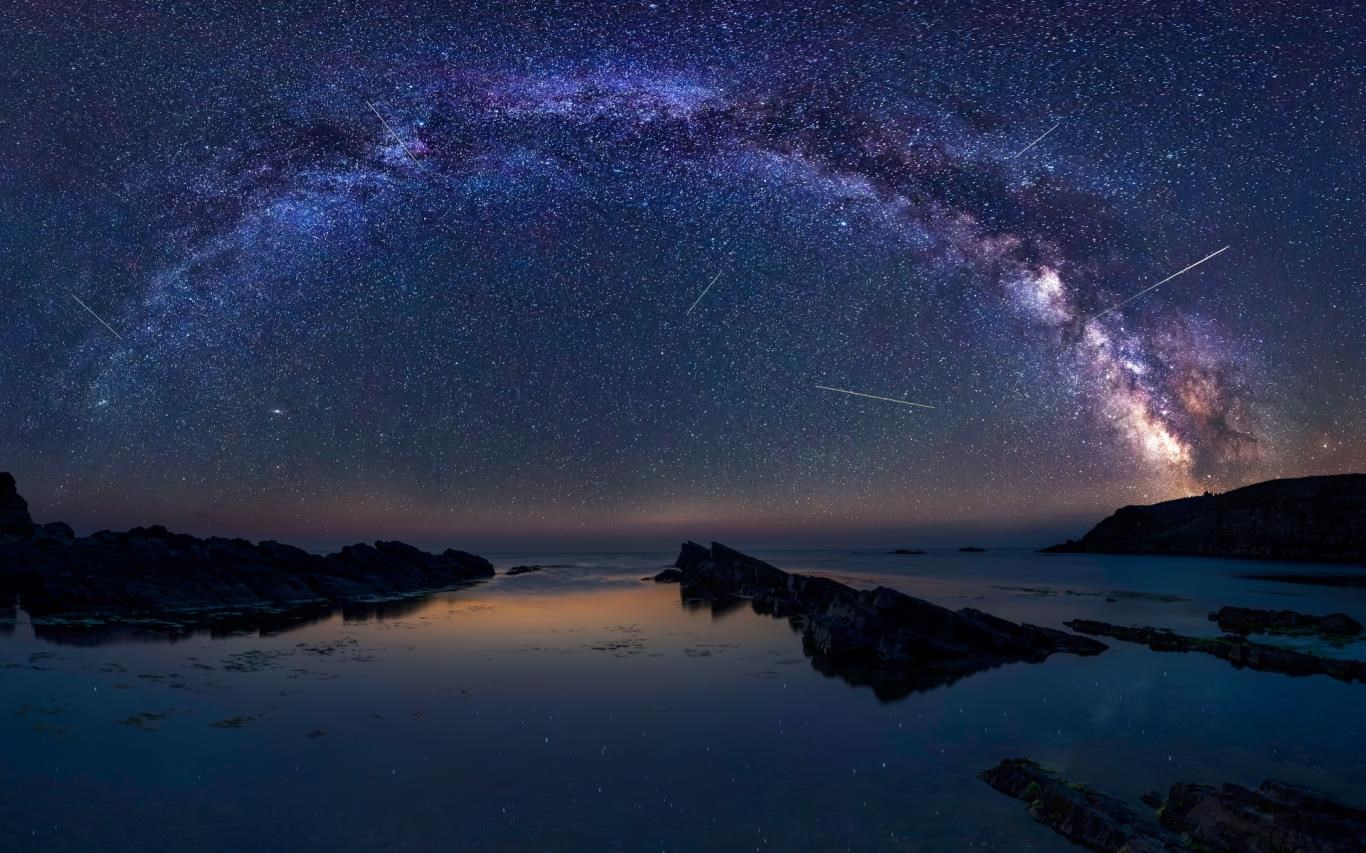
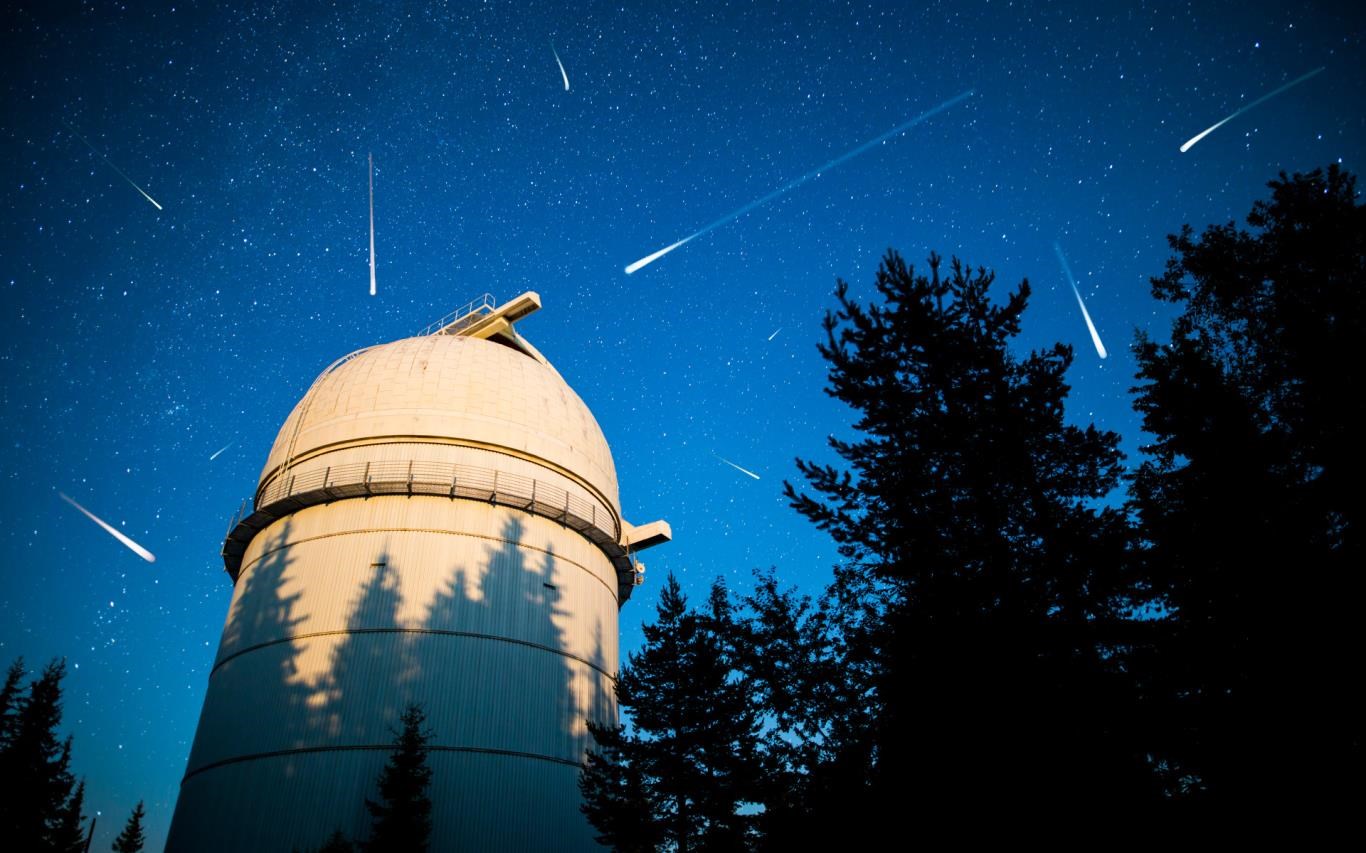
- Dynamic Meteor Shower Animations: Experience realistic meteor showers with adjustable intensity and frequency, creating a mesmerizing visual display that mimics the night sky.
- Customizable Sky Themes: Choose from various themes—ranging from serene nightscapes to vibrant cosmic phenomena—allowing your desktop to reflect your mood or interests.
- Astrophysical Insights: Get fascinating facts about meteor showers, including peak dates and historical data, making the app both beautiful and educational.
- Seamless Integration with Windows: Easy to set as a desktop background or screensaver, with minimal impact on system performance.
Engaging and Immersive User Experience
Upon launching Meteor Showers for Windows, you're greeted with a sleek, dark-themed interface that feels like stepping into a virtual observatory. Navigating through the options is akin to using a high-tech control panel—intuitive and straightforward, even for first-time users. The animations are smooth, with meteor particles streaking across your screen in lifelike trajectories, enhancing the immersive feel without stuttering or lagging.
The learning curve is virtually nonexistent; a few clicks suffice to customize your sky experience. The app's design is unobtrusive, allowing users to enjoy a breathtaking celestial display without feeling overwhelmed by complexity. Its lightweight architecture ensures that adding this celestial ambiance doesn't come at the expense of system responsiveness.
Differentiating Features: A Cosmic Edge Over Similar Apps
While many personalization apps offer background effects or static images, Meteor Showers for Windows elevates the experience with its focus on dynamic, realistic meteor animations that can be customized extensively. Its variety of sky themes and the ability to fine-tune meteor activity stand out, offering a level of personalization that feels tailored rather than generic.
Another notable aspect is its integration with real astronomical data. Unlike other apps that simply display pretty images, this one provides contextual insights—making it appealing to both hobbyists and those with a budding interest in astronomy. Its compatibility with various themes also ensures it can harmonize with your existing desktop aesthetic, whether you prefer minimalism or more vibrant cosmic scenes.
Final Recommendations: To Stargaze or Not?
Overall, Meteor Showers for Windows is a thoughtfully designed application that combines visual allure with educational value. Its standout feature—the realistic meteor animation—makes it particularly appealing for users seeking a lively and authentic celestial ambiance. The app is suitable for casual users, astronomy enthusiasts, or anyone wanting to add a touch of the cosmos to their daily digital environment.
We recommend giving it a try if you enjoy personalized desktop experiences that are both beautiful and informative. Its easy-to-use interface and customizable options make it an accessible yet captivating addition to your Windows setup. Whether you're setting the mood for a calm evening or sparking curiosity about the universe, this app is a reliable, gentle companion for your digital sky-gazing adventures.
Pros
- Beautiful and immersive visual effects
- Intuitive user interface
- Customizable viewing options
- Engaging educational content
- Regular updates with new showers
Cons
- High battery consumption
- Limited customization options for visual effects
- Occasional lag on older devices
- No offline mode available
- Limited language options currently











