

- Category Photo & video
- Developer Microsoft Corporation
- Available on PC
- OS Windows 10 version 18362.0 or higher
- Memory Not specified
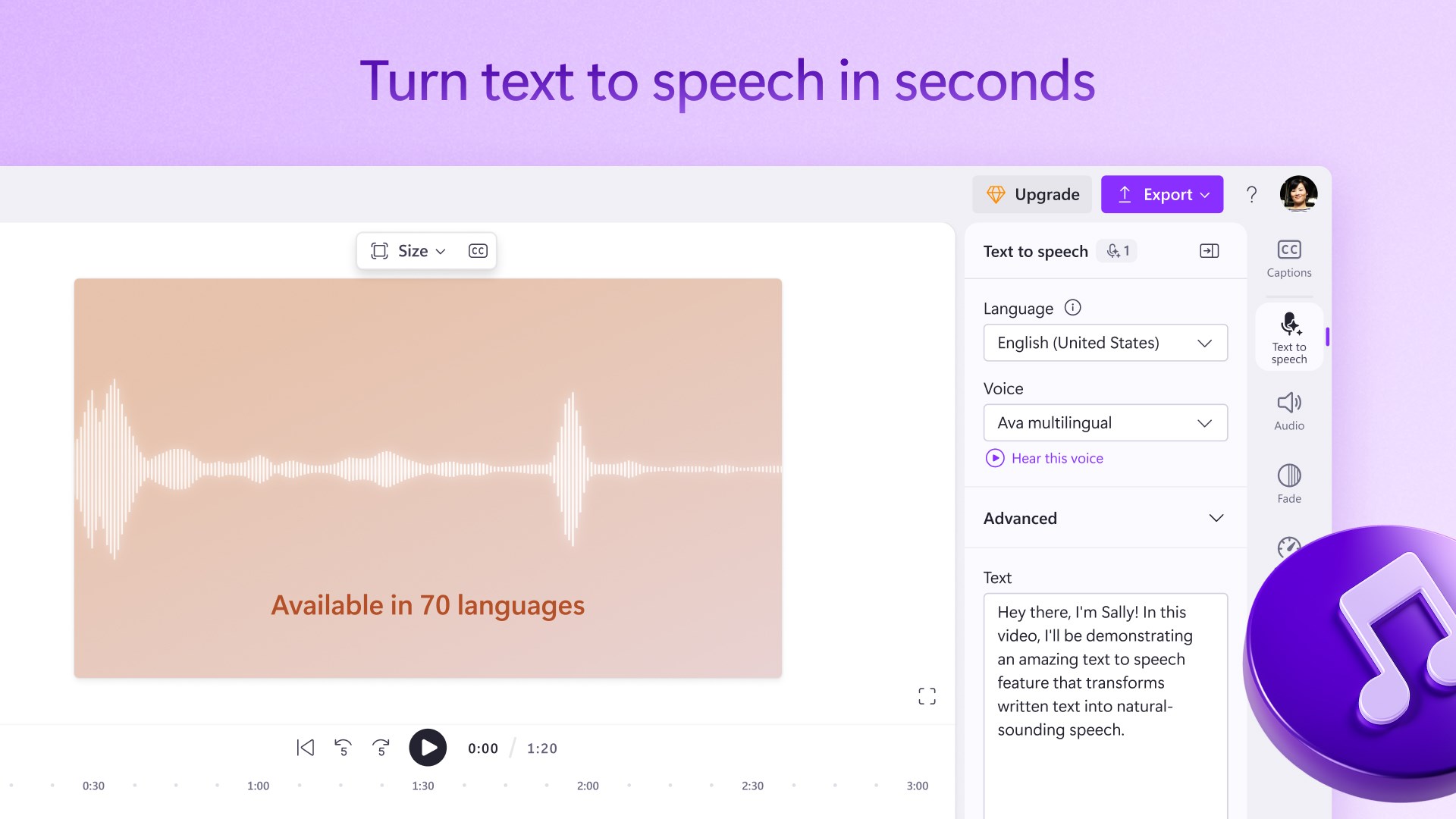
- languages Afrikaans, Albanian, Amharic, Arabic, Armenian, Assamese, Azerbaijani, Bangla (India), Basque, Bosnian (Latin, Bosnia and Herzegovina), Bulgarian, Catalan, Chinese (Simplified), Chinese (Traditional), Croatian, Czech, Danish, Dutch, English (United Kingdom), English (United States), Estonian, Filipino, Finnish, French, French (Canada), Galician , Georgian, German, Greek, Gujarati, Hebrew, Hindi, Hungarian, Icelandic, Indonesian, Irish, Italian, Japanese, Kannada, Kazakh, Khmer, Konkani, Korean , Lao, Latvian, Lithuanian, Luxembourgish, Macedonian, Malay, Malayalam, Maltese, Maori, Marathi, Nepali, Norwegian (Bokmål), Odia, Persian, Polish , Portuguese (Brazil), Portuguese (Portugal), Punjabi (India), Quechua, Romanian, Russian, Scottish Gaelic, Serbian, Serbian (Cyrillic, Bosnia and Herzegovina), Serbian (Latin, Serbia), Slovak, Slovenian (Slovenia), Spanish (Mexico), Spanish (Spain), Swedish, Tamil, Tatar, Telugu, Thai, Turkish, Ukrainian, Urdu, Uyghur, Uzbek, Valencian, Vietnamese, Welsh
Microsoft Clipchamp for Windows: A User-Friendly Video Editing Companion
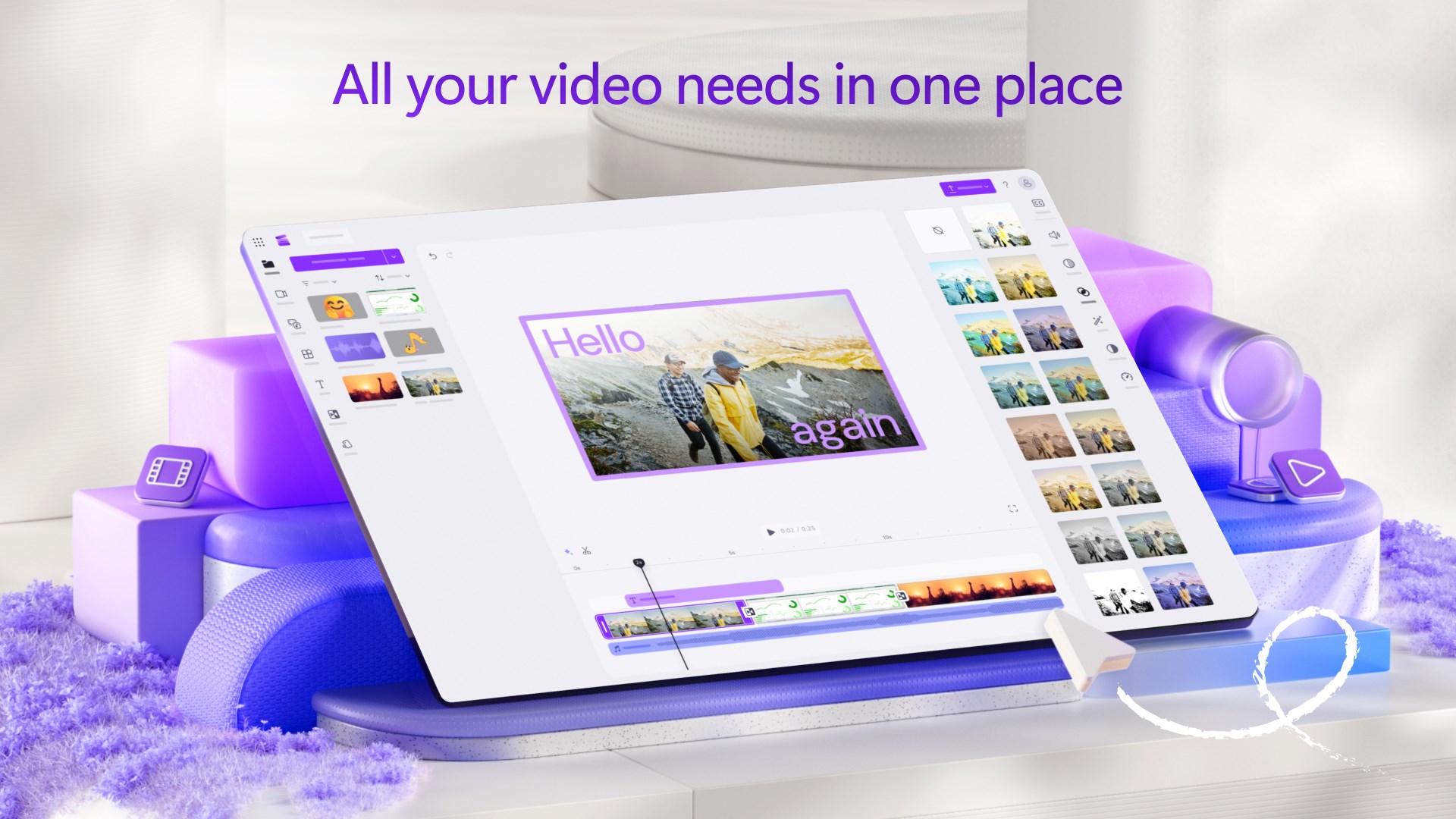
Microsoft Clipchamp for Windows presents itself as a versatile, accessible video editing tool designed to meet the needs of both beginners and casual creators. Its integration within the Microsoft ecosystem and intuitive functionalities make it an attractive option for those wanting to craft polished videos without navigating complex software.
Developed by a Tech Innovator: Microsoft Corporation
Backed by the tech giant Microsoft Corporation, Clipchamp benefits from extensive resources and a commitment to seamless user experiences. This association guarantees consistency with Windows updates, security standards, and ongoing feature enhancements.
Key Features That Shine
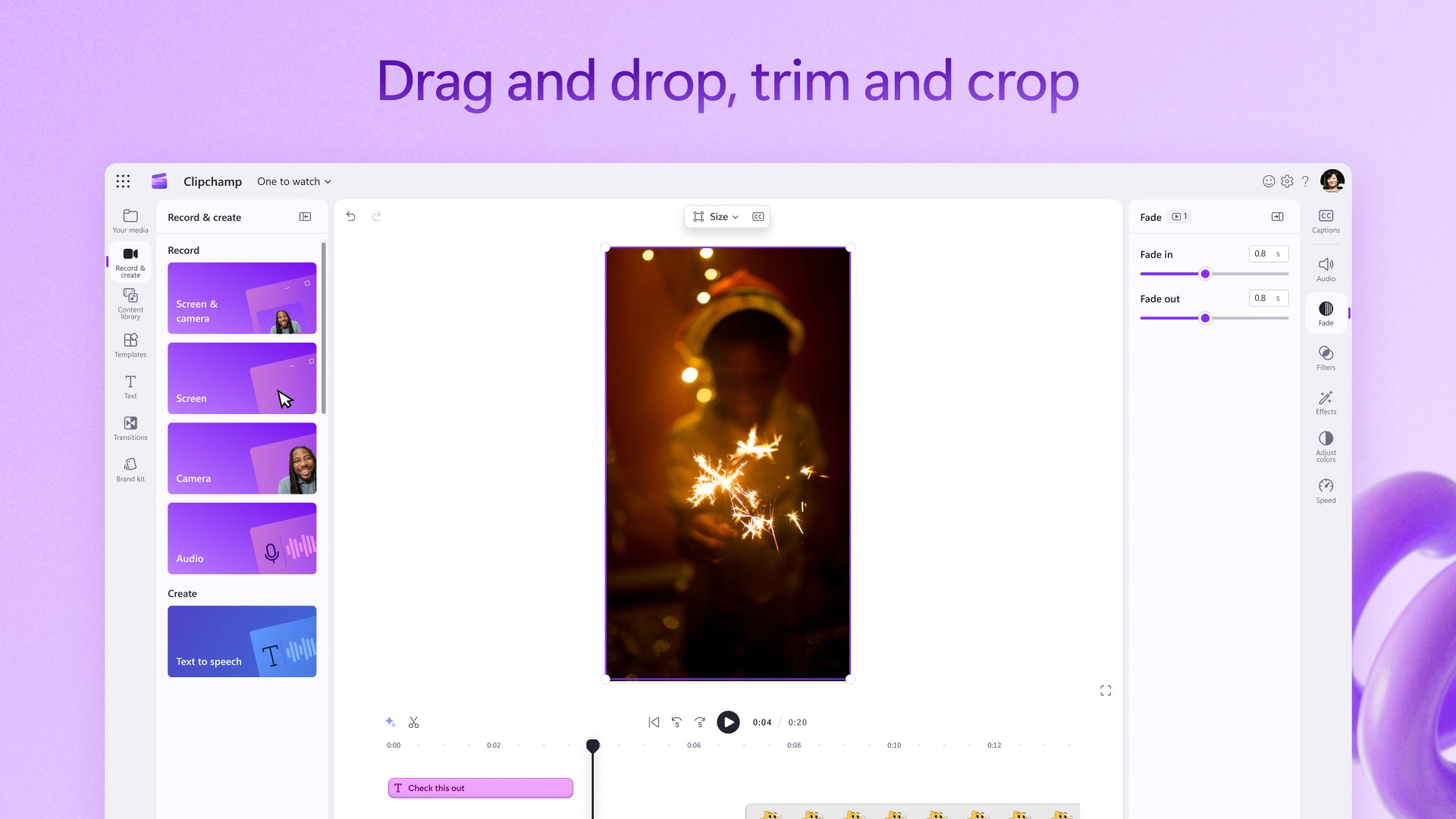
- Intuitive Drag-and-Drop Interface: Simplifies the editing process, allowing users to effortlessly assemble clips, audio, and effects.
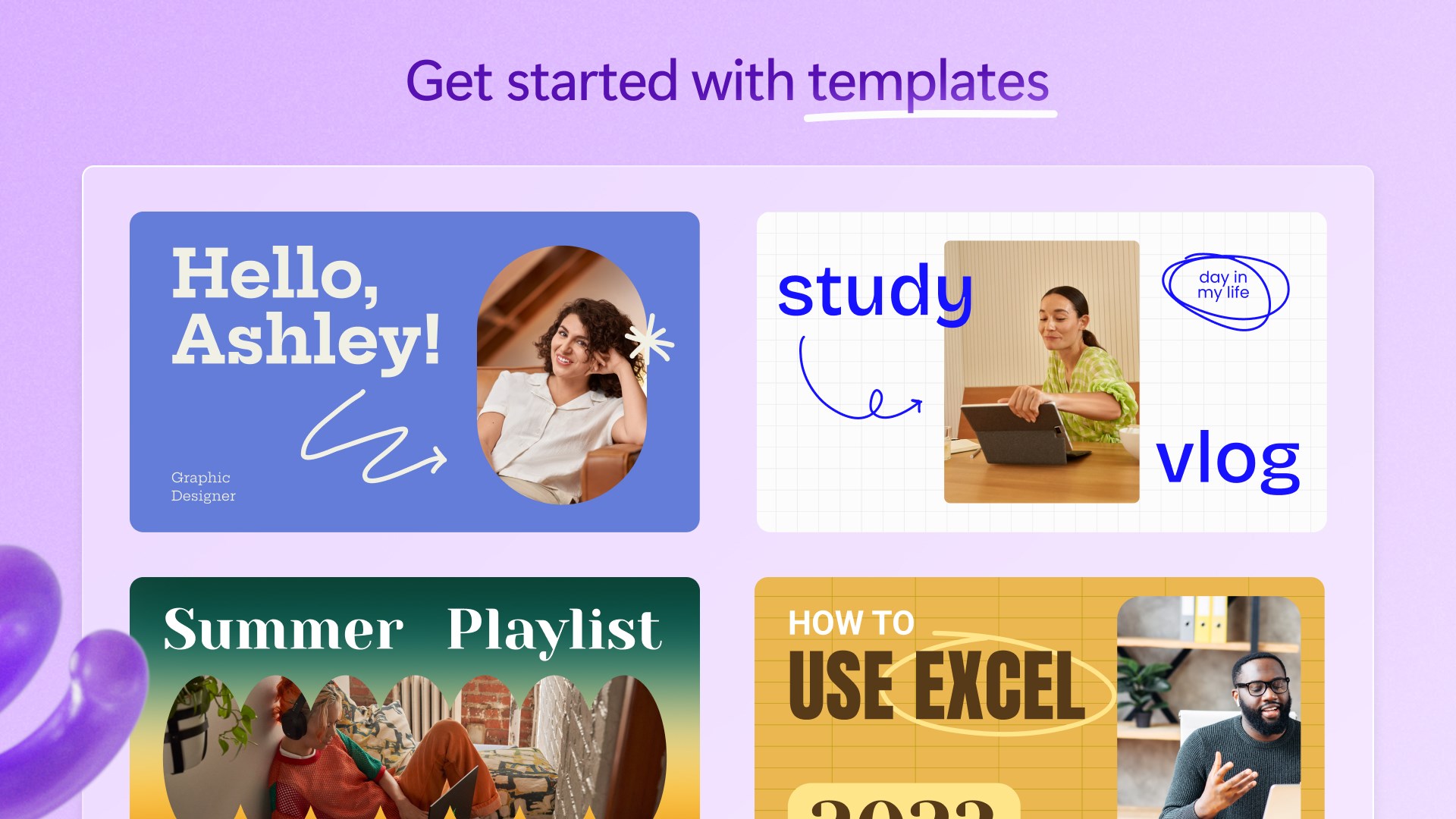
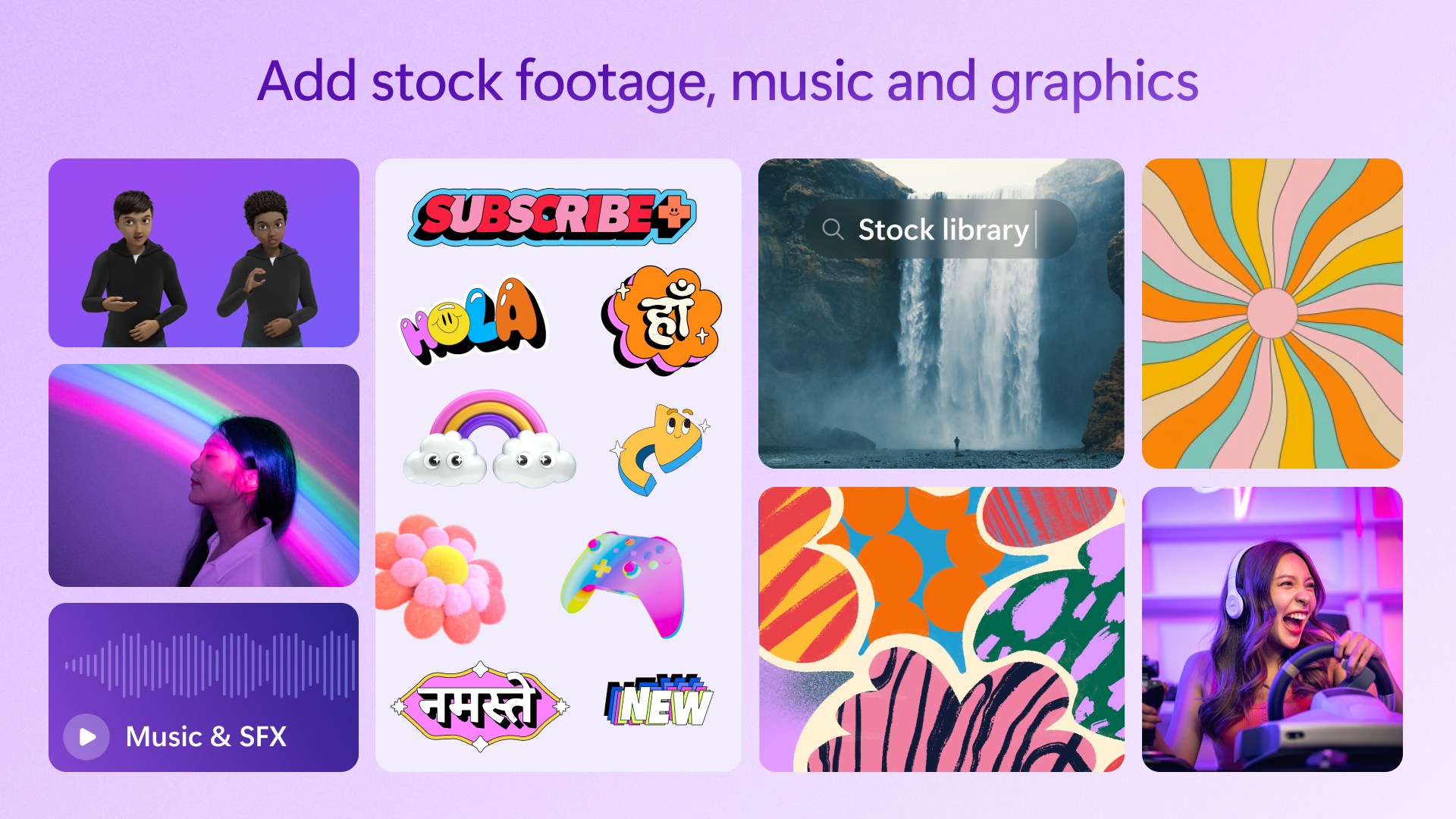
- Rich Library of Templates and Resources: Provides beautiful pre-designed templates, stock videos, and music to jumpstart creative projects.
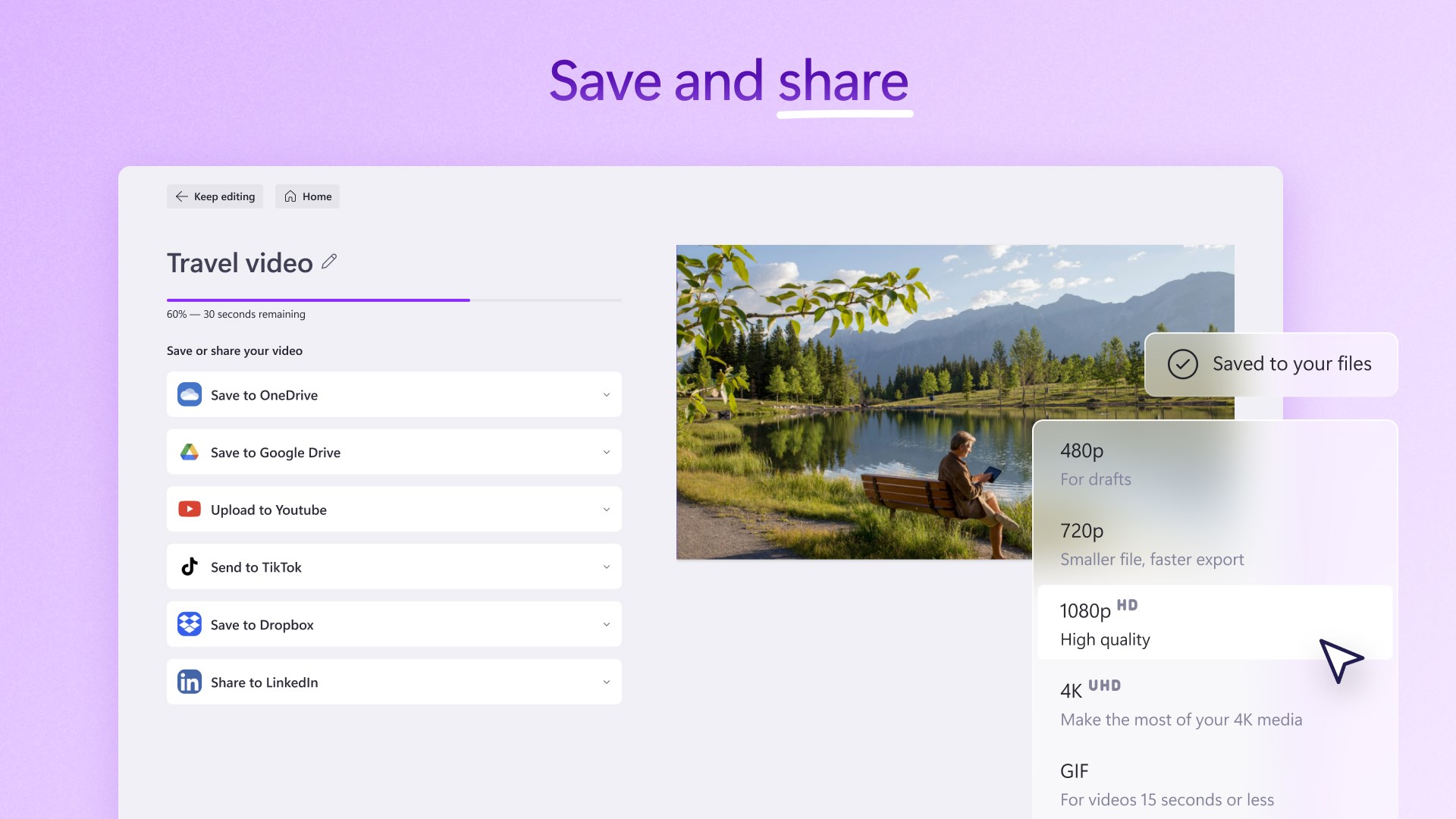
- Cloud-Based Editing & Export: Facilitates working across devices with cloud storage, enabling users to start editing on one device and finish on another.
- Basic but Powerful Editing Tools: Includes trimming, splitting, transitions, and text overlays suitable for most casual editing needs.
Engaging and Friendly, Yet Professional
Picture this: you're sitting at your desk, a mountain of clips spread out before you, wishing for a straightforward way to turn raw footage into a polished clip. Clipchamp steps in like a helpful friend—friendly, non-intimidating, but packed with robust features. Its clean design and straightforward flow make editing feel less like a chore and more like storytelling. Whether you're a social media enthusiast or a small business owner, Clipchamp invites you into a creative space where editing becomes as easy as piecing together a scrapbook.
Core Functionality 1: Seamless Video Assembly with Drag-and-Drop
One of the standout qualities of Clipchamp is its user-friendly drag-and-drop editor. Imagine assembling a collage of your favorite moments on a corkboard—just drag clips into your timeline, arrange them as desired, and add transitions or overlays with minimal effort. This intuitive approach reduces the typical learning curve associated with professional-grade tools, making video editing feel accessible to newcomers. The interface is logically organized, with categorized assets and a straightforward timeline, so users can focus on their creative ideas rather than wrestling with complicated menus.
Core Functionality 2: Template-Driven Creation and Rich Resources
For those who prefer a kickstart, Clipchamp offers an impressive selection of templates tailored to various themes—social media posts, presentations, or promotional videos. Think of it like having a professional designer hand you a frame to fill; you just insert your content, and the template handles the stylistic details. Additionally, the built-in stock library—covering videos, images, and music—serves as a creative booster shot. This feature not only saves time but also ensures that even novices can produce professional-looking outputs, perhaps rivaling those of premium editors, but without the premium price tag.
Core Functionality 3: Editing Experience and User Interface
Beyond its features, Clipchamp delivers a smooth user experience. The interface boasts a sleek, modern aesthetic that feels approachable yet capable, much like a well-designed dashboard. Navigating through tools is intuitive, with clear icons and logical grouping. The editing operations—cutting, splitting, adding text or effects—are responsive, allowing real-time feedback as you make changes. Learning curves are gentle; newcomers often pick up essential techniques within minutes, but the software still offers advanced features for those wanting to dig deeper. Performance-wise, it handles HD videos without lag, ensuring your creative flow isn't interrupted.
Unique Strengths and Differentiators
What makes Clipchamp particularly stand out among the crowd of video editors? Two aspects deserve special mention. First, its tight integration with Windows simplifies file management and sharing—no more hunting for exported files or fiddling with exports. The second, and most notably, is its cloud-based workflow. This not only facilitates multi-device editing but also allows for collaborative projects with prompts for sharing drafts and versions—an excellent boon for teams or social media campaigns. These features offer a smoother, more flexible experience compared to traditional desktop editors that can be bulky and siloed.
Final Recommendation and Usage Tips
All in all, Microsoft Clipchamp for Windows earns a solid recommendation for casual editors, small businesses, educators, and anyone interested in quick yet polished video projects. Its easy learning curve, resource-rich environment, and seamless Windows integration make it a practical choice. If you're seeking a straightforward tool without sacrificing essential features, give it a try. For heavier editing needs requiring advanced effects or complex timelines, professionals might find it limited, but for everyday content creation, it's a compelling pick.
Pros
- User-Friendly Interface
- Wide Range of Templates
- Good Export Quality
- Integration with Microsoft Ecosystem
- Basic Free Version
Cons
- Limited Advanced Features
- Occasional Performance Lags
- Watermark in Free Version
- Limited Export Formats
- Basic Audio Editing











