


- Category Security
- Available on PC
- OS Windows 11 version 22000.0 or higher
- Keyboard Not specified
- Mouse Not specified
- languages Afrikaans, Albanian, Amharic, Arabic, Armenian, Assamese, Azerbaijani, Bangla (India), Basque, Bosnian (Latin, Bosnia and Herzegovina), Bulgarian, Catalan, Chinese (Simplified), Chinese (Traditional), Croatian, Czech, Danish, Dutch, English (United Kingdom), English (United States), Estonian, Filipino, Finnish, French, French (Canada), Galician , Georgian, German, Greek, Gujarati, Hebrew, Hindi, Hungarian, Icelandic, Indonesian, Irish, Italian, Japanese, Kannada, Kazakh, Khmer, Konkani, Korean , Lao, Latvian, Lithuanian, Luxembourgish, Macedonian, Malay, Malayalam, Maltese, Maori, Marathi, Nepali, Norwegian (Bokmål), Odia, Persian, Polish , Portuguese (Brazil), Portuguese (Portugal), Punjabi (India), Quechua, Romanian, Russian, Scottish Gaelic, Serbian, Serbian (Cyrillic, Bosnia and Herzegovina), Serbian (Latin, Serbia), Slovak, Slovenian (Slovenia), Spanish (Mexico), Spanish (Spain), Swedish, Tamil, Tatar, Telugu, Thai, Turkish, Ukrainian, Urdu, Uyghur, Uzbek, Valencian, Vietnamese, Welsh
Microsoft Defender for Windows: A Reliable Shield in the Digital Battlefield
If you're on the lookout for a security companion that feels as intuitive as a trusted friend, Microsoft Defender for Windows might just be the ally you need. Offering robust protection without the clutter, this app promises to blend seamlessly into your everyday digital life, ensuring your PC stays safe and swift.
Basic Information and Core Highlights
Microsoft Defender for Windows is a free security application developed by Microsoft Corporation, designed specifically for Windows users seeking a comprehensive yet unobtrusive defense system.
- Developer/Team: Microsoft Corporation
- Main Features:
- Real-time malware and spyware detection with automatic updates
- Advanced threat protection integrating cloud-based intelligence
- Easy-to-navigate interface with quick scan options
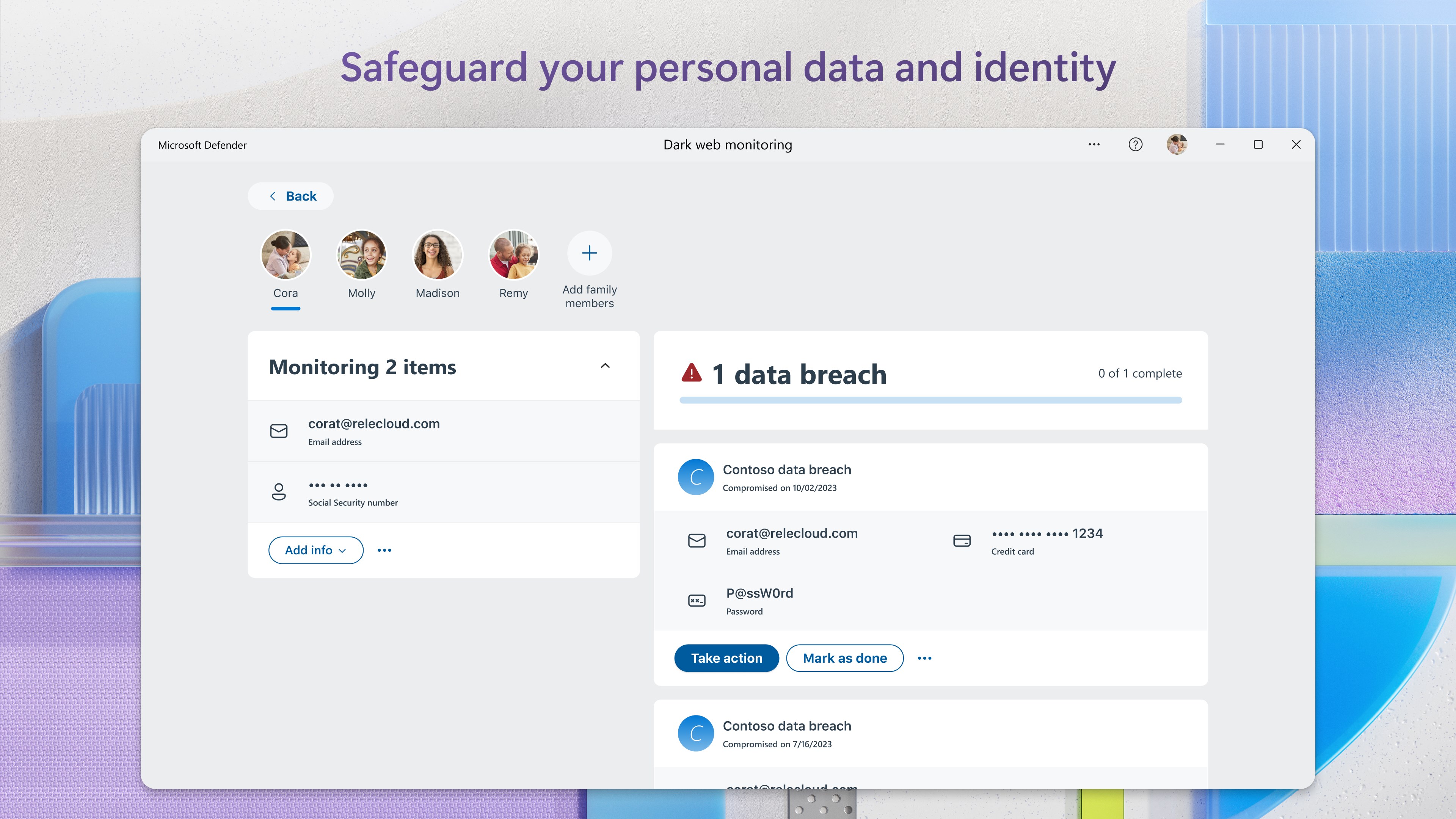
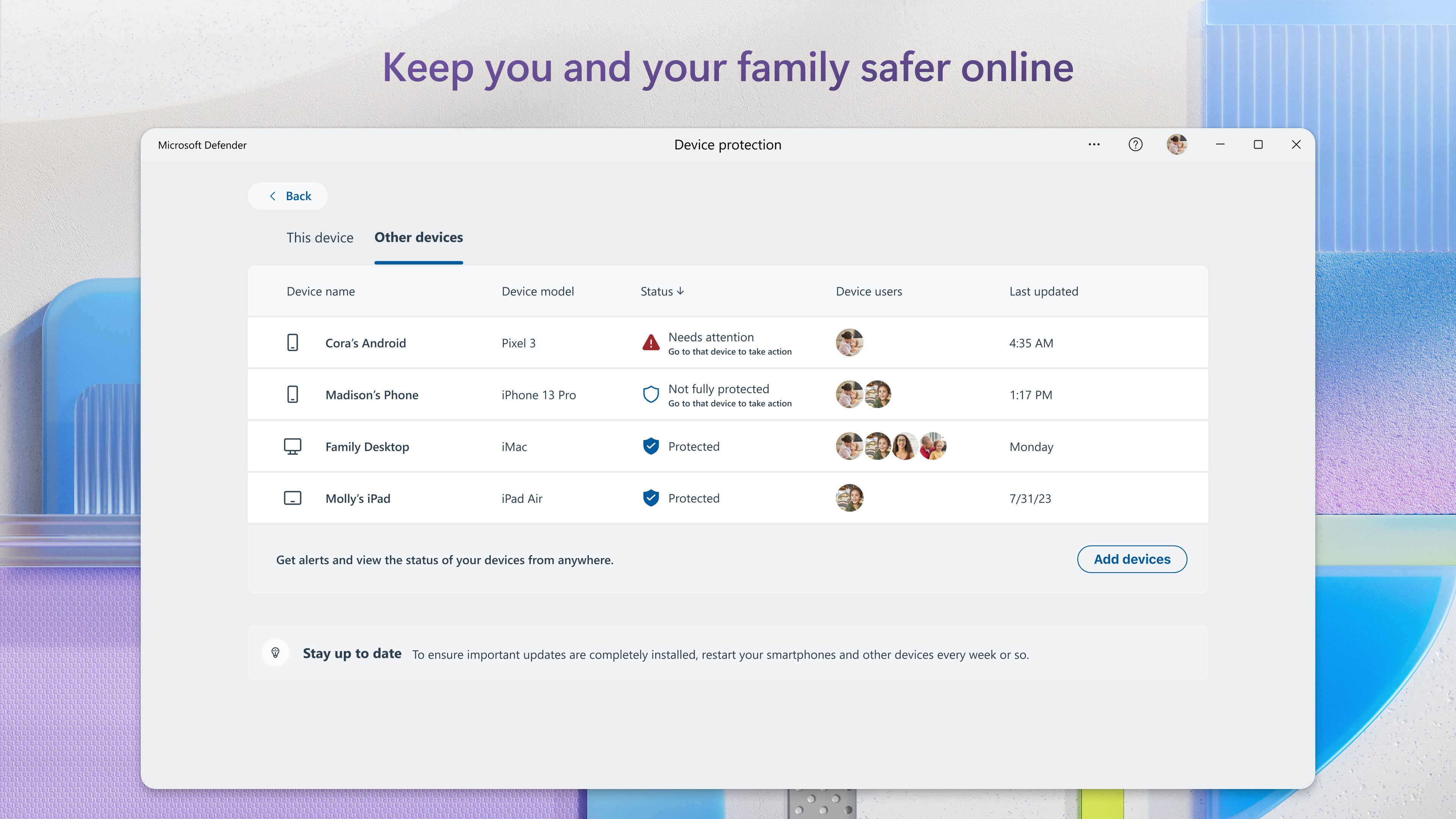
- Parental controls and device health monitoring
- Seamless integration within Windows ecosystem for minimal disruption
Targeted primarily at everyday Windows users, from students to professionals, Microsoft Defender offers an accessible yet powerful security solution aimed at safeguarding personal data and maintaining system integrity.
A Friendly Introduction to Your Digital Bodyguard
Imagine your computer as a lively city bustling with activity—emails, downloads, online browsing—and lurking within are cyber threats akin to petty pickpockets and lurking villains. Microsoft Defender for Windows acts like a vigilant neighborhood watch, quietly patrolling the streets, spotting trouble before it reaches your doorstep. Its unobtrusive presence means you can surf, work, and play without feeling like you're constantly on guard—because it already is.
Deep Dive into Core Features
1. Threat Detection and Response
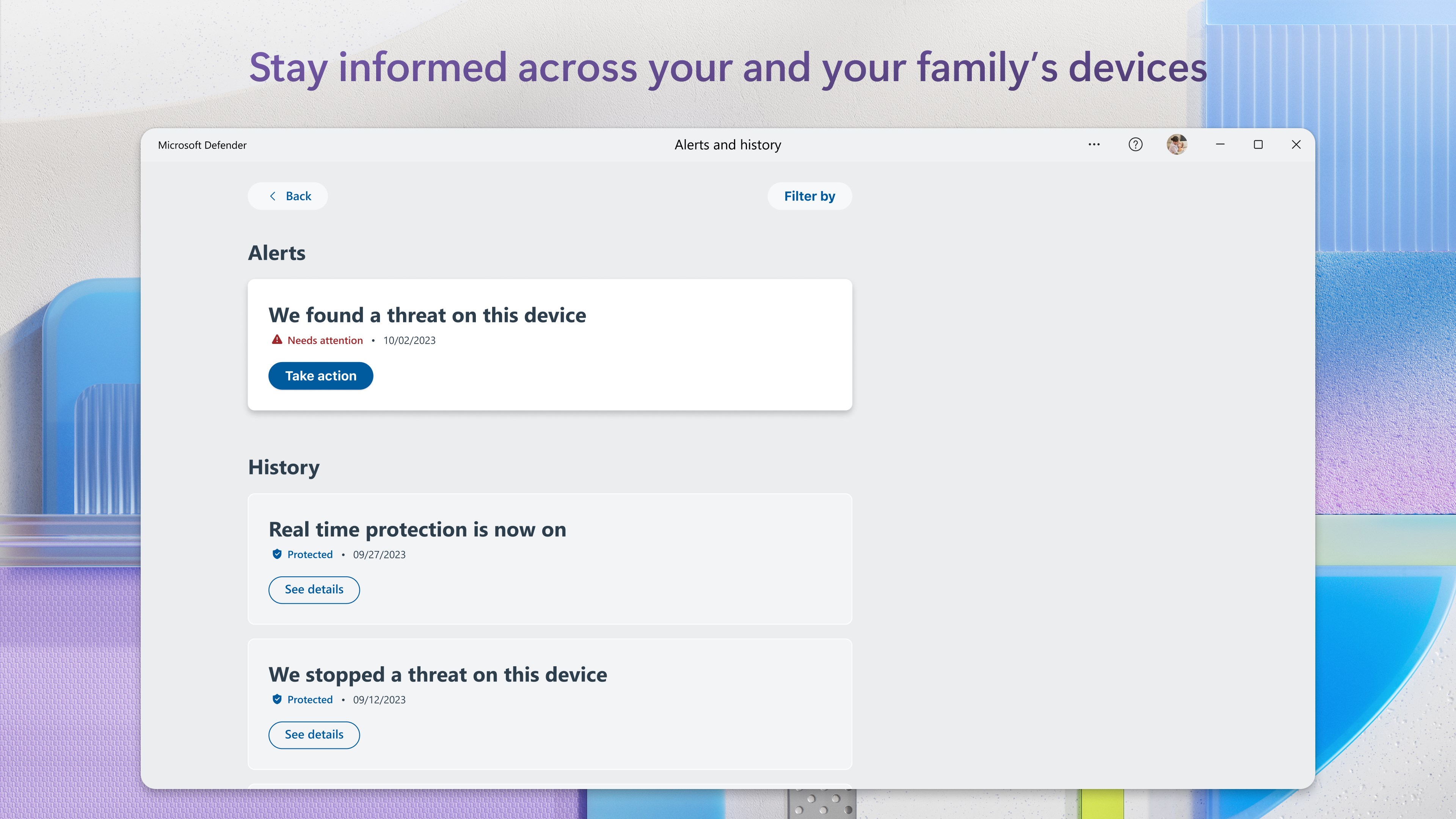
The heart of Microsoft Defender thrums with intelligence, scanning your system in real-time for viruses, malware, spyware, and ransomware. Thanks to cloud-based updates, its threat database is as current as the latest news cycle, catching emerging dangers with agility. Its automatic quarantine and removal features ensure threats are neutralized swiftly, often before you even notice there's a problem.
2. Security Management Made Effortless
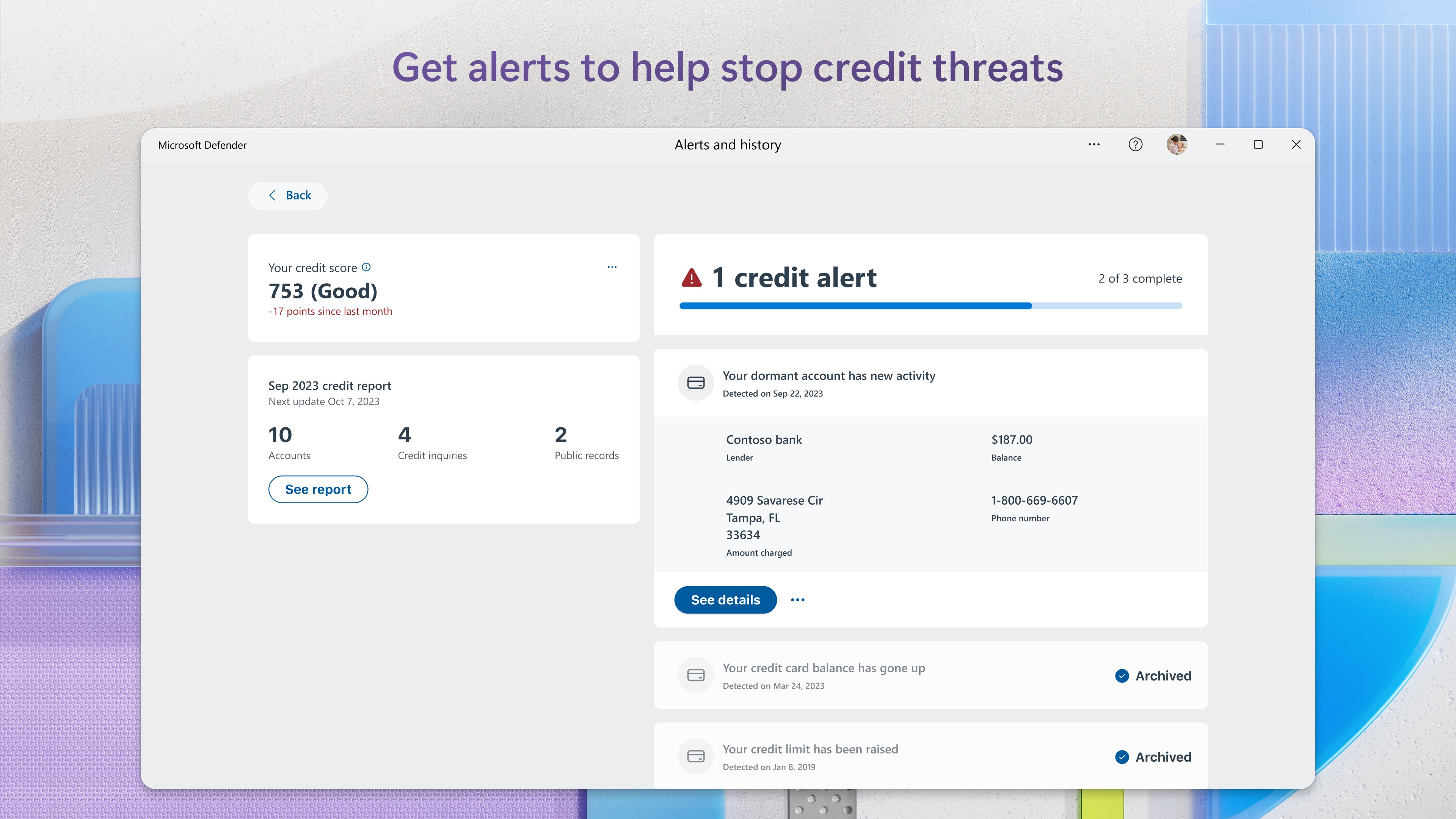
The app provides a straightforward dashboard that acts like a command center—showing system health, recent alerts, and scan statuses at a glance. With just a few clicks, users can initiate quick or full system scans, schedule regular checks, or review detailed security reports. Its intuitive setup means even those less tech-savvy can confidently configure protective measures without a steep learning curve.
3. Advanced Features with a User-Friendly Touch
Microsoft Defender's standout trick is its adaptive threat protection coupled with integrated device management tools. For instance, its parental controls help guardians oversee online activity with simple child profiles, akin to setting up neighborhood watch zones. Additionally, its device performance monitoring offers insights into what might be slowing down your system—helpful for tech enthusiasts who prefer staying ahead of potential issues.
Design, Performance, and User Experience
The interface of Microsoft Defender for Windows feels like an elegant dashboard—clean, minimalistic, yet packed with all necessary controls. Navigating through various sections is smooth, reminiscent of turning pages in a well-crafted book, thanks to responsive design and thoughtful layout. The app's operation is fluid; scans and updates occur seamlessly in the background, ensuring minimal interruption. Its learning curve is gentle; even newcomers can understand the core functions within minutes, making cybersecurity feel approachable rather than intimidating.
What Sets Microsoft Defender Apart?
Compared to third-party security suites, Microsoft Defender's integration within Windows is its biggest selling point—it doesn't feel like an add-on, but a native, deeply embedded protector that leverages Microsoft's vast cloud threat intelligence. Its real-time updates and proactive defenses mean you're less susceptible to zero-day exploits, and the simplicity of its interface contrasts favorably with the often cluttered dashboards of others. While other apps may offer specialized features, Defender's strength lies in its balance—combining core security essentials with system performance optimization, all without cluttering your desktop with unnecessary ads or prompts.
Final Verdict and Recommendations
In summary, Microsoft Defender for Windows stands out as a trustworthy, user-centric security tool that's especially suited for users who prefer a set-it-and-forget-it approach. Its core functions are solid, innovative, and seamlessly integrated into Windows, making it ideal for those seeking reliable protection without the complexity of third-party alternatives. I recommend it as your primary defense if you're looking for a lightweight, effective, and constantly evolving security partner. For power users with advanced needs, supplementing Defender with specialized tools might be beneficial, but as a baseline shield, it's more than capable.
Pros
- Excellent threat detection
- Seamless integration with Windows OS
- Regular automatic updates
- User-friendly interface
- Comprehensive security features
Cons
- Occasional false positives
- Limited customization options
- Resource usage during scans
- Lacks some advanced features
- Limited reporting details











